
Mobificator Mod (26.2) – Tweak Mob Stats and Effects with Quick Crosshair Shortcuts
 0
0
 0
0

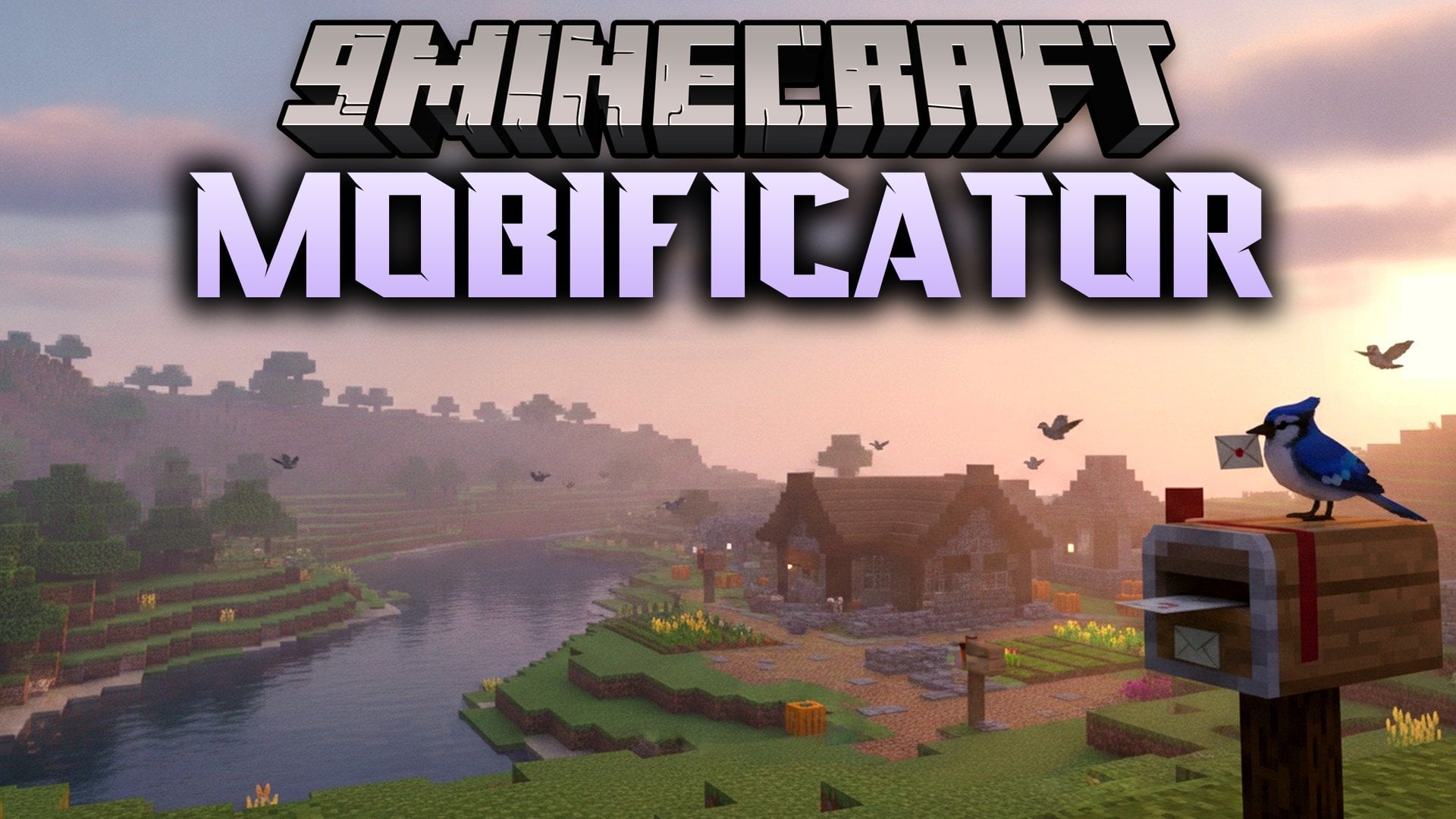
Mobificator Mod shortens long administrative commands into quick chat shortcuts for attributes, effects, and mob names. The mod targets whatever mob or player your crosshair points at, or picks you if you look at empty space. It works on the client side while playing in single-player or on multiplayer servers. When you submit a shortcut, it expands into a normal game command before sending it to chat. This setup saves typing time and shows stat previews right on your screen.
Features:
- Runs on the client side without needing server-side installations.
- Targets the mob or player you look at, or targets yourself when your crosshair points into open space.
- Displays live value previews and suggestions in chat as you type.
- Lets you press Tab to autocomplete and switch between suggested arguments.
- Shows the current attribute value immediately without running extra inspect commands.
- Expands short inputs into standard Minecraft commands upon pressing Enter.
- Works across both single-player worlds and multiplayer servers.
Commands:
a <attribute> <value>: Changes an attribute value on the target.a <attribute> reset: Restores the default value of an attribute.e <effect> <duration> <amplifier>: Applies a status effect to the target.e <effect> clear: Clears a single status effect from the target.e clear: Clears all active status effects from the target.n <name>: Renames the targeted mob.n <name> -v: Renames the targeted mob and keeps the nameplate visible at all times.t <time>: Sets the world time.
How to Use:
- Look directly at any mob or player to set them as your target.
- Open the chat window and type your chosen shortcut command.
- Press Tab to cycle through value suggestions and autocomplete names.
- Press Enter to send the full command to the game.
How to Install:
New to Minecraft? Follow our step-by-step guide to install Mods on your PC.View Guide
Requirements:


Mobificator Mod Download Links
For Minecraft 26.2
Click to rate this post!
[Total: 0 Average: 0]
You May Also Like
Picked for this page
 Starry Skies Mod (26.2, 1.20.1) – New Dimensions To The Game
 Stat Tinkerer Mod (26.2, 1.20.1) – Keep Various Stats On Death
 Emerald Apple Mod (1.21.10, 1.21) – Enhance Your Survival
 More Kills More Damage Mod (26.3, 1.21.1) – More Kills Increases Player Attack Damage
 Cookie Block Mod (26.3, 1.20.1) – Block Made Out Of Cookies
 Ronco Record Vault Mod (26.3, 1.20.1) – Store Music Discs In Bookshelves
 Ironbound Sigils Mod (1.21.1, 1.20.1) – Master Authentic Medieval Combat
 Soulwarden RPG Series Plus Mod (1.21.11, 1.21.1) – Weaponize the Souls
 Overgrown Alpine Heights Mod (26.2, 1.20.1) – Explore Terralith and CliffTree
 Vamp2TVD Mod (1.20.1) – Transform Into Powerful Vampires Werewolves and Witches
 Traffic Engine Mod (1.20.1) – Build Realistic Modern Roads and City Streets
 Vivid Structure Architect Mod (26.3, 1.21.1) – Test Custom Worldgen
Most viewed in Mods over the last 7 days
 Ala Industrial Mod (26.3) – Run Electric Power Grids and Automated Factories
 PleasureCraft Mod (26.3, 1.21.1) – Jenny Mod Remake for Fabric
 Jennycraft Mod (26.3, 1.20.1) – Virtual Girlfriend in Minecraft
 Fapcraft Mod (26.3, 1.12.2) – Comprehensive and Detailed Content
 Jenny Mod (Fapcraft) Official Complete Guide – How to use, Tutorial
 The Shooting Star Demo Mod (26.3, 1.20.1) – Vaporize Terrain From Orbit
 BangCraft Mod (1.20.1) – Jenny, Ellie and Elliot
 Meteor Client Mod (26.3, 1.20.1) – Xray, HUD, Fly
 Disabilities Mod (26.3, 1.20.1) – Survive with Random Physical and Mental Challenges
 SchnurriTV Mod (1.12.2) – Characters and Features
 Baritone 9minecraft Client Mod (26.3, 26.1.2) – Mine and Build Bases Hands-Free
 Aristois Client Mod (1.21.4, 1.20.1) – World Class Minecraft Utility
More from Mods
 Bard RPG Series Plus Mod (1.21.1, 1.20.1) – Play Musical Ballads to Heal
 Simple Voice Chat Discord Bridge Mod (26.3, 1.20.1) – Talk Across Platforms
 Wither’s Wrath Mod (26.3, 1.20.1) – Makes The Wither Fight Harder
 Illager Structures Mod (26.3, 1.20.1) – Raid Massive Illager Bases
 End Villager Trader Mod (26.3, 1.20.1) – Trade with a Floating Merchant
 Burn In The Sun Mod (26.3, 1.20.1) – Custom Sun Burn Entities
 Orbital Strike Cannon Mod (26.3, 1.20.1) – Directional Orbital Strikes
 Mech Trowel Mod (26.3, 1.20.1) – Places Random Blocks With Palettes
 Item Count Background Mod (26.3, 1.21.11) – Configurable Count Background
 View Model Mod (26.3, 1.20.1) – Customize Hand Positions
 One Click Join Mod (26.3, 1.21.1) – Instantly Join The Last Joined Server
 Selective Mining Mod (26.3, 1.20.1) – Mine Only What You Intend

This post has no comments yet. Be the first — your comment will appear here.