
ModernForgeConnectLoader Mod (1.20.1) – Play Classic 1.7.10 Mods
 10
 0

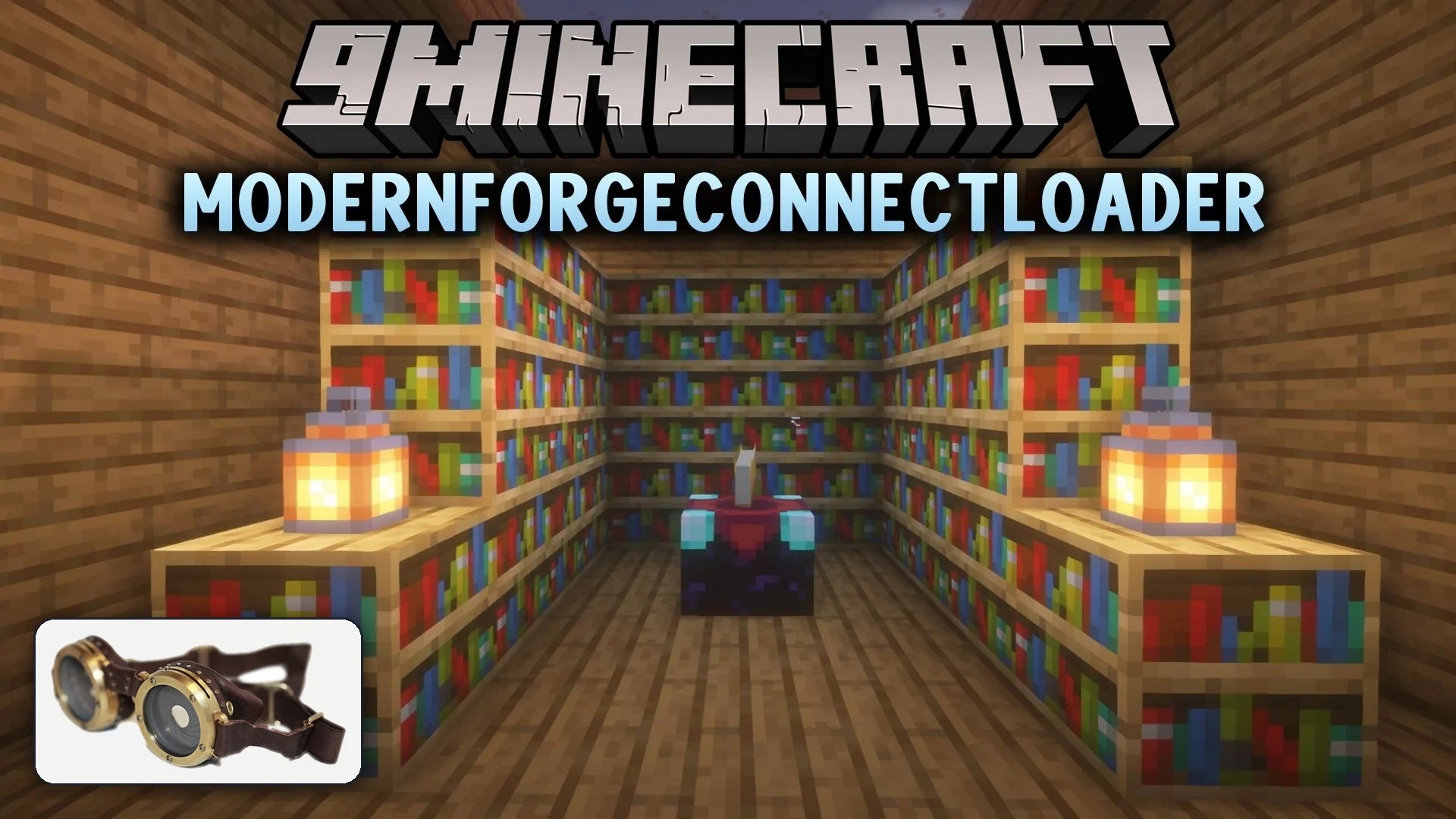
ModernForgeConnectLoader Mod loads original Minecraft Forge 1.7.10 mods directly inside a Forge 1.20.1 environment. It lets classic mods run without editing the original files by running them through an isolated runtime. The system includes tools that bridge communication between modern game systems and older mod code. Tested mods like Thaumcraft 4 and NotEnoughItems can start up and display their interfaces in modern worlds. It also provides developer tools so new add-ons can interact with vintage mod features.
Features:
- Direct Legacy Loading: Runs original Forge 1.7.10 mod files without editing the JARs.
- Isolated Runtime: Executes old code in a dedicated space with original Forge Mod Loader features.
- System Mappings: Connects legacy items, blocks, metadata, and NBT tags to modern world data.
- Interface Display: Shows classic menus, inventory overlays, and custom screen graphics.
- Supports selected legacy CoreMods and internal class transformations.
- Transfers audio cues, text files, and player data across game versions.
Tested Classic Mods:
- Thaumcraft 4: Loads original setup, Thaumonomicon pages, Thaumometer scanning, and item visuals.
- Baubles: Loads legacy accessory slots and acts as a dependency for other classic mods.
- NotEnoughItems (NEI): Displays item search overlays, recipe lookups, and inventory menus.
- AcademyCraft: Loads basic content registrations and selected block interactions.
Developer and Compatibility Tools:
- MFCL Legacy Accessor gives modern code safe access to older mod classes and methods.
- Cross-version registries translate modern items so classic mechanics like scanning can recognize them.
- Addon systems let creators build new expansions that attach to classic mechanics without rebuilding old mods.
How to Use:
- Set up Minecraft Forge 1.20.1 using Java 17.
- Place the downloaded loader file into your primary
modsfolder. - Create a folder named
1.7.10inside yourmodsdirectory. - Place supported original Forge 1.7.10 mod JAR files into the
mods/1.7.10/folder. - Prepare the required private legacy runtime files following the project guidelines.
- Start Minecraft and check the console logs to confirm the legacy mods initialized.
How to Install:
New to Minecraft? Follow our step-by-step guide to install Mods on your PC.View Guide
Requirements:
ModernForgeConnectLoader Mod Download Links
For Minecraft 1.20.1, 1.20
Click to rate this post!
[Total: 0 Average: 0]
You May Also Like
Picked for this page
 Drippy Loading Screen Mod (26.3, 1.20.1) – Design Your Splash Screen
 Sinytra Connector Mod (1.21.11, 1.20.1) – Mix Fabric and Forge Mods
 DarkHeads Mod (26.3, 1.20.1) – Mount Player Skulls Across Your Base
 Fly Mod 3D Mod (1.21.10, 1.20.1) – Soar Through Biomes with Free Flight
 Anvil Repairing Mod (26.3, 1.20.1) – Never Craft Another Anvil Again
 WMD Weapons of Mass Destruction Mod (1.20.1) – Turn Biomes Into Nuclear
 GTNHLib Mod (1.7.10) – Keep Heavy GregTech Worlds Running Without Lag
 Chat Highlight N Sound Mod (26.3, 1.20.1) – Never Miss Your Name
 LYIVX’s Core Mod (1.21.11, 1.20.1) – Run LYIVX Furniture Packs
 Foxx Boyy’s Military Blocks Mod (1.21.1, 1.20.1) – Build Camouflaged Bases
 Nodeflow Mod (26.1.2, 1.21.1) – Wire Custom Redstone Logic on Visual Graph
 Create E Bikes Mod (1.21.1, 1.20.1) – Ride Electric Bikes Powered
Most viewed in Mods over the last 7 days
 Ala Industrial Mod (26.3) – Run Electric Power Grids and Automated Factories
 PleasureCraft Mod (26.3, 1.21.1) – Jenny Mod Remake for Fabric
 Jennycraft Mod (26.3, 1.20.1) – Virtual Girlfriend in Minecraft
 Fapcraft Mod (26.3, 1.12.2) – Comprehensive and Detailed Content
 Jenny Mod (Fapcraft) Official Complete Guide – How to use, Tutorial
 Meteor Client Mod (26.3, 1.20.1) – Xray, HUD, Fly
 BangCraft Mod (1.20.1) – Jenny, Ellie and Elliot
 OptiFine HD (26.3, 1.20.1) – Run Faster, FPS Boost, Shaders Support
 Fabric Loader (26.3, 1.20.1) – Fabric Installer for All Minecraft Versions
 SeedCrackerX Mod (26.3, 1.20.1) – Find Any World Seed
 CatLean Client Mod (26.2, 1.21.11) – ThunderHack Recode Alternatives
 Baritone Client Mod (26.3, 1.20.1) – Autominer, Build with AI, Xray
More from Mods
 Dragon Mine Z Do Anything Mod (1.20.1) – Build Custom Fighter Races
 Crafter Backport Mod (1.20.1) – Automate Item Crafting in Older Game Versions
 Multi Keybinds Mod (26.3, 1.21.11) – Bind Multiple Keys to Any Single In-Game
 Hypixel Skyblock Attack Indicators Mod (26.3) – Track Damage and Health
 Hoplite Health Indicator Mod (26.2, 1.21.1) – Track Opponent Hearts
 Create Torpedo Troubles Mod (1.21.1) – Arm Your Vehicles with Bombs
 Strange Supreme Power Mod (1.20.1) – Devour Mob Souls and Cast Dark Magic Spells
 Biome Tinted Ice Mod (1.21.1, 1.20.1) – Match Ice Block Colors to Local Biome
 Strata the Deepworks Mod (26.3) – Build Industrial Factories Powered
 Blast Valve 12 Mod (1.21.1) – Build Nuclear Bunkers with Retractable Lifts
 Altitude Fog Mod (26.3) – Thick Fog in Deep Caves and Clear Skies
 Jukebox Playlists Mod (1.21.1) – Loop Music Discs Automatically Without Redstone

This post has no comments yet. Be the first — your comment will appear here.