


Nix Stats Mod (26.2, 1.21.11) – Track Phantom Timers and Mined Blocks
 2
2
 0
0


🌐 Good news — we've translated this article into other languages!
Or pick the one you like:
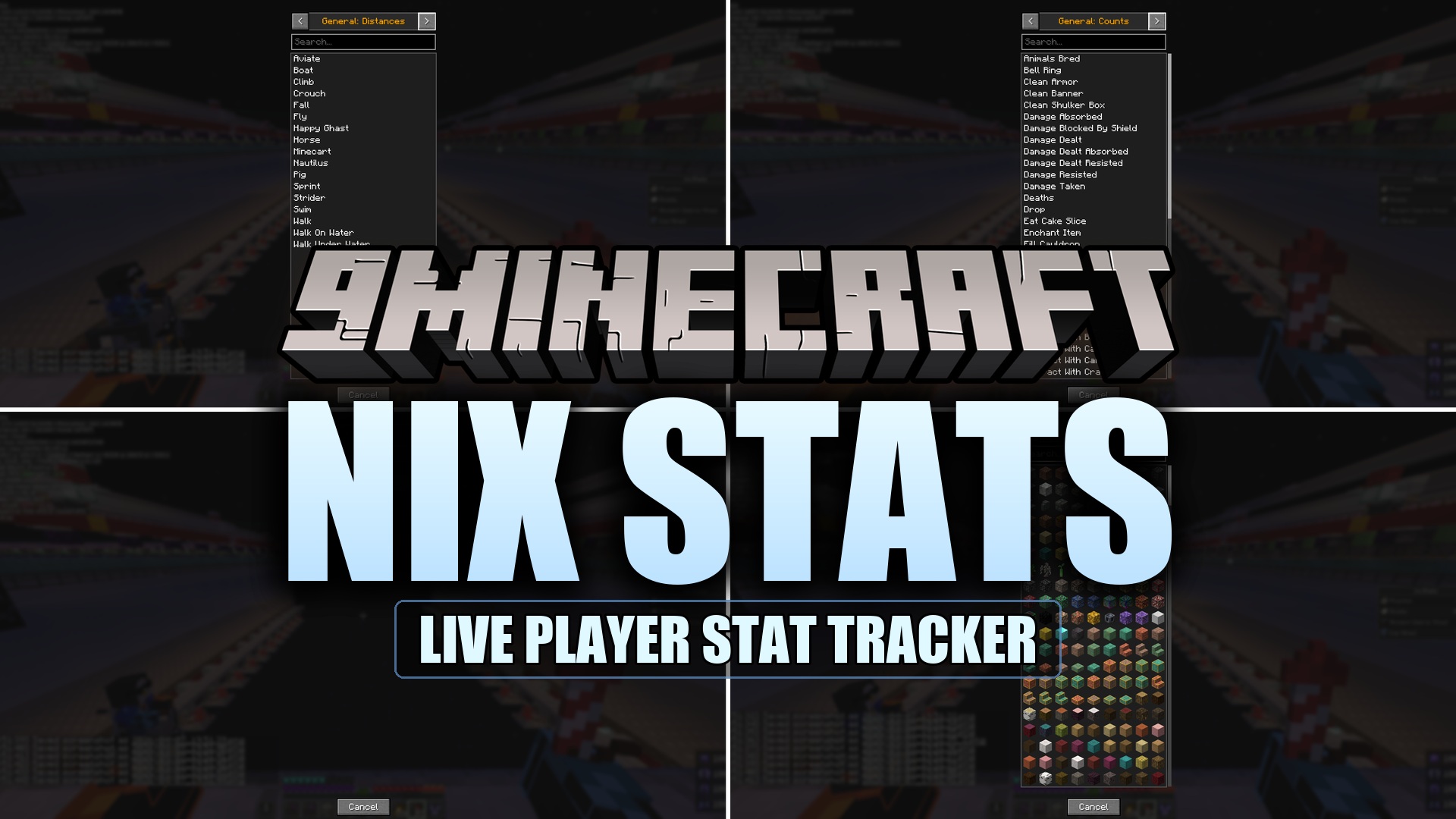
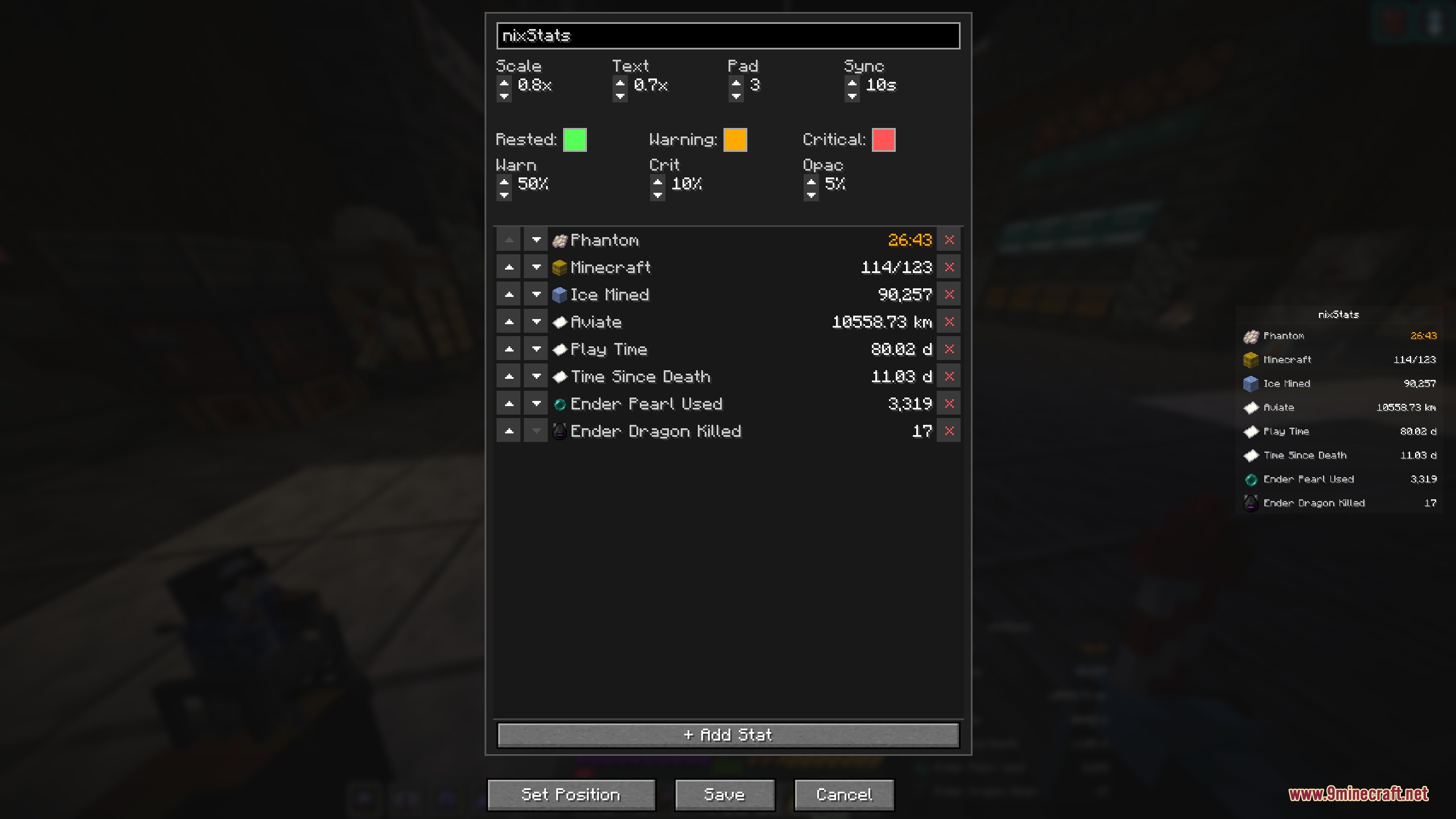
Nix Stats Mod adds a clean, customizable sidebar overlay to your screen that tracks any in-game statistic in real time. You can monitor phantom spawn timers, blocks mined, mobs defeated, total play time, and advancement steps without opening the pause menu. The mod works entirely on the client side, so you can join any multiplayer world or server and keep your custom counters visible. Everything adjusts through an in-game menu with a live preview window so you always see what your display looks like before saving.
Features:
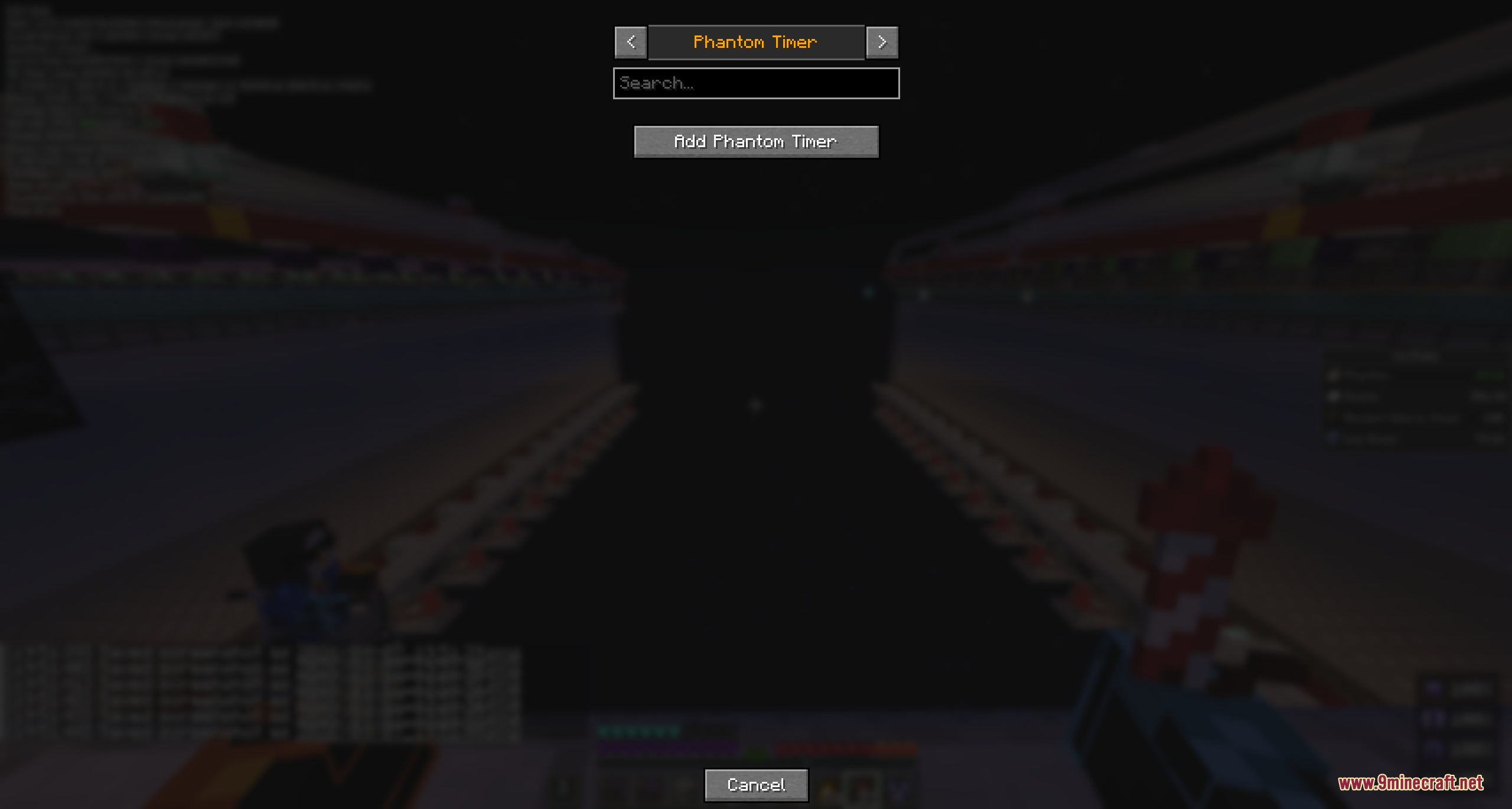
- Live Insomnia Timer: Counts down the exact time until phantoms can attack and shifts colors from rested to critical.
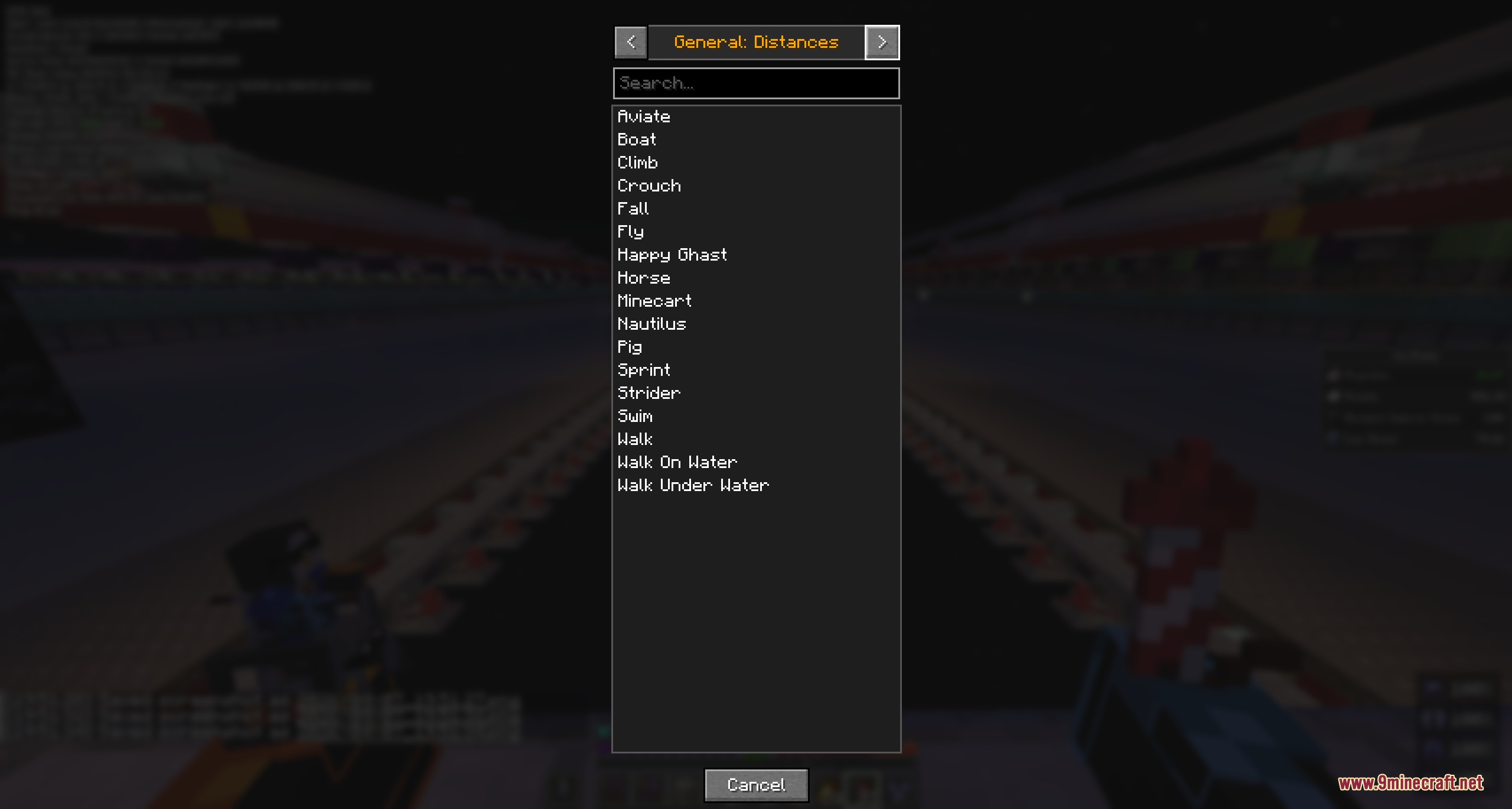
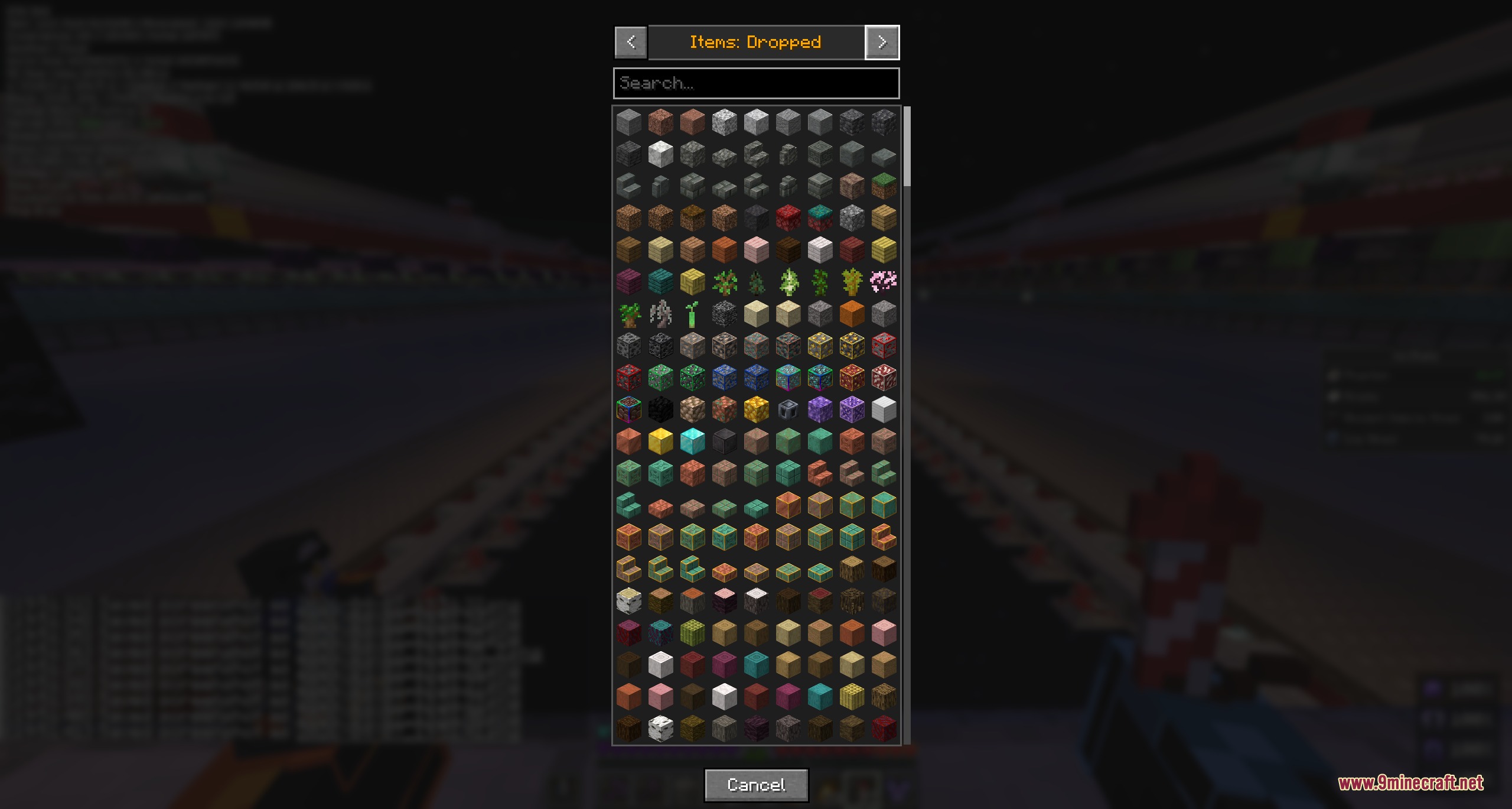
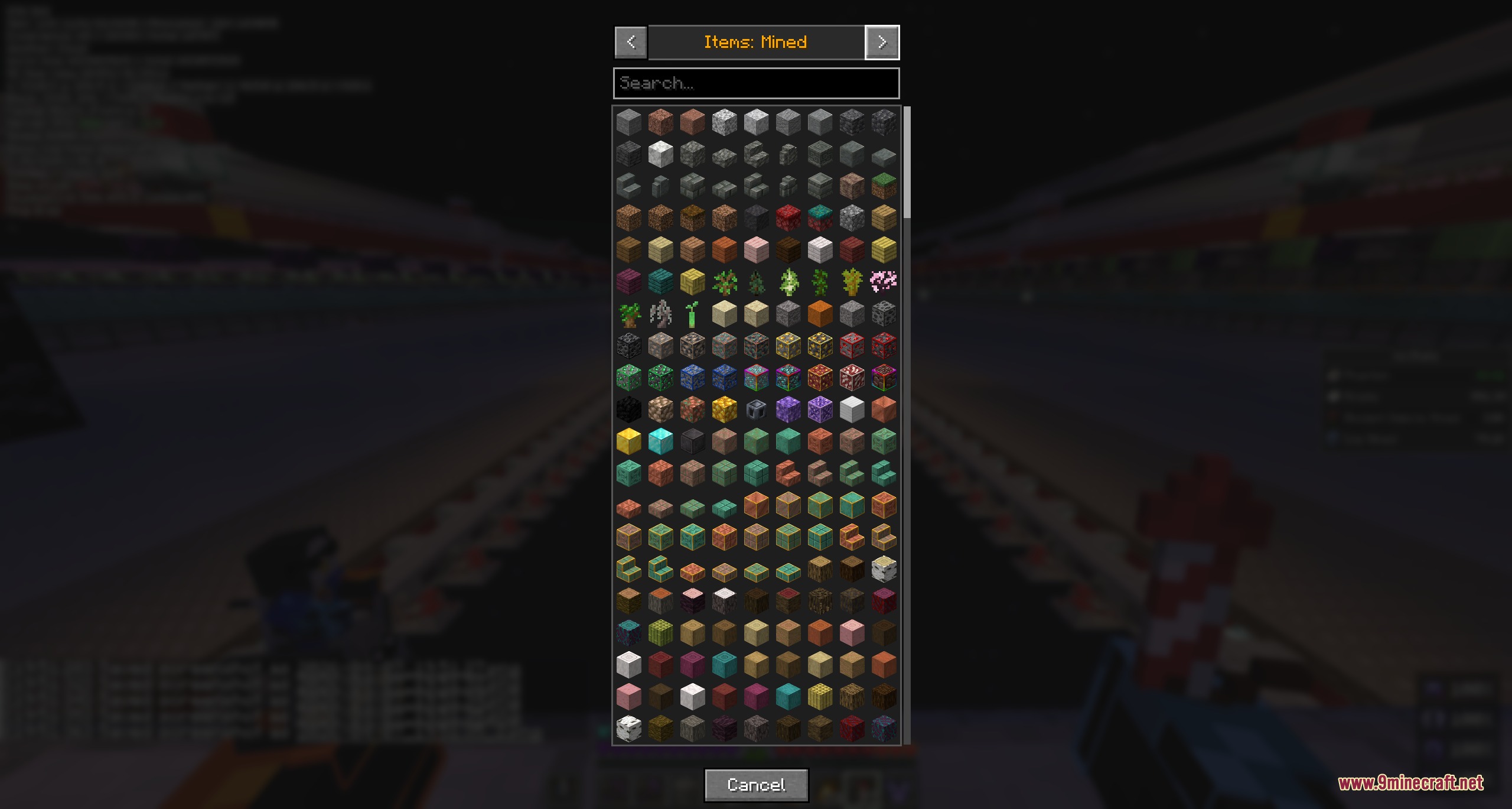
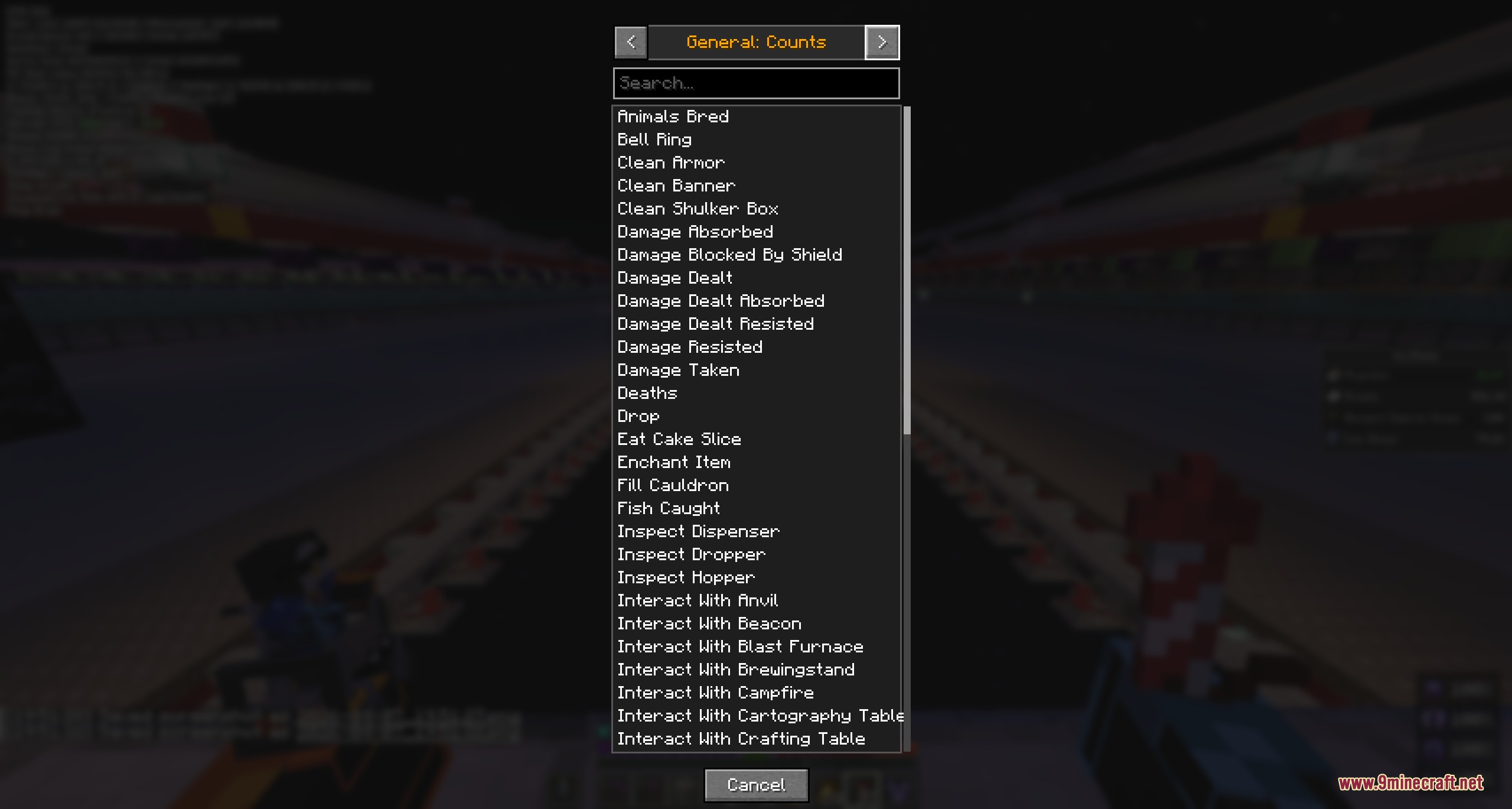
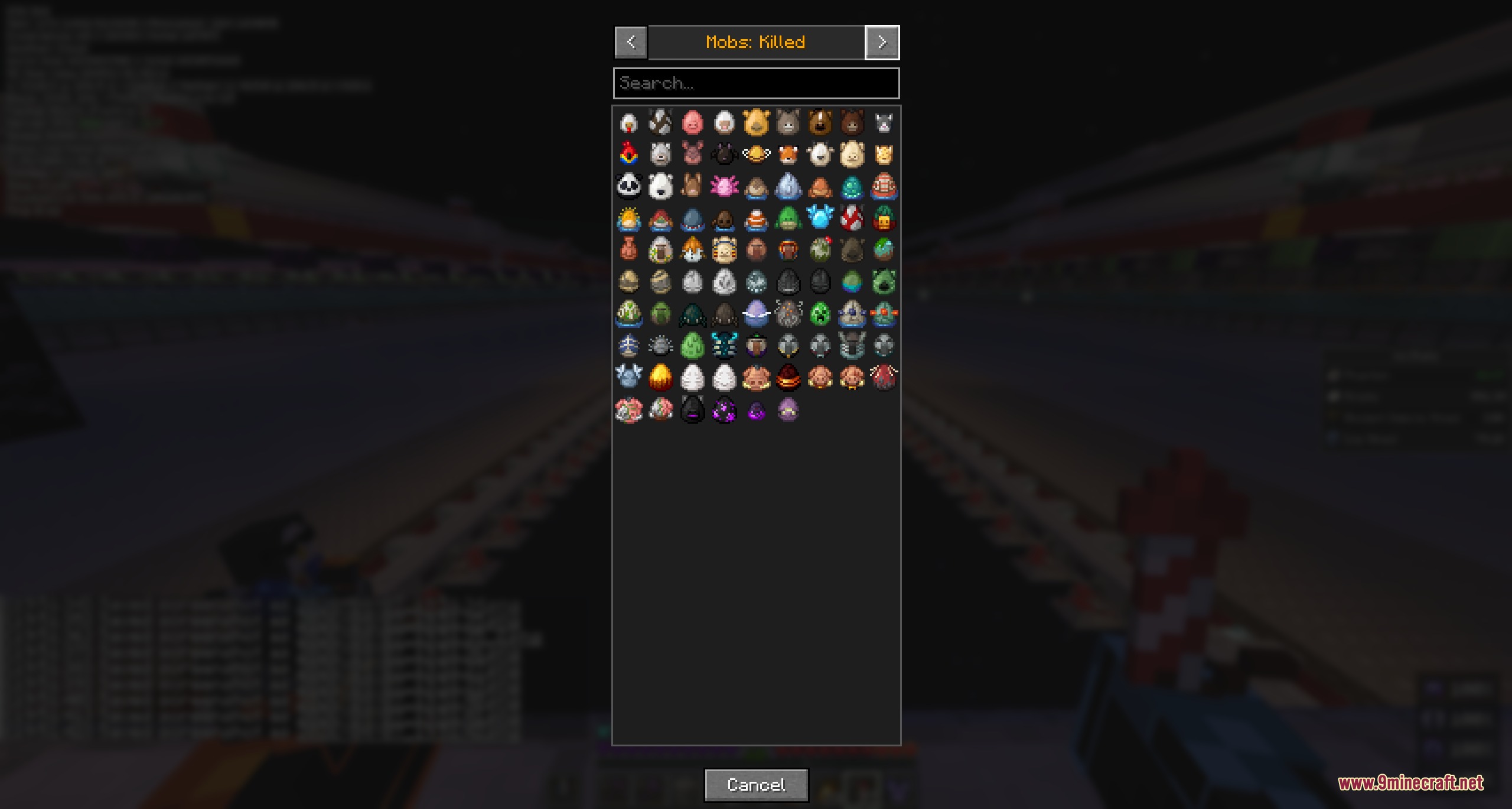
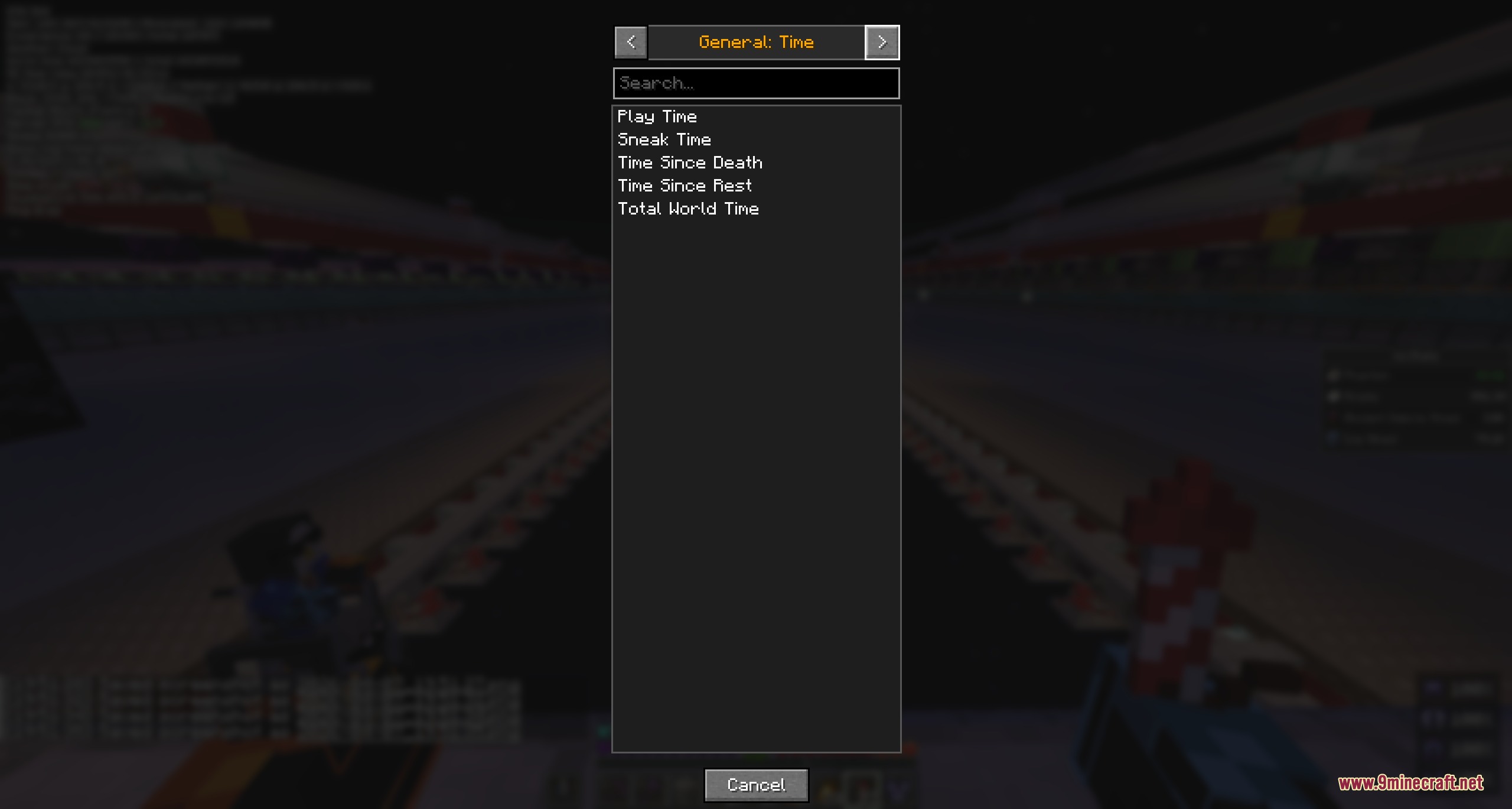
- Visual Stat Picker: Lets you pick any vanilla or modded stat from a visual grid without typing item IDs.
- Advancement Tracker: Shows overall progress totals, namespace groups, or individual goals with criteria checkmarks.
- Displays count, distance, and playtime values formatted just like the default statistics screen.
- Offers drag-and-place positioning so you can move the display anywhere on your monitor.
- Lets you hide item and mob names to make the sidebar much narrower.
- Includes full size, text scale, background opacity, and color adjustment sliders.
- Works on multiplayer servers by refreshing your statistics in the background.
- Reads modded items, blocks, and mobs directly from game files automatically.
Trackable Categories:
- Phantom Timer: Live countdown showing time left before insomnia triggers phantom attacks.
- General Stats: Jumps, damage dealt, distance walked, flight distance, and total play time.
- Block and Item Stats: Blocks mined, items crafted, tools broken, items dropped, and items picked up.
- Mob Stats: Total mobs killed and times killed by specific mobs.
- Advancements: Total completion numbers and step-by-step criteria tracking.
Commands:
/nixstats: Opens the in-game settings and live preview menu.
How to Use:
- Type
/nixstatsin chat or press your assigned menu key. - Click + Add Stat to open the visual grid and pick the counters you want to see.
- Click Set Position and drag the sidebar frame to your favorite spot on the screen.
- Adjust the size, text scale, and colors using the preview window as a guide.
- Click Save to apply your new sidebar layout to your game screen.
Screenshots:
How to Install:
New to Minecraft? Follow our step-by-step guide to install Mods on your PC.View Guide



Nix Stats Mod Download Links
For Minecraft 26.2
For Minecraft 26.1.2, 26.1.1, 26.1
For Minecraft 1.21.11
For Minecraft 1.21.10, 1.21.9
Click to rate this post!
[Total: 0 Average: 0]
You May Also Like















This post has no comments yet. Be the first — your comment will appear here.