NoHurtCam+ Mod (1.20.2, 1.20.1) – Disable Hurtcam Using a Keybind

 0
0  October 11, 2025
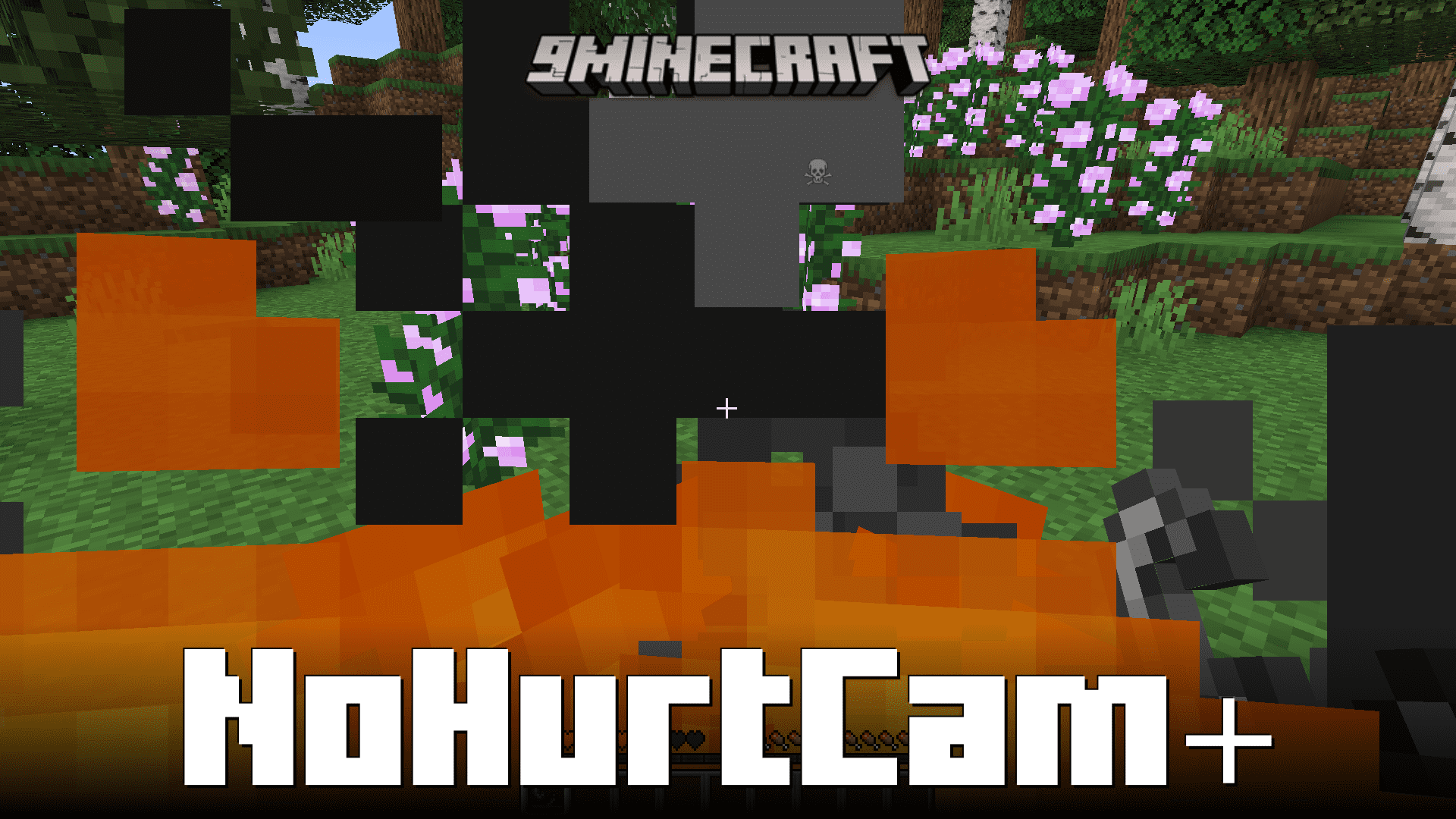
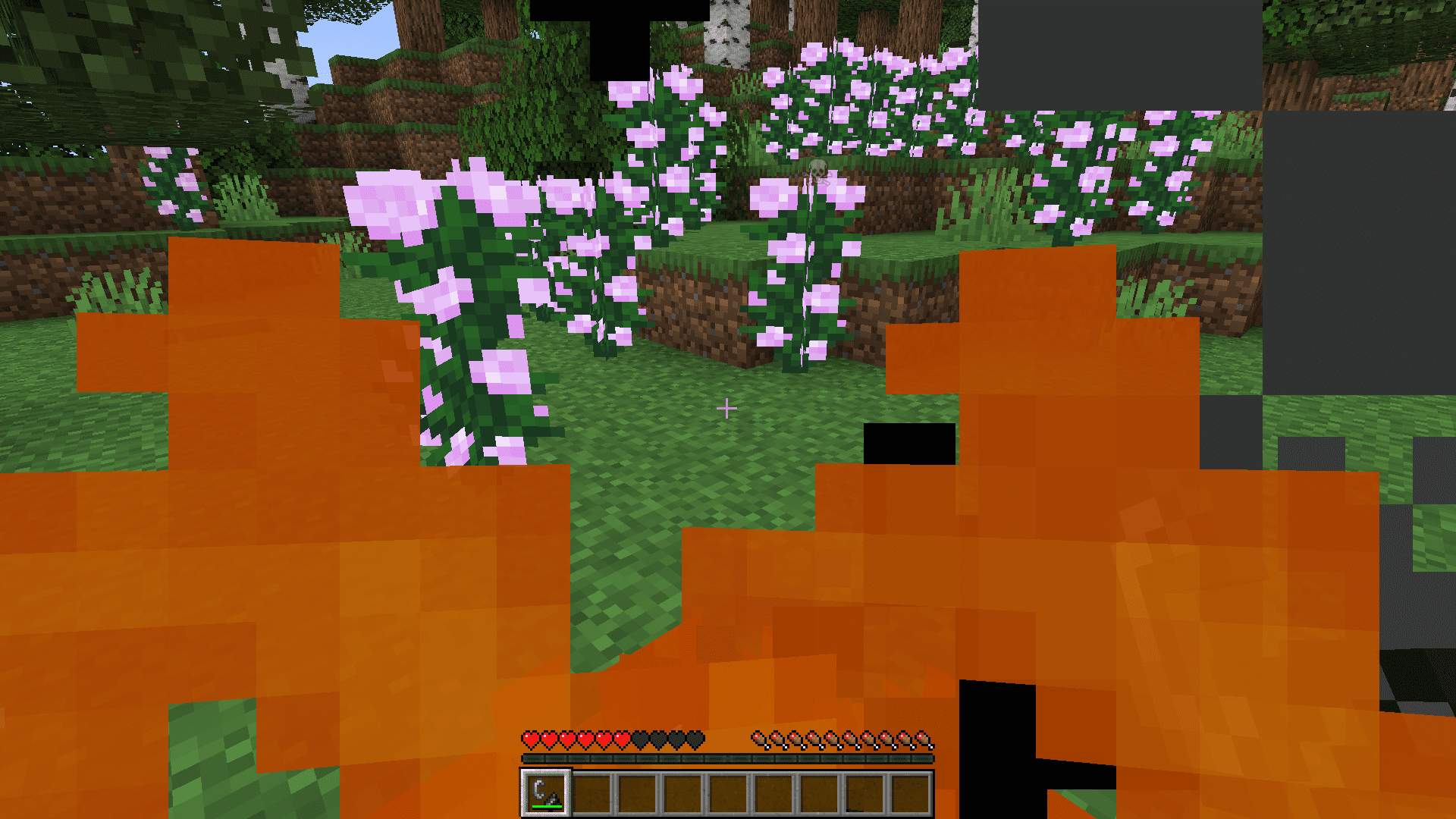
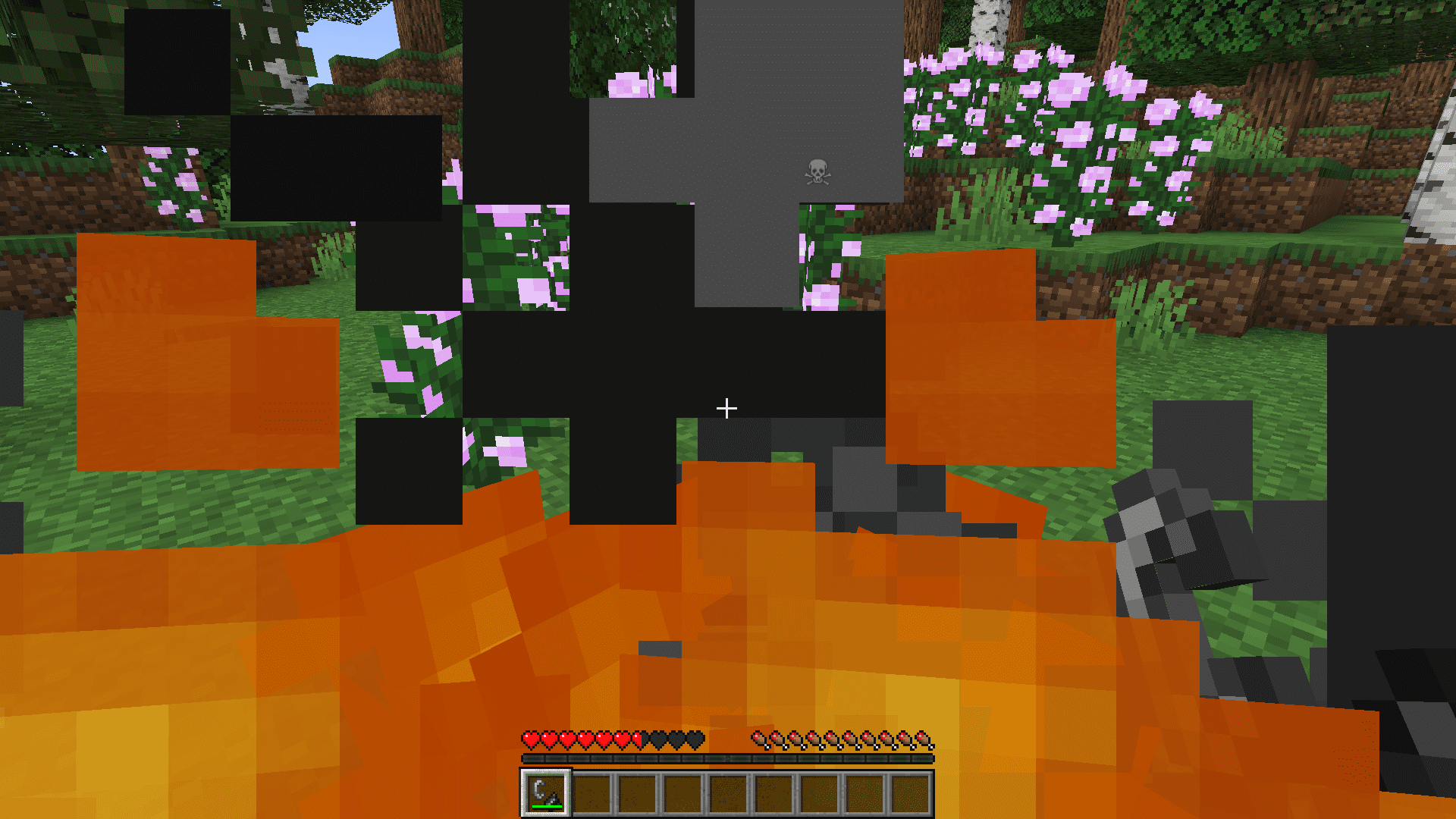
When your Minecraft character takes damage, the screen tends to tilt sharply. This tilt effect is an inconvenience for some, especially when trying to survive some intense situation. NoHurtCam+ Mod allows you to disable this hurtcam manually. You can enable/disable the hurtcam simply at the press of a keybind.
Features:
- Hurtcam Toggle: NoHurtCam+ offers players the ability to instantly toggle the hurtcam feature in Minecraft with the simple press of a keybind. This feature enhances the gaming experience by giving players control over the visual effects that occur when their character takes damage, allowing for smoother and more enjoyable gameplay.
- By eliminating the hurtcam effect when desired, players can maintain better situational awareness and control during intense moments in the game.
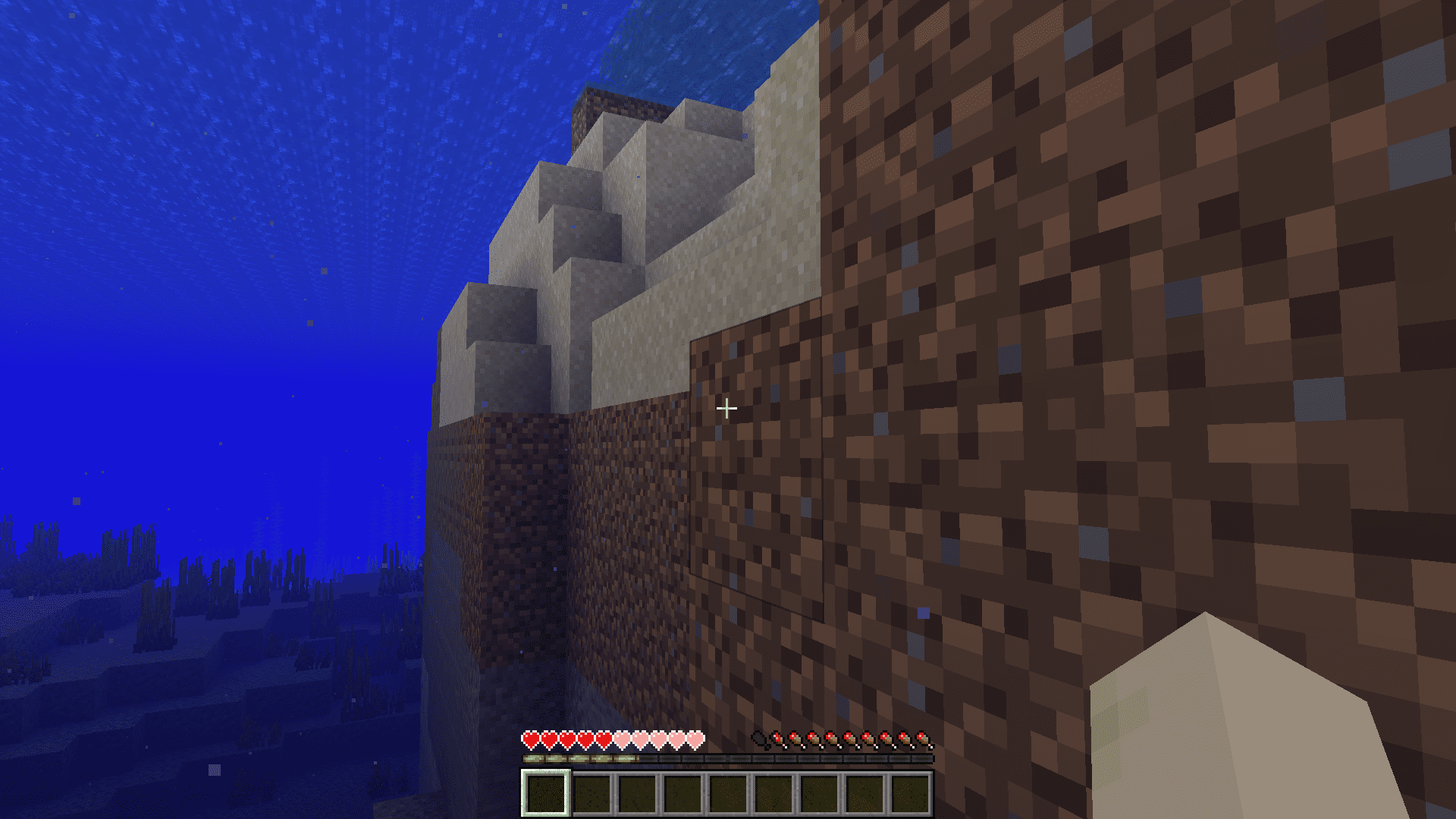
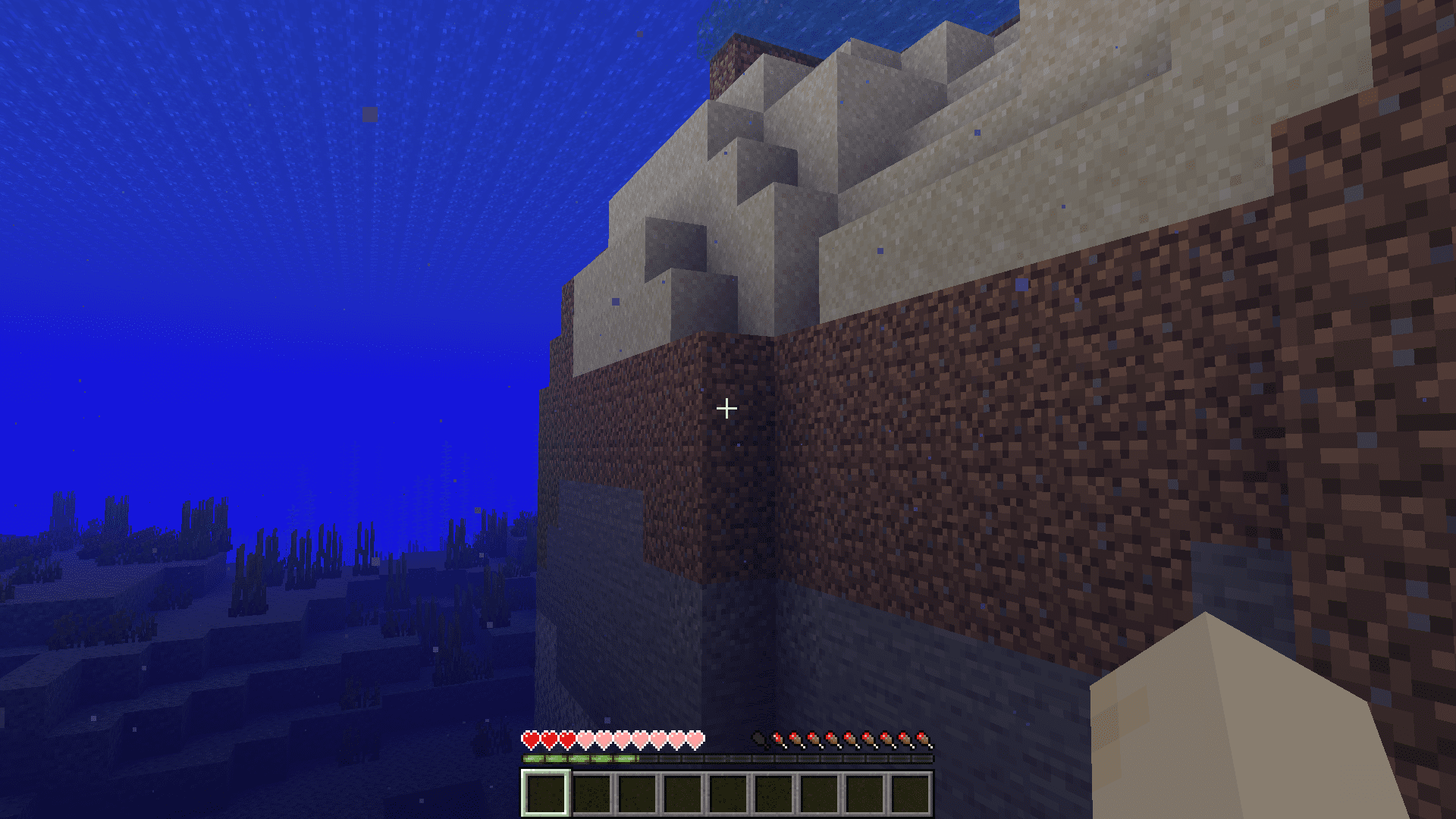
Screenshots:
How to Install:
New to Minecraft? Follow our step-by-step guide to install Mods on your PC.View Guide
Requirements:

NoHurtCam+ Mod Download Links
For Minecraft 1.20.2
Fabric version: Download from Server 1 – Download from Server 2
For Minecraft 1.20.1, 1.20
Fabric version: Download from Server 1 – Download from Server 2
For Minecraft 1.19.4, 1.19.2
Fabric version: Download from Server 1 – Download from Server 2
Click to rate this post!
[Total: 3 Average: 2.7]
You May Also Like