
Omni Ocular Mod (1.7.10) – View Machine Stats on Sight

 0


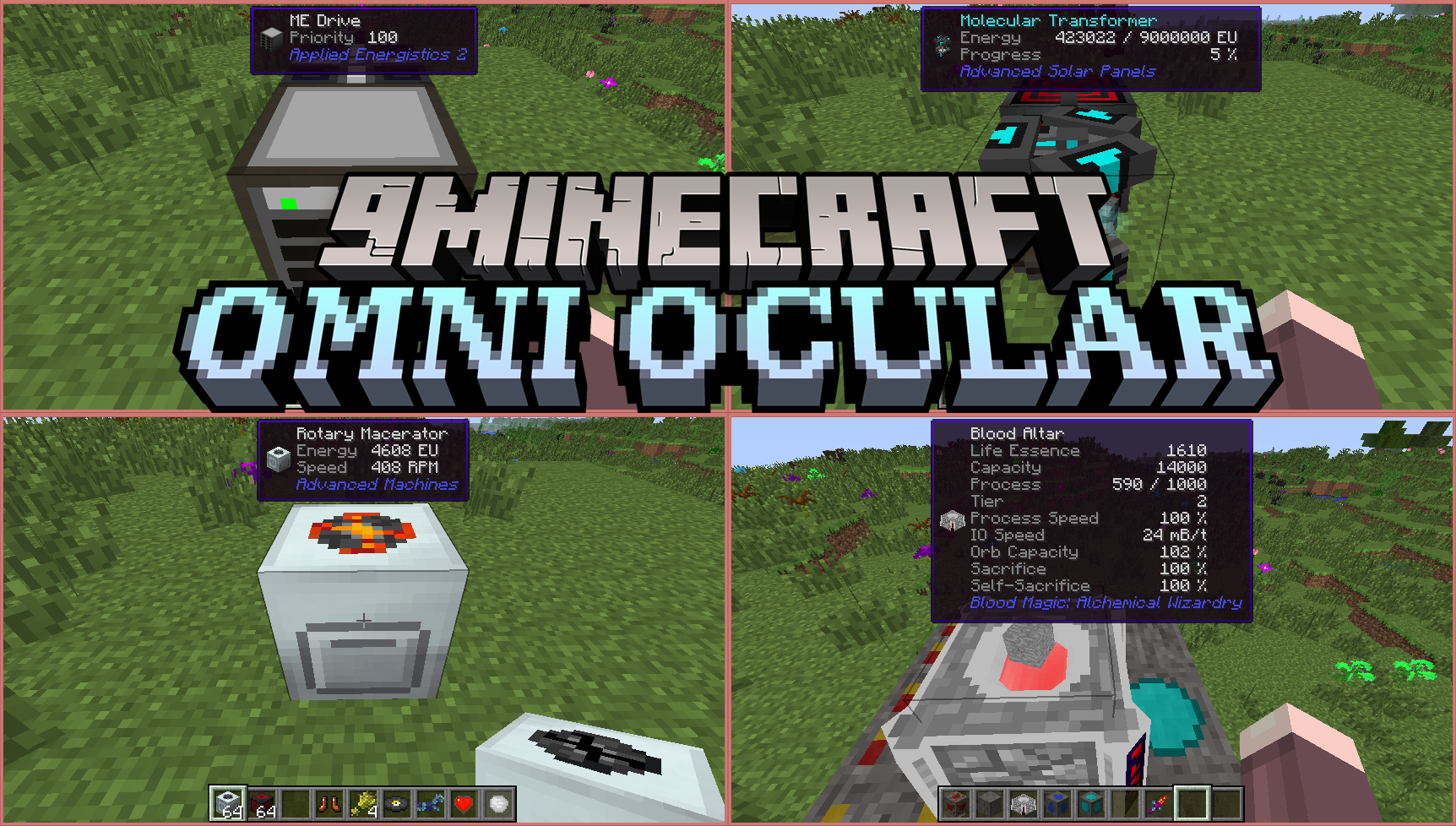
Omni Ocular Mod extends Waila by showing custom NBT data right on your HUD. It replaces WailaNBT with a full code rewrite that works with tile entities, mobs, and item tooltips. You control what shows on screen through XML files with JavaScript, built-in text colors, special icons, helper functions, and three chat commands. Mod testers and players who enjoy checking numbers can view live values like furnace burn time, cook time, or sheep breeding timers at a glance. The mod needs Waila and Not Enough Items on both the client and server, and multiplayer servers sync their config files to all online players.
Requires:
Minecraft Forge or Fabric API or Quilt Loader or NeoForge Installer
Features:
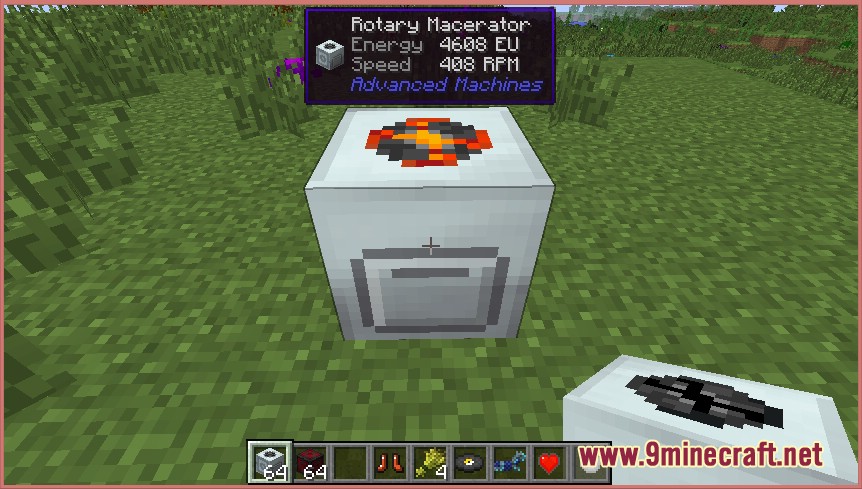
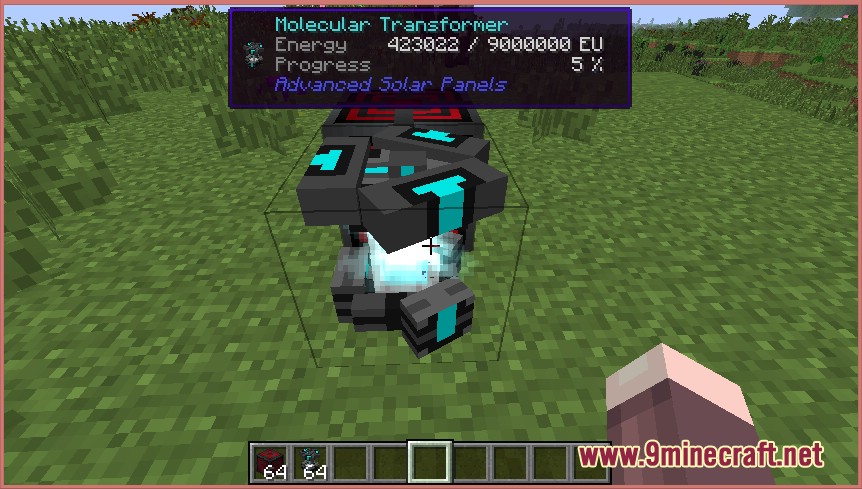
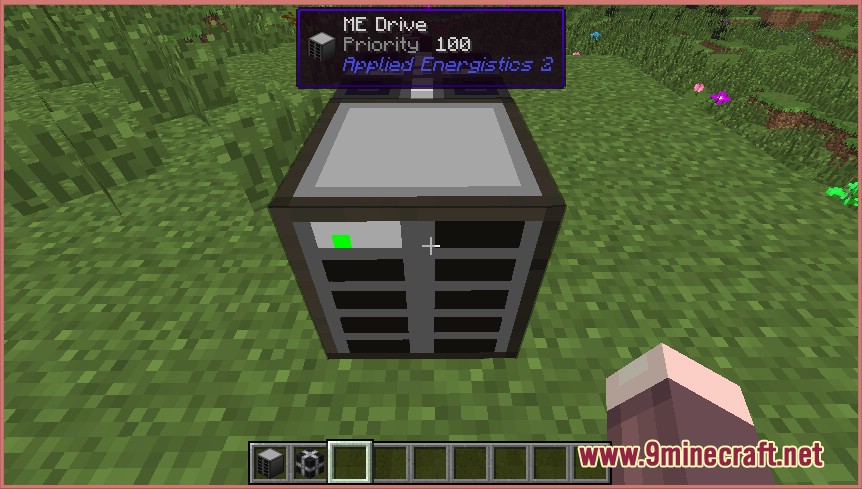
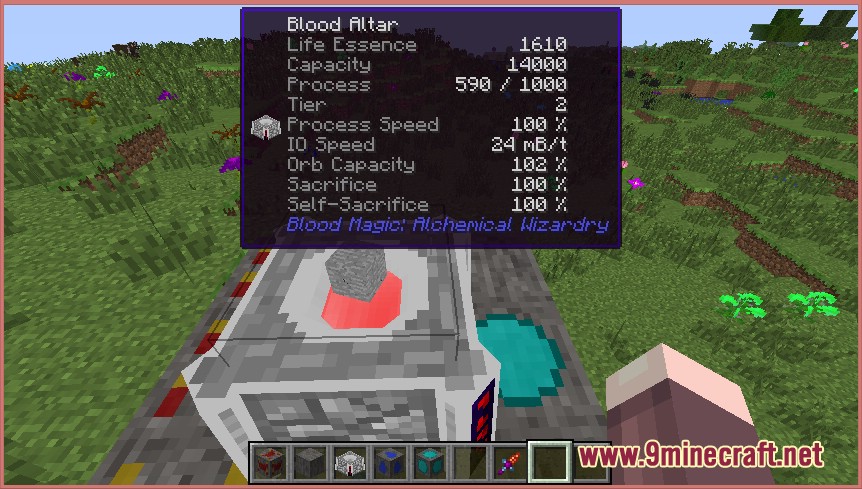
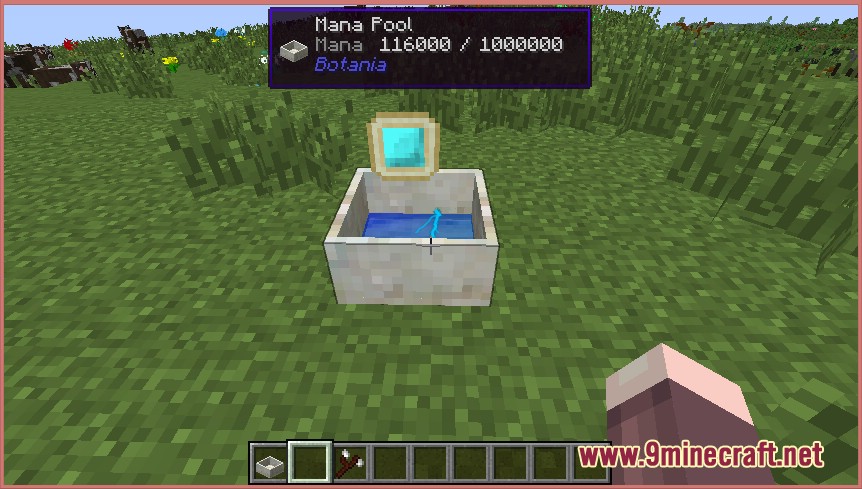
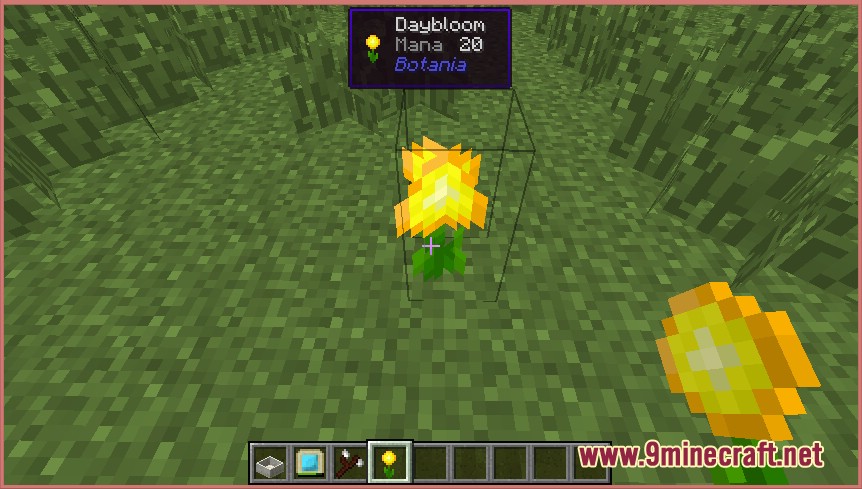
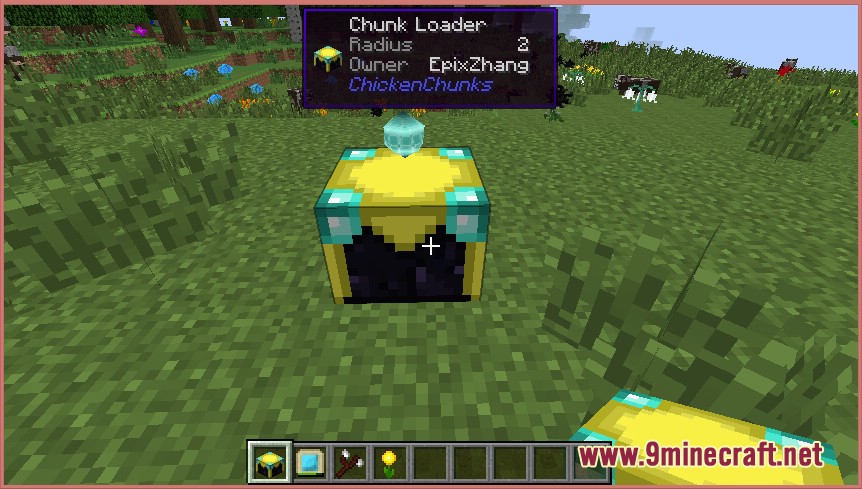
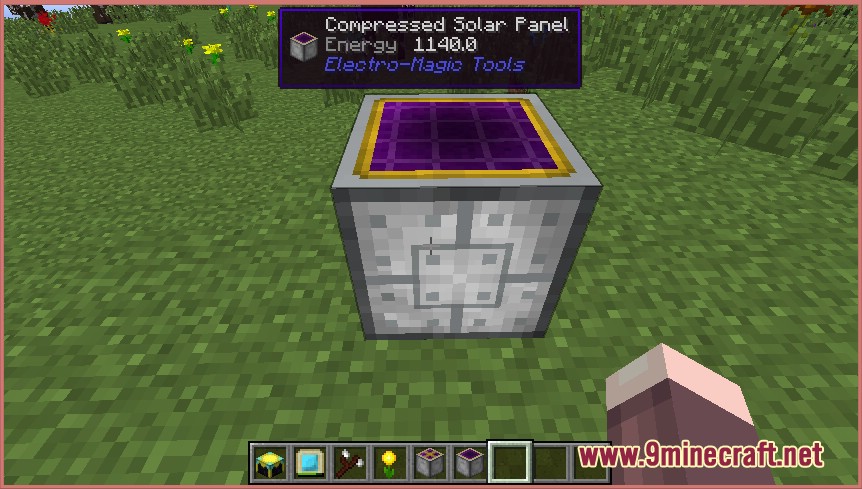
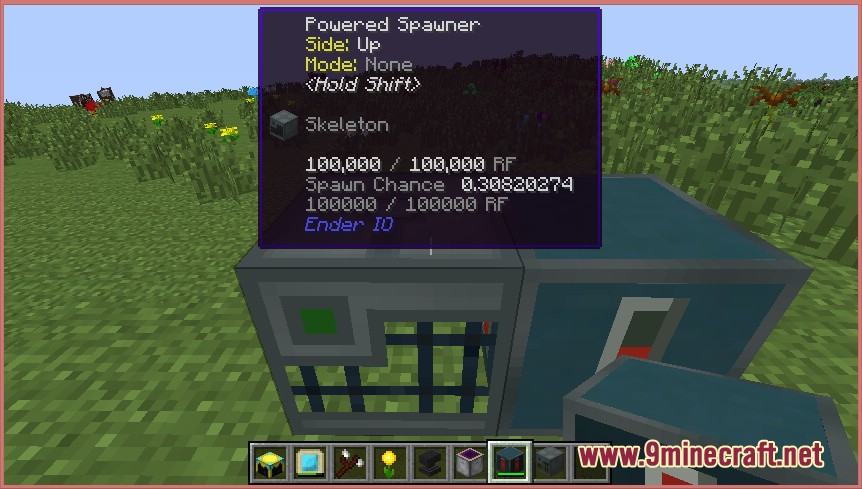
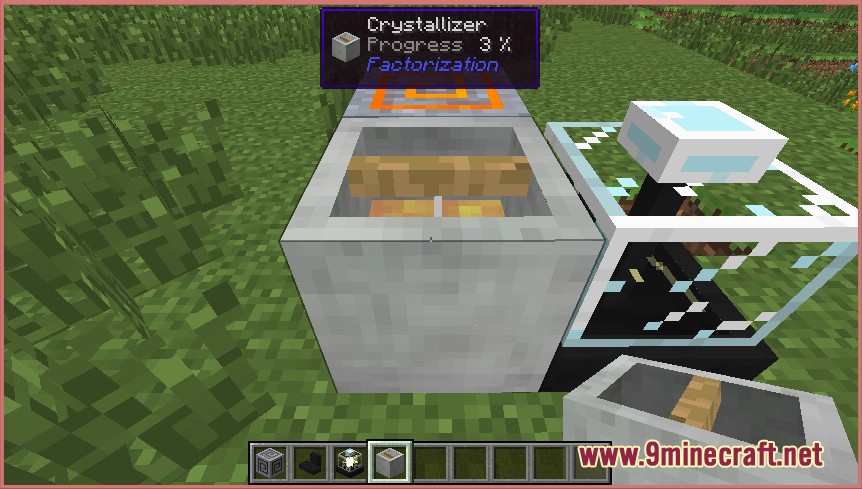
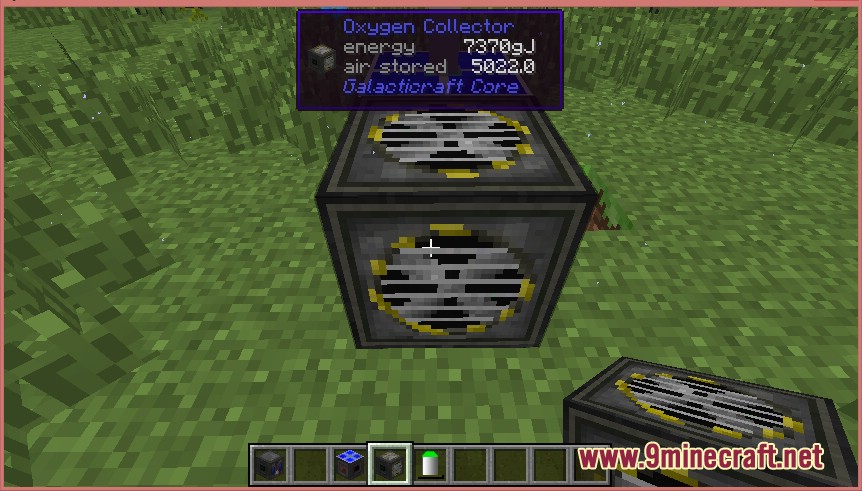
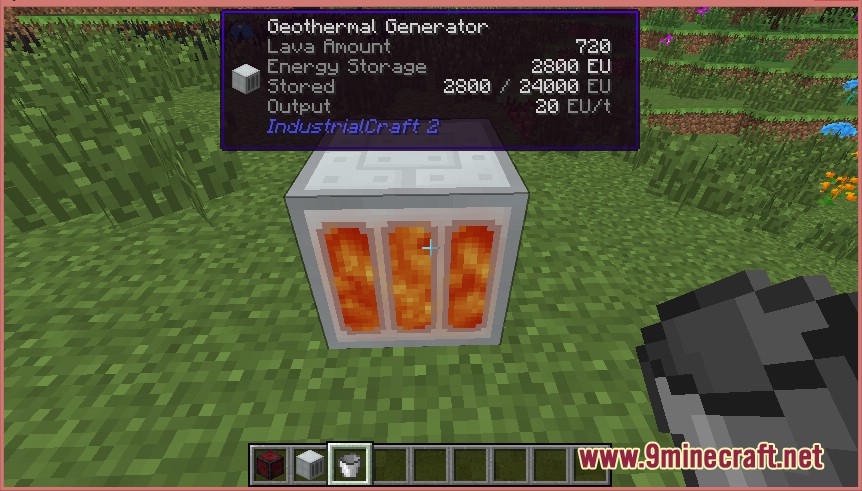
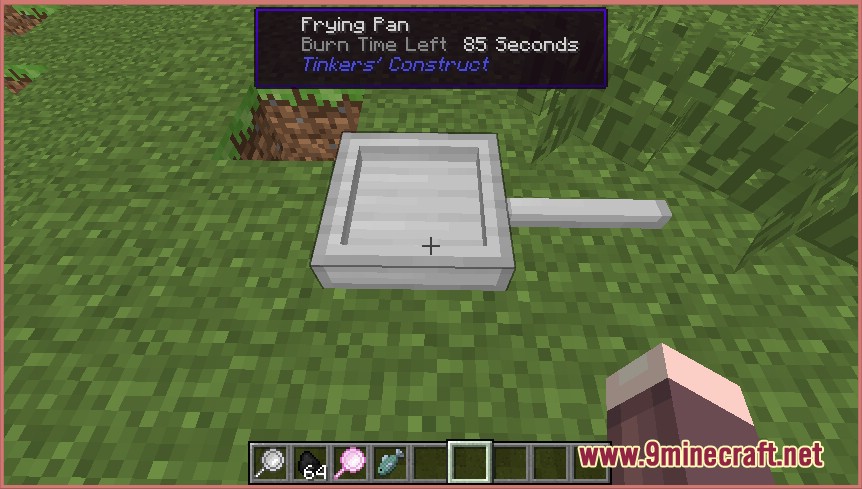
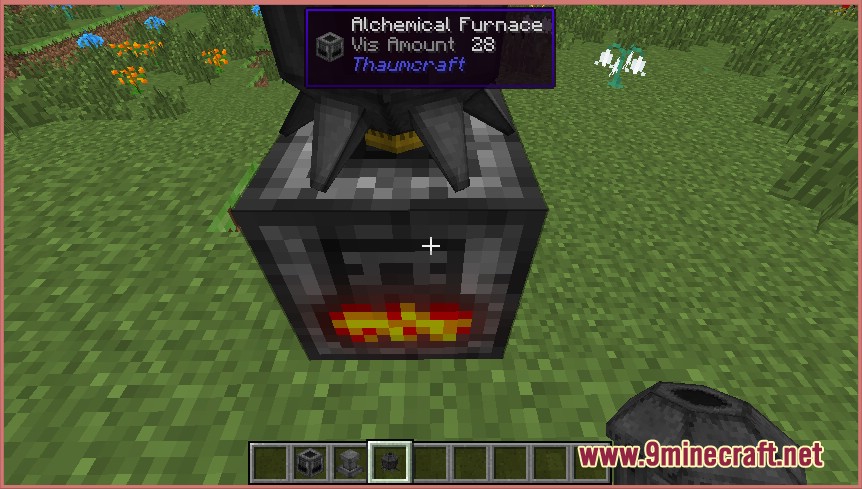
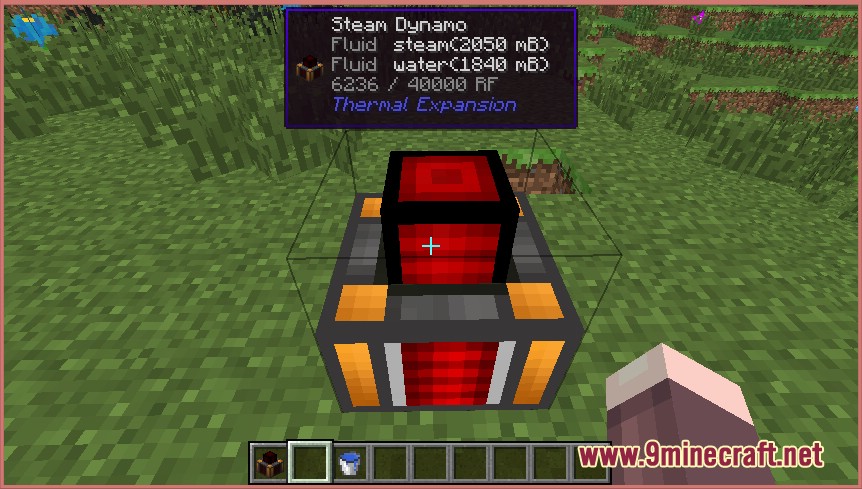
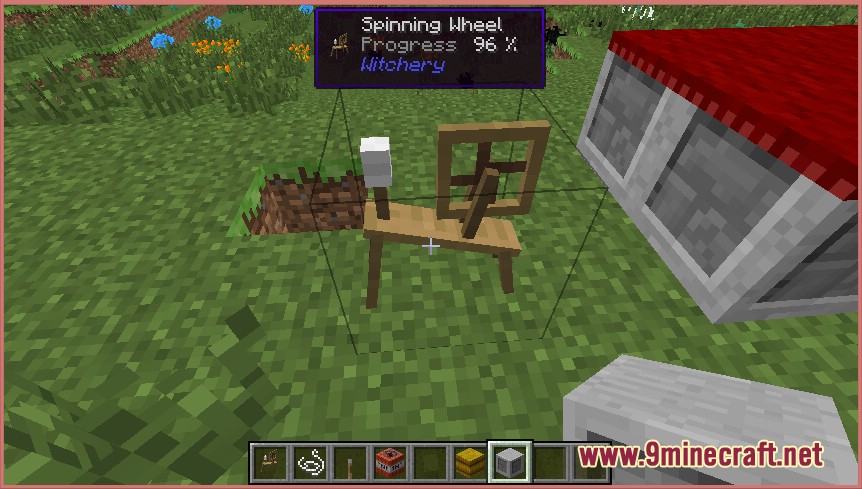
- Custom Waila HUD Data: Displays custom NBT values for tile entities, mobs, and item tooltips right on the Waila HUD, such as furnace burn time, cook time, or sheep breeding timers.
- XML and JavaScript Configs: Uses
.xmlconfig files with JavaScript inside so you can calculate, format, and filter data before it appears on screen. - Automatic Pre-Configs: Generates ready-to-use config files on client startup based on your installed Mod IDs without overwriting files you already edited.
- Replaces WailaNBT with a full code rewrite and extra tools for mod testers and players who like checking live game numbers.
- Turns target NBT data into a live synced JSON variable named
nbtthat display scripts read whenever you point at a block or mob. - Matches target IDs using Regular Expressions (with a backslash to escape special characters) so one rule can cover groups of blocks, mobs, or items.
- Escapes XML special characters like
&,<, and>inside scripts automatically so you can write regular JavaScript cleanly. - Shows display names in white and values in gray with a tab between them by default, lets you leave the display name empty to color a whole line, and supports splitting one return value across multiple lines.
- Hides any HUD line automatically when its script returns
null,__ERROR__,undefined, orNaN, letting you show data only under certain conditions. - Supports automatic localization by reading language keys from the target mod, dependent mods, Waila, or this mod’s own language files.
- Overrides client configs with server configs in multiplayer so every player sees the same info and protected server NBT data stays private.
- Works smoothly with In-Game NBTEdit so you can inspect a block’s live NBT layout and grab exact IDs and field names.
- Loads only
.xmlfiles placed directly in its config folder and ignores subfolders.
Commands:
/oor: Reloads all XML config files in theminecraft/config/OmniOcularfolder. On a server, it reloads server configs, sends them to all online players, logs the player’s name, and requires OP permissions in multiplayer./ooe: Shows the registry name of the mob or entity you are pointing at./oon: Shows the registry name of the item you are holding.
How to Use:
- Make sure Waila, Not Enough Items, and Omni Ocular Mod are loaded on both the client and server, then point your crosshair at any supported block or mob to see its default NBT info on the Waila HUD right away.
- Point at any mob and type
/ooein chat to see its exact registry name. - Hold an item in your hand and type
/oonin chat to see its exact registry name for custom item tooltips. - If you also use In-Game NBTEdit, point at a tile entity like a furnace and run
/nbteditto open the NBTEdit GUI and check its exact ID and NBT field names. - Open the
minecraft/config/OmniOcularfolder to edit the auto-generated.xmlfiles, or create a new.xmlfile named after the target Mod ID. - Place your
<tileentity>,<entity>, or<tooltip>tags inside<oo></oo>, then add<line>scripts that pull values from thenbtvariable (for example,return nbt['CookTime']). - Type
/oorin chat to reload all XML config files right away and see your changes on the HUD without restarting the game. - To turn off a pre-configured file without it coming back on the next launch, clear all text inside the file instead of deleting it. To get fresh pre-configs after an update, delete the old files before starting the game.
- For multiplayer servers, prepare and edit your XML files in singleplayer first since servers do not auto-generate pre-configs, copy them into the server’s
minecraft/config/OmniOcularfolder, and run/ooras an OP to send the new configs to all online players.
Screenshots:
How to Install:
New to Minecraft? Follow our step-by-step guide to install Mods on your PC.View Guide
Omni Ocular Mod Download Links
For Minecraft 1.7.10
Forge version: Download from Server 1 – Download from Server 2
Do you add mods when playing on Bedrock Edition (Add-Ons, behavior packs, or Marketplace content)?
53 responses · See the full results →
You May Also Like
Picked for this page
 Just Enough Items Mod (26.3, 1.20.1) – JEI, Crafting Recipes Viewing
 Finder Compass Mod (26.3, 1.20.1) – Diamond Radar
 World Edit Mod (26.3, 1.20.1) – A Minecraft Map Editor
 Player Tracking Mod (26.3, 1.20.1) – Find And Raid
 Abnormals Delight Mod (1.21.1, 1.20.1) – Delicious Cuisine
 RPG-Hud Mod (26.2, 1.20.1) – Your Screen Becomes an RPG
 Death Counter Mod (1.21.11, 1.20.1) – Turn Dying Into a Contest
 Simple Health Indicator Mod (26.3, 1.20.1) – Displays Others’ Health
 Ding Mod (1.21.5, 1.20.1) – Stop Staring at the Screen
 Awesome 3D Mace Mod (26.2, 1.21.1) – Makes Maces Three Dimensional
 Medical Remedies Mod (1.21.1, 1.20.1) – Heal Players And Mobs With Pills And Syringes
 Blood Magic Woot Addon Mod (1.20.1) – Generates Life Essence Without Mobs
Most viewed in Mods over the last 7 days
 Ala Industrial Mod (26.3) – Run Electric Power Grids and Automated Factories
 PleasureCraft Mod (26.3, 1.21.1) – Jenny Mod Remake for Fabric
 Jennycraft Mod (26.3, 1.20.1) – Virtual Girlfriend in Minecraft
 Fapcraft Mod (26.3, 1.12.2) – Comprehensive and Detailed Content
 Jenny Mod (Fapcraft) Official Complete Guide – How to use, Tutorial
 BangCraft Mod (1.20.1) – Jenny, Ellie and Elliot
 Fabric Loader (26.3, 1.20.1) – Fabric Installer for All Minecraft Versions
 Meteor Client Mod (26.3, 1.20.1) – Xray, HUD, Fly
 The Shooting Star Demo Mod (26.3, 1.20.1) – Vaporize Terrain From Orbit
 OptiFine HD (26.3, 1.20.1) – Run Faster, FPS Boost, Shaders Support
 Aristois Client Mod (1.21.4, 1.20.1) – World Class Minecraft Utility
 SchnurriTV Mod (1.12.2) – Characters and Features
More from Mods
 Primal Plushies Paleo Pals Mod (1.21.1, 1.20.1) – Decorate Your Base
 Ipla Mod (26.3, 1.20.1) – Showcase Your Favorite Items
 MesdagPortLib Mod (1.20.1) – Run Modern Minecraft Mechanics on Older Versions
 Hellion’s API Mod (1.21.11, 1.21.1) – Play Hellion Series Addons Without Crashes
 Terrestria Mod (26.3, 1.20.1) – Highly Detailed Biomes
 Tre’s Tack Library Mod (1.20.1) – Outfit Your Horses with Fully Detailed Tack
 YDM’s coreX Library Mod (1.20.1) – Loot RPG Gear with Random Names
 DayTimeControl Mod (1.20.1) – Enjoy Longer Days for Big Builds or Endless Nights
 Builders Companion Core Mod (1.20.1) – Power Custom Waters for Better Creative
 Giacomo’s Fishing Net Mod (1.20.1) – Catch Fish and Treasure While Away
 Ender Portal Stone Mod (1.22) – Fast Travel to Distant Biomes and Dungeons
 Chat Spellcheck Mod (26.2) – Never Send Embarrassing Typos to Friends Again

This post has no comments yet. Be the first — your comment will appear here.