One Block Mod (1.21.11, 1.20.4) – Survival Challenge Progressive

 0
0  December 25, 2025
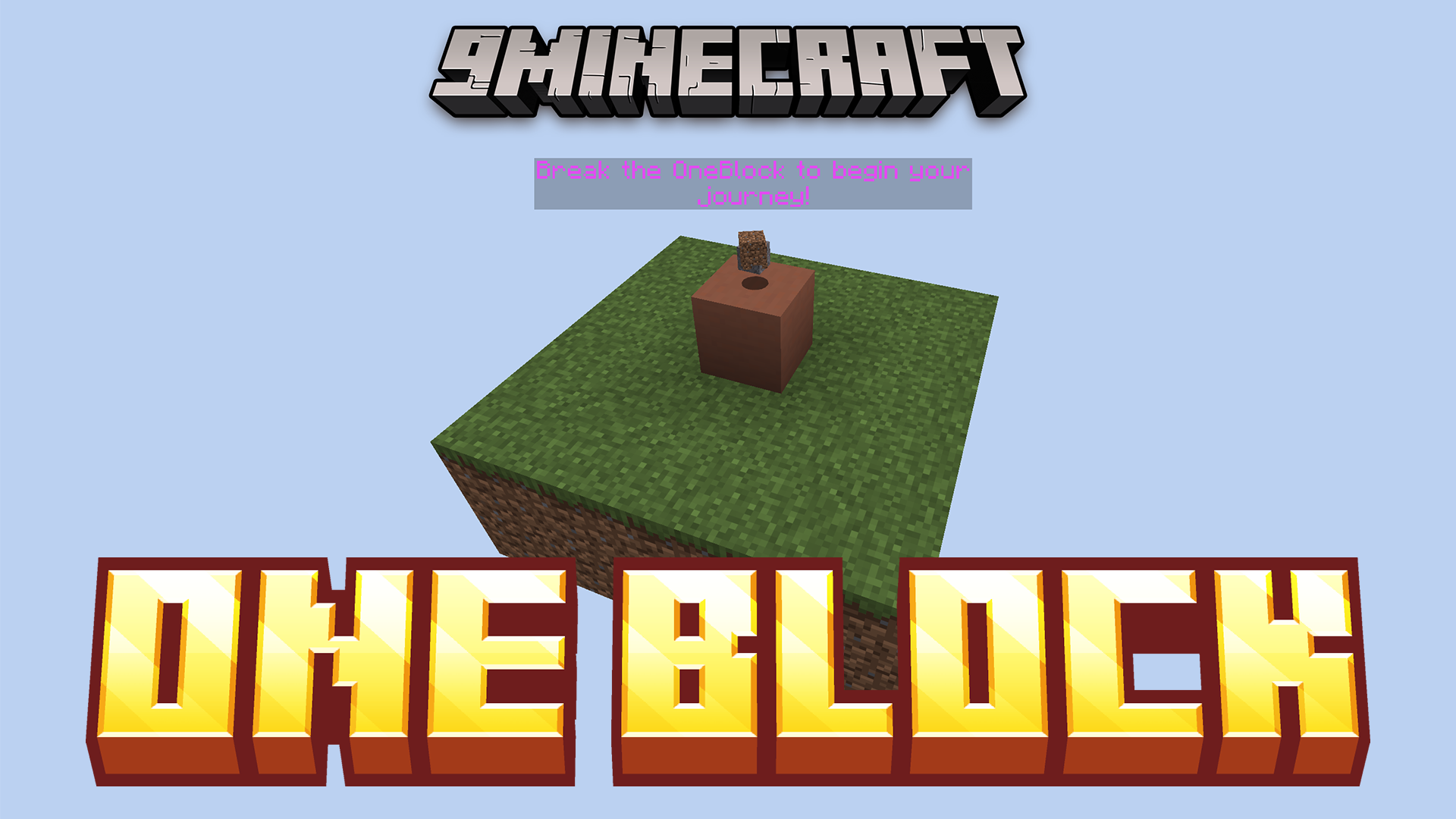
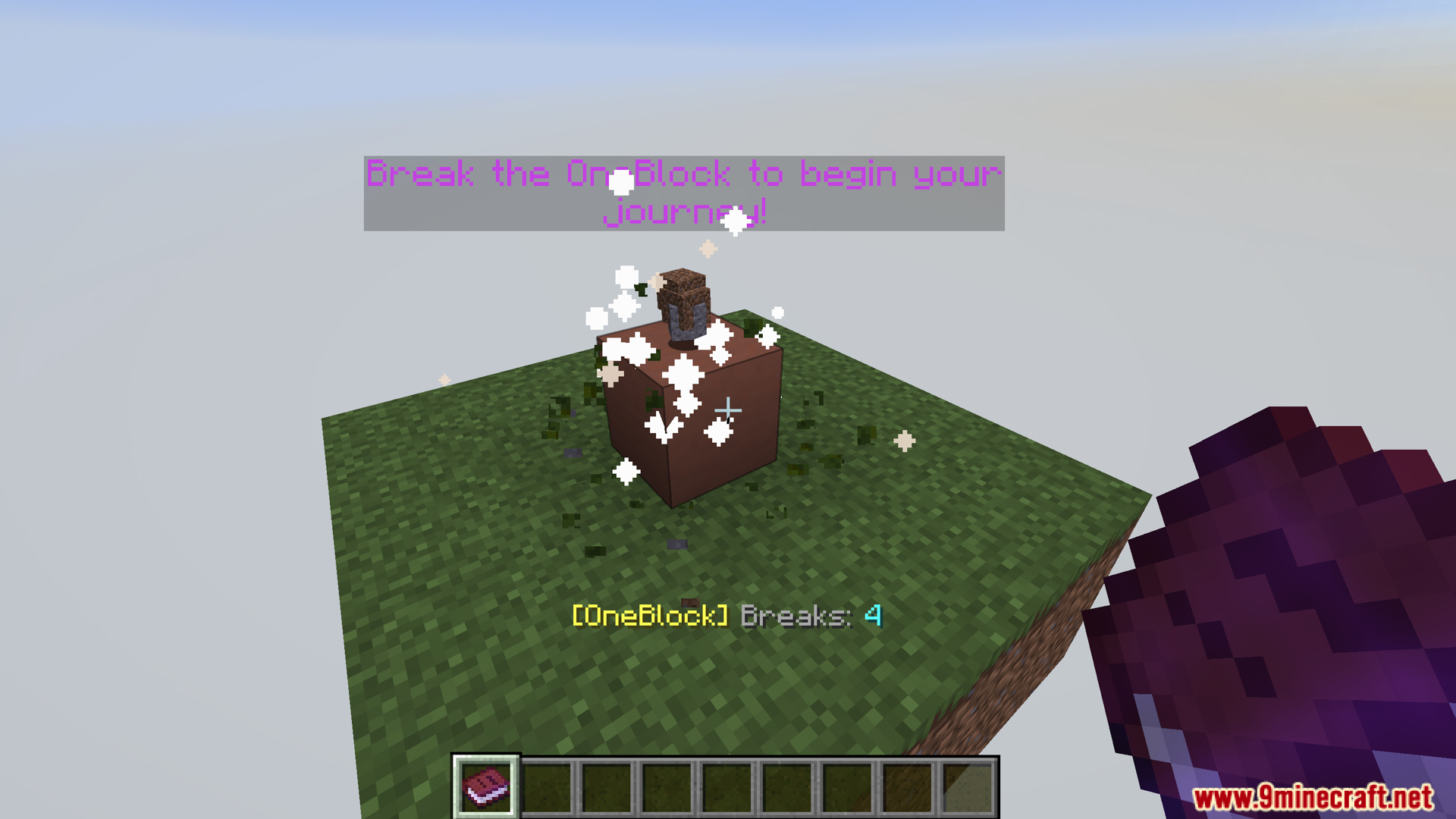
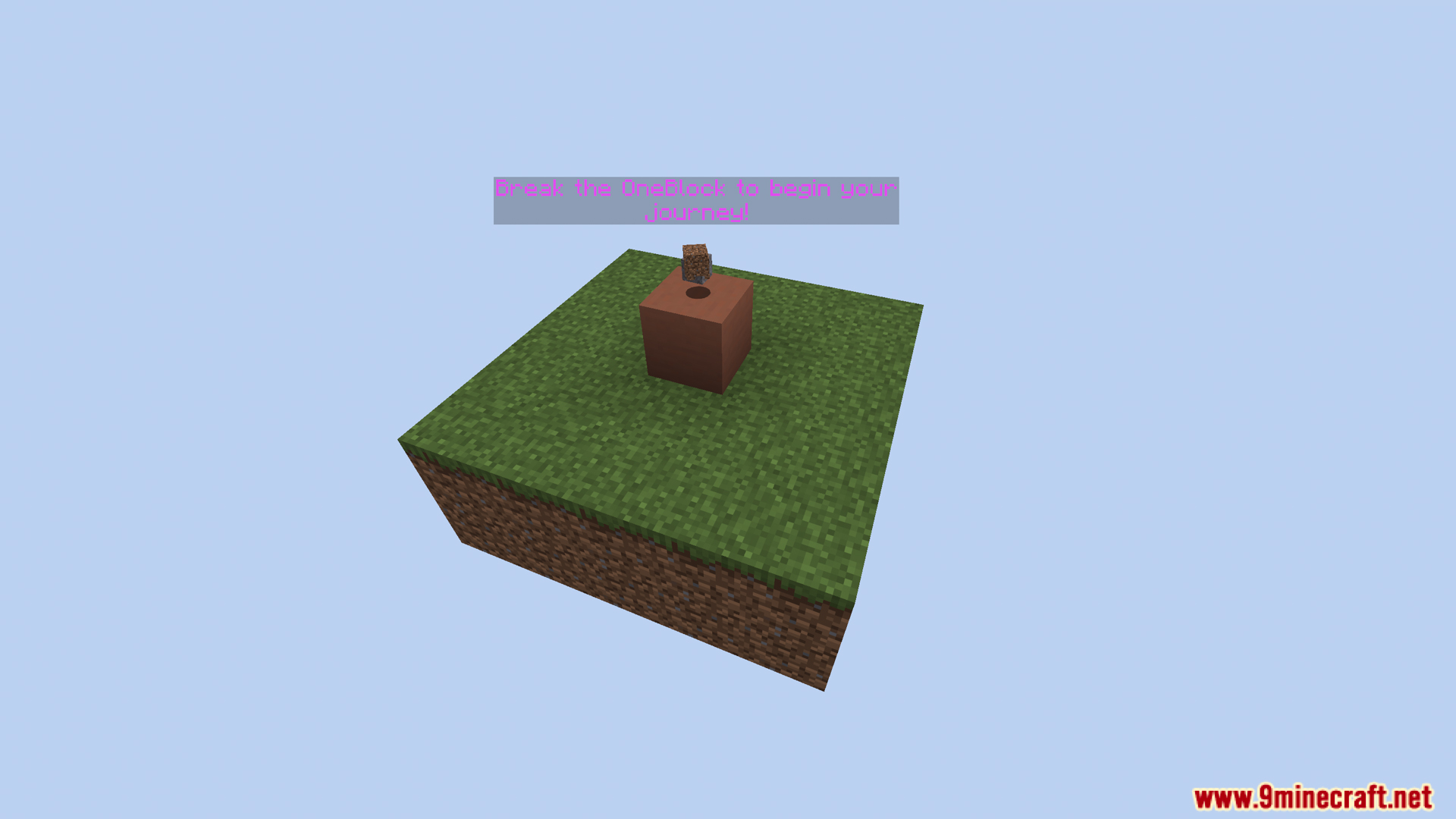
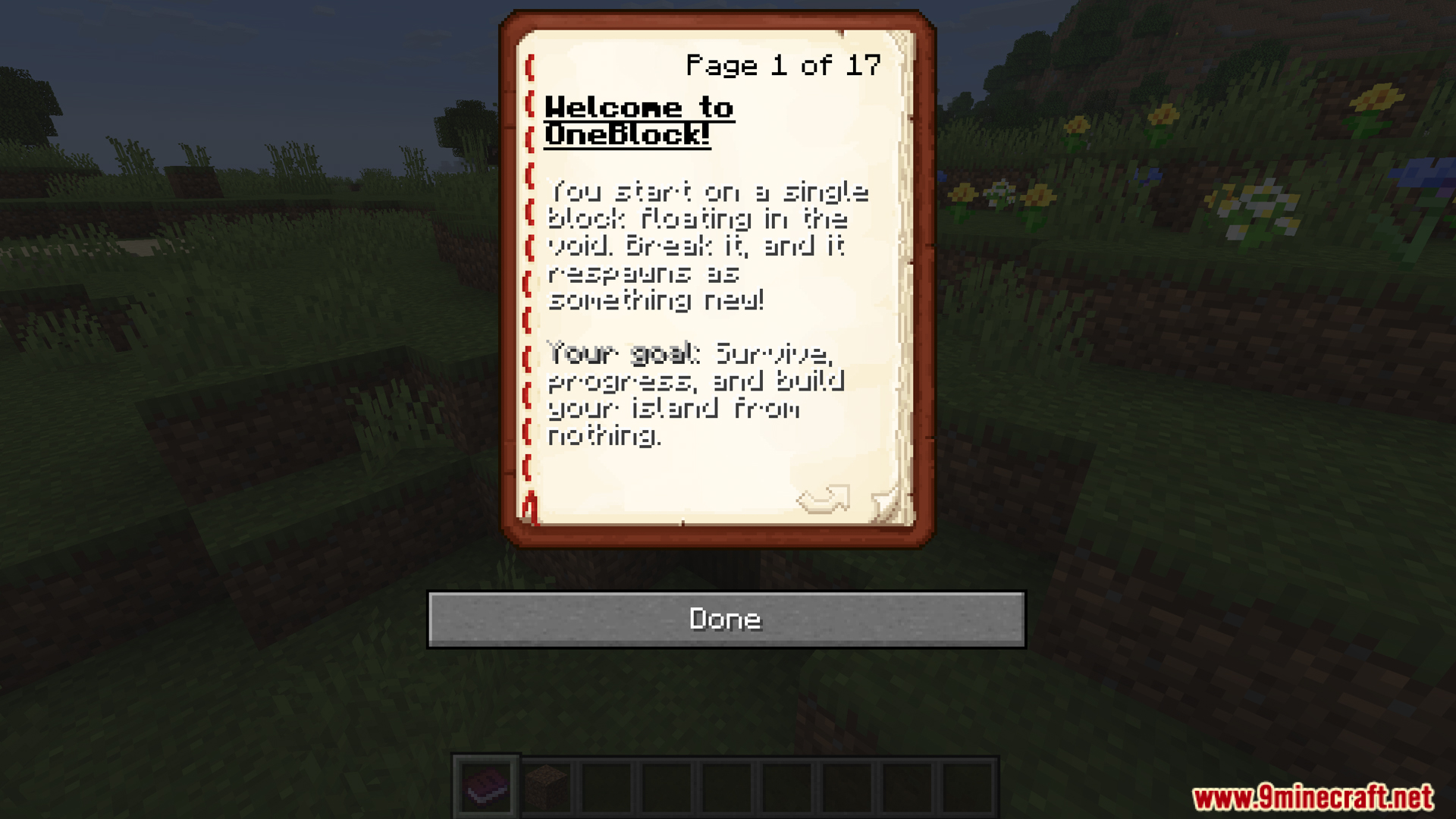
One Block Mod is a Minecraft mod that transforms the Minecraft experience into an upgraded form of OneBlock survival/skyblock. You start on a small island with only one special block, and when you break that block, it regenerates with new materials each time, allowing you to evolve your world from resource-first to late-game.
Features:
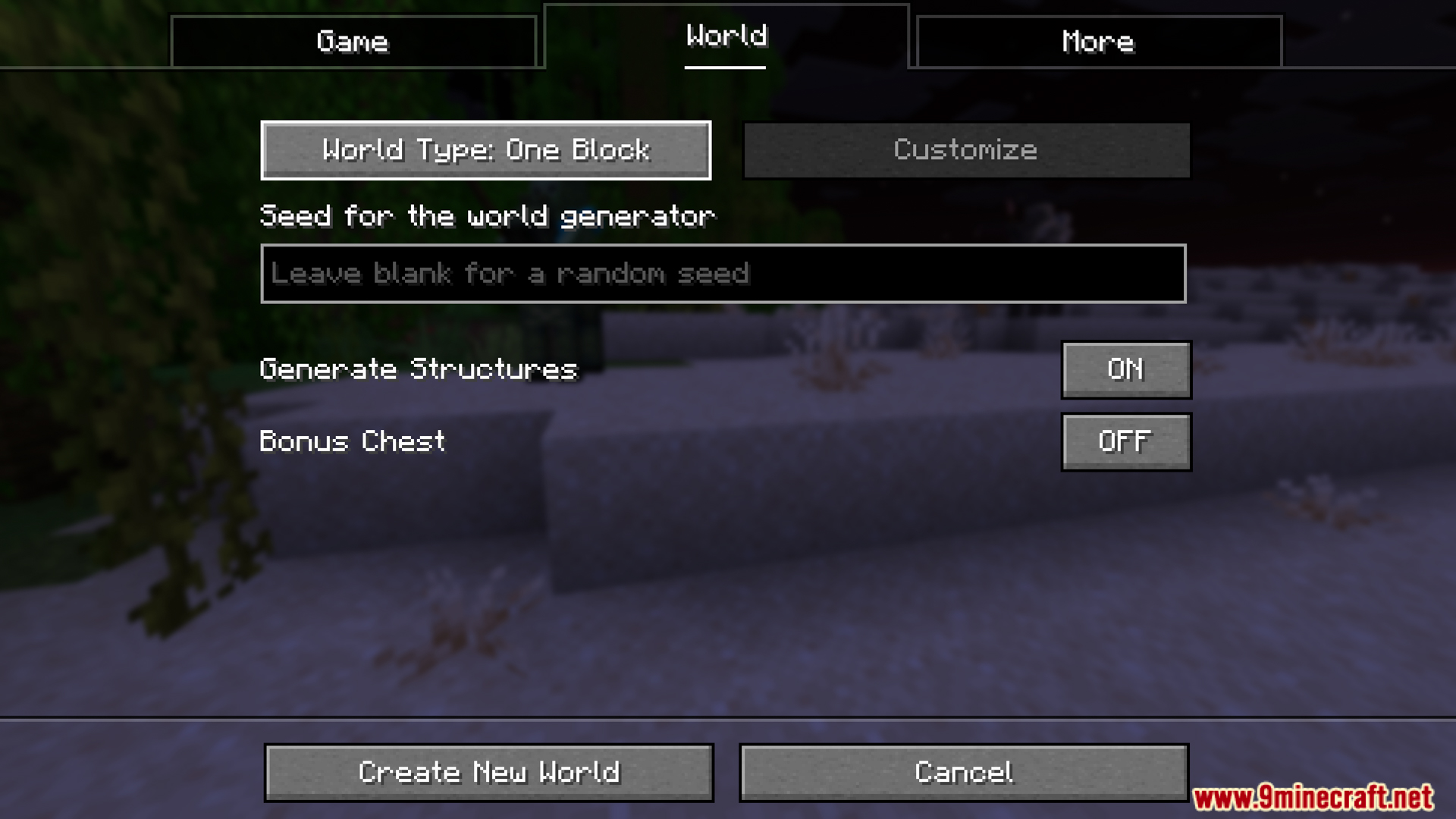
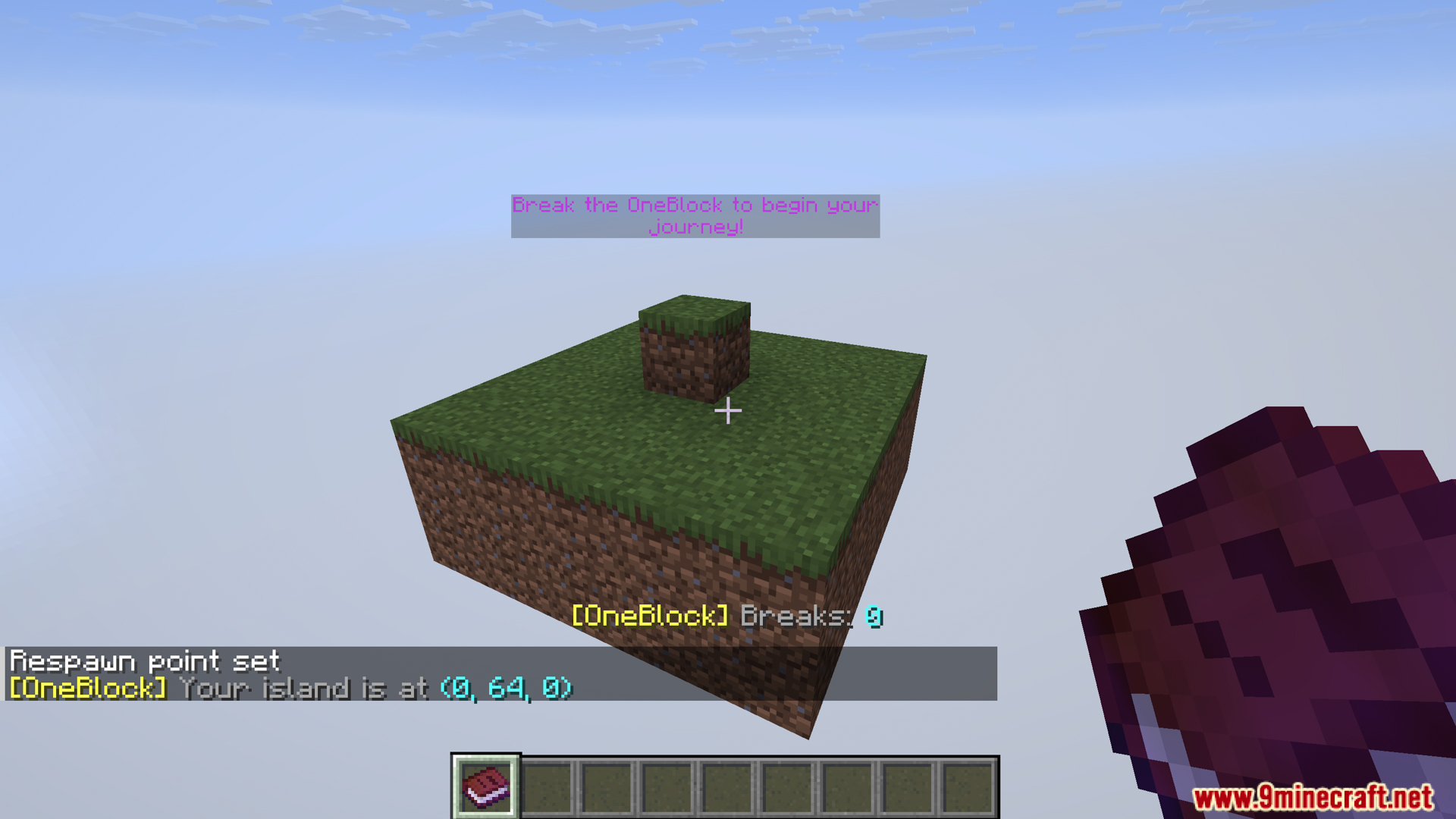
- When you create a One Block world:
- You will spawn on a small island (e.g., Overworld has grass & dirt, Nether has netherrack, End has endstone).
- In the center is a regeneration block (OneBlock). This is the block you will destroy to get resources back.
- In multiplayer, each player can spawn on their own island 1000 blocks apart using an optional datapack.
- One Block features a progression system based on “biomes”:
- 36 Overworld biomes.
- 5 Nether biomes.
- 5 End biomes.
- As you evolve, One Block will generate blocks in different “biome stages”.
- When you go to the Nether or End, you will unlock additional blocks and corresponding items:
- Nether unlocks: basalt, blackstone, valuable gifts such as warped/crimson woods, fungi…
- End unlocks: purpur, chorus plants, end rods, shulkers…
- After about ~10,000 breaks, the mod may also allow the end portal frame to drop by default.
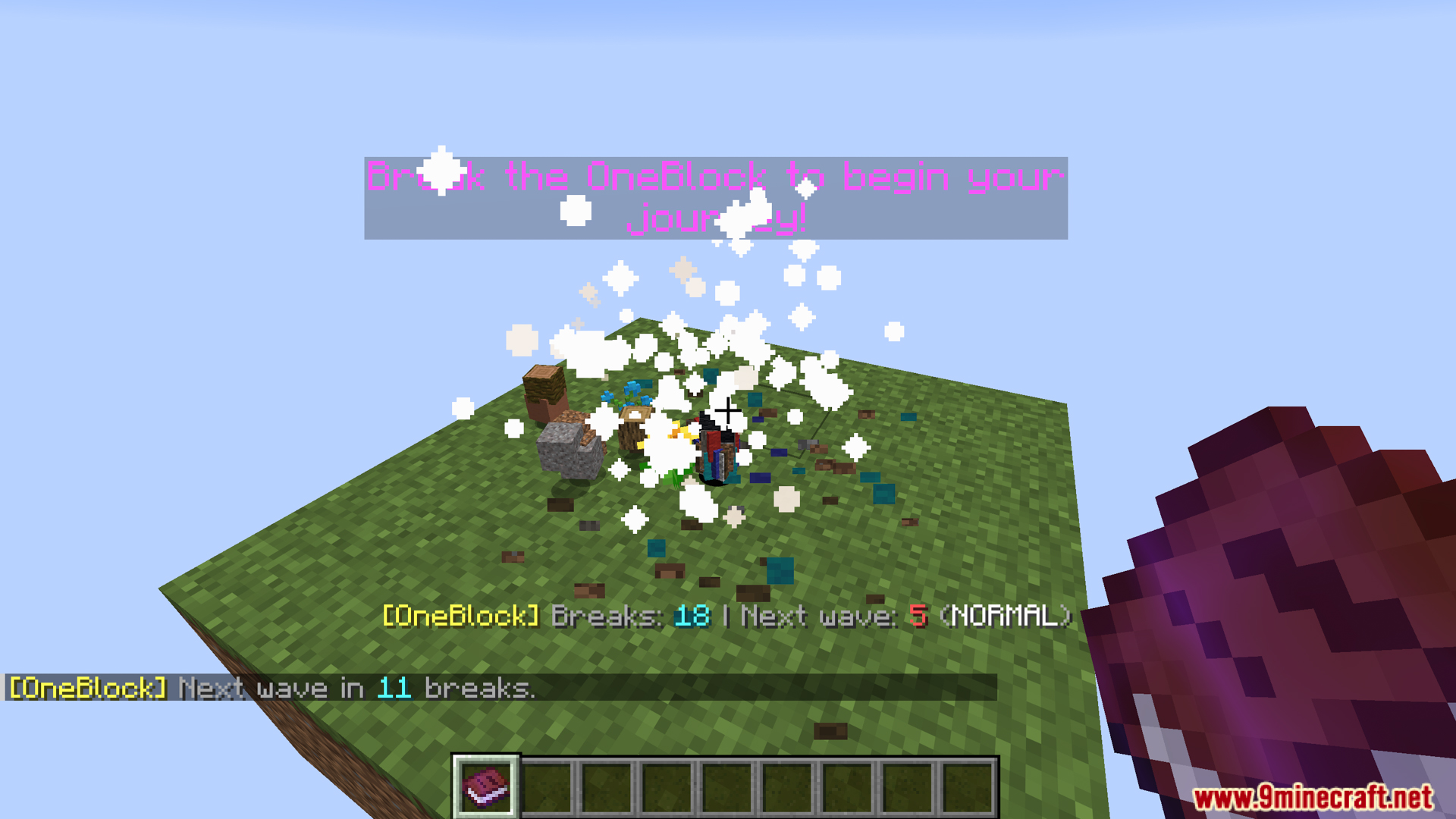
- The blocks that appear when you break a OneBlock will change depending on the number of times you break it:
- Early stages prioritize useful resources (wood, stone, ore).
- Later stages prioritize random variety.
- The OneBlock mod will generate random events each time a block is broken, including:
- Item Drops: items drop near you or in random chests
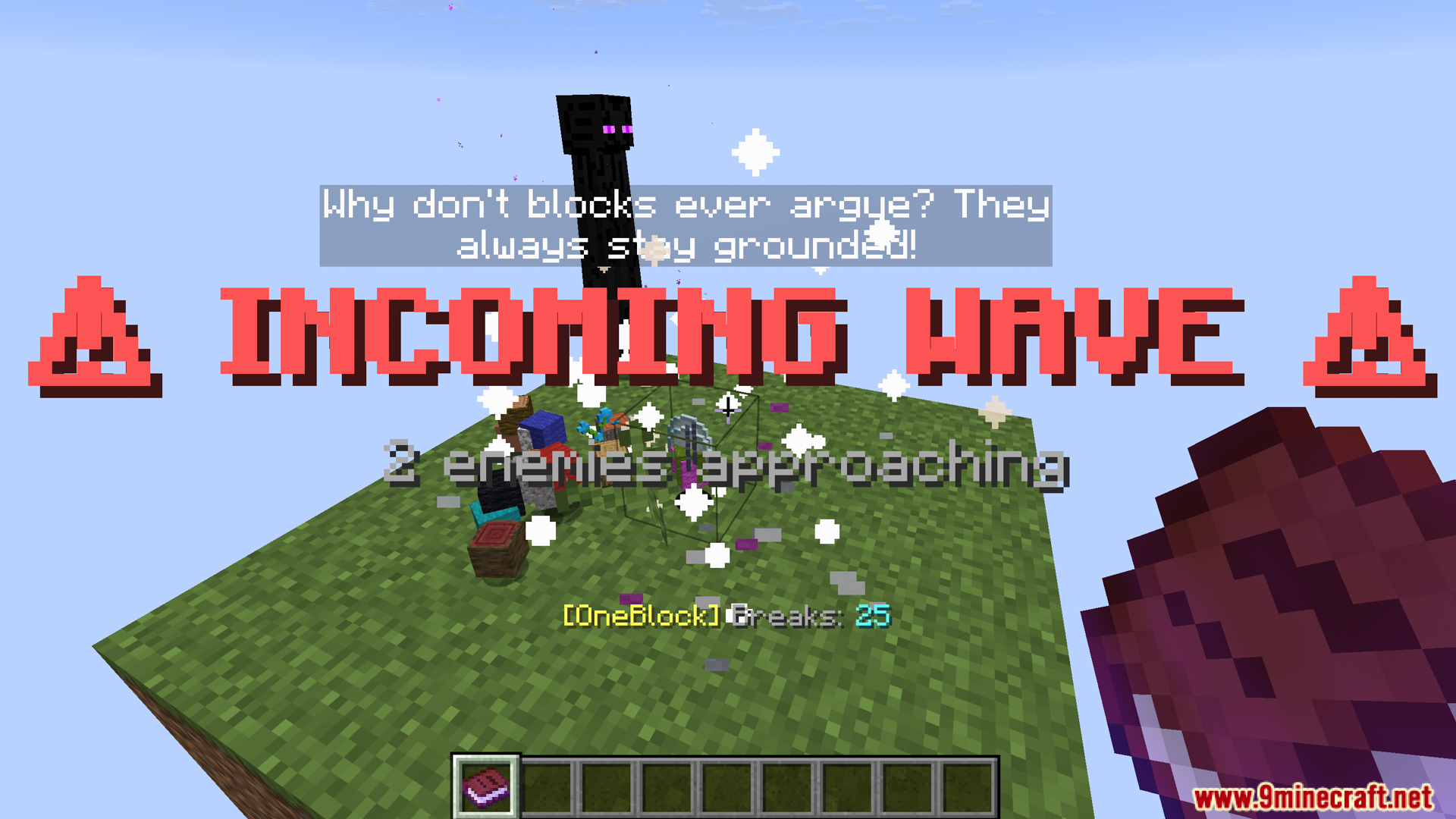
- Waves mobs: waves of monsters with increasing difficulty as you progress
- Friendly mobs: peaceful animals, villagers, wandering traders, depending on conditions
- These events are scaled according to difficulty and progression, not just simply spawning mobs.
- Monster Waves:
- Mobs spawn according to difficulty tier (zombies/spiders → skeletons/creepers → endermen/witches/blazes…).
- Mobs spawn based on light according to vanilla logic (e.g., zombies burn daylight, spiders don’t).
- Nether/End mobs will join when you unlock them, respectively.
- OneBlock not only spawns monsters but also normal mobs when conditions are met:
- Farm animals (cows, pigs, sheep…).
- Neutrals (wolves, llamas, bees…).
- Ambient (parrots, cats, turtles…).
- Aquatic if enough water is created (a 5×5 pool must be placed).
- Traders with llamas.
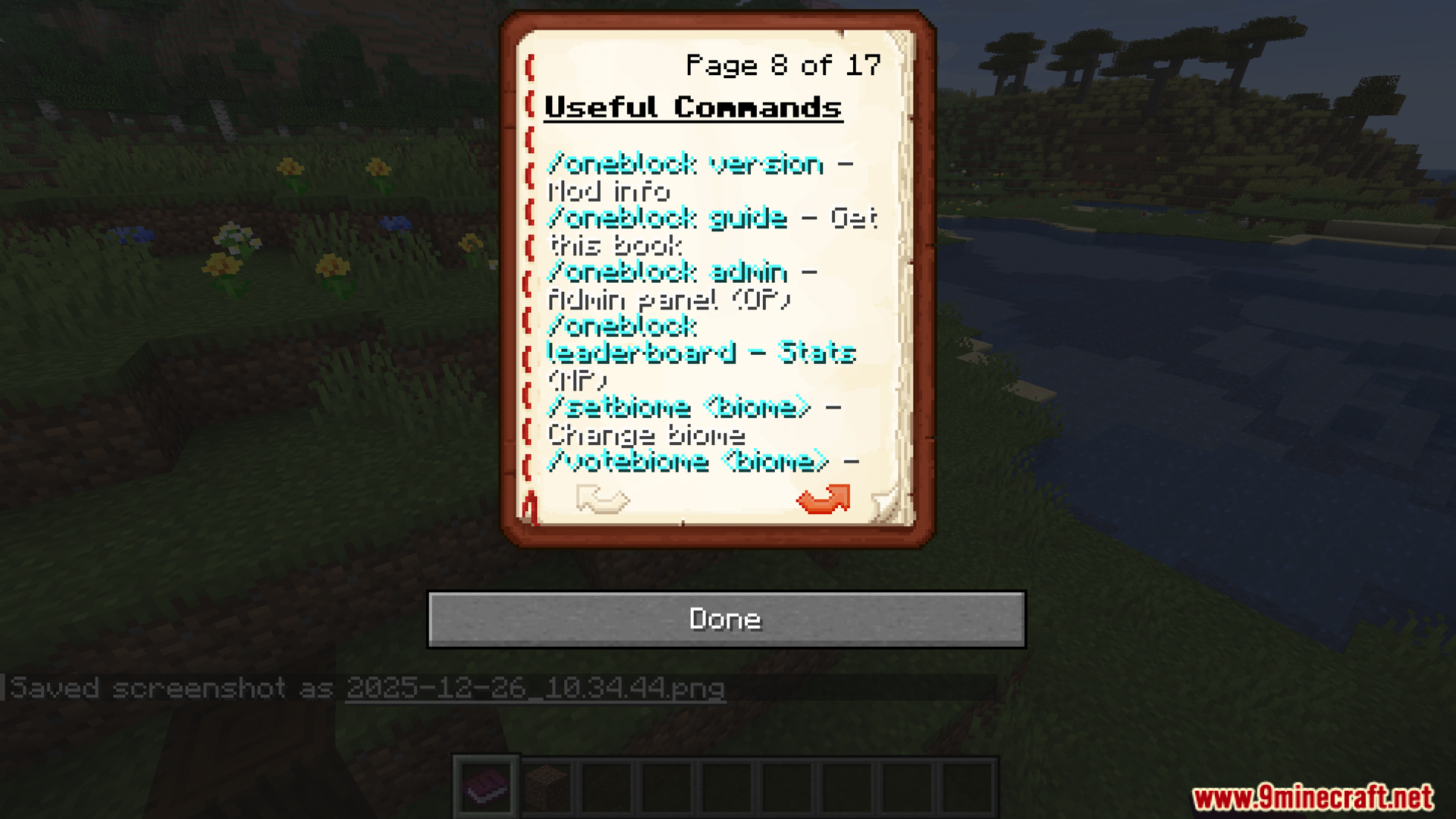
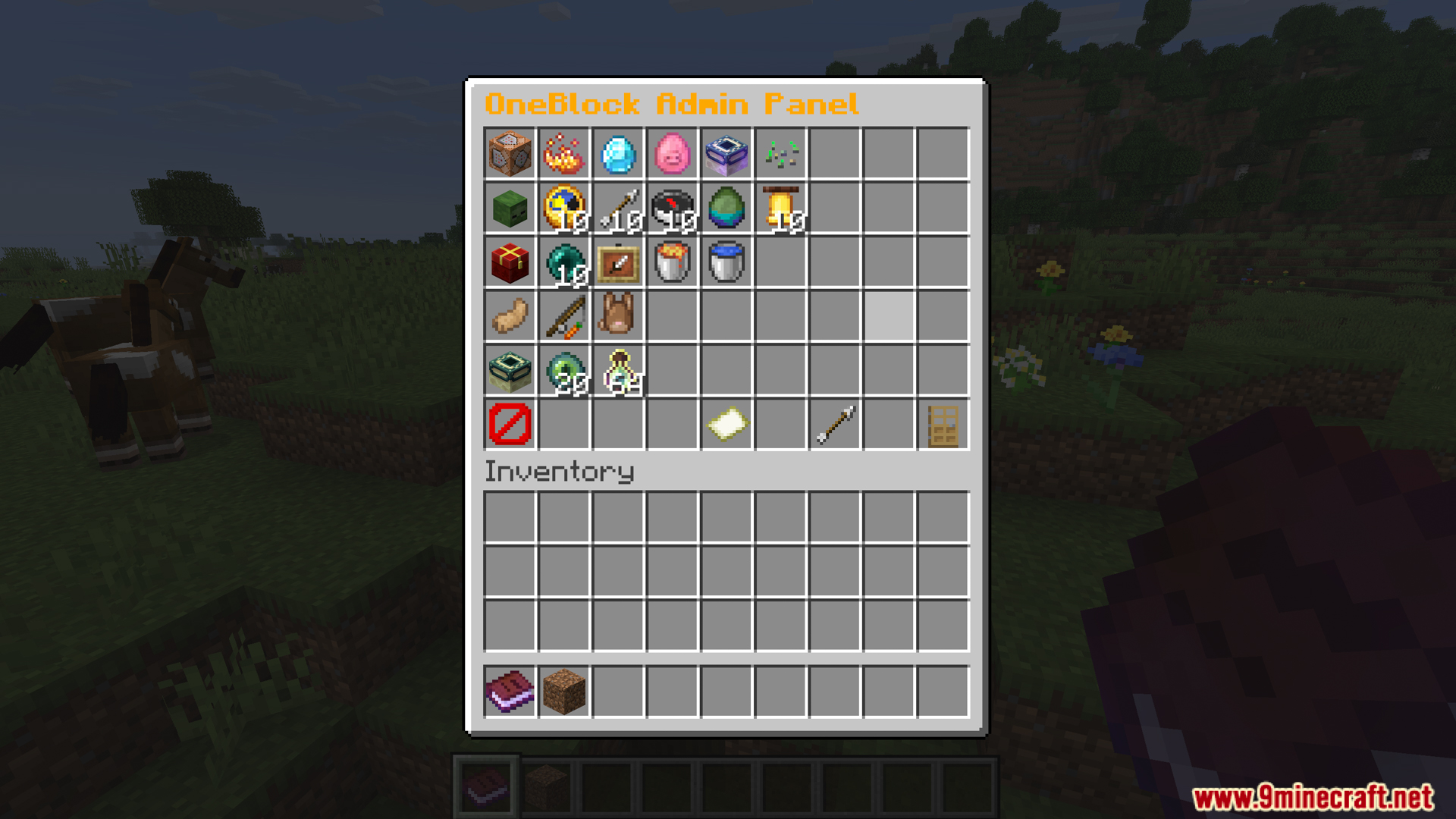
- Use /oneblock admin for the admin panel. The settings are:
- Settings for waves (enable/disable, frequency, max size, difficulty tiers).
- Drops (item drops, friendly mobs spawn).
- Item settings (number of drops, lava bucket chance).
- End portal frame settings.
- Progression cap.
- Wave countdown tiers.
- Visual/particle/sound effects.
- Use click/shift-click to increase or decrease setup values directly in the UI panel.
- OneBlock adds several special crafting recipes to aid survival in the void:
- Ice compression → Water bucket: 4 ice + 1 bucket → water bucket
- Magma compression → Lava bucket: 4 magma + 1 bucket → lava bucket
- This allows you to create renewable water and lava using OneBlock resources instead of having to find them naturally.
Screenshots:
Crafting Recipes:
Recommend that you should install Just Enough Items (for mods using Forge) or Roughly Enough Items (for mods using Fabric) to view the full recipes included in this mod.
Requires:
How to install:
Click the following link to view details: How to Install Mods for Minecraft Java Edition on PC: A Beginner Guide
One Block Mod Download Links
For Minecraft 1.20.6, 1.20.4
Fabric version: Download from Server 1 – Download from Server 2
For Minecraft 1.21.10
Fabric version: Download from Server 1 – Download from Server 2
For Minecraft 1.21.11
Fabric version: Download from Server 1 – Download from Server 2
You May Also Like