Overgeared Mod (1.21.1, 1.20.1) – Increase The Chance of Obtaining A Perfect Item

 0
0  3 days ago
Overgeared Mod (1.21.1, 1.20.1) is a Minecraft mod that completely redesigns how tools and armor are crafted. Instead of simple crafting recipes, players must forge equipment through a deeper blacksmithing system that rewards preparation, timing, and progression. The mod is inspired by complex survival mods like TerraFirmaCraft and introduces systems such as forging, alloy smelting, blueprints, and casting. It is fully compatible with datapacks, and using JEI or EMI is highly recommended to browse recipes.
Features:
Main Progression
- Learn basic crafting through new advancement steps.
- Start with rock knapping to craft primitive tool parts.
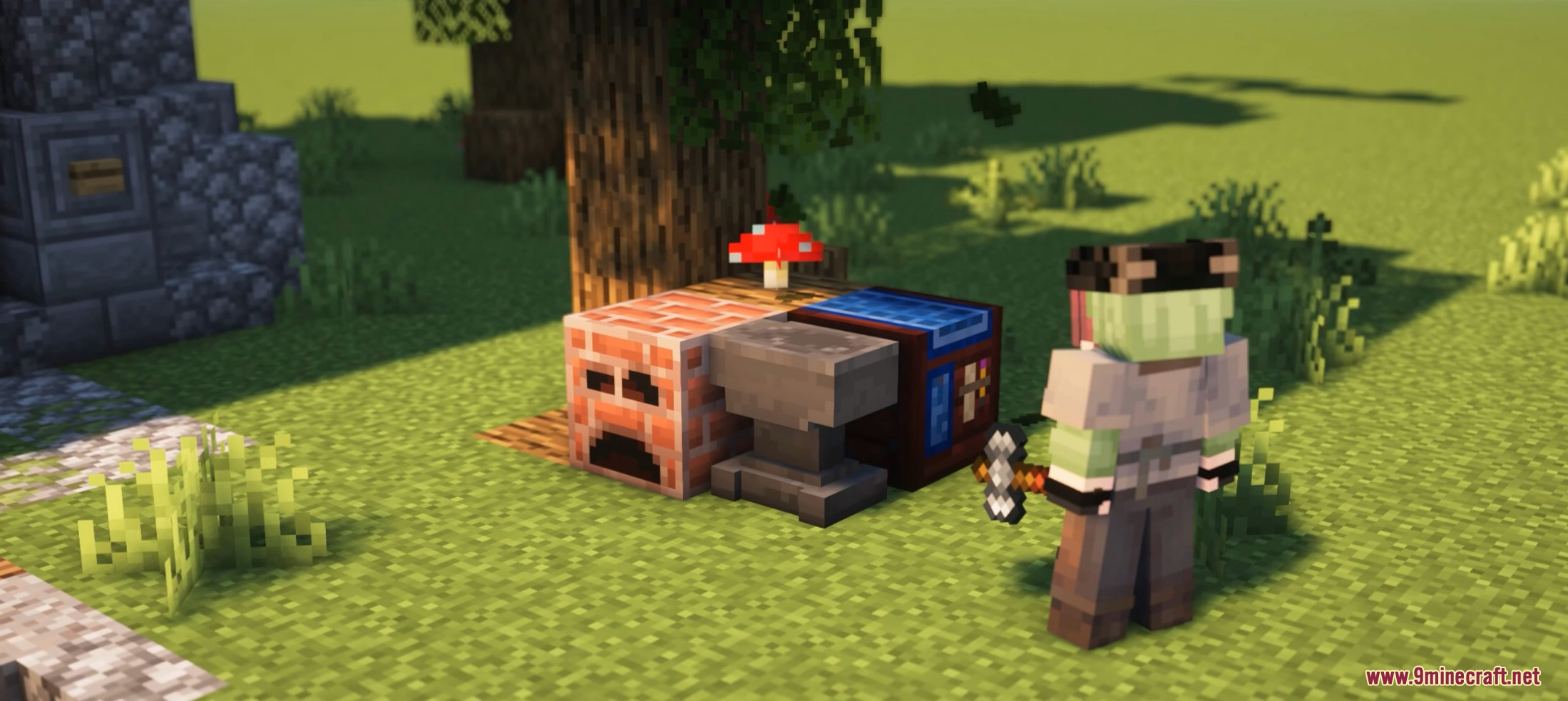
- Create your first forge using anvils and smithing tools.
- Use blueprints to unlock better forging quality.
- Smelt alloys and craft higher-tier materials.
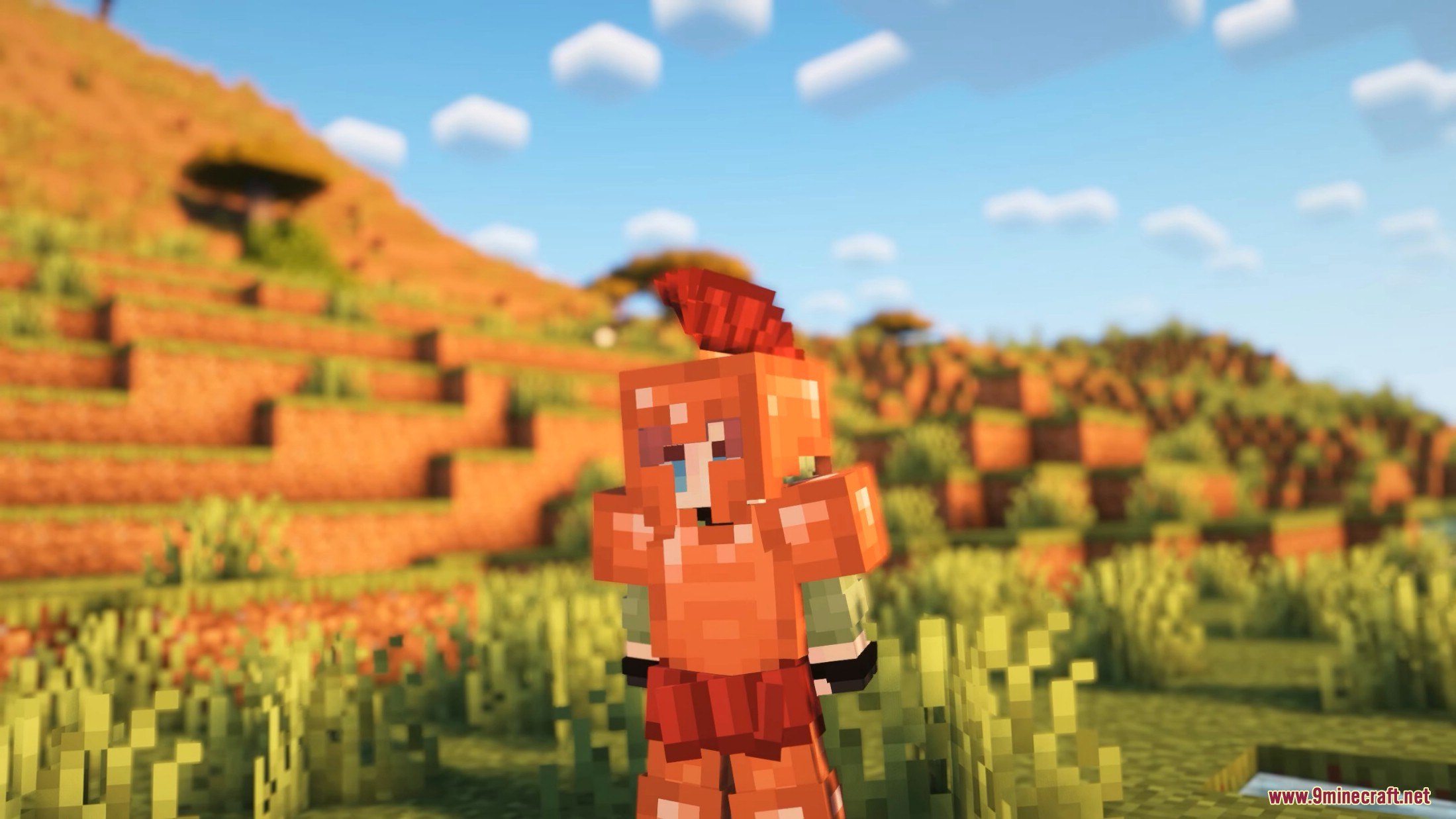
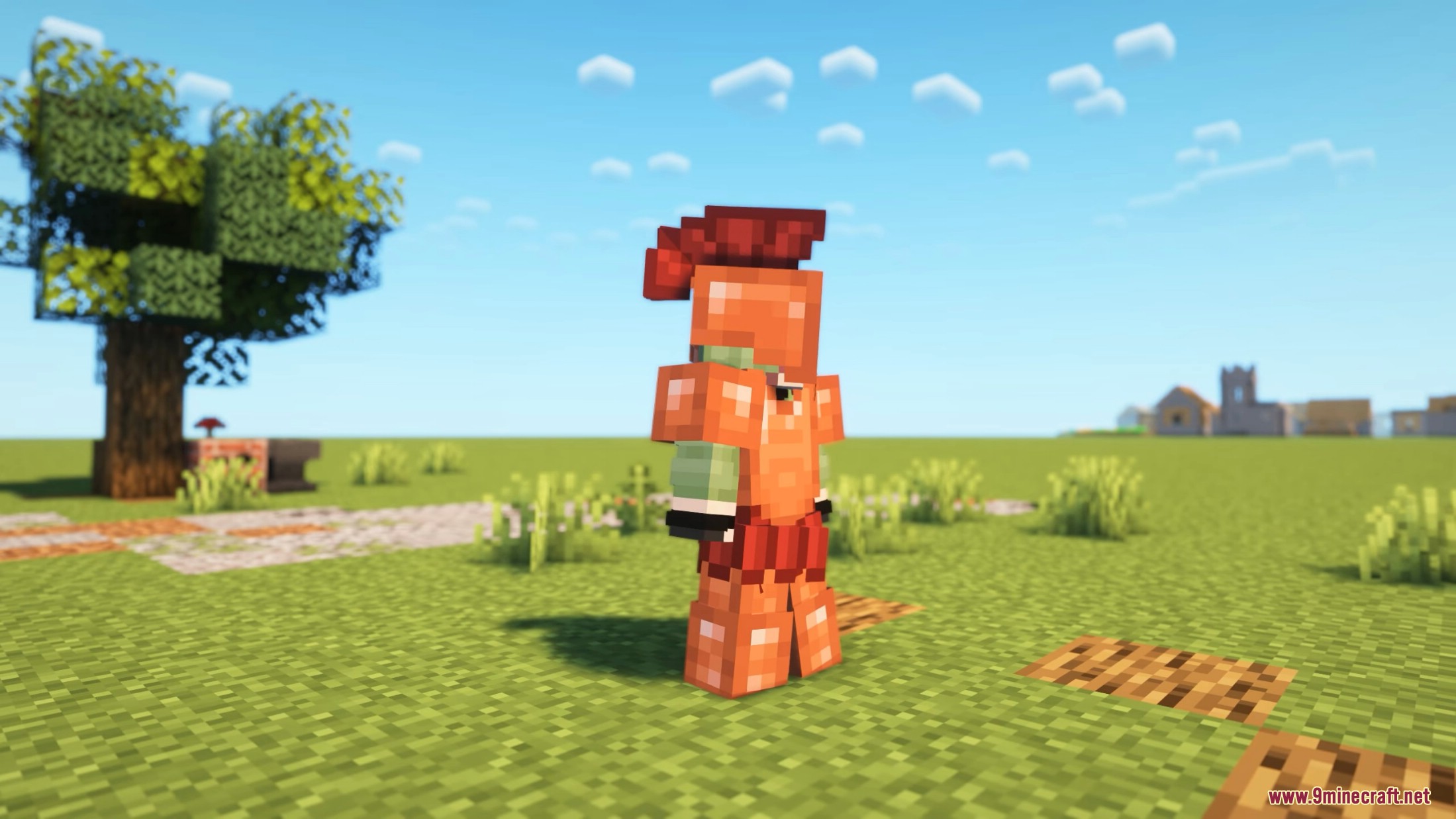
- Advance to powerful forged equipment and casting systems.
Core Blacksmithing System
- Equipment is no longer crafted directly in a crafting table.
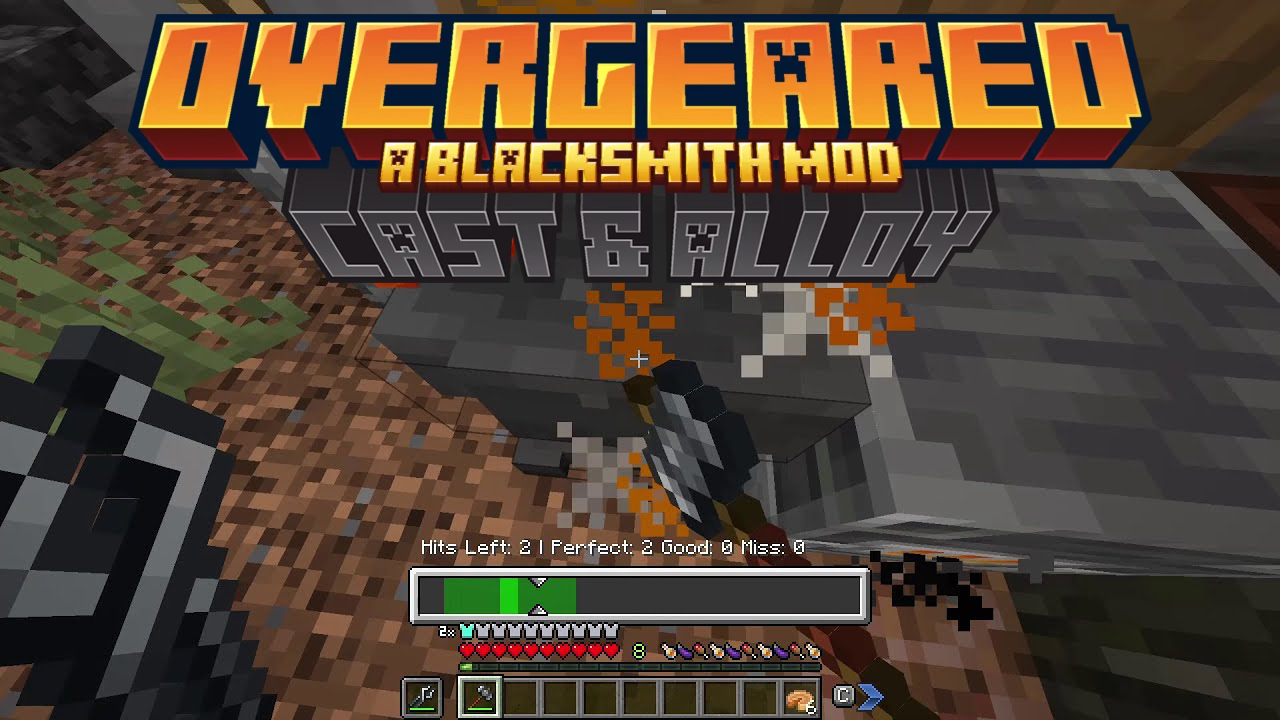
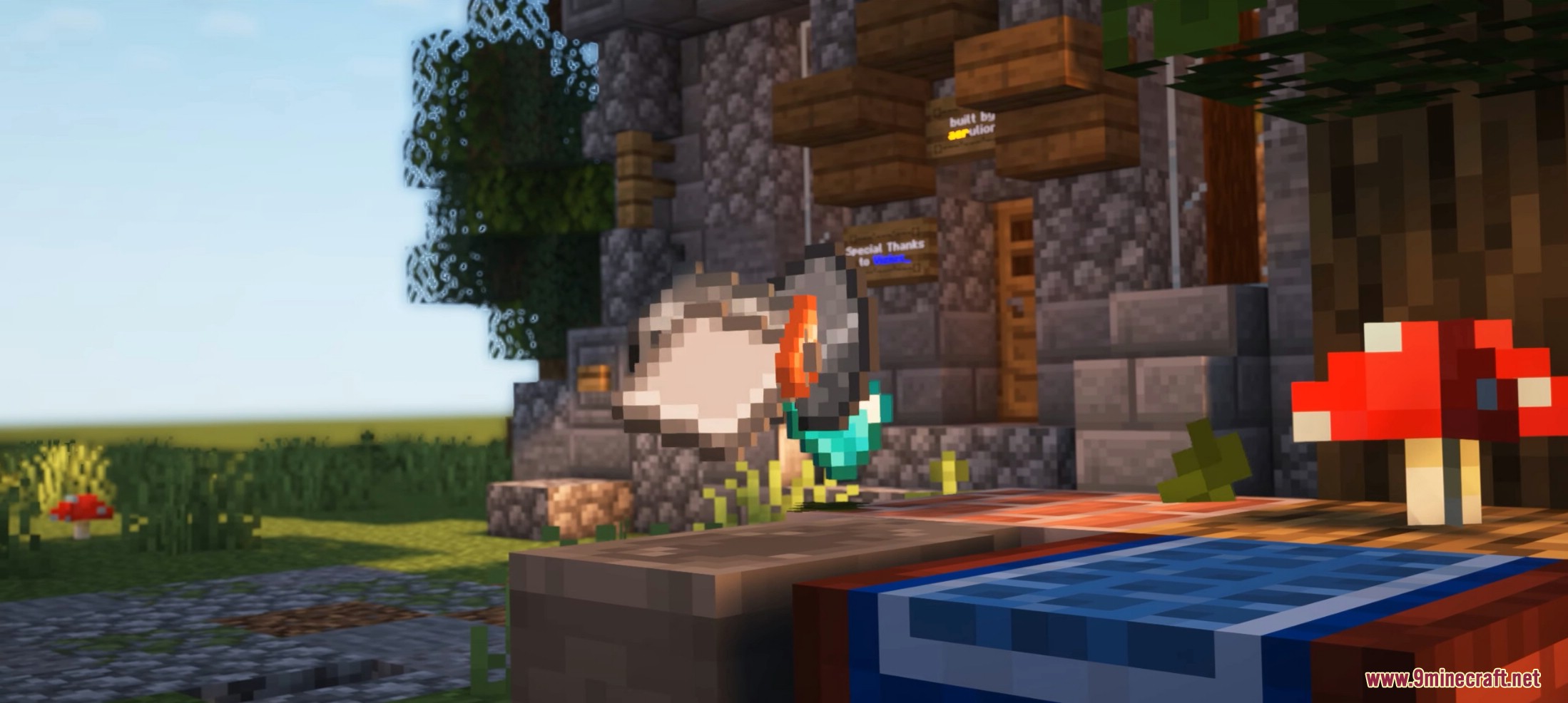
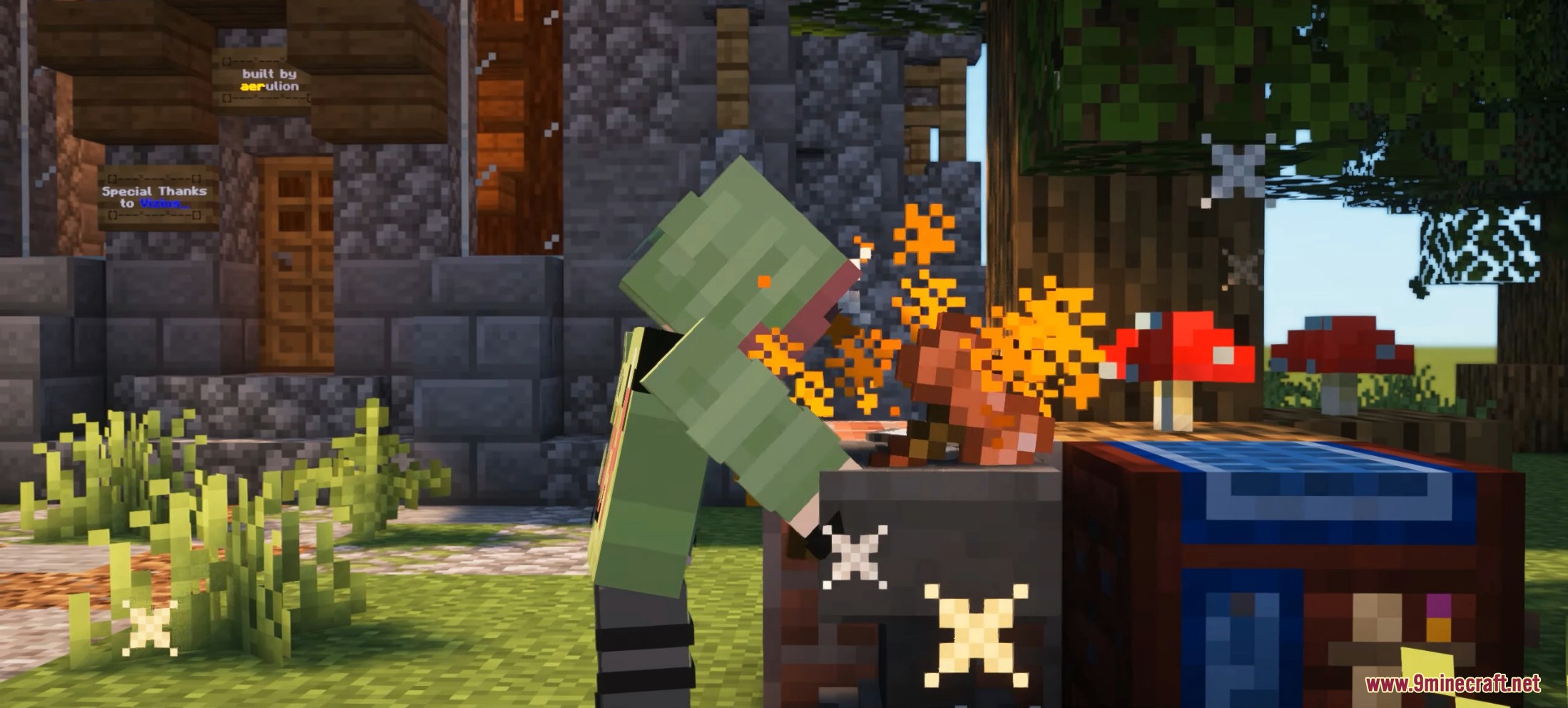
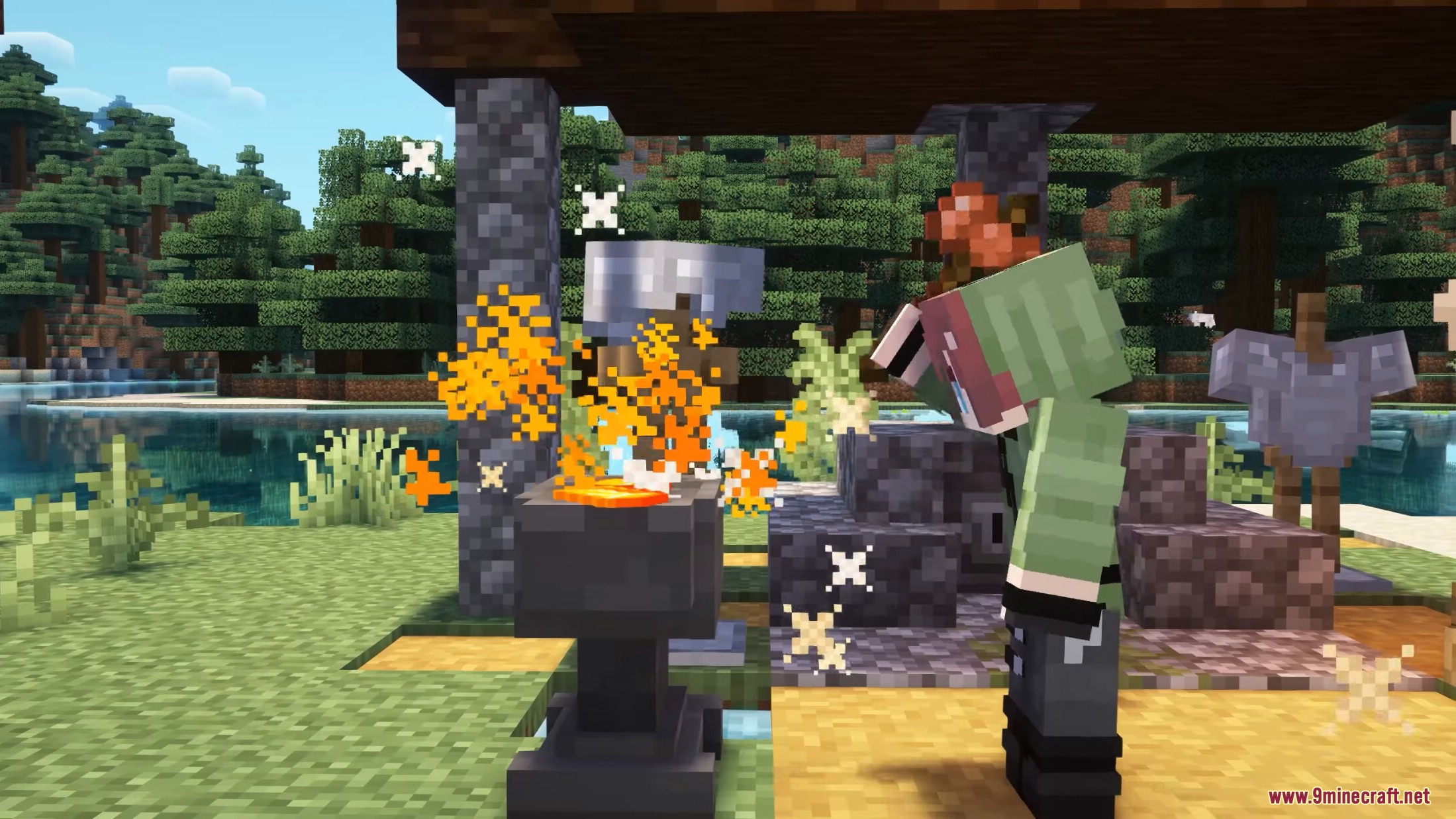
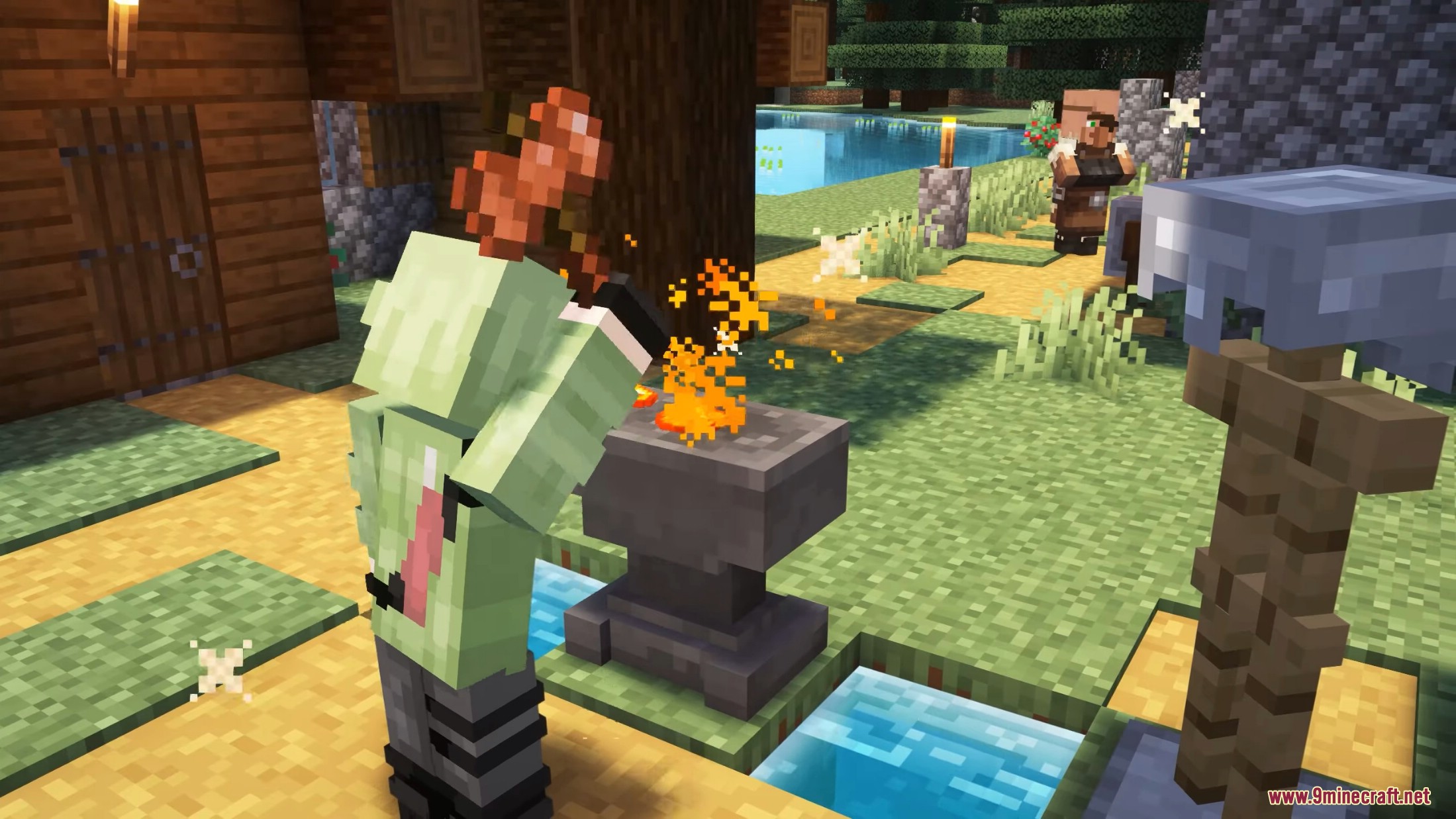
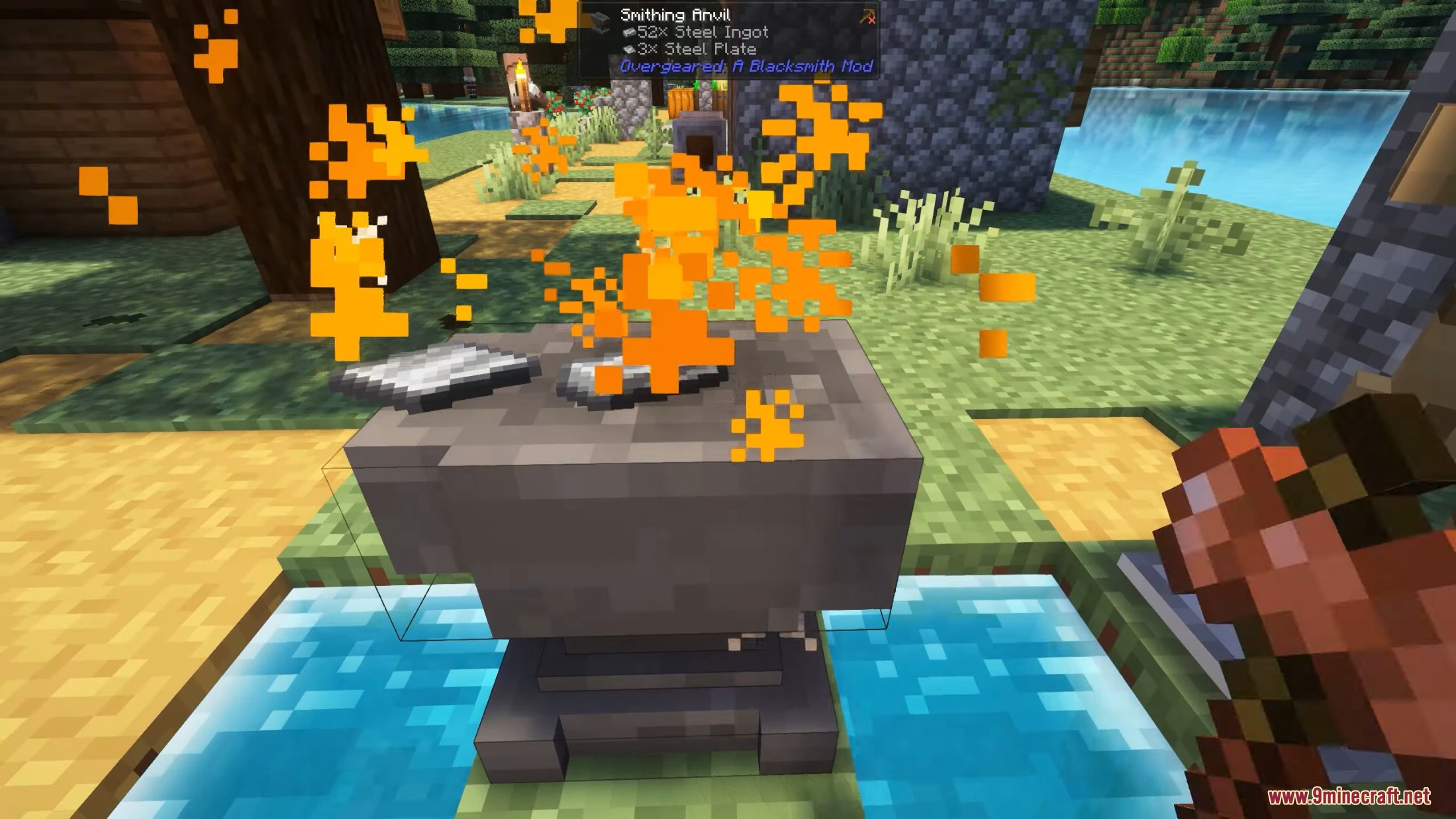
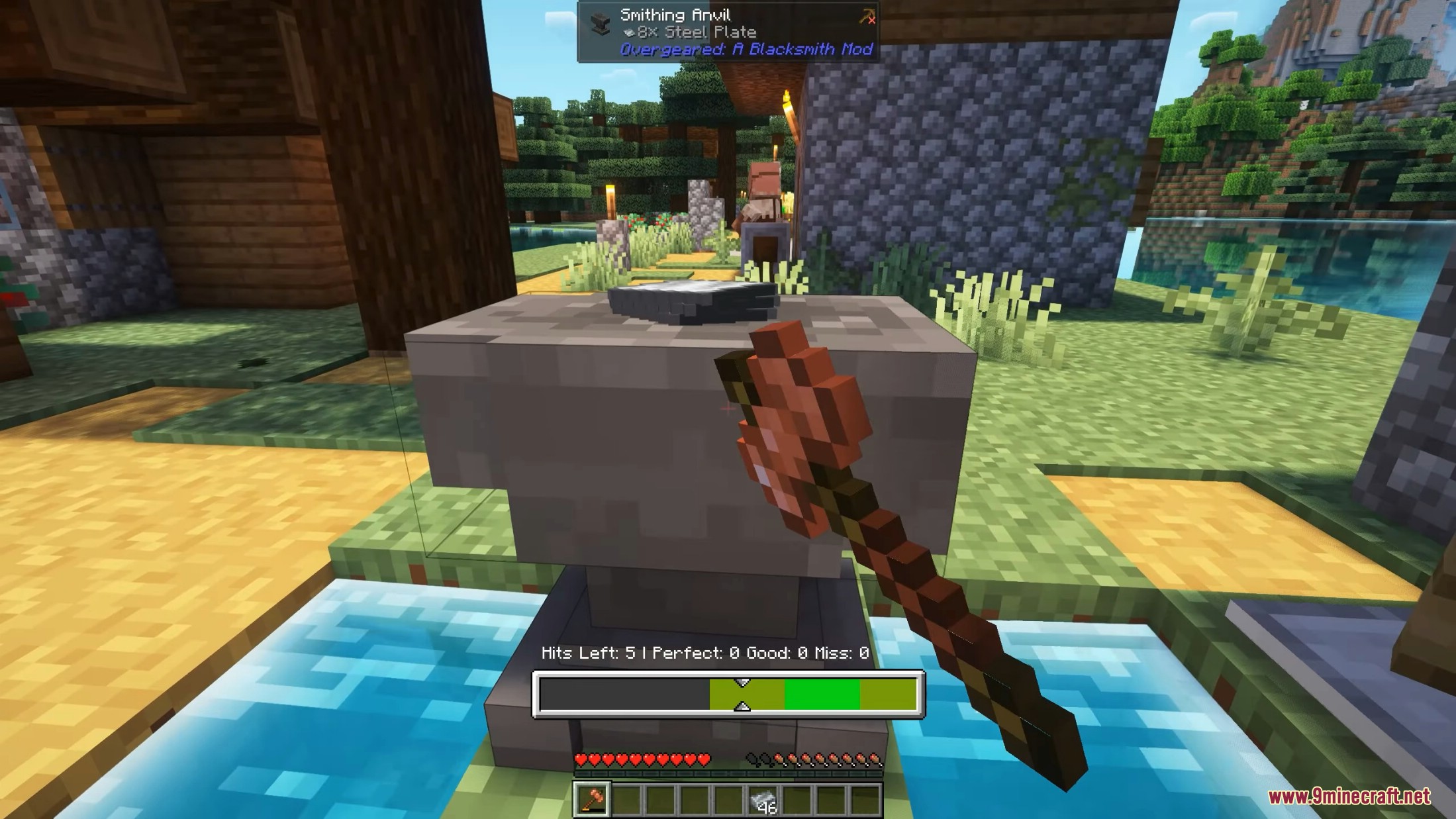
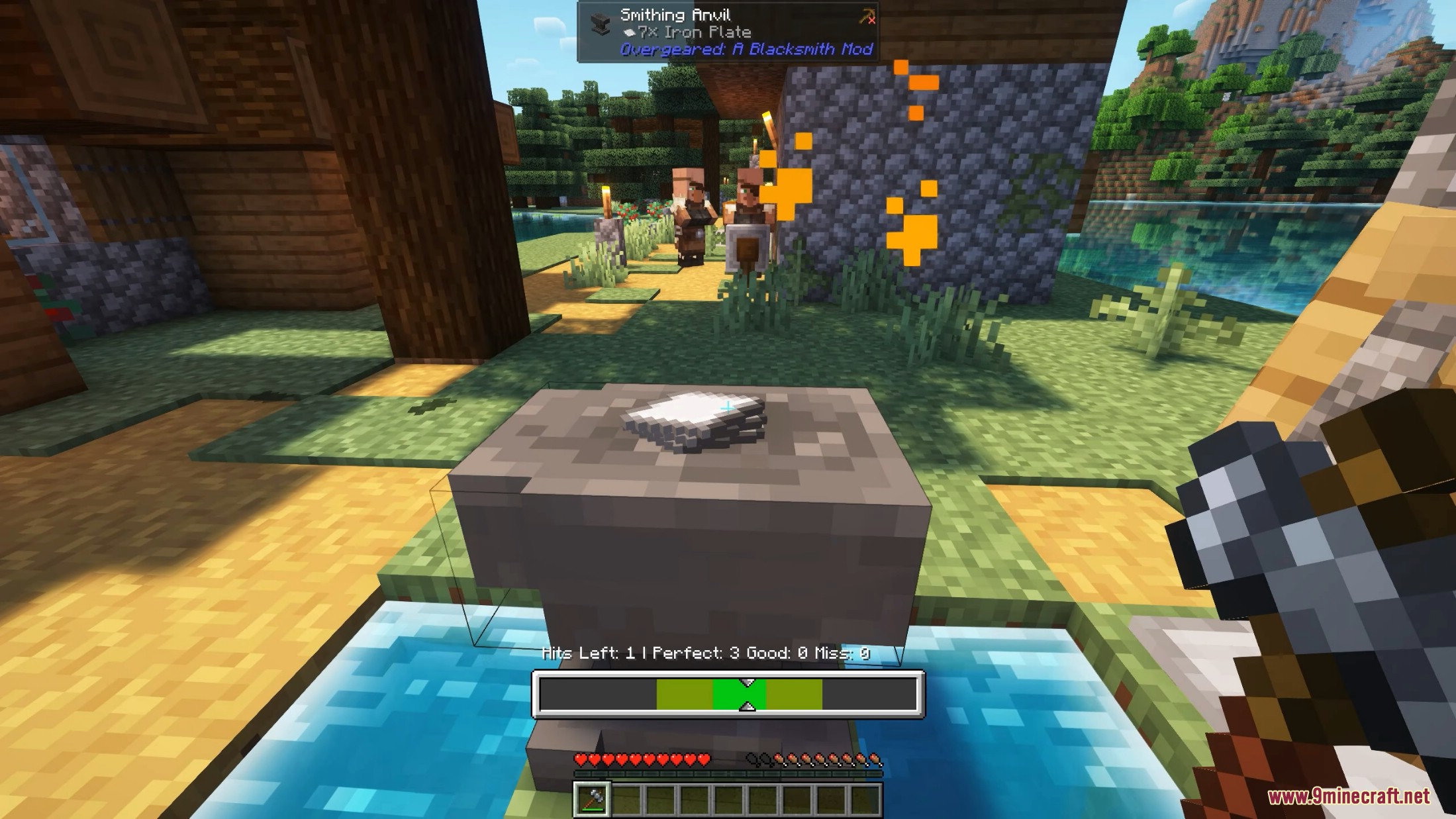
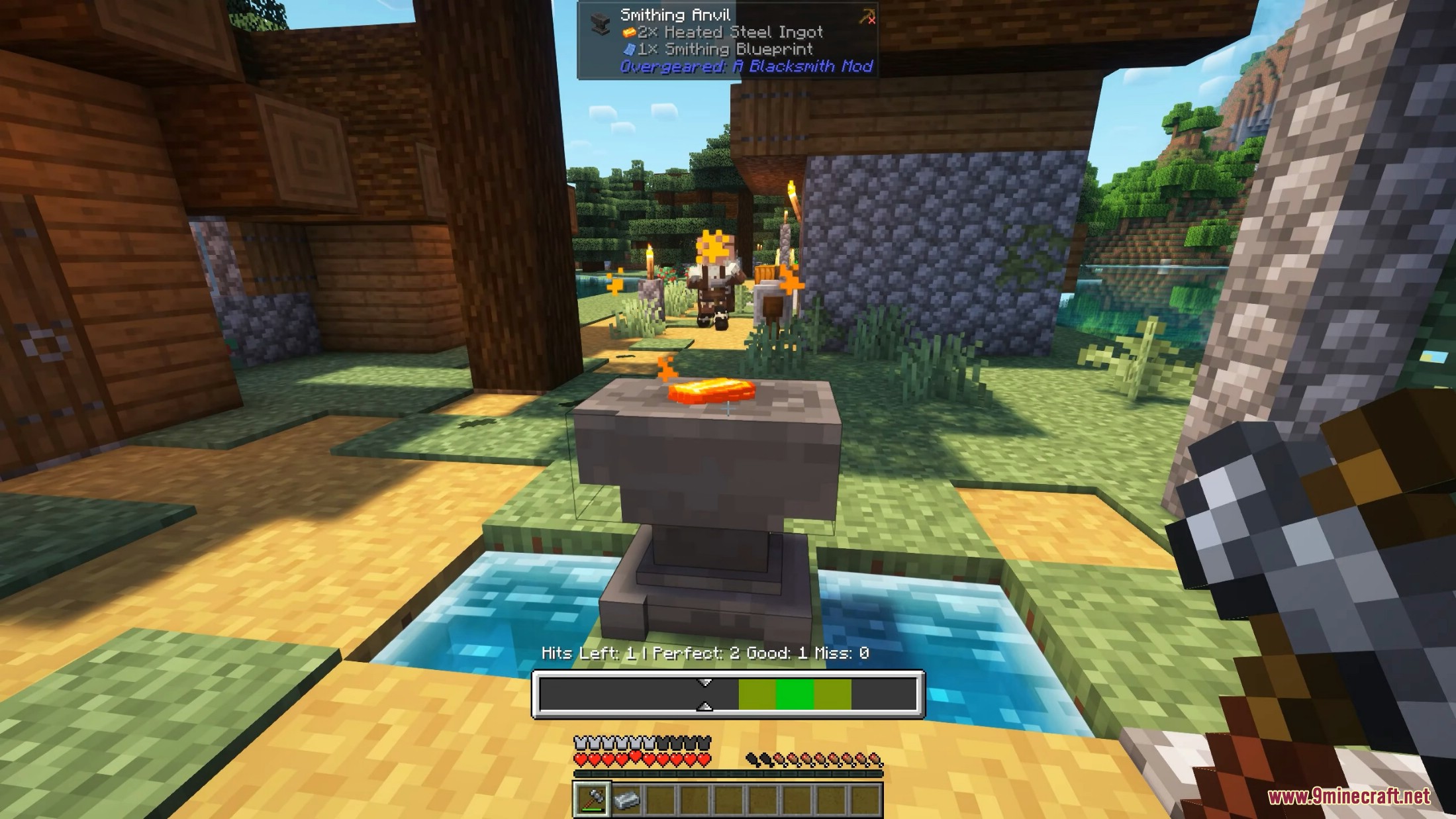
- Players must forge items at an anvil using a hammer.
- A timing-based forging minigame determines item quality.
- The better the timing, the higher the final item quality.
Forging Quality Tiers
- Poorly Forged
- Well Forged
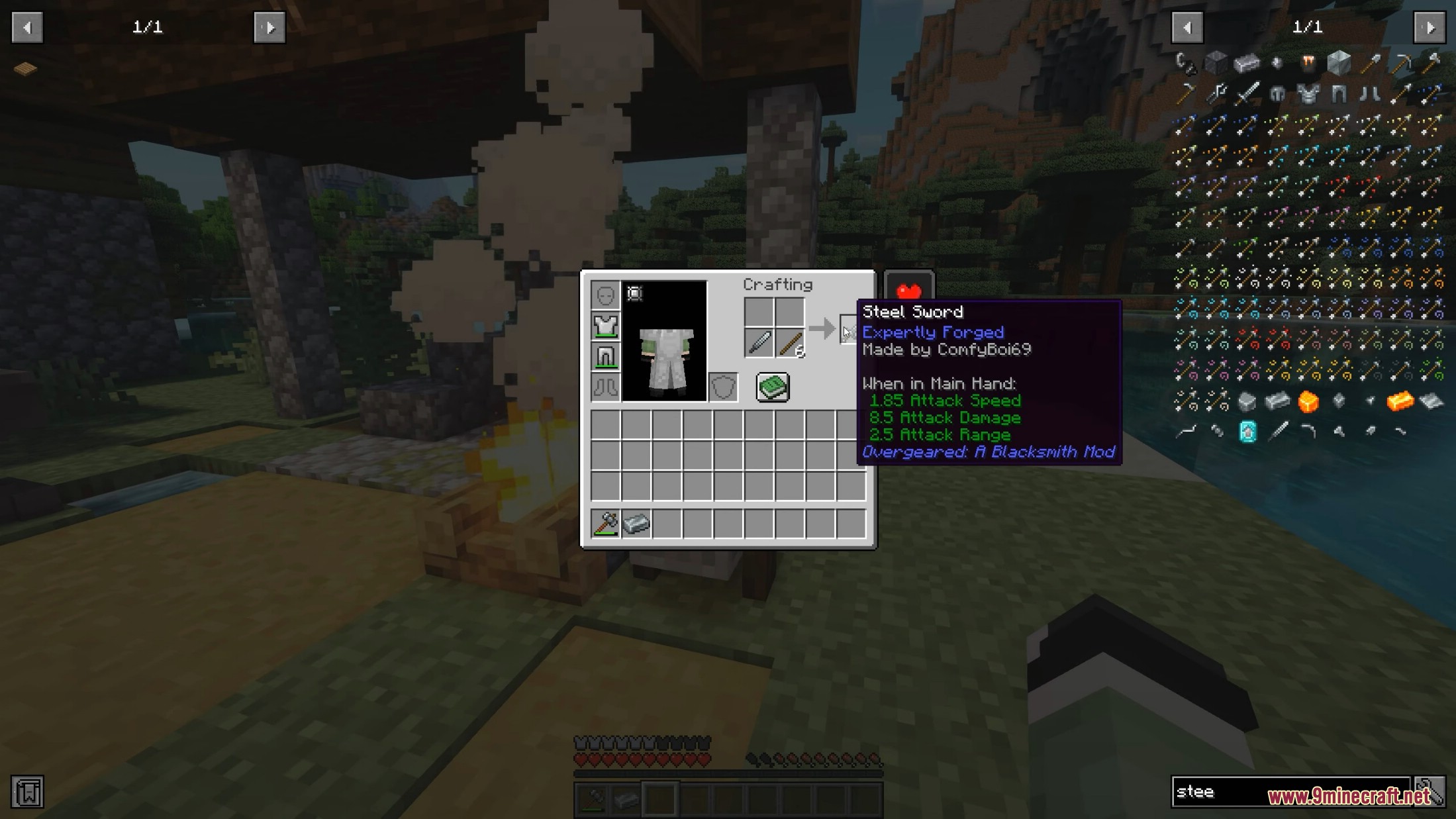
- Expertly Forged
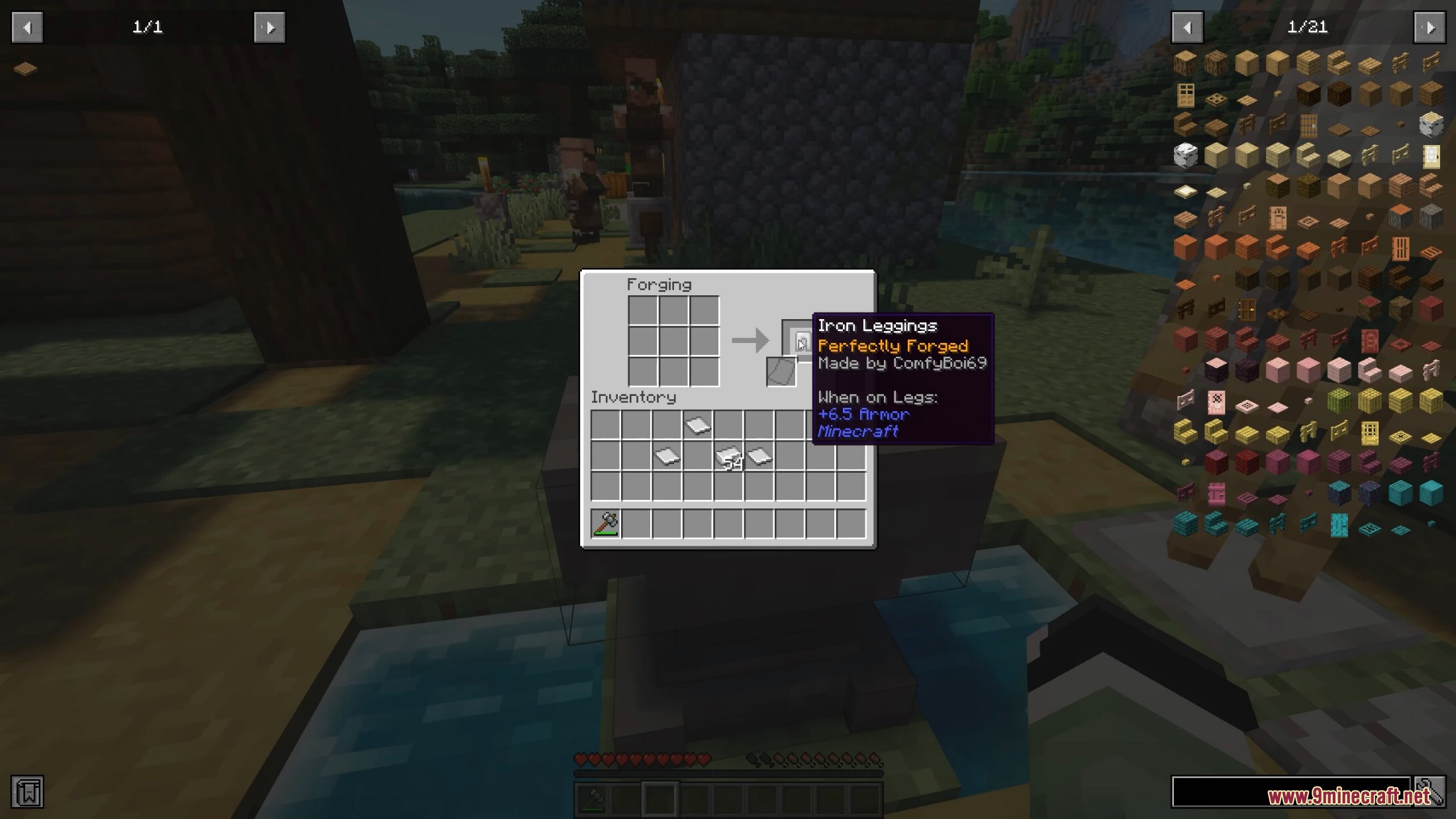
- Perfectly Forged
- Masterwork
Quality affects:
- Durability
- Attack damage
- Attack speed
- Mining speed
Important Tools
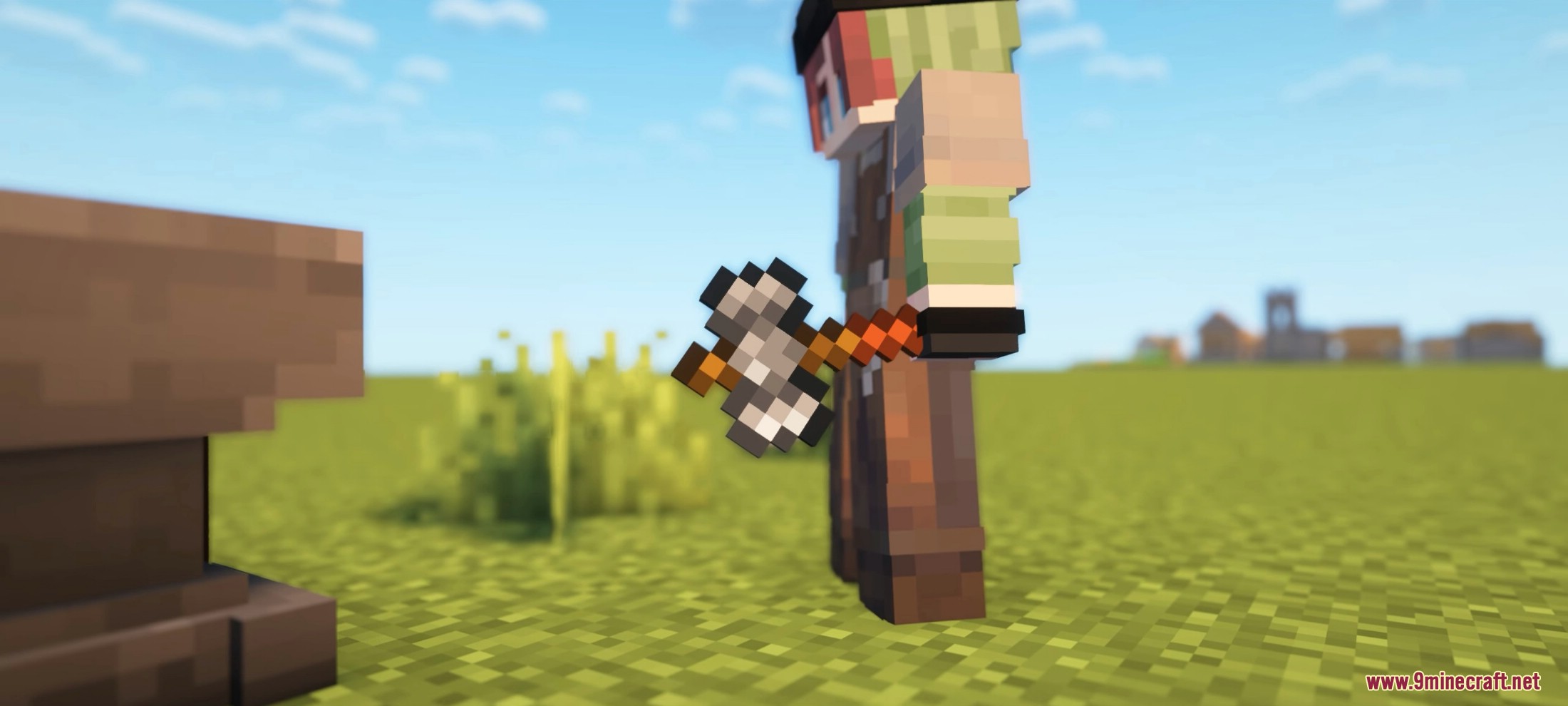
- Smithing Hammer
- Used to start the forging process.
Sneak + Right Click Stone→ convert to a Stone AnvilSneak + Right Click Vanilla Anvil→ convert to a Smithing AnvilSneak + Right Click Smithing Anvil→ start forging
- Smithing Tongs
- Used to safely handle heated metal.
- Available in Wooden, Iron, and Steel variants.
- Smithing Anvil
- Main workstation for forging.
- Place ingredients in a 3×3 grid and start forging using a hammer.
- Stone Anvil
- Early-game forging station.
- Cheaper but has lower durability.
- Supports forging only up to Well Forged quality.
Rock Knapping
- Used to craft primitive stone tool parts.
- Obtain rocks by repeatedly
Right Clickwith flint on stone. - Use a 3×3 knapping interface to shape tool heads.
Blueprint System
- Blueprints determine the maximum forging quality for tools.
- Created and managed using a Drafting Table.
- Each blueprint tracks:
- Quality level
- Number of uses
- Tool type
- Maximum achievable forging tier
- Blueprints can:
- Improve through repeated forging
- Be duplicated using Empty Blueprints (duplicates have lower quality)
Steel Equipment
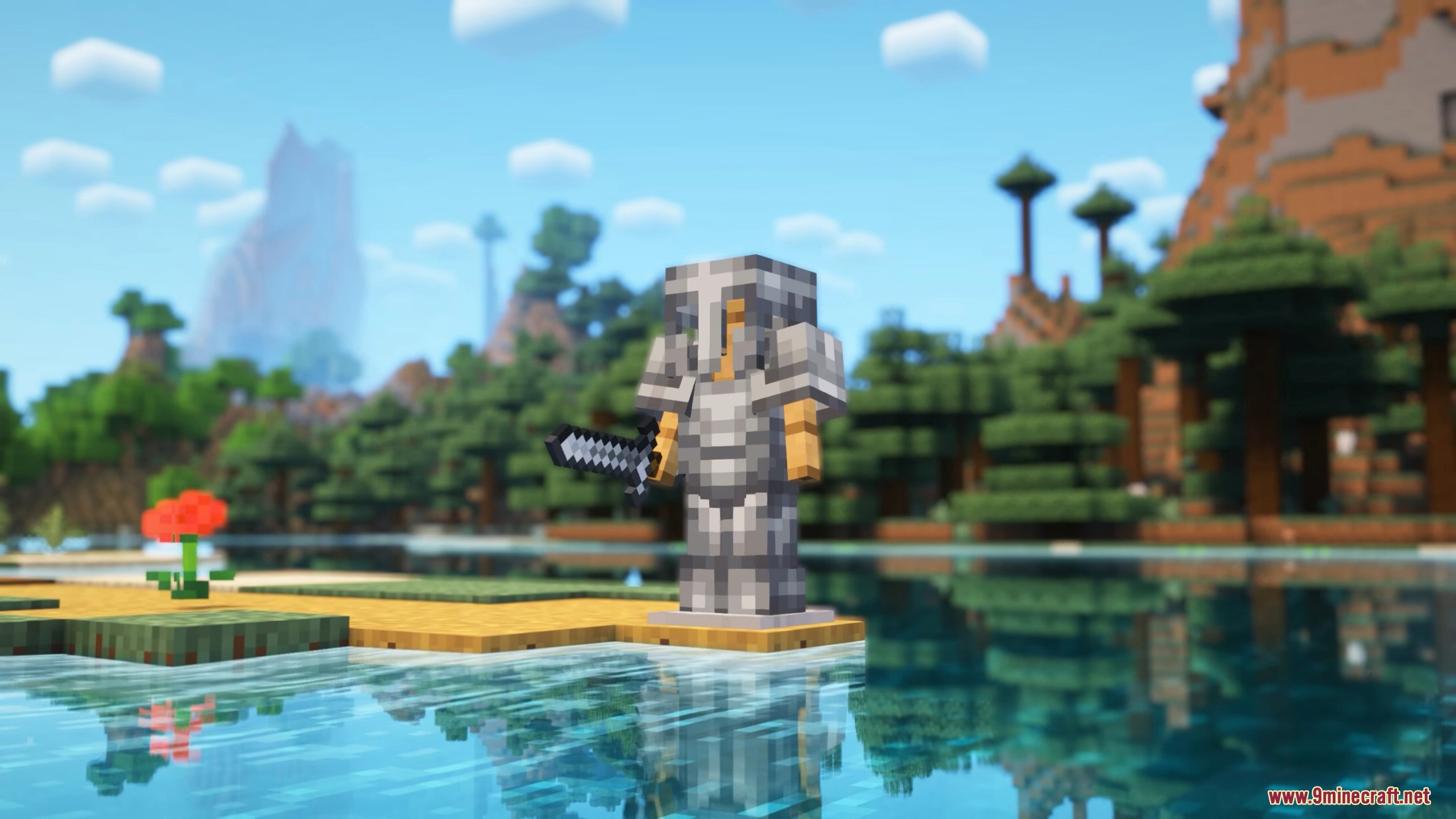
- A full Steel gear tier exists between Iron and Diamond.
- Provides a natural progression step before late-game equipment.
Diamond Crafting Changes
- Diamond gear cannot be crafted in a crafting table.
- Players must upgrade Steel equipment using a Smithing Table.
- Requires a special Smithing Template found in structures such as:
- Strongholds
- Desert Pyramids
- Shipwrecks
- Ancient Cities
- Woodland Mansions
- Pillager Outposts
- Buried Treasure
- Mineshafts and Dungeons
Casting System
- Allows duplication of tool heads using molds.
- Sacrifices forging quality for easier mass production.
- Two types of casts:
- Clay Tool Cast – early game, fragile
- Nether Tool Cast – late game, durable
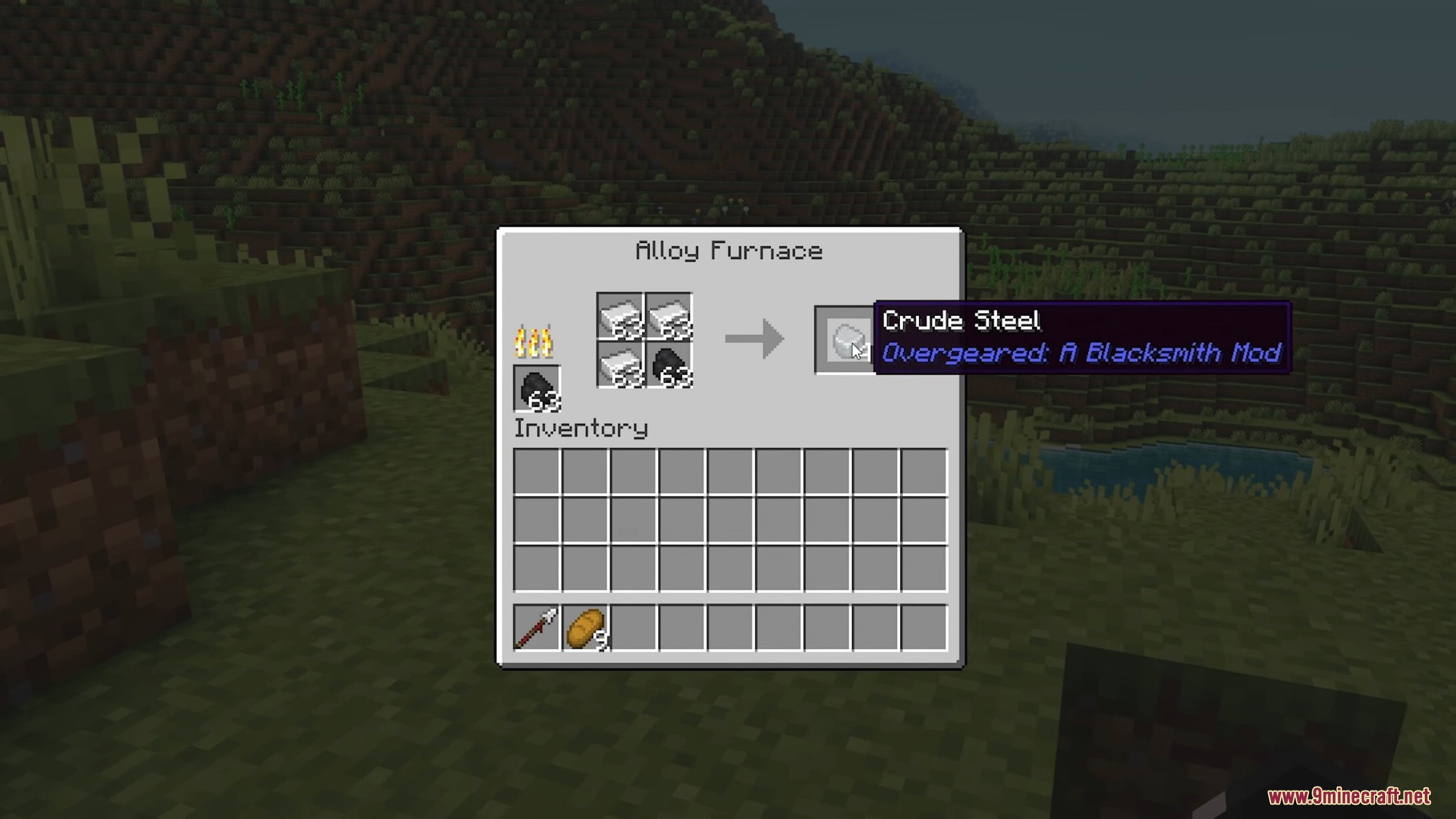
Alloy Furnaces
- Special furnaces used for advanced alloy creation.
- Brick Alloy Furnace
- 4 input slots
- Standard alloy recipes
- Nether Alloy Furnace
- 9 input slots
- Required for high-tier alloys and Netherite
Special Recipe Types
nbt_smeltingandnbt_blasting– preserve NBT datacast_smeltingandcast_blasting– used for tool castingalloy_smelting– supports up to 4 inputsnether_alloy_smelting– supports up to 9 inputs
Utility Commands:
/givecast <toolType> [quality] [material]– gives a custom tool cast/setforgingquality <quality>– sets forging quality for the held item
Screenshots:
Requires:
How to install:
Click the following link to view details: How to Install Mods for Minecraft Java Edition on PC: A Beginner Guide
Overgeared Mod (1.21.1, 1.20.1) Download Links
For Minecraft 1.20.1, 1.20
Forge version: Download from Server 1 – Download from Server 2
For Minecraft 1.21.1, 1.21
Forge version: Download from Server 1 – Download from Server 2
You May Also Like