Perf Boost Mod (1.21.10) – Shows Stats And Boosts FPS

 0
0  2 hours ago
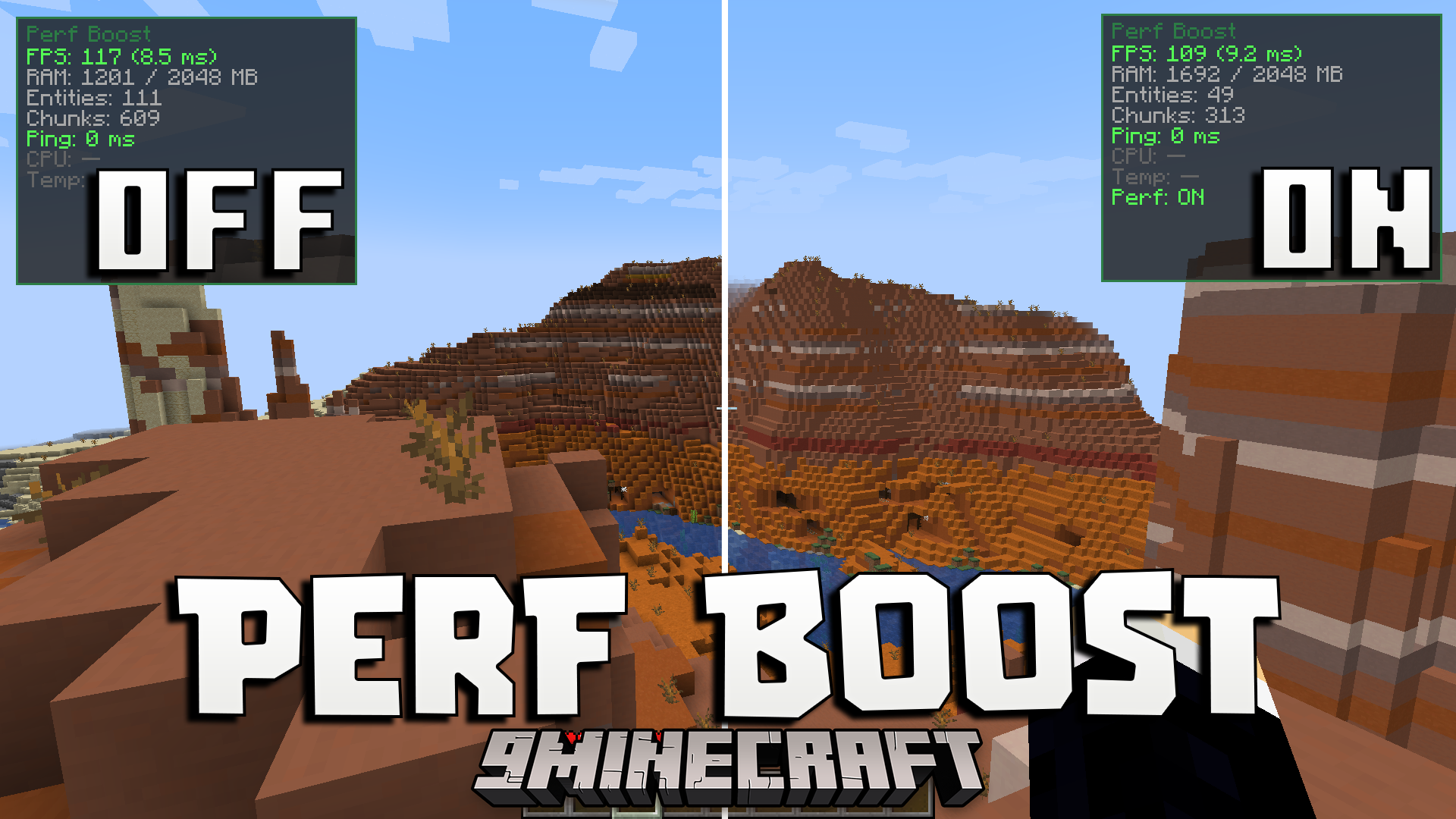
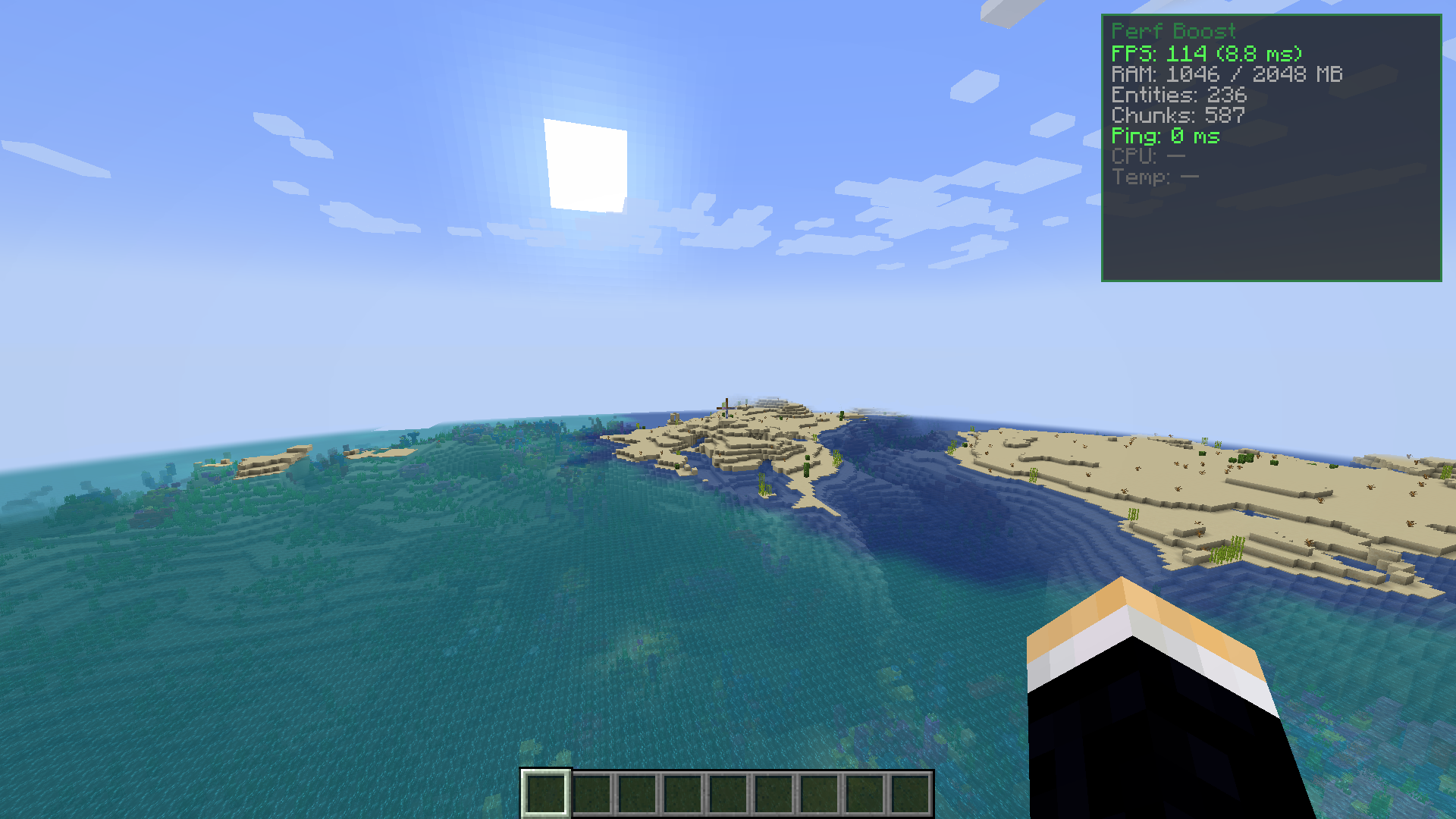
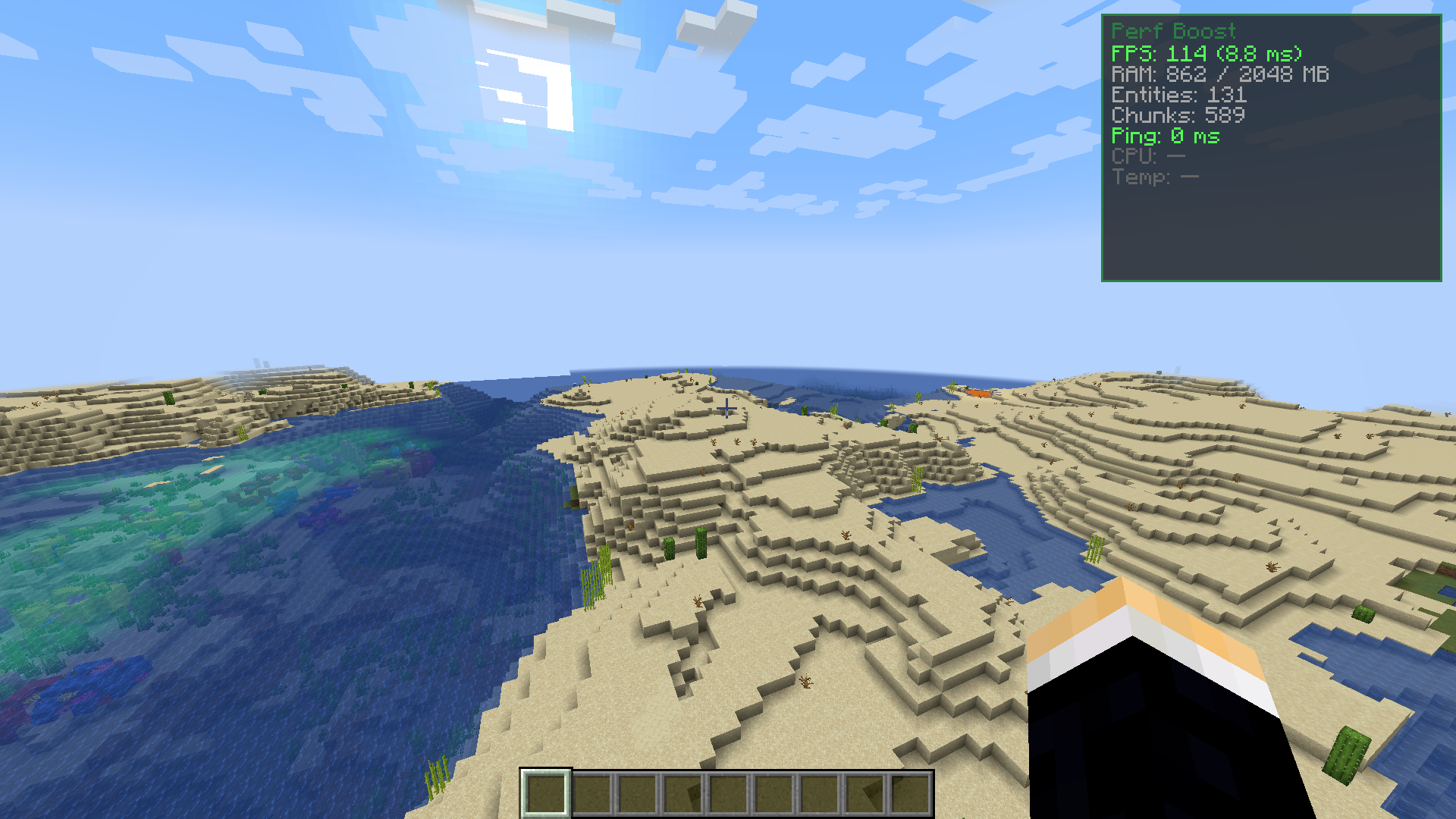
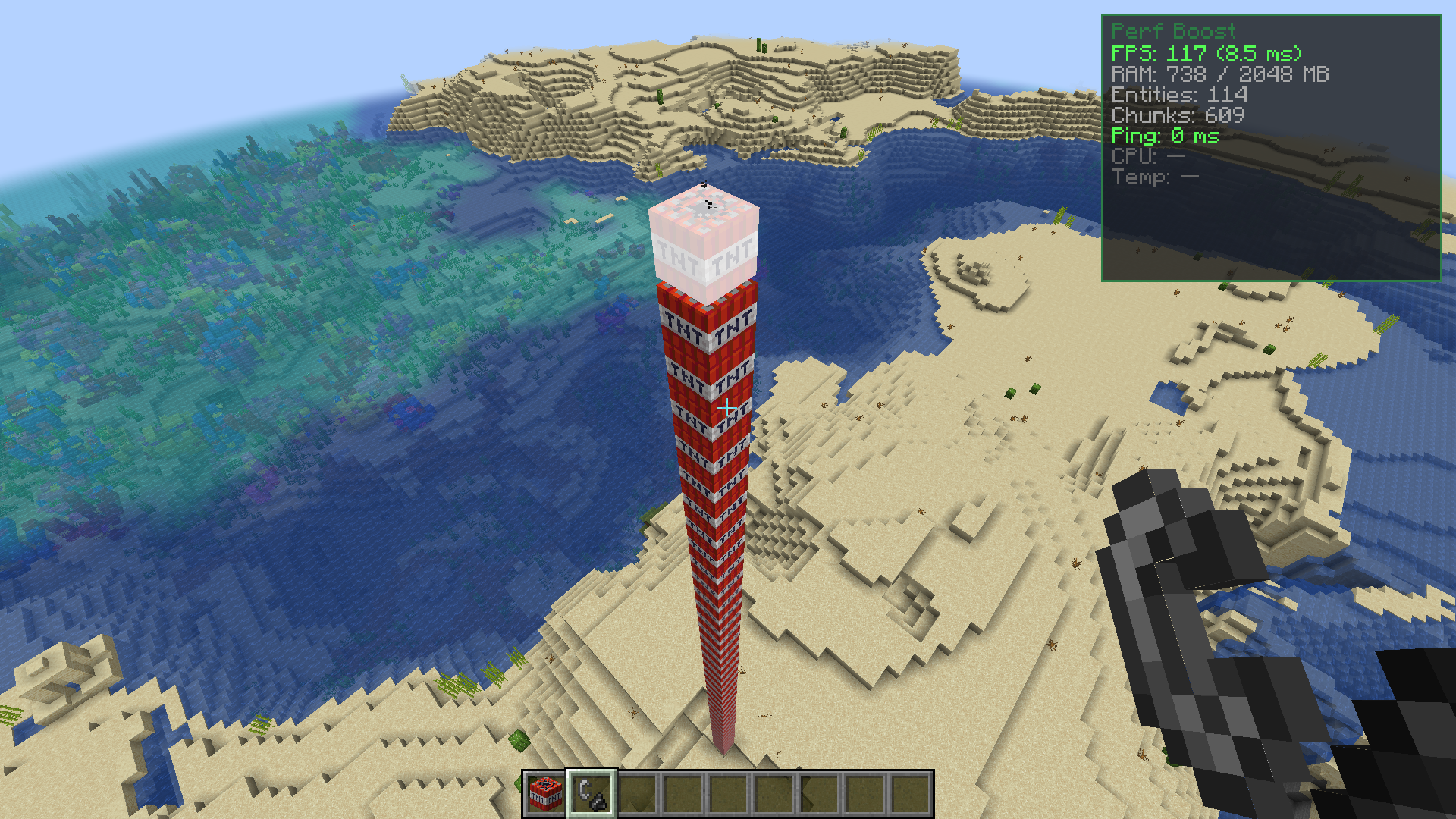
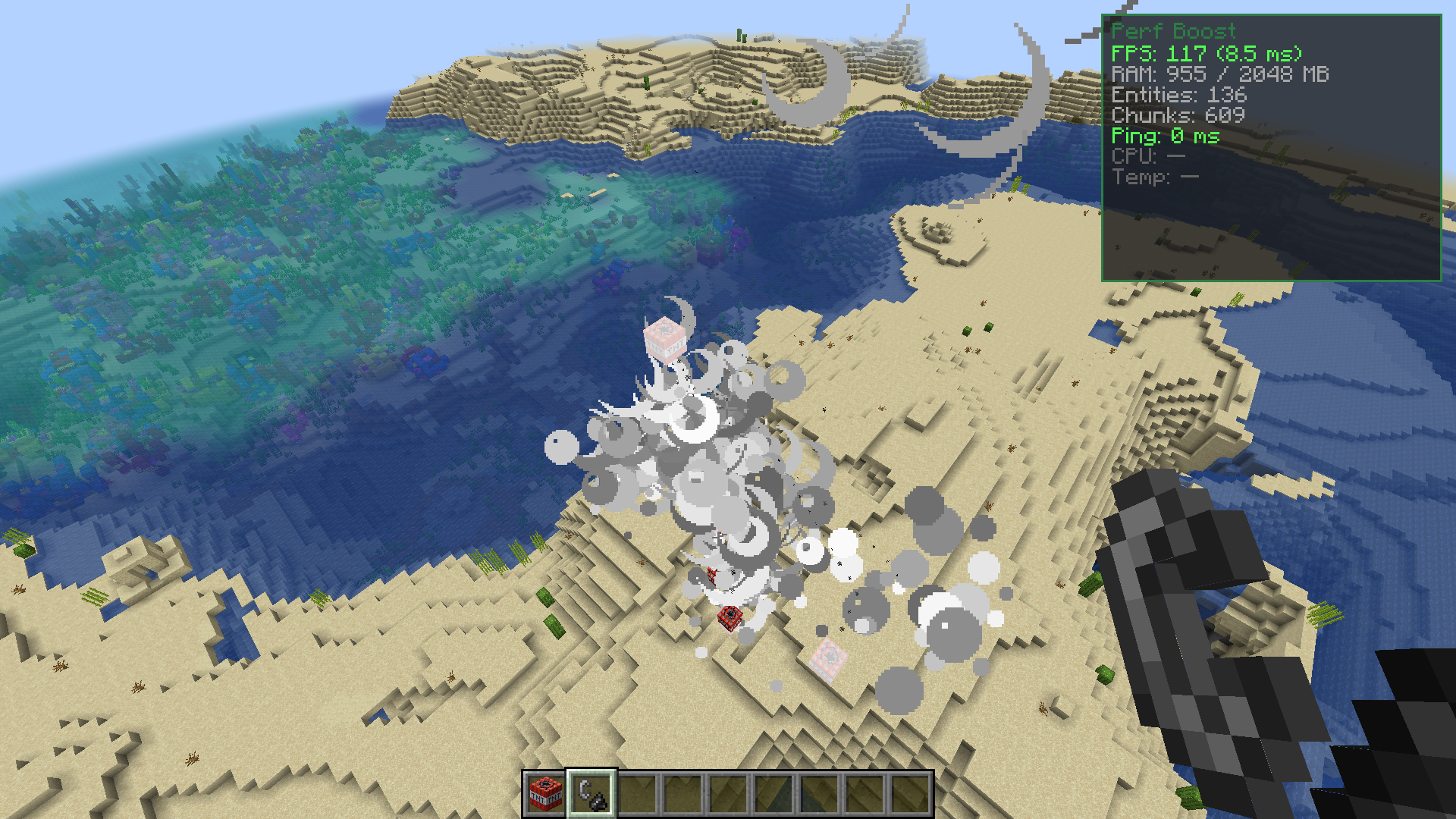
Perf Boost adds a helpful screen to show your game stats and gives you a quick way to make your game run faster. It lets you see details like your frames per second and how much memory you are using. It also brings a special mode that quickly lowers your graphics settings to stop lag when there is too much happening on your screen.
Features:
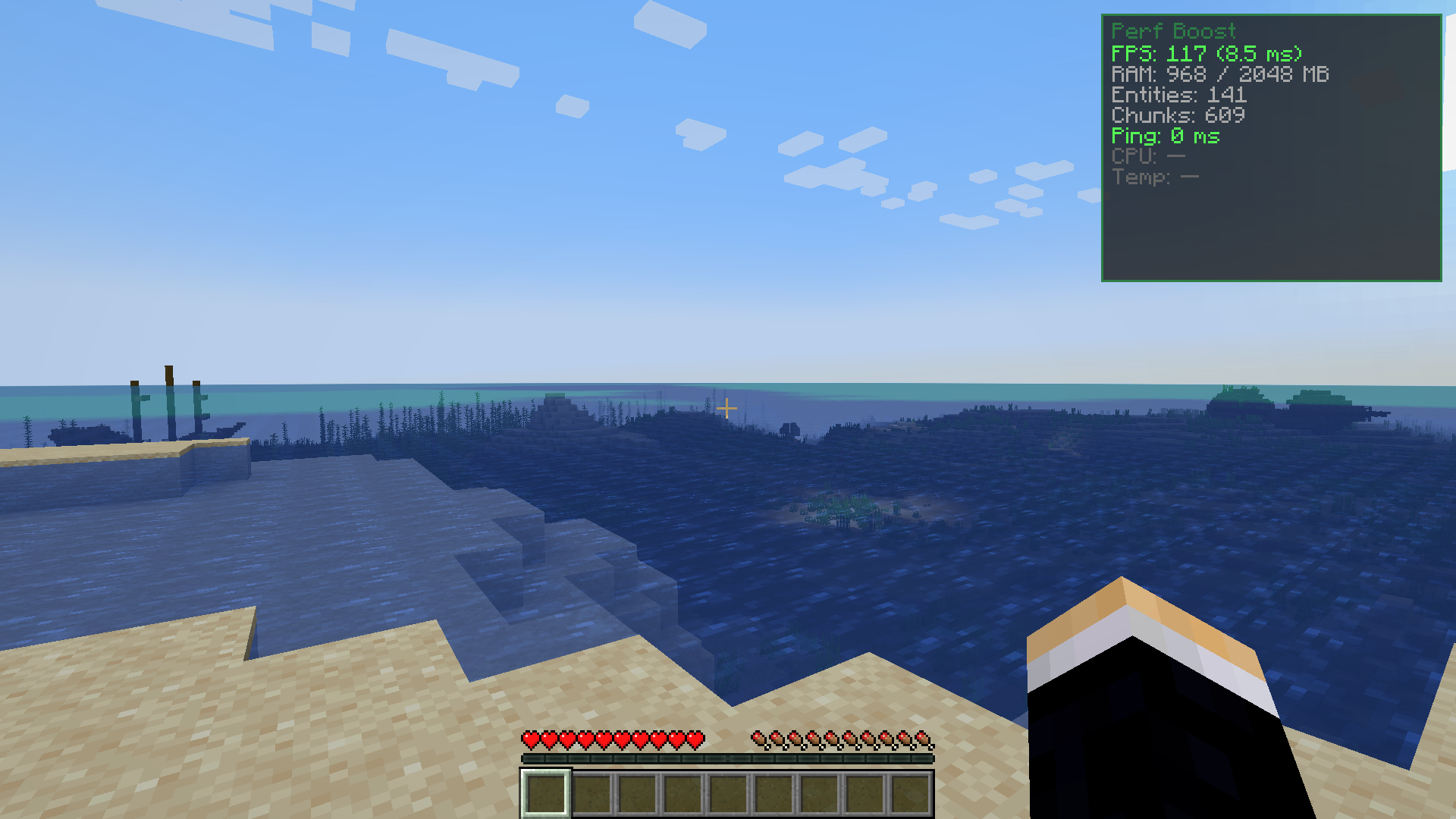
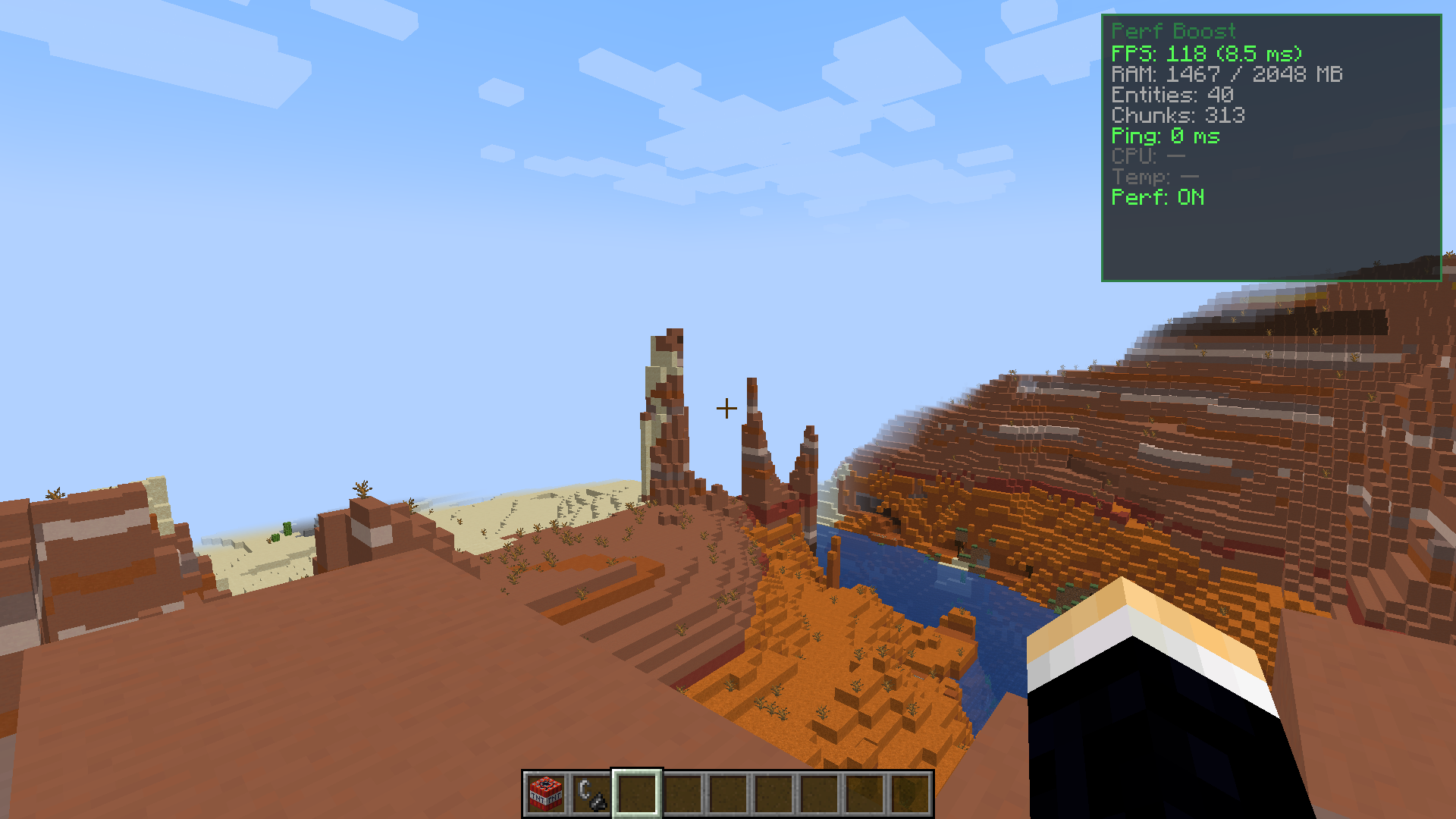
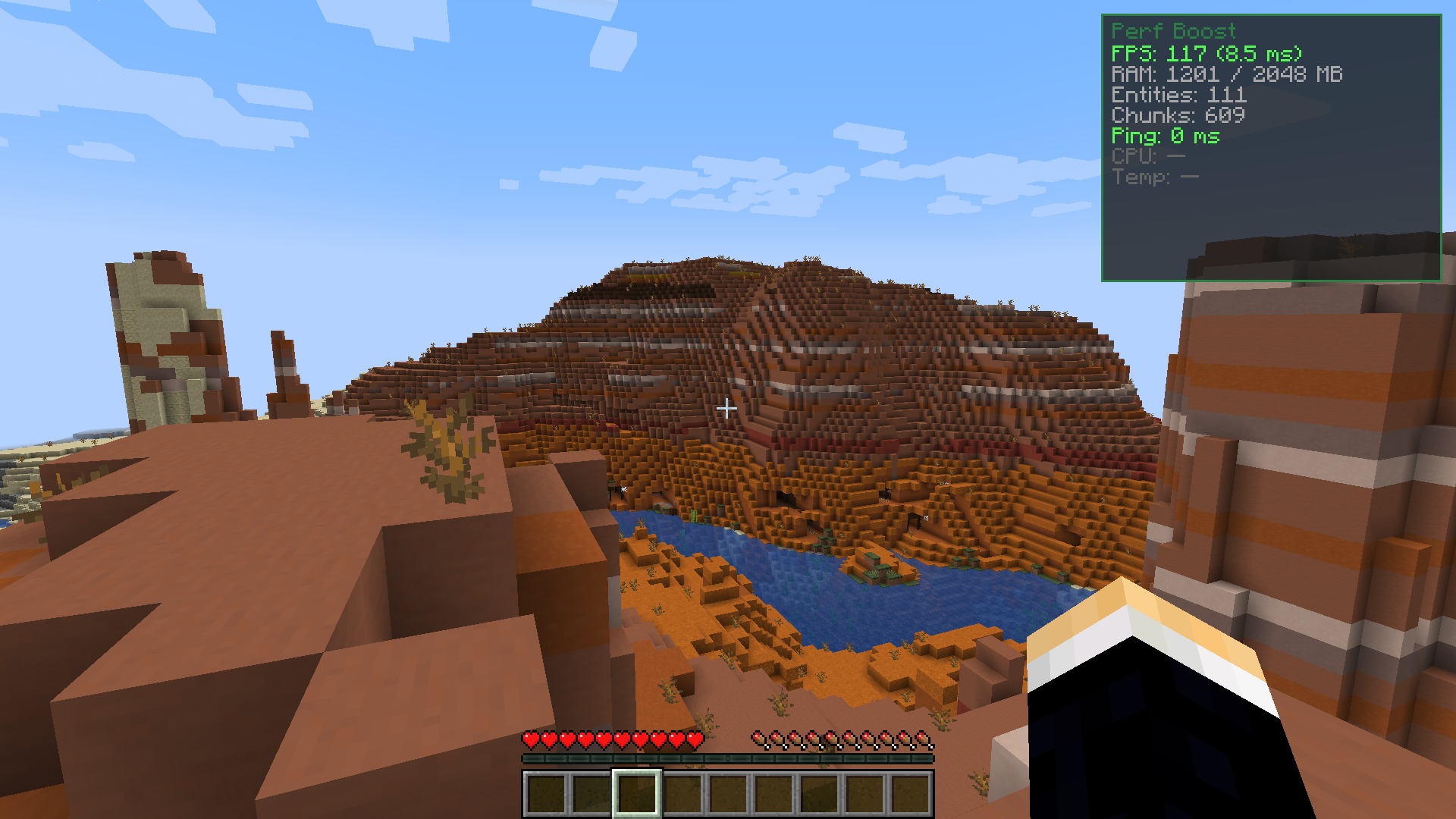
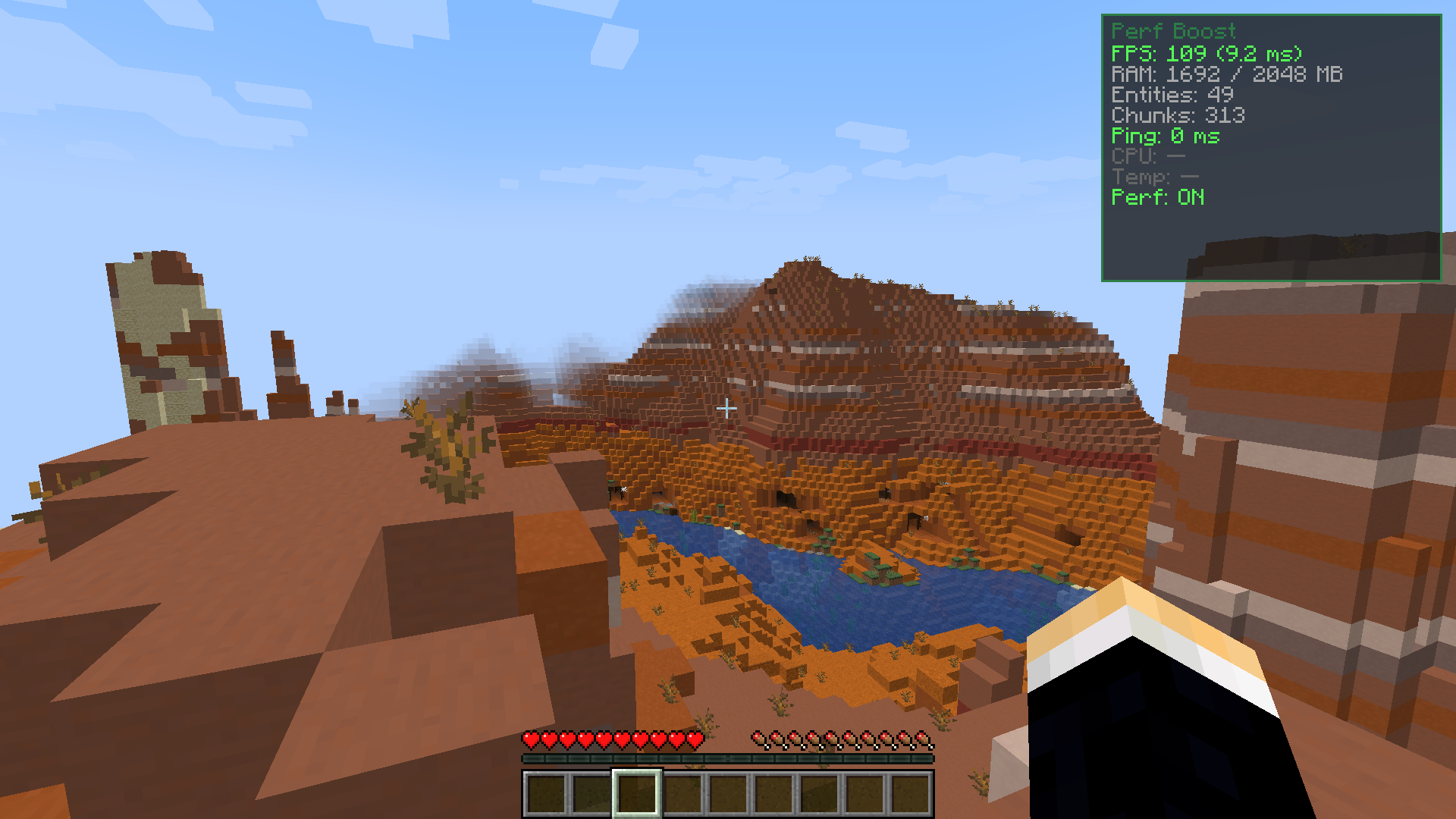
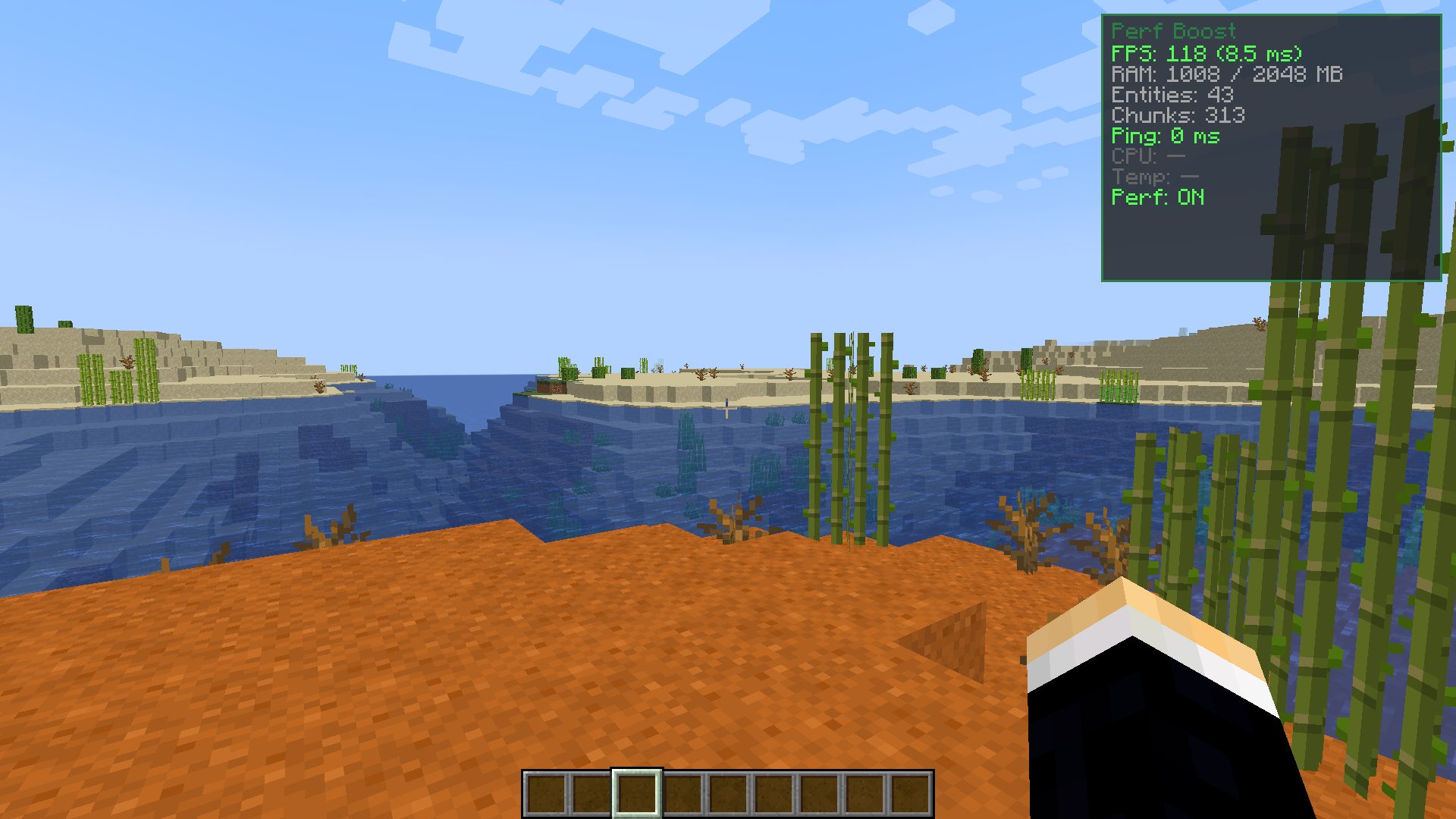
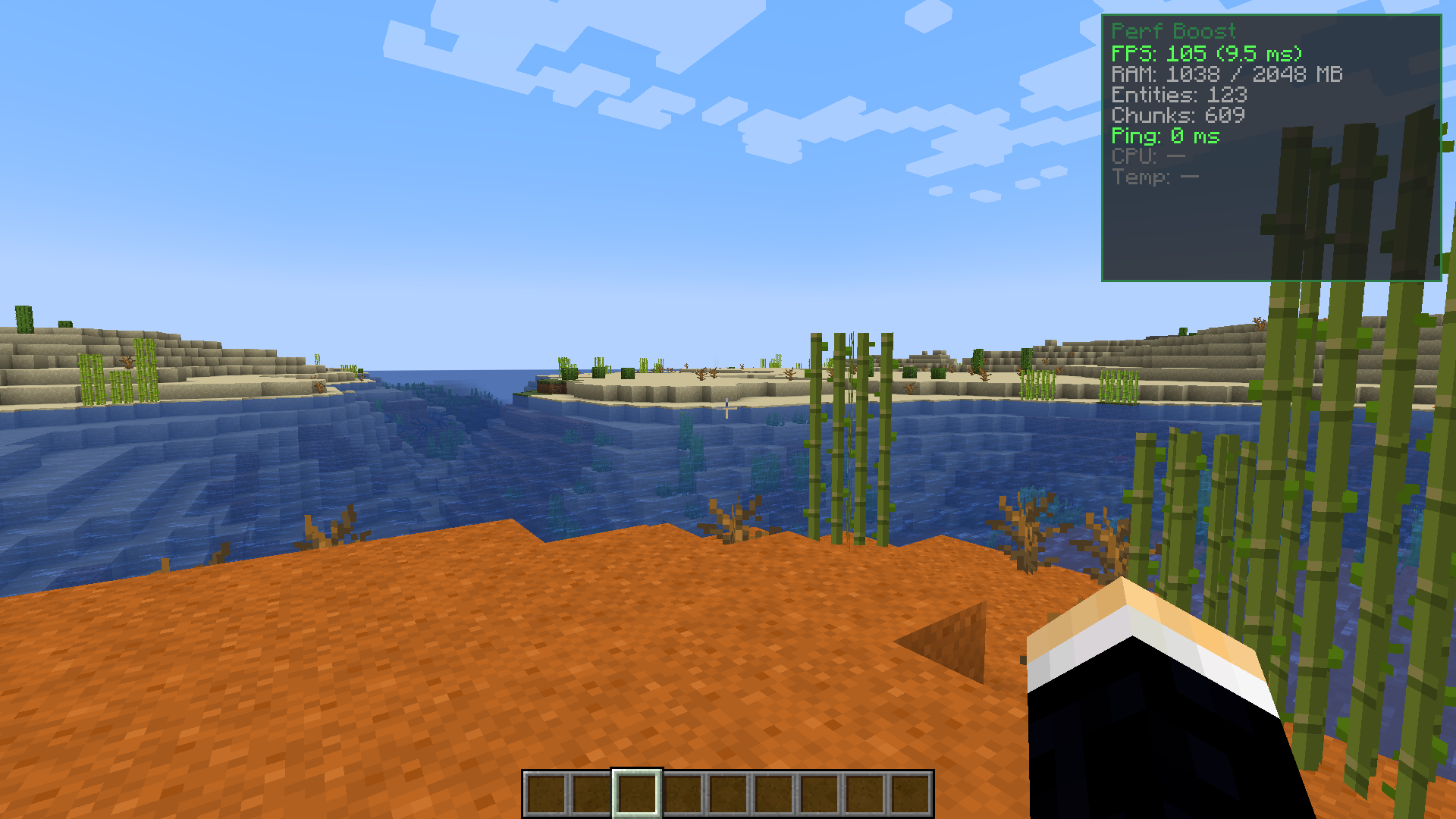
- Shows a stats screen in the top right corner.
- Displays your FPS and frame time.
- Shows how much RAM your game is using.
- Counts the entities and chunks around you.
- Checks your ping when you play multiplayer.
- Shows your CPU usage and temperature.
- Performance mode: Lowers graphics quickly to stop lag.
- Caps active particles at 2,000 to save frames.
- Reduces render distance to 8 chunks.
- Lowers simulation distance to 6 chunks.
- Turns off ambient occlusion and entity shadows.
- Restores your old settings when you turn it off.
- Does not save changes to your main options file.
How to Use:
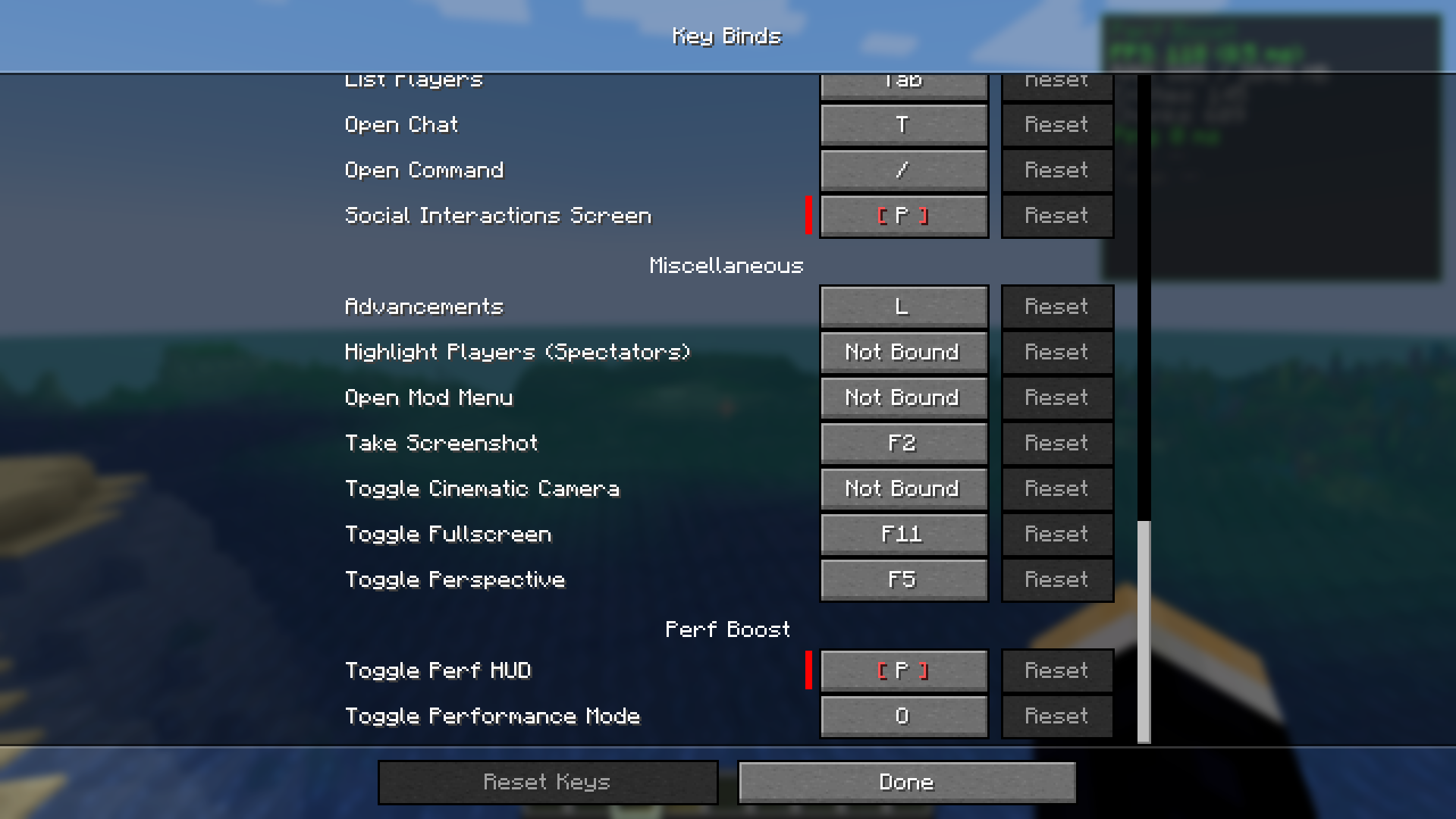
- Press P to open or close the stats screen.
- Press O to turn performance mode on or off.
- Go to your controls menu to change these keys.
Screenshots:
Requires:
Perf Boost Mod Download Links
All Files
1
| Version | Loader | File Name | Size | Date | Download |
|---|---|---|---|---|---|
| 1.21.10 | Fabric | Perf-Boost-Mod-Fabric-1.21.10.jar | 936 KB | Apr 7, 2026 |
1 file available
Click to rate this post!
[Total: 2 Average: 5]
You May Also Like