


Saro´s Essentials Mod (26.1.2, 1.20.1) – Custom Commands And Features

 0
0  April 11, 2026
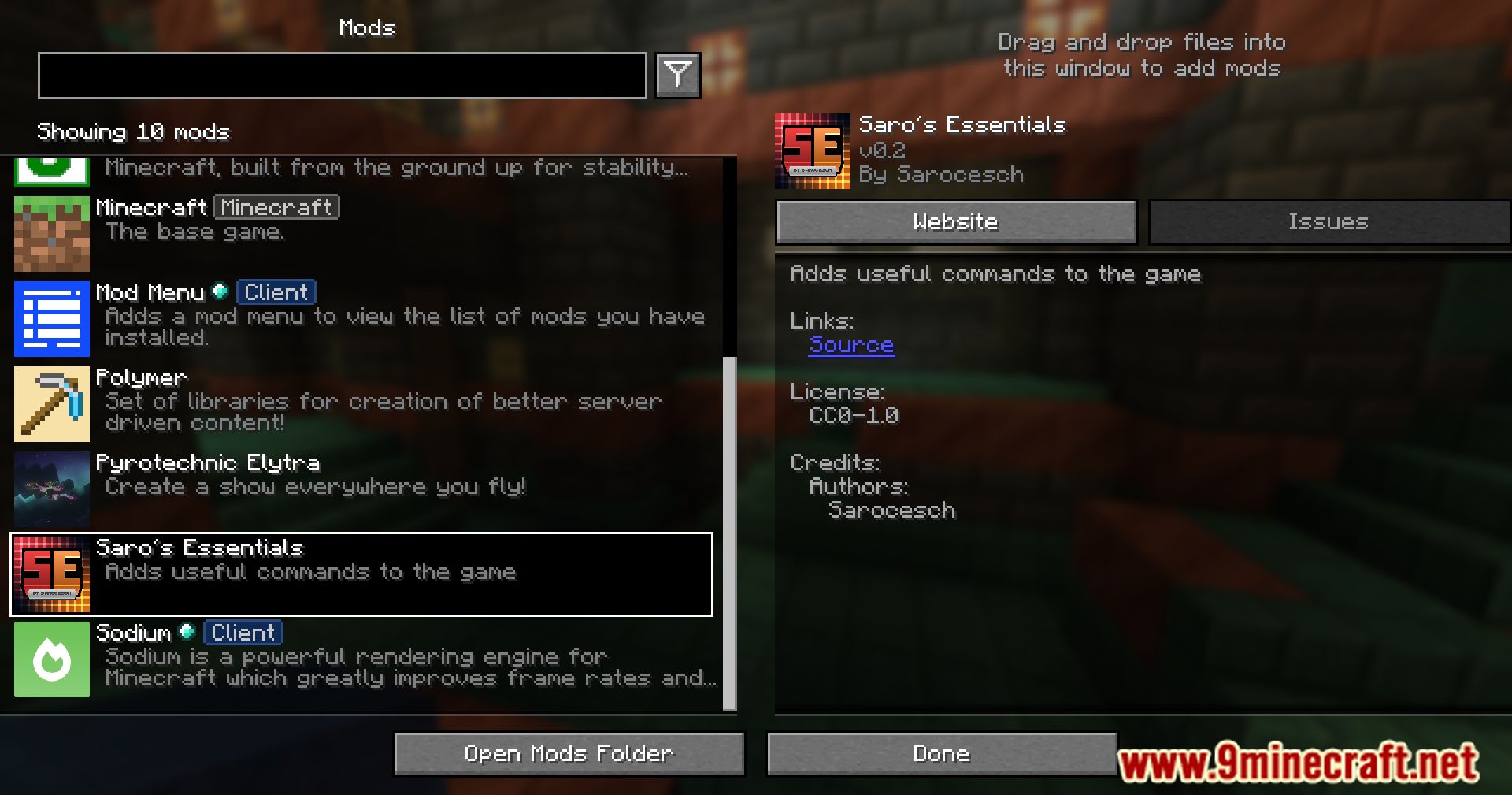
Saro´s Essentials Mod is a utility mod that introduces a set of practical and customizable commands. The mod streamlines various tasks with helpful commands and offers a range of configuration options to tailor it to your needs.

Features:
- Provides a variety of commands that simplify gameplay and server management.
- Custom Configurations
- Adjust color codes to match your style.
- Enable or disable any command as needed.
- Set permissions for commands (e.g., requiring operator status).
- Allows the addition of a custom prefix for
/broadcastcommands to personalize server announcements. - Configure which commands require operator privileges for better server control.
Commands:
- /motd – to set a custom MOTD for the server
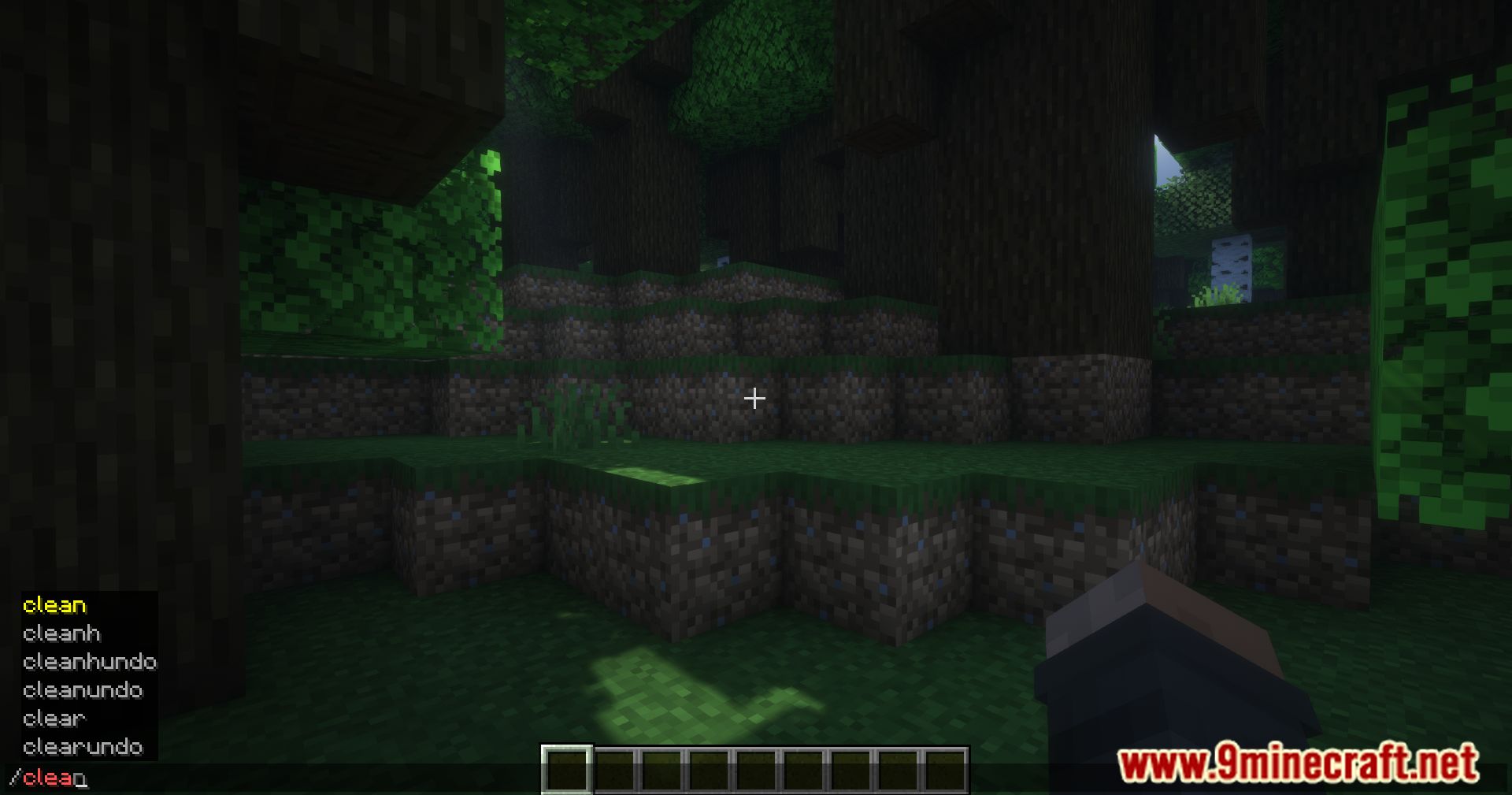
- /clearundo – to undo /clear
- /cleanundo – to undo /clean
- /cleanhundo – to undo /cleanh
- /addlore – Add lore to an item.
- /back – Teleport back to the previous location (e.g., where you used /tp).
- /banip – Ban a user’s IP address (Only 1.12.2 newer versions use /ban-ip).
- /broadcast – Send a message to the entire chat.
- /clean – Clear the inventory except for armor slots.
- /cleanh – Clear the hotbar.
- /clear – Clear the entire inventory.
- /day – Set the time to day.
- /delete – Instantly delete the specified entity.
- /ec – Open an ender chest.
- /feed – Refill your hunger bar.
- /fly – Toggle flying mode on/off.
- /glow – Make the item in your hand glow.
- /gm 0,1,2,3 – Switch between gamemodes.
- /god – Toggle god mode on/off.
- /head or /skull – Give a player’s head.
- /heal – Heal a player.
- /home – Create and teleport to home locations.
- /inventory save, load, delete – Save, load, or delete inventory data.
- /inv or /invsee – View other players’ inventories.
- /night – Set the time to night.
- /rain – Start raining.
- /removelore – Remove lore from items.
- /rename – Rename an item easily.
- /setlore – Replace the lore on an item.
- /setspawn – Set the spawn point (players will spawn here when they join).
- /spawn – Teleport to the spawn point.
- /sudo – Force another player to execute a command.
- /sun – Set the weather to sunny.
- /tempban – Temporarily ban a player.
- /thunder – Start a thunderstorm.
- /tpall – Teleport all players to you.
- /tphere – Teleport a player to you.
- /tpoffline – Teleport to the ghost of an offline player.
- /unbanip – Unban an IP address. (Only 1.12.2 newer versions use /pardon-ip).
- /unbreakable – Make the item in your hand unbreakable.
- /trash – Open a Trash GUI.
- /vanish or /v <playername> – Hide a player from others.
- /warp <warpname> – Teleport to a warp point.
- /setwarp <warpname> – Set a new warp point.
- /delwarp <warpname> – Delete an existing warp point.
- /warps – List all warp points.
- /kit create <name> – Create a new kit.
- /kit delete <name> – Delete an existing kit.
- /kit list – List all kits.
- /kit give <playername> <name> – Give a kit to a player.
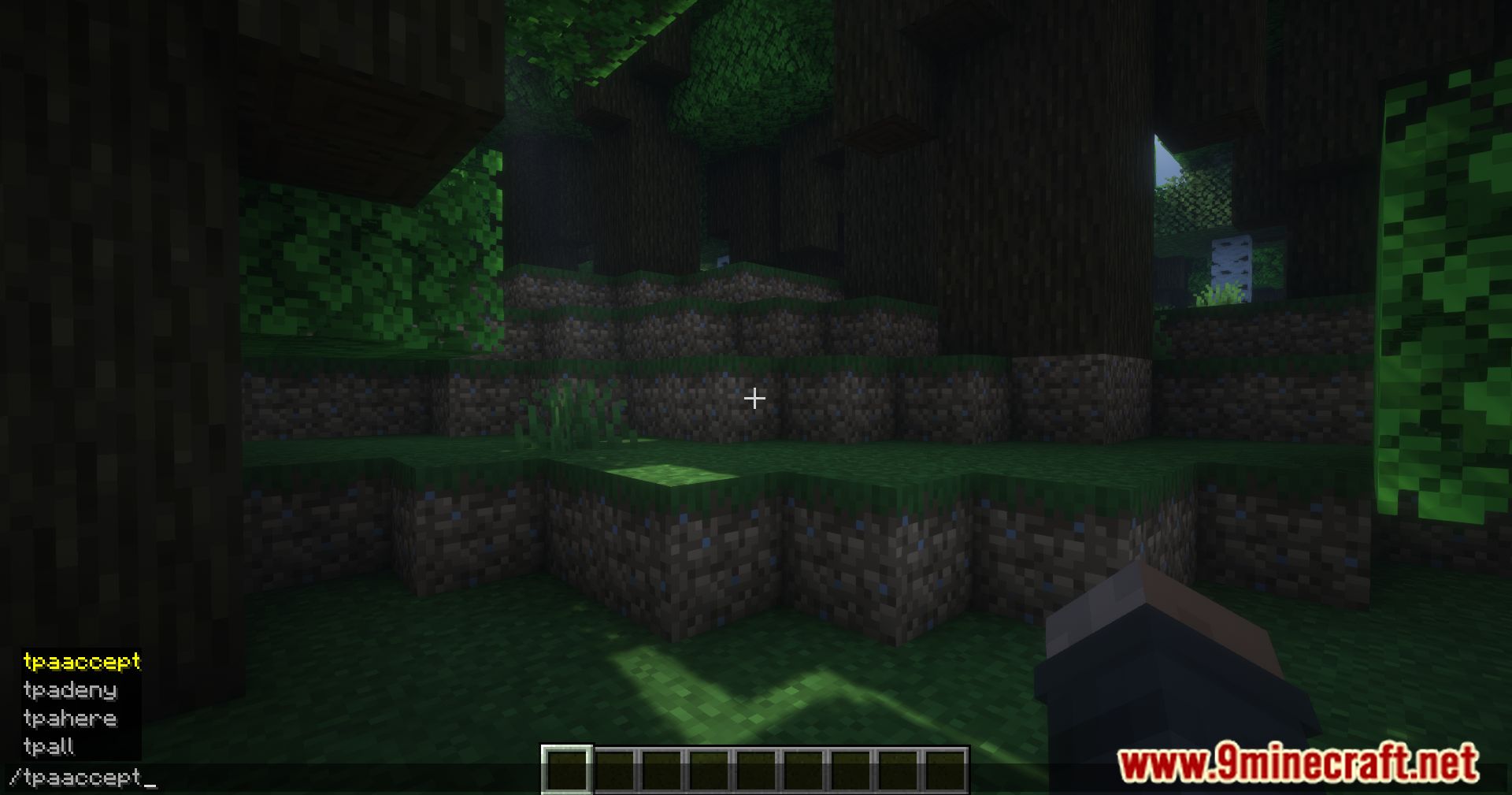
- /tpa <playername> – Request to teleport to another player.
- /tpahere <playername> – Request another player to teleport to you.
- /tpaaccept – Accept a teleport request.
- /tpadeny – Deny a teleport request.
- /pay <playername> <amount> – Transfer money to another player.
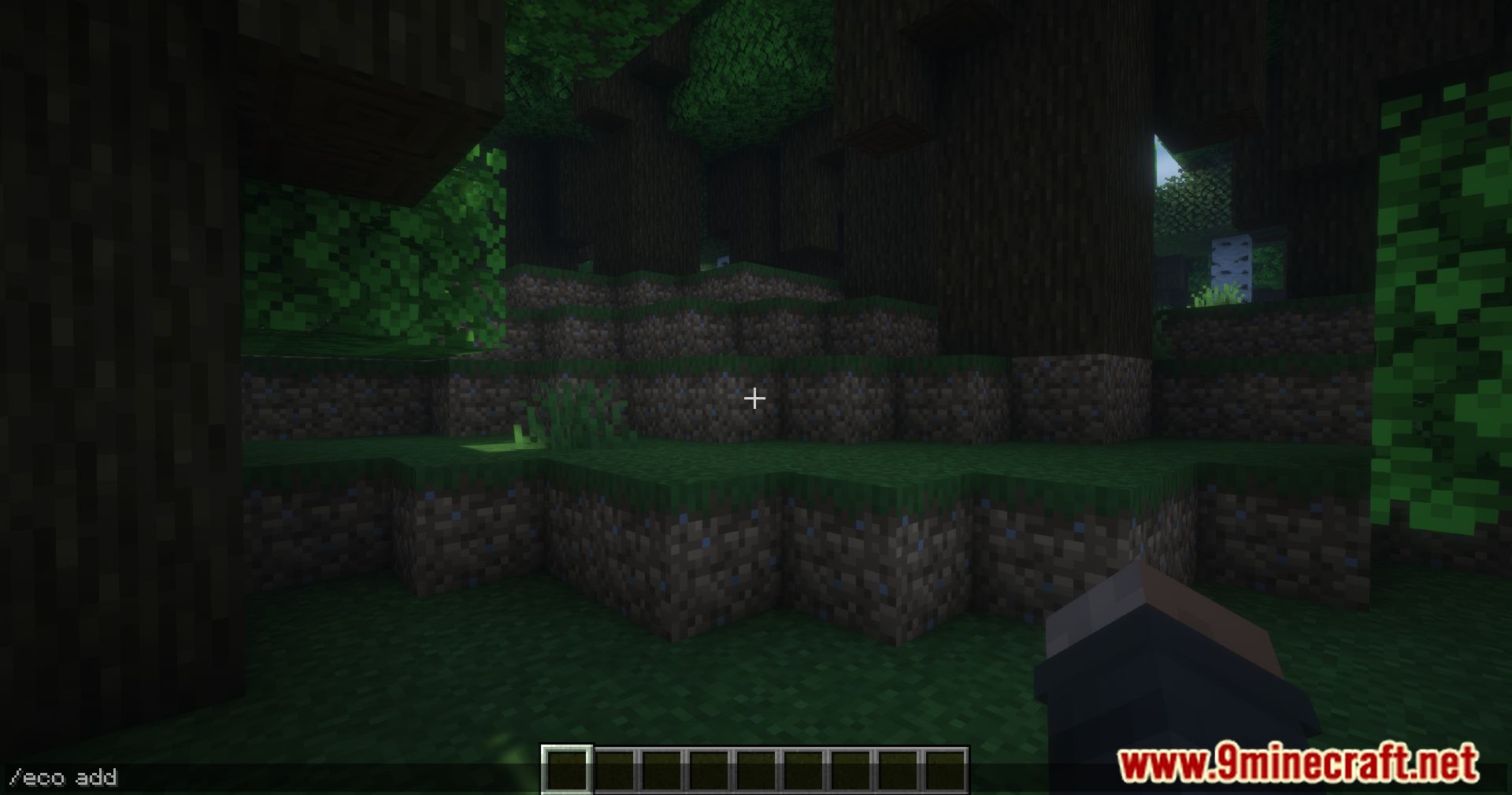
- /eco add <playername> <amount> – Add money to a player’s account.
- /eco set <playername> <amount> – Set a player’s money balance.
- /eco get <playername> – Check a player’s money balance.
- /eco take <playername> <amount> – Remove money from a player’s account.
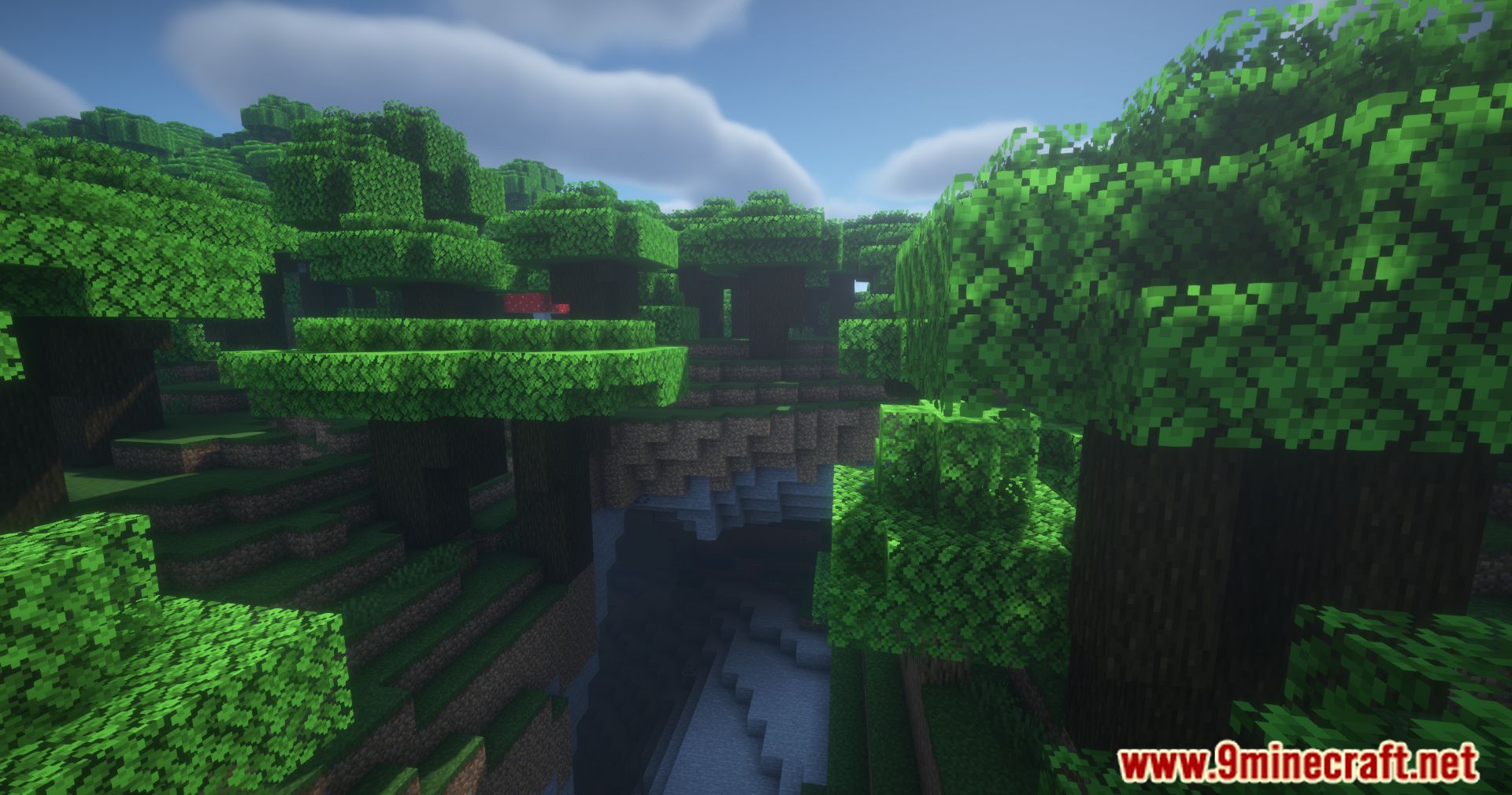
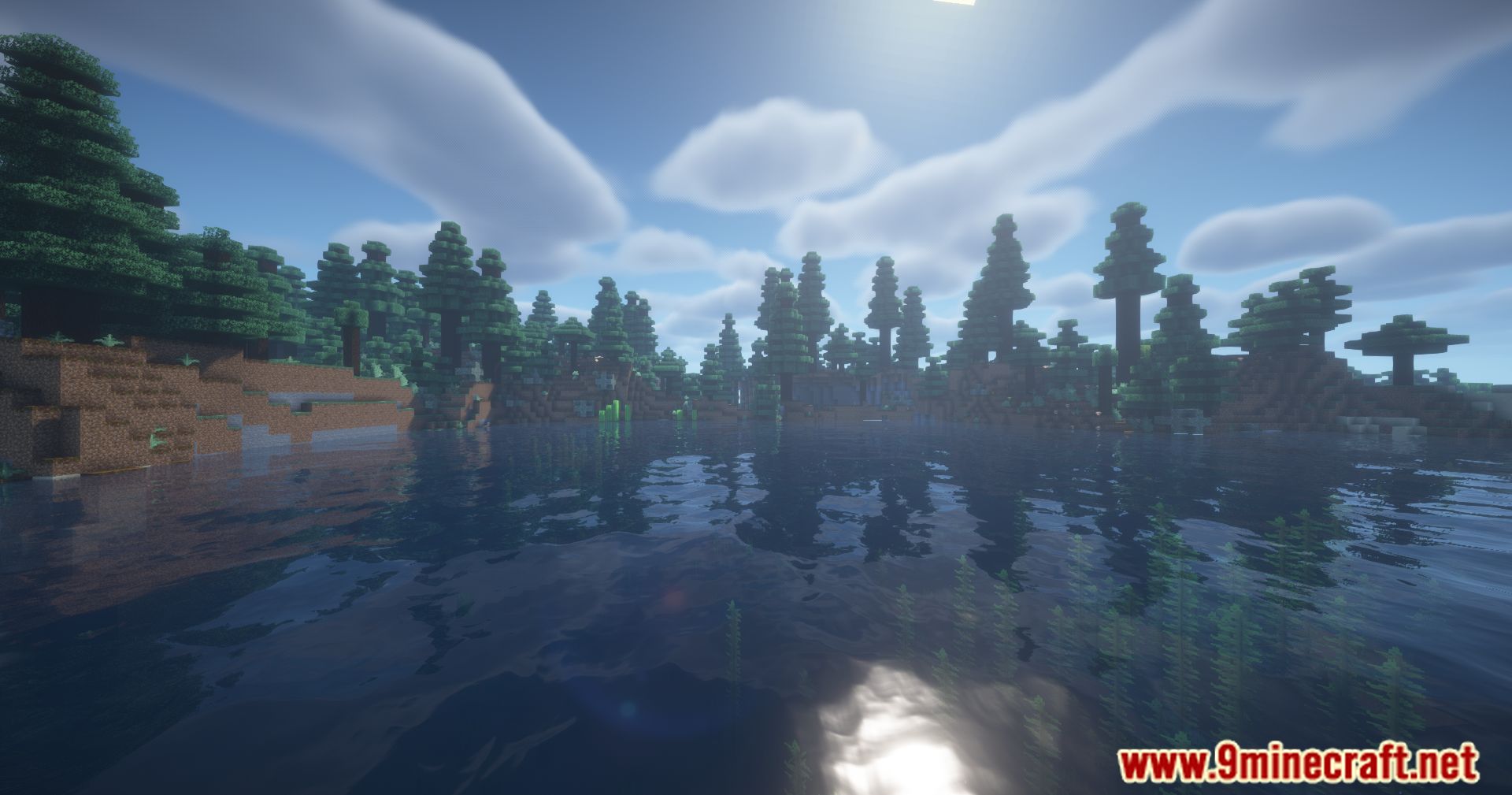
Screenshots:
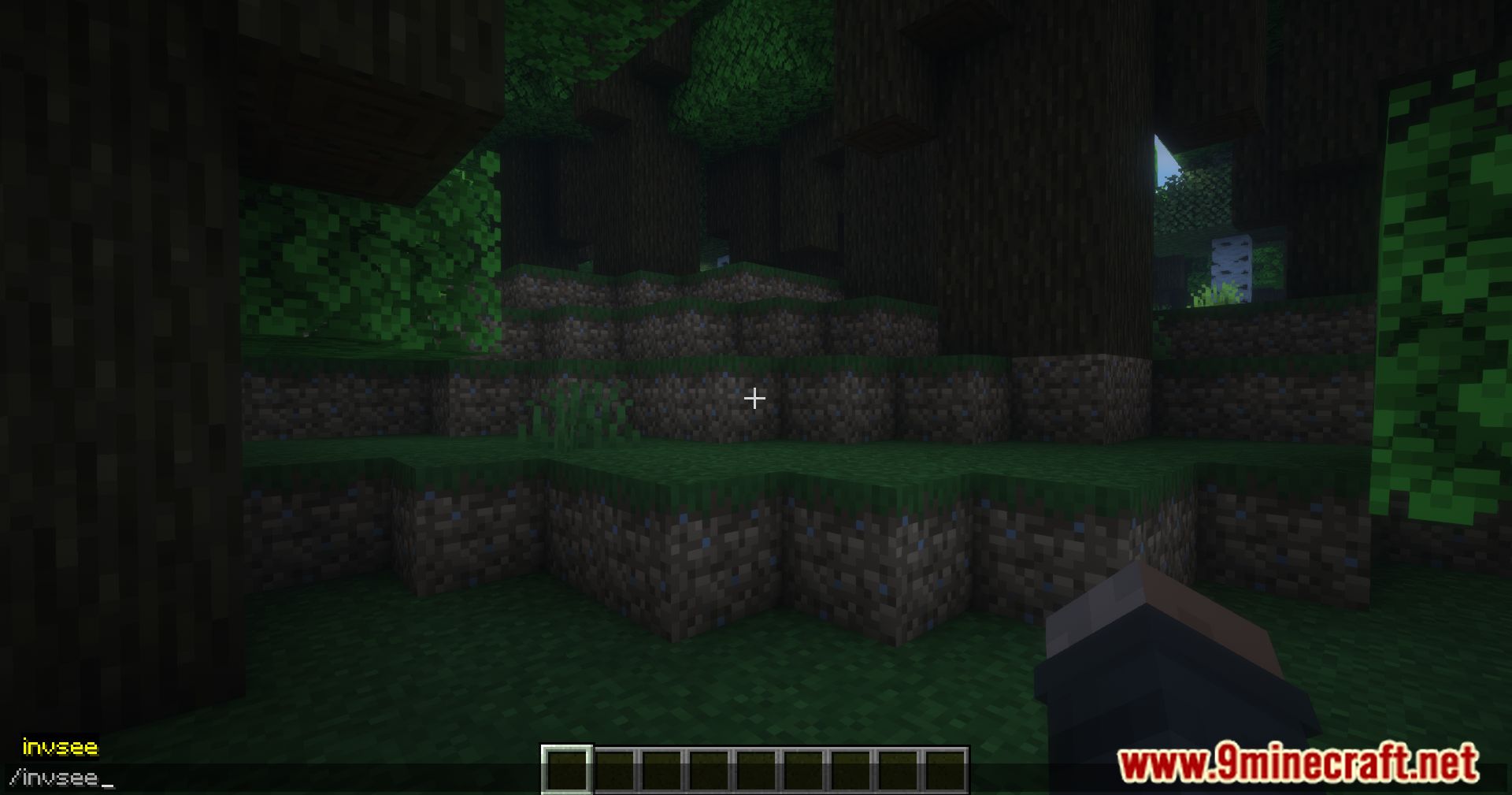
How to Install:
New to Minecraft? Follow our step-by-step guide to install Mods on your PC.View Guide




Saro´s Essentials Mod Download Links
For Minecraft 26.1.2, 26.1.1, 26.1
For Minecraft 26.1.1, 26.1
For Minecraft
1.21.11,
1.21.10,
1.21.9
All Versions Covered
1.21.11
1.21.10
1.21.9
1.21.8
1.21.7
1.21.6
1.21.5
1.21.4
1.21.1
1.21
All Versions Covered
1.21.11
1.21.10
1.21.9
1.21.8
1.21.7
1.21.6
1.21.5
1.21.4
1.21.1
1.21
For Minecraft 1.21.10, 1.21.9
For Minecraft 1.21.8, 1.21.7, 1.21.6
For Minecraft 1.21.5
For Minecraft 1.21.4
For Minecraft 1.21.3
For Minecraft 1.21.1
For Minecraft 1.21
For Minecraft 1.20.6
For Minecraft 1.20.4
For Minecraft 1.20.1
For Minecraft 1.19.4
For Minecraft 1.19.2
For Minecraft 1.16.5
For Minecraft 1.12.2
Click to rate this post!
[Total: 1 Average: 5]
You May Also Like












This post has no comments yet. Be the first — your comment will appear here.