
Pick Block State Mod (1.21.3, 1.20.1) – Copy Exact Block Rotations Instantly

 0


Pick Block State Mod expands the pick-block action in creative mode. It lets you copy the exact block state of non-entity blocks when you hold Ctrl and middle-click. The mod helps builders and map makers place blocks with the exact same orientation and properties every time.
Features:
- Ctrl and middle-click on non-entity blocks to copy their exact block state.
- Copies the direction a block is facing like upside-down or sideways stairs.
- Saves waterlogging properties so water stays inside the picked block.
- Keeps redstone power states on or off for redstone components.
- Records custom states for items like lit or unlit campfires.
- Ensures placed blocks always match the exact orientation and setup of the original block.
How to Use:
- Switch to creative mode in your Minecraft world.
- Look at any non-entity block such as stairs, fences, or redstone components.
- Hold the Ctrl key on your keyboard.
- Press the middle-click button on your mouse to pick the block with its exact state saved.
- Place the block anywhere to duplicate its exact orientation and properties.
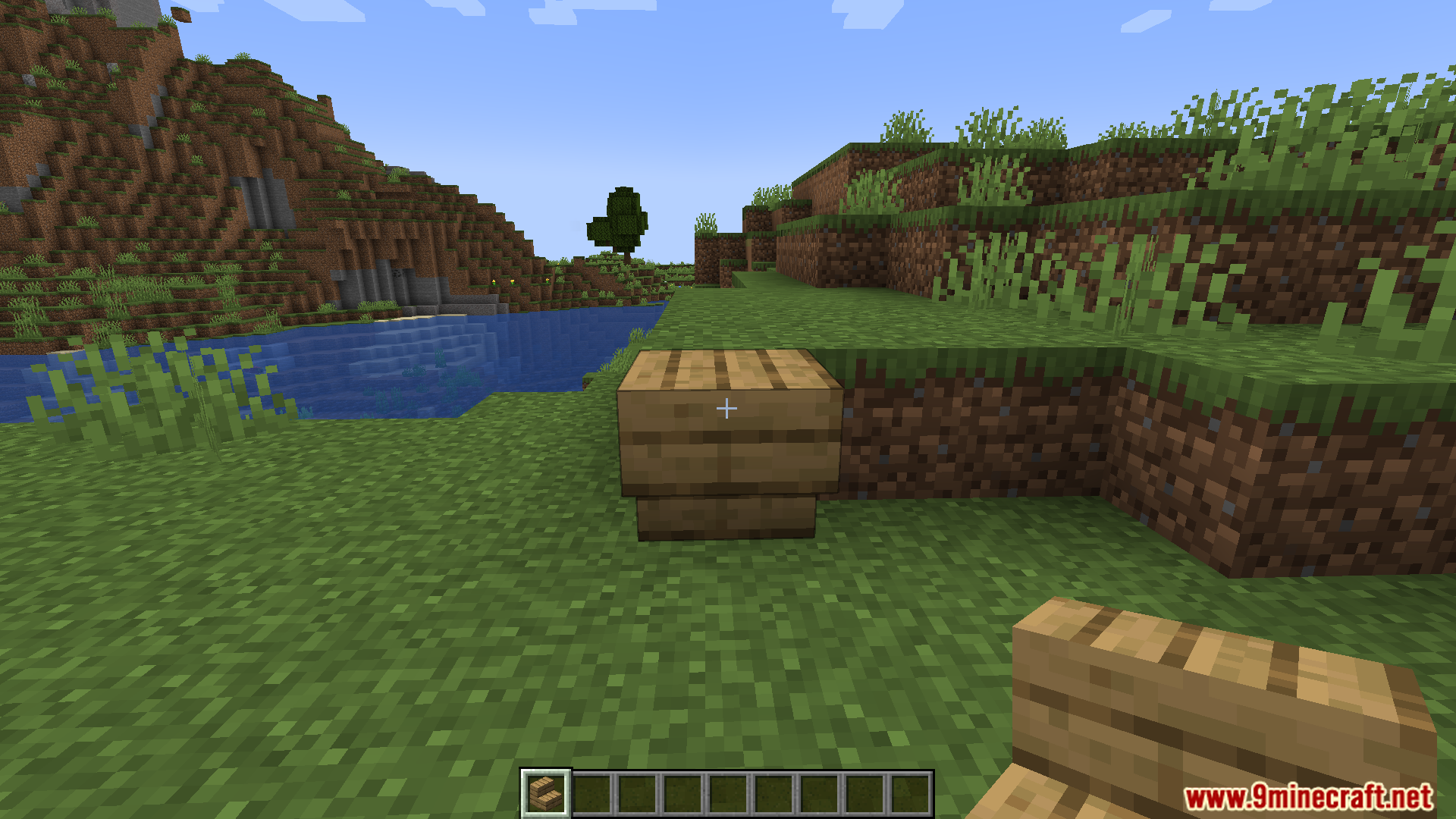
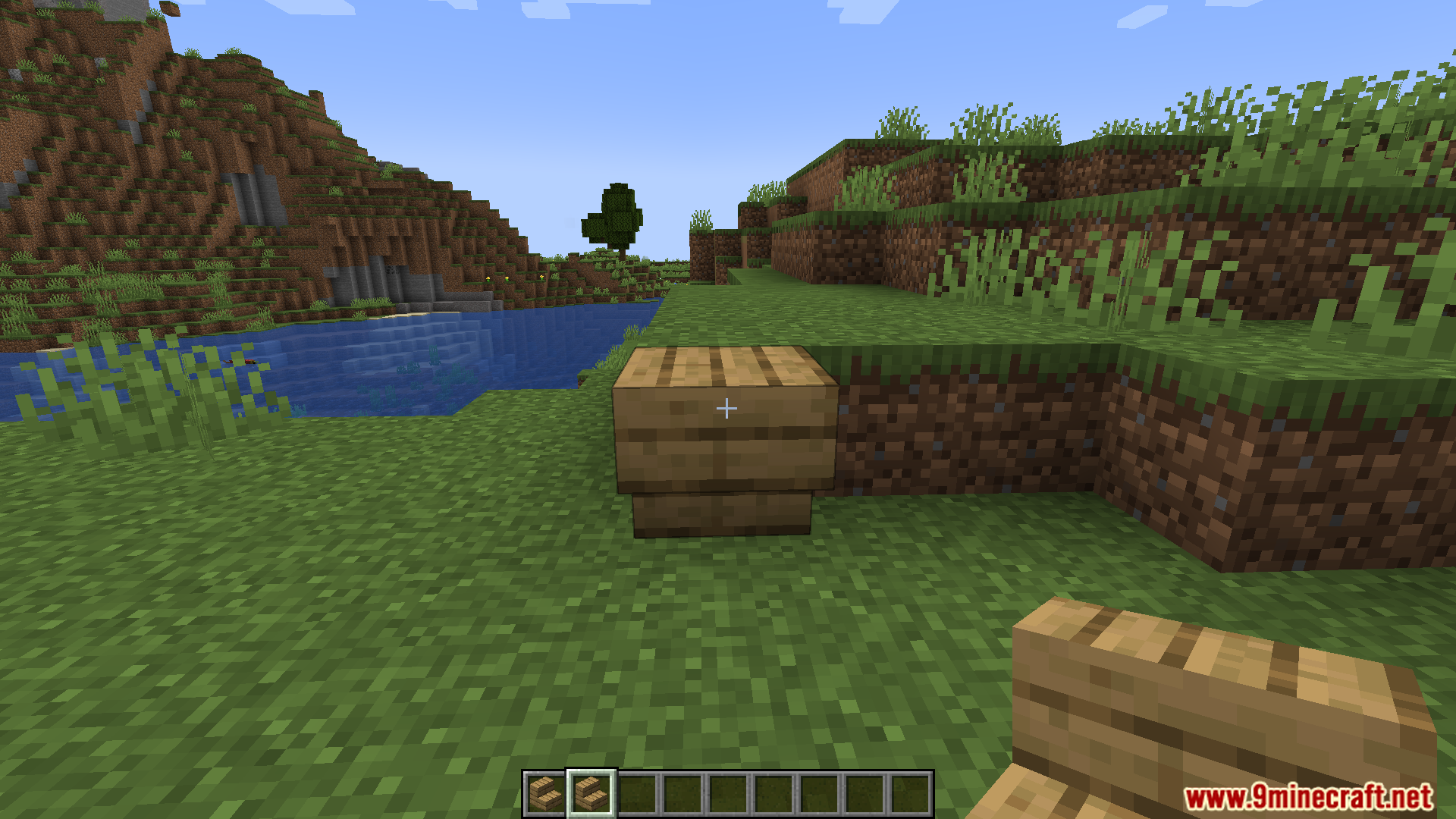
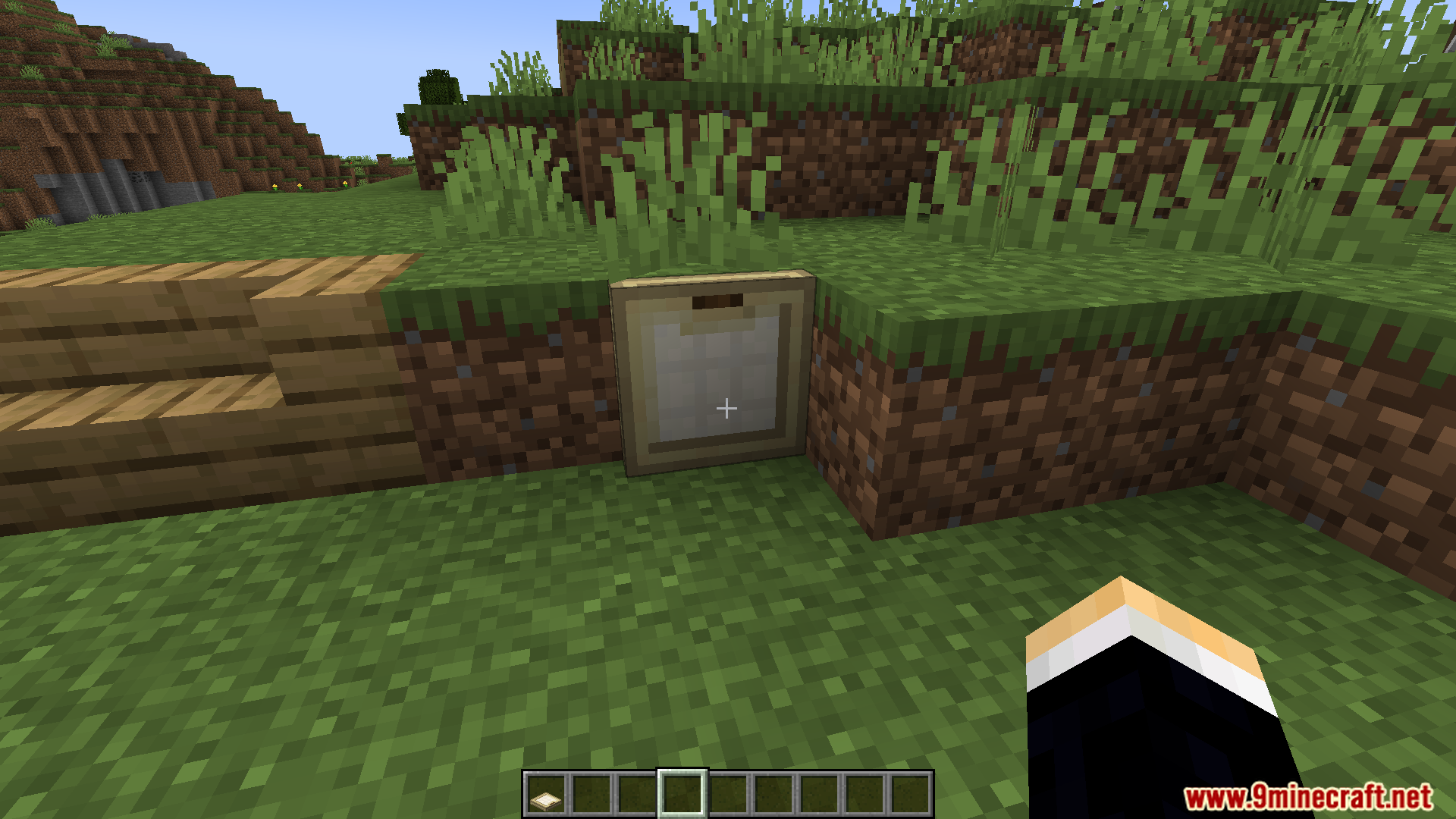
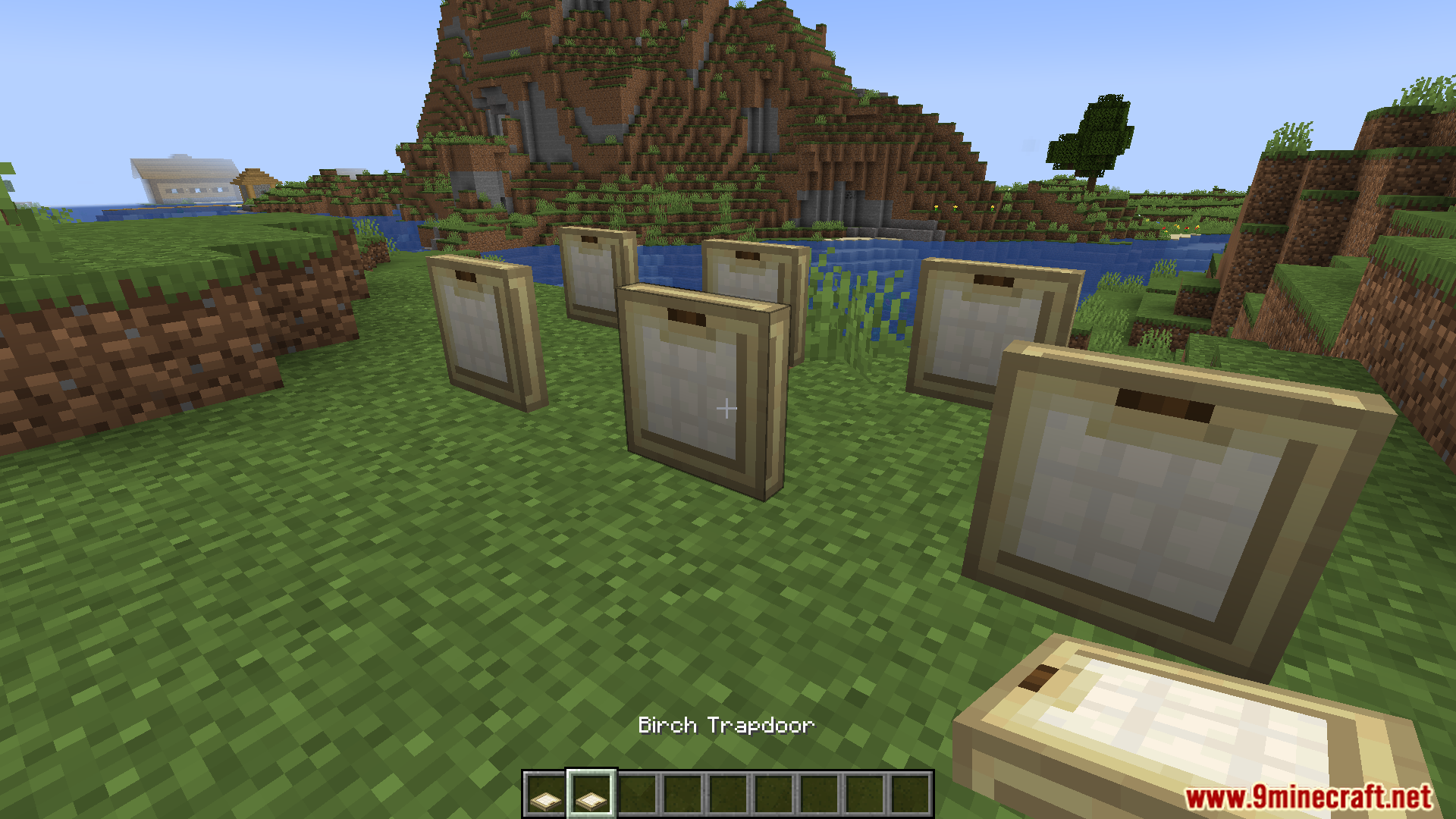
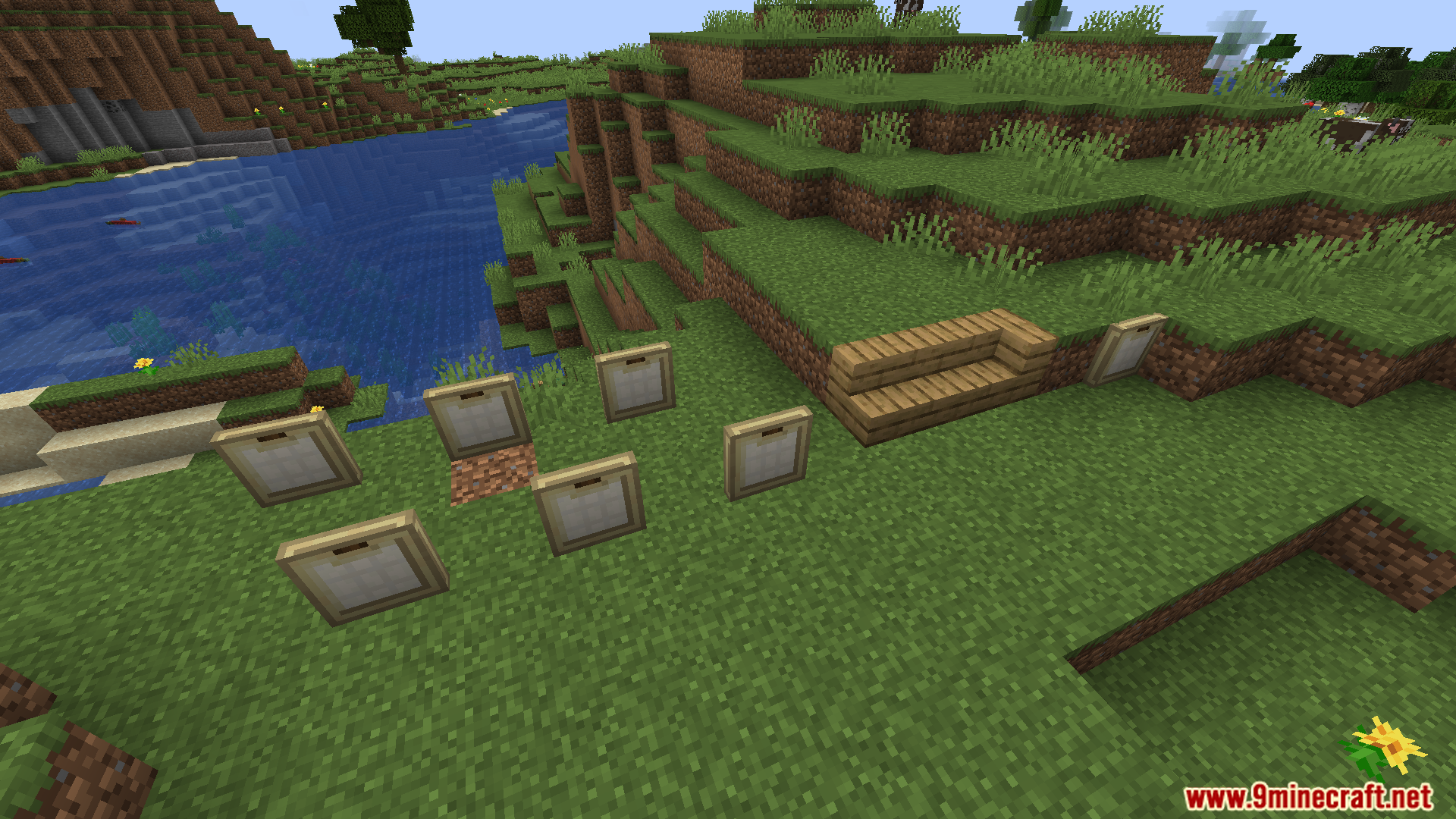
Screenshots:
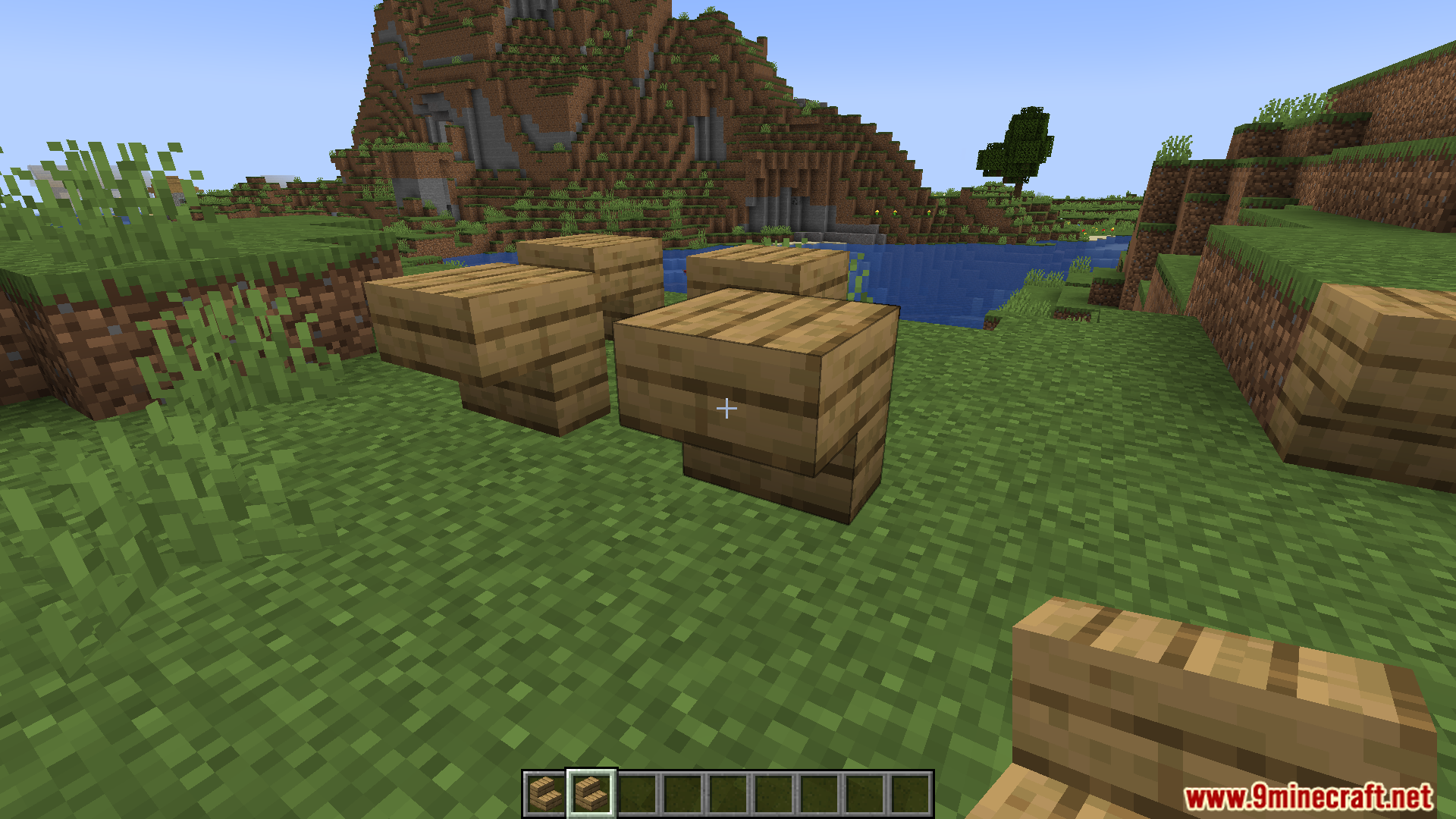
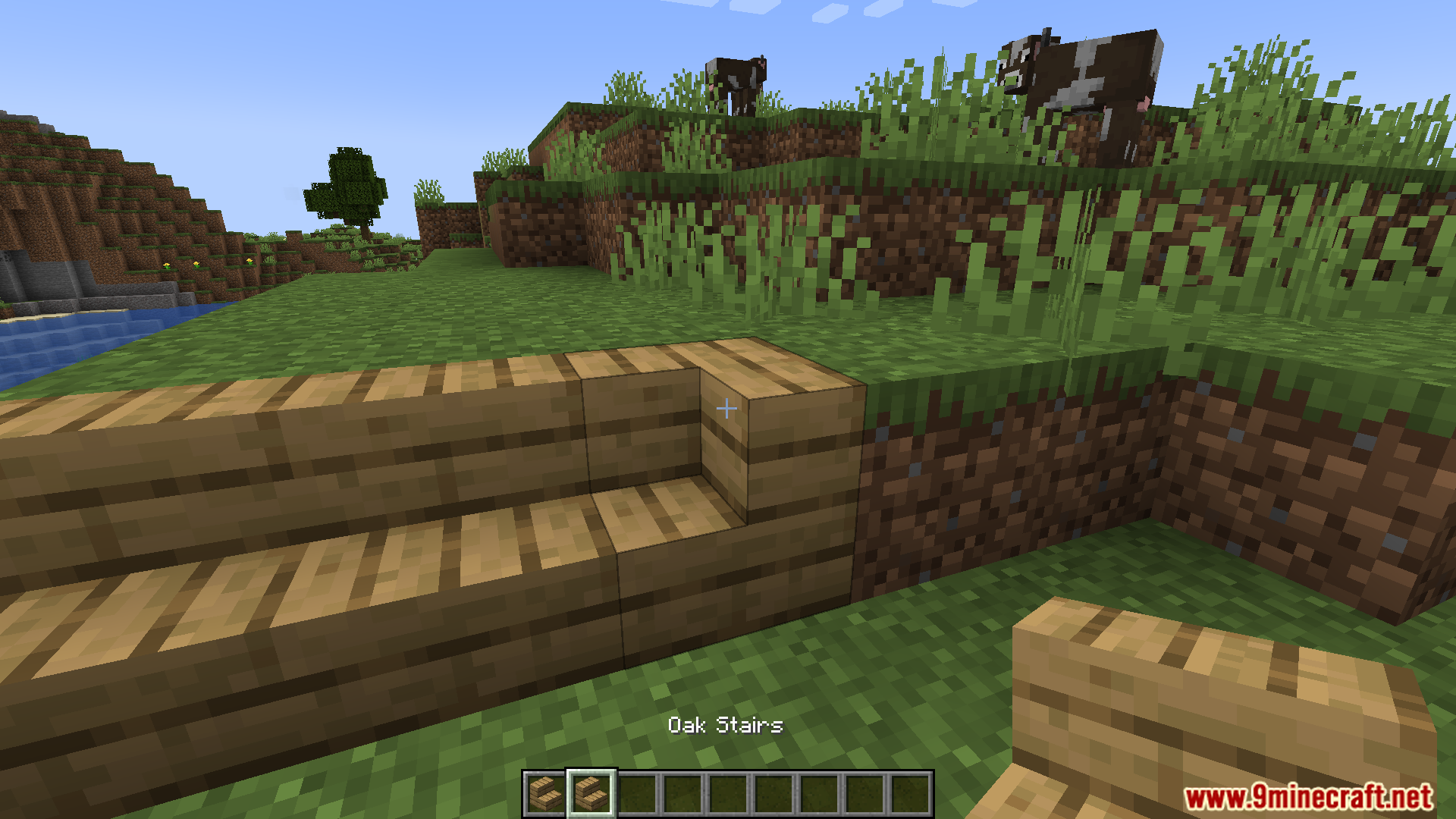
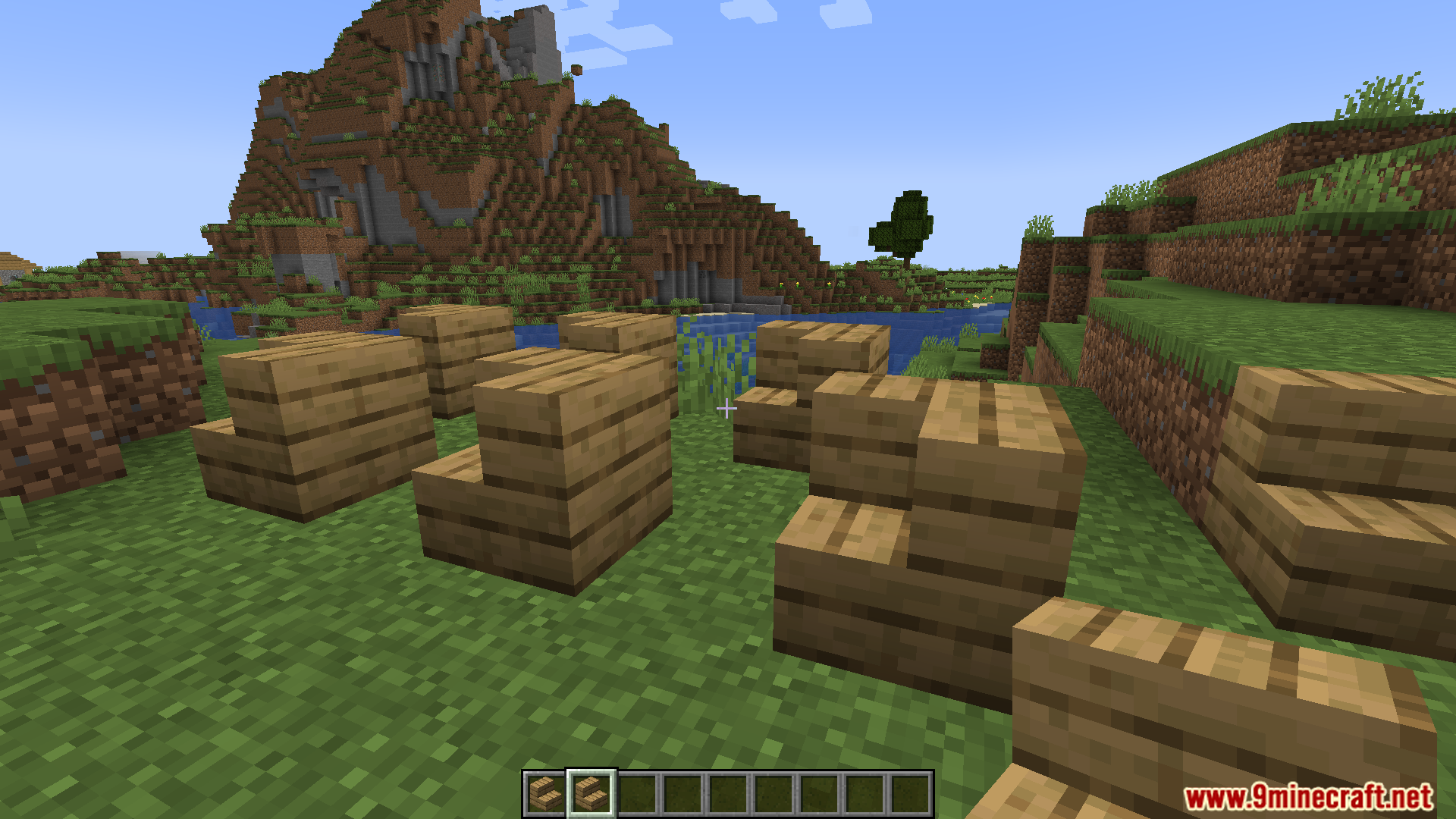
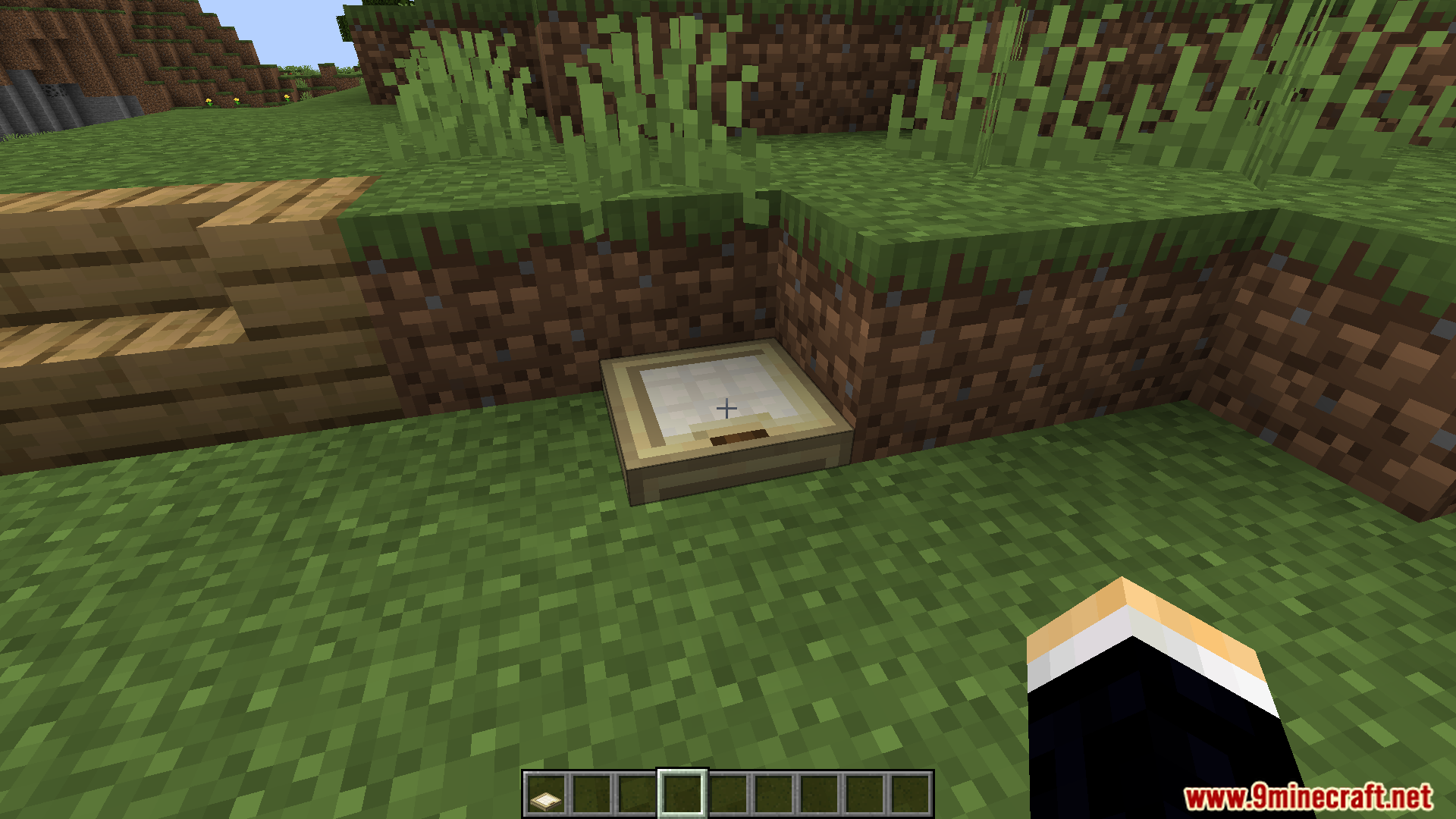
How to Install:
New to Minecraft? Follow our step-by-step guide to install Mods on your PC.View Guide
Pick Block State Mod Download Links
For Minecraft 1.21.3, 1.21.2, 1.21.1, 1.21
Fabric version: Download from Server 1 – Download from Server 2
For Minecraft 1.20.5
Fabric version: Download from Server 1 – Download from Server 2
For Minecraft 1.20.4, 1.20.3
Fabric version: Download from Server 1 – Download from Server 2
For Minecraft 1.20.2, 1.20.1, 1.20
Fabric version: Download from Server 1 – Download from Server 2
For Minecraft 1.19.4, 1.19.3, 1.19.2, 1.19.1, 1.19
Fabric version: Download from Server 1 – Download from Server 2
For Minecraft 1.18.2, 1.18.1, 1.18
Fabric version: Download from Server 1 – Download from Server 2
For Minecraft 1.16.5, 1.16.4, 1.16.3, 1.16.2, 1.16.1, 1.16
Fabric version: Download from Server 1 – Download from Server 2
What is your biggest frustration when playing with mods?
22 responses · See the full results →
You May Also Like
Picked for this page
 Mining Gadgets Mod (26.1.2, 1.20.1) – Because Mining with Lasers is Cool
 Mystical Agriculture Mod (26.1.2, 1.20.1) – Grow Diamonds From a Seed
 GeOre Mod (26.1.2, 1.20.1) – Cultivation Of Ore Crystals
 Vanilla Refresh Mod (1.21.11, 1.20.1) – Elevating the Classic Minecraft Experience
 Stendhal Mod (26.3, 1.20.1) – Ingame Sign, Chat, Book Editor
 Just A Raft Mod (26.1.2, 1.20.1) – Surviving on a Raft with Friends
 Thermoo Mod (26.1.2, 1.20.1) – Temperature and Environment API
 Better Night Vision Mod (26.3, 1.20.1) – Customizable Night Vision Effects
 Better HP Mod (26.1.2, 1.20.1) – Simplify Stat Tracking
 Awesome 3D Mace Mod (26.2, 1.21.1) – Makes Maces Three Dimensional
 Illager Raid Music Mod (26.1.2, 1.20.1) – Adds Music To Raids
 Logarithmic Volume Control Mod (26.3, 1.20.1) – Natural Audio Scaling
Most viewed in Mods over the last 7 days
 Ala Industrial Mod (26.3) – Run Electric Power Grids and Automated Factories
 PleasureCraft Mod (26.3, 1.21.1) – Jenny Mod Remake for Fabric
 Jennycraft Mod (26.3, 1.20.1) – Virtual Girlfriend in Minecraft
 Fapcraft Mod (26.3, 1.12.2) – Comprehensive and Detailed Content
 Jenny Mod (Fapcraft) Official Complete Guide – How to use, Tutorial
 BangCraft Mod (1.20.1) – Jenny, Ellie and Elliot
 Fabric Loader (26.3, 1.20.1) – Fabric Installer for All Minecraft Versions
 Meteor Client Mod (26.3, 1.20.1) – Xray, HUD, Fly
 The Shooting Star Demo Mod (26.3, 1.20.1) – Vaporize Terrain From Orbit
 OptiFine HD (26.3, 1.20.1) – Run Faster, FPS Boost, Shaders Support
 Aristois Client Mod (1.21.4, 1.20.1) – World Class Minecraft Utility
 Prestige Client Mod (1.21.11, 1.21.4) – Powerful Ghost Features for Crystal & Sword PvP
More from Mods
 Waddles Mod (26.3, 1.20.1) – Make Icy Biomes Feel Alive
 Artemis’ Thin Logs Mod (26.3, 1.20.1) – Build Custom Trees and Detailed Wood
 Asterion Mod (26.3, 1.20.1) – Survive Ancient Mazes and Slay the Legendary Minotaur
 Passthrough Signs Mod (26.3, 1.20.1) – Right-Click Through Wall Signs
 Packing Tape Mod (26.3, 1.20.1) – Move Chests, Machines
 No XP Anvils Mod (26.3, 1.20.1) – Repair And Enchant Without XP
 Naruto Shippuden Mod (26.3, 1.16.5) – Immerse Yourself in The World of Ninja
 Araxer’s Bestiary Mod (26.3, 1.20.1) – Build an In-Game Encyclopedia of Every Mob
 Villagers Plus Mod (26.3, 1.20.1) – Expanded Villager Types and Villages
 Ore Excavation 9minecraft Mod (26.3) – Mine Ores and Chop Trees in a Single Swing
 Dirigo Mod (26.1.2, 1.21.1) – Walk Across Nether Lava Seas and Automate Animal
 HandLib Mod (26.3, 1.21.1) – Keep Your Multiplayer World Stable

This post has no comments yet. Be the first — your comment will appear here.