Pick Up Torches Mod (1.20.6, 1.20.1) – Pick Up Torches Without Breaking
 198
198
 0
0
 December 15, 2025
 SaltyWater
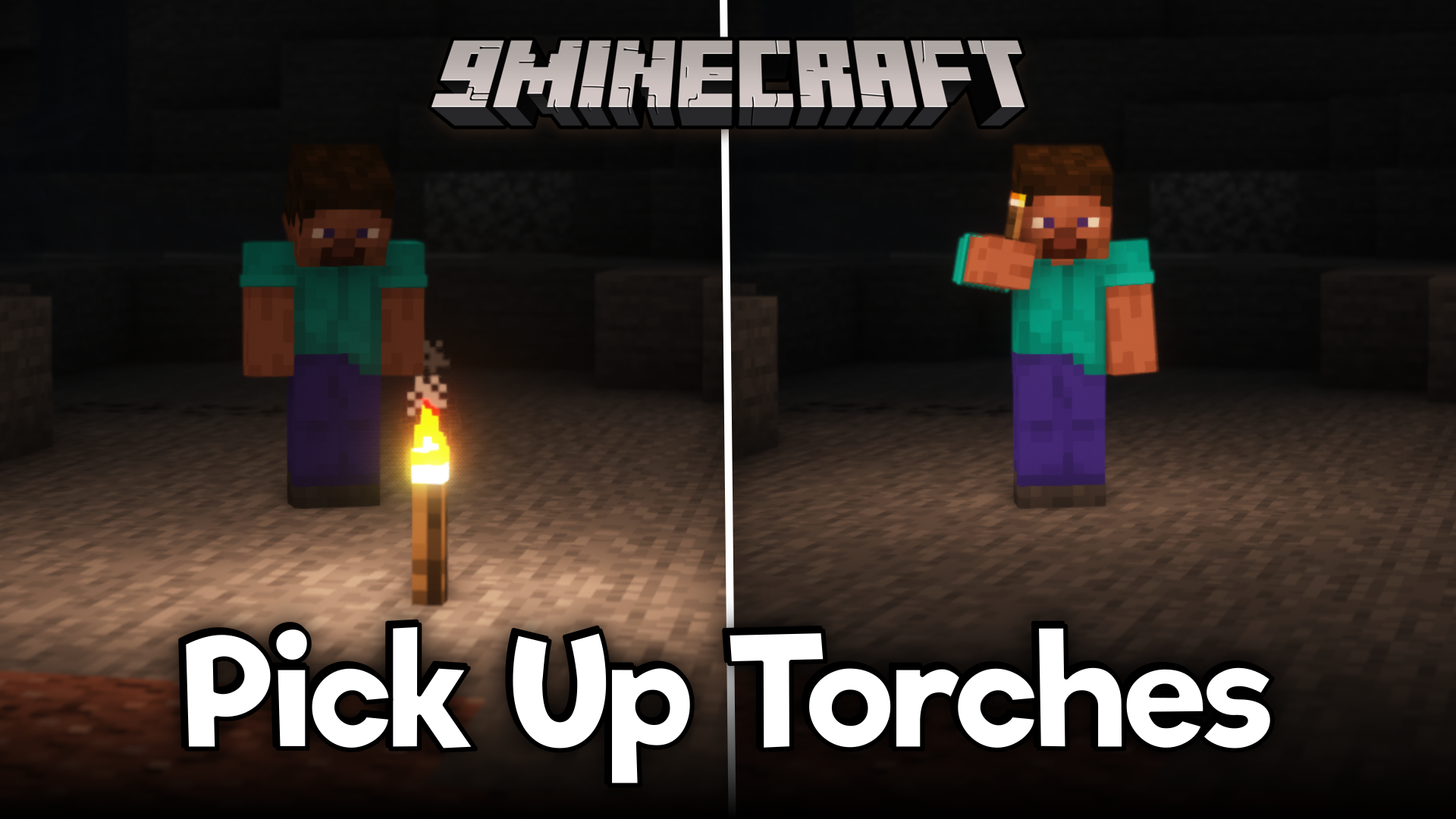
In the vanilla game, you can right-click on the side or bottom surface of a solid block while holding a torch to place it. To collect a torch, you first have to break the torch to make it drop in its item form. Then you can collect the dropped item into your inventory. As you can see, the process of picking up torches is not as simple as placing them down. Pick Up Torches Mod (1.20.6, 1.20.1), as the name suggests, is here with the solution. This mod allows you to pick placed torches into your inventory by simply right clicking on them.
Features:
- Normally players must break torches to collect them.
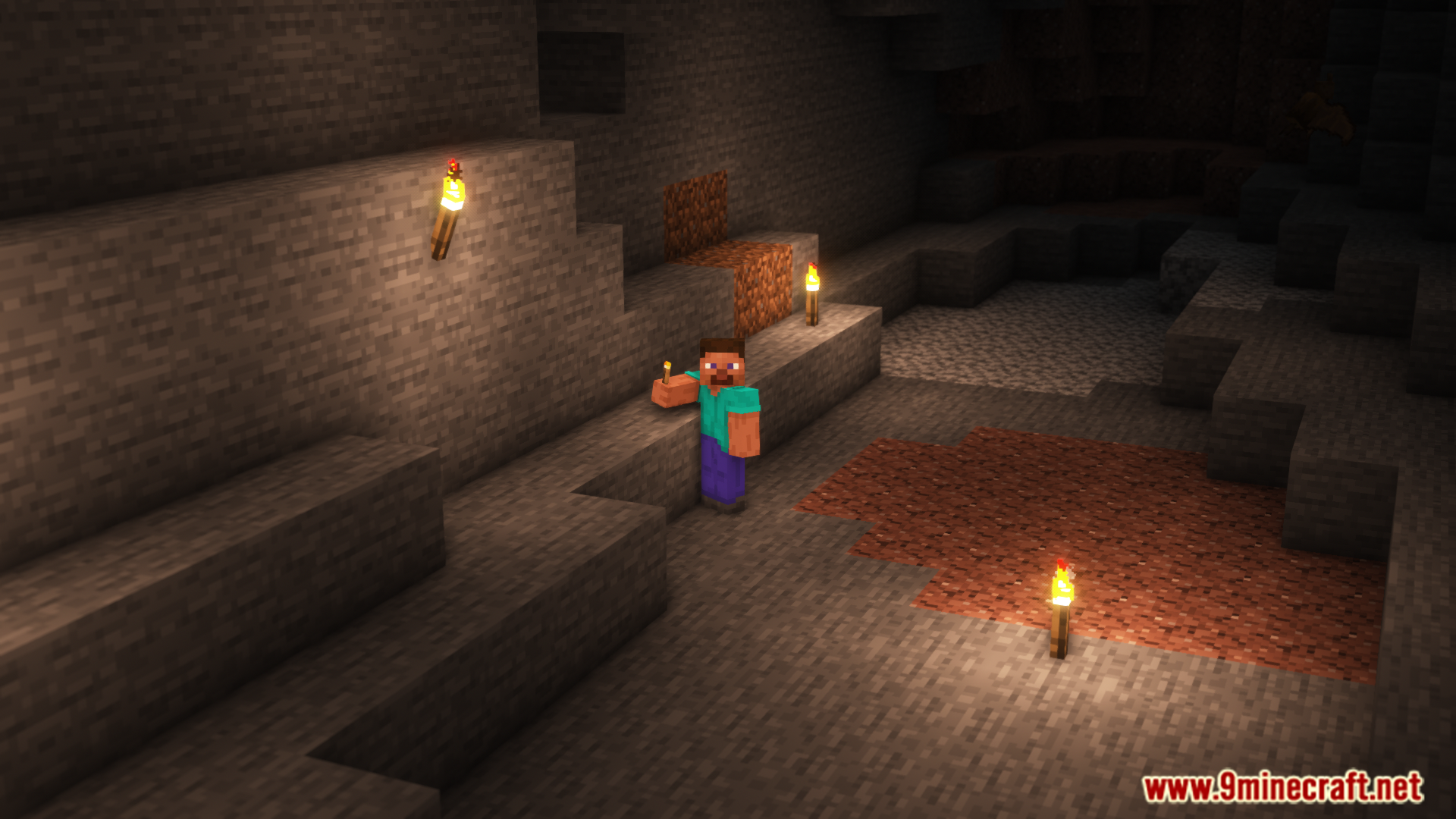
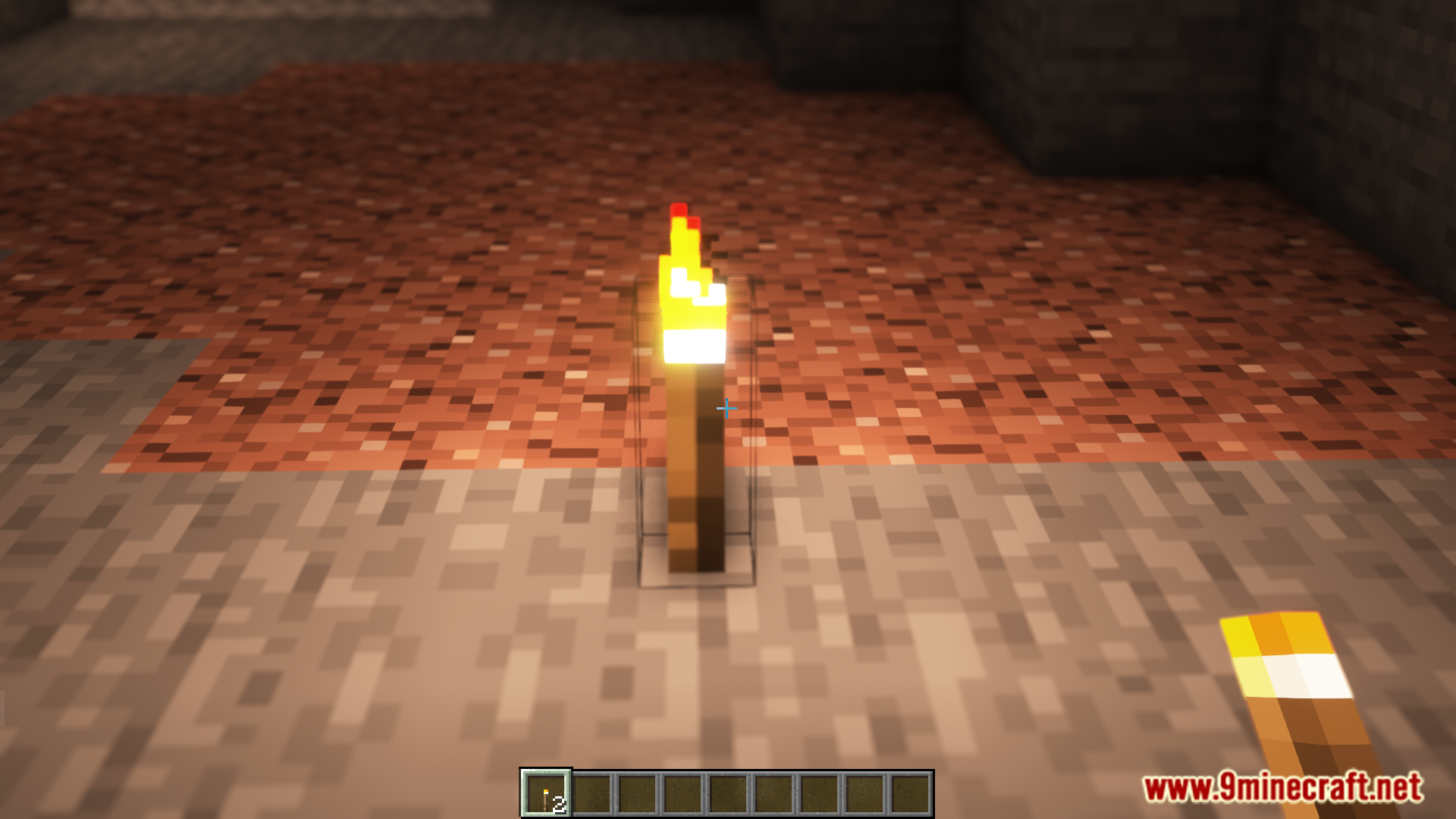
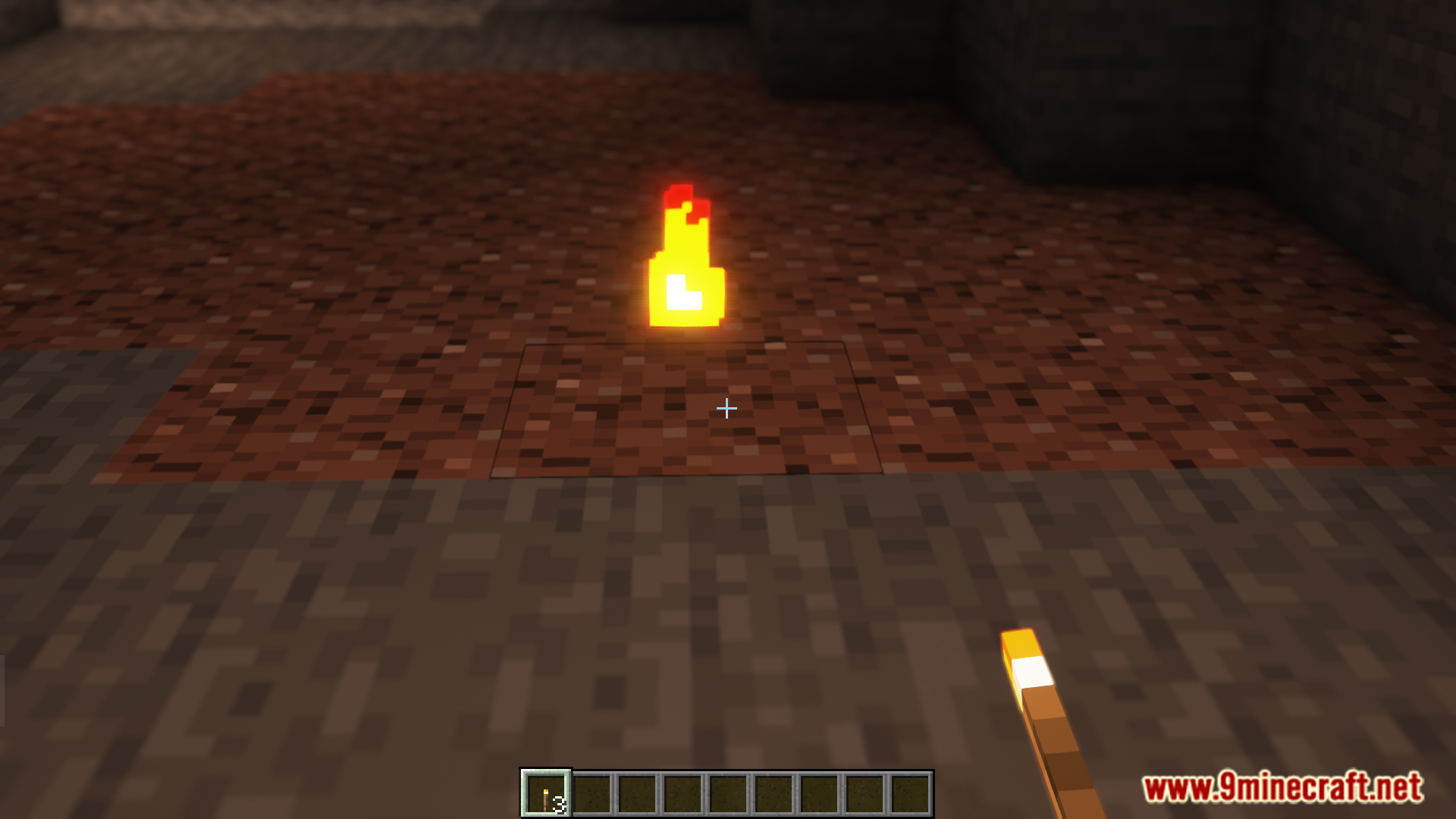
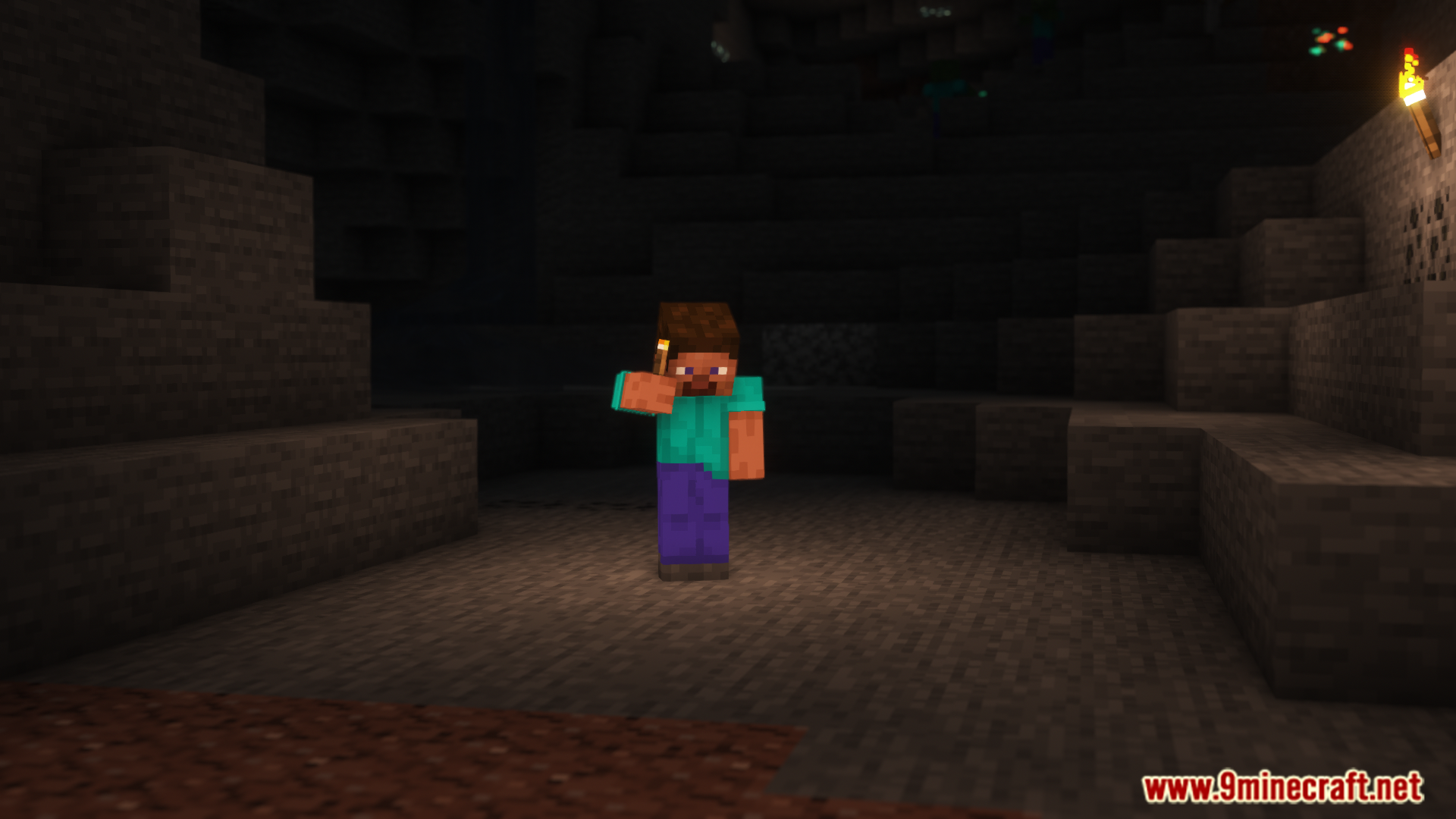
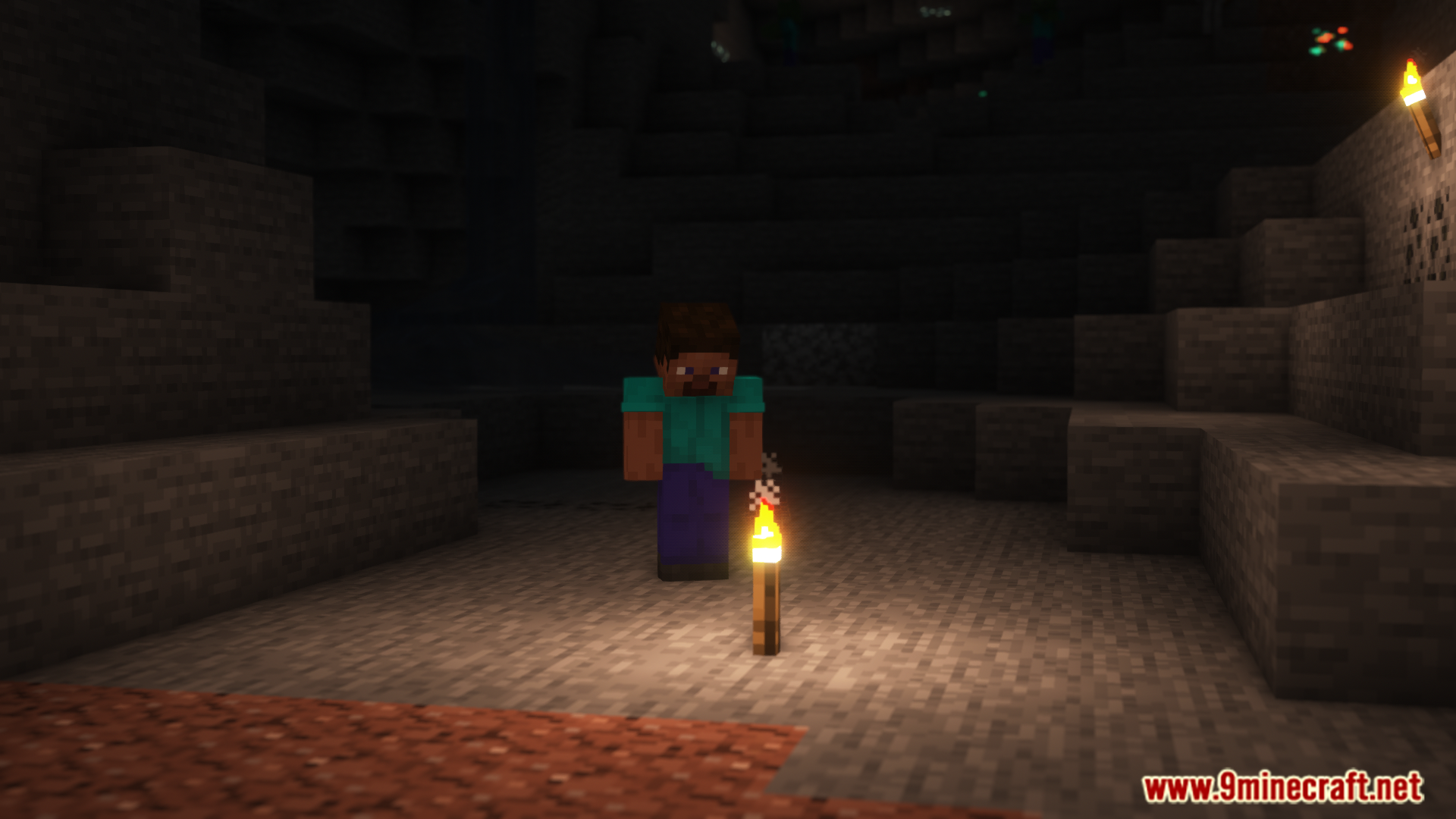
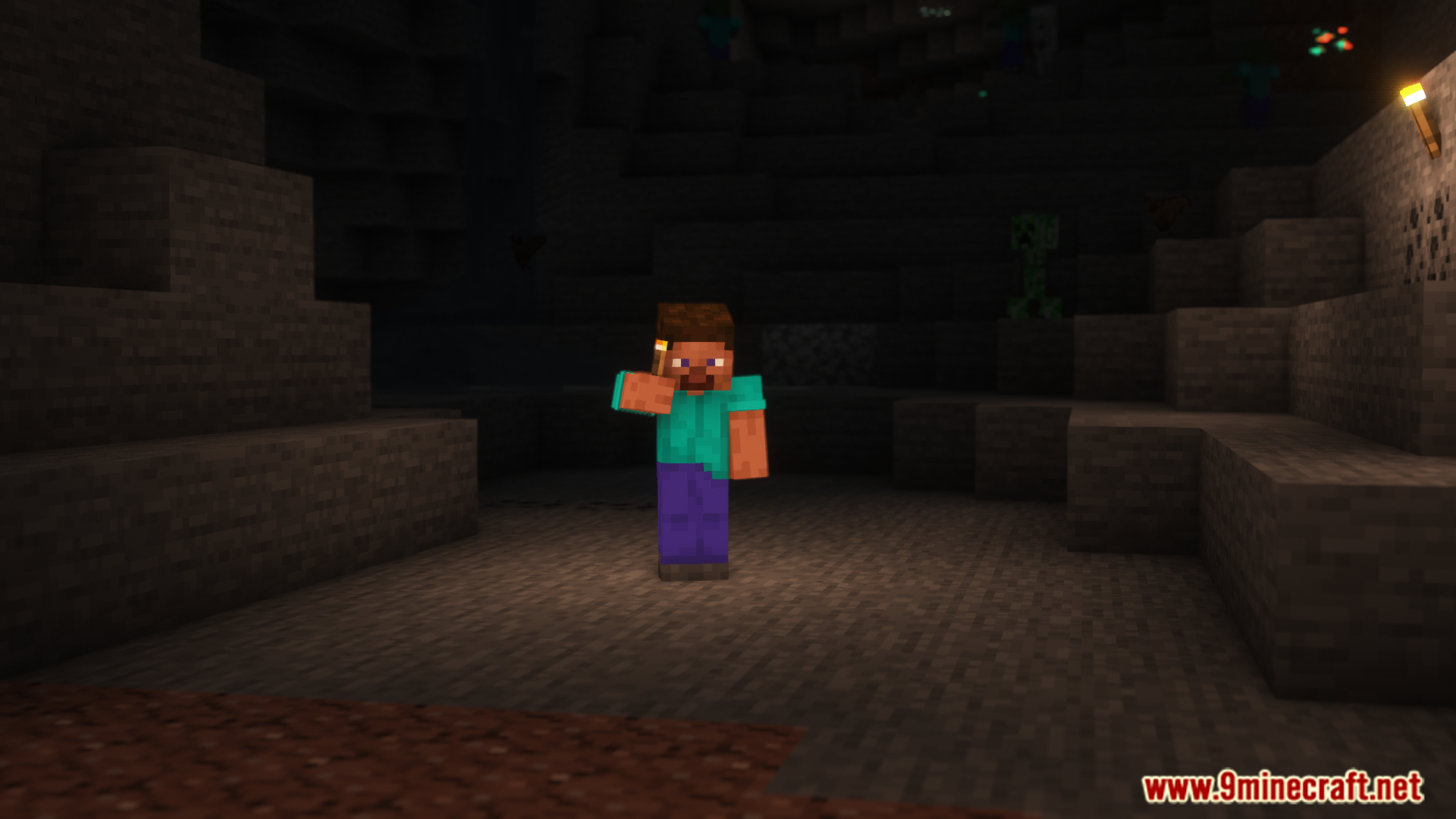
- With this mod installed, right-click placed torches to collect them instantly.
- No more breaking of torches required.
Screenshots:
Requires:
How to install:
Click the following link to view details: How to Install Mods for Minecraft Java Edition on PC: A Beginner Guide
Pick Up Torches Mod (1.20.6, 1.20.1) Download Links
For Minecraft 1.19.2
Forge version: Download from Server 1 – Download from Server 2
Fabric version: Download from Server 1 – Download from Server 2
For Minecraft 1.19.4
Forge version: Download from Server 1 – Download from Server 2
Fabric version: Download from Server 1 – Download from Server 2
For Minecraft 1.20.1
Forge version: Download from Server 1 – Download from Server 2
Fabric version: Download from Server 1 – Download from Server 2
For Minecraft 1.20.4
Forge version: Download from Server 1 – Download from Server 2
Forge/NeoForge version: Download from Server 1 – Download from Server 2
Fabric version: Download from Server 1 – Download from Server 2
For Minecraft 1.20.6
Forge version: Download from Server 1 – Download from Server 2
You May Also Like