


Pocket Pattern Recall Mod (26.2, 1.21.11) – Swap Custom Inventory Layouts
 1
1
 0
0

🌐 Read this article in your language! Choose your preferred language below.
Or pick the one you like:
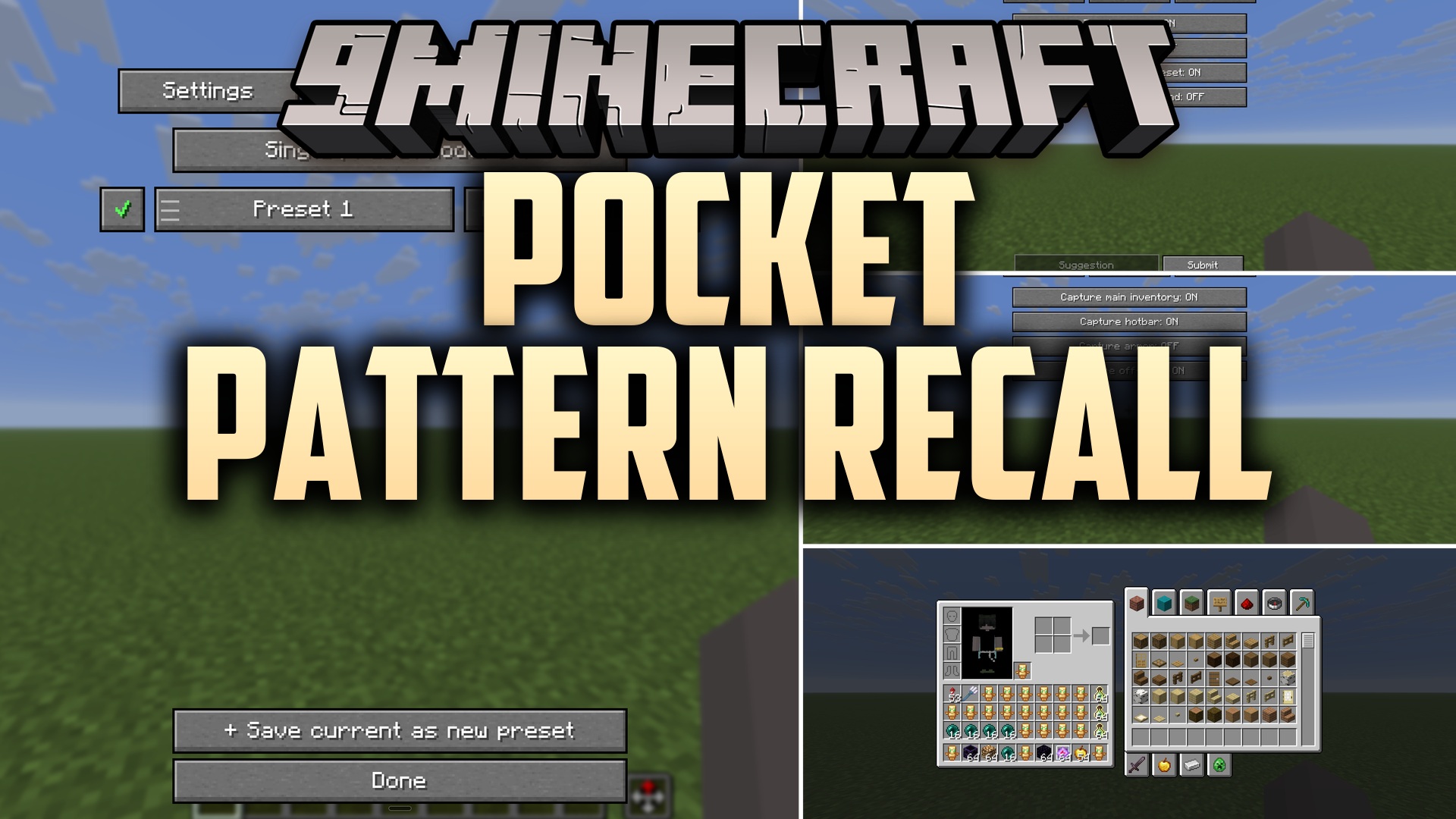
Pocket Pattern Recall Mod saves your custom inventory layouts and restores items to their exact slots with a single keypress. When you return to your items after a respawn or swap between activities, this mod puts your sword, tools, and blocks right where your muscle memory expects them. It operates on the client side, making it safe to run on multiplayer servers without needing special server setups.
Features:
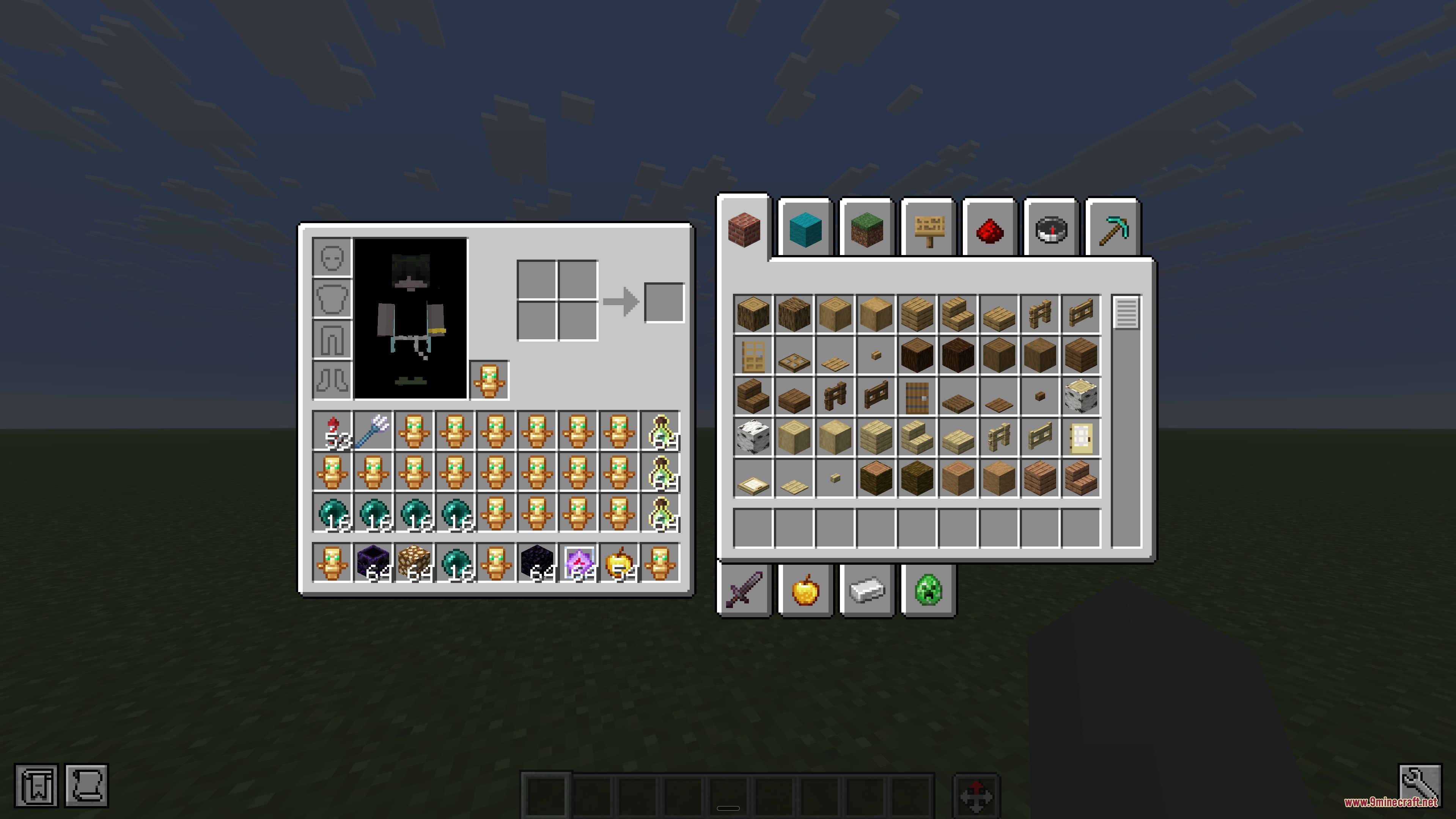
- Restores every item directly into its saved slot without rough auto-sorting.
- Lets you create multiple loadouts for PvP kits, building palettes, or mining runs.
- Works on multiplayer servers by using normal inventory clicks rather than server commands.
- Restores full inventory sets instantly in Creative mode even when items are missing from your bags.
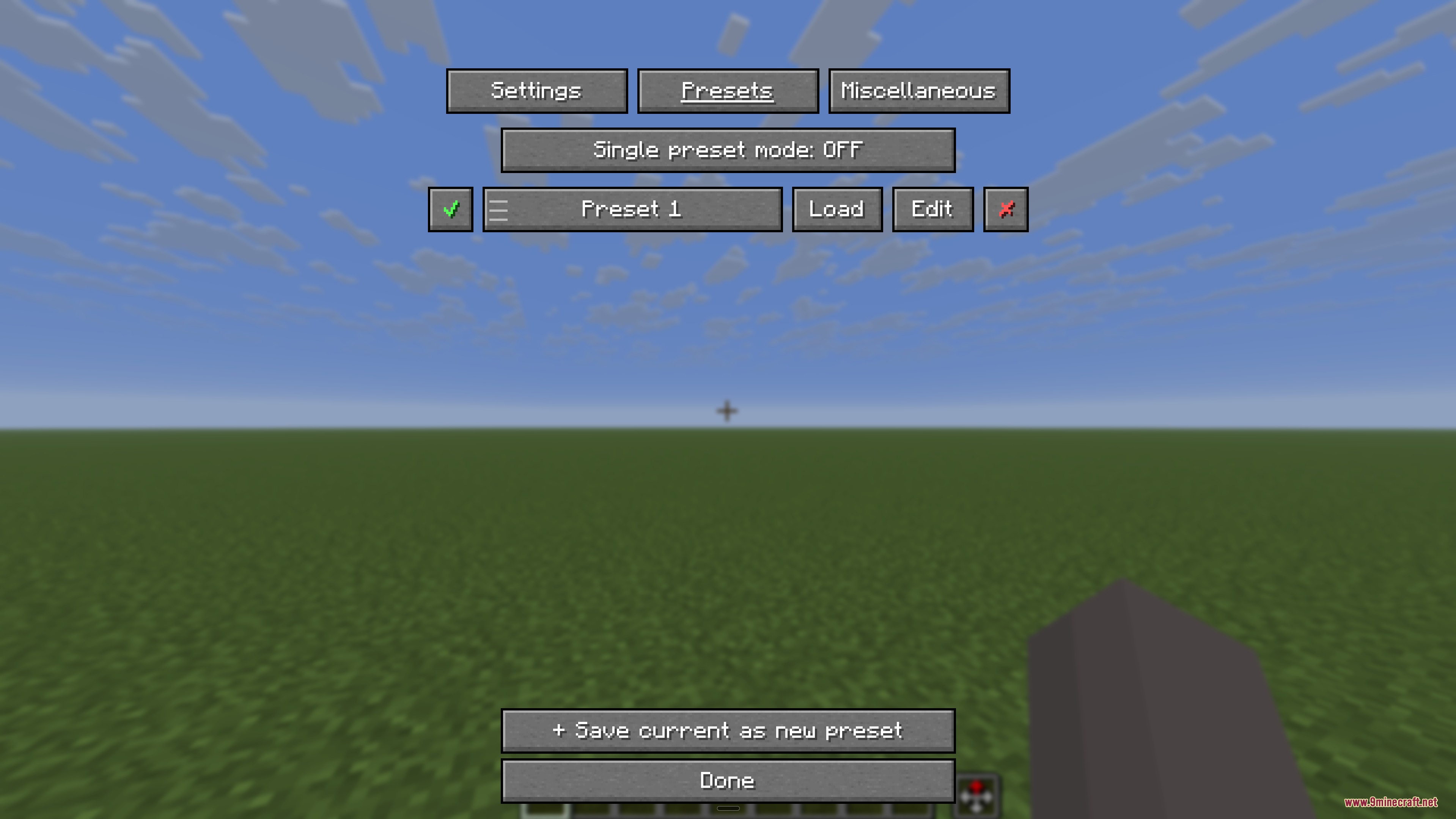
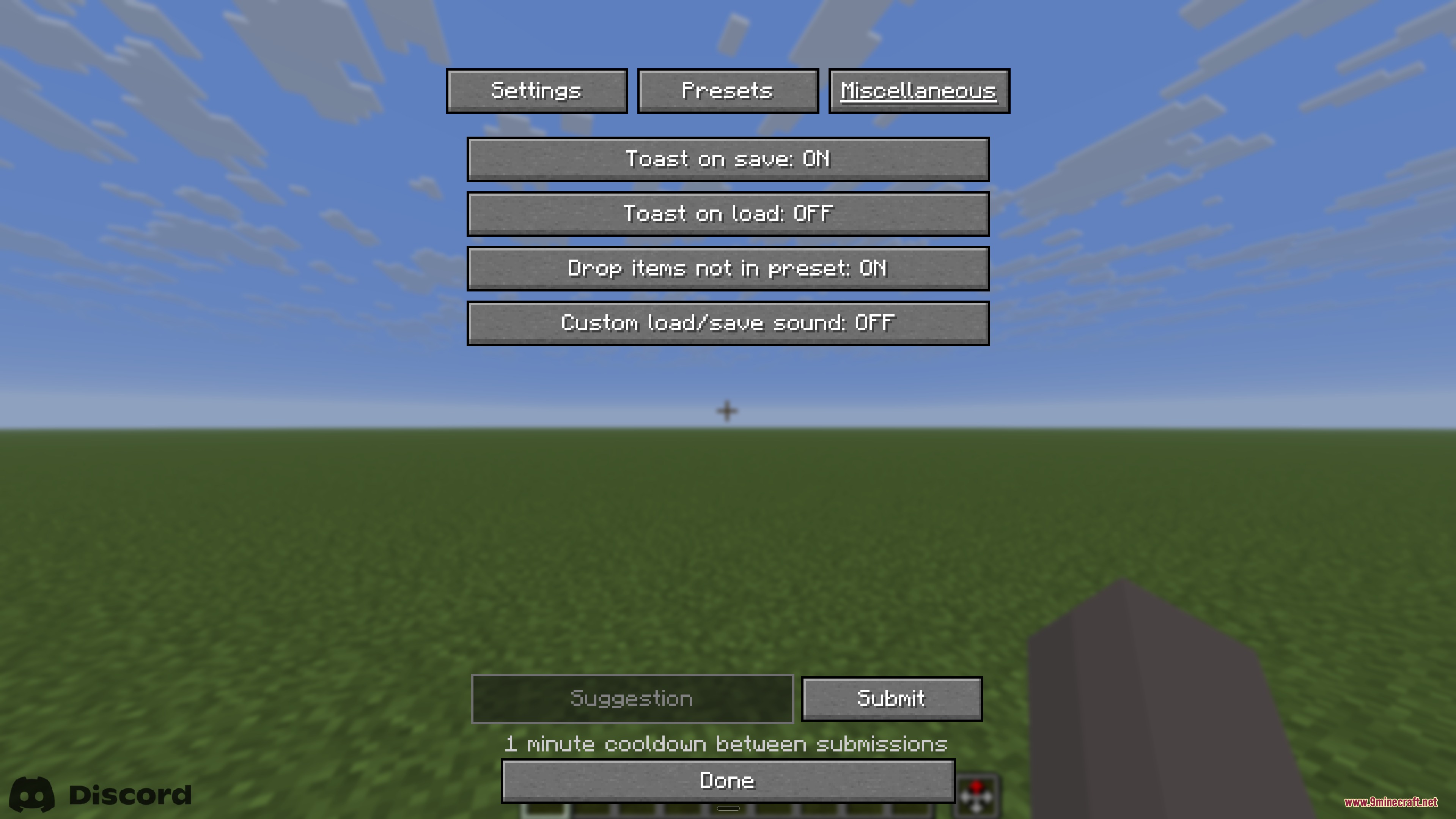
- Includes a management menu where you can rename, reorder, and edit all your saved presets.
- Features a single-preset mode that turns layout saving and loading into a simple one-button action.
- Keeps all your saved layouts intact across game restarts.
How to Use:
- Arrange your inventory and hotbar items in your preferred positions.
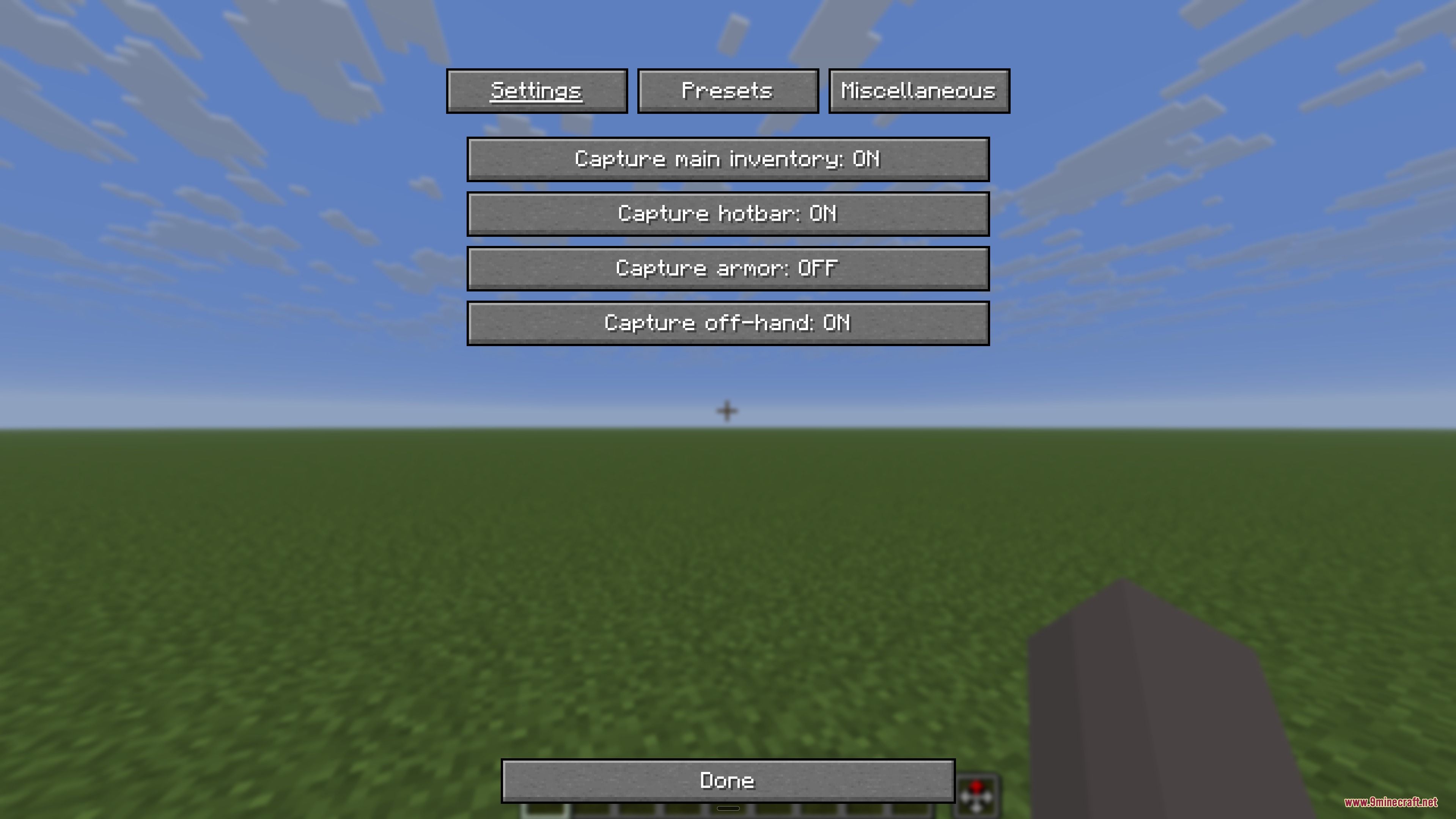
- Press ~ to open the management screen and save your current layout as a preset.
- Press J at any time to recall your saved item layout.
- Switch between different activity presets using the management menu whenever you change tasks.
Screenshots:
How to Install:
New to Minecraft? Follow our step-by-step guide to install Mods on your PC.View Guide
Requirements:


Pocket Pattern Recall Mod Download Links
For Minecraft 26.2
For Minecraft 26.1.2, 26.1.1, 26.1
For Minecraft 1.21.11
For Minecraft 1.21.10, 1.21.9
For Minecraft 1.21.8, 1.21.7, 1.21.6
For Minecraft 1.21.5
For Minecraft 1.21.4
Click to rate this post!
[Total: 0 Average: 0]
You May Also Like












This post has no comments yet. Be the first — your comment will appear here.