ProjectKorra Core Plugin (1.19.4, 1.19.2) – Master The Elements From Avatar
 1,692
1,692
 0
0
 June 15, 2024
 ProjectKorra
ProjectKorra Core Plugin brings the world of elemental bending from the “Avatar: The Last Airbender” and “The Legend of Korra” series to Minecraft. This plugin allows players to master the four elements-Water, Earth, Fire, and Air-each with unique abilities and techniques, enhancing the gameplay experience with a blend of combat, role-playing, and strategy.

Features:
- Players can choose from four bending disciplines-Water, Earth, Fire, and Air-each with a variety of skills and abilities that mimic those from the “Avatar” series.
- Administrators can create and configure custom abilities, providing endless possibilities for unique server experiences.
- Players can level up and master their chosen element, unlocking more powerful abilities and techniques.
- Advanced combos and techniques add depth and strategy to bending, allowing players to chain moves for greater impact.
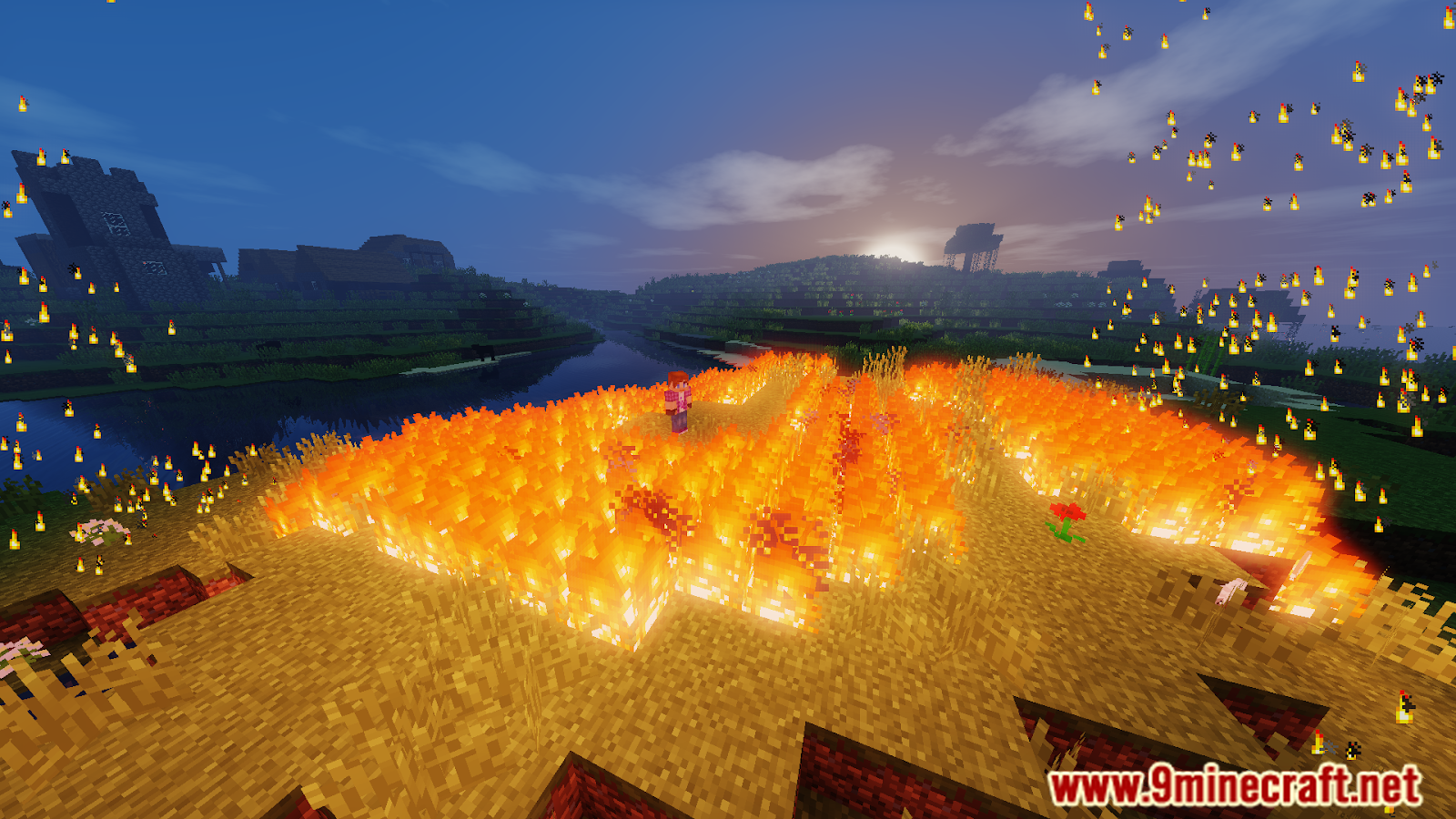
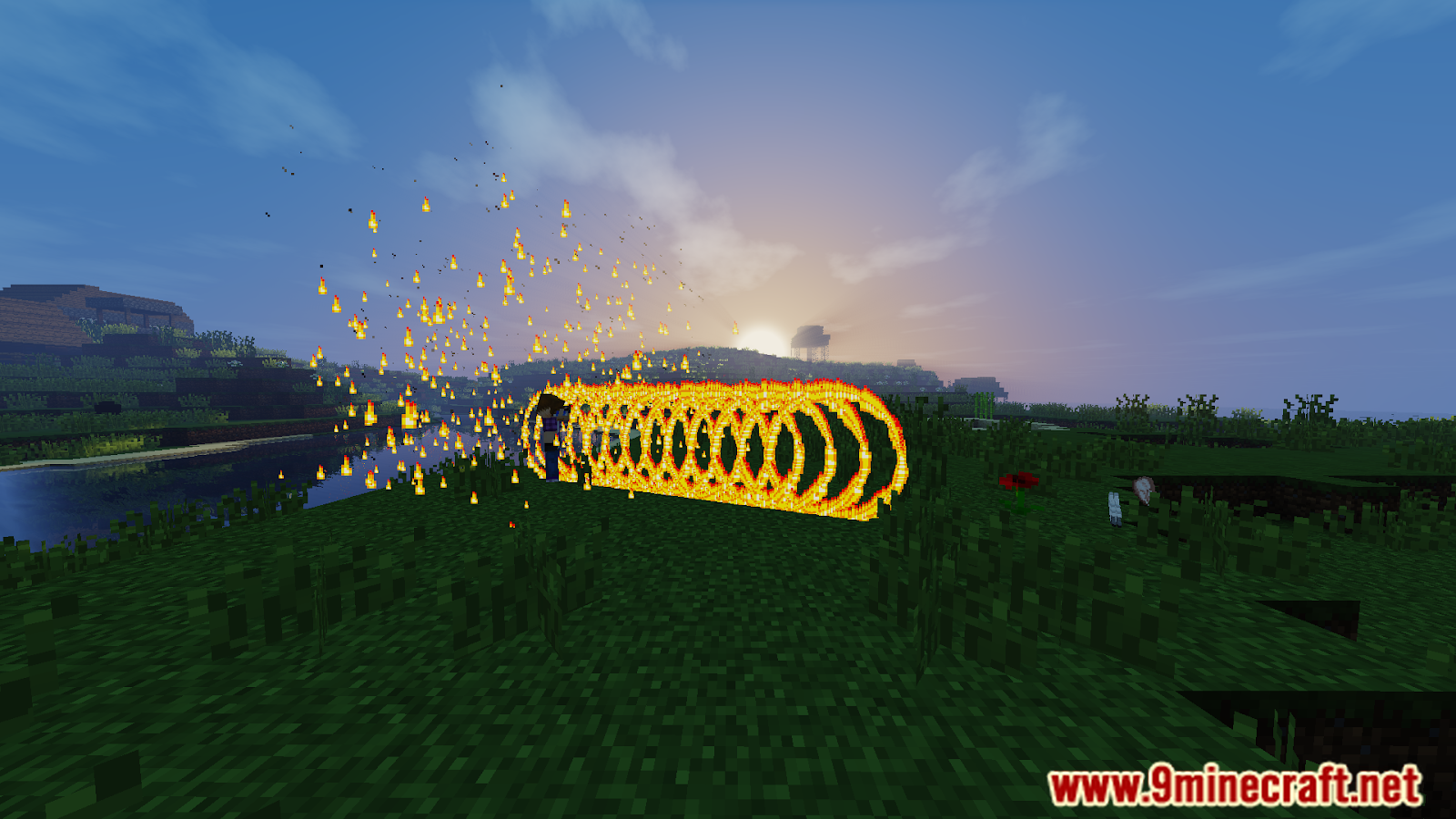
- Elemental bending enhances combat with visually impressive and strategically complex abilities.
- Integrates with RPG plugins, enhancing role-playing servers with elemental bending mechanics.
- Supported by an active community and regular updates, ensuring the plugin stays current and bug-free.
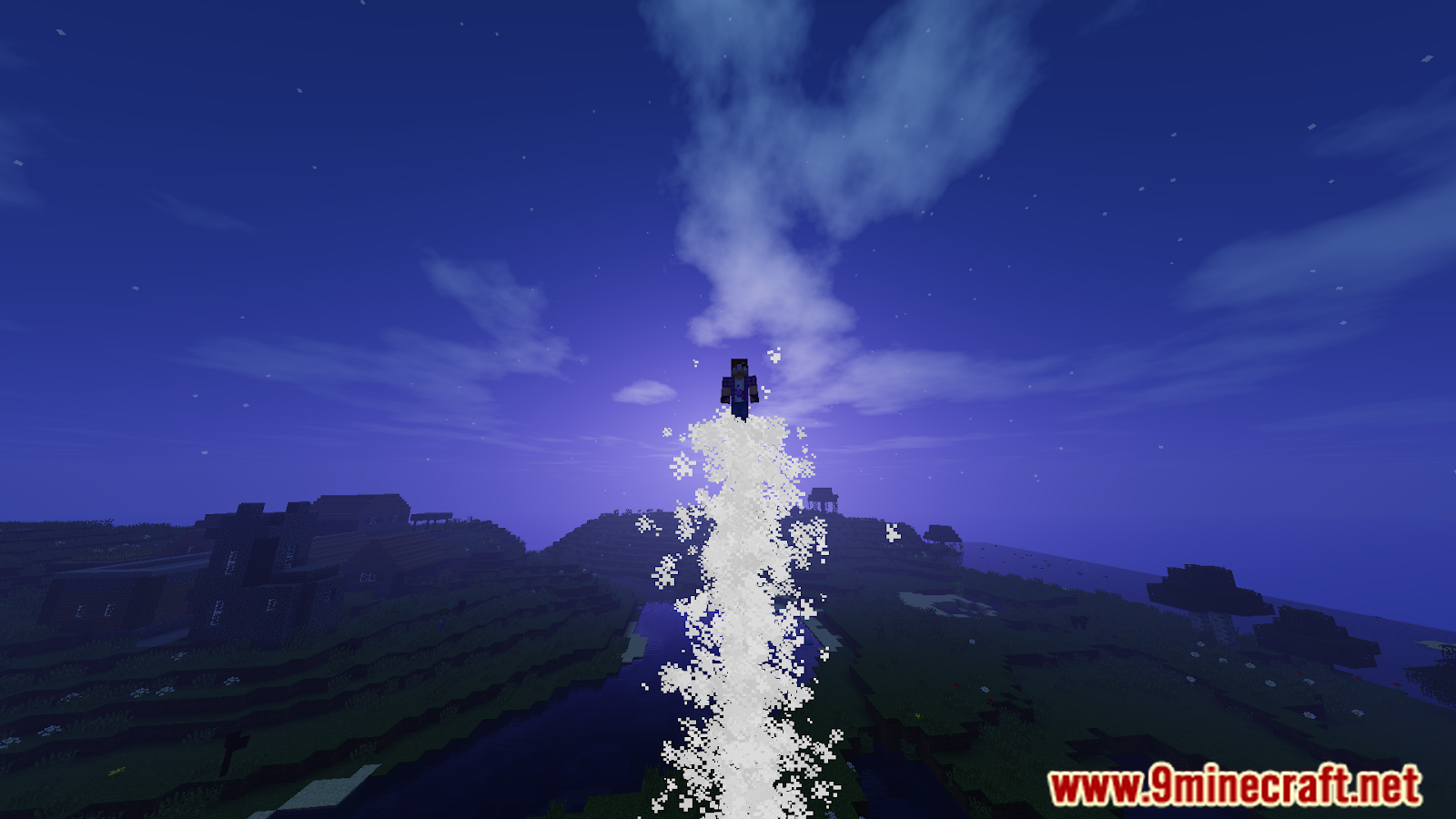
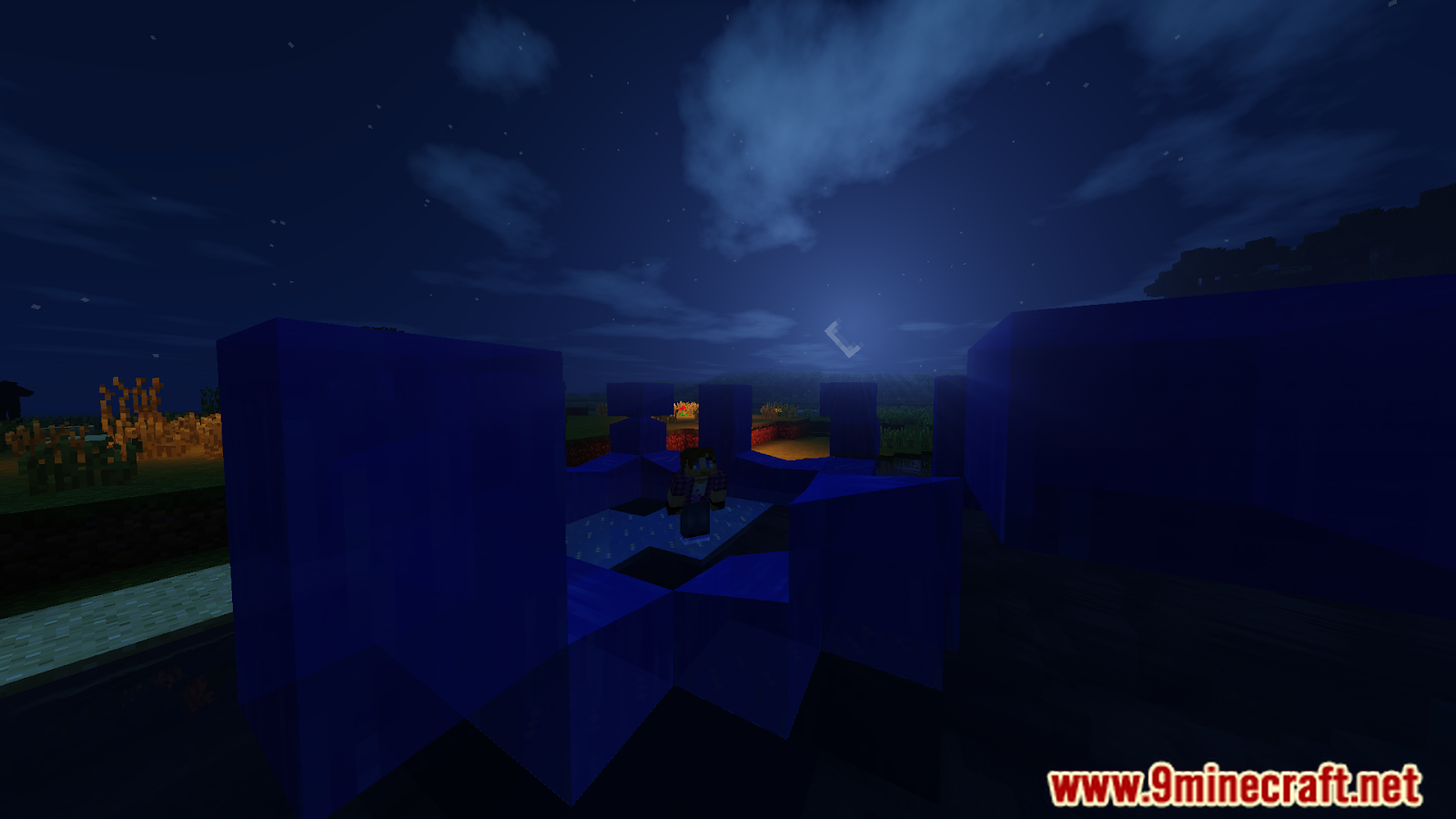
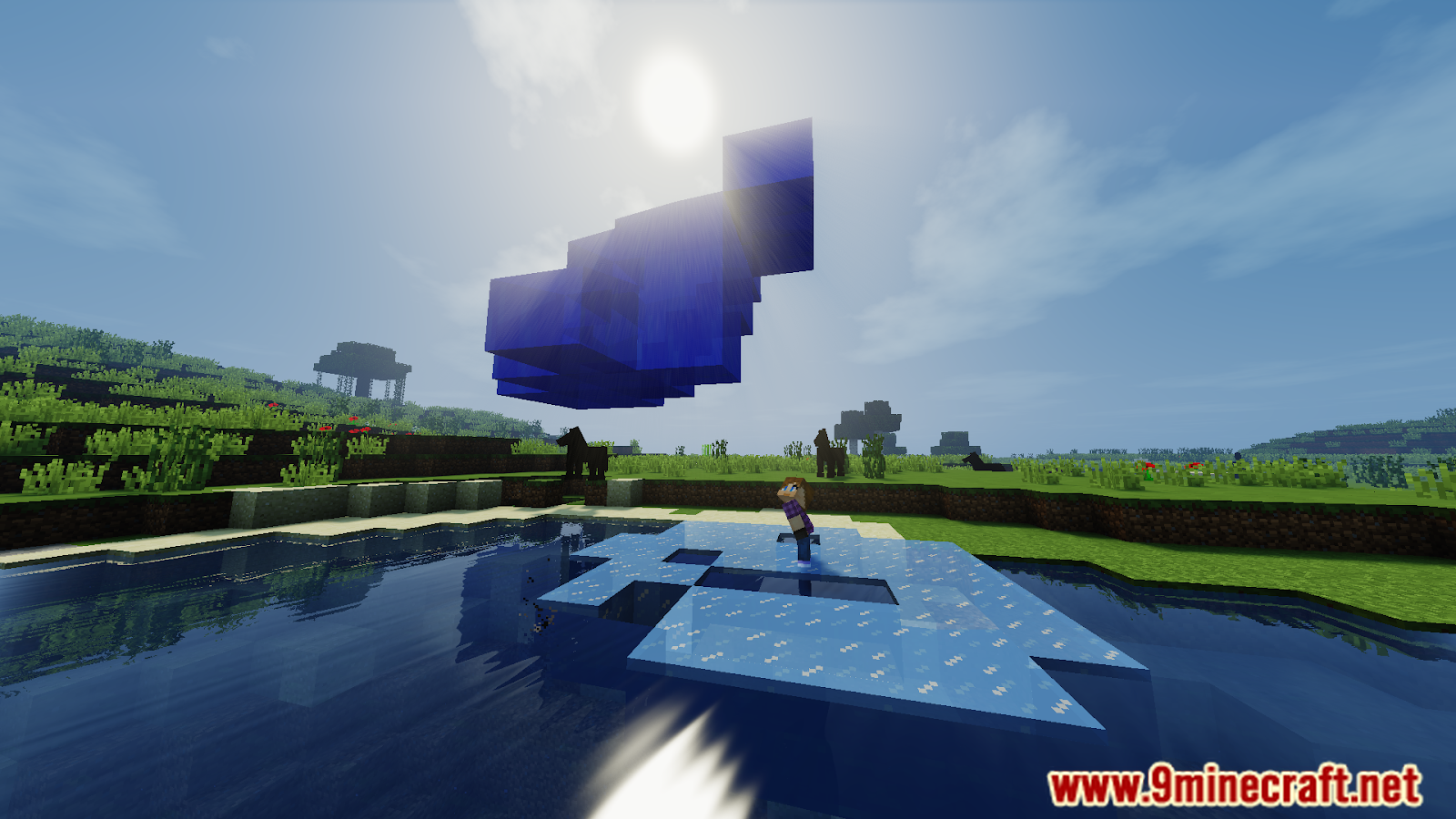
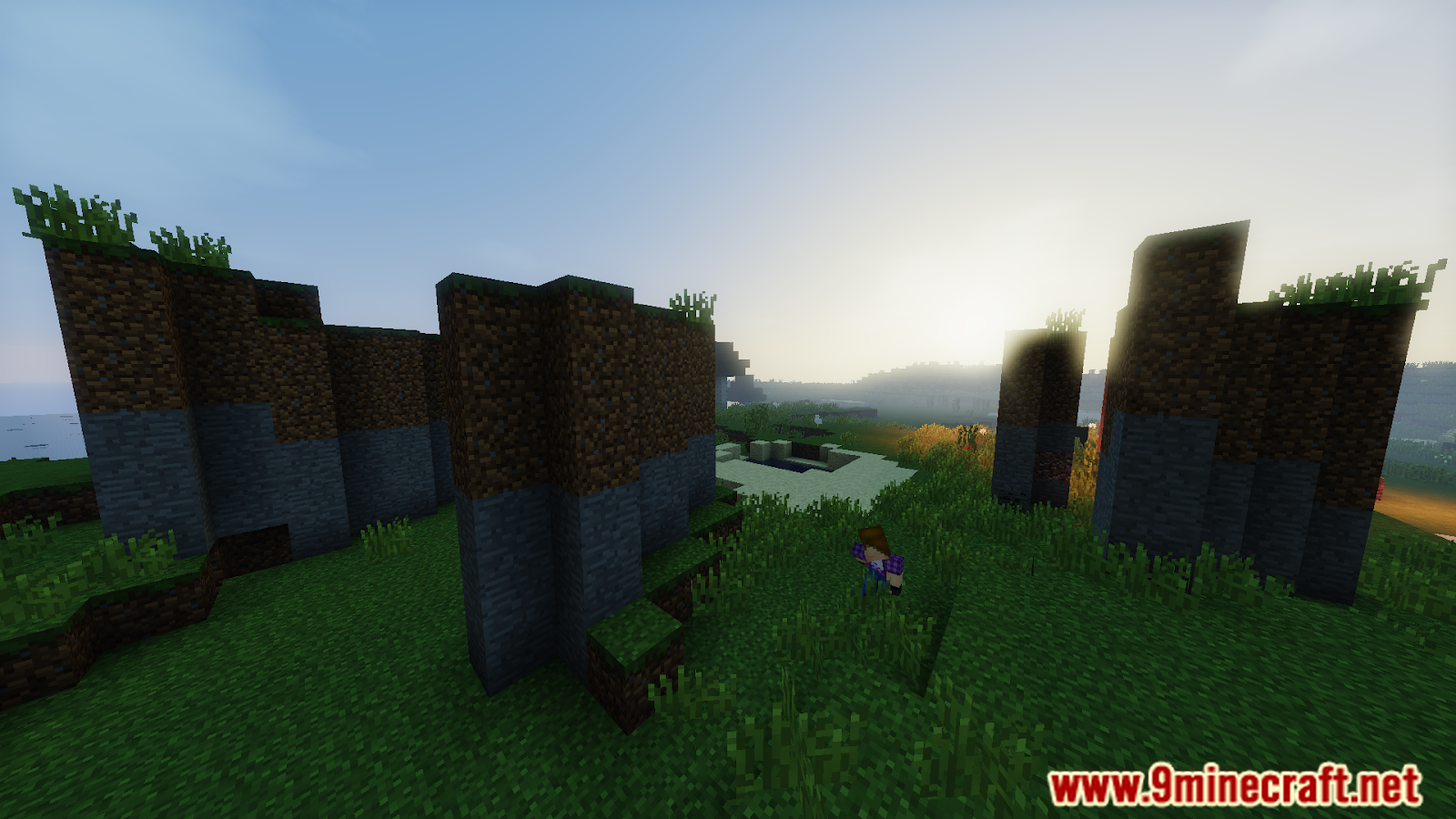
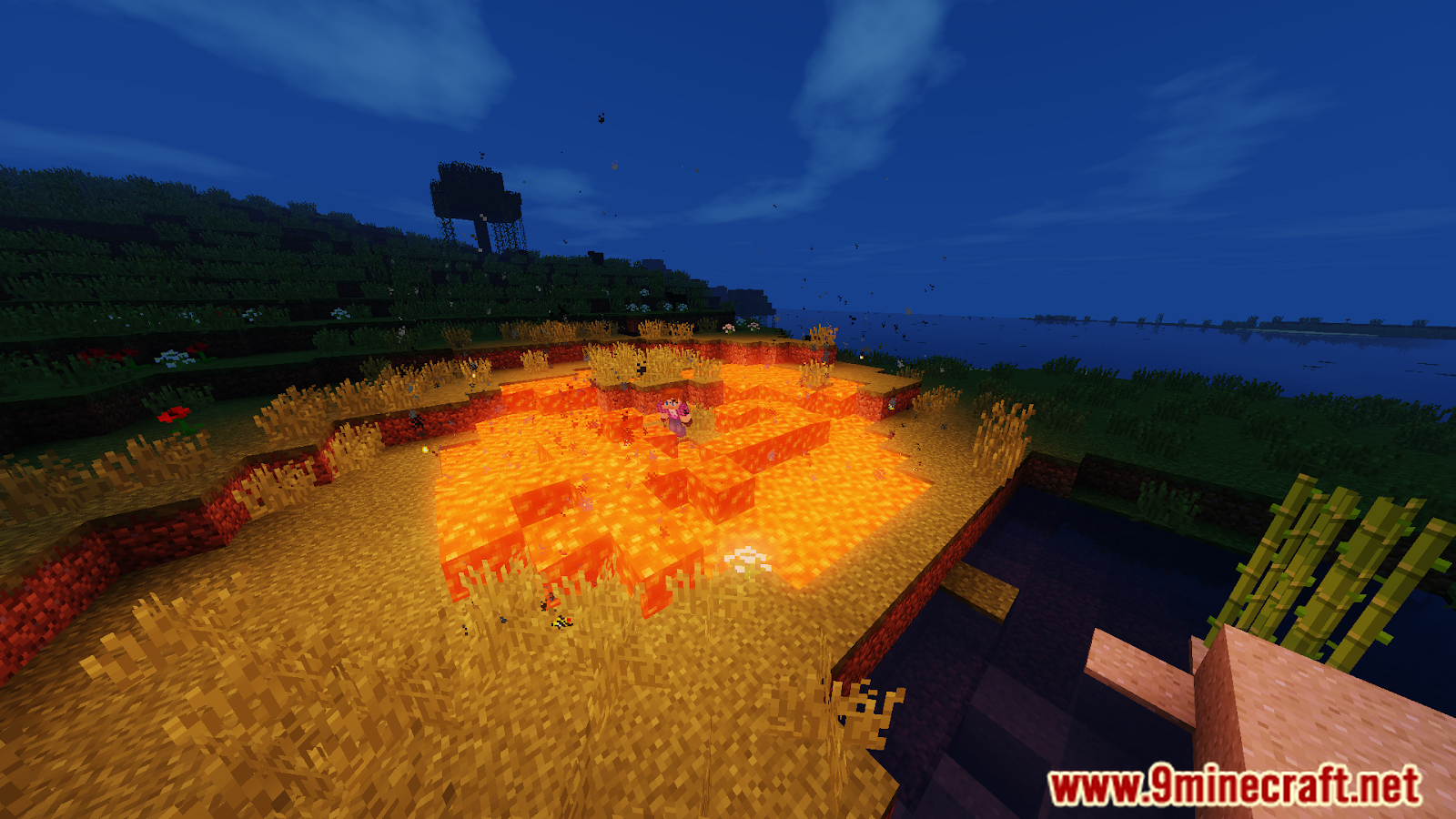
Screenshost:
Commands:
| Command | Description | Usage | Permission Node |
|---|---|---|---|
| /bending help | Shows help on a given command. | /bending help [Command] | bending.command.help (DEFAULT) |
| /bending bind | Binds an ability so a player can use it. If a slot is not specified, it will bind to whichever item slot the player is currently on. | /bending bind [Slot] | bending.command.bind (DEFAULT) |
| /bending choose | Chooses an element. Players can rechoose their bending with the appropriate permissions and admins with appropriate permissions can pick elements for other players. | /bending choose [Player] | bending.command.choose (DEFAULT) bending.command.rechoose (OP) bending.admin.choose (OP) |
| /bending clear | Clears a bound ability. If no slot is specified, it’ll clear all bound abilities. | /bending clear [Slot] | bending.command.clear (DEFAULT) |
| /bending preset | This command manages presets, which are saved sets of bound abilities. | /bending preset <list|create|delete|bind|>[Preset] | bending.command.preset.list (DEFAULT) bending.command.preset.create.2 (DEFAULT) bending.command.preset.create (DEFAULT) bending.command.preset.bind (DEFAULT) bending.command.preset.delete (DEFAULT) |
| /bending toggle | Toggles a player’s bending on/off. Server admins can use this to toggle specific elements or bending for the entire server. | /bending toggle [All|Element|Player] | bending.command.toggle (DEFAULT) bending.command.toggle.all (OP) |
| /bending version | Checks to see which version of ProjectKorra you are running on. | /bending version | bending.command.version (DEFAULT) |
| /bending who | Views information of players on a server, or a specific player if one is specified. | /bending who [Page|Player] | bending.command.who (DEFAULT) |
Admin Commands:
| Command | Description | Usage | Permission Node |
|---|---|---|---|
| /bending add | Gives a player the specified element or subelement | /bending add <Player> <Element | SubElement> | bending.command.add (OP) bending.command.add.others (OP) |
| /bending check | Checks to see if your server is using the latest version of ProjectKorra | /bending check | bending.command.check (OP) |
| /bending copy | This will allow a player to copy the binds of another player either for himself, or assign them to another player if one is specified. | /bending copy [Player] | bending.command.copy (DEFAULT) bending.command.copy.assign (OP) |
| /bending debug | Outputs information on ProjectKorra and the installed add-ons. | /bending debug | bending.admin.debug (OP) |
| /bending import | Imports data from Orion’s original MinecraftTLA plugin. This should only be done once. | /bending import | bending.command.import (OP) |
| /bending invincible | Makes the player invincible to all bending damage until they log off or use the command again. | /bending invincible | bending.command.invincible (OP) |
| /bending permaremove | Permanently removes a player’s bending. Players will not be able to pick their bending again until this command is run on them again. | /bending permaremove | bending.admin.permaremove (OP) |
| /bending reload | Reloads the bending config file. | /bending reload | bending.command.reload (OP) |
| /bending remove | Removes specified element from player, or all of a player’s Bending if no element is specified. | /bending remove [Element] | bencing.admin.remove (OP) |
How to install:
- Please visit the following link for full instructions: How To Download & Install Spigot Plugins
- Don’t miss out today’s latest Minecraft Plugins
ProjectKorra Core Plugin Download Links
For All Versions from Minecraft 1.16 to Minecraft 1.19.4
Click to rate this post!
[Total: 2 Average: 4]
You May Also Like