


Quality of Queso Mod (26.2, 1.20.1) – Sort Messy Chests and Find Your Items

 0
0 

🌐 Good news — we've translated this article into other languages!
Or pick the one you like:
Quality of Queso Mod gives you better ways to manage your items and chests. It adds helpful buttons to sort your loot, search for specific blocks, and move items around without clicking one by one. The mod also brings small visual changes, like showing your armor health on the screen and warning you if you forget to wear your wings.
Features:
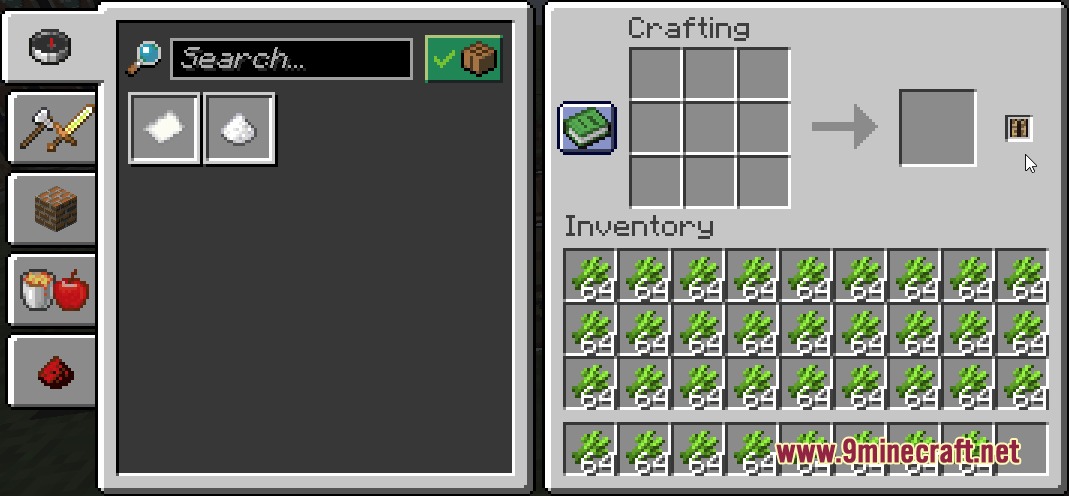
- Advanced Searching: Type in a search bar to find items in your inventory, inside chests, or even inside shulker boxes resting in those chests.
- Smart Transferring: Move items between your inventory and chests with one click, while keeping your hotbar safe from moving.
- Quick Equip: Right-click a piece of armor to instantly swap it with the one you are currently wearing.
- Sorts your messy chests into neat rows so you can find what you need faster.
- Lets you lock specific slots in a chest so those items never get moved by accident.
- Fills up half-empty stacks in a chest using the matching items from your pockets.
- Drops all items of the same type out of a chest quickly.
- Crafts all possible amounts of an item at once instead of clicking the recipe over and over.
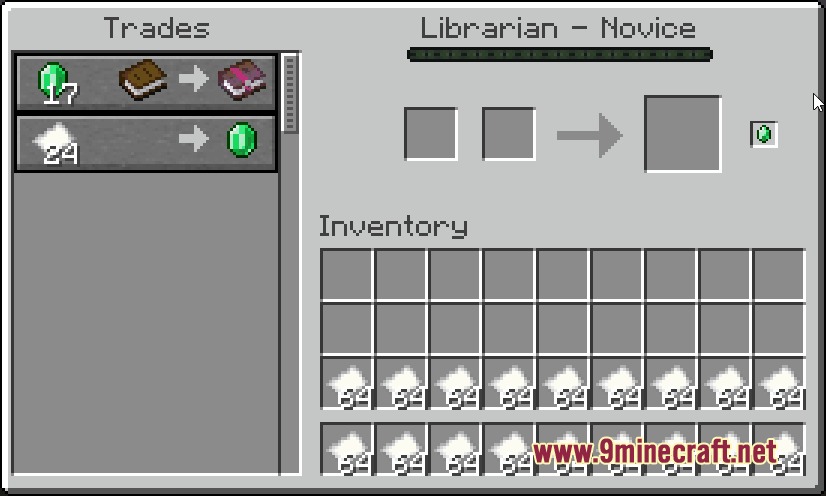
- Trades your items with villagers in bulk to save time.
- Shows a small display on your screen so you always know how much durability your armor has left.
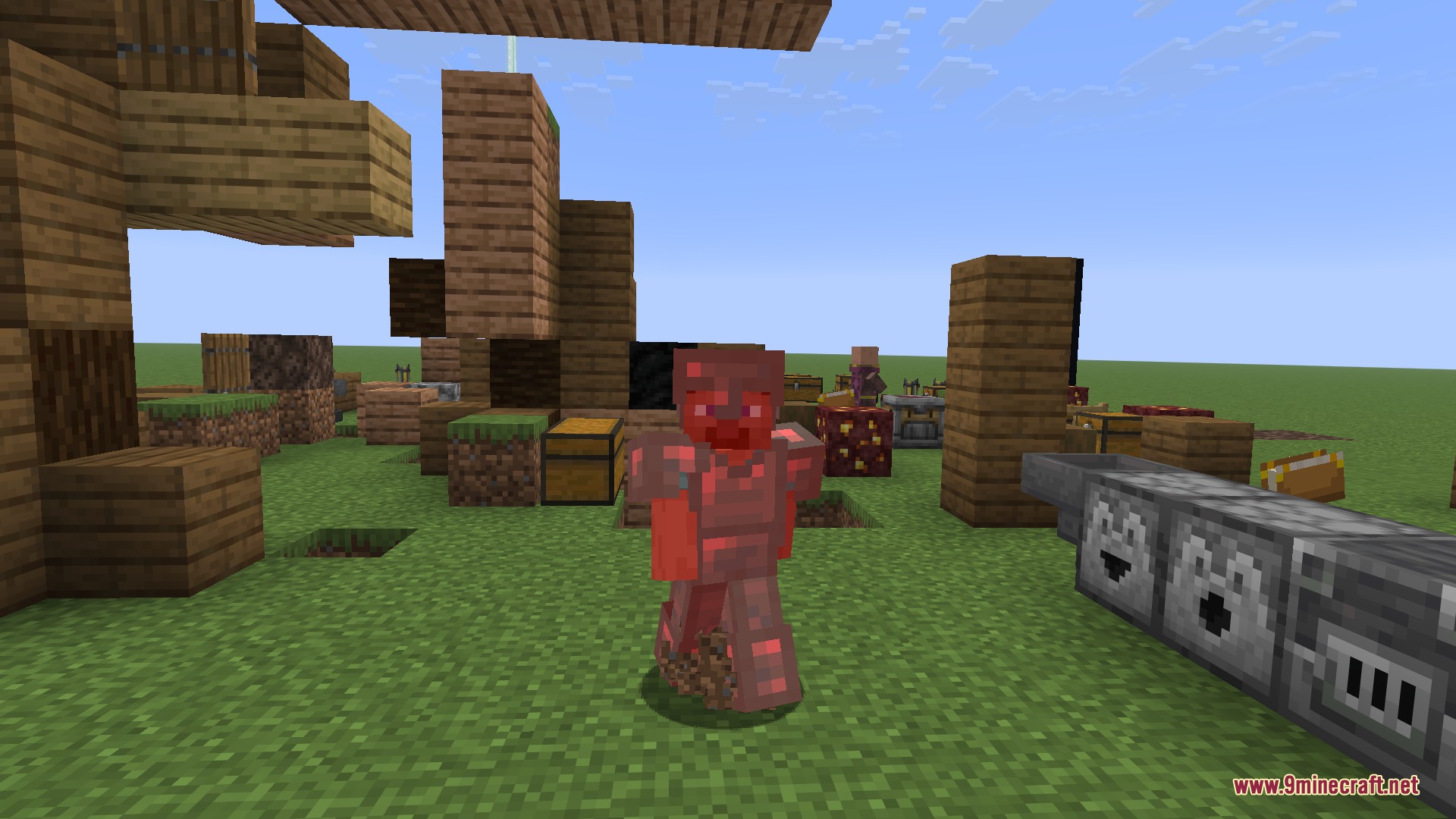
- Turns your character red when you take damage, just like in older versions of the game.
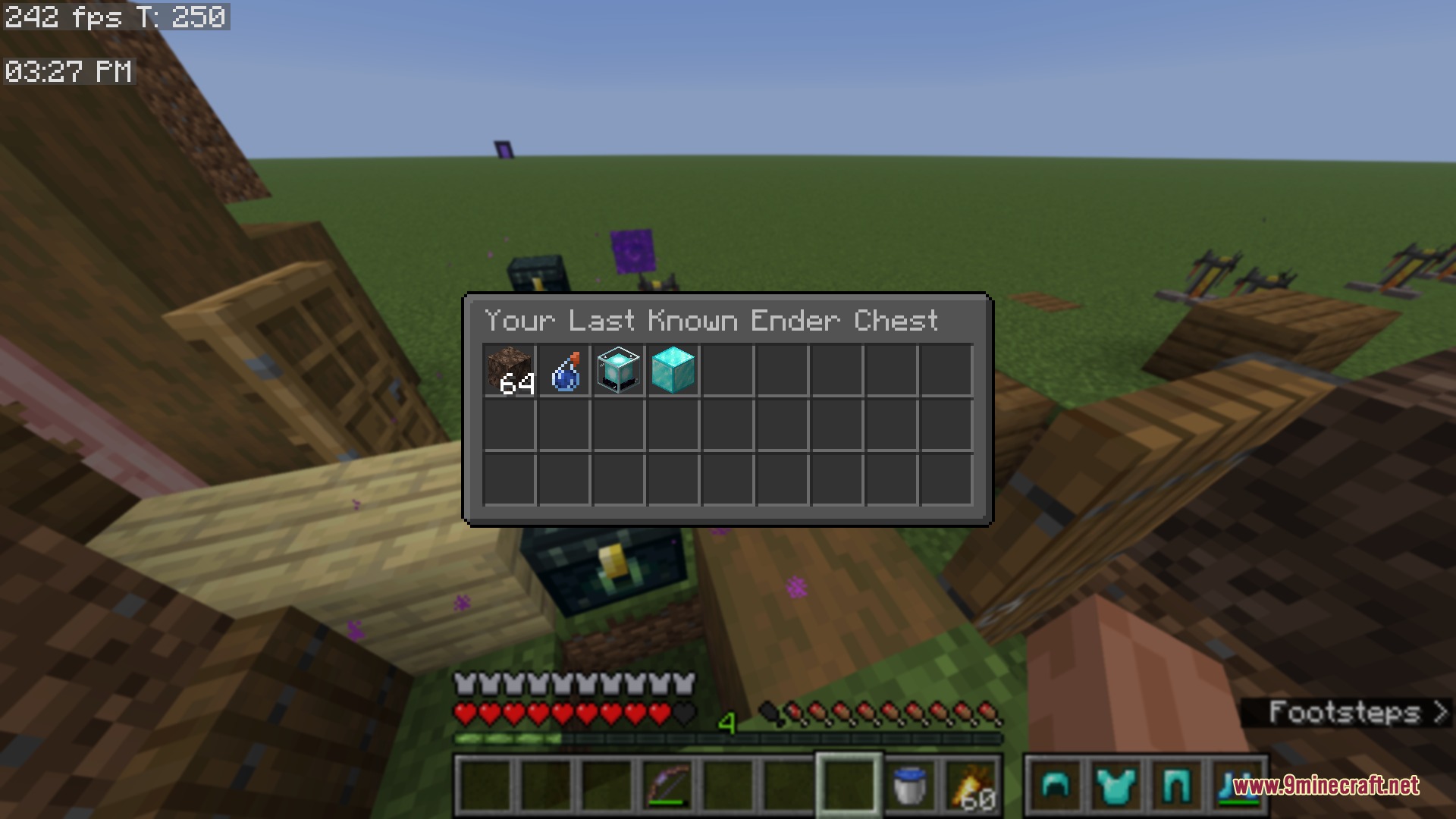
- Remembers what was inside your Ender Chest so you can look at the contents later.
- Plays a loud alarm sound if you try to jump off a high place without your elytra on.
How to Use:
- Open any chest or container to see the new sorting and searching buttons on your screen.
- Type into the search bar to highlight specific items, or use tags to find groups of items.
- Hold Shift and drag your mouse over items to quick-move them, or use the dedicated quick move button.
- Right-click any armor piece in your inventory to swap it with your currently worn armor.
Screenshots:
How to Install:
New to Minecraft? Follow our step-by-step guide to install Mods on your PC.View Guide
Requirements:
 Fabric Loader Required
 Fabric API Required
 NeoForge Required
 Minecraft Forge Required
DillonLib Required
YetAnotherConfigLib (YACL) Required
Balm Required
Quality of Queso Mod Download Links
For Minecraft 26.2
For Minecraft 26.1.2, 26.1.1, 26.1
For Minecraft 1.21.11
For Minecraft 1.21.1, 1.21
For Minecraft 1.20.1, 1.20
Click to rate this post!
[Total: 0 Average: 0]
You May Also Like











This post has no comments yet. Be the first — your comment will appear here.