


Sirius Ui Mod (26.1.2, 1.20.1) – Redesign Your Main Title Screen

 0
0 

🌐 Good news — we've translated this article into other languages!
Or pick the one you like:
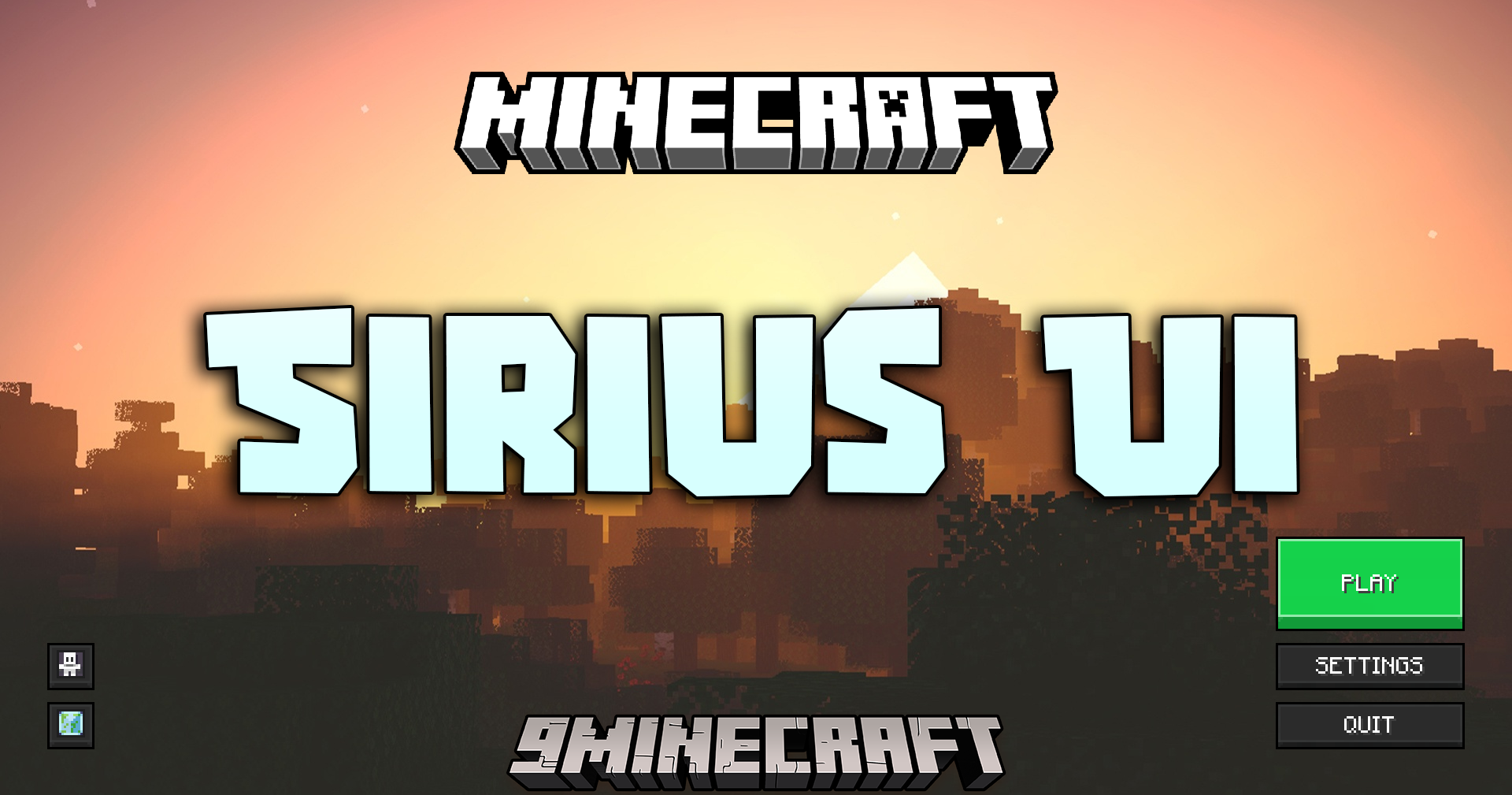
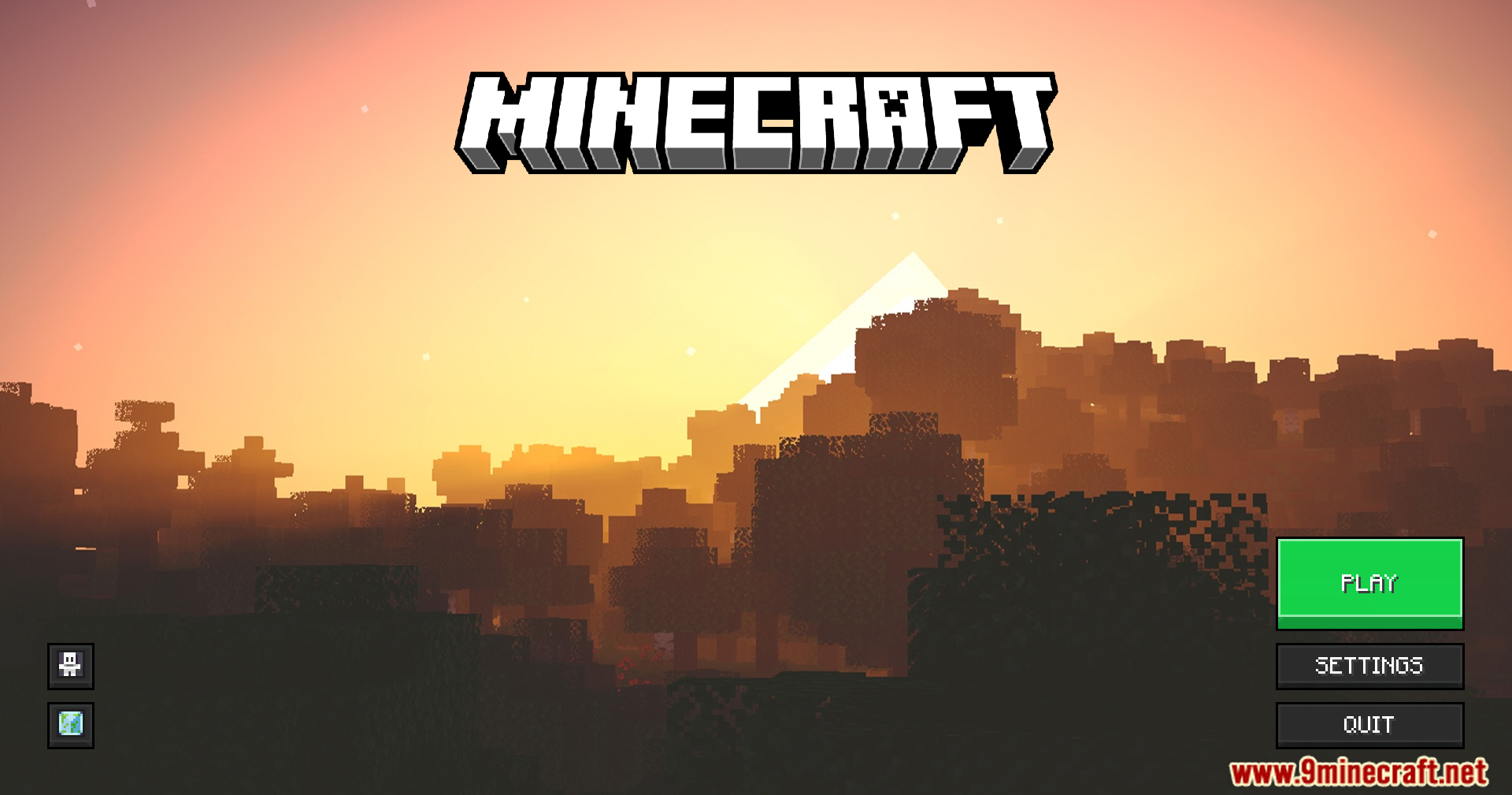
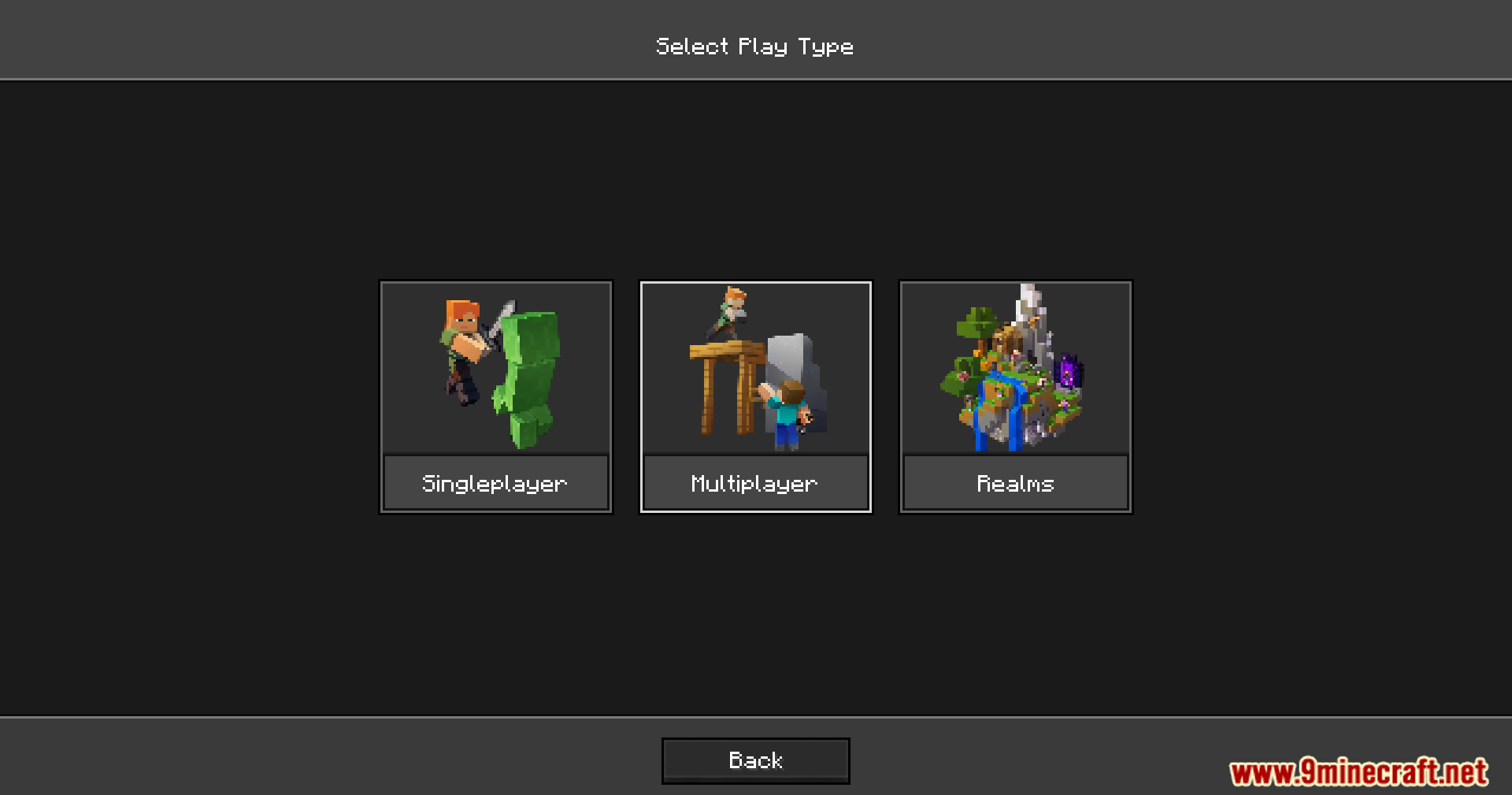
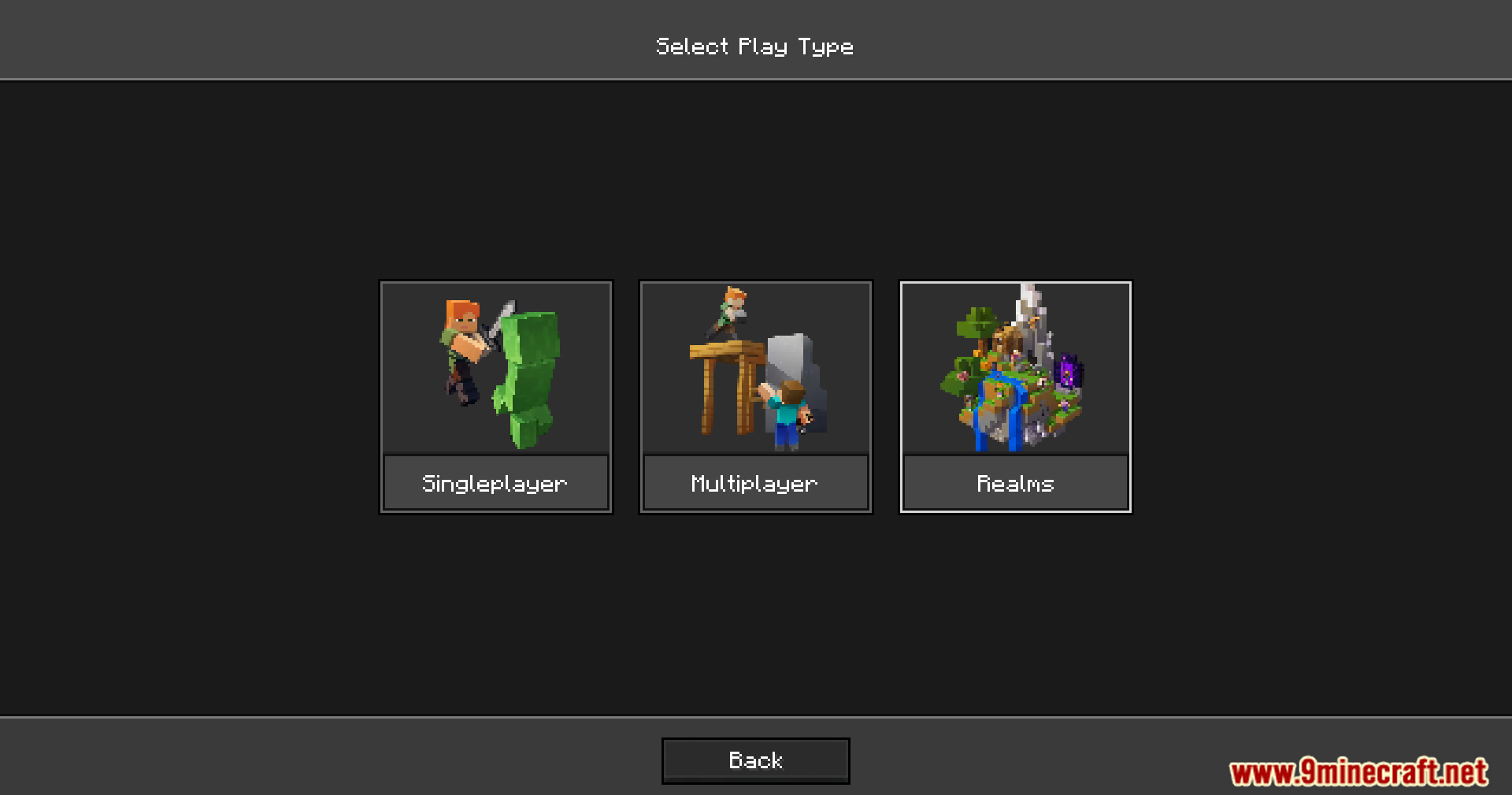
Sirius Ui Mod changes how your main game menus look and work. It adds a special engine that lets players control the layout of the title screen and world selection menus. You can use resource packs to move buttons around and change backgrounds without touching any Java code.
Features:
- Json UI Engine: Separates how the menu looks from how the game runs so you can edit it easily.
- Lets you build your own menu layouts using simple text files inside a resource pack.
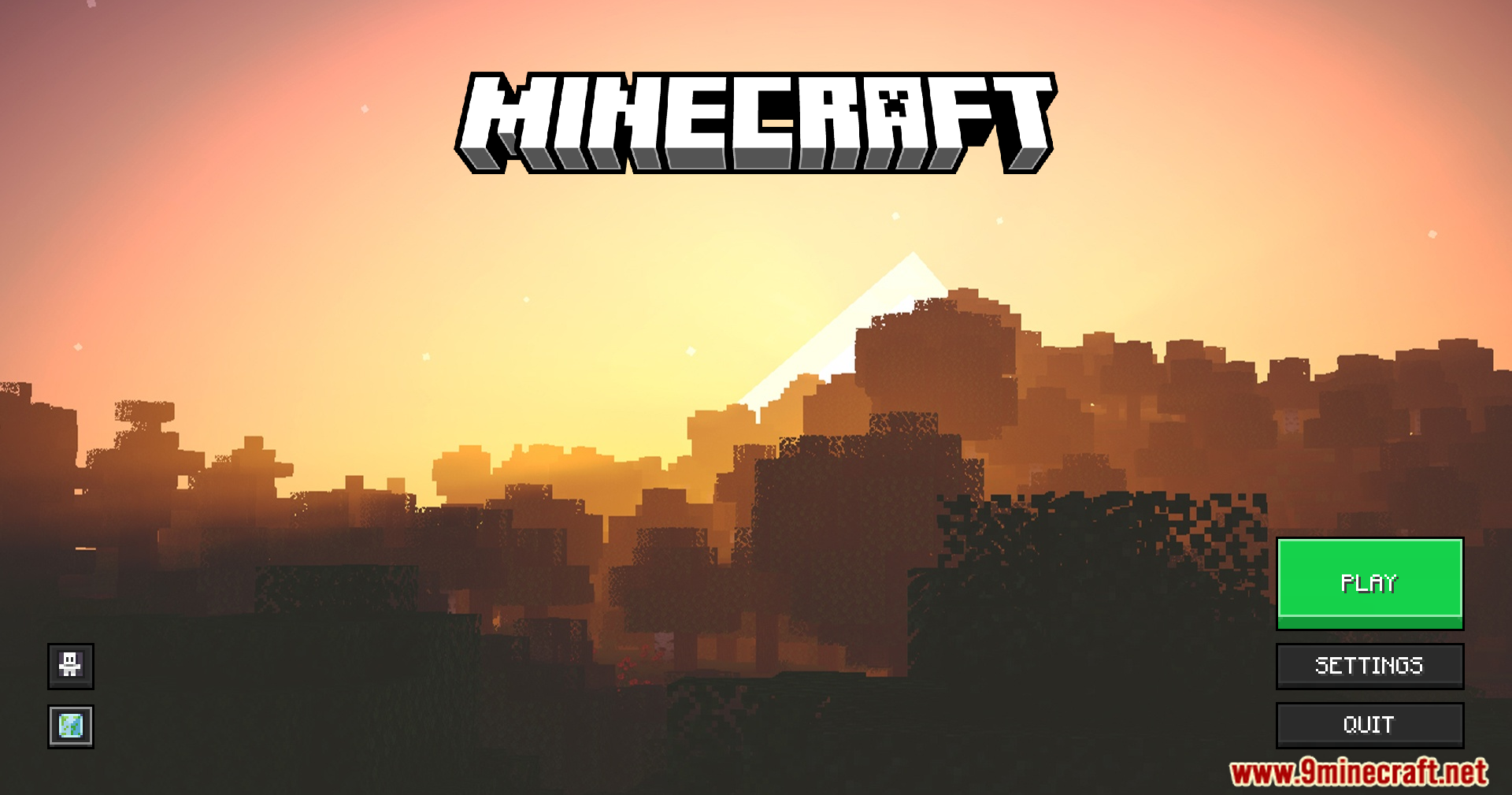
- Updates the main title screen with a fresh visual style.
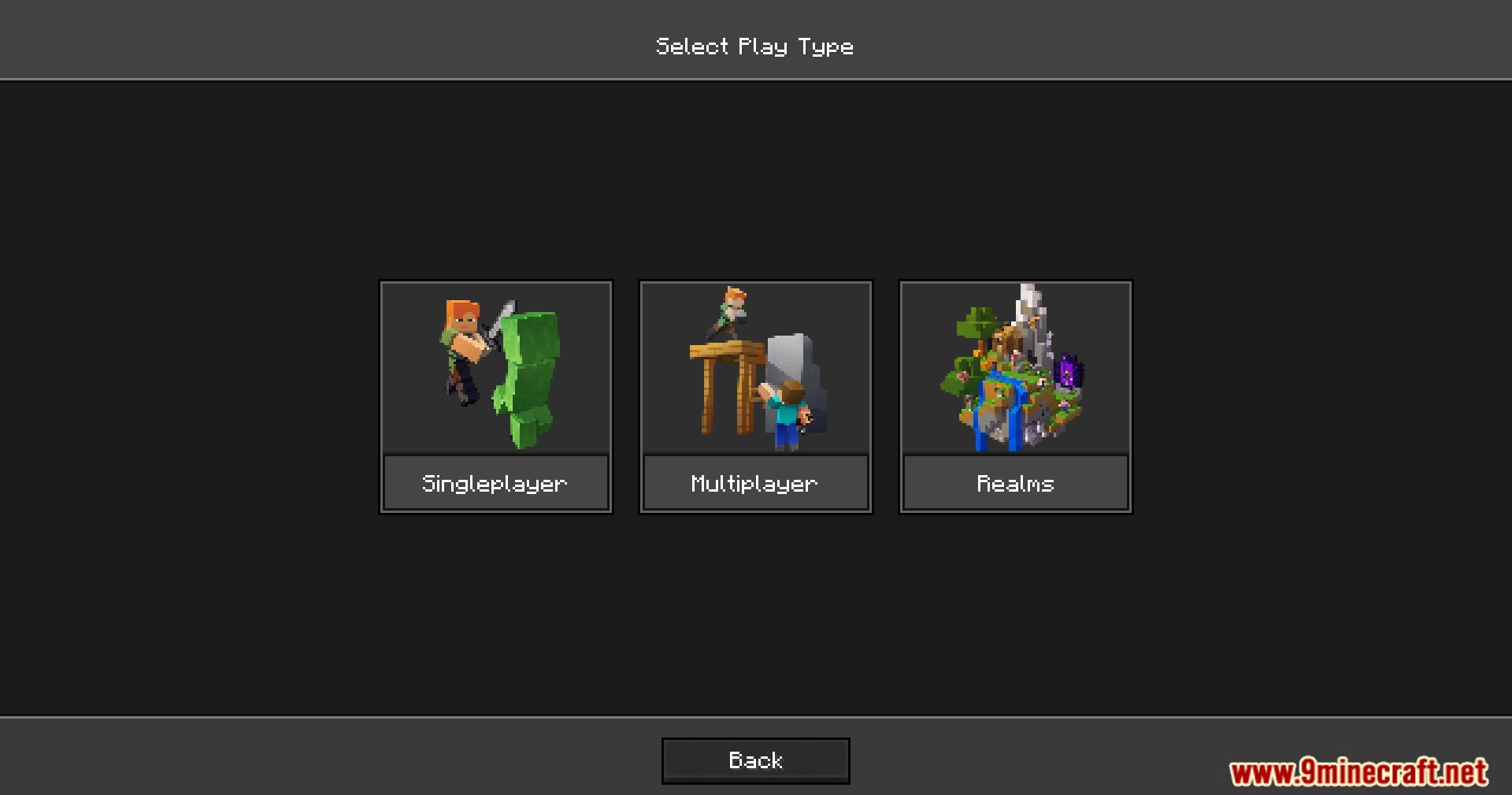
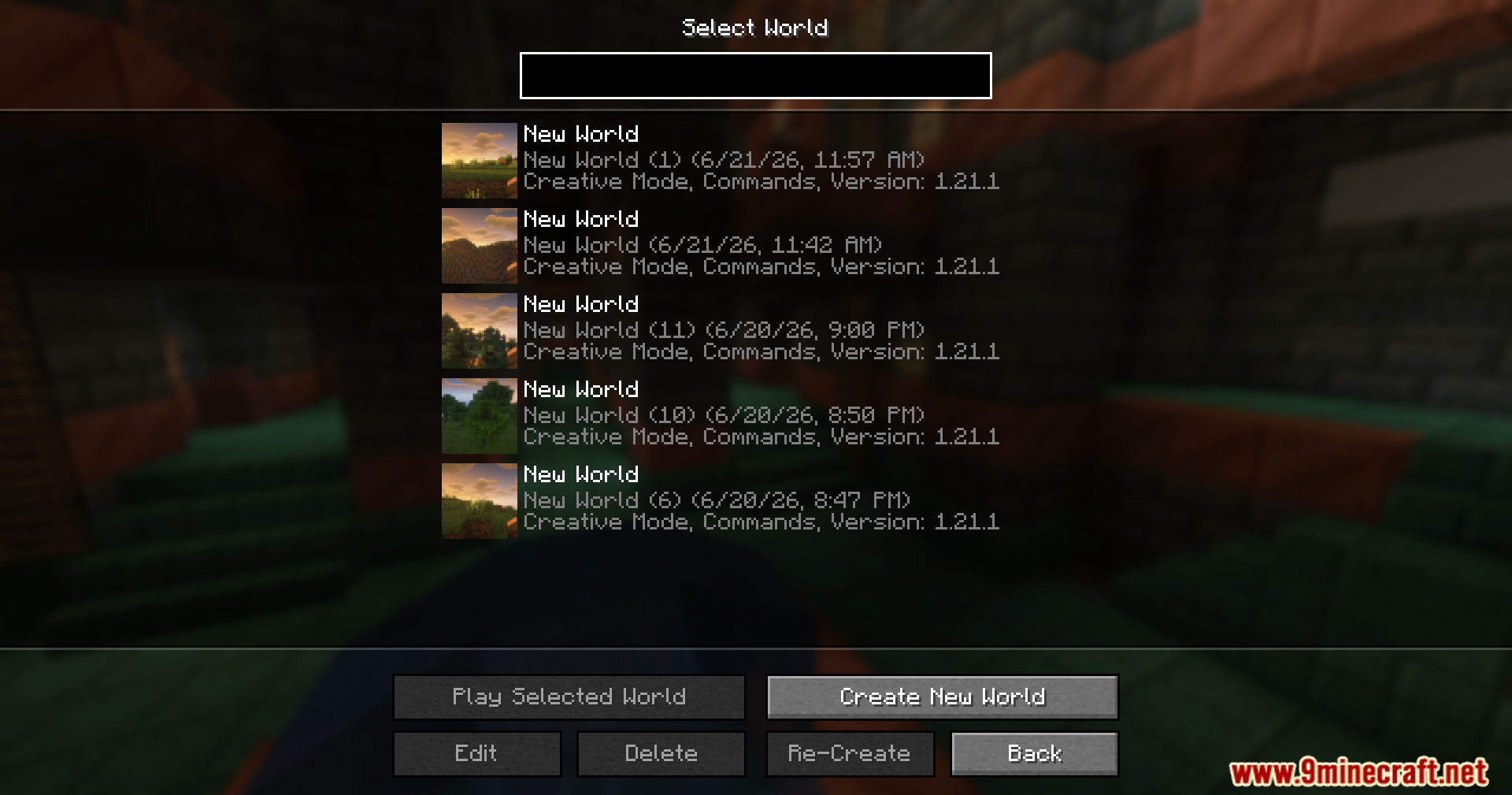
- Changes the world selection screen where you pick your save files.
- Keeps your custom menus centered and neat on any screen size.
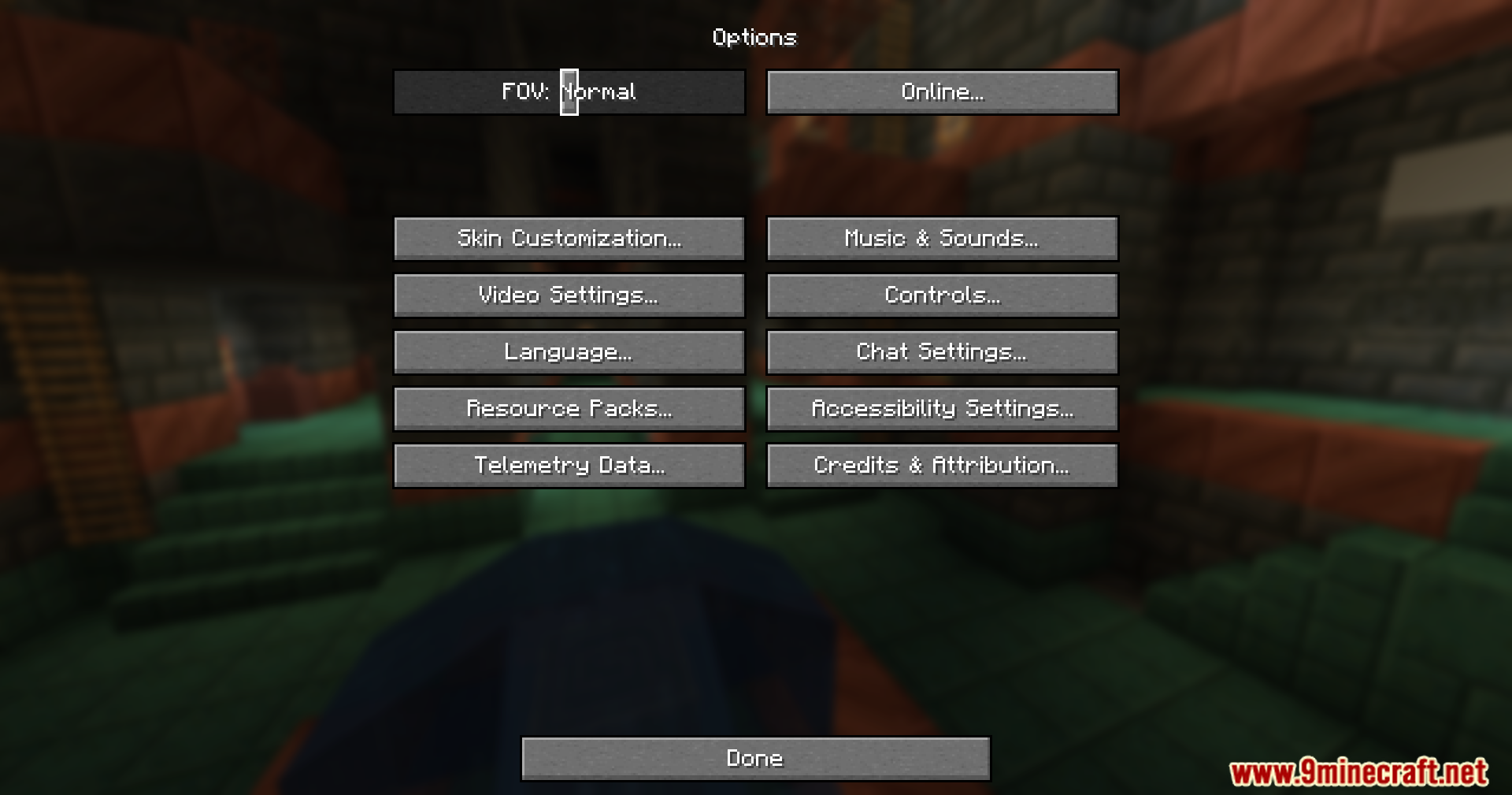
- Leaves the vanilla options menu exactly the same for now.
How to Use:
- Load the mod into your game.
- Create or download a resource pack made for this custom menu system.
- Turn on the resource pack in your game settings to apply the new layouts.
- Edit the JSON files in your resource pack if you want to move buttons or change textures.
Screenshots:
How to Install:
New to Minecraft? Follow our step-by-step guide to install Mods on your PC.View Guide




Sirius Ui Mod Download Links
For Minecraft 26.1.2, 26.1.1, 26.1
For Minecraft 1.21.11
For Minecraft 1.21.10, 1.21.9
For Minecraft 1.21.8, 1.21.7, 1.21.6
For Minecraft 1.21.5, 1.21.4
For Minecraft 1.21.1, 1.21
For Minecraft 1.20.1, 1.20
Click to rate this post!
[Total: 1 Average: 5]
You May Also Like



This post has no comments yet. Be the first — your comment will appear here.