


Random Optimization Mod (1.20.1) – Hunt for Buried Treasure Without Lag Spikes
 22
22
 0
0


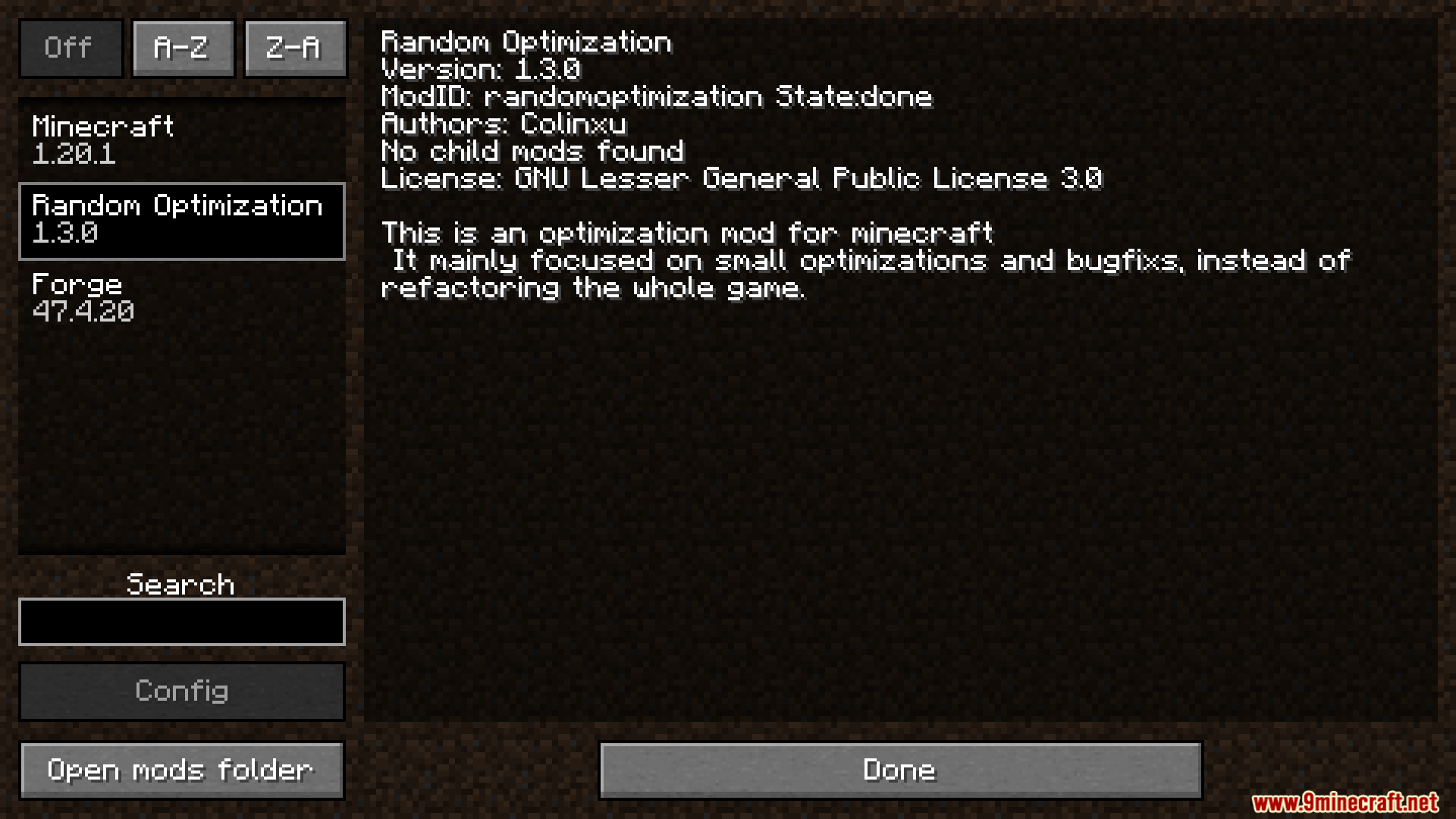
Random Optimization Mod patches annoying bugs and makes your game run faster. It stops those massive lag spikes that happen when you look for buried treasure or open map chests. The mod also speeds up how fast your game starts and loads resource packs. You get smoother gameplay without changing how the vanilla world feels.

Features:
- Faster Structure Searching: Stops the server from freezing when you try to find buried treasure or use the locate command.
- Predictable Item Drops: Makes dropped items land in the exact same spot every time instead of flying in random directions.
- Speeds up the loading screen when you turn on new resource packs or data packs.
- Fixes a strange bug so boats no longer take fall damage when dropping from high places.
- Delays loading heavy game data when you first launch the game, making the main menu appear much sooner.
- Replaces the need for older fix mods like LazyDFU, Vertical Fall, and Boat Break Fix.
How to Use:
- Run the game once to generate the mod’s settings.
- Open your config folder and find the text file for this mod.
- Change any feature you do not want from true to false.
- Save the file and restart your game to apply the changes.
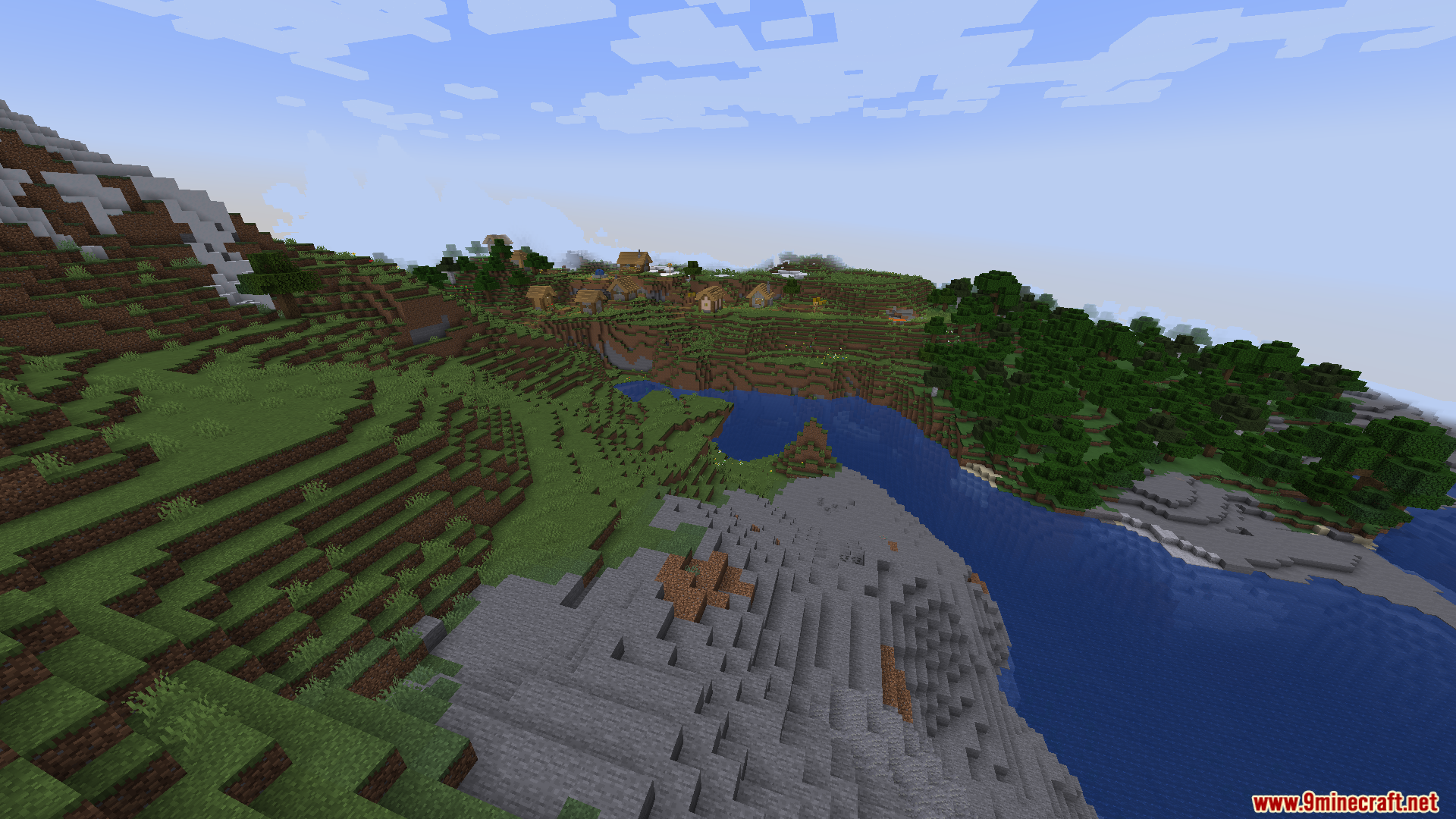
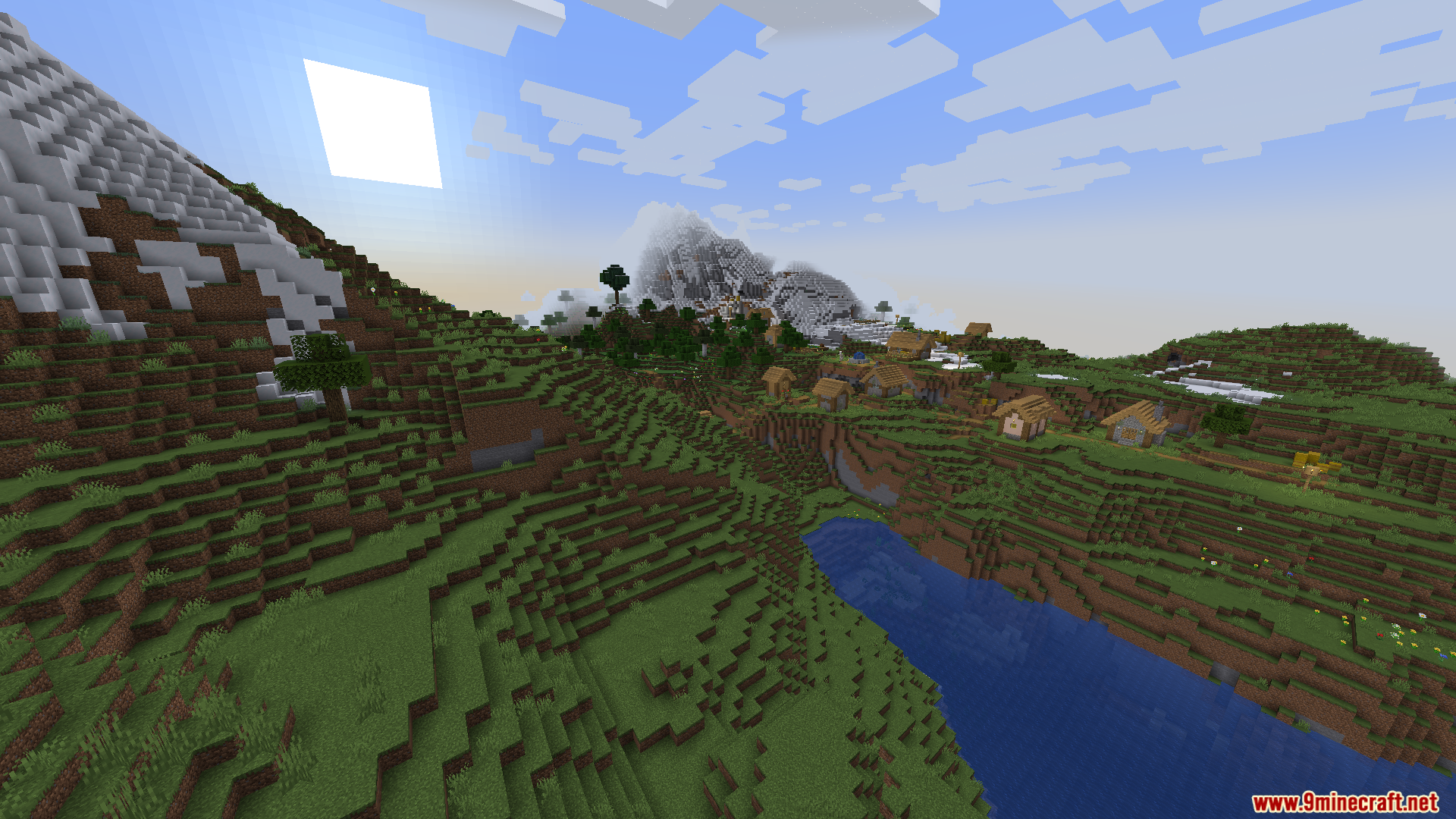
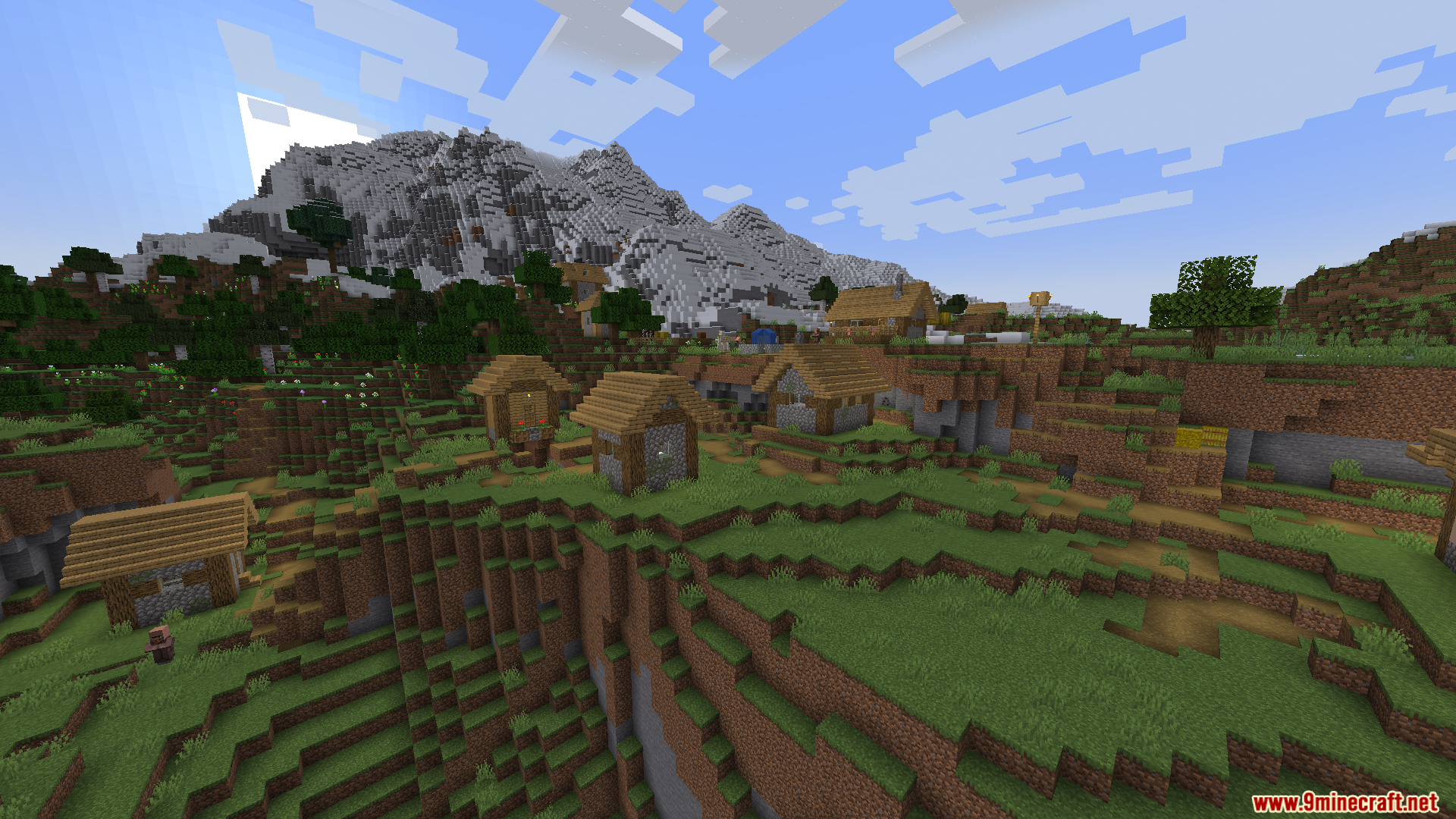
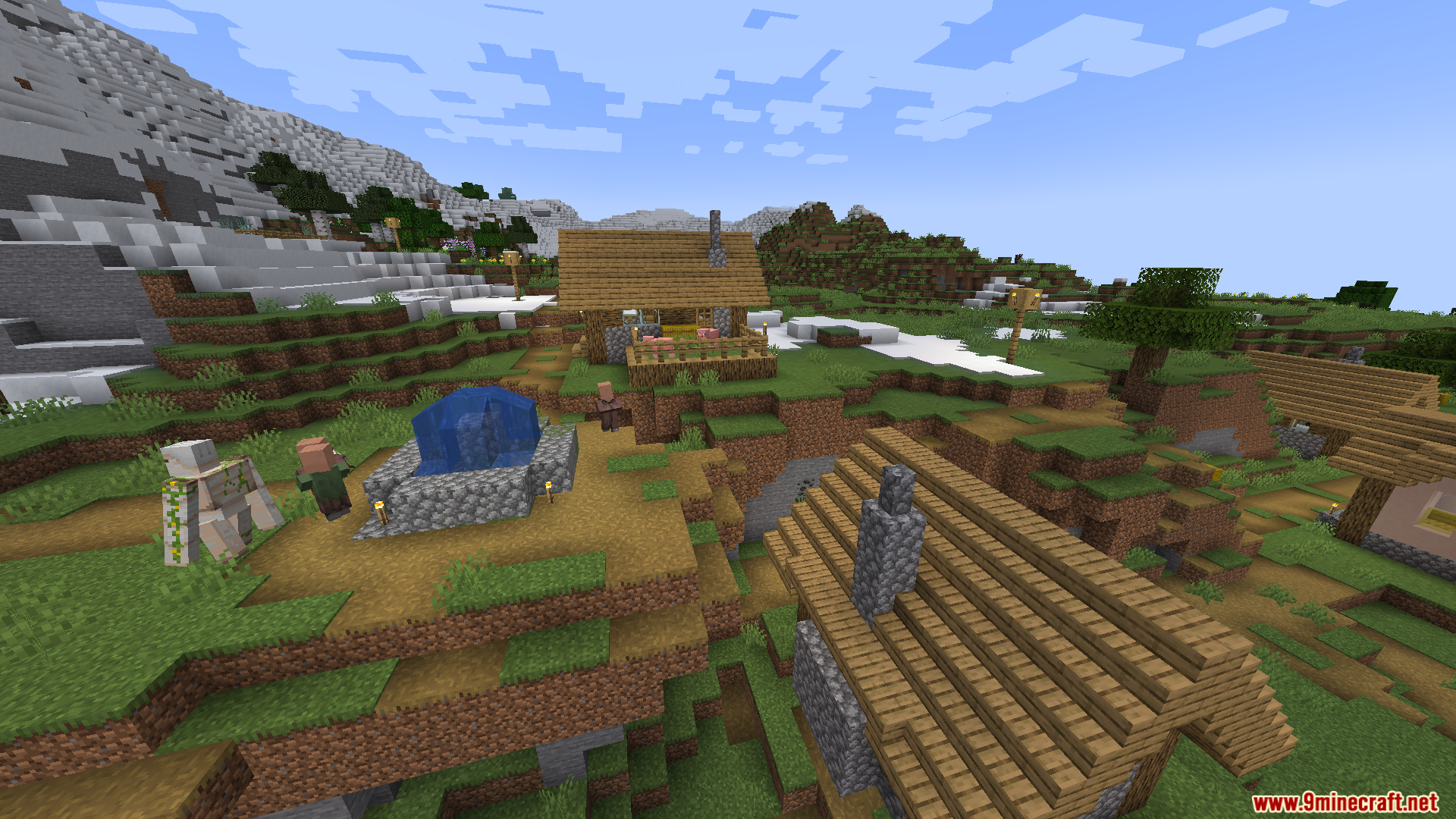
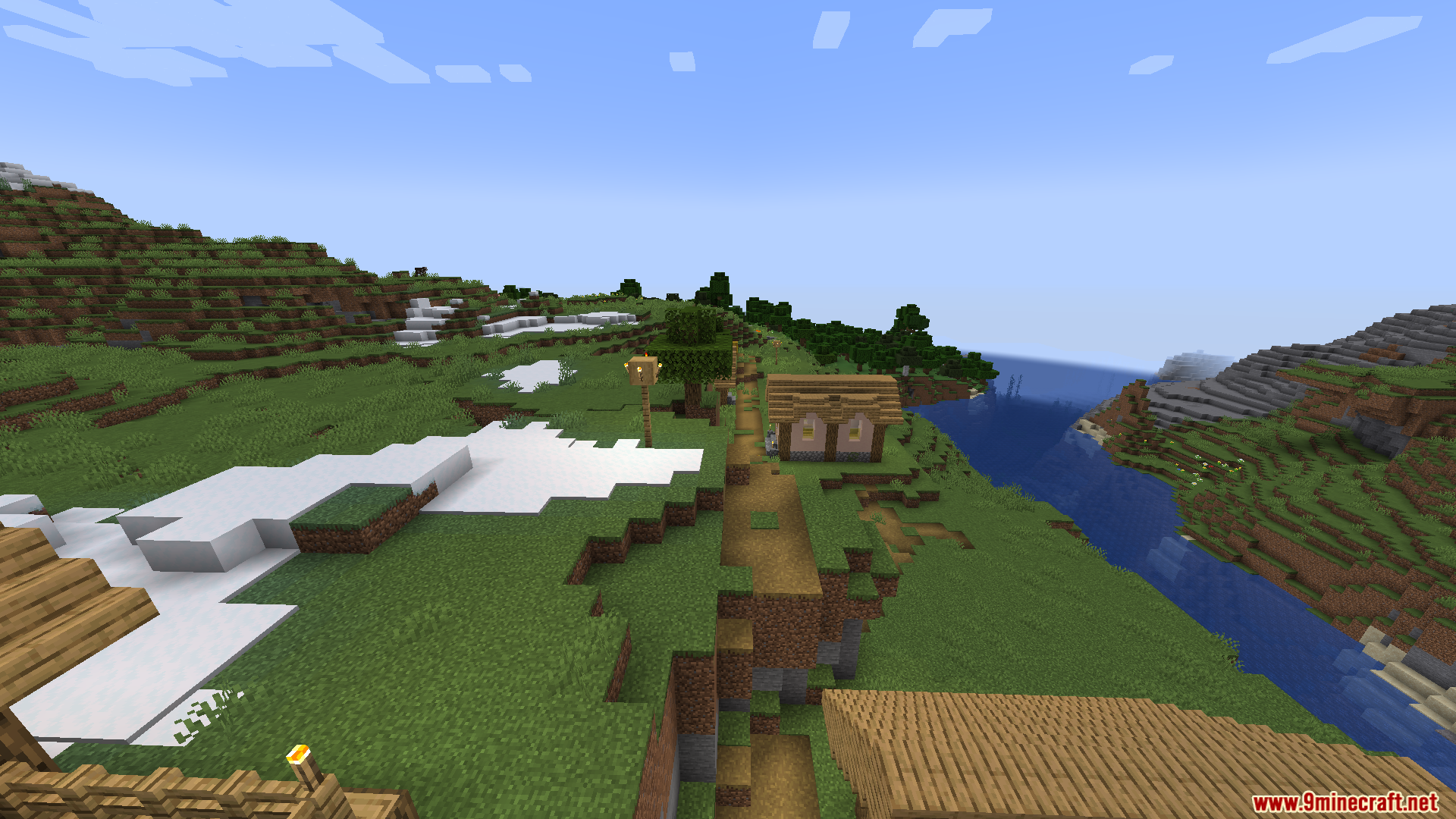
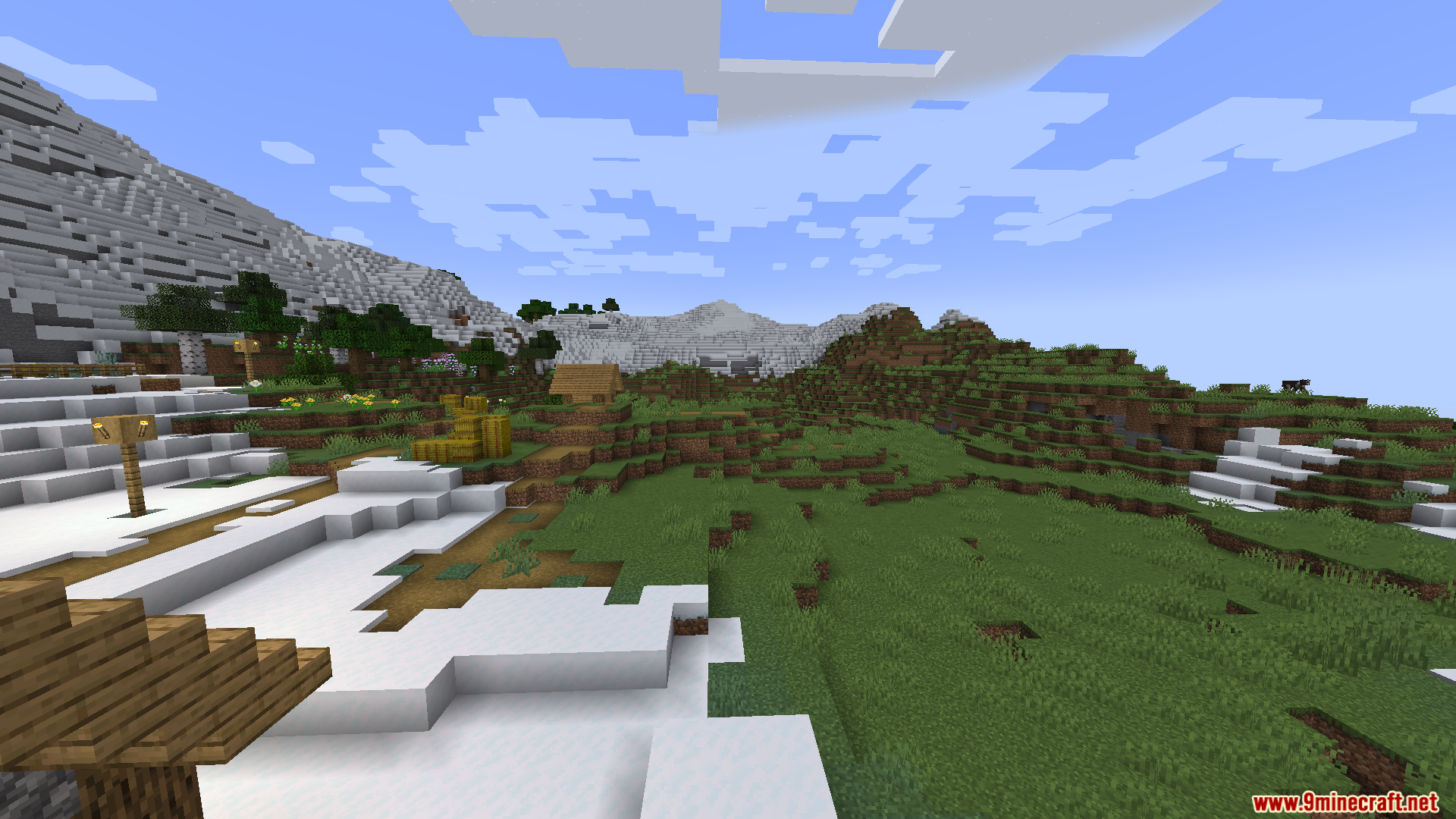
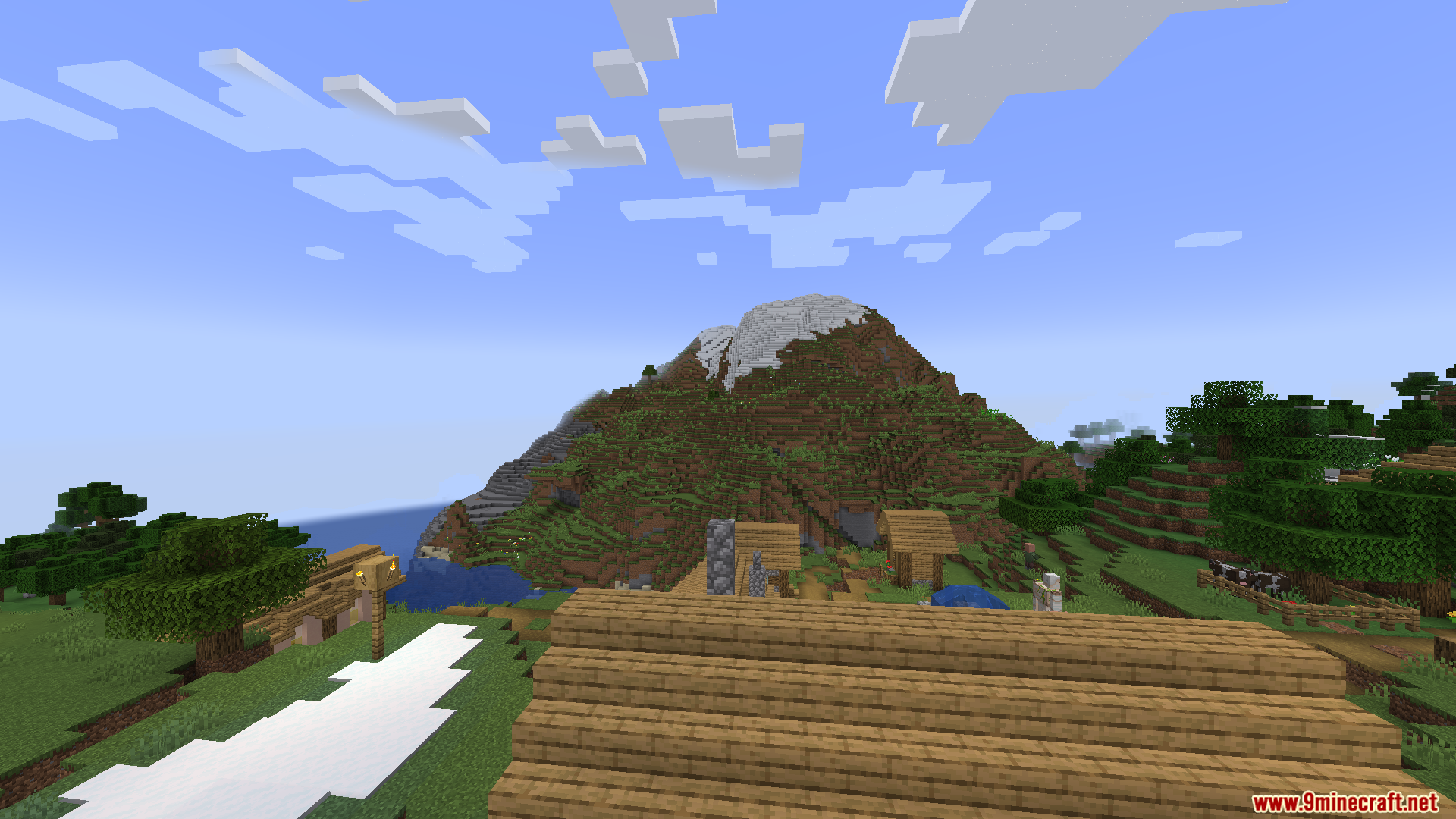
Screenshots:


How to Install:
New to Minecraft? Follow our step-by-step guide to install Mods on your PC.View Guide
Requirements:

Random Optimization Mod Download Links
For Minecraft
1.20.6,
1.20.5,
1.20.4
All Versions Covered
1.20.6
1.20.5
1.20.4
1.20.3
1.20.2
1.20.1
1.20
All Versions Covered
1.20.6
1.20.5
1.20.4
1.20.3
1.20.2
1.20.1
1.20
Click to rate this post!
[Total: 0 Average: 0]
You May Also Like






This post has no comments yet. Be the first — your comment will appear here.