
Real FPS Counter (26+, 1.21) – Track Frame Rate on Screen Instantly
 233
 0

Real FPS Counter displays your actual frame rate directly on the game screen using only a resource pack. It works without requiring experimental world settings or behavior packs. The pack calculates frames in the background and refreshes once every second to keep the number steady and easy to read. You can choose where the counter appears on your HUD, and the lightweight design runs smoothly on any device without hurting performance.
Requirements:
- MCPE/Bedrock 1.18 – 26.40
all 64 versions
26.40, 26.30, 26.20, 26.13, 26.12, 26.11, 26.10, 26.3, 26.0.02, 26.0, 1.21.132, 1.21.131, 1.21.130, 1.21.124, 1.21.123, 1.21.122, 1.21.121, 1.21.120, 1.21.114, 1.21.111, 1.21.101, 1.21.100, 1.21.94, 1.21.93, 1.21.92, 1.21.90, 1.21.82, 1.21.81, 1.21.80, 1.21.73, 1.21.72, 1.21.71, 1.21.70, 1.21.61, 1.21.60, 1.21.51, 1.21.50, 1.21.44, 1.21.43, 1.21.41, 1.21.40, 1.21.30, 1.21.21, 1.21.20, 1.21.2, 1.21, 1.20.80, 1.20.70, 1.20.60, 1.20.50, 1.20.40, 1.20.1, 1.20, 1.19.23, 1.19.20, 1.19.10, 1.19, 1.18.31, 1.18.30, 1.18.12, 1.18.10, 1.18.2, 1.18.1, 1.18

Features:
- Shows your actual frame rate on the screen in real time.
- Refreshes once every second to prevent the numbers from flickering too fast.
- Provides customizable positions including Top Left, Top Center, and Top Right through subpacks.
- Runs entirely on the client side with no behavior packs needed.
- Works safely on multiplayer servers and realms alongside other resource packs.
- Leaves achievements fully enabled while active in your world.
How to Install:
Screenshots:

For MCPE/Bedrock 26+
You May Also Like
Picked for this page
 Newb Shader (1.26+) – MCPE/Bedrock
 Silk Touch Spawners Addon (26.x, 1.21) – MCPE/Bedrock Mod
 Eclipse Deferred Shader (1.21+) – MCPE/Bedrock
 Vanilla x Optimizer FPS Boost Pack (26.x, 1.21) – MCPE/Bedrock
 UI+ Pack (26.x, 1.21) – MCPE/Bedrock
 Glow Em All Shader (1.26+) – MCPE/Bedrock
 Ultimate Night Vision Texture Pack (26.x, 1.21) – Clear Vision Without Potions
 Backpacked Armor Texture Pack (26.x) – Wear Themed Cosmetic Backpacks On Armor
 Horde Nights Addon (26.x, 1.21) – MCPE/Bedrock Mod
 RealSource Realistic Texture Pack (26.x, 1.21) – Stunning Next-gen Lighting
 Better Bedwars. (26+) – MCPE/Bedrock Texture Pack
 Add-Ons for Vanilla RTX (26+, 1.21) – MCPE/Bedrock Shader
Most viewed in Texture Packs over the last 7 days
 Mizuno’s 16 Craft Texture Pack (26.30, 1.21) for MCPE/Bedrock Edition
 Distant Horizons Texture Pack (26.x, 1.21) – MCPE/Bedrock
 Anime Girl UI Pack (26.x, 1.21) – MCPE/Bedrock
 Xnova Model Texture Pack (26.x, 1.21) – Smaller First-person Hands and Custom
 Patrix Texture Pack (1.26+) – No Lag, Ultra Realistic for MCPE
 ESP Texture Pack (26.x, 1.21) – MCPE/Bedrock
 View Model A&S by Justpals Texture Pack (26.x, 1.21) – X
- X-Ray Texture Pack (26.x, 1.21) for MCPE/Bedrock with Glow
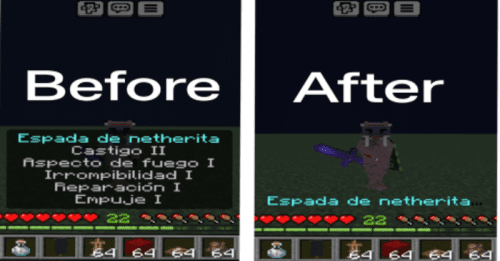 Hover Text Fix Pack (1.21, 1.20) – MCPE/Bedrock
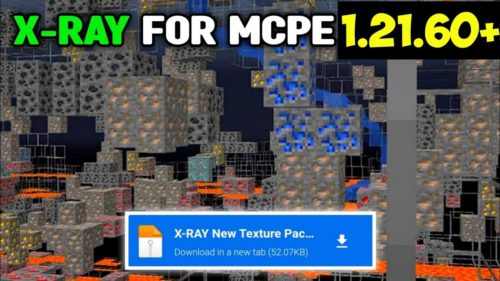 Better X-Ray Texture Pack (26.x, 1.21) – MCPE/Bedrock
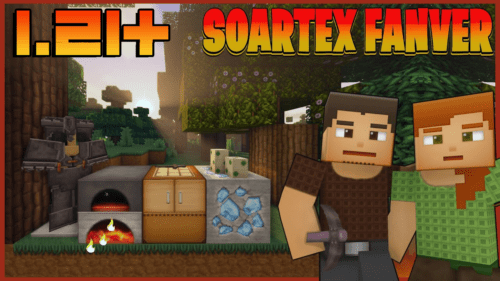 Soartex Fanver Texture Pack (26.x, 1.21) – MCPE/Bedrock
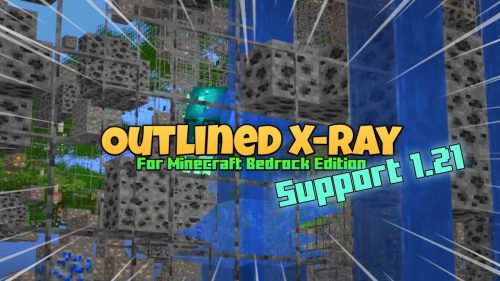 Xray Outline Texture Pack (26.x, 1.21) – MCPE/Bedrock
More from Texture Packs
 SnowGirls (26+, 1.20) – MCPE/Bedrock Texture Pack
 OLD MCRAFT (26+, 1.21) – MCPE/Bedrock Texture Pack
 Animated Gojo Totem (26+) – MCPE/Bedrock Texture Pack
 Glowing Mobs (26+, 1.21) – MCPE/Bedrock Texture Pack
 Mace to Greataxe (26+, 1.21) – MCPE/Bedrock Texture Pack
 Neon FPS Booster (26+) – MCPE/Bedrock Texture Pack
 Aurora Skies – Custom Sky (26+, 1.21) – MCPE/Bedrock Texture Pack
 Glowing Armors (26+) – MCPE/Bedrock Texture Pack
 Potato Shader (26+) – MCPE/Bedrock Shader
 BREEZE (26+) – MCPE/Bedrock Shader
 Redstone Guide (26+, 1.21) – MCPE/Bedrock Texture Pack
 Beautiful Beds (26+) – MCPE/Bedrock Texture Pack

This post has no comments yet. Be the first — your comment will appear here.