
Rebind All The Keys Mod (1.21.1, 1.20.1) – Customize Every Single Keybind

 0


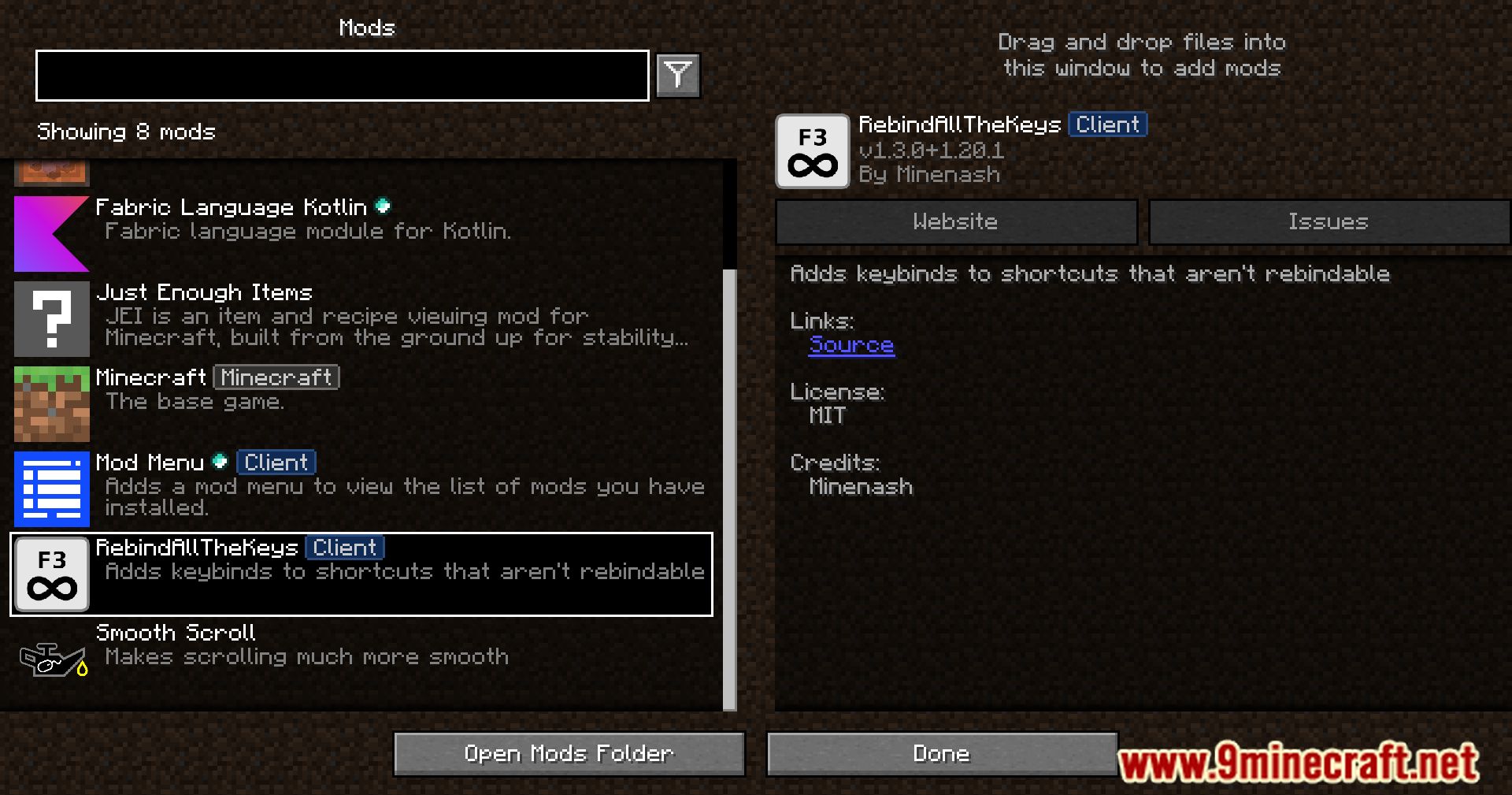
Rebind All The Keys Mod adds keybinds for keys that you cannot bind in vanilla Minecraft. It lets you customize your control setup and assign actions to keys that are normally off-limits.
Features:
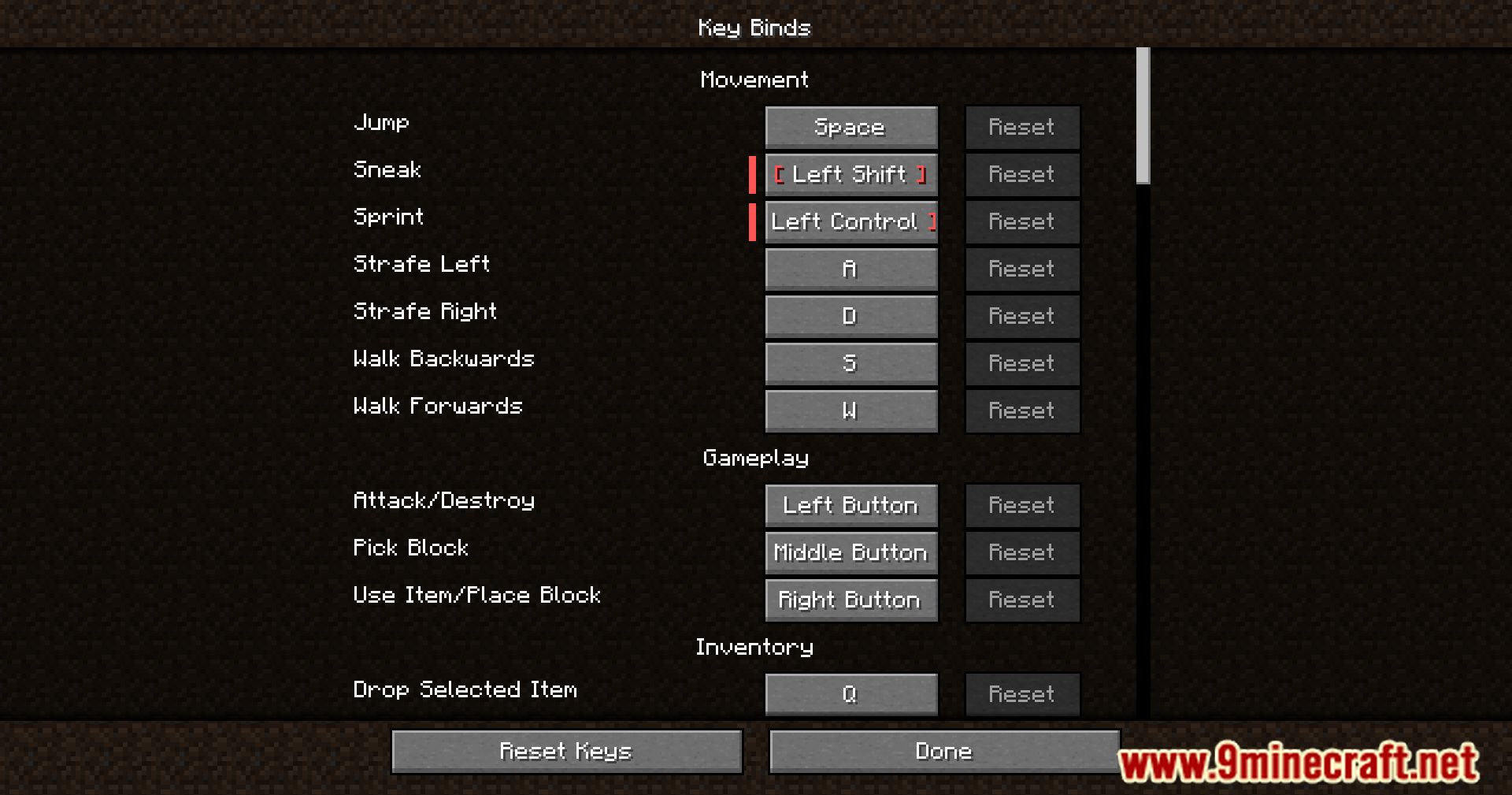
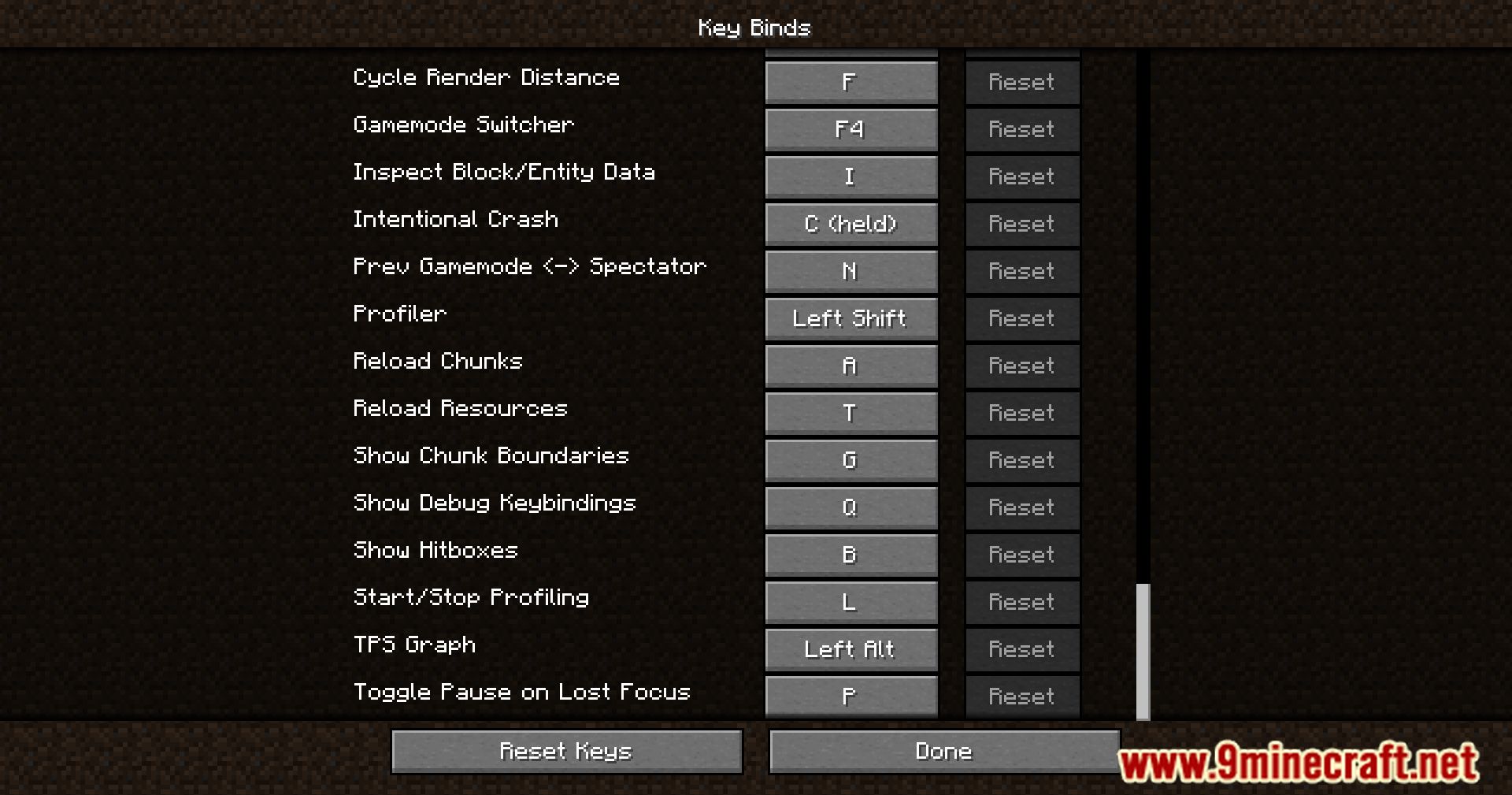
- Adds keybind options for flying, dismounting, and debugging.
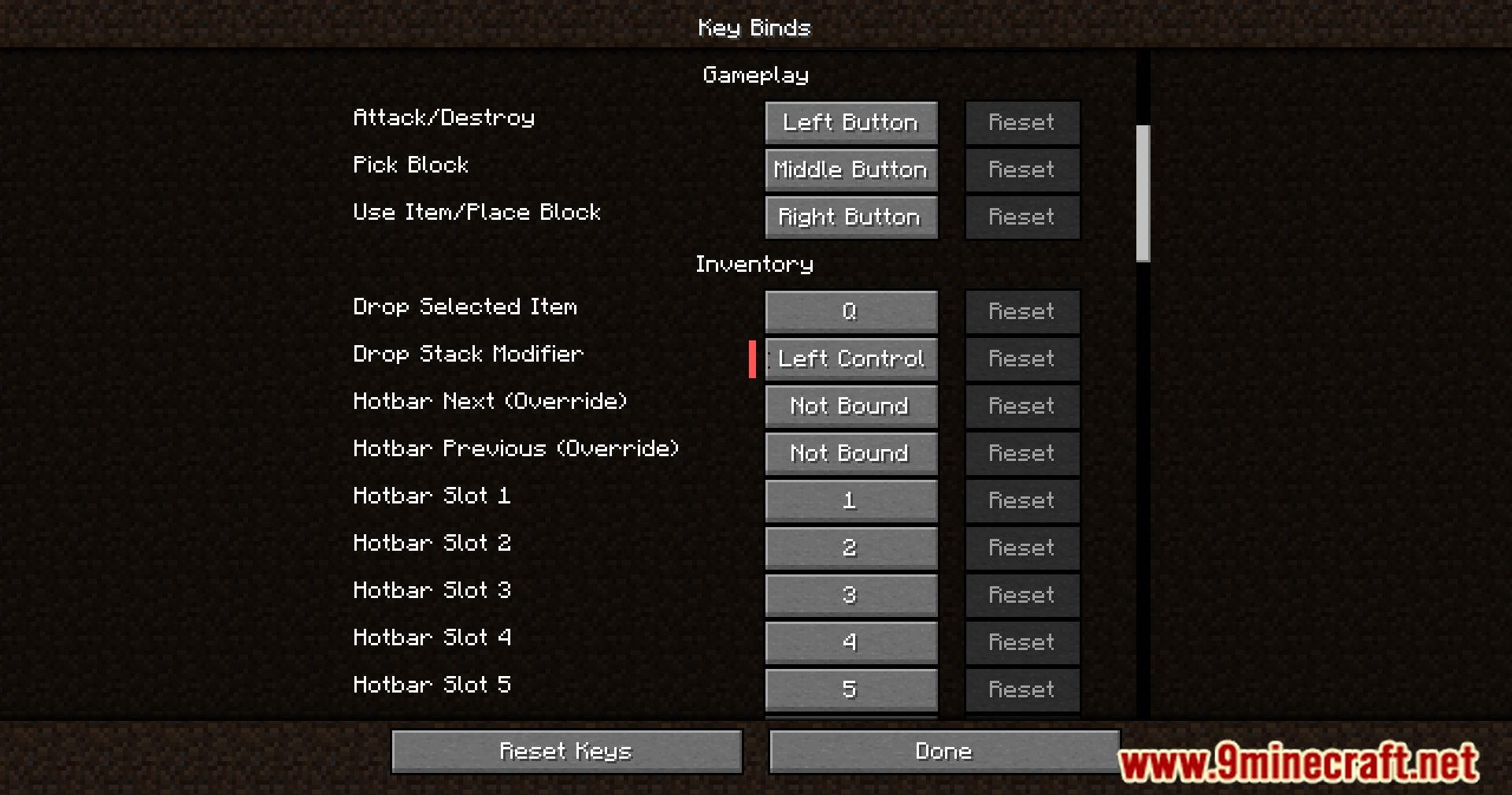
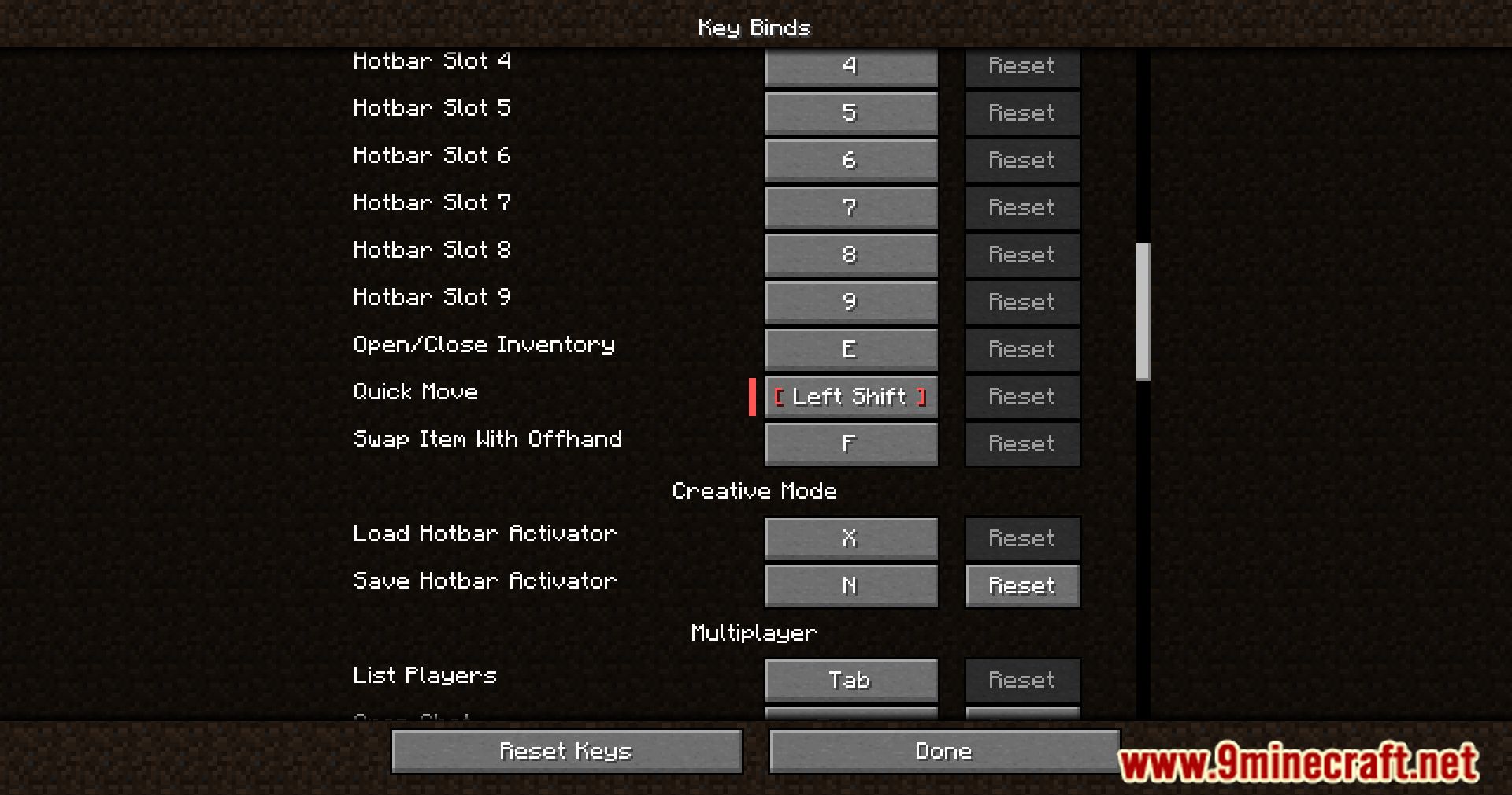
- Includes controls for inventory quick move, drop stack modifier, and hotbar navigation.
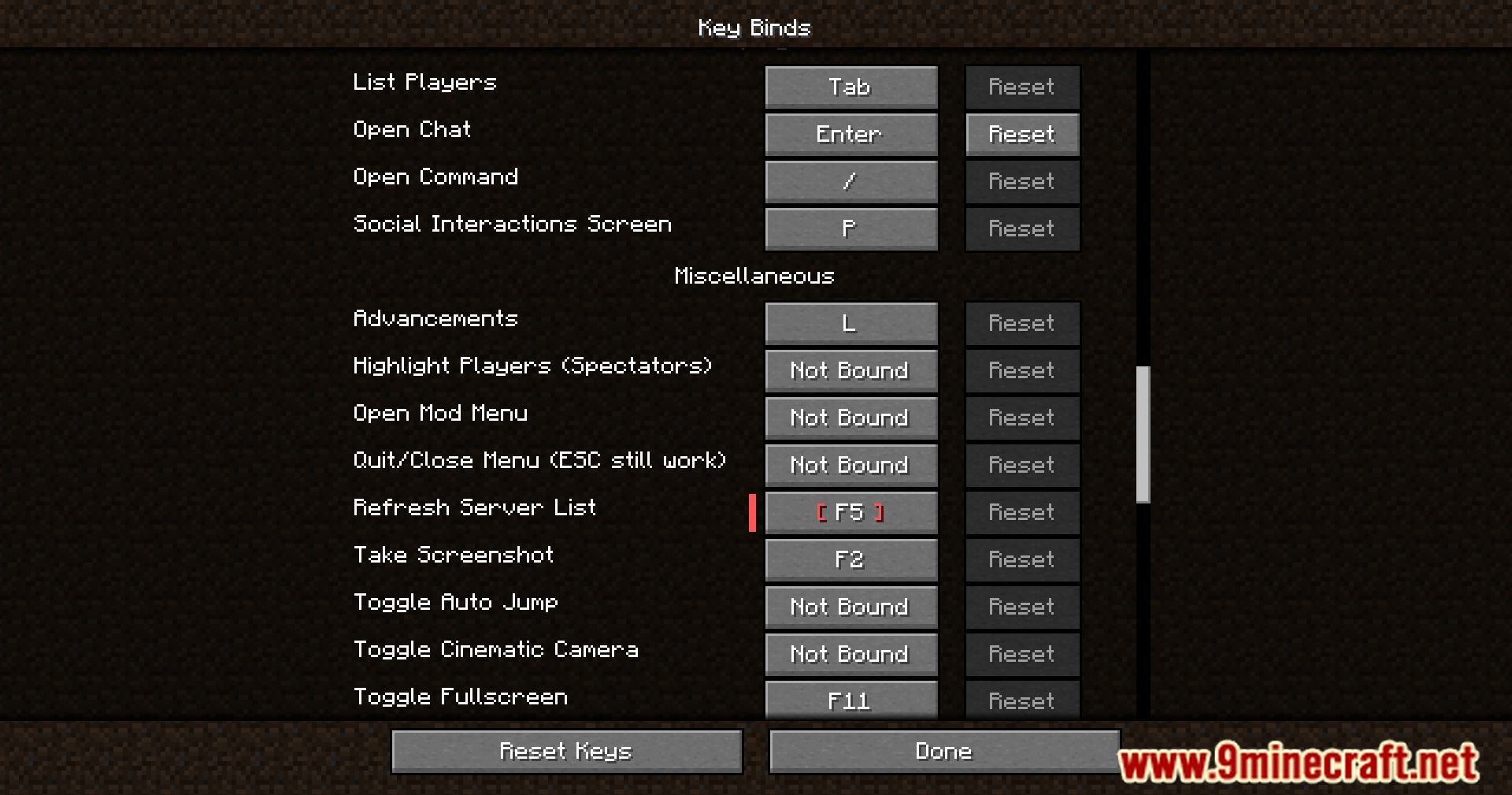
- Provides keybinds for server list refresh, menu closing, and screen primary or secondary clicks.
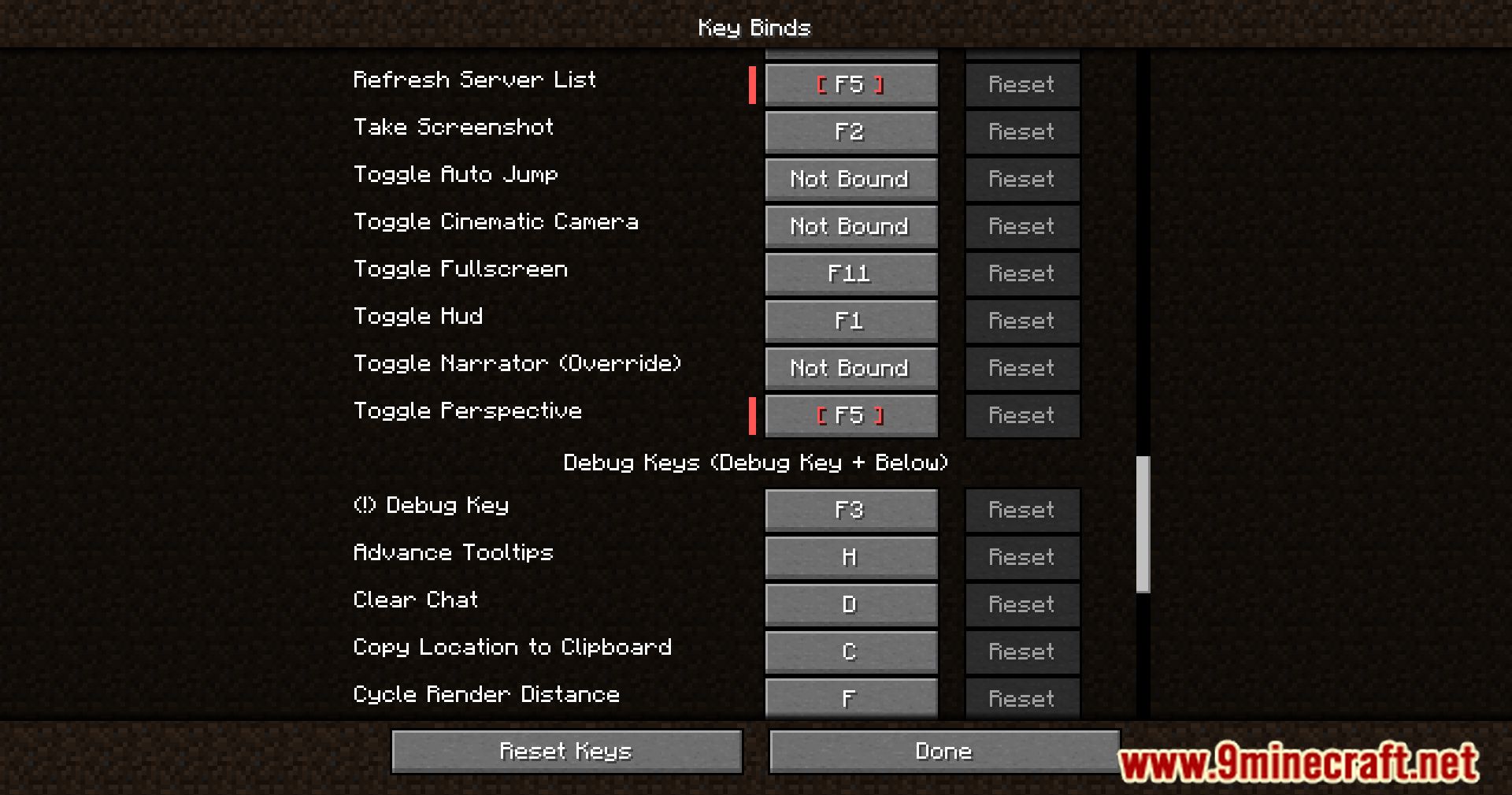
- Supports remapping debug key actions like reloading chunks, showing hitboxes, and copying location.
- Allows key customization for clearing chat, cycling render distance, and showing chunk boundaries.
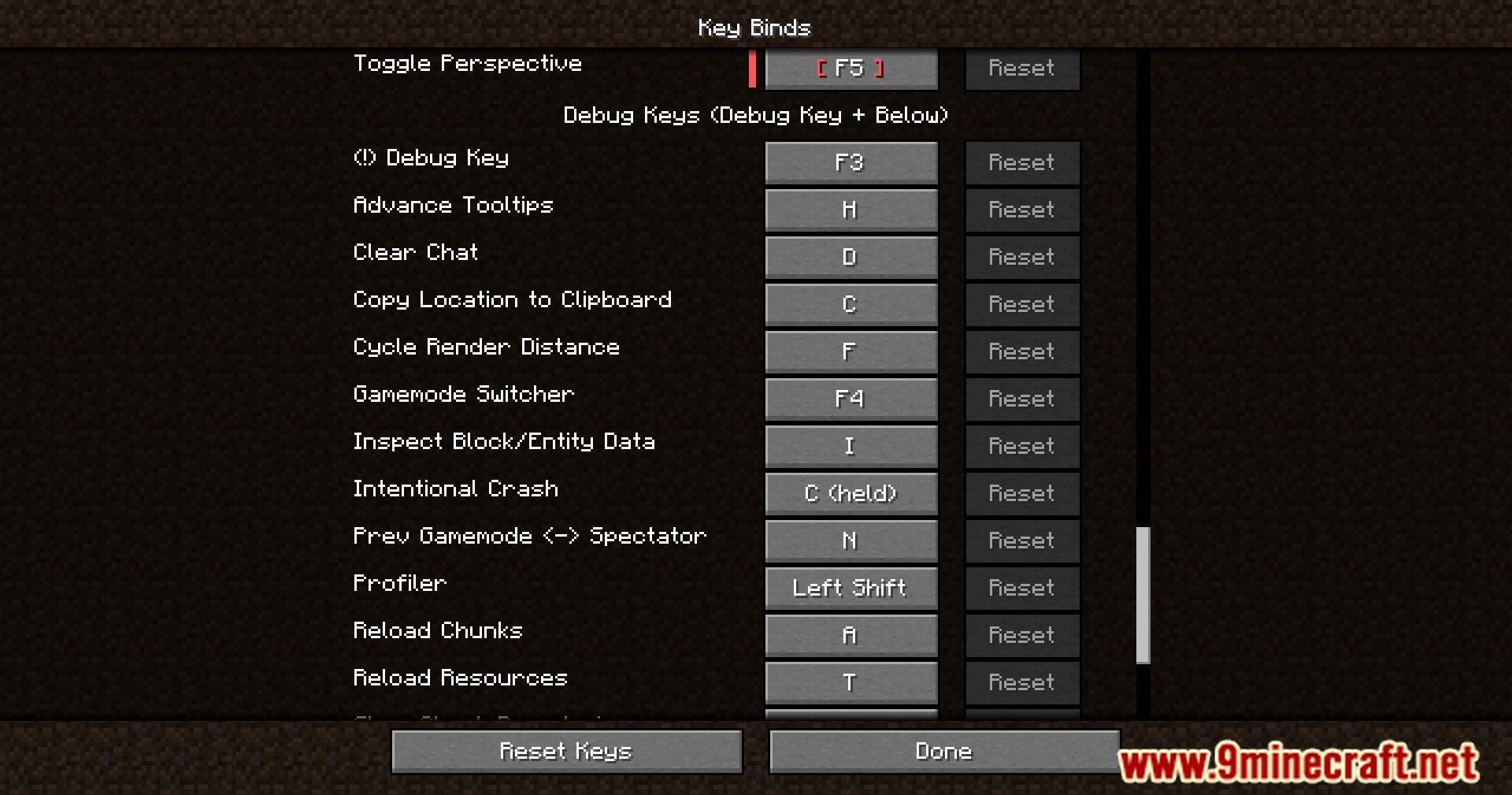
- Adds controls for advancing tooltips, copying block or entity data, and starting or stopping the profiler.
- Includes keybinds to swap between previous gamemode and spectator, pause on lost focus, and show debug keybinds.
- Supports resetting resources, switching gamemodes, and triggering intentional crashes when holding a key.
- Adds performance graphs for FPS, TPS, packet size, ping, and dynamic textures.
- Includes control options for double tap sprint, double tap fly, and macOS command to control key swapping.
- Provides a persistent mode for sprint, sneak, and fly toggles that stays active until movement stops.
Screenshots:
How to Install:
New to Minecraft? Follow our step-by-step guide to install Mods on your PC.View Guide
Rebind All The Keys Mod Download Links
For Minecraft 1.21.1, 1.21
Fabric version: Download from Server 1 – Download from Server 2
For Minecraft 1.20.6, 1.20.5
Fabric version: Download from Server 1 – Download from Server 2
For Minecraft 1.20.4, 1.20.3, 1.20.2
Fabric version: Download from Server 1 – Download from Server 2
For Minecraft 1.20.1
Fabric version: Download from Server 1 – Download from Server 2
For Minecraft 1.20
Fabric version: Download from Server 1 – Download from Server 2
For Minecraft 1.19.4
Fabric version: Download from Server 1 – Download from Server 2
For Minecraft 1.19.3
Fabric version: Download from Server 1 – Download from Server 2
For Minecraft 1.19.2, 1.19.1, 1.19
Fabric version: Download from Server 1 – Download from Server 2
For Minecraft 1.18.2, 1.18.1
Fabric version: Download from Server 1 – Download from Server 2
For Minecraft 1.17.1
Fabric version: Download from Server 1 – Download from Server 2
For Minecraft 1.16.5
Fabric version: Download from Server 1 – Download from Server 2
What graphic style do you prefer for your modded game?
17 responses · See the full results →
You May Also Like
Picked for this page
 Deeper And Darker Mod (1.21.11, 1.20.1) – Deep Dark Expansion
 Just Enough Breeding Mod (26.3, 1.20.1) – Breed Mobs Without the Wiki
 Stfu Mod (26.3, 1.20.1) – Disables Annoyances
 Better Respawn Mod (26.3, 1.20.1) – Respawn Near Your Death Location
 Blackwolf Library Mod (26.3, 1.20.1) – Library for Theblackwolf’s Mods
 Skniro’s Furniture Mod (26.3, 1.20.1) – 100+ New Furniture Blocks
 Crash Assistant Mod (26.3, 1.20.1) – Easily Debug Your Modpack
 SCP-662 Butler’s Hand Bell Mod (1.20.1, 1.19.2) – Ring And He Appears
 Hundred Years Warfare Mod (1.21.1, 1.20.1) – Archers, Cavalry, and Siege Machines
 Breakneck Menu Mod (1.21.11, 1.20.6) – Enhance Your Minecraft UI
 Slyde More Mod (1.21.11, 1.20.1) – Push Settings Beyond Vanilla Limits
 Veinst Mod (26.1.2, 1.20.1) – Simplify Ore Collection In Your Modpack
Most viewed in Mods over the last 7 days
 Ala Industrial Mod (26.3) – Run Electric Power Grids and Automated Factories
 PleasureCraft Mod (26.3, 1.21.1) – Jenny Mod Remake for Fabric
 Jennycraft Mod (26.3, 1.20.1) – Virtual Girlfriend in Minecraft
 Fapcraft Mod (26.3, 1.12.2) – Comprehensive and Detailed Content
 Jenny Mod (Fapcraft) Official Complete Guide – How to use, Tutorial
 BangCraft Mod (1.20.1) – Jenny, Ellie and Elliot
 Fabric Loader (26.3, 1.20.1) – Fabric Installer for All Minecraft Versions
 Meteor Client Mod (26.3, 1.20.1) – Xray, HUD, Fly
 OptiFine HD (26.3, 1.20.1) – Run Faster, FPS Boost, Shaders Support
 The Shooting Star Demo Mod (26.3, 1.20.1) – Vaporize Terrain From Orbit
 Aristois Client Mod (1.21.4, 1.20.1) – World Class Minecraft Utility
 SchnurriTV Mod (1.12.2) – Characters and Features
More from Mods
 Dirigo Mod (26.1.2, 1.21.1) – Walk Across Nether Lava Seas and Automate Animal
 HandLib Mod (26.3, 1.21.1) – Keep Your Multiplayer World Stable
 Happy Ghasts Boost Mod (26.1.2, 1.20.1) – Fly Across Vast Distances at Top Speed
 LiquidBounce Client Mod (26.3, 1.20.1) – LiquidLauncher, A Free Client
 Create Hand Made Mod (1.21.1) – Craft Create Recipes By Hand in Your Workshop
 Seed Map for Xaero Mod (26.1) – See Rare Biomes and Dungeons Before You Travel
 MCPersist Mod (26.3) – Keep Your World Online for Friends Even After Logging Off
 Minecraft Java MCP Server Mod (1.21.11) – Command Your World Through External AI Tools
 Arcanism Mod (26.2) – Build Magic Factories and Program Custom Spells
 Archangel Client Mod (1.21.11) – Master Every PvP Duel with Clean Screen Stats
 Block Front Survival Patch Mod (1.21.1) – Wage Tactical Warfare in Survival
 SimpleRPGCore Mod (1.21.4, 1.21.1) – Fight with Classic RPG Stats

This post has no comments yet. Be the first — your comment will appear here.