


Remote Strike Protocol Mod (1.20.1) – Launch Guided Drone Strikes on Enemy Bases
 3
3
 0
0

🌐 Read this article in your language! Choose your preferred language below.
Or pick the one you like:
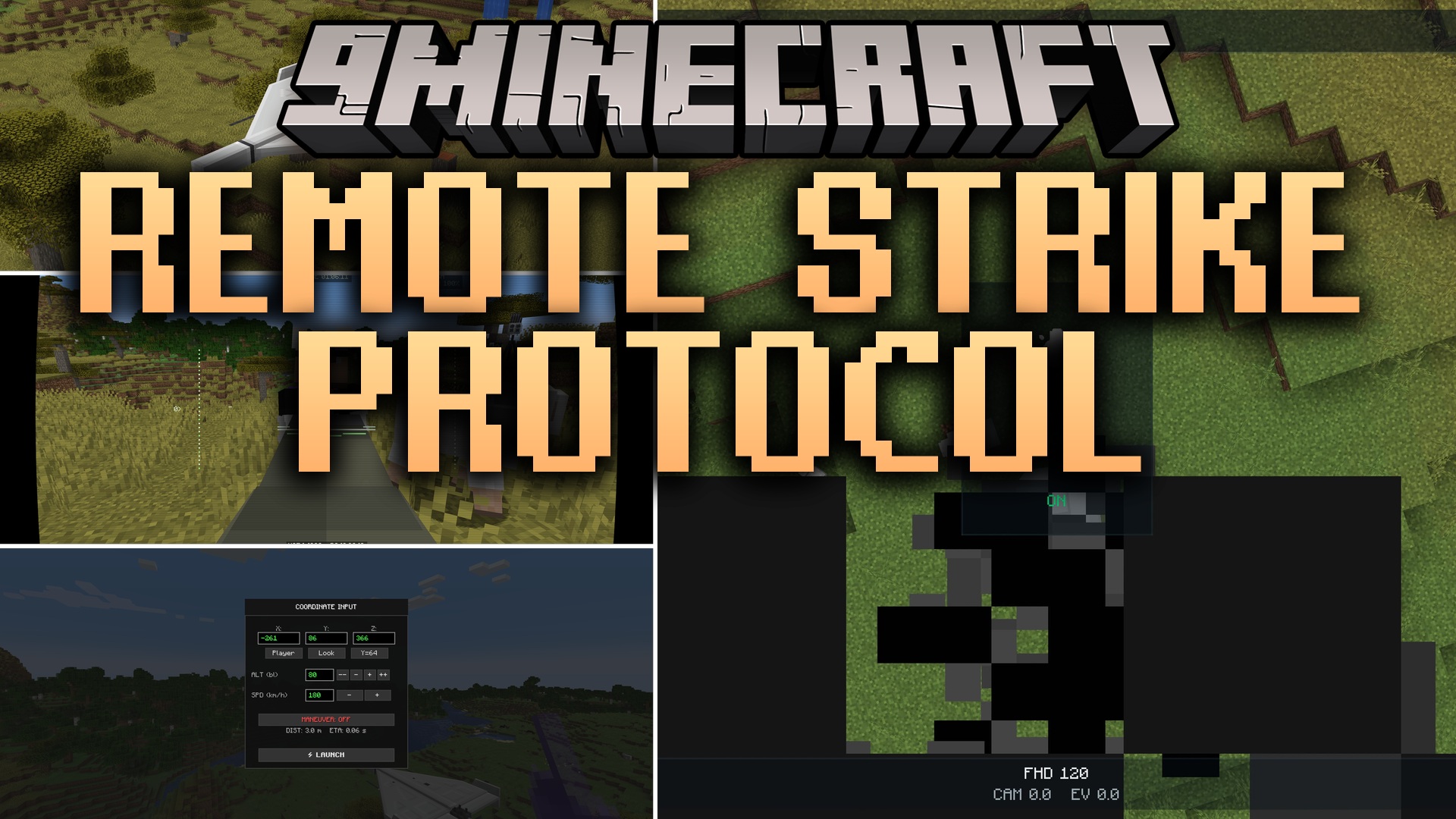
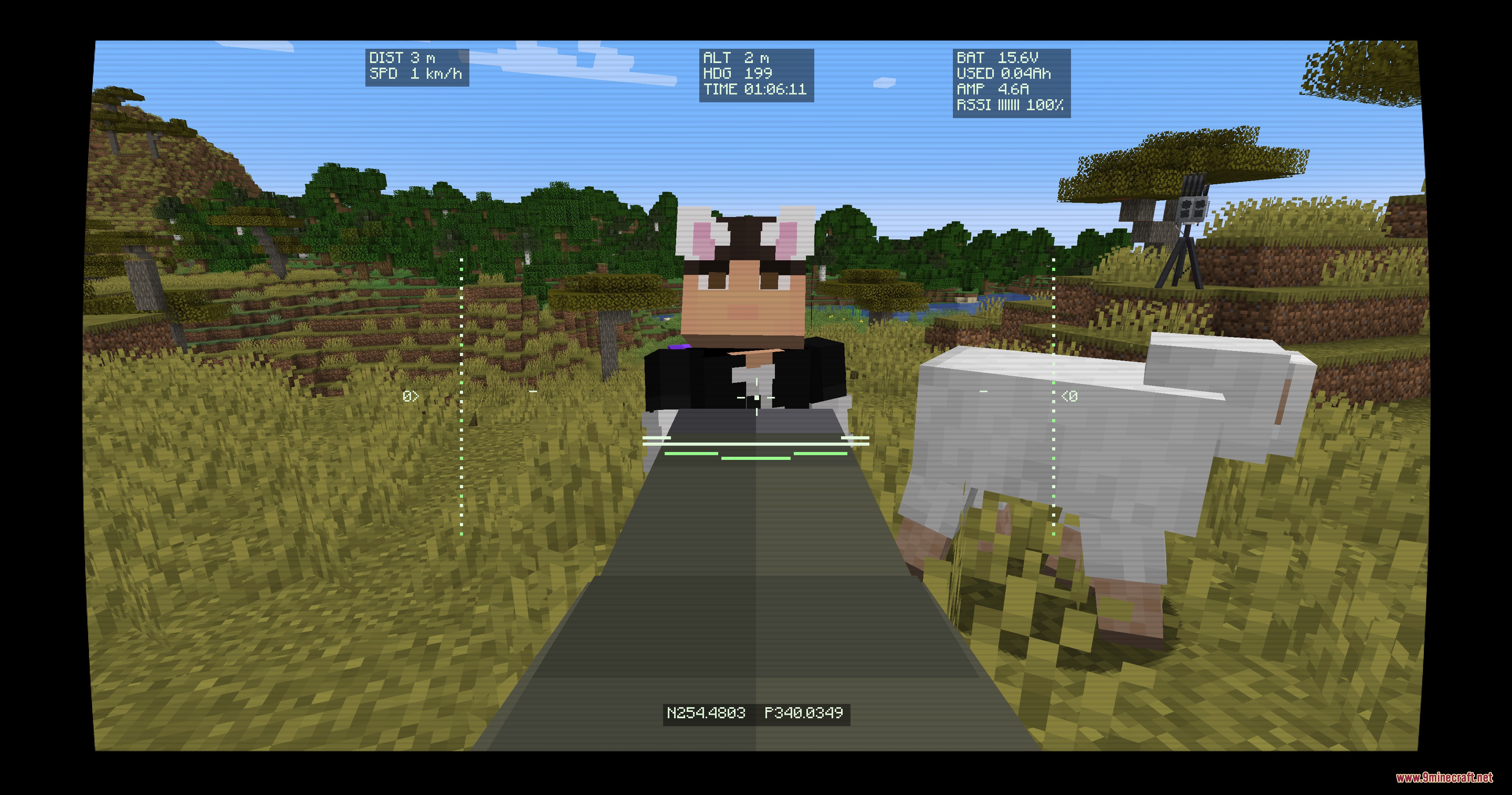
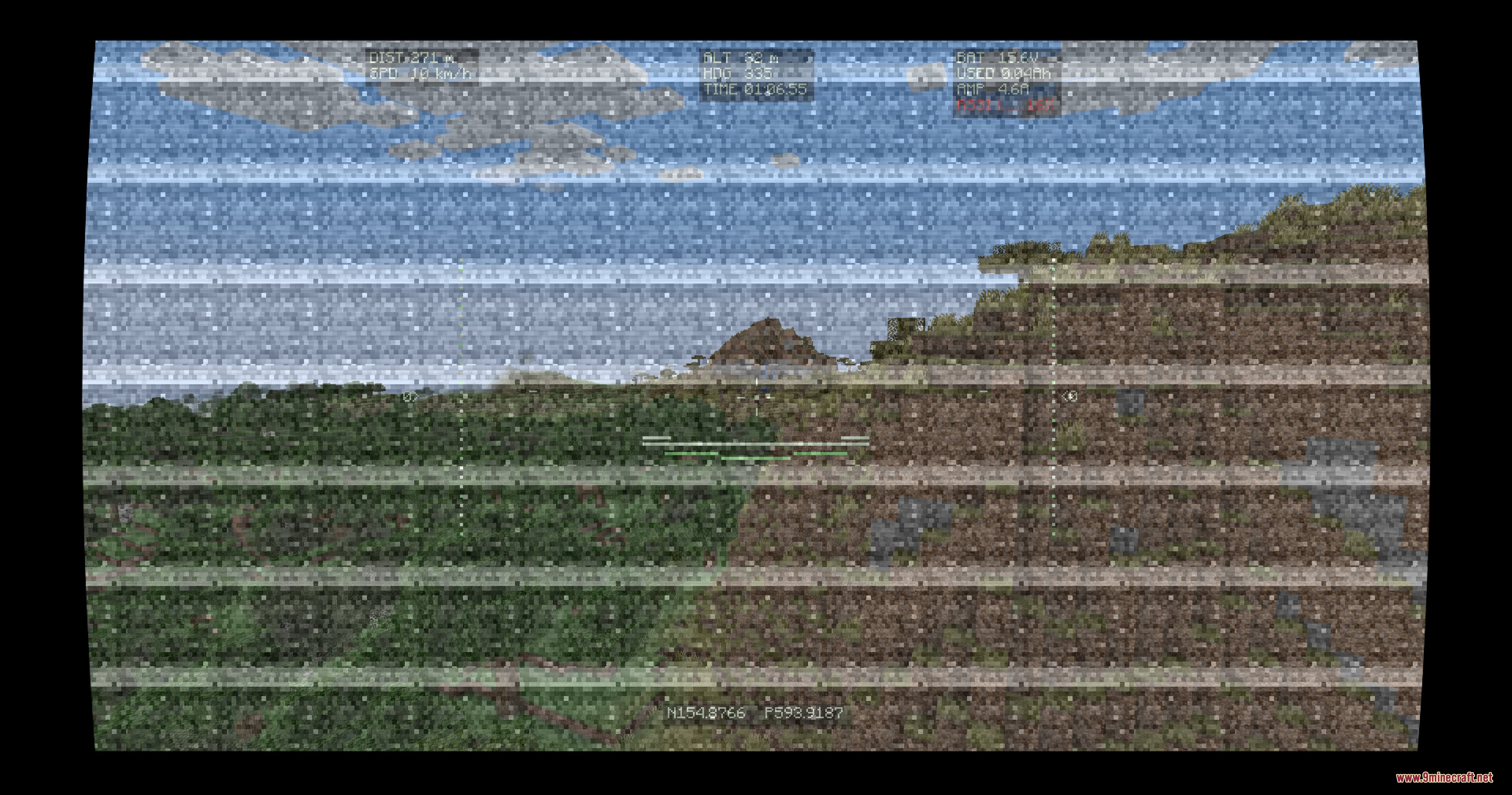
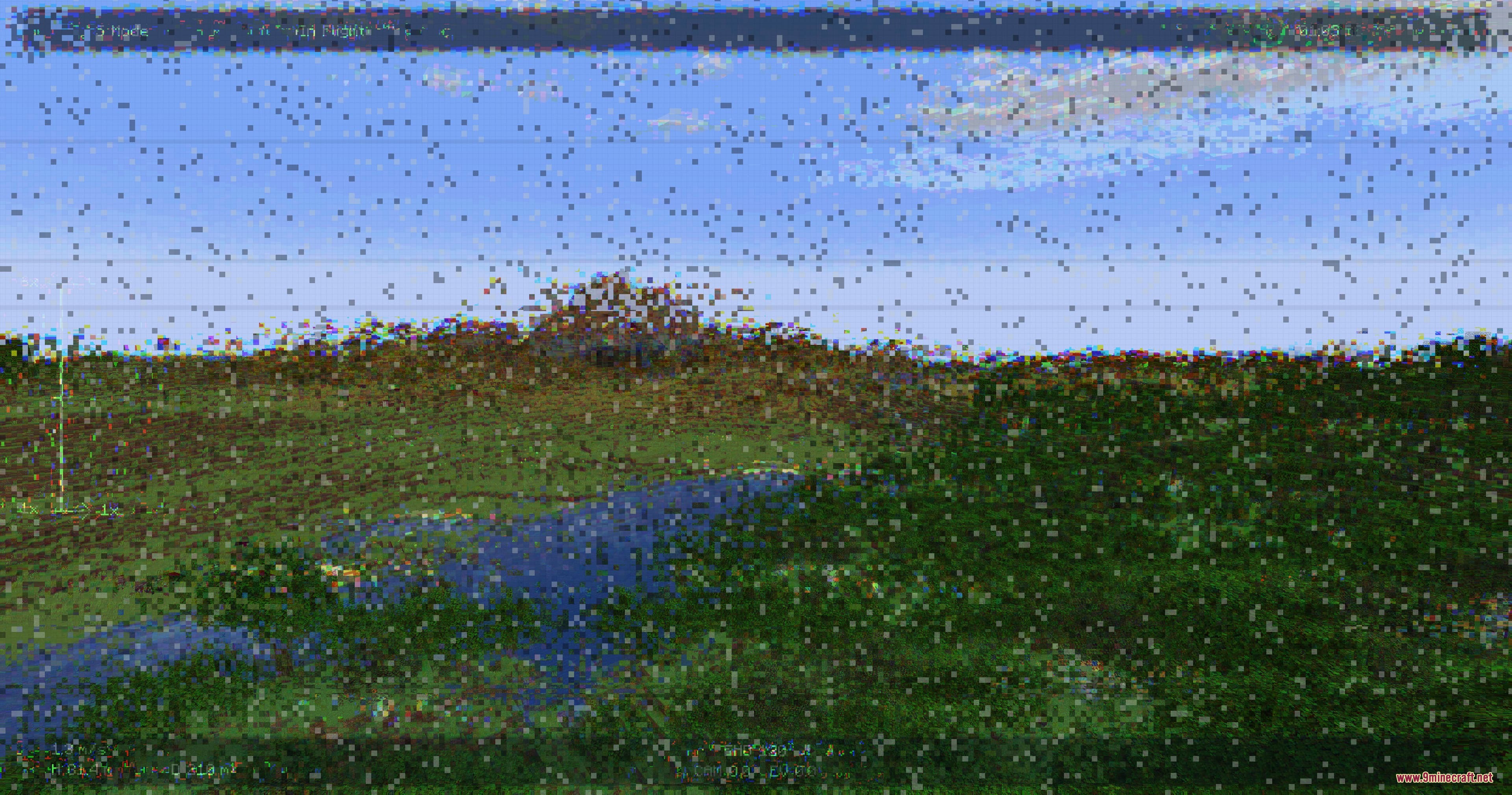
Remote Strike Protocol Mod extends Superb Warfare with controllable combat drones, reconnaissance quadcopters, jamming stations, and loitering munitions. It brings a detailed radio connection system where terrain, building walls, and distance affect your video feed. Weak signals create visual static on your screen and make flight controls harder to steer. You can launch direct strikes with explosive payloads or scout enemy bases from high above.
Features:
- Fly high-speed combat drones directly from a handheld monitor screen.
- Attach RPG rockets, thermobaric charges, or mortar shells to turn drones into flying bombs.
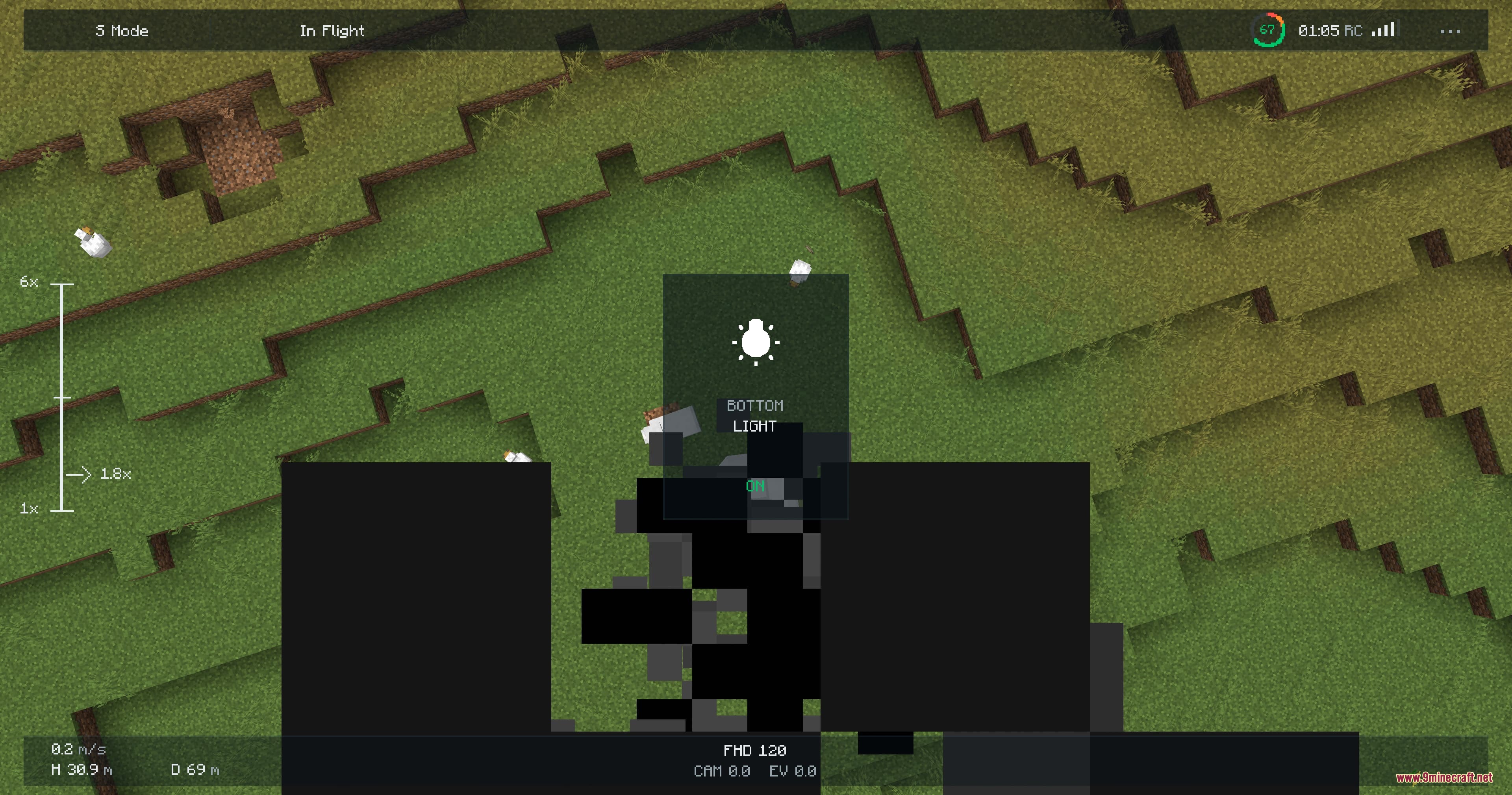
- Fly Mavic scout drones to check enemy bases or drop dual grenades from above.
- Signal strength changes based on solid blocks, distance, and electronic jamming devices.
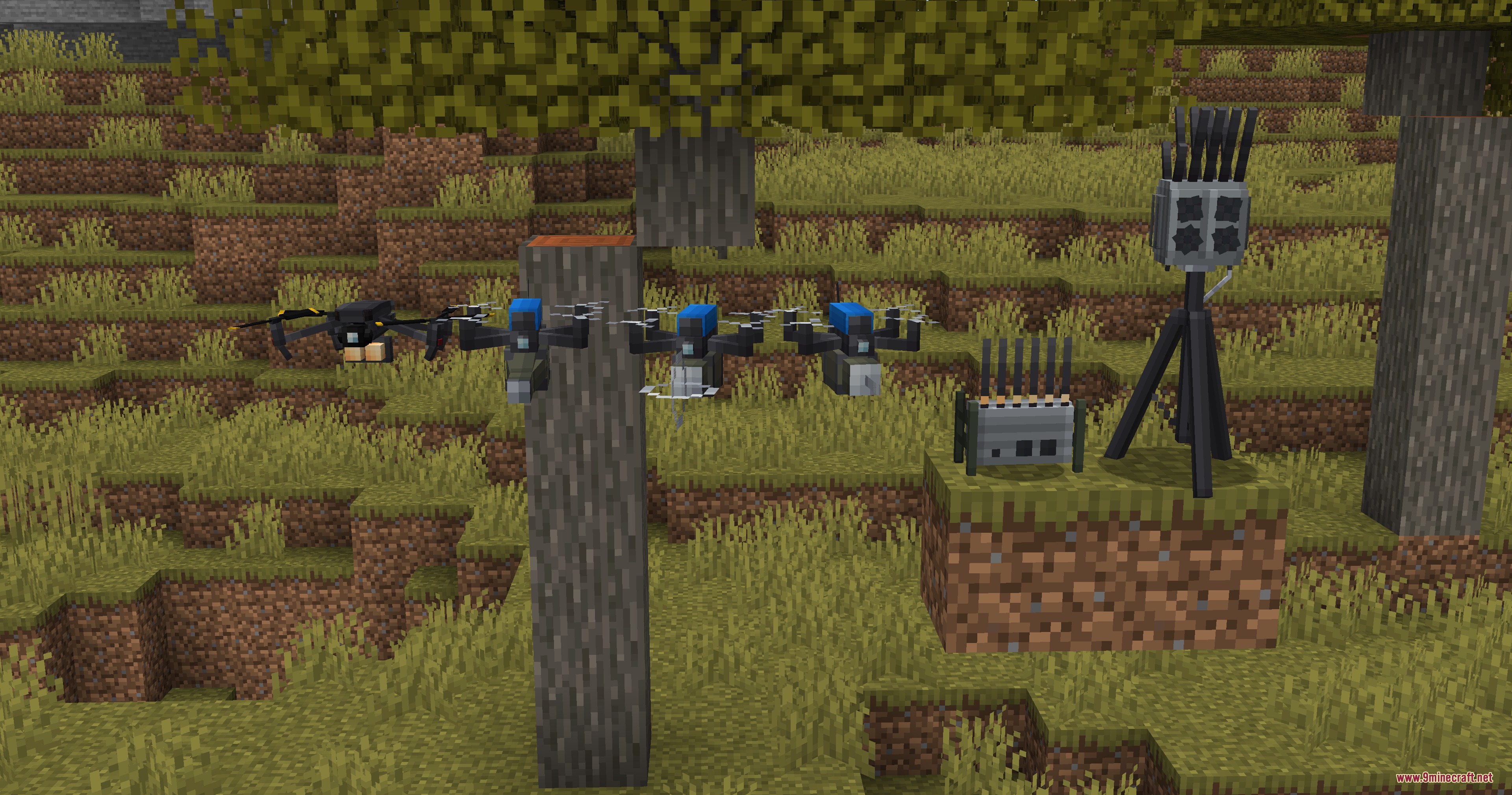
- Place electronic warfare stations to block incoming drones and scramble enemy screens.
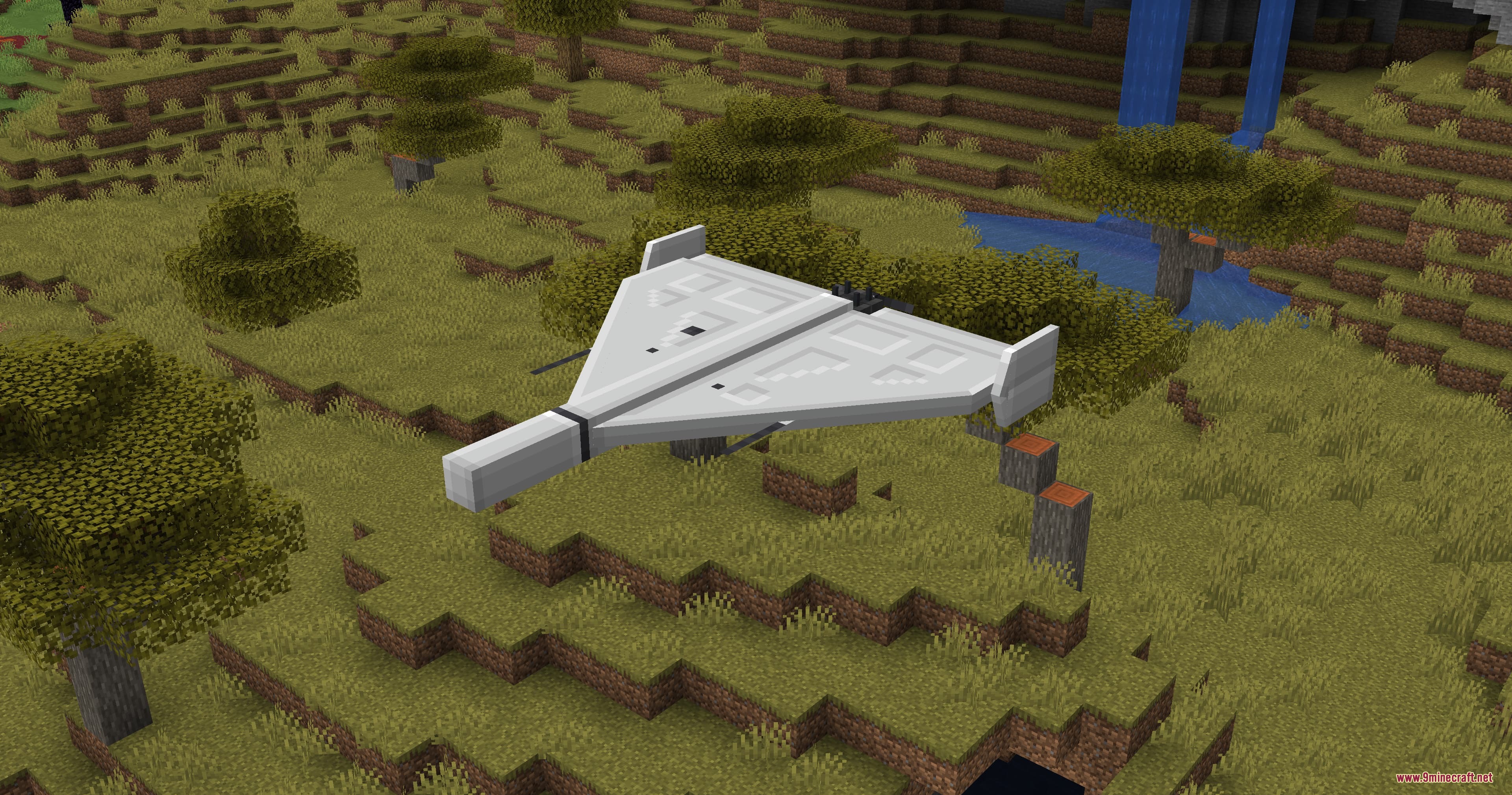
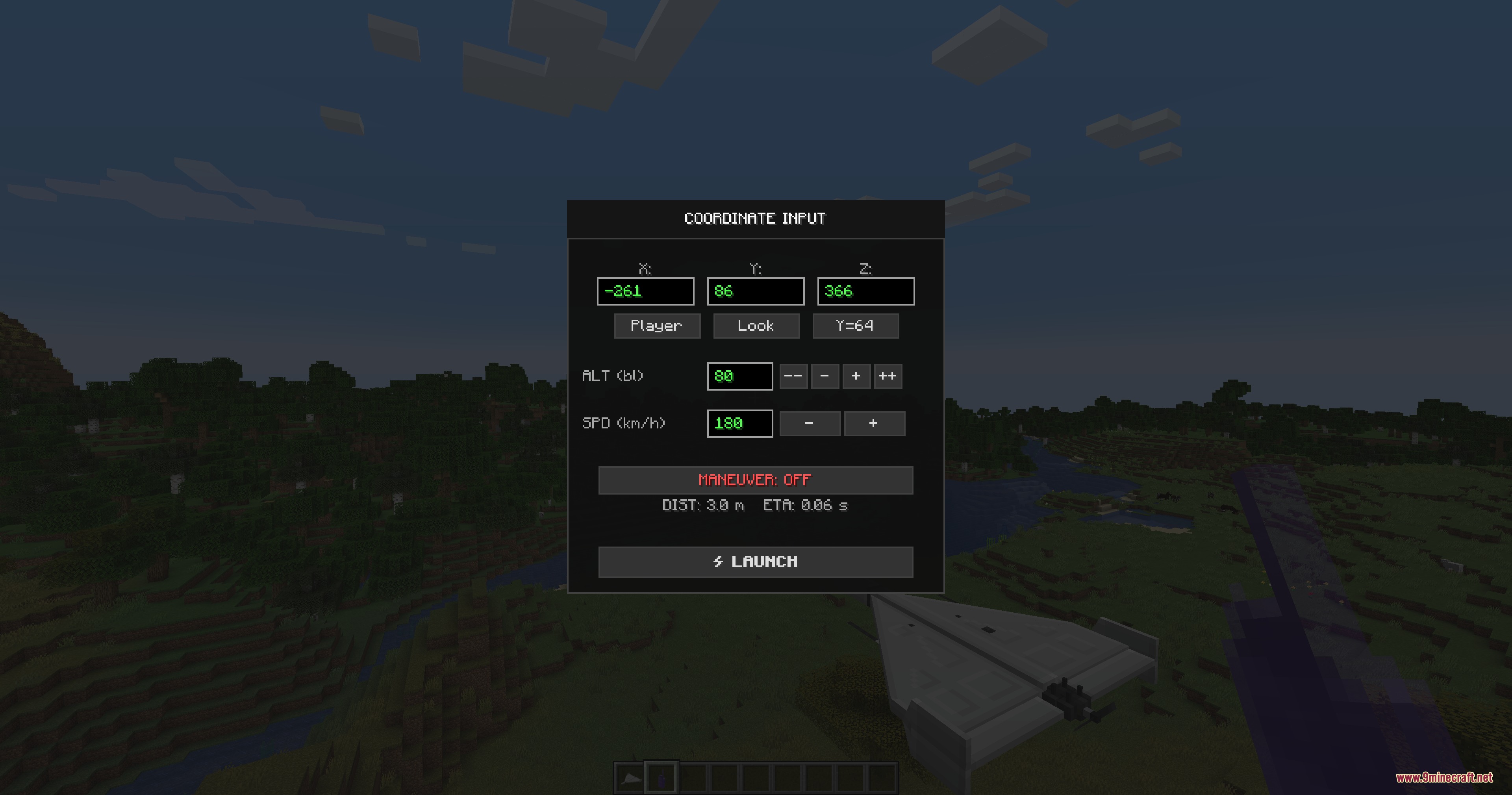
- Input coordinates into tactical radios to launch self-guided Shahed-136 munitions.
- Drones without signal enter an emergency fall or lose control completely.
- Reclaim drones and payloads by interacting with an empty hand while sneaking.
FPV Drone Payloads:
- Standard RPG rocket: Delivers a direct explosive impact against targets.
- Thermobaric RPG rocket: Creates heavy blast damage inside tight spaces.
- Mortar shell: Drops high-power explosive damage upon contact with blocks or mobs.
Drone Variations:
- Reconnaissance Mavic: Built strictly for spotting targets with camera zoom tools.
- Drop Mavic: Carries up to two grenades to drop on enemy positions below.
Commands:
/rebviz: Toggles the visible outline for electronic warfare jamming zones./rebviz on: Shows the visible outline for active jamming zones./rebviz off: Hides the visible outline for active jamming zones.
How to Use:
- Place your drone on any flat block and charge it if power is needed.
- Interact with compatible explosives to load them onto your drone frame.
- Open your monitor screen to establish a link and take manual flight control.
- Press the Fire key to drop munitions or fly directly into targets to detonate.
- To launch a Shahed-136, place the craft, link your tactical radio, set your target coordinates, and press Launch.
Screenshots:
How to Install:
New to Minecraft? Follow our step-by-step guide to install Mods on your PC.View Guide
Requirements:
 Minecraft Forge Required
Superb Warfare Required
 Kotlin for Forge Mod Required
 GeckoLib Mod Required
 Curios API Required
Remote Strike Protocol Mod Download Links
For Minecraft 1.20.1, 1.20
Click to rate this post!
[Total: 0 Average: 0]
You May Also Like







This post has no comments yet. Be the first — your comment will appear here.