


Road Weaver Mod (1.21.1, 1.20.1) – Connect Every Village with Automatic Roads

 0
0 

🌐 Read this article in your language! Choose your preferred language below.
Or pick the one you like:
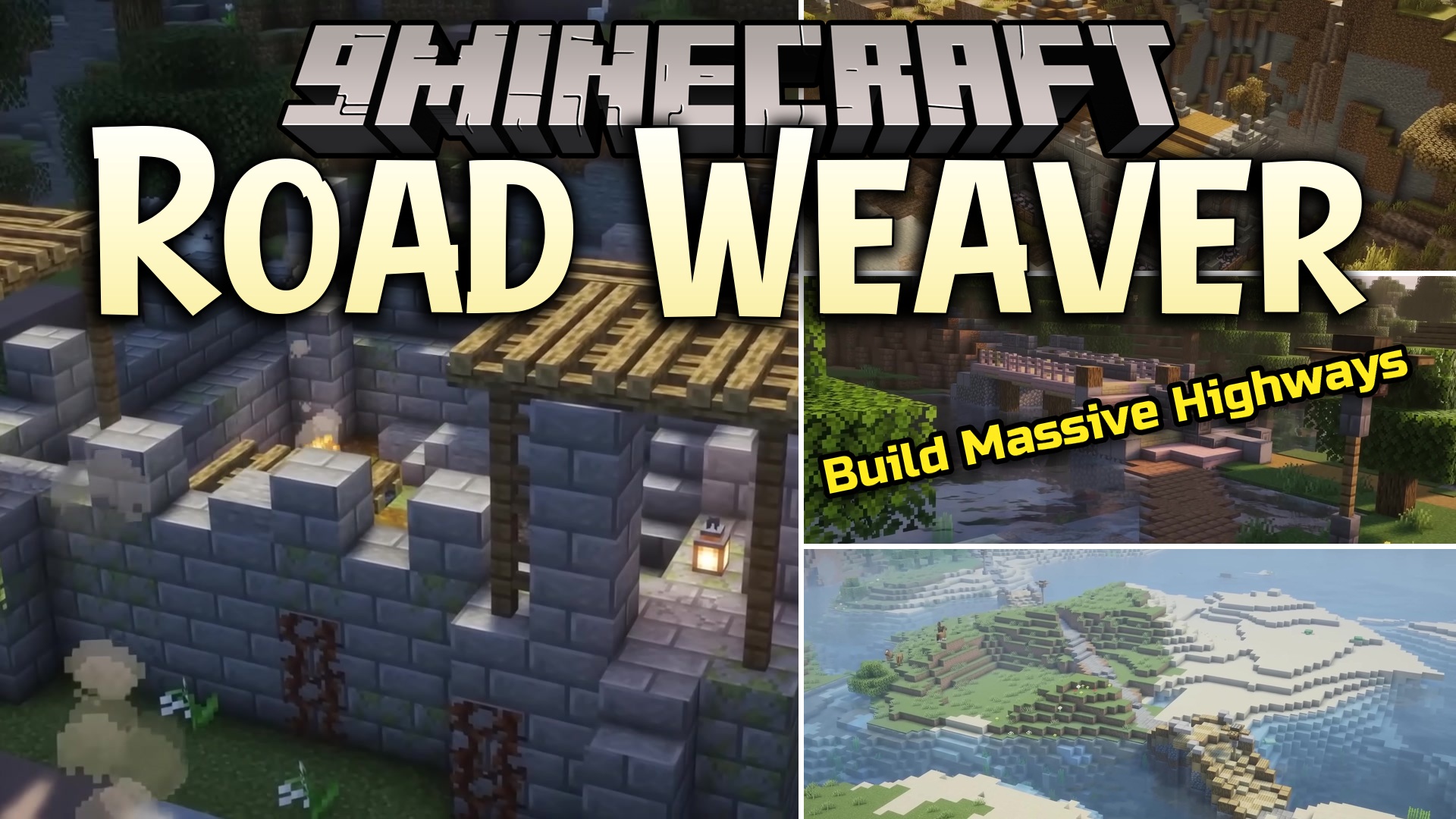
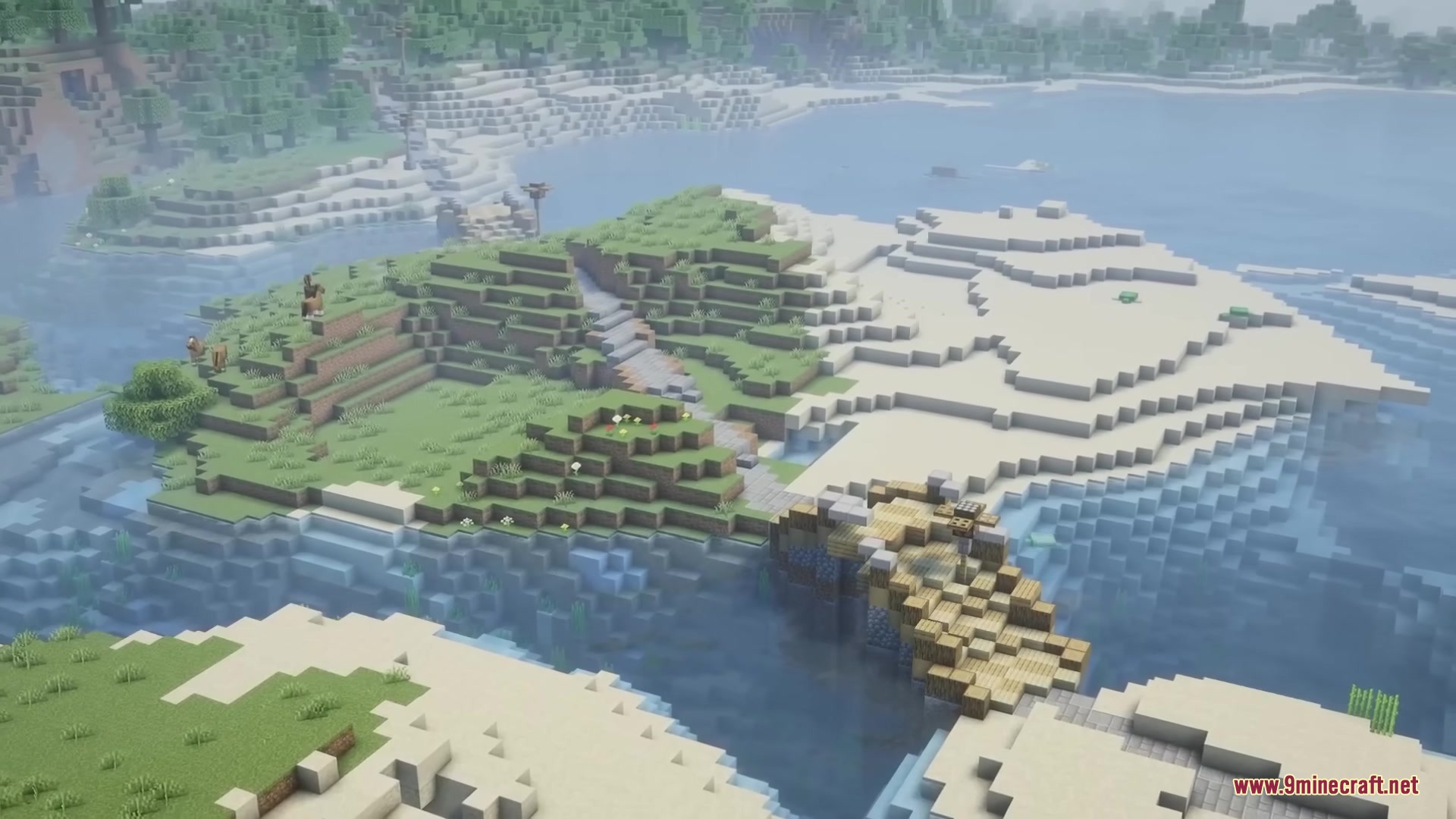
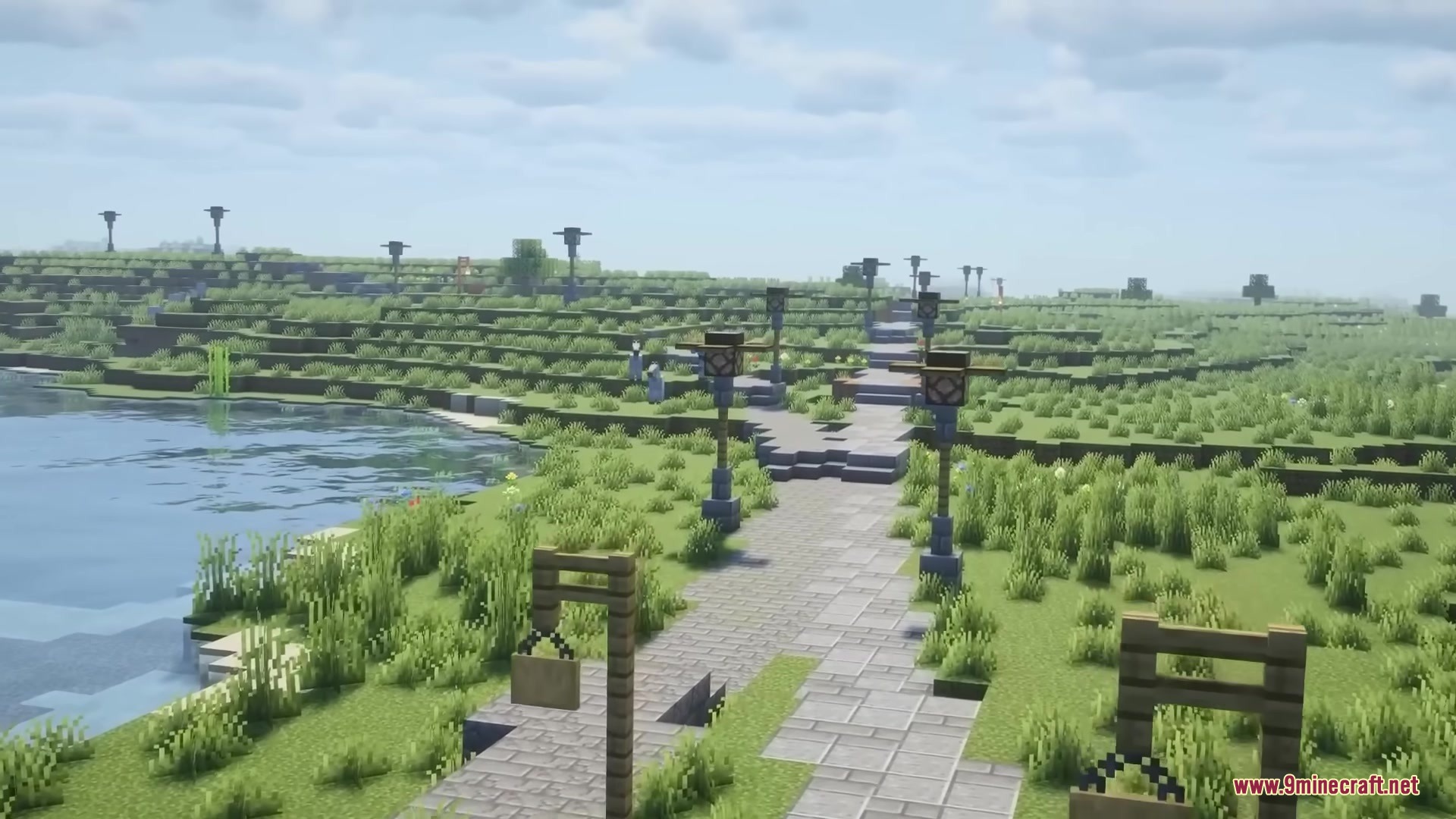
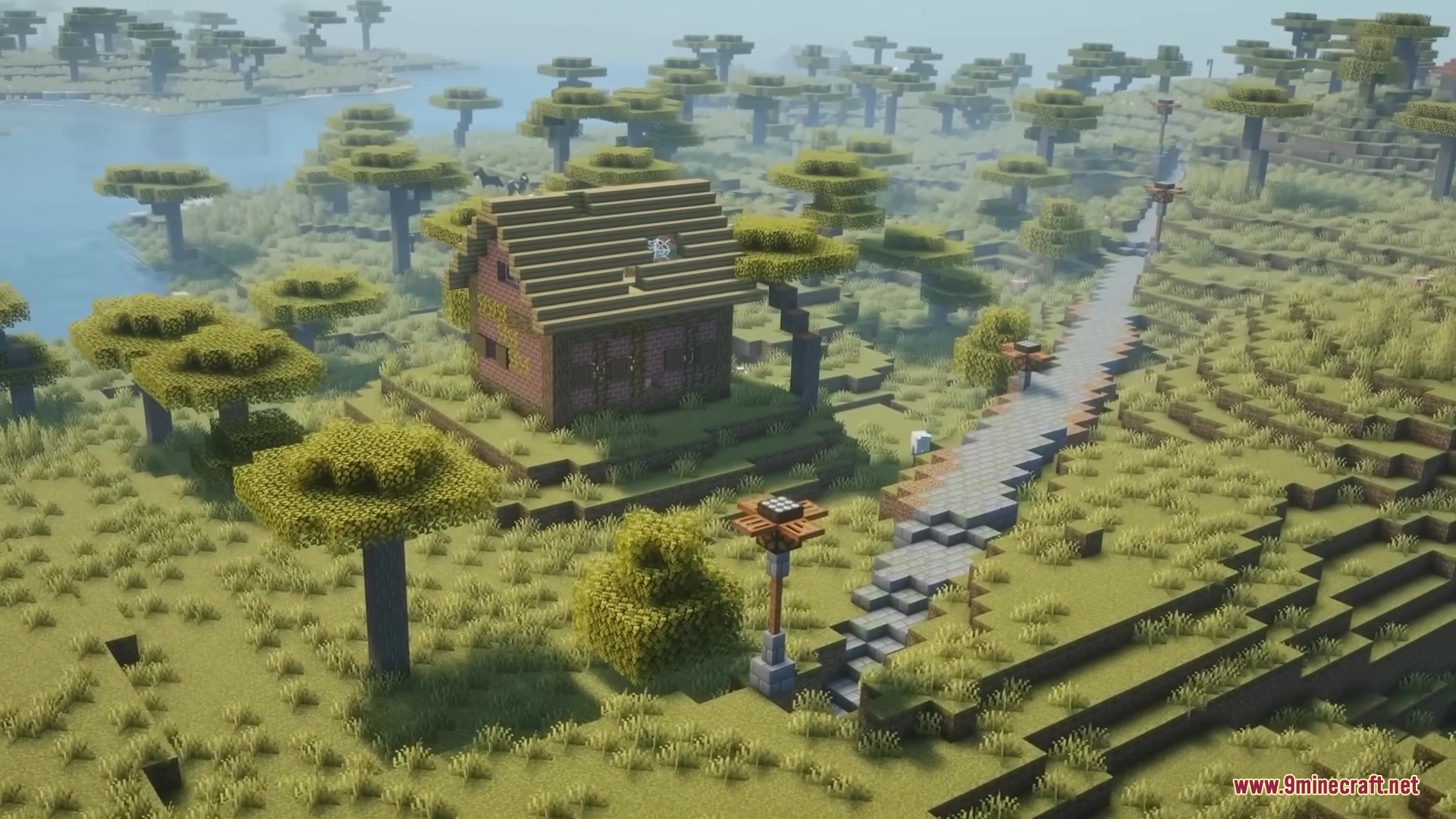
Road Weaver Mod automatically builds beautiful roads between villages and other structures in your world. It takes away the hard work of connecting different places by doing it all for you. The mod creates smooth paths that go over rivers, through mountains, and across different biomes. You can just travel and enjoy the scenery without getting lost in the wild.
Features:
- Smart Pathfinding: The mod plans routes that avoid steep drops and dangerous areas to keep you safe.
- Smooth Curves: It uses special math to make turns look natural instead of blocky and sharp.
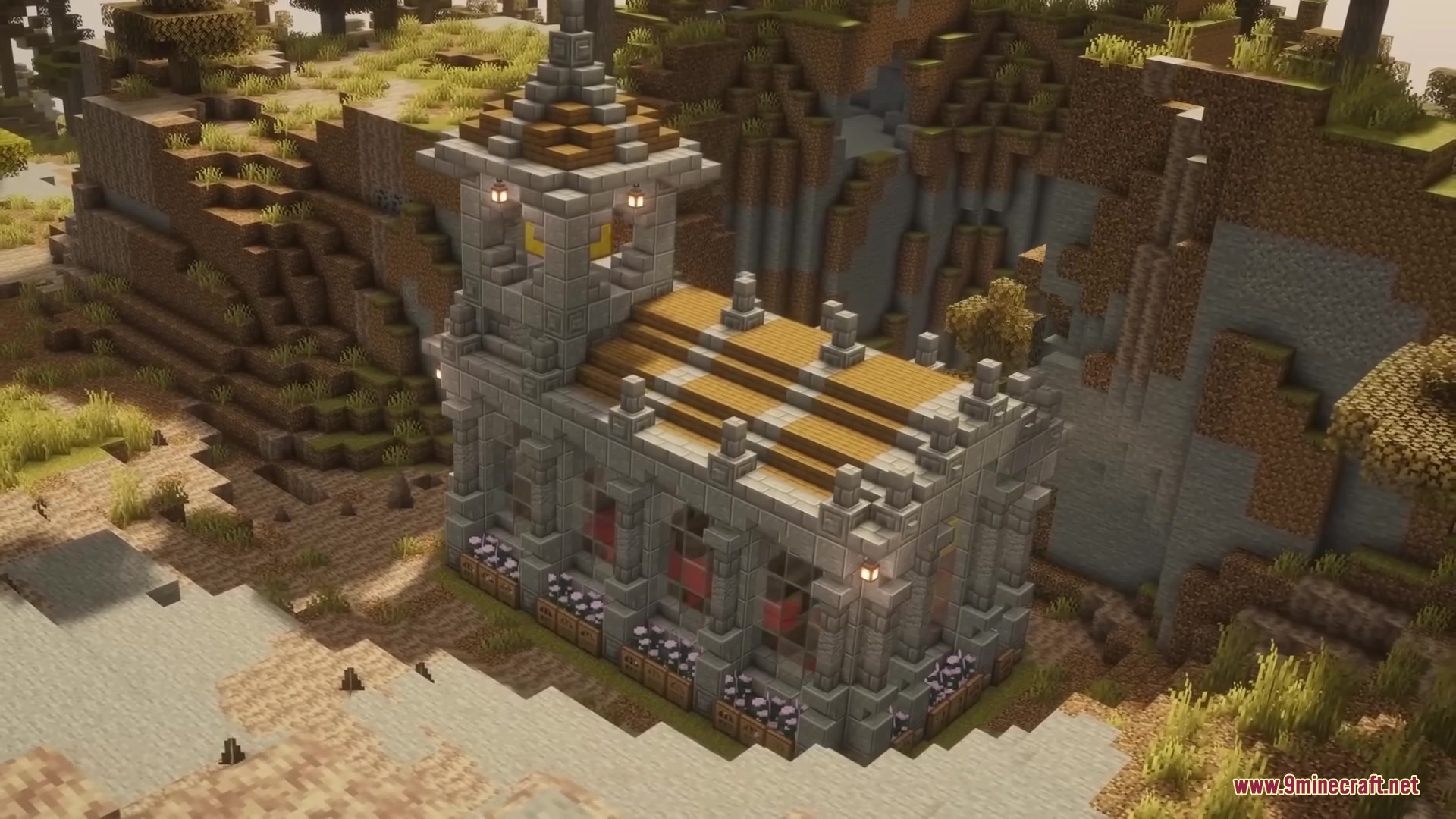
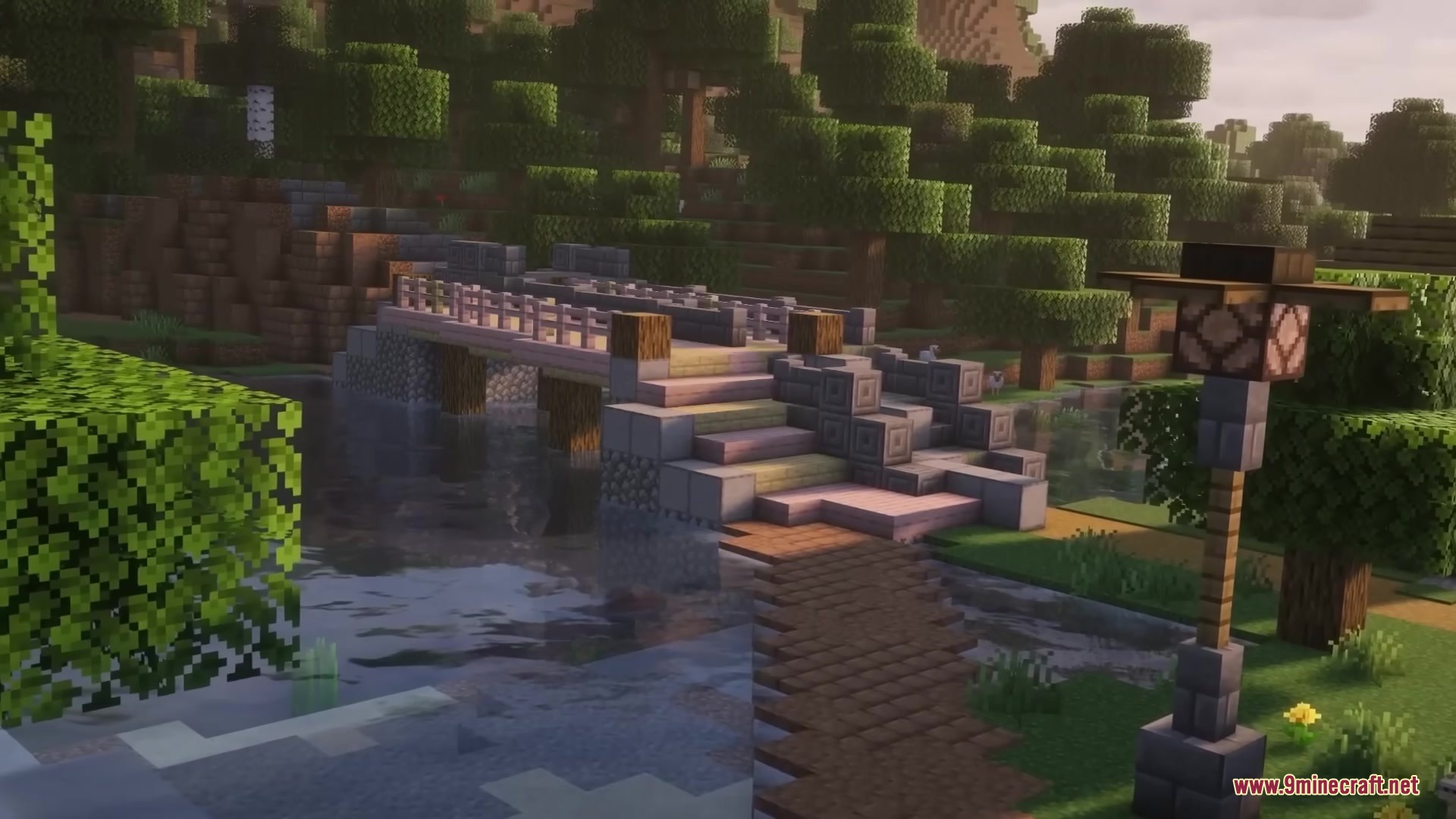
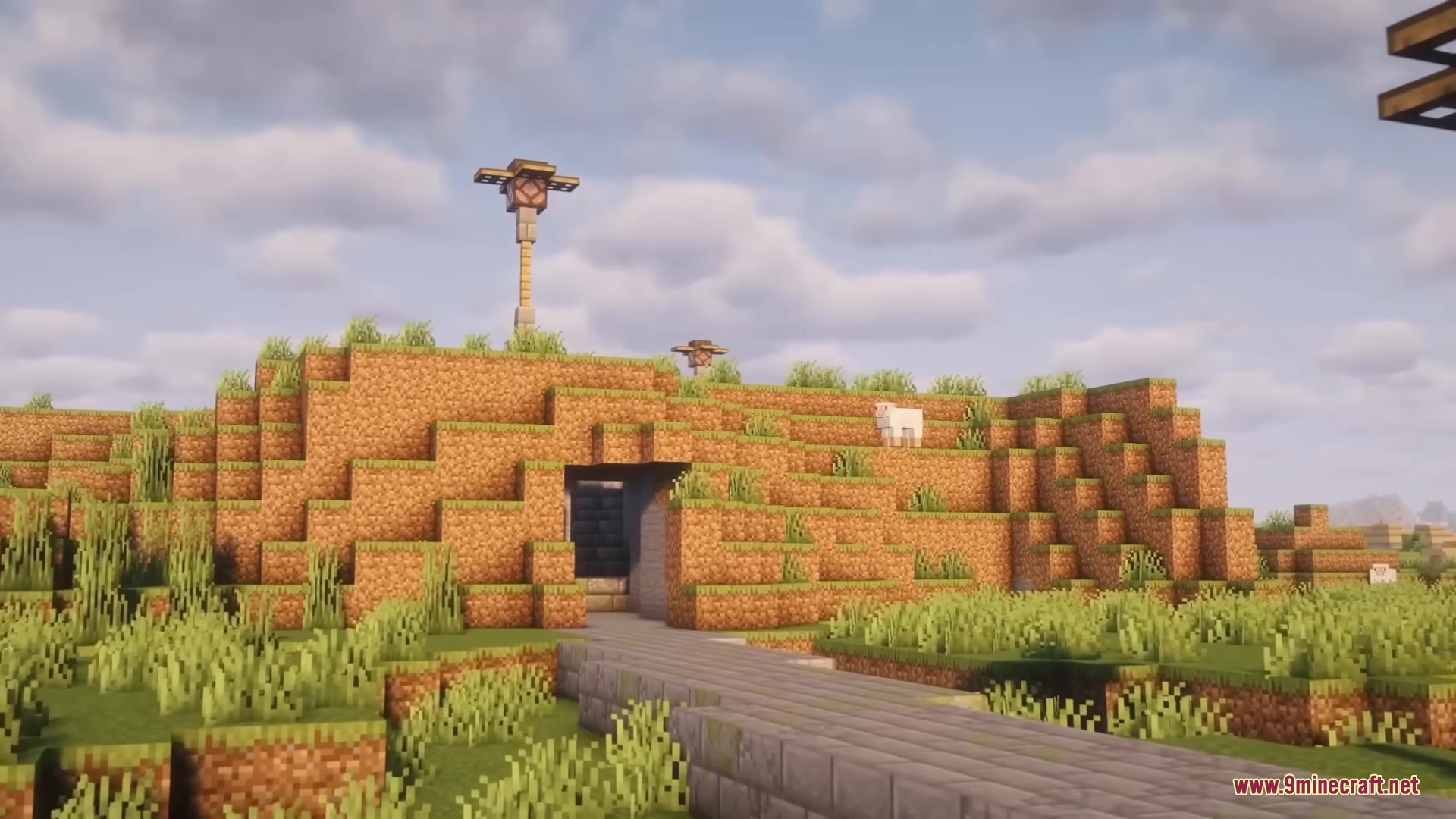
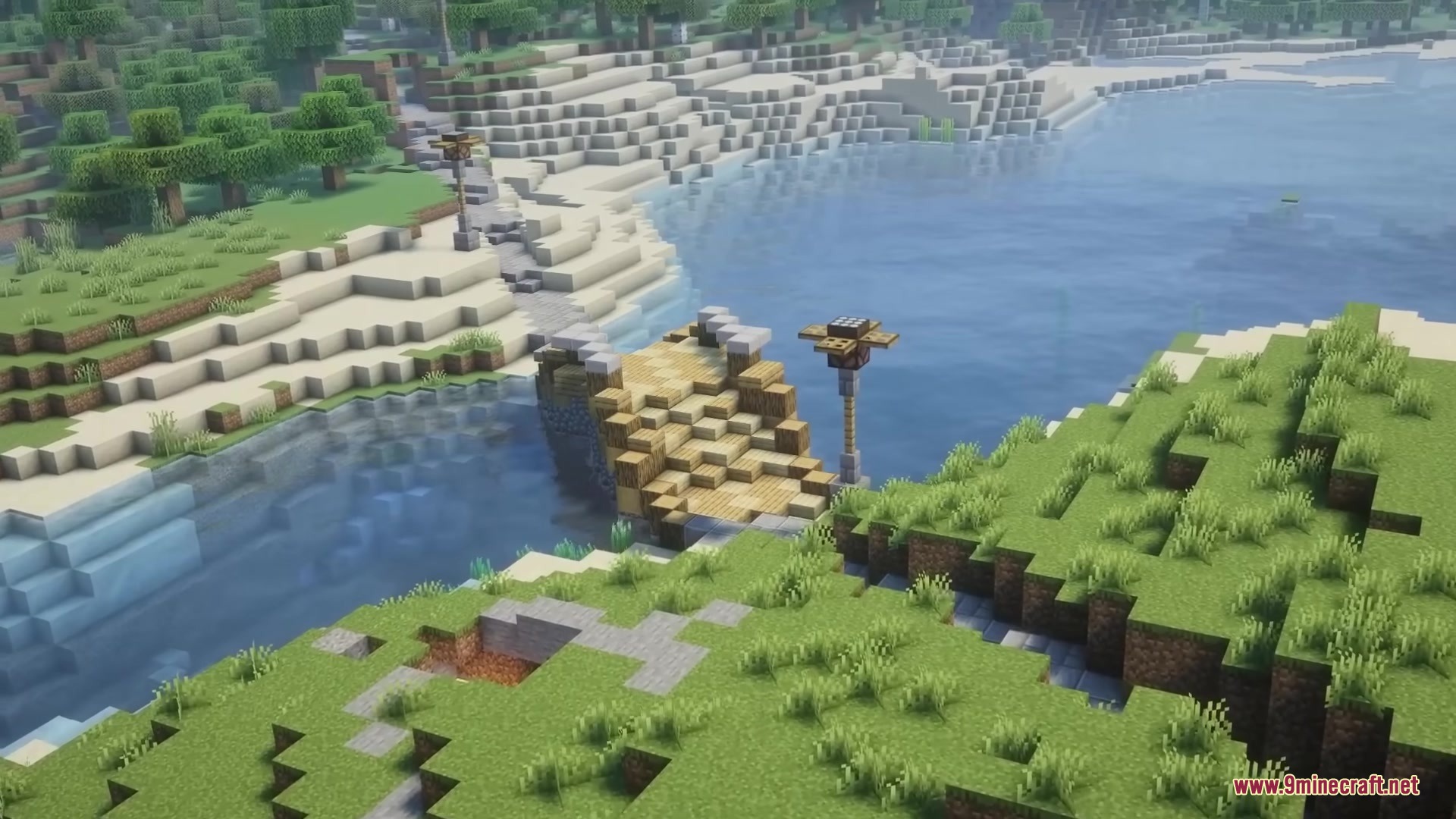
- Builds bridges over water and digs tunnels right through giant mountains.
- Cuts through rough terrain and removes trees that block the path.
- Places slabs on hills so you can walk up and down without jumping.
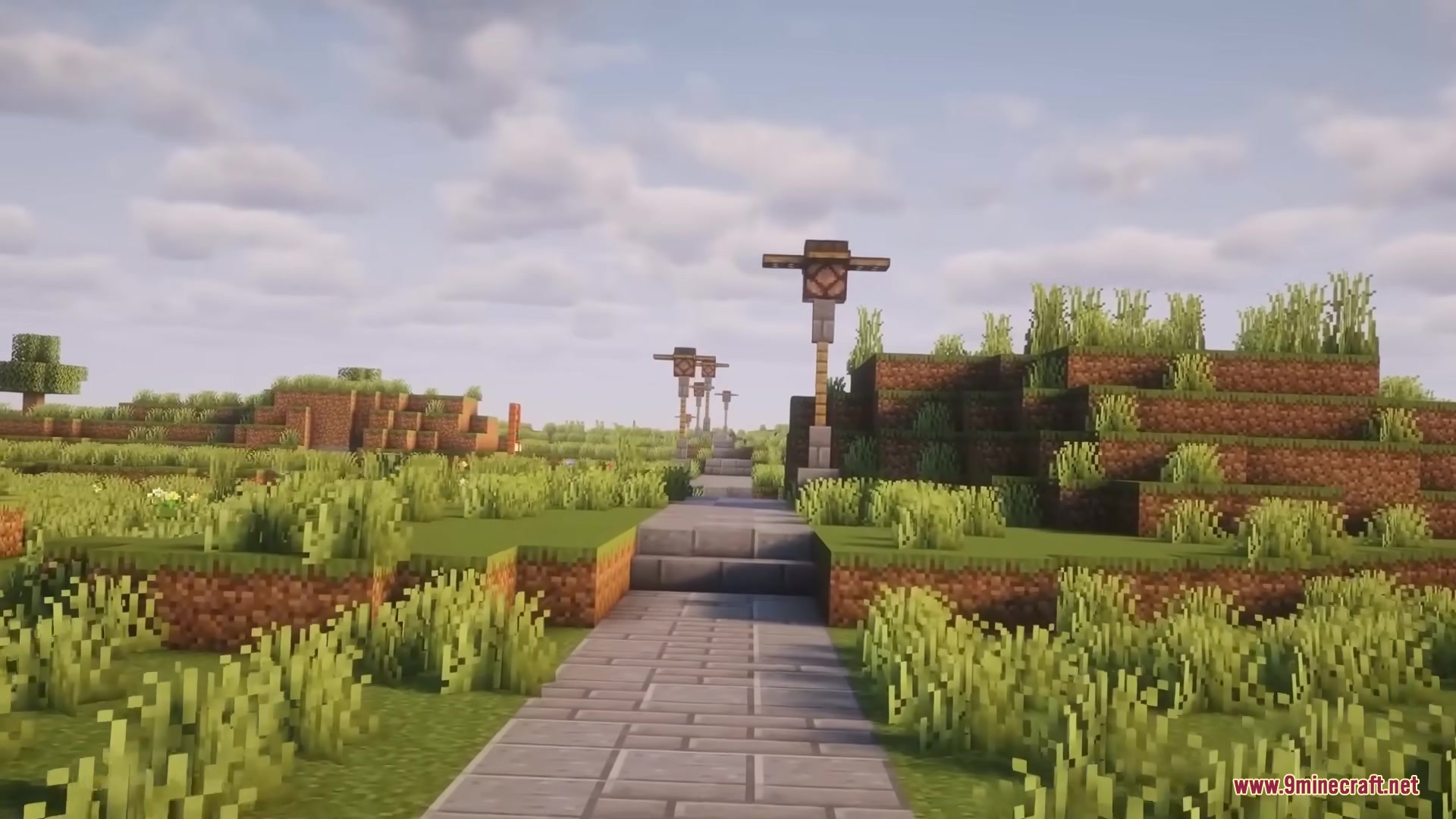
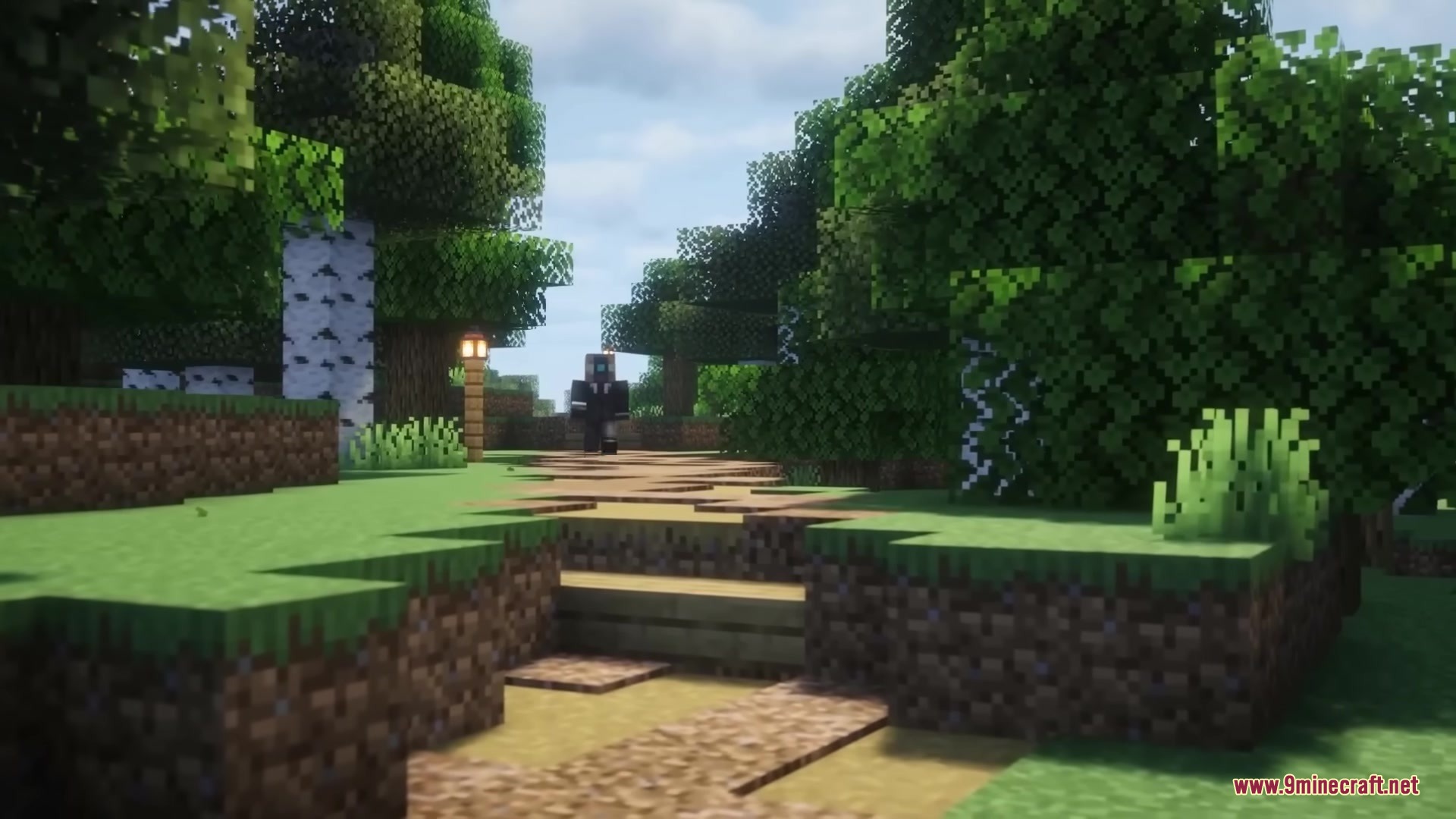
- Matches the road materials to the biome you are in, or uses classic stone bricks and mud.
- Adds redstone lamps along the way that turn on by themselves when it gets dark.
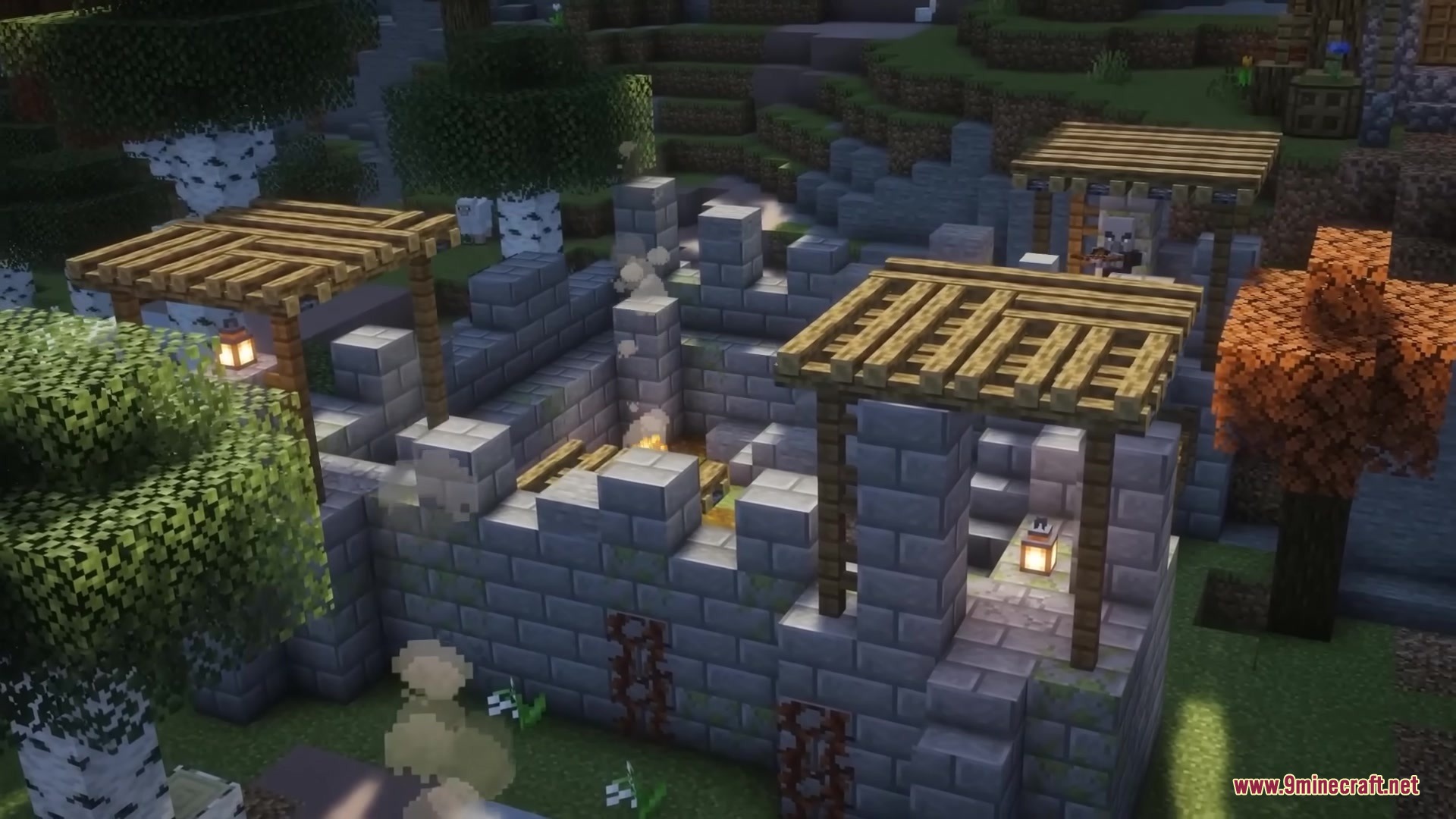
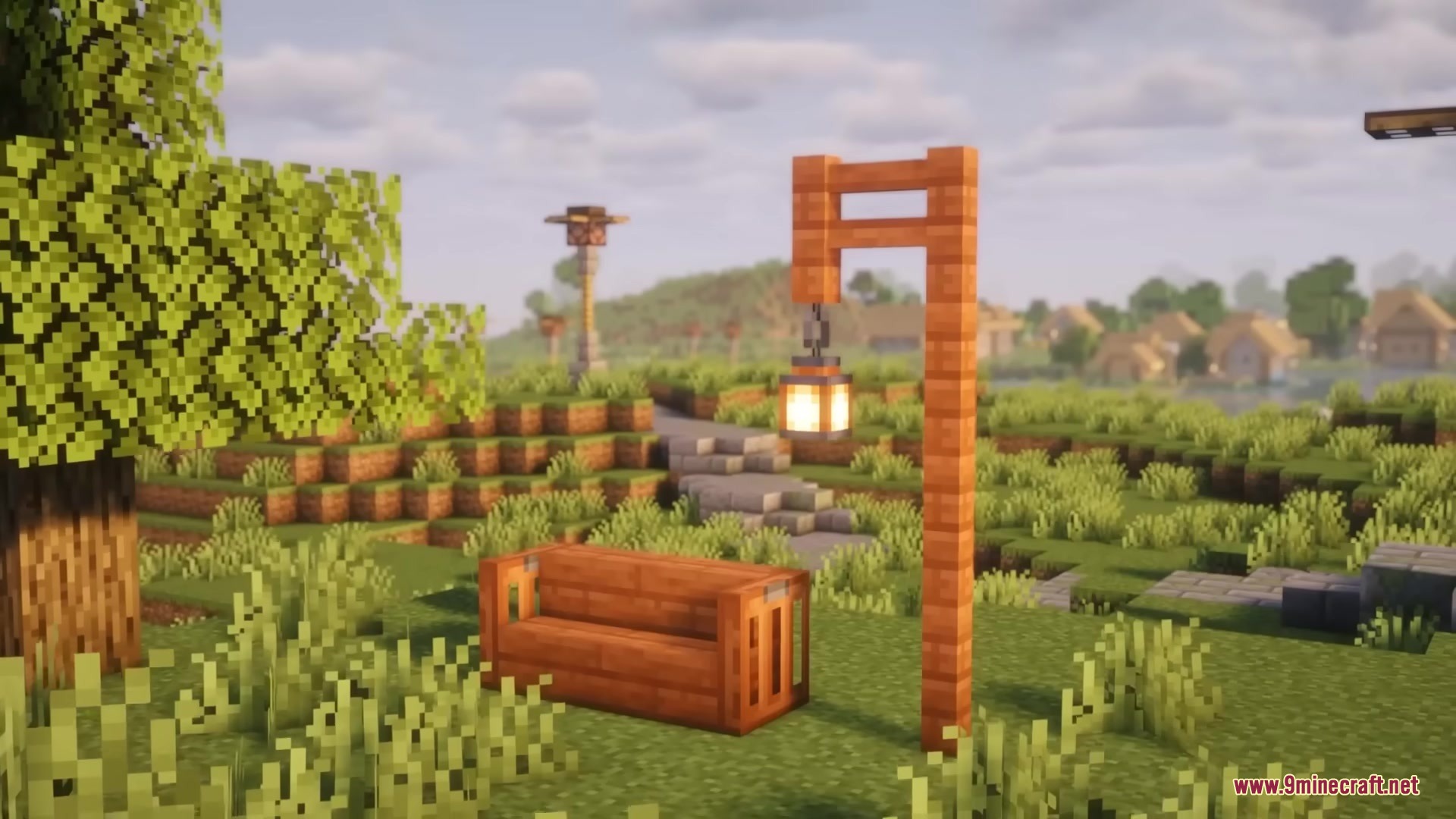
- Places fun decorations like campfires, benches, and distance signs beside the paths.
- Works in the background so your game runs fast while roads are being built.
How to Use:
- Create or enter your world to start the automatic road building.
- Press the H key to open a special map that shows all the planned and finished roads.
- Wait for the roads to finish building before you walk to those areas.
- Click the top-right corner of the map screen to change settings and road blocks.
Screenshots:

How to Install:
New to Minecraft? Follow our step-by-step guide to install Mods on your PC.View Guide
Requirements:





Road Weaver Mod Download Links
For Minecraft 1.21.1, 1.21
For Minecraft 1.20.1, 1.20
Click to rate this post!
[Total: 0 Average: 0]
You May Also Like

















This post has no comments yet. Be the first — your comment will appear here.