


Rp Essentials Mod (1.21.1) – Build Custom Professions and Manage Server Roleplay
 0
0
 0
0

Rp Essentials Mod transforms server administration for roleplay communities. It adds custom professions, character licenses, name obfuscation, and full chat customization without needing server restarts. Players can take on jobs with crafting limits, roll dice for actions, and hide their nametags based on proximity. Server staff can easily manage player profiles, schedules, and moderation notes directly inside the game.
Features:
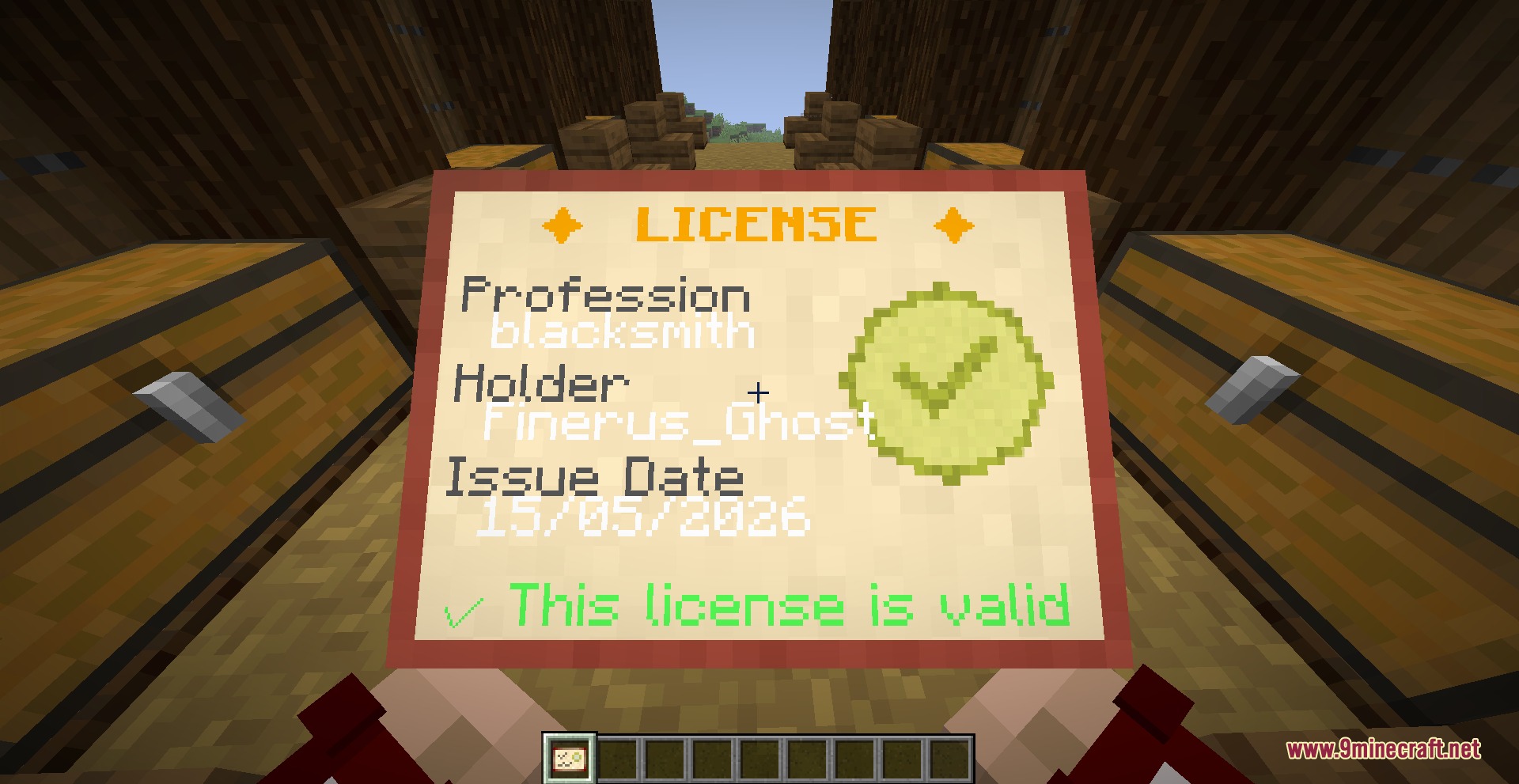
- Adds custom player professions and job licenses that restrict specific equipment or crafting recipes.
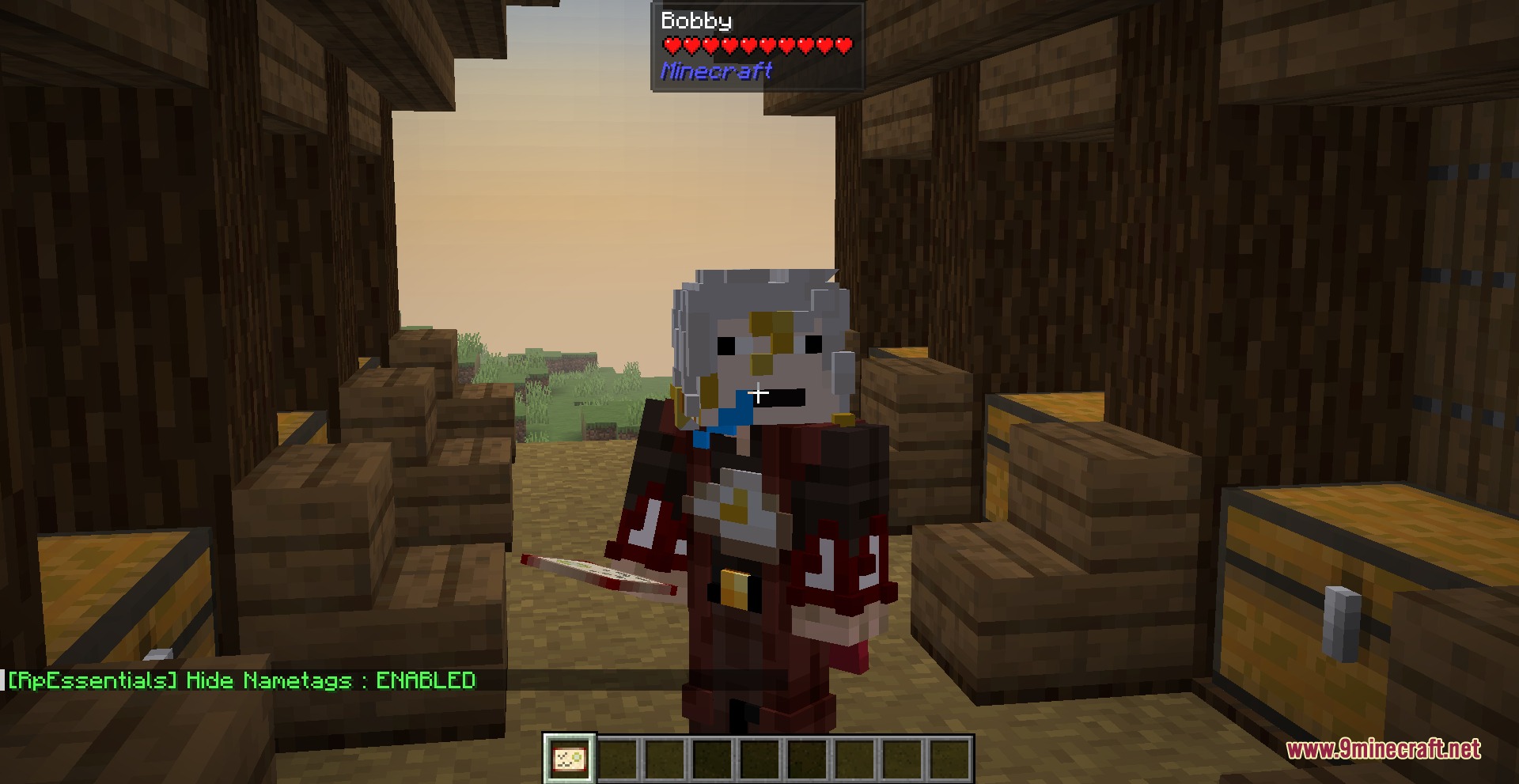
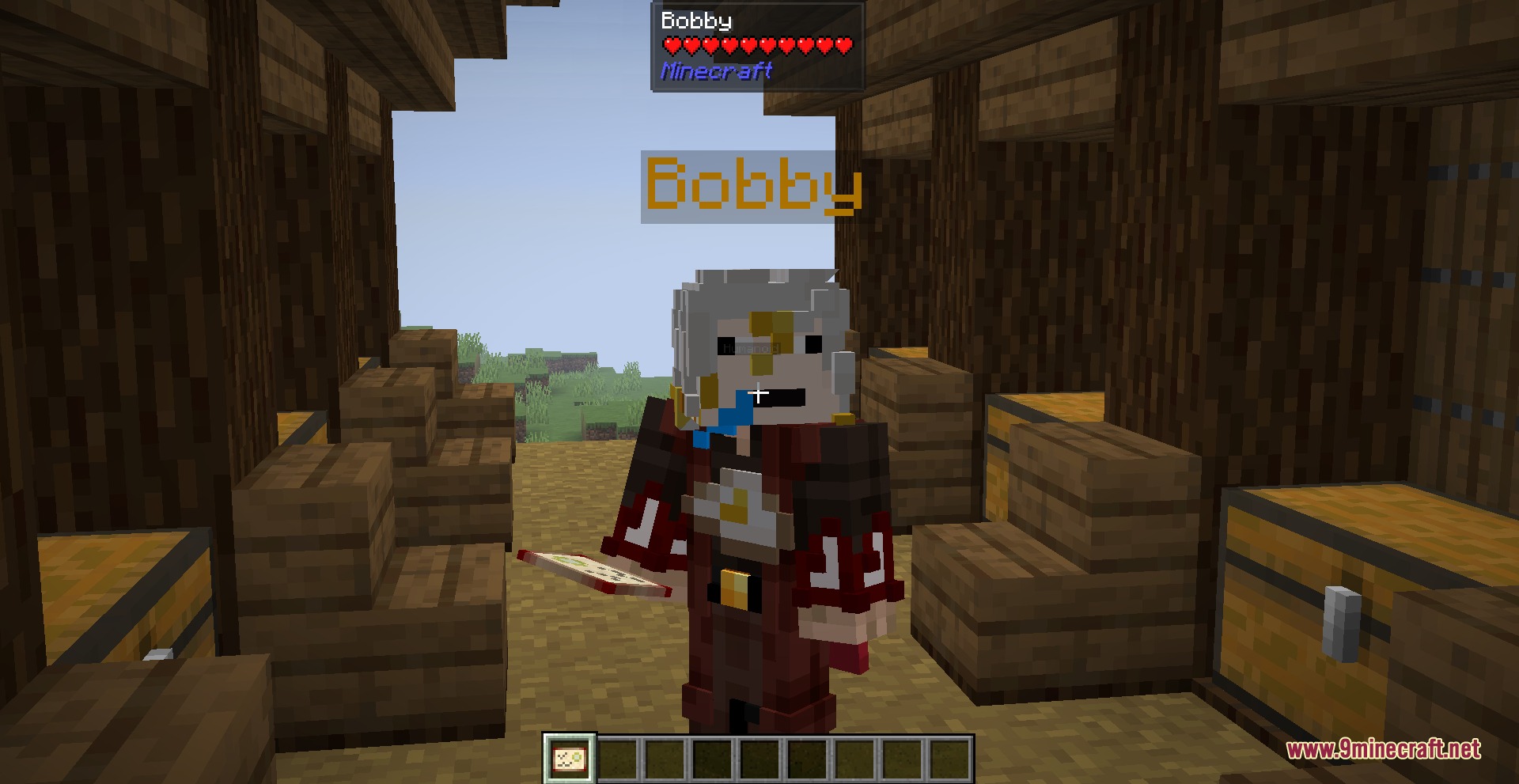
- Provides identity obfuscation with proximity-based nametag hiding and player list blur.
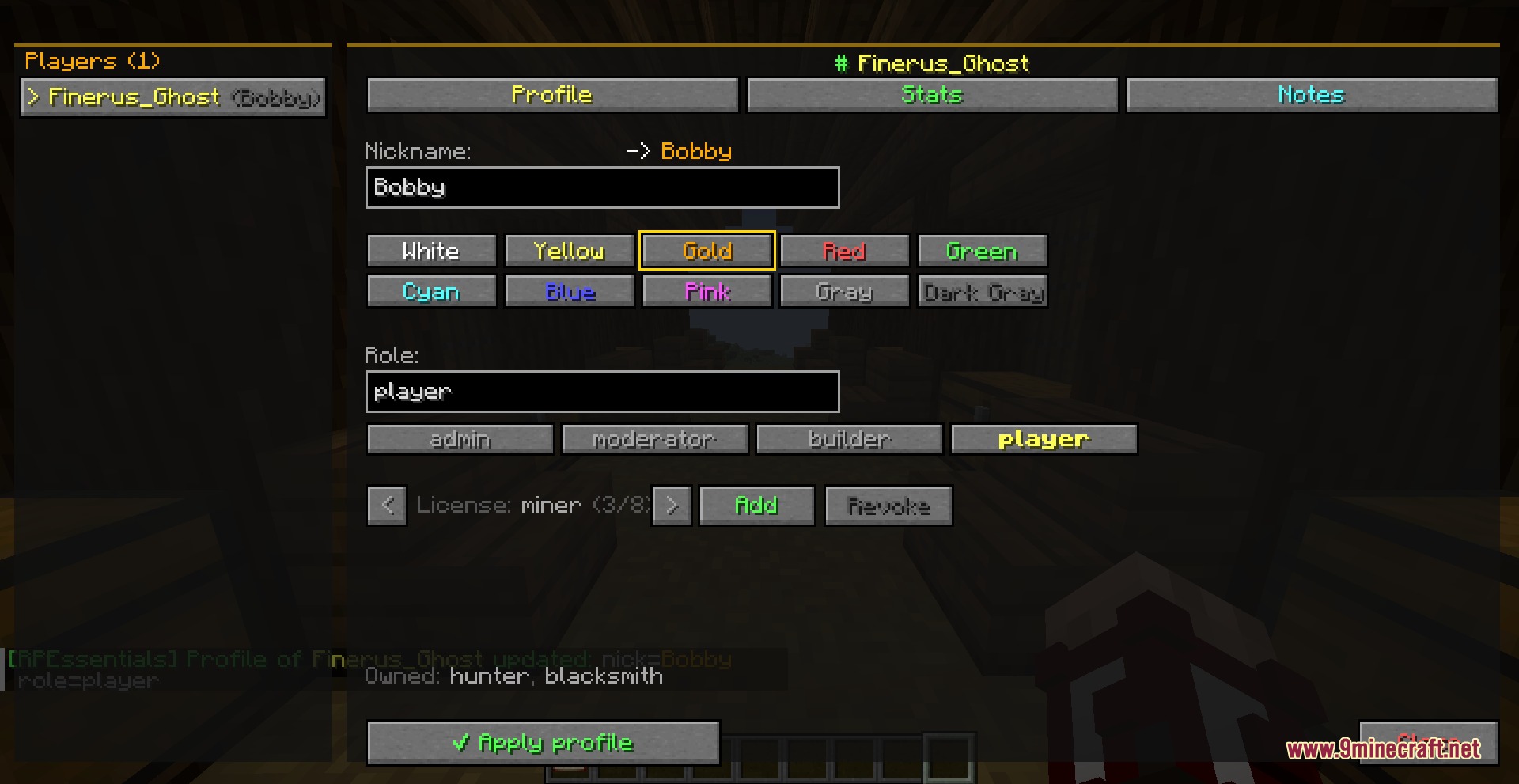
- Lets players set custom roleplay nicknames across chat, nametags, and private messages.
- Includes a built-in dice roll mechanic with custom sides for tabletop-style actions.
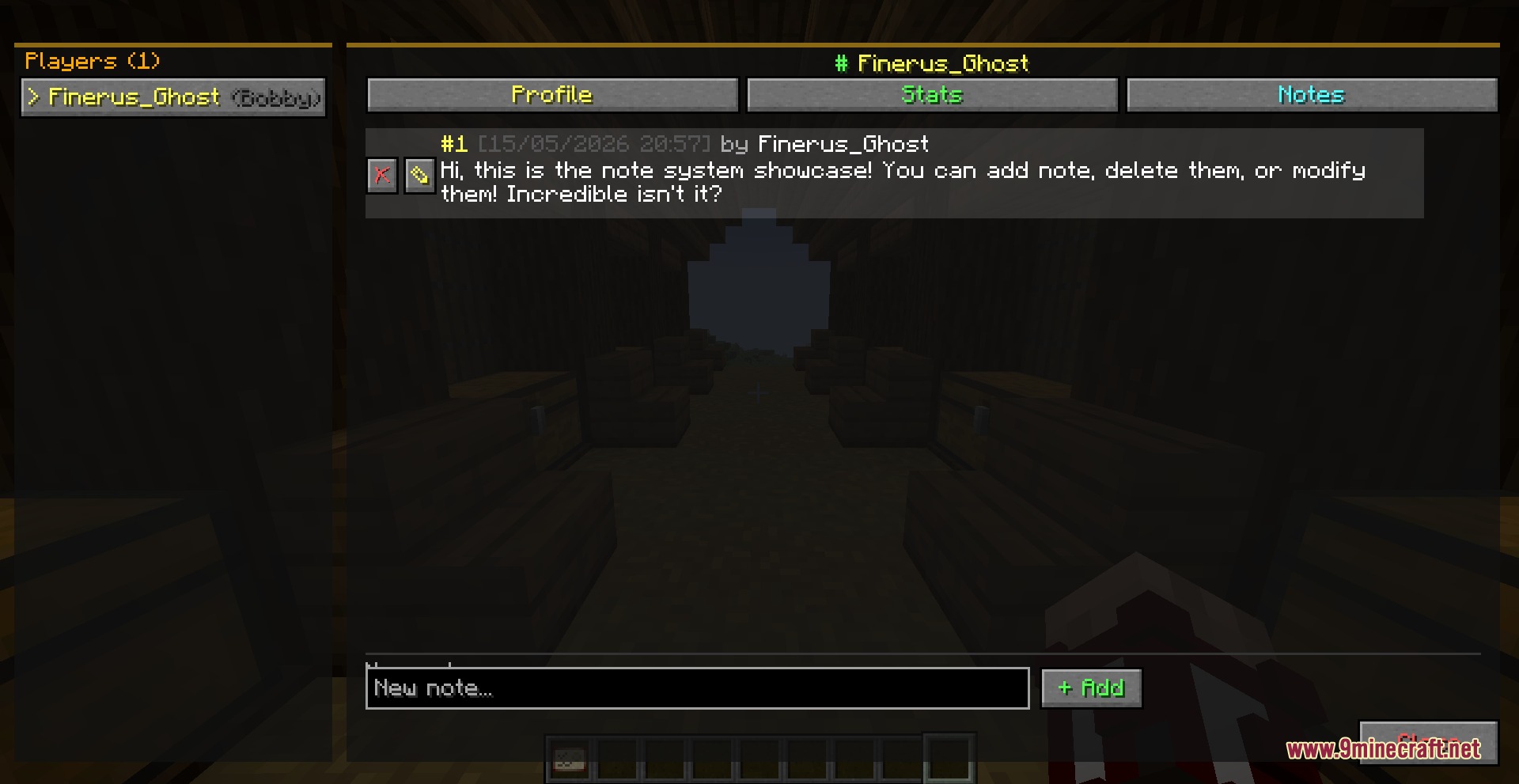
- Features moderation tools such as warnings, mutes, player inspection, and staff notes.
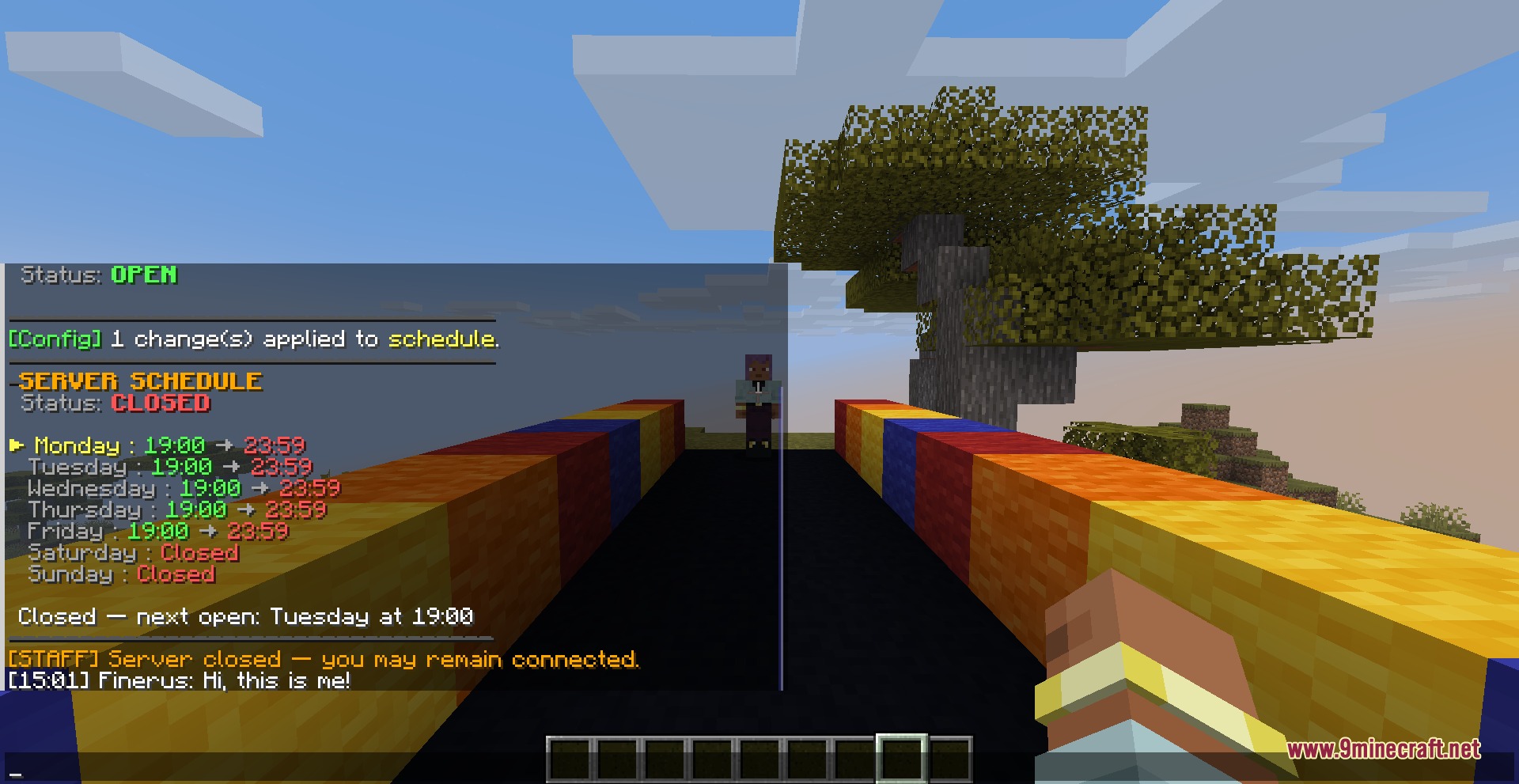
- Controls world access with custom server opening schedules, safe zones, and death rules.
- Contains an in-game configuration manager to tweak settings on the fly.
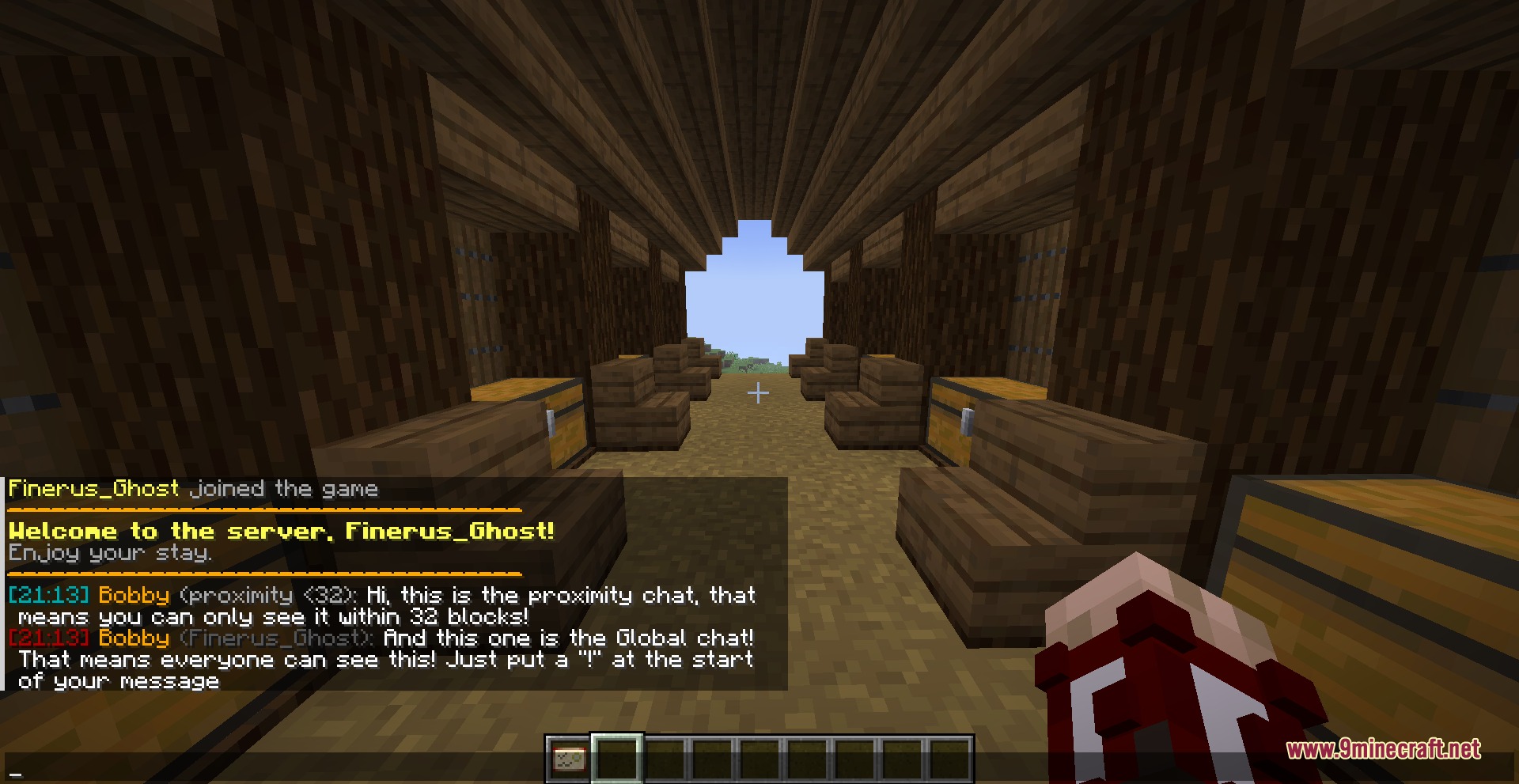
- Formats server chat and customizes join or leave announcements.
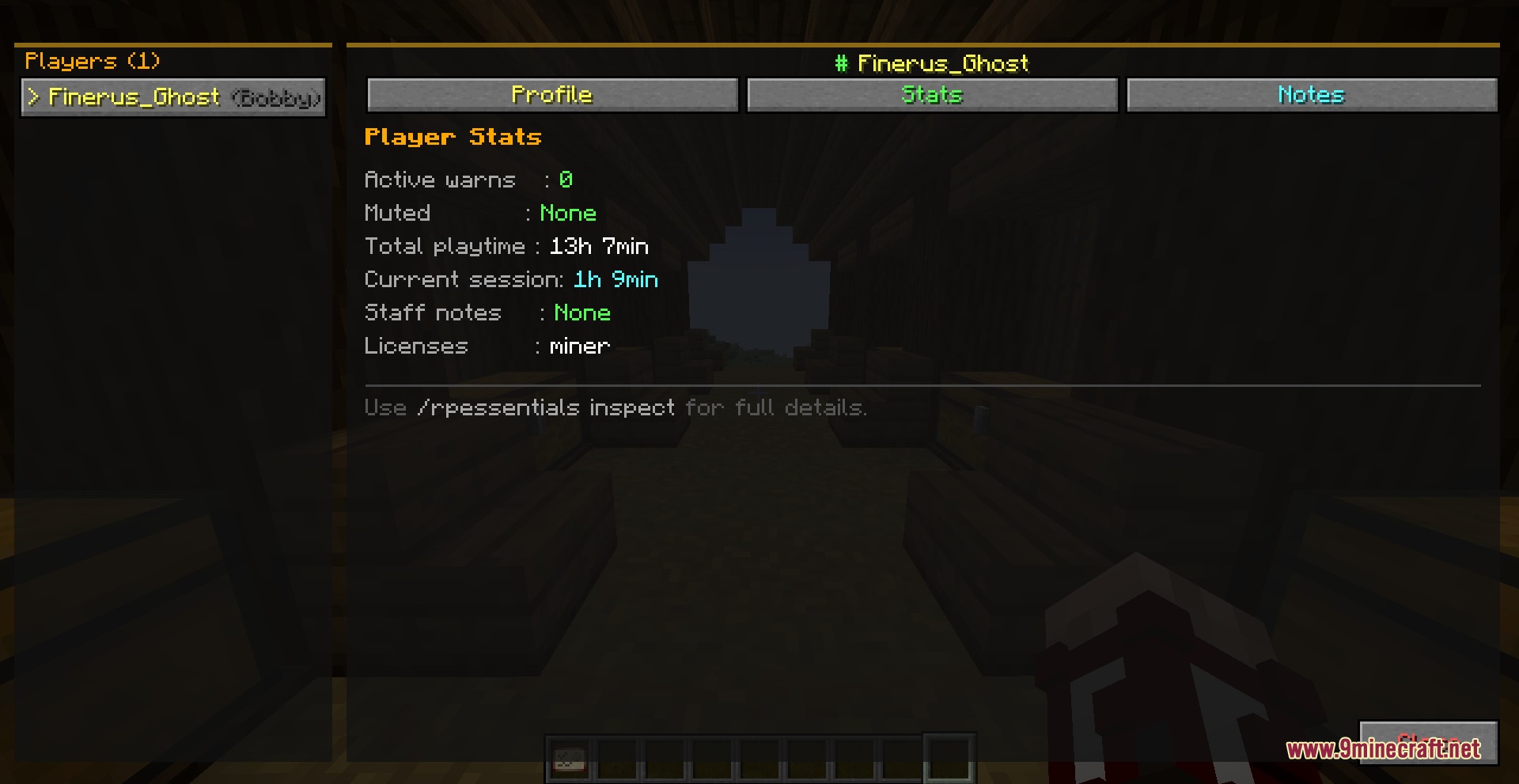
- Tracks player connection history, session time, and total playtime.
Commands:
/rpessentials config reload: reloads the configuration files./rpessentials config set hideNametags <value>: toggles the visibility of player nametags./roll <dice>: rolls a die with custom sides such as d6 or d20.
How to Use:
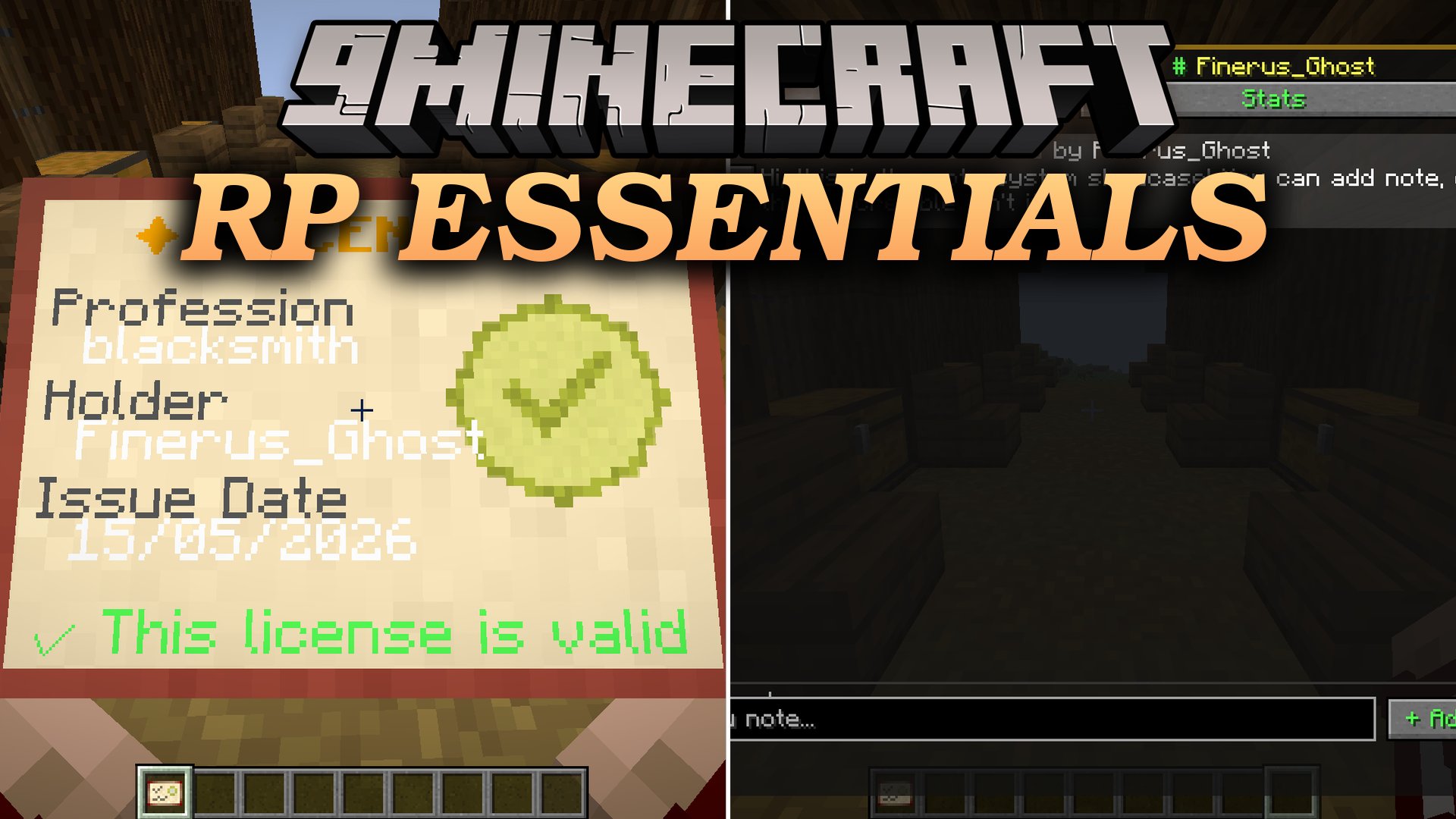
- Hold a license item or right-click to view character statistics and active jobs in a clean menu.
- Type
/roll <dice>in chat to perform random checks during events. - Adjust server rules and job restrictions using the in-game configuration menu without restarting.
Screenshots:
How to Install:
New to Minecraft? Follow our step-by-step guide to install Mods on your PC.View Guide
Requirements:



Rp Essentials Mod Download Links
For Minecraft 1.21.1, 1.21
Click to rate this post!
[Total: 0 Average: 0]
You May Also Like





This post has no comments yet. Be the first — your comment will appear here.