


Scorchful Mod (26.1.2, 1.20.1) – Heat and Desert Survival
 2,595
2,595
 0
0


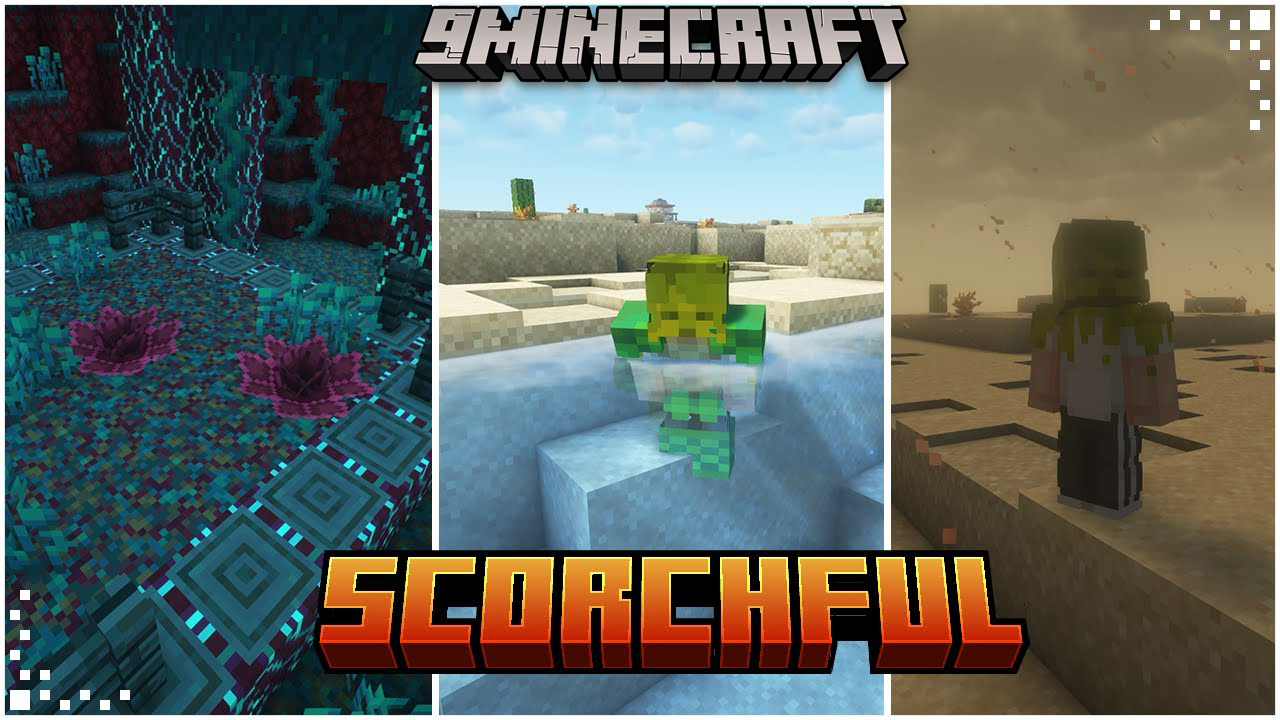
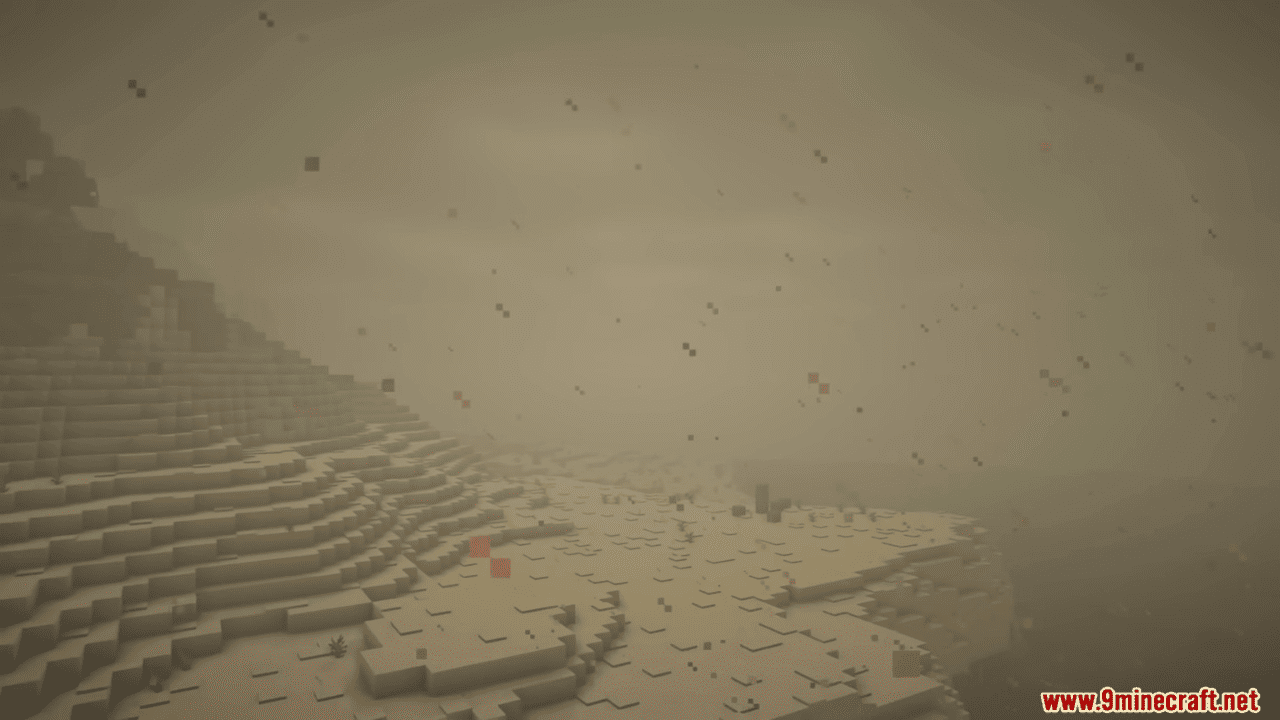
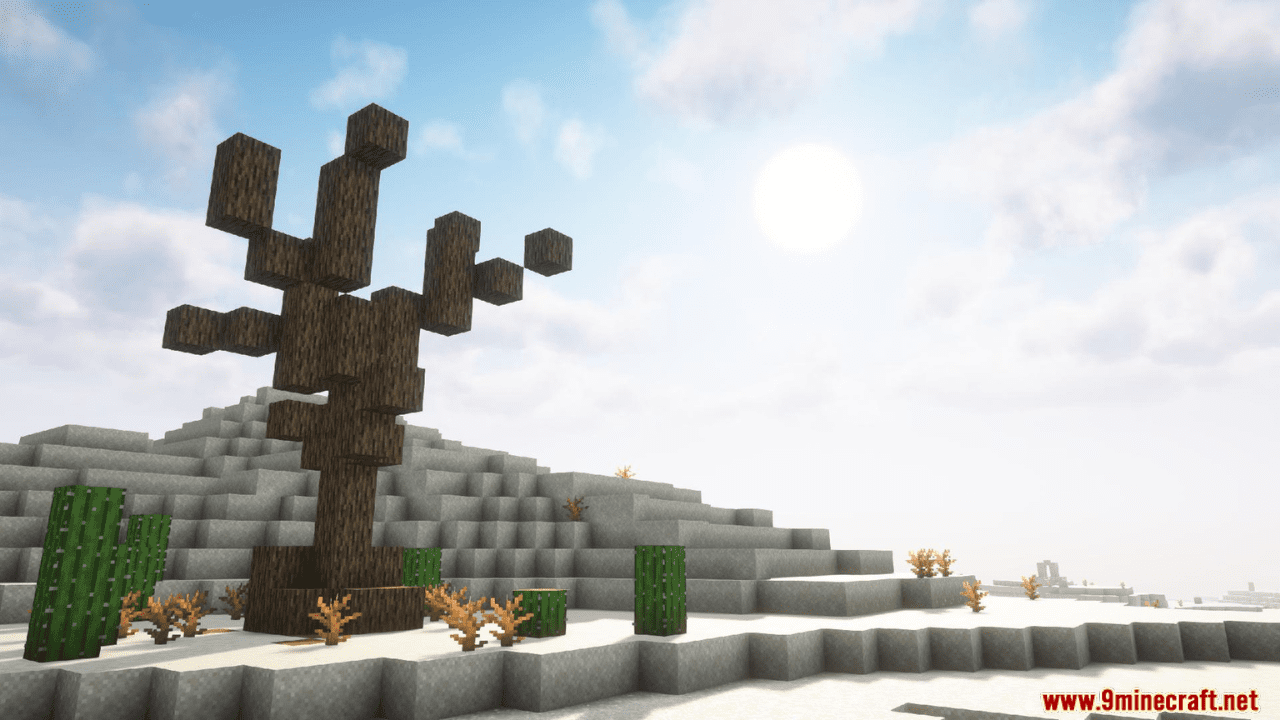
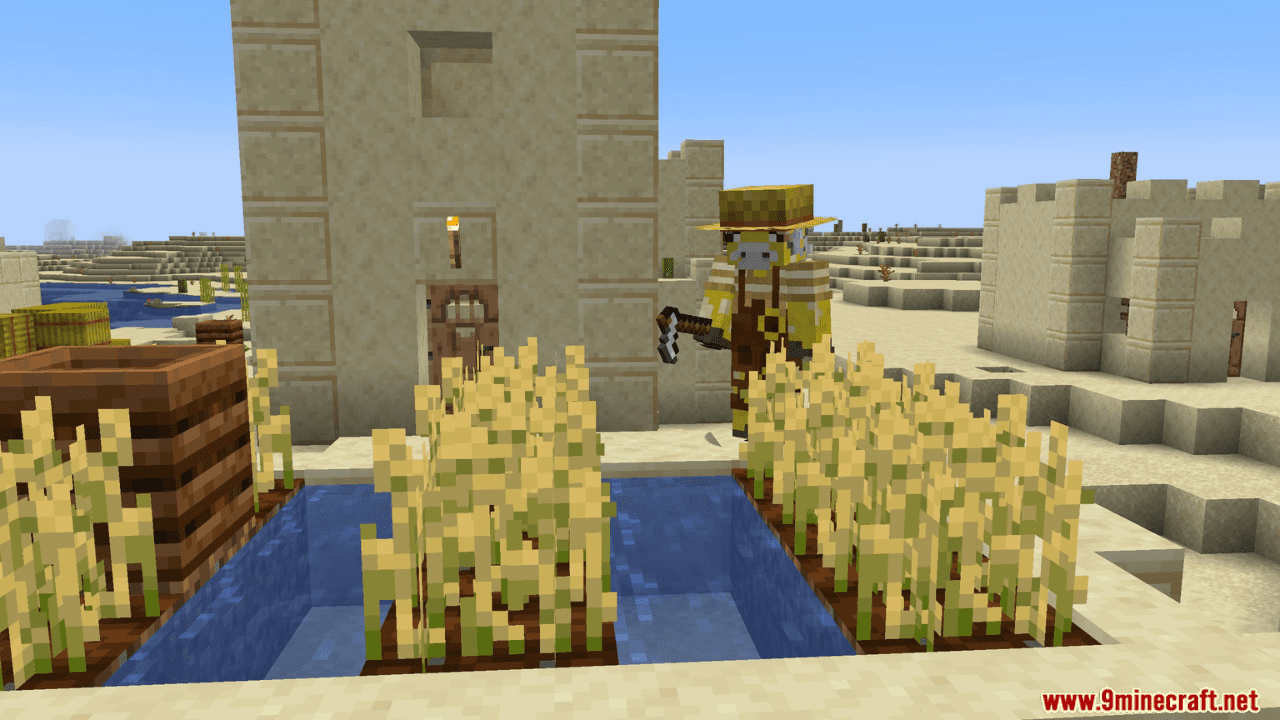
Scorchful Mod is inspired by the Dune universe and focuses on enhancing the survival experience in hot environments. Surviving in hot biomes and in the Nether will become more challenging – you’ll need to maintain your moisture and stay cool by drinking plenty of water, cooling off in rivers, pouring a bucket of water over yourself, or wearing special armor. The Nether, in turn, will become an extreme environment full of new dangers. In addition, in desert and mesa biomes, you may encounter sandstorms that reduce visibility but bring a refreshing coolness.
Features:
- Heat & Sun Exposure
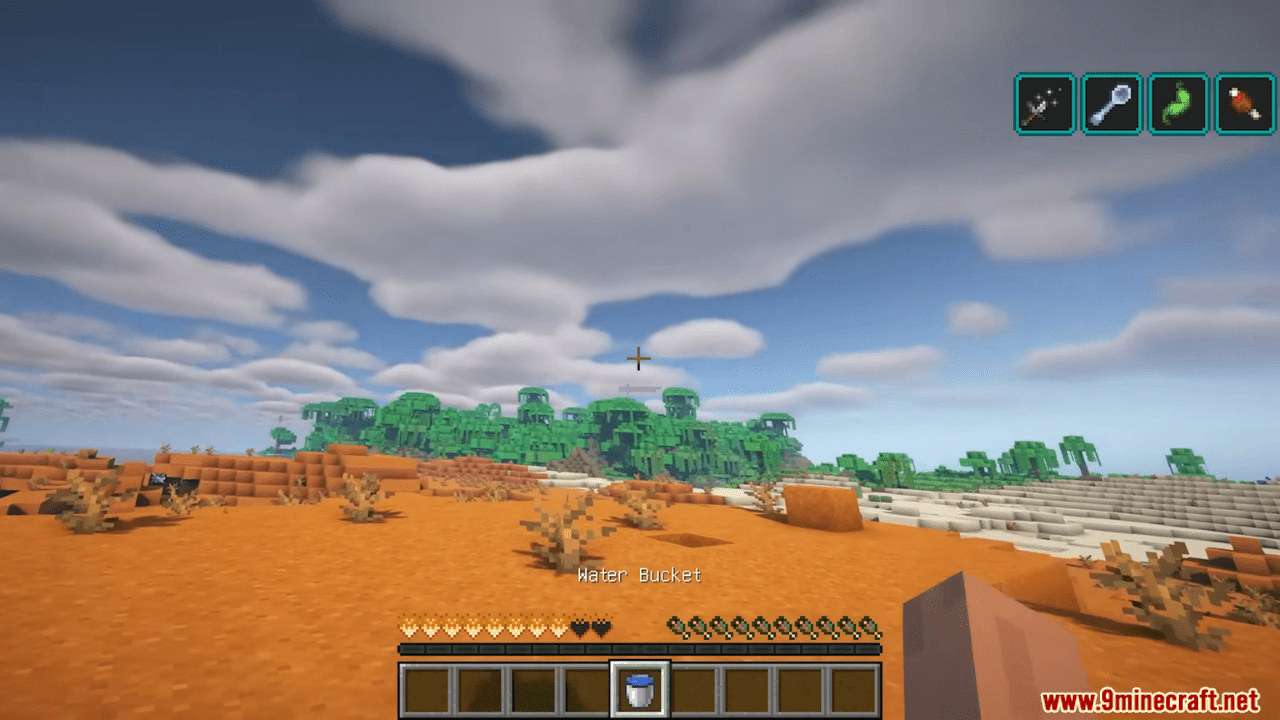
- Players heat up when exposed to the sun in warm biomes
- Affected biomes: Deserts, Jungles, Savannas, Badlands
- Heat causes negative effects: weakness, hunger, mining fatigue
- Shade slows or prevents heat buildup
- Staying Cool & Hydrated
- Being wet prevents heat buildup
- Cooling methods include swimming, using water buckets, drinking water-based items
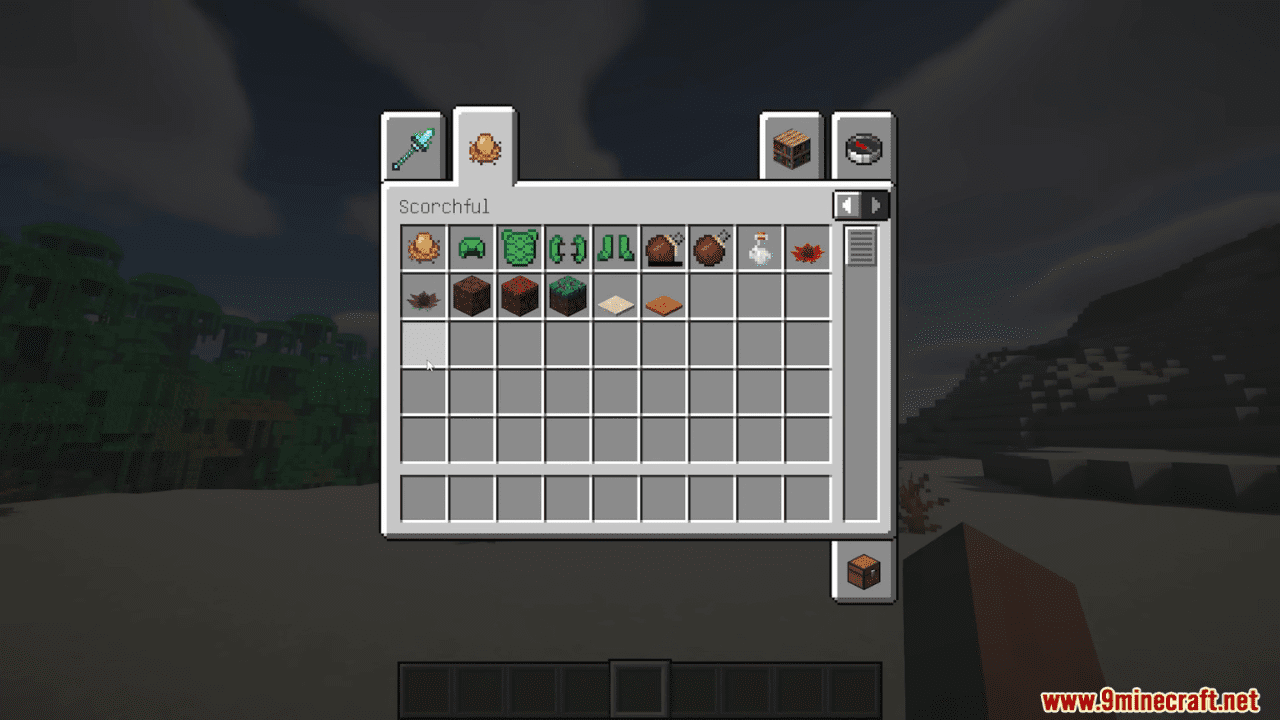
- Water-providing items: Water Bottles, Potions,
Water Skin,Cactus Juice - Drinking certain items allows players to Sweat for cooling over time
- Nether Survival
- The Nether is hotter than the Overworld; water is scarce
- Cooling options: carry water, use
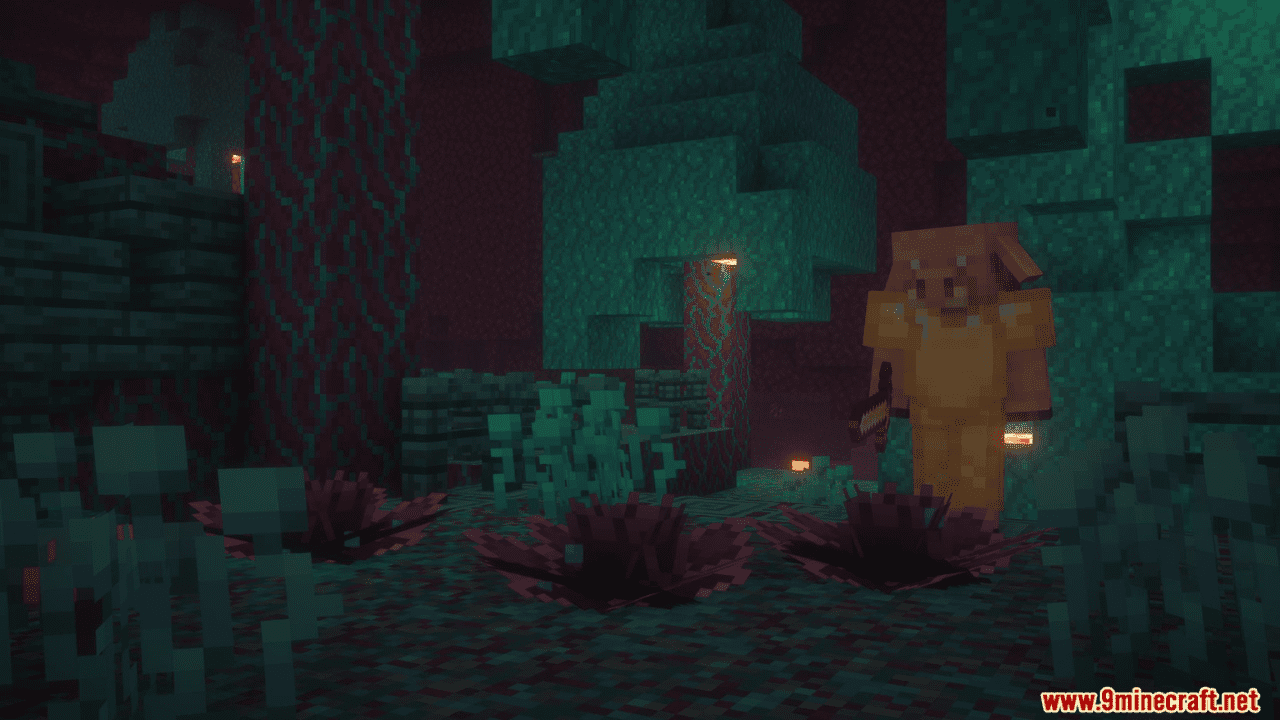
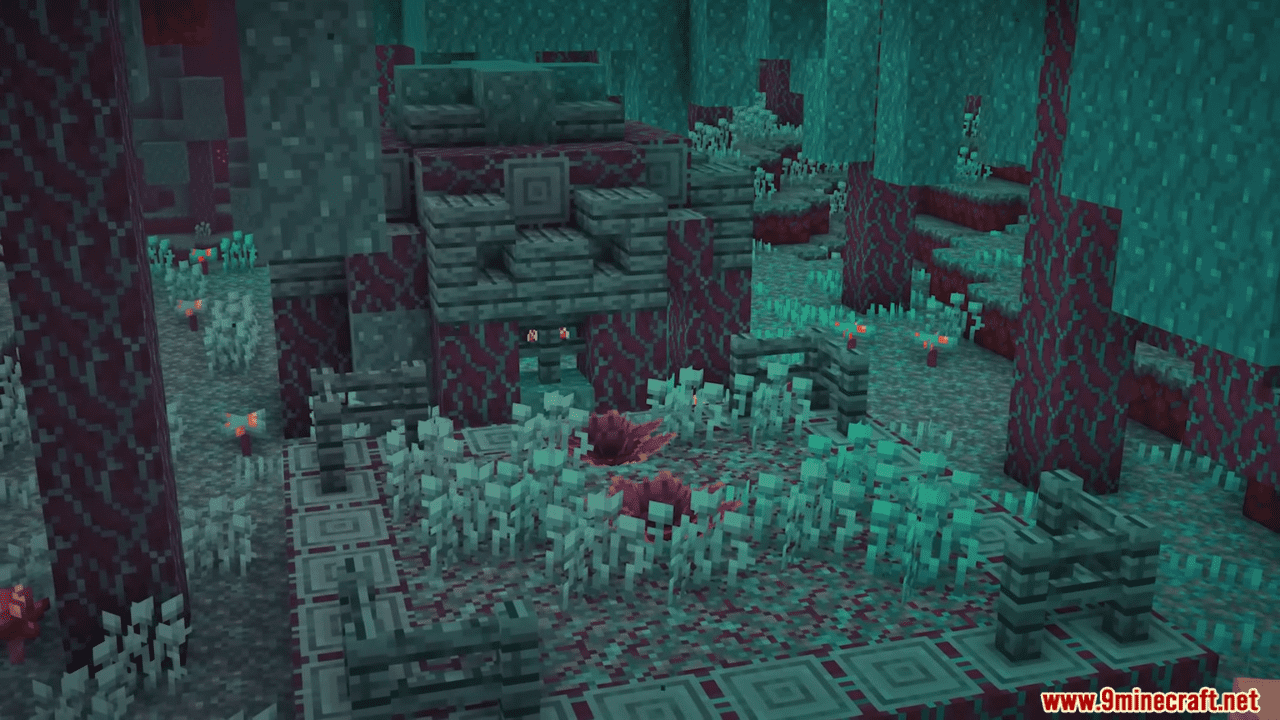
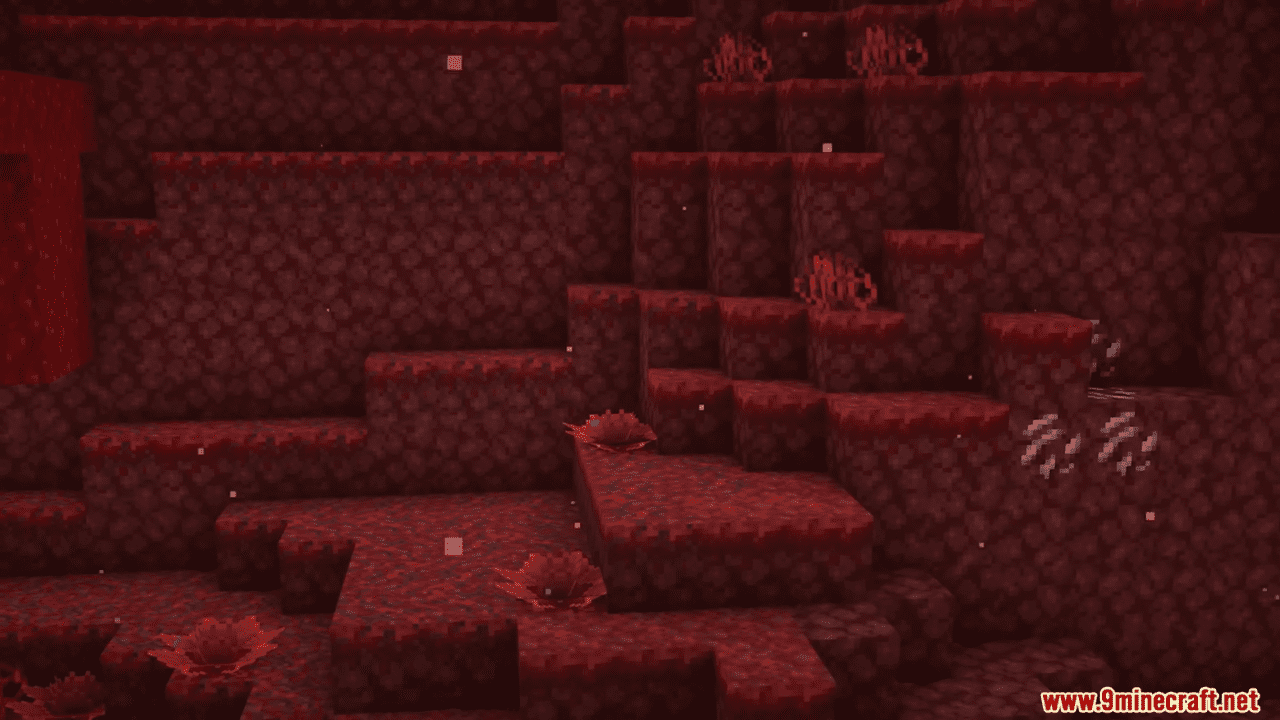
Nether Lillies - Crimson Lillies
- Soak the player when stepped on
- Useful for emergency cooling
- Warped Lillies
- Can be harvested for portable water
- Useful for long Nether travel
- Sandstorms
- Form in Deserts and Badlands during weather events
- Reduce visibility and block sun heat
- Create new mechanics:
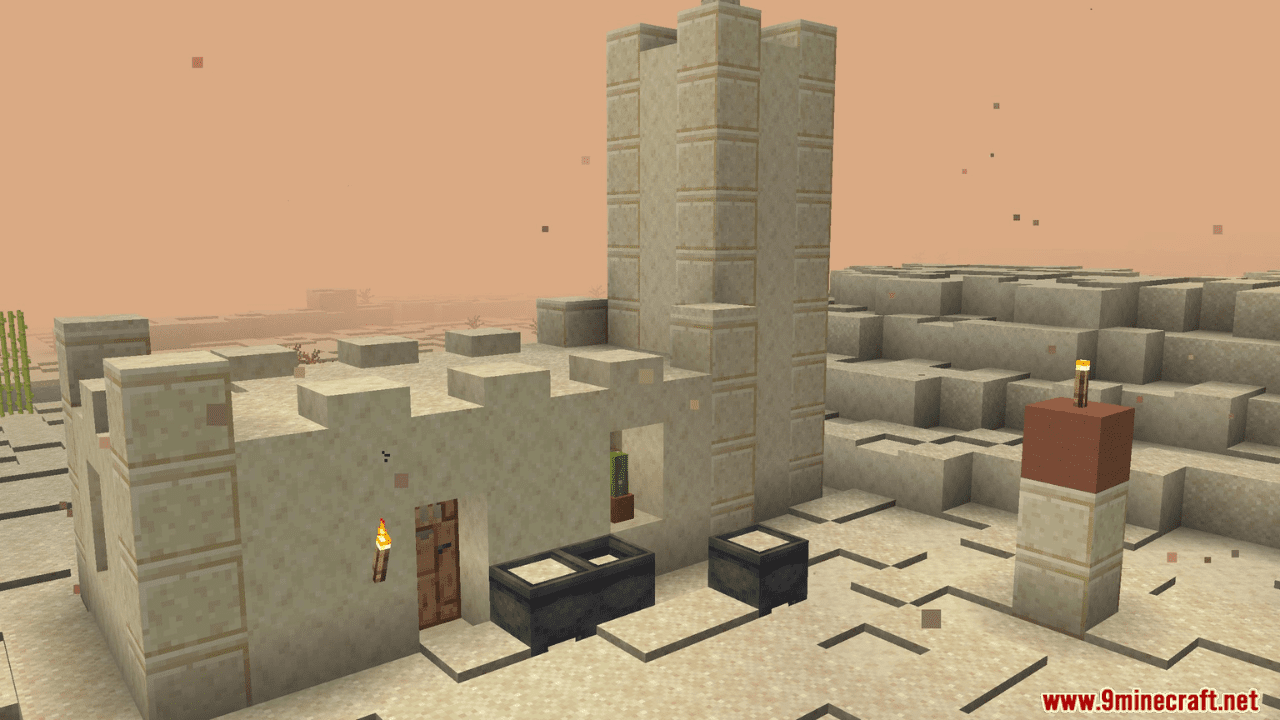
- Sand Piles accumulate
- Cauldrons fill with sand
- Renewable sand sources
- Combat Interactions
- Fire increases player and mob heat quickly
- Extinguishing fire is critical for survival
- Splash Potions can wet players for quick cooling during combat
- Mod Integrations
- Works with Frostiful for cold survival
- Supports Dehydration mod for thirst system
- Trinkets: Sun Hat works in hat slot
- Farmer’s Delight: foods and drinks provide water
- Ad Astra: Netherite Space Suits provide heat resistance
How to use:
- Managing Heat
- Wear protective gear like a
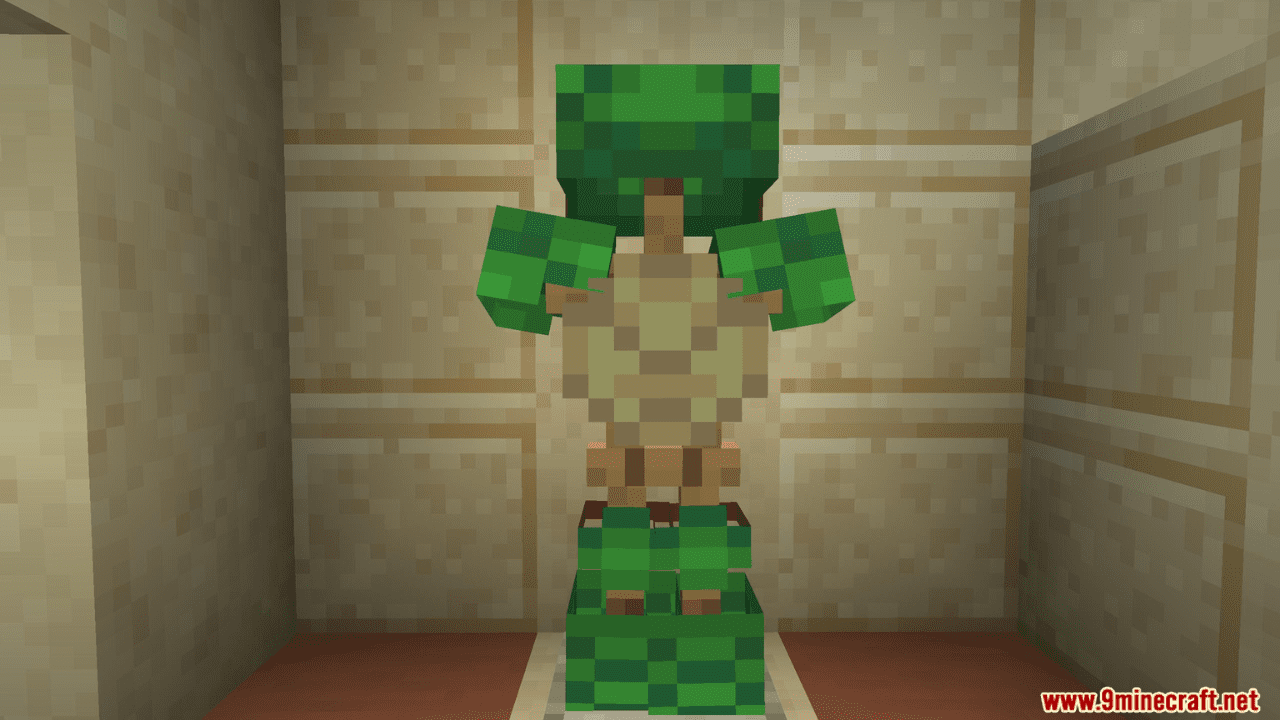
Sun HatorTurtle Armorto reduce heat gain. - Stay in shaded areas to slow down heat buildup.
- Monitor your heat level; excessive heat causes weakness, hunger, and mining fatigue.
- Wear protective gear like a
- Cooling Yourself
- Swim in rivers, ponds, or dunk yourself with a bucket of water to cool down.
- Drink water-based items such as Potions, Water Bottles,
Water Skin, orCactus Juice. - Being wet allows you to Sweat, which provides continuous cooling.
- Nether Survival
- Carry water with you; liquid water is scarce in the Nether.
- Use
Crimson LilliesorWarped Lilliesto cool down quickly. - Plan long Nether trips by harvesting water from Warped Lillies for sustained cooling.
- Dealing with Sandstorms
- Sandstorms appear in Deserts and Badlands.
- Use sandstorms to block sun heat but watch for reduced visibility.
- Collect sand from Sand Piles or filled cauldrons for crafting or survival purposes.
- Combat & Survival
- Fire sources heat you up quickly; extinguish yourself immediately.
- Splash Potions can be used to wet yourself in combat for cooling.
- Plan your hydration and cooling strategy during fights in hot biomes or the Nether.
Configuration Options
- Heat & Sun Settings
- Enable or disable passive heating from sun exposure
- Adjust heat effect intensity (weakness, hunger, mining fatigue)
- Cooling & Water Mechanics
- Enable or disable cooling from being wet
- Adjust effectiveness of water items:
- Water Bottles, Potions
Water Skin,Cactus Juice
- Nether Survival Settings
- Enable or disable Nether Lillies for water
- Adjust water absorption or cooldown effects
- Sandstorm Settings
- Enable or disable sandstorm events in Deserts/Badlands
- Adjust sand accumulation rate
- Enable or disable sand-filled cauldrons
- Combat & Fire Settings
- Enable or disable fire-induced heating
- Adjust how splash potions wet players during combat
- Integration Settings
- Enable or disable compatibility with Frostiful
- Enable or disable Dehydration mod integration
- Enable or disable Trinkets slot support (e.g., Sun Hat)
- Enable or disable Farmer’s Delight water integration
- Enable or disable Ad Astra heat resistance integration
- General Mod Settings
- Highly configurable
.jsonfiles in.minecraft/config - Adjust difficulty values or tweak individual feature behavior
- Disable or enable specific features without affecting others
- Highly configurable
Screenshots:
How to Install:
New to Minecraft? Follow our step-by-step guide to install Mods on your PC.View Guide
Requirements:
 Fabric Loader Required
 Fabric API Required
 Thermoo Mod Required
 Cardinal Components API Mod Required
 Immersive Storms Mod
 Thermoo Patches Mod Required
 Satin API Mod
 Cloth Config API Required
 Dehydration Mod Optional
 Frostiful Mod Optional
 Mod Menu Mod Optional
Scorchful Mod Download Links
For Minecraft 26.1.2, 26.1.1, 26.1
For Minecraft 1.21.11
For Minecraft 1.21.10, 1.21.9
For Minecraft 1.21.8, 1.21.7, 1.21.6
For Minecraft 1.21.5
For Minecraft 1.21.4
For Minecraft 1.21.1, 1.21
For Minecraft 1.20.4
For Minecraft 1.20.1
You May Also Like










This post has no comments yet. Be the first — your comment will appear here.