


Screenshot Diary Mod 1.7.10
 184
184
 0
0

Screenshot Diary Mod 1.7.10, with notes!
How to use:
Press F10 (in default settings) to open screenshots view overlay
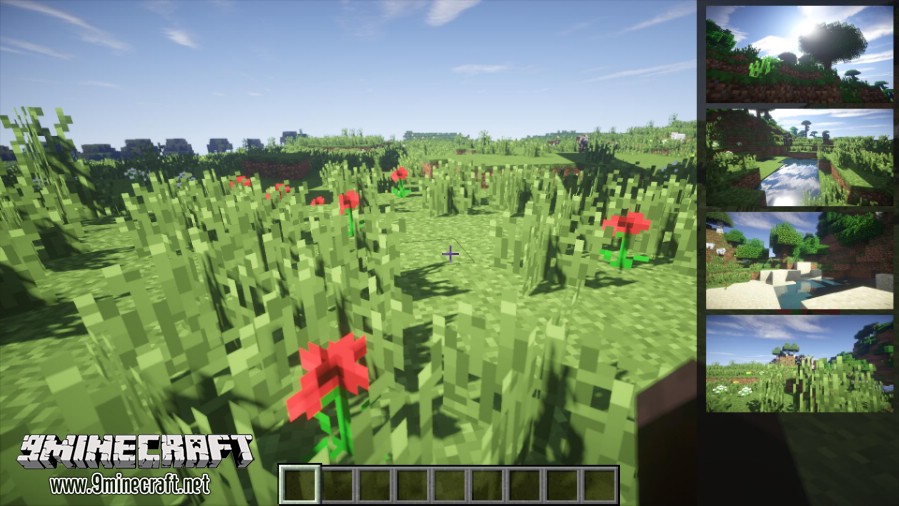
This shows us recent screenshots.
New screenshot goes up in the list.
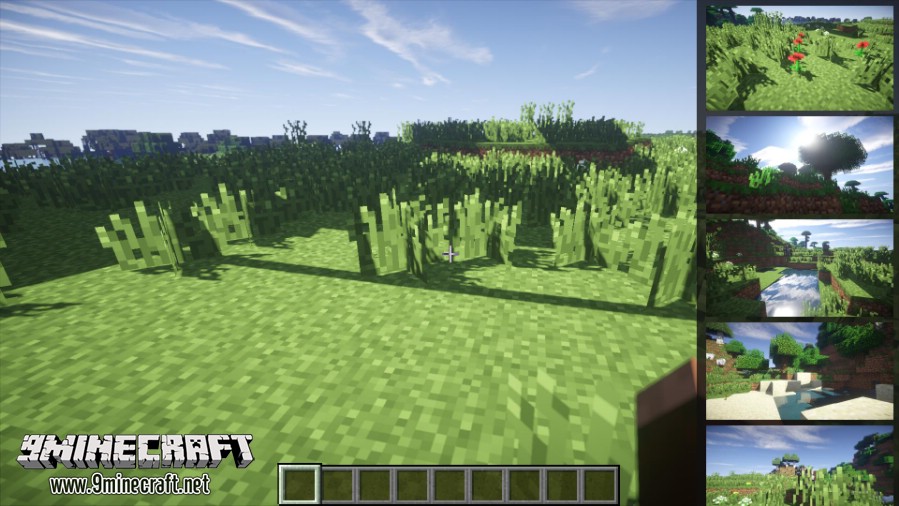
Press F10 again to expand the list. You can delete screenshots by clicking red X icon.
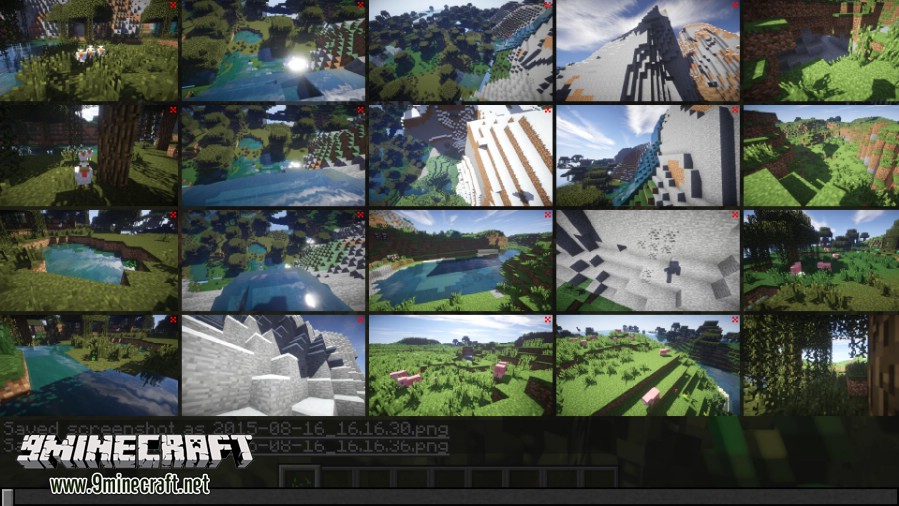
You can scroll it to see every screenshots.
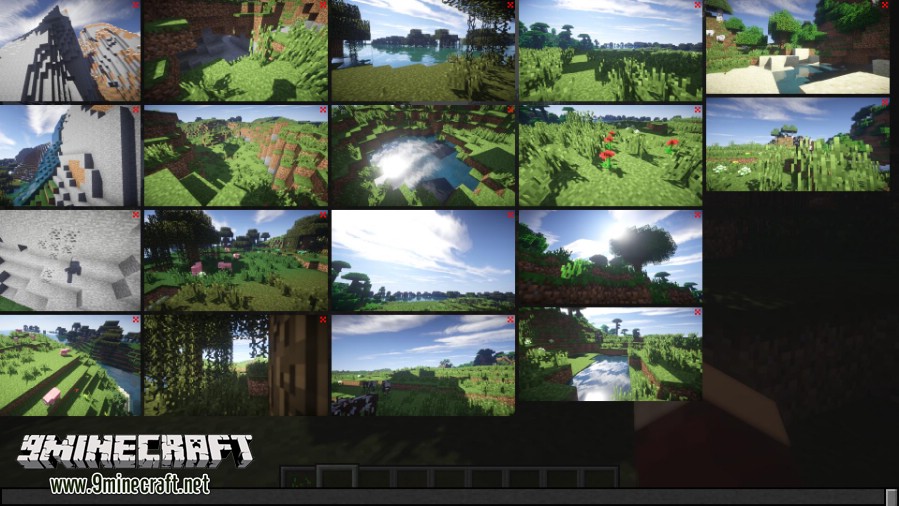
Just click a screenshot to add your notes
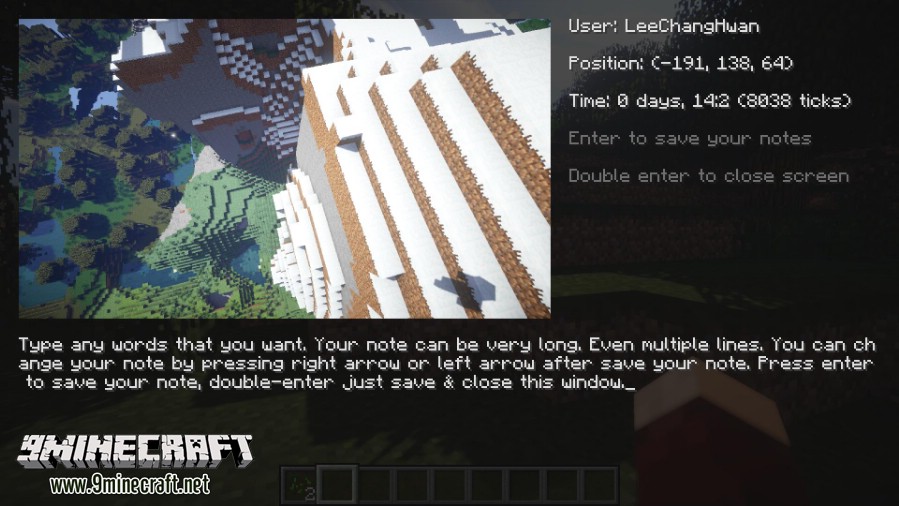
You can export your screenshots and notes in MS Word. Use /scd command.
How to Install:
New to Minecraft? Follow our step-by-step guide to install Mods on your PC.View Guide
Download Links for Screenshot Diary Mod 1.7.10
For Minecraft 1.7.10
Click to rate this post!
[Total: 0 Average: 0]
You May Also Like















This post has no comments yet. Be the first — your comment will appear here.