


Seamless Flux Link Mod (26.2, 26.1.2) – Download Mods and Shaders Without
 6
6
 0
0

🌐 Read this article in your language! Choose your preferred language below.
Or pick the one you like:
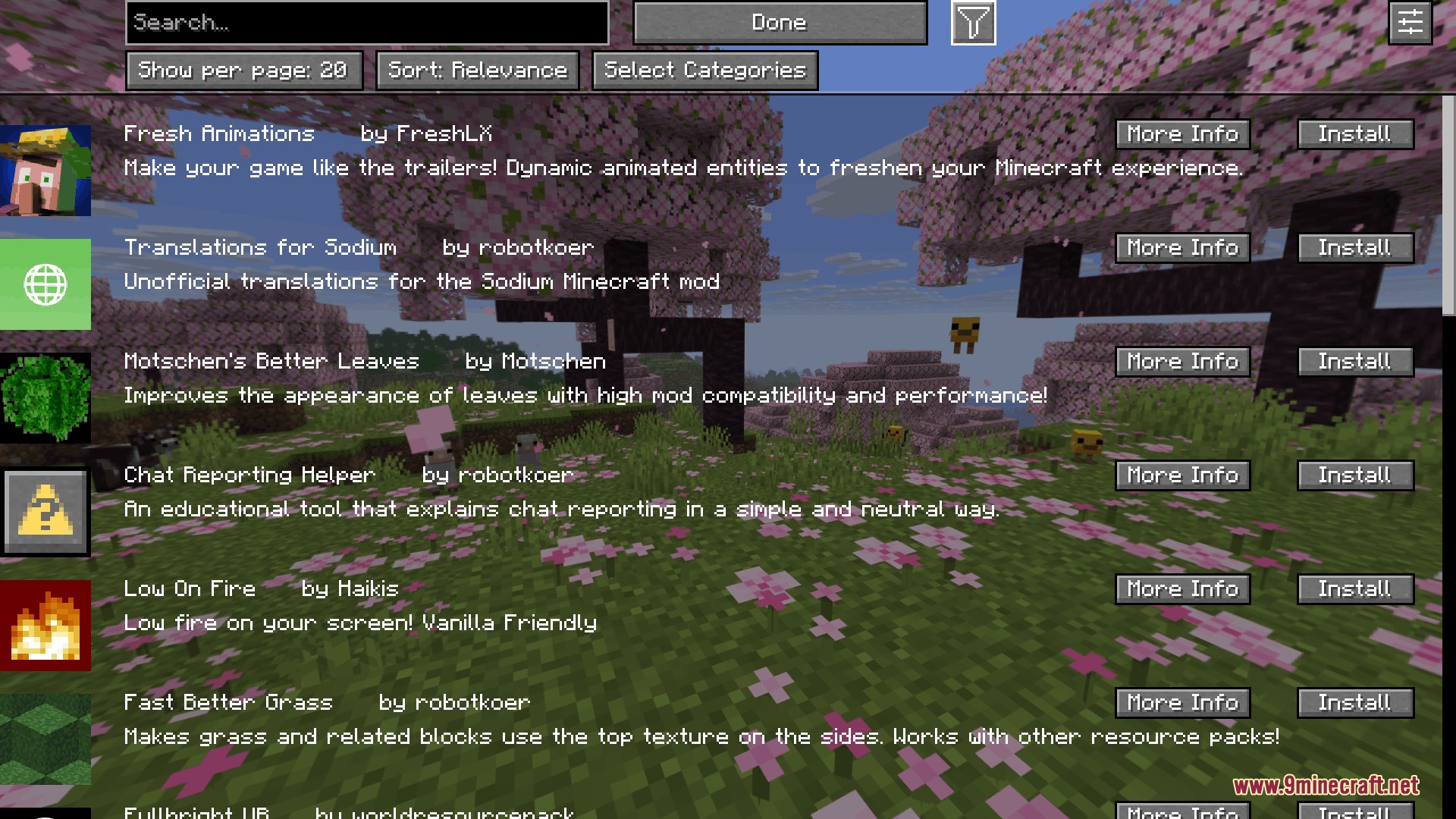
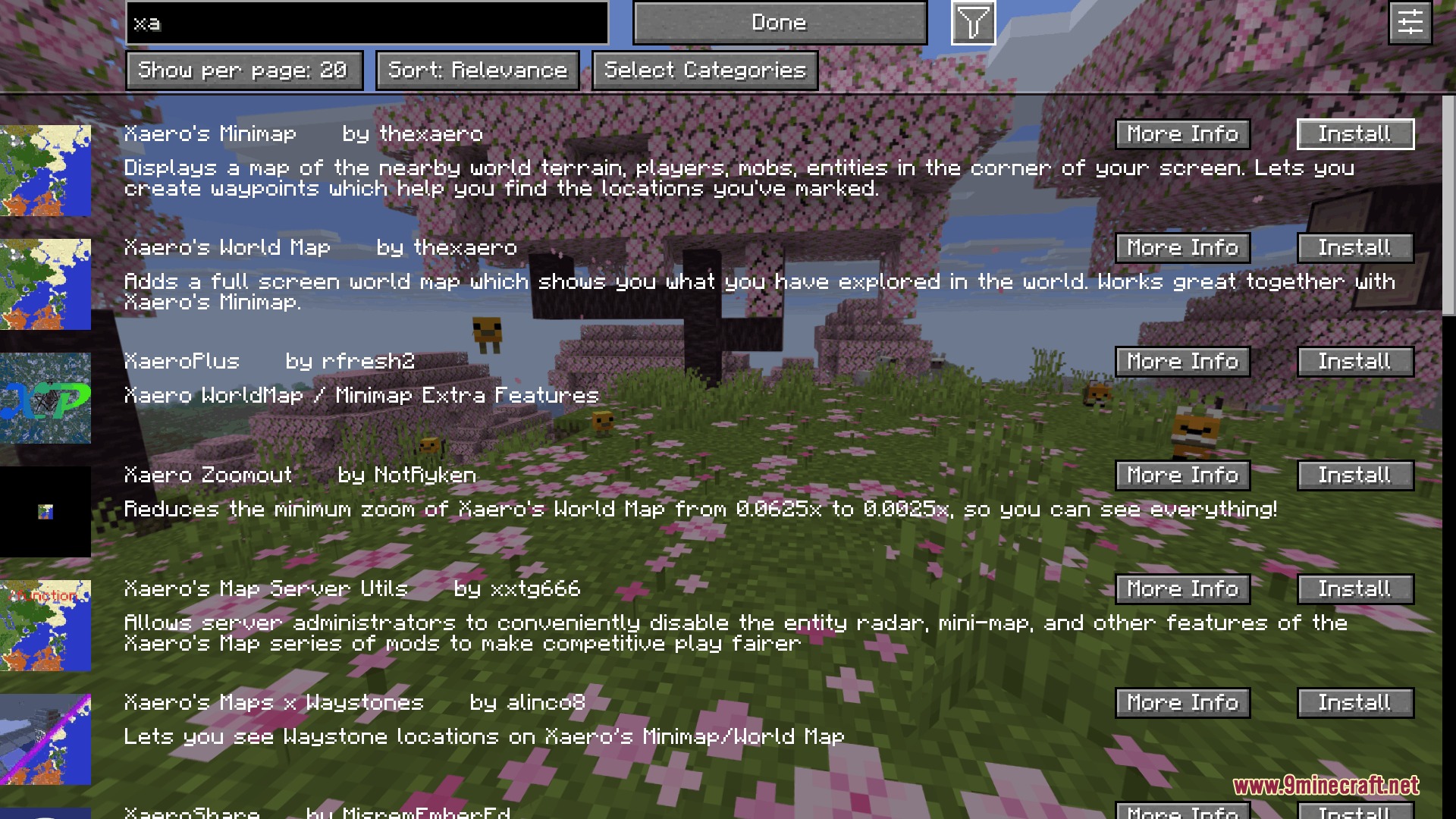
Seamless Flux Link Mod lets you download mods, shaders, and resource packs directly inside Minecraft without opening a web browser. It scans your installed files, checks for new releases in seconds, and downloads them in the background while you play. You can review all incoming files on a confirmation screen and apply new updates with a single click.
Features:
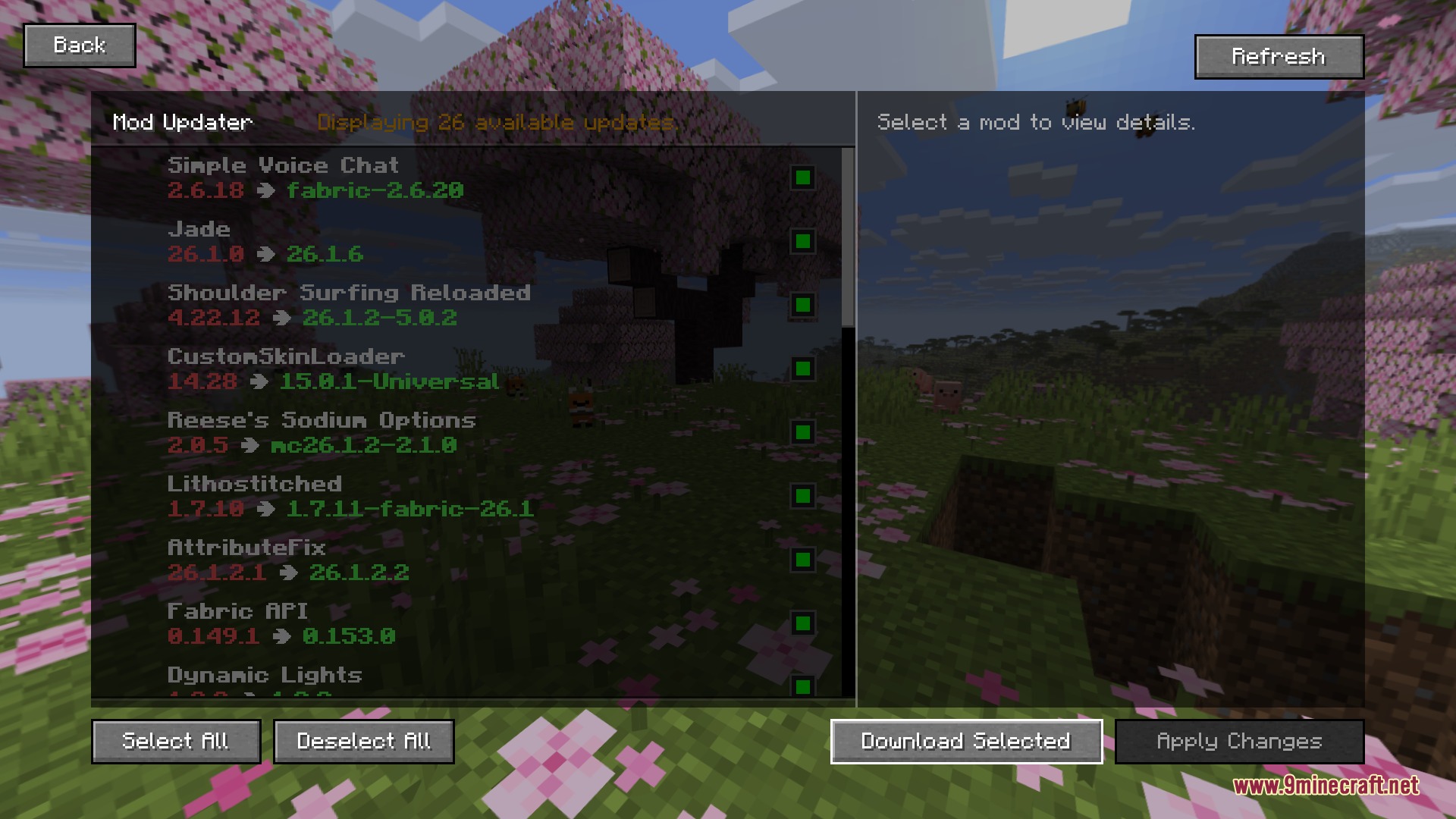
- Scans your entire mod folder in seconds to look for newer releases.
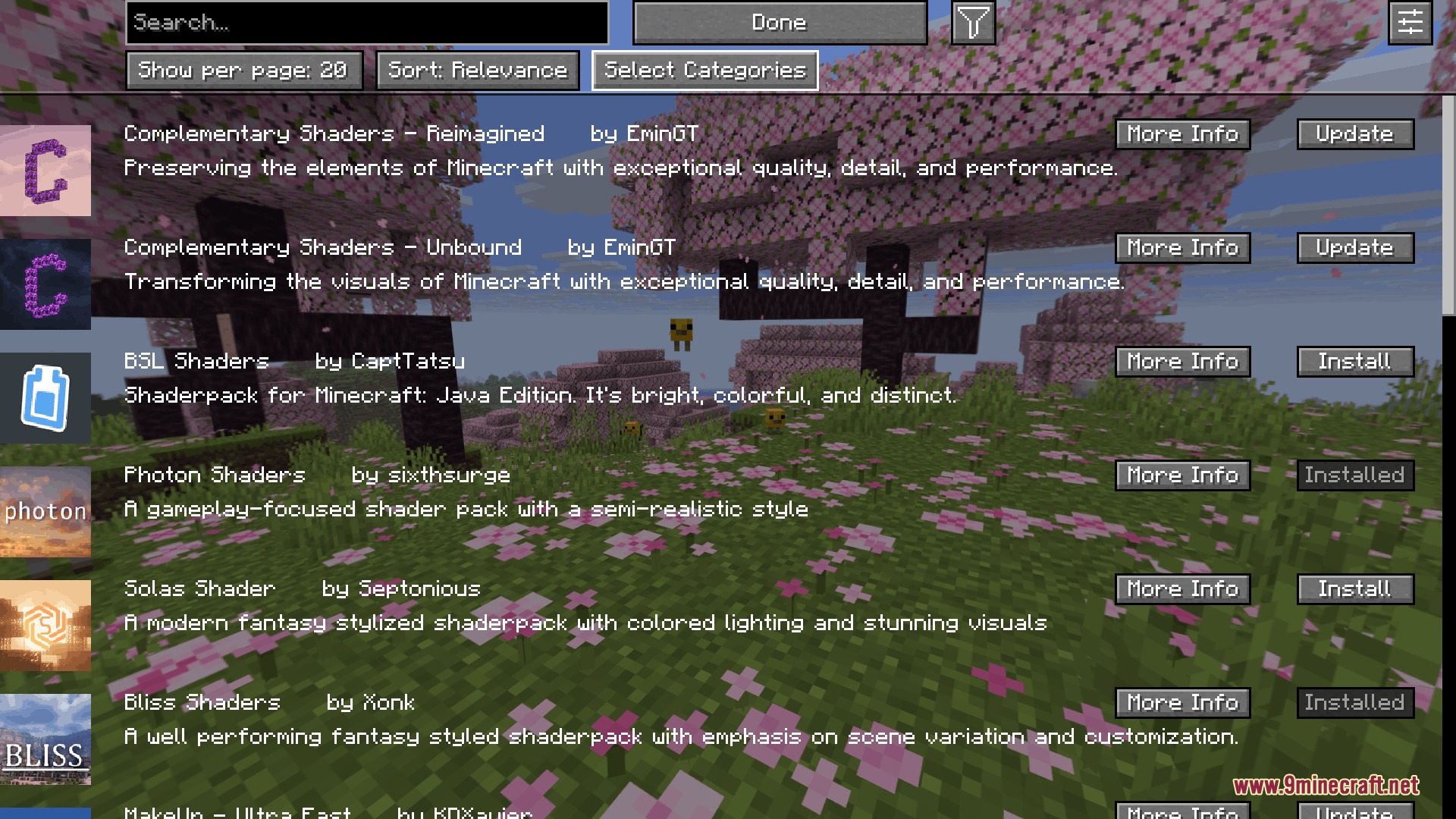
- Downloads shaders, resource packs, and new mod files directly inside the game menu.
- Runs multiple file downloads at the same time with clear progress bars.
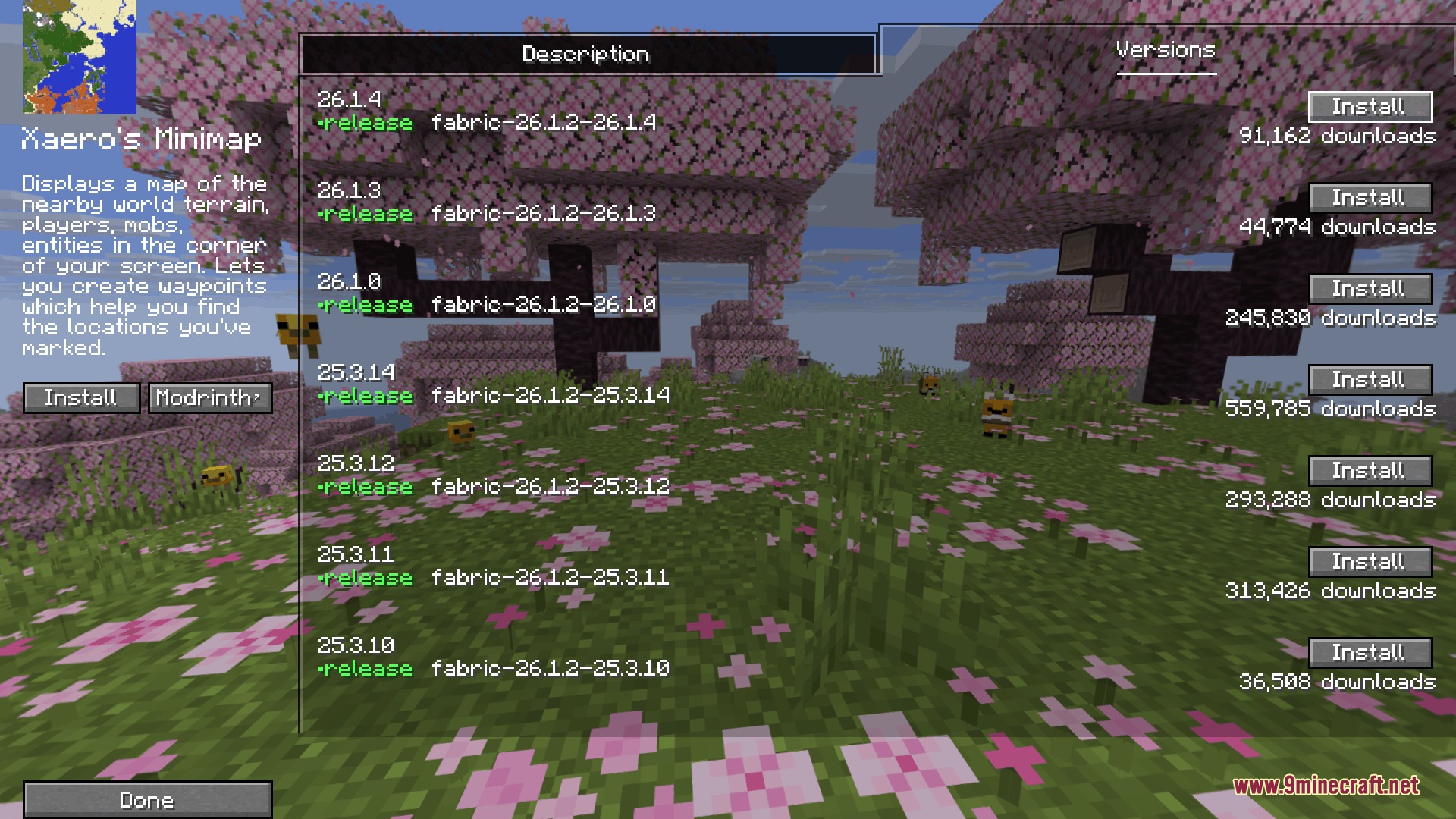
- Matches exact game versions so you never download incompatible files.
- Lets you pick between a modern interface or a classic Minecraft look.
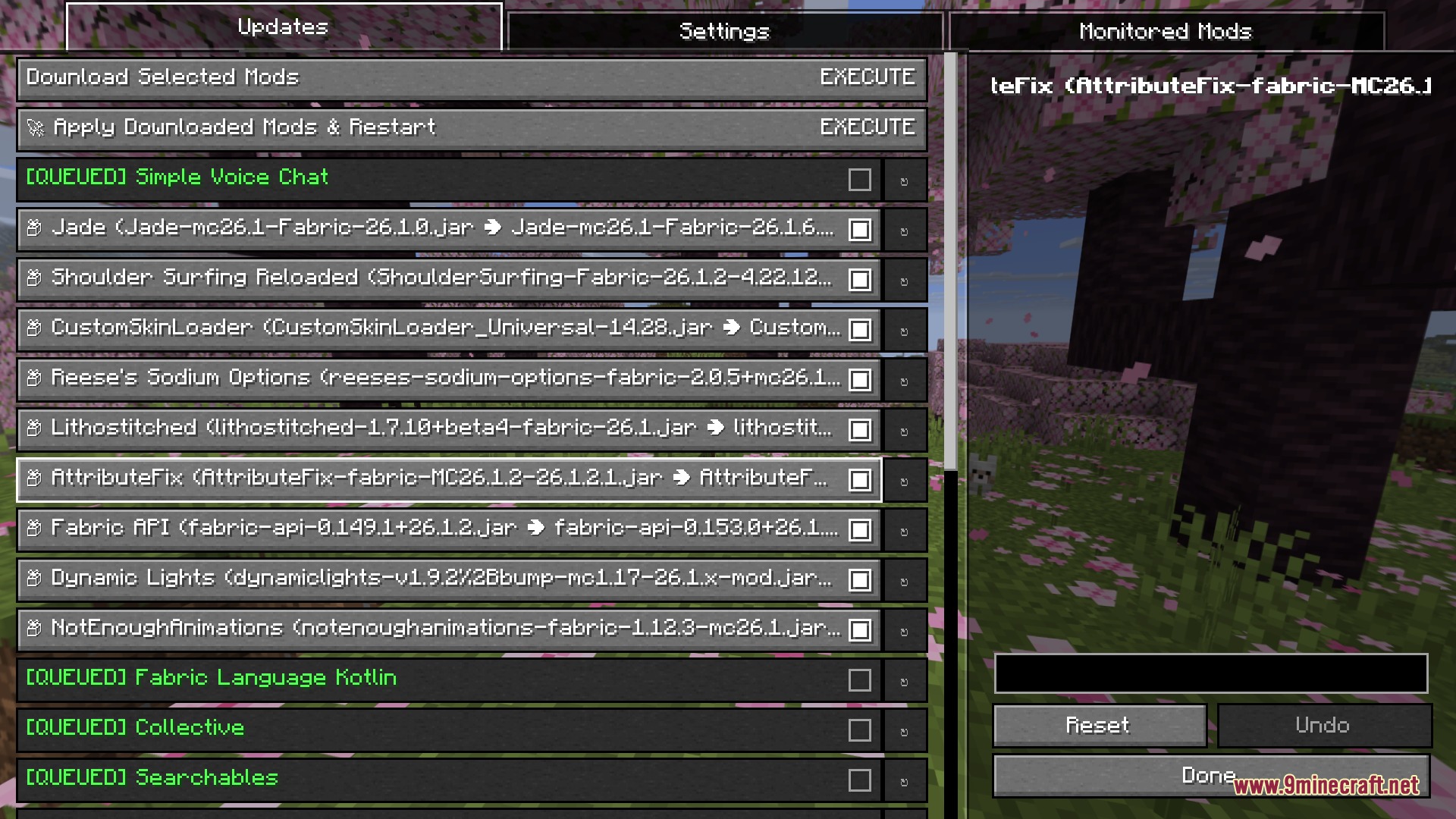
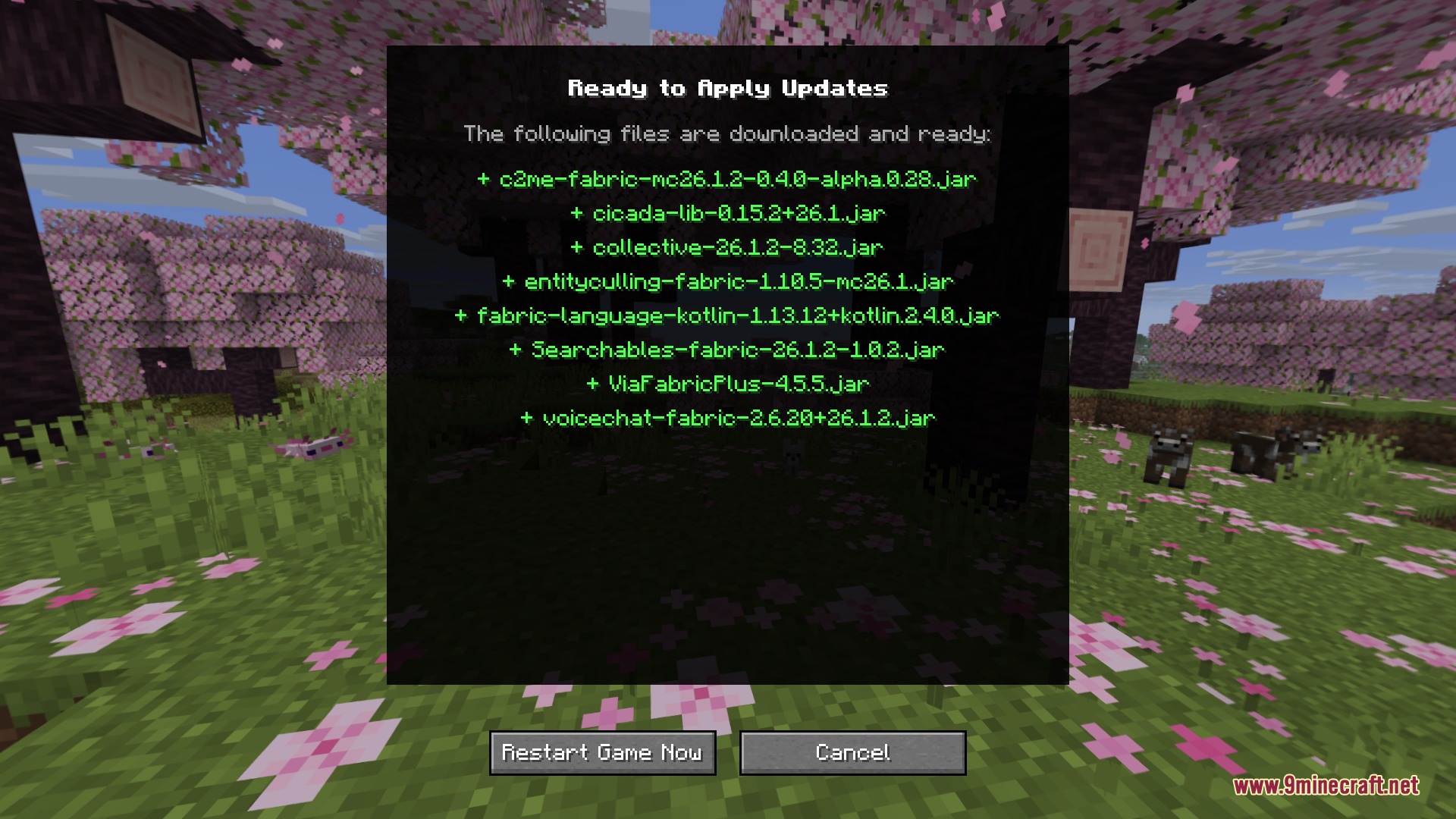
- Shows a clean confirmation screen so you can verify changes before applying them.
- Applies downloaded files with a single press of a button.
- Works directly inside your pause and mod menus using custom keybinds.
How to Use:
- Press your configured menu key to open the in-game update interface.
- Browse available mod updates, shaders, or resource pack listings.
- Select the items you want to download and click to start the download.
- Review the pending files on the confirmation screen and click apply.
Screenshots:
How to Install:
New to Minecraft? Follow our step-by-step guide to install Mods on your PC.View Guide
Requirements:
 Fabric Loader Required
 Fabric API Required
YetAnotherConfigLib (YACL) Required
 Iris Shaders Mod Required
 Mod Menu Mod Required
Yet Another Config Lib (YACL) Required
Seamless Flux Link Mod Download Links
For Minecraft 26.2
For Minecraft 26.1.2, 26.1.1, 26.1
Click to rate this post!
[Total: 0 Average: 0]
You May Also Like








This post has no comments yet. Be the first — your comment will appear here.