
SeasonHUD Mod (26.3, 1.20.1) – Plan Your Farming Seasons
 6,302
 0


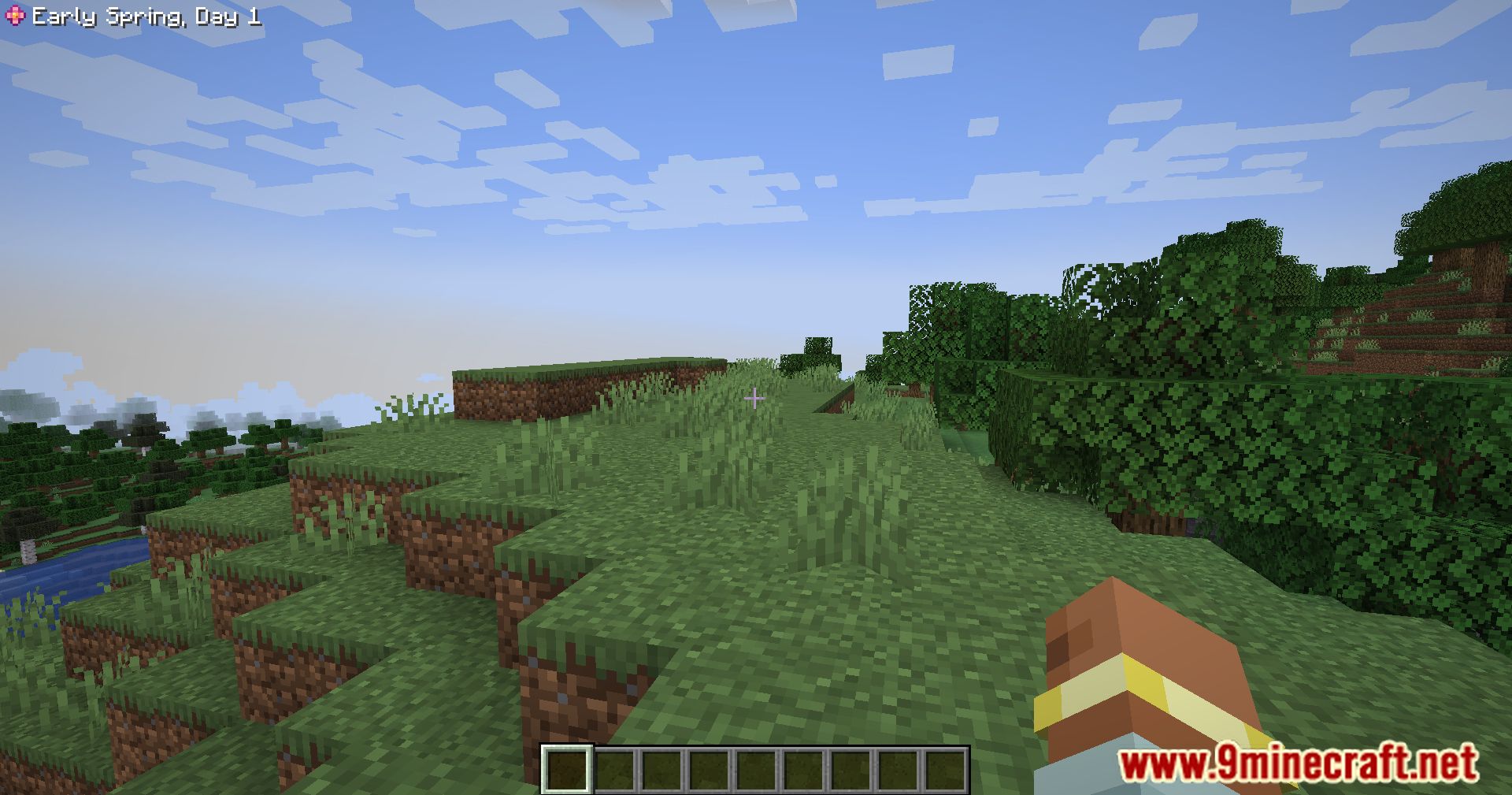
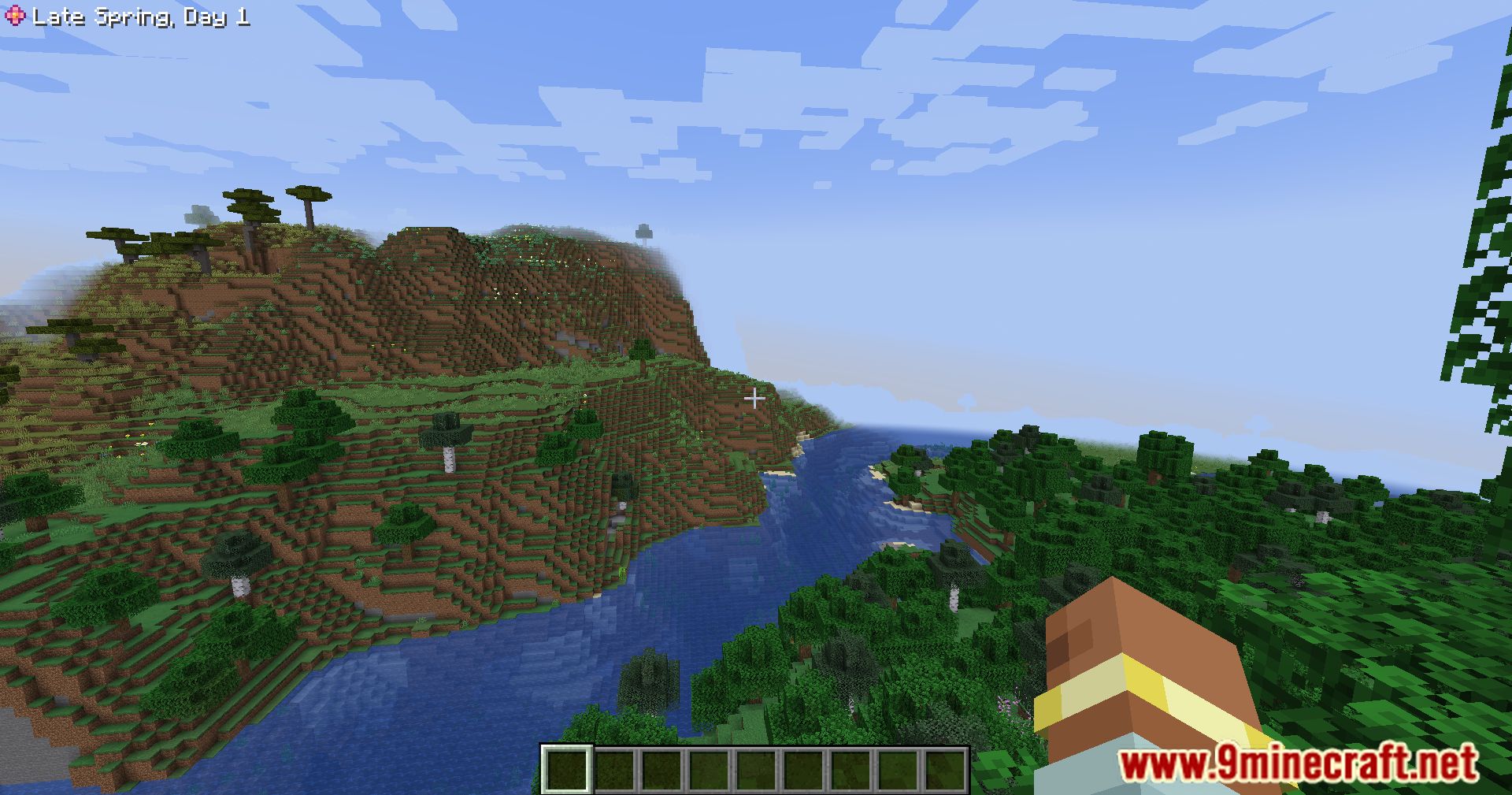
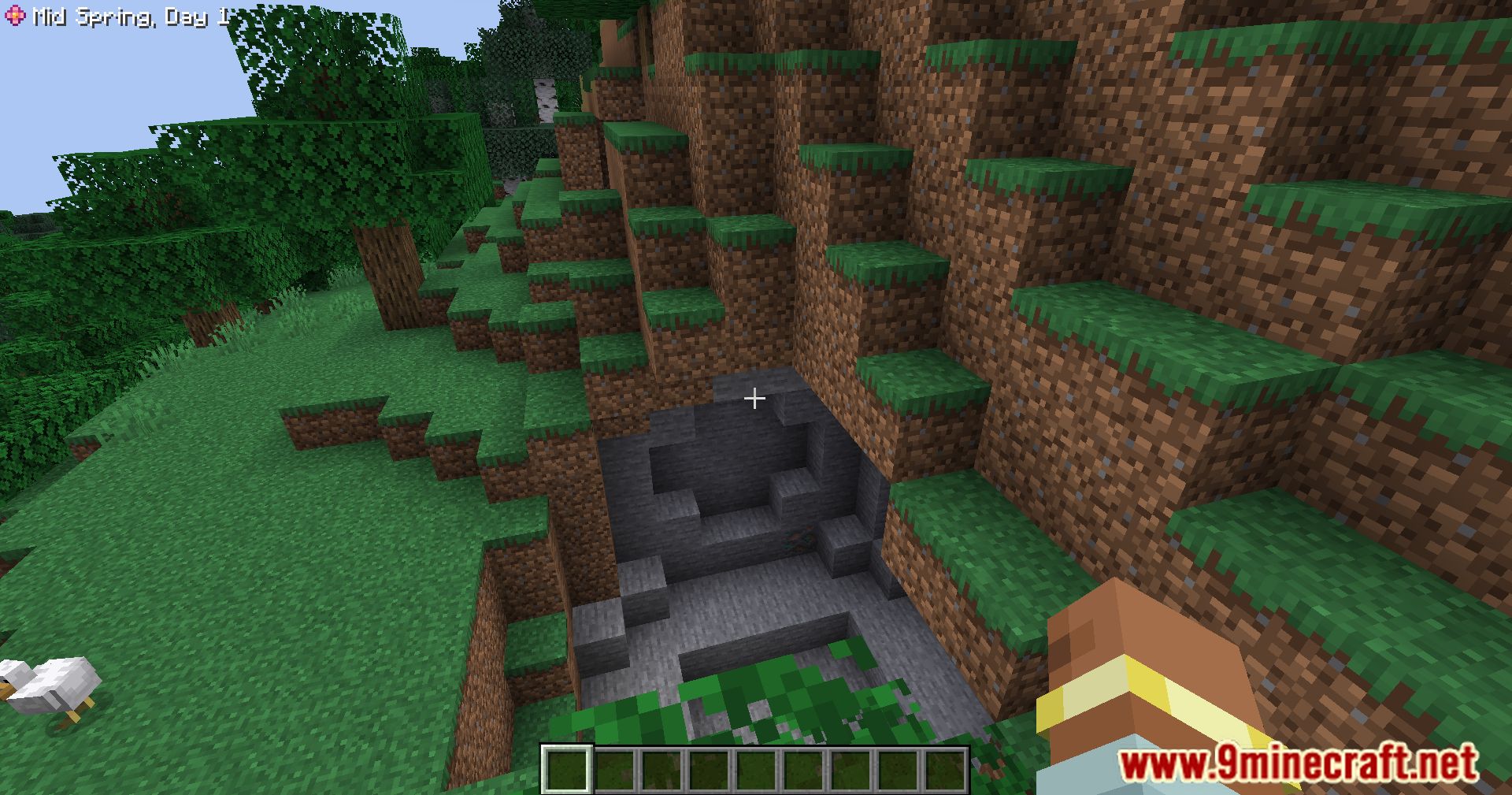
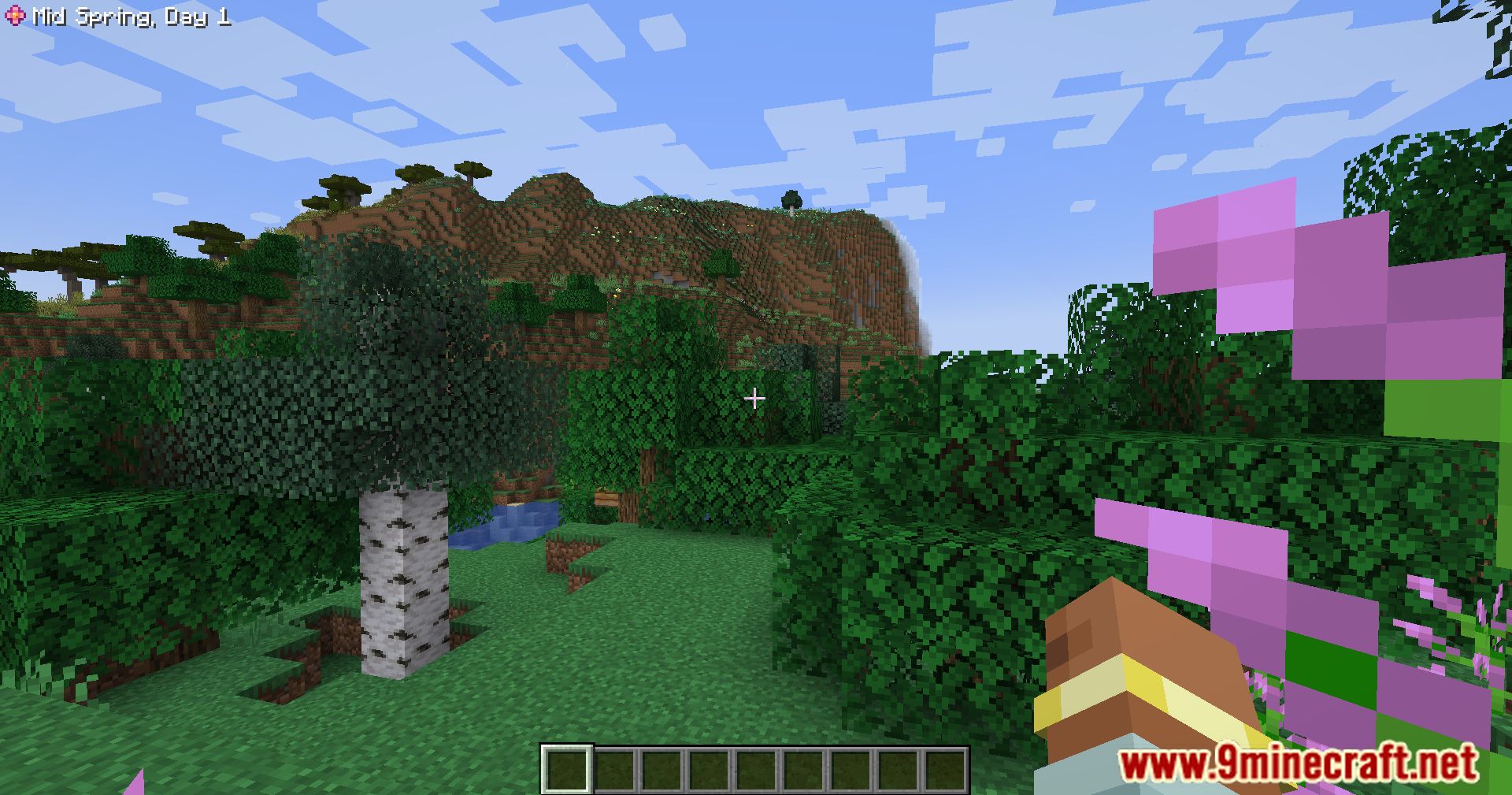
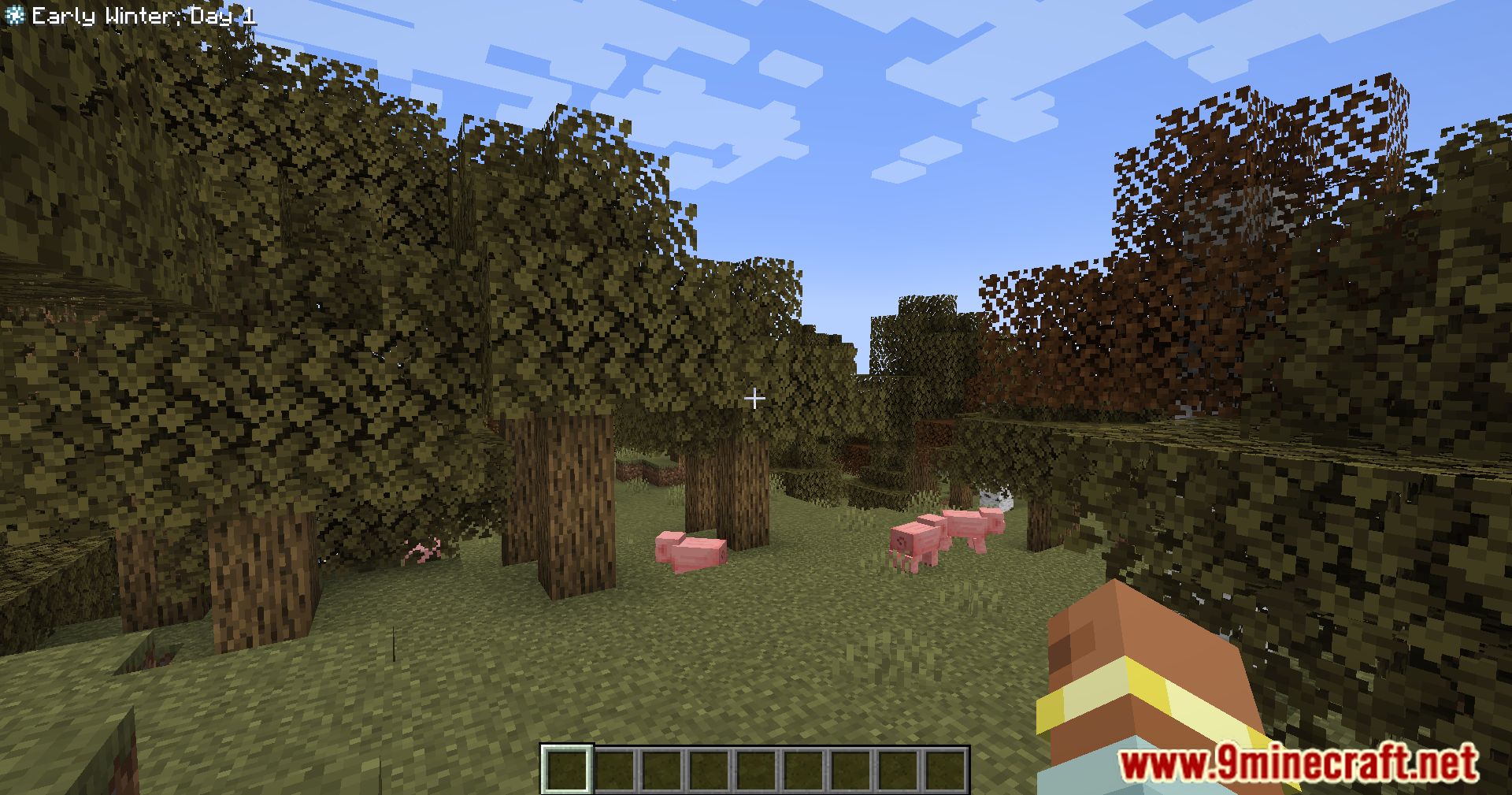
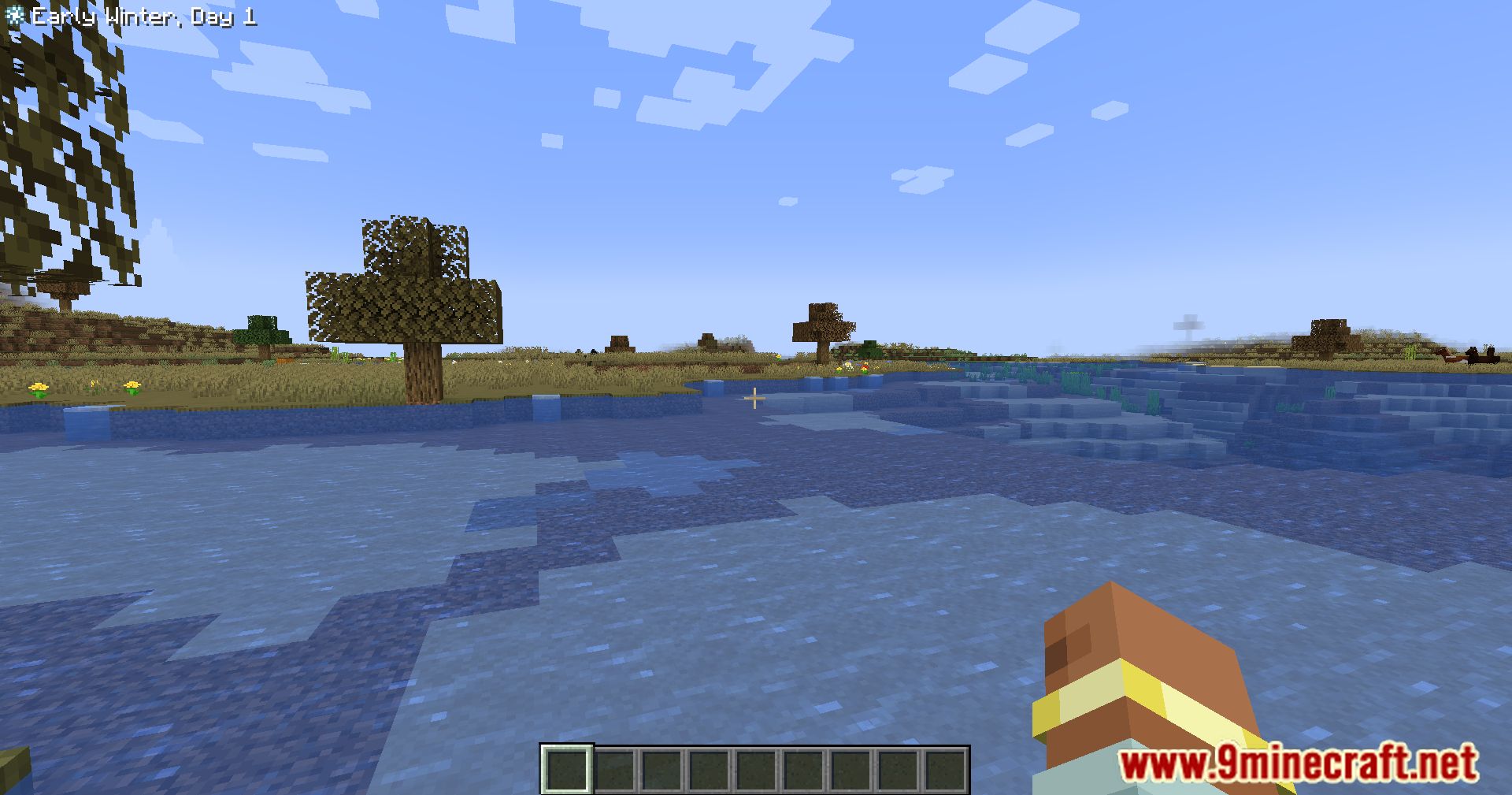
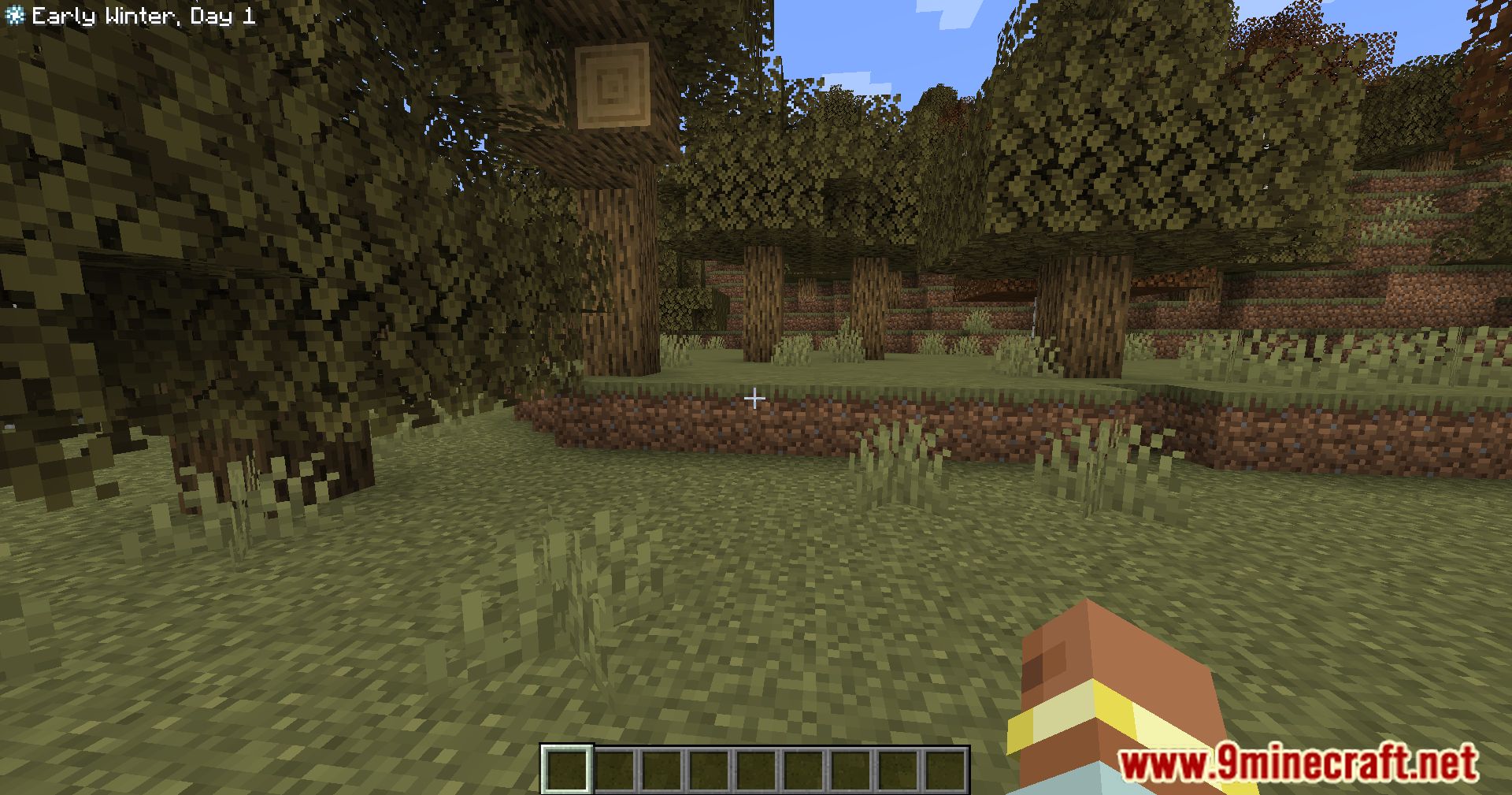
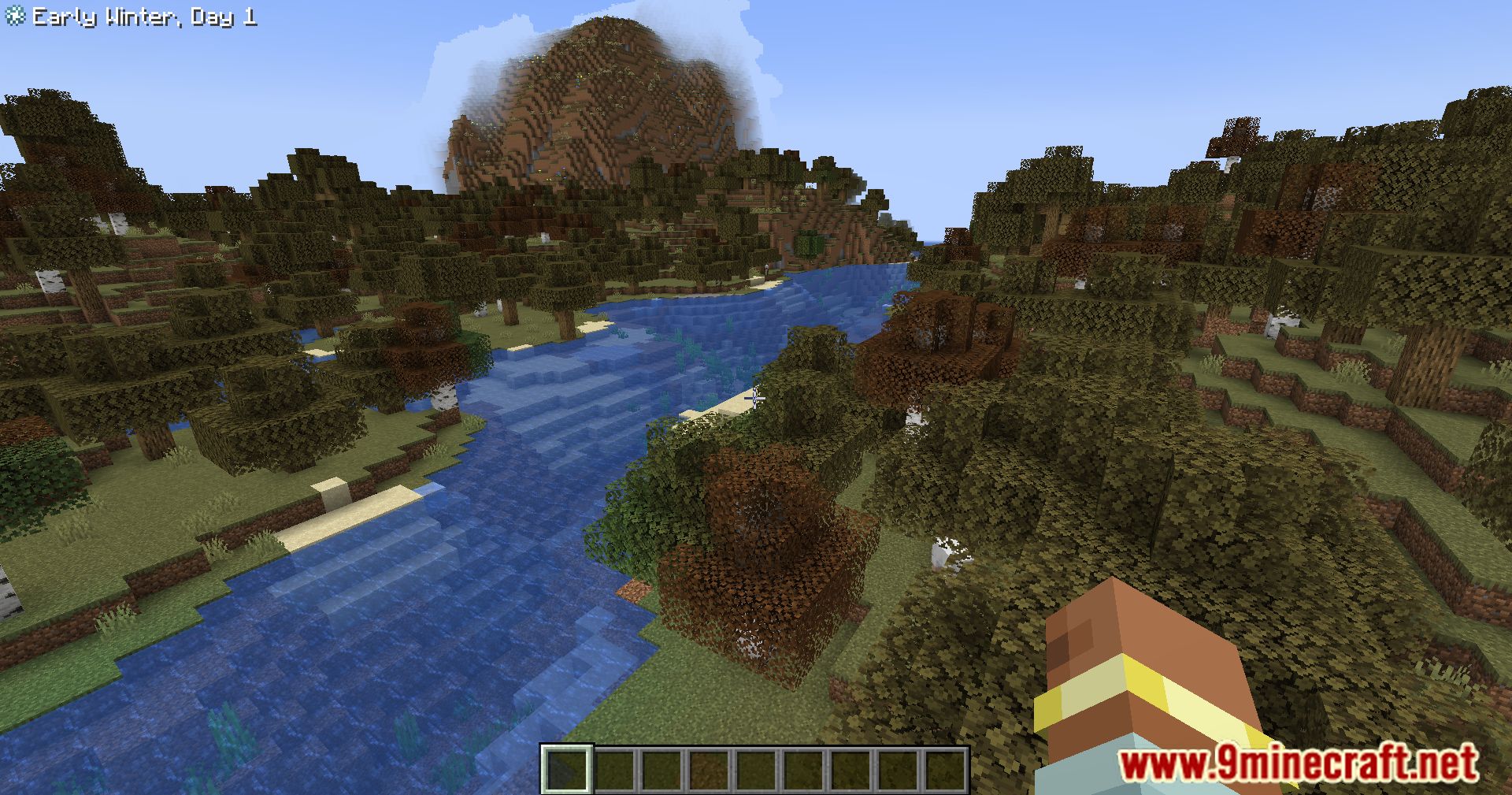
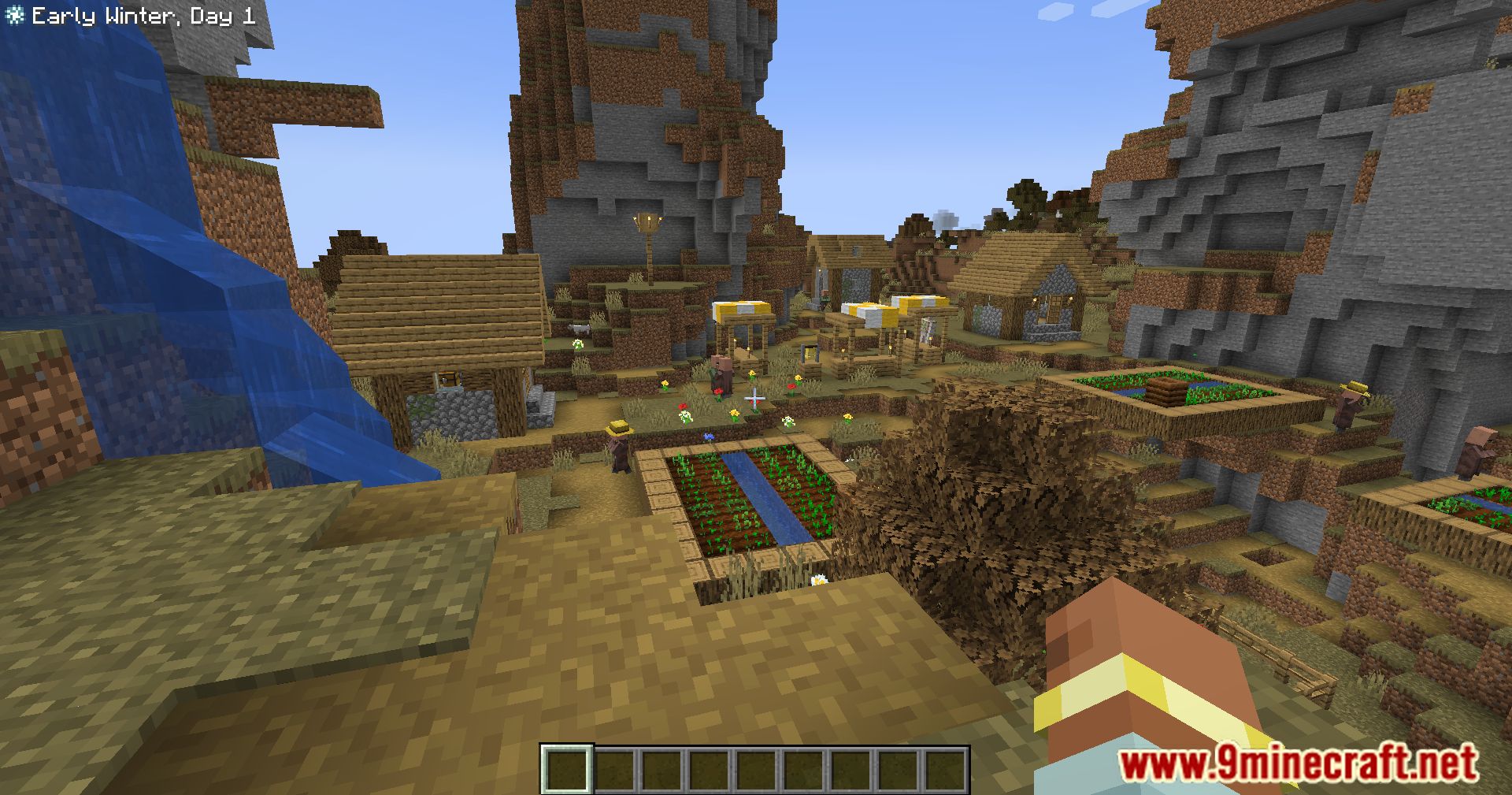
SeasonHUD Mod shows the current season right on your screen for season mods like Serene Seasons, Fabric Seasons, and TerraFirmaCraft. This client-side addon also supports Ecliptic Seasons, Homeostatic Seasons, and ProtoManly’s Weather. When you play with Xaero’s Minimap, FTB Chunks, JourneyMap, MapAtlases, or Voxelmap, it places the season right under your minimap alongside other map details. It also adds a Season InfoSlot option inside JourneyMap settings so you always know the current season while you play.
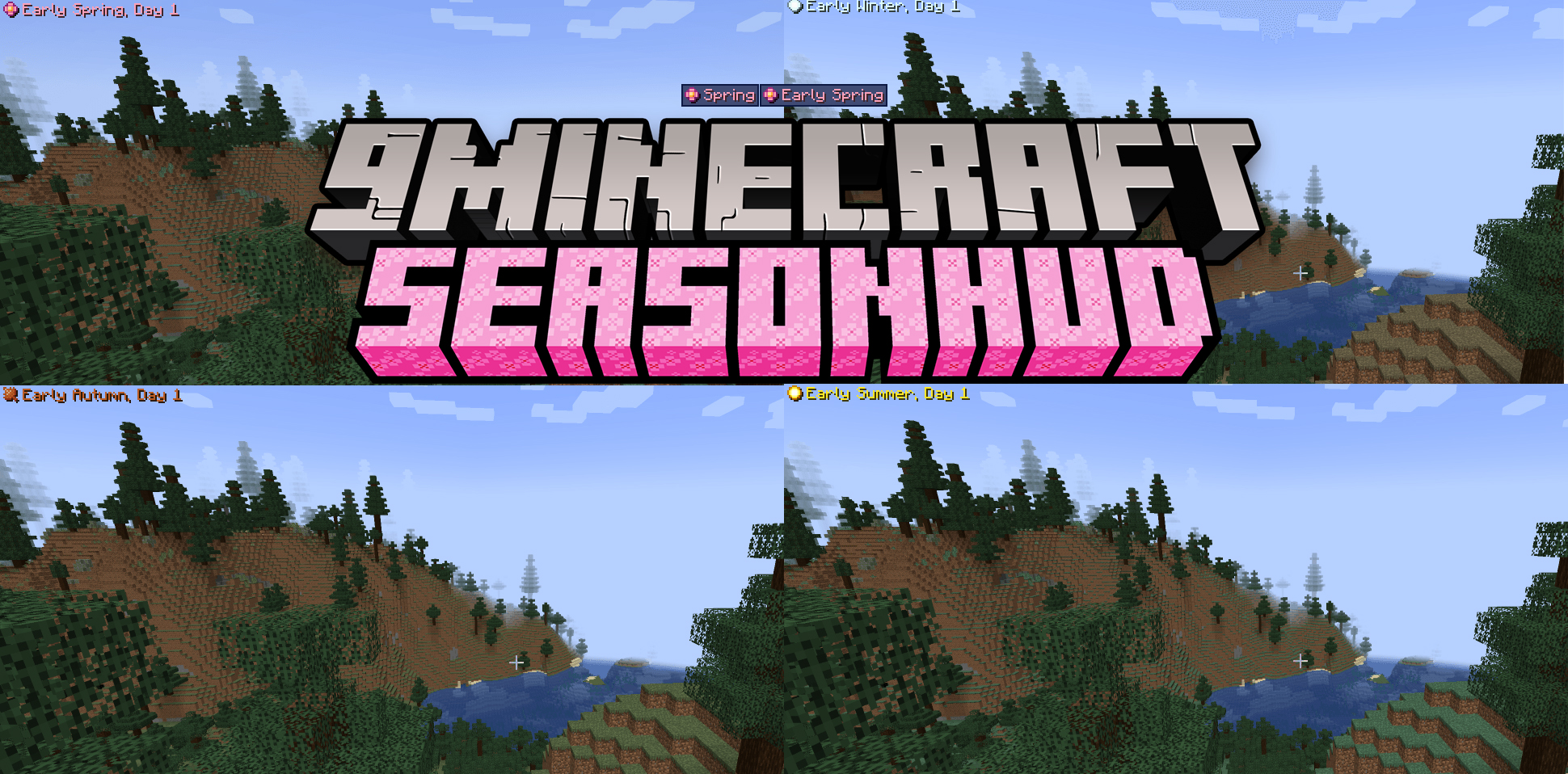
Features:
- Displays the current season directly on your HUD as a client-side addon.
- Automatically moves the season text under your minimap next to other map details whenever a supported minimap mod is active.
Supported Season Mods:
- Supports Serene Seasons on Forge, NeoForge, and Fabric.
- Supports Fabric Seasons on Fabric.
- Supports TerraFirmaCraft on Forge.
- Supports Ecliptic Seasons on Forge and NeoForge.
- Supports Homeostatic Seasons on Fabric and NeoForge.
- Supports ProtoManly’s Weather on NeoForge.
Supported Minimap Mods:
- Works with Xaero’s Minimap to show the season under your map.
- Works with FTB Chunks to display the season with your minimap info.
- Works with JourneyMap’s custom InfoSlots, adding a default “Season” option plus a setting to add an extra InfoSlot to the top or bottom set when all slots are full.
- Works with MapAtlases to place the season under your map.
- Works with Voxelmap to place the season under your map.
How to Use:
- Open JourneyMap’s minimap settings and pick the “Season” InfoSlot option to show the current season on your minimap.
- If you are already using all of your InfoSlots, click the “Addon Settings” button at the top of the JourneyMap settings menu to open the addon settings.
- Turn on the “Add an additional InfoSlot?” option to create one more slot.
- Choose whether to add the extra InfoSlot to the top set or the bottom set so your season appears where you want it.
Screenshots:
How to Install:
New to Minecraft? Follow our step-by-step guide to install Mods on your PC.View Guide
Requirements:
 Minecraft Forge Required
 Fabric Loader Required
 Fabric API Required
 NeoForge Required
 Serene Seasons Mod Required
 Map Atlases Mod Required
 Forge Config API Port Mod Required
 ProtoManly’s Weather Mod Optional
 TerraFirmaCraft Mod Optional
 Xaero’s Minimap Fair-Play Edition Mod Optional
 Curios API Optional
SeasonHUD Mod Download Links
For Minecraft 26.3
For Minecraft 26.2
For Minecraft 26.1.2, 26.1.1, 26.1
For Minecraft 1.21.11
For Minecraft 1.21.10, 1.21.9
For Minecraft 1.21.8, 1.21.7, 1.21.6
For Minecraft 1.21.5, 1.21.4
For Minecraft 1.21.4
For Minecraft 1.21.3, 1.21.2
For Minecraft 1.21.1, 1.21
For Minecraft 1.20.6
For Minecraft 1.20.4, 1.20.3
For Minecraft 1.20.2
For Minecraft 1.20.1, 1.20
For Minecraft 1.19.4
For Minecraft 1.19.3
For Minecraft 1.19.2
For Minecraft 1.18.2
For Minecraft 1.17.1
For Minecraft 1.16.5
You May Also Like
Picked for this page
 Tree Harvester Mod (26.3, 1.20.1) – Auto-Planting Tree Chopper
 Jade Mod (26.3, 1.20.1) – Hwyla/WAILA Fork
 Auth Me Mod (26.3, 1.20.1) – Re-login Inside The Game
 Giant Spawn Mod (26.3, 1.20.1) – Giant Zombie
 Ctrl Q Mod (26.1, 1.20.1) – Take Control Of Your Inventory
 Spawn Animations Mod (26.3, 1.20.1) – Immersive Spawn Effects
 Health Levels Mod (26.2, 1.20.1) – Maximizing Experience Gains
 NoWheel Mod (26.3, 1.20.1) – Hotbar Scroll Disable
 Mixin Conflict Helper Mod (26.2, 1.20.1) – User-friendly Errors for Mixin Conflicts
 XXL Packets Mod (26.3, 1.20.1) – Raising The Packet Size Limit
 Raise Sound Limit Simplified Mod (26.3, 1.20.1) – Fix Audio Cutoffs In Minecraft
 I Know How To Play! Mod (26.3, 1.20.1) – No More Unwanted Game Tips
Most viewed in Mods over the last 7 days
 Ala Industrial Mod (26.3) – Run Electric Power Grids and Automated Factories
 PleasureCraft Mod (26.3, 1.21.1) – Jenny Mod Remake for Fabric
 Jennycraft Mod (26.3, 1.20.1) – Virtual Girlfriend in Minecraft
 Fapcraft Mod (26.3, 1.12.2) – Comprehensive and Detailed Content
 Jenny Mod (Fapcraft) Official Complete Guide – How to use, Tutorial
 BangCraft Mod (1.20.1) – Jenny, Ellie and Elliot
- Fabric Loader (26.3, 1.20.1) – Fabric Installer for All Minecraft Versions
 Meteor Client Mod (26.3, 1.20.1) – Xray, HUD, Fly
 The Shooting Star Demo Mod (26.3, 1.20.1) – Vaporize Terrain From Orbit
 OptiFine HD (26.3, 1.20.1) – Run Faster, FPS Boost, Shaders Support
 Aristois Client Mod (1.21.4, 1.20.1) – World Class Minecraft Utility
 SchnurriTV Mod (1.12.2) – Characters and Features
More from Mods
 Timber Tales Dynamic Tree System Mod (26.3, 1.20.1) – Watch Entire Trees Topple
 Gabou’s Libs Mod (26.3, 1.20.1) – Keep Custom Weather and Survival Mods Stable
 /Sit Mod (26.3, 1.21.1) – Make The Player Sit Down
 Arcane Redstone Dial Mod (26.3, 1.20.1) – Trigger Commands and Shortcuts
 The Graveyard Mod (26.3, 1.20.1) – Cemeteries in Minecraft
 Enhanced Overlay Mod (26.3, 1.21.11) – Remove Screen Clutter
 Flint Mod (1.21.11) – Run DiamondFire Community Addons Without Crashing
 Not Just Sandwich Mod (26.3, 1.20.1) – Edibles, Sandwiches
 Waddles Mod (26.3, 1.20.1) – Make Icy Biomes Feel Alive
 Artemis’ Thin Logs Mod (26.3, 1.20.1) – Build Custom Trees and Detailed Wood
 Asterion Mod (26.3, 1.20.1) – Survive Ancient Mazes and Slay the Legendary Minotaur
 Passthrough Signs Mod (26.3, 1.20.1) – Right-Click Through Wall Signs

This post has no comments yet. Be the first — your comment will appear here.