


Shulker Peek Mod (26.2, 1.21.11) – Search Your Shulker Boxes Without Placing

 0
0 

🌐 Read this article in your language! Choose your preferred language below.
Or pick the one you like:
Shulker Peek Mod lets you see what is inside a shulker box without placing it down. When you hold a shulker box in your inventory and move your mouse over it, a small window pops up. This window shows every item stored inside in a neat grid. You can easily find the exact blocks or tools you need in seconds. The mod runs only on your game screen, so you can use it on any multiplayer server. It saves you lots of time when managing big storage rooms.

Features:
- Instant Preview: Shows a full grid of all 27 slots inside the shulker box right on your screen.
- Color Matching: Changes the background color of the popup to match the dye color of the box.
- Displays the exact number of items in each stack so you know how much you have.
- Lets you turn on a setting that only shows the contents when you hold the Shift key.
- Includes a quick button press to turn the whole preview off or on while playing.
- Works completely on your side of the game, meaning it functions perfectly on regular servers.
Configuration:
Enabled: Turns the main preview on or off.Require Shift: Makes the preview only appear when you hold Shift.Show title: Displays the name of the box above the items.Show item counts: Shows the numbers on stacked items.Color tint strength: Changes how bright the dye color looks.Slot background darkness: Changes how dark the item slots are.
You can edit these settings in the config/shulkerpeek.json file or through the in-game menu.
How to Use:
- Open your inventory where you have a shulker box.
- Move your mouse pointer over the shulker box item.
- Look at the popup grid to see all the items inside.
- If you turned on the Shift setting, hold the Shift key while hovering to see the items.
- Press your assigned keybind to quickly turn the preview on or off.
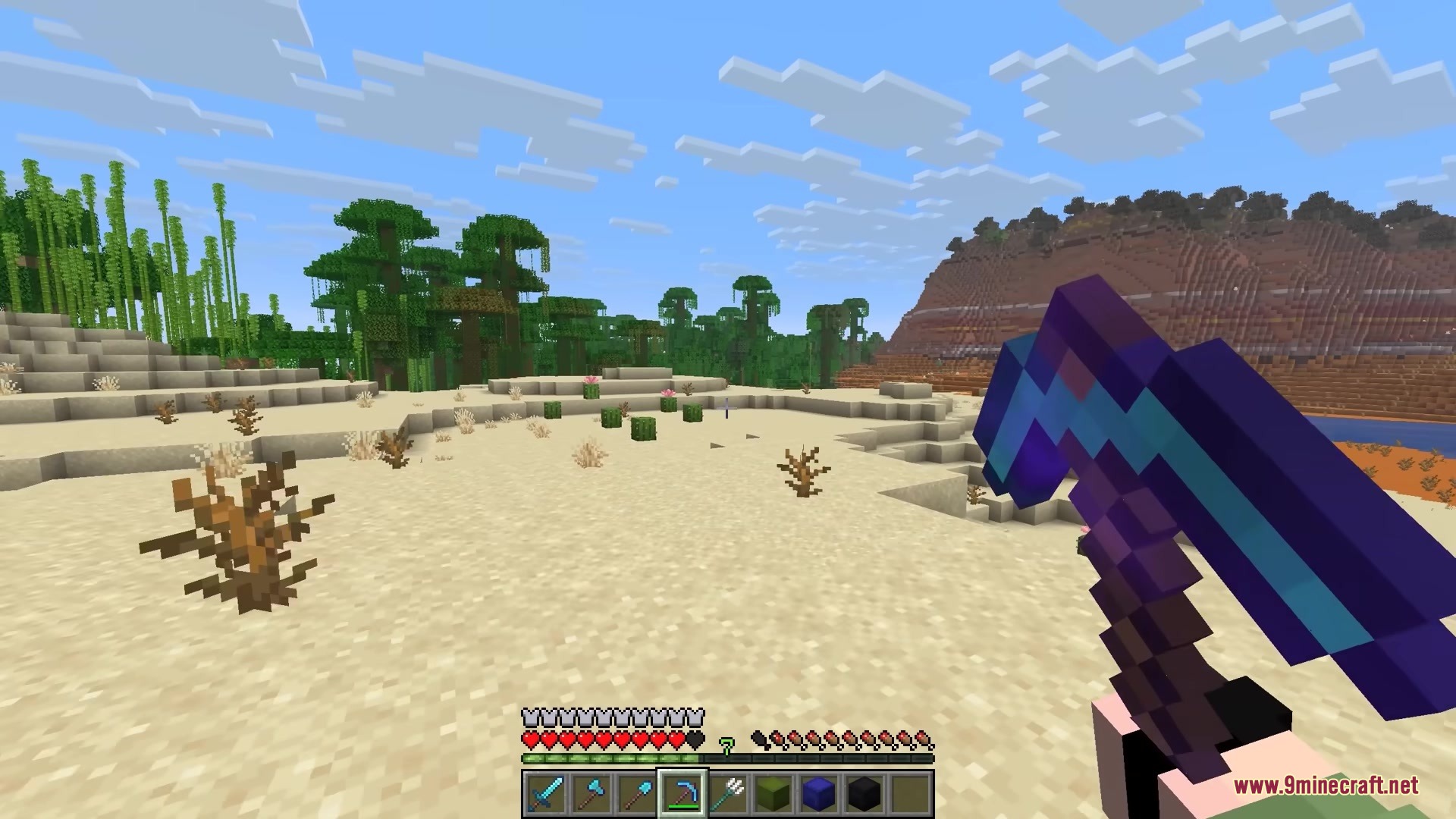
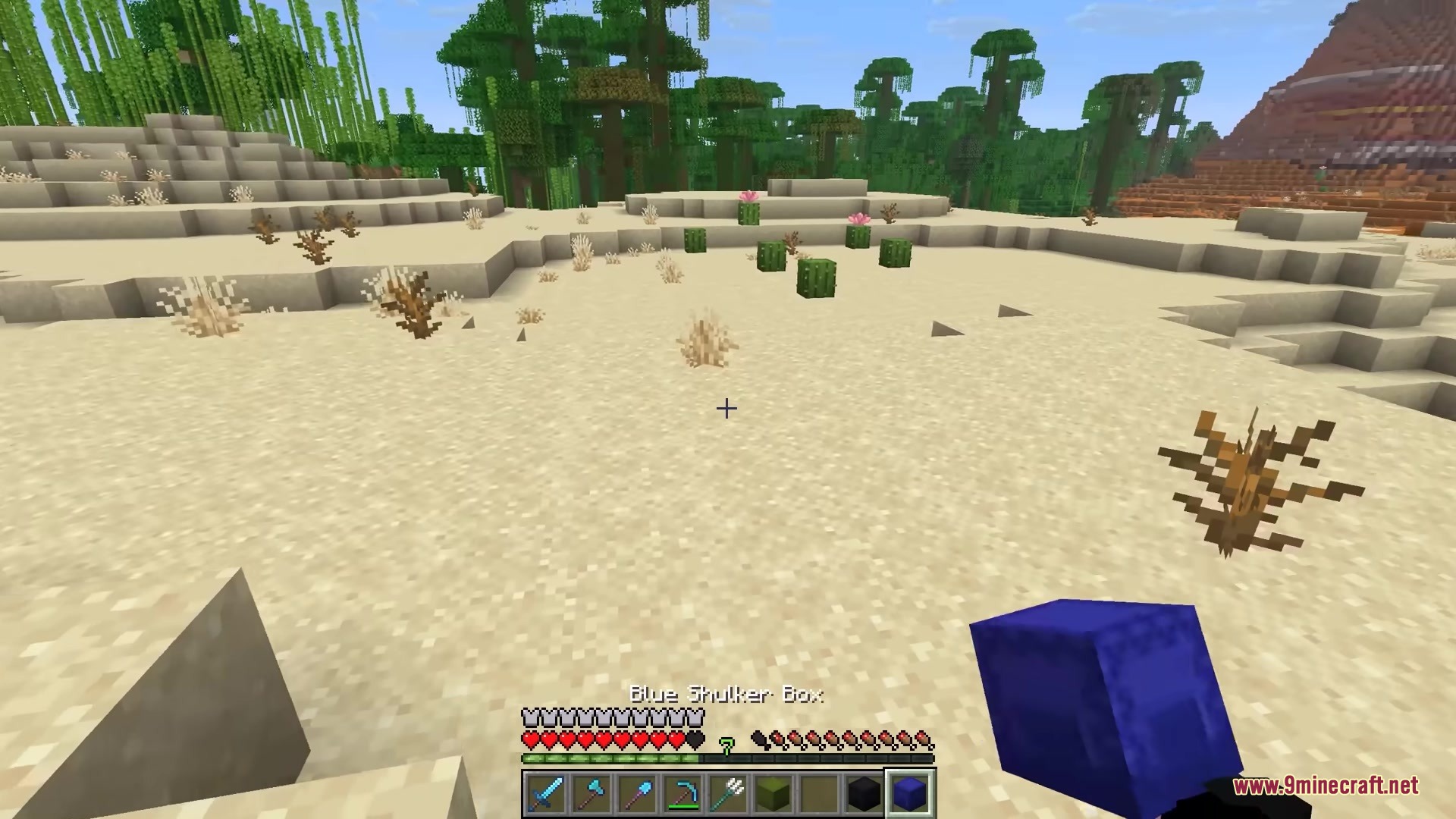
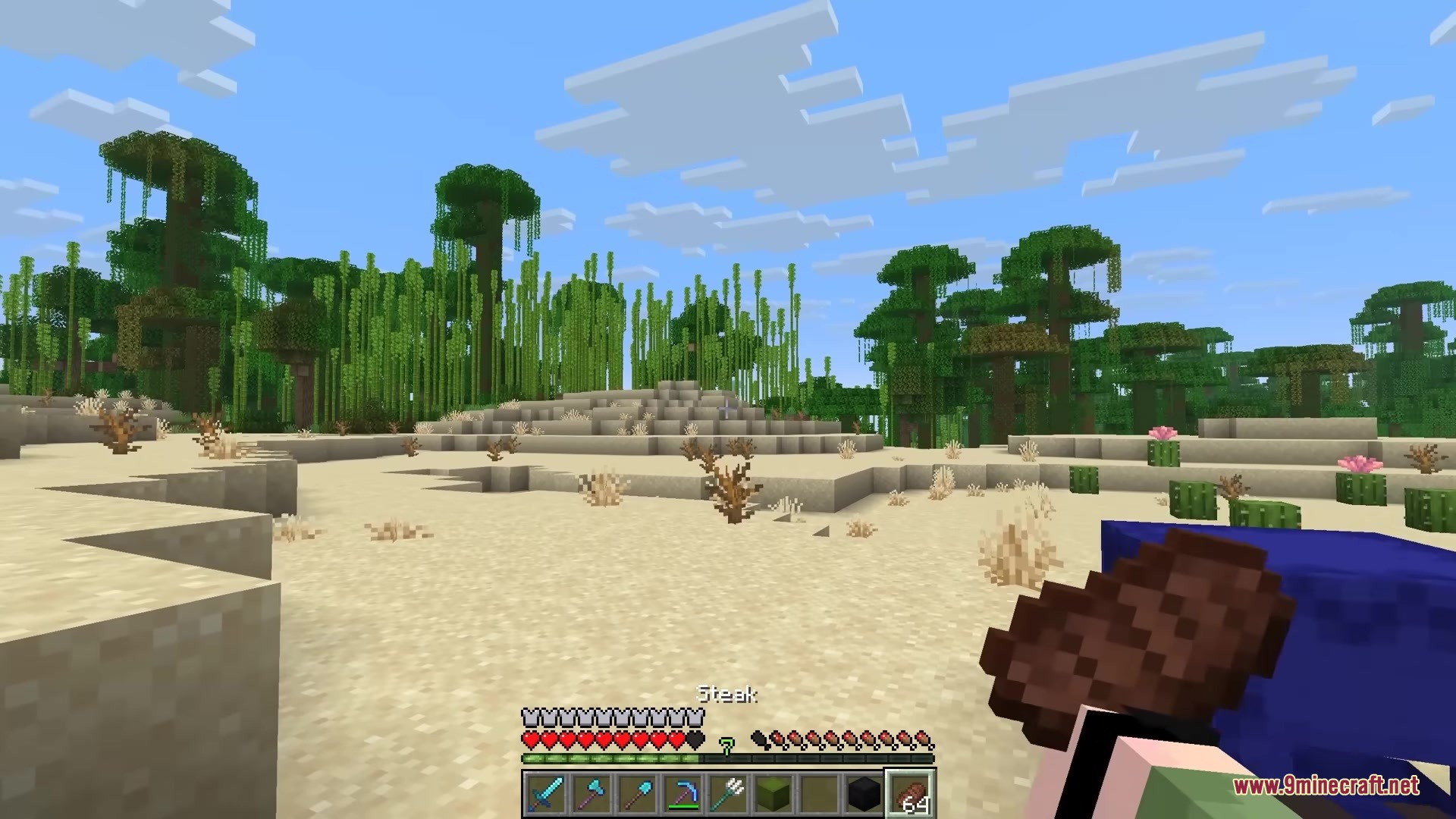
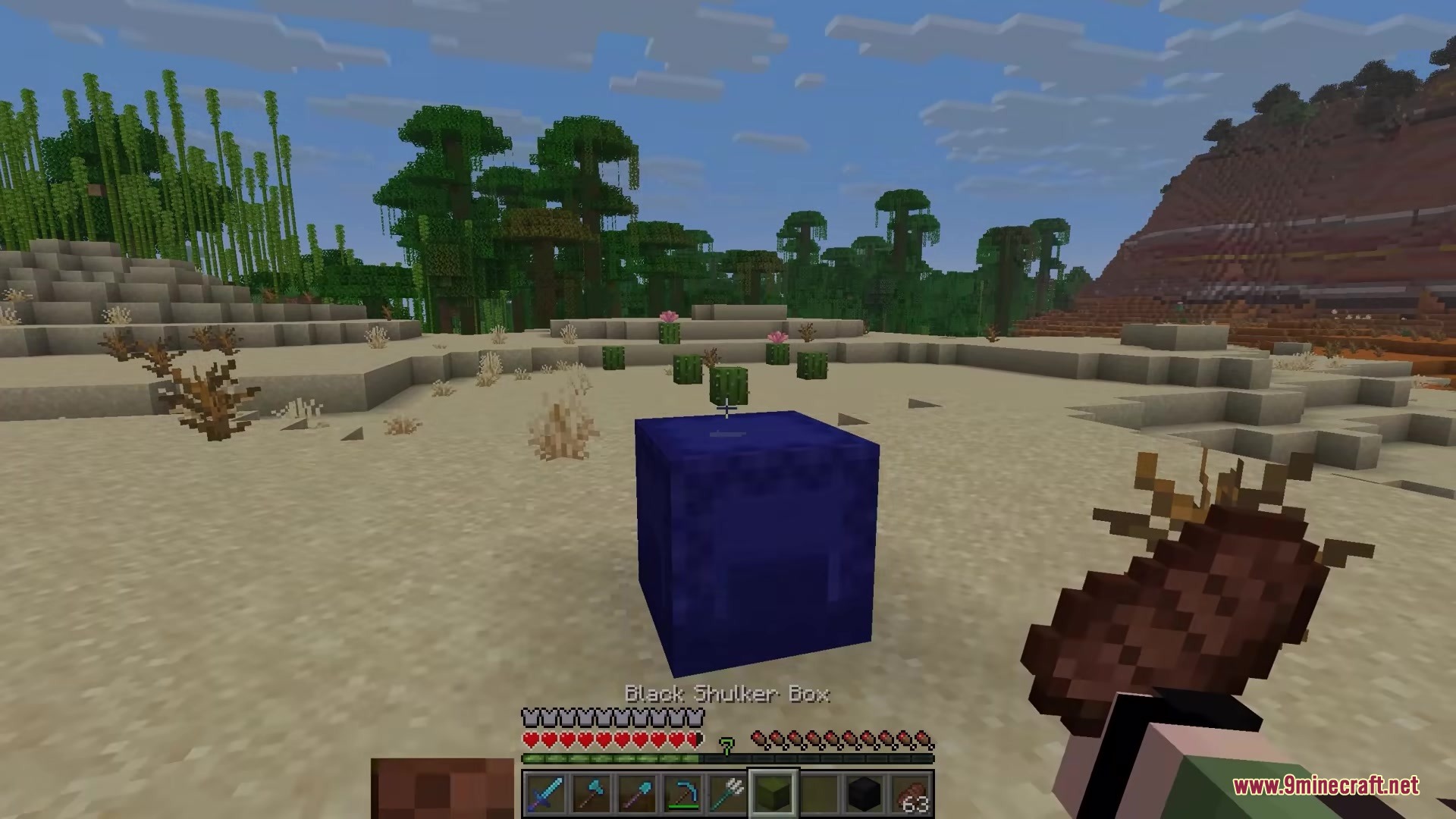
Screenshots:
How to Install:
New to Minecraft? Follow our step-by-step guide to install Mods on your PC.View Guide




Shulker Peek Mod Download Links
For Minecraft 26.2
For Minecraft 26.1.2, 26.1.1, 26.1
For Minecraft 1.21.11
For Minecraft 1.21.10, 1.21.9
Click to rate this post!
[Total: 1 Average: 2]
You May Also Like

















This post has no comments yet. Be the first — your comment will appear here.