


Shut Your Eyes Mod (1.20.1, 1.19.2) – Survive a Stalking Horror

 0
0 

🌐 Read this article in your language! Choose your preferred language below.
Or pick the one you like:
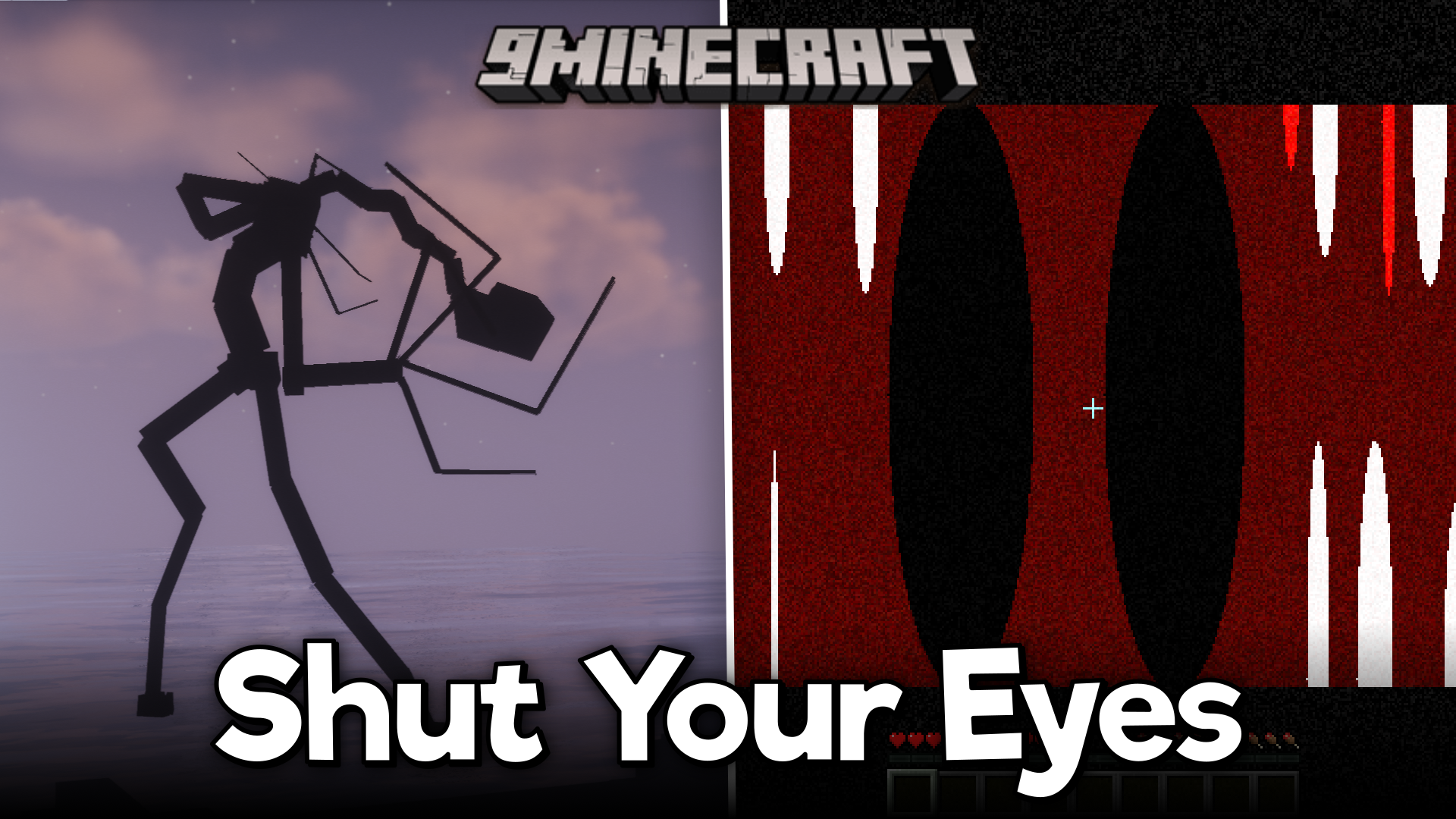
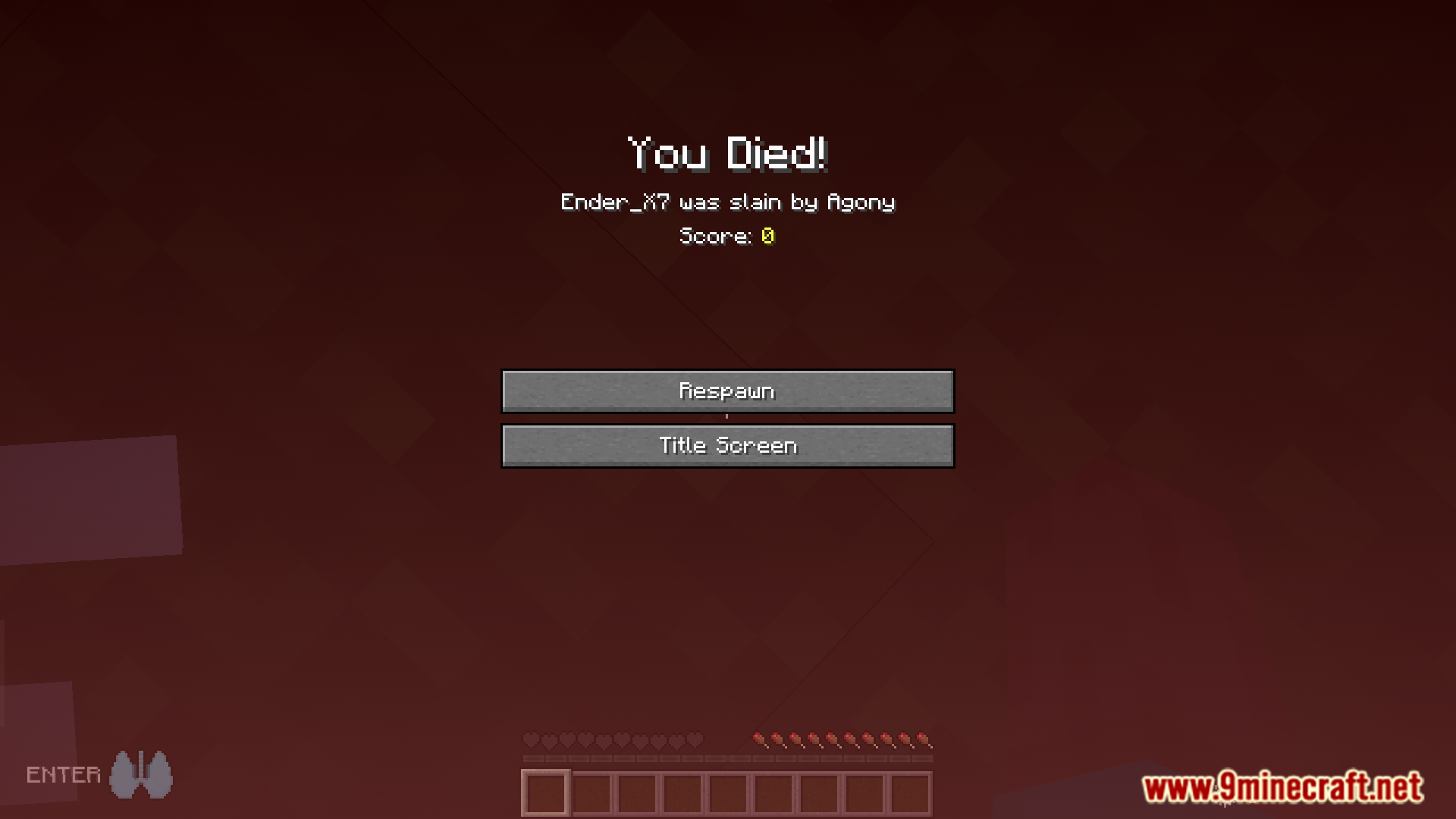
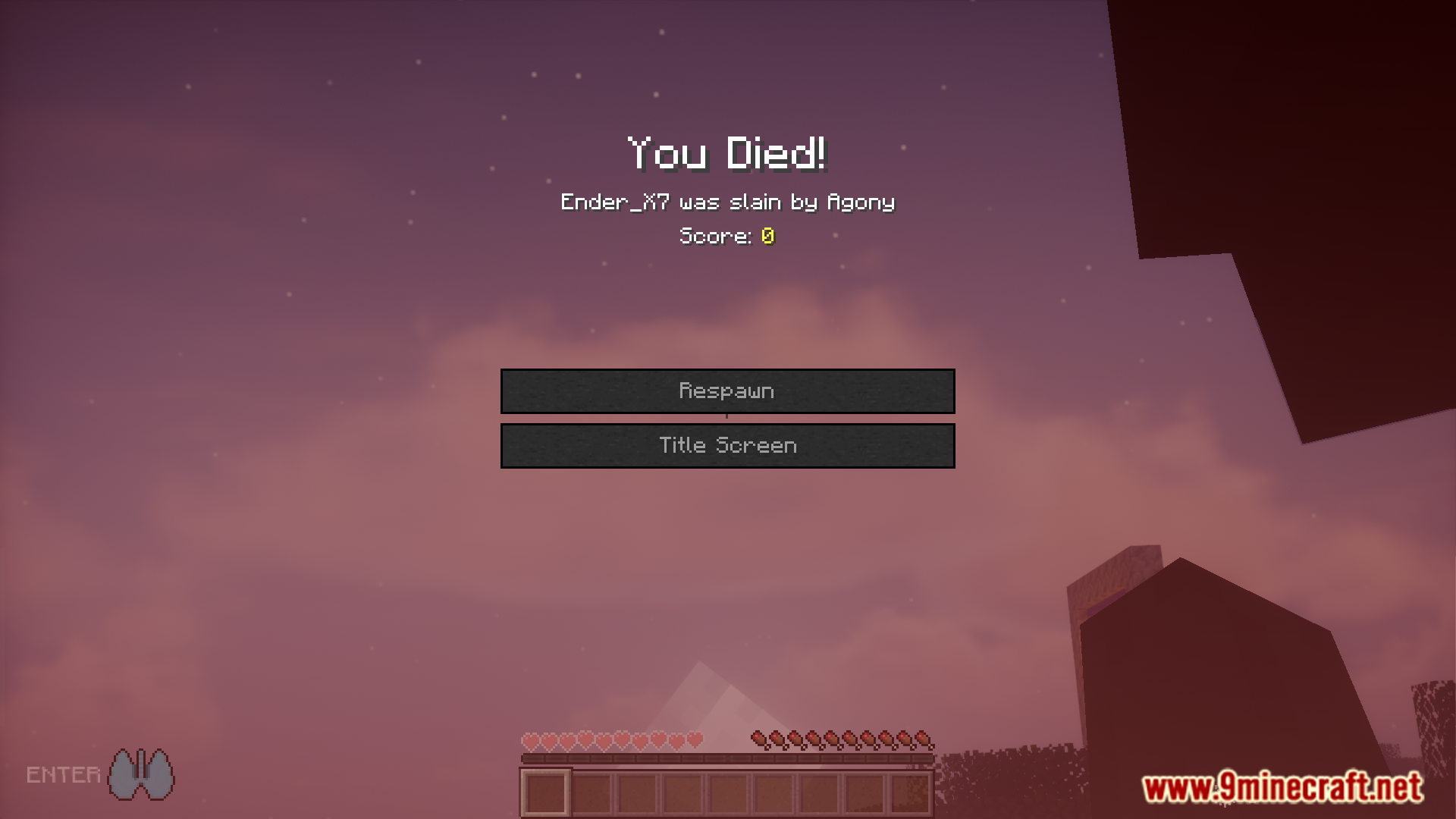
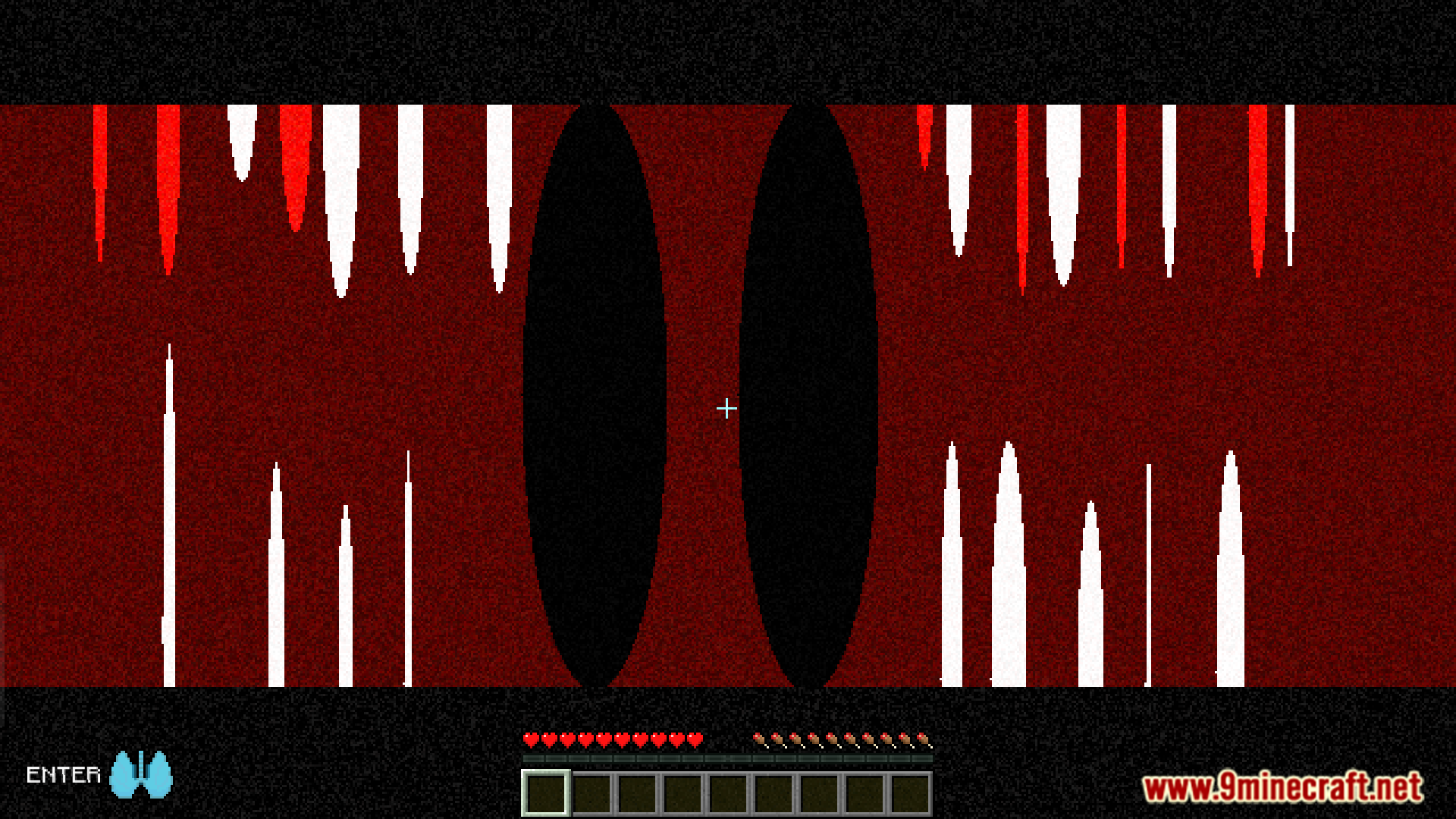
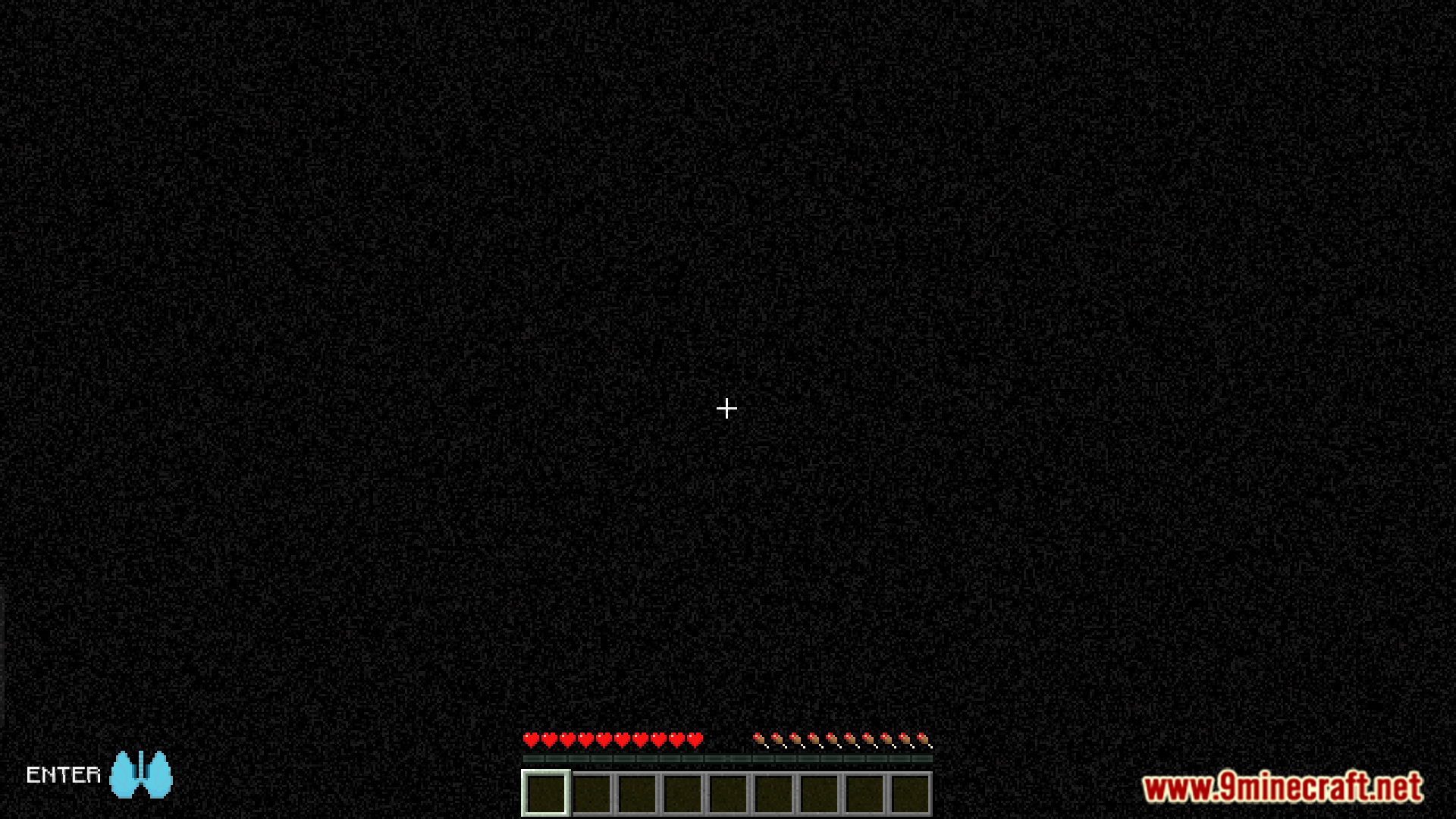
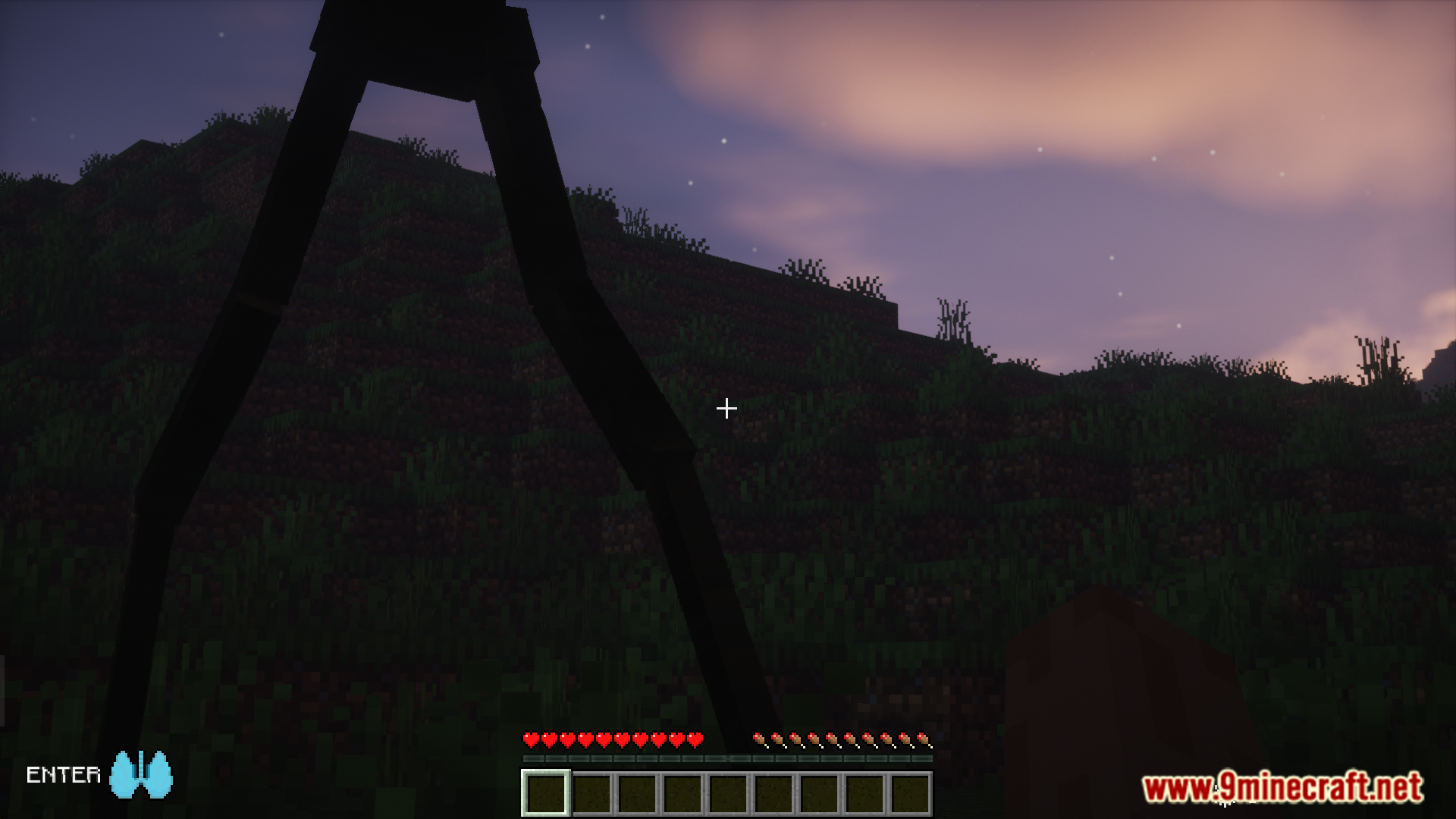
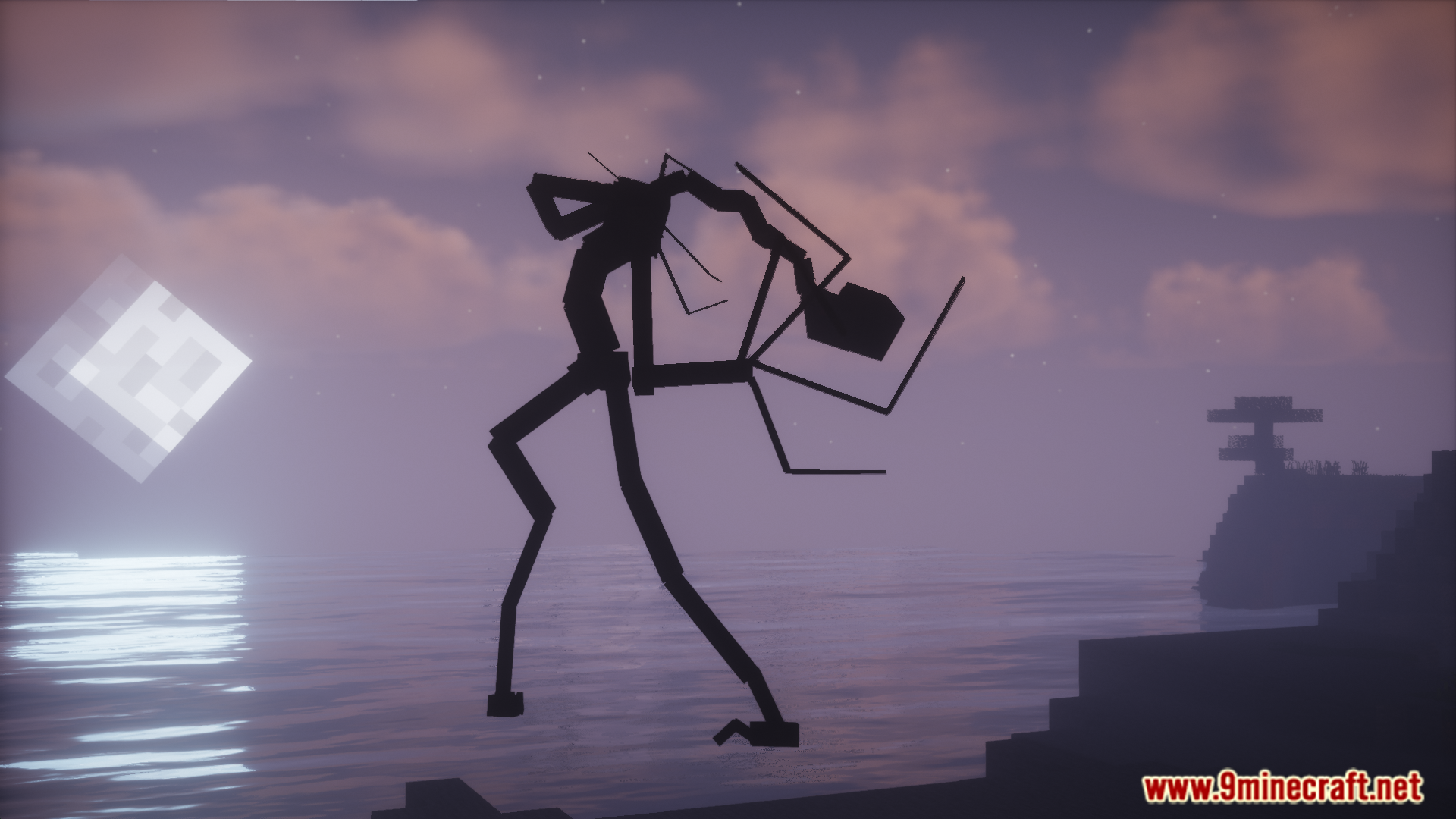
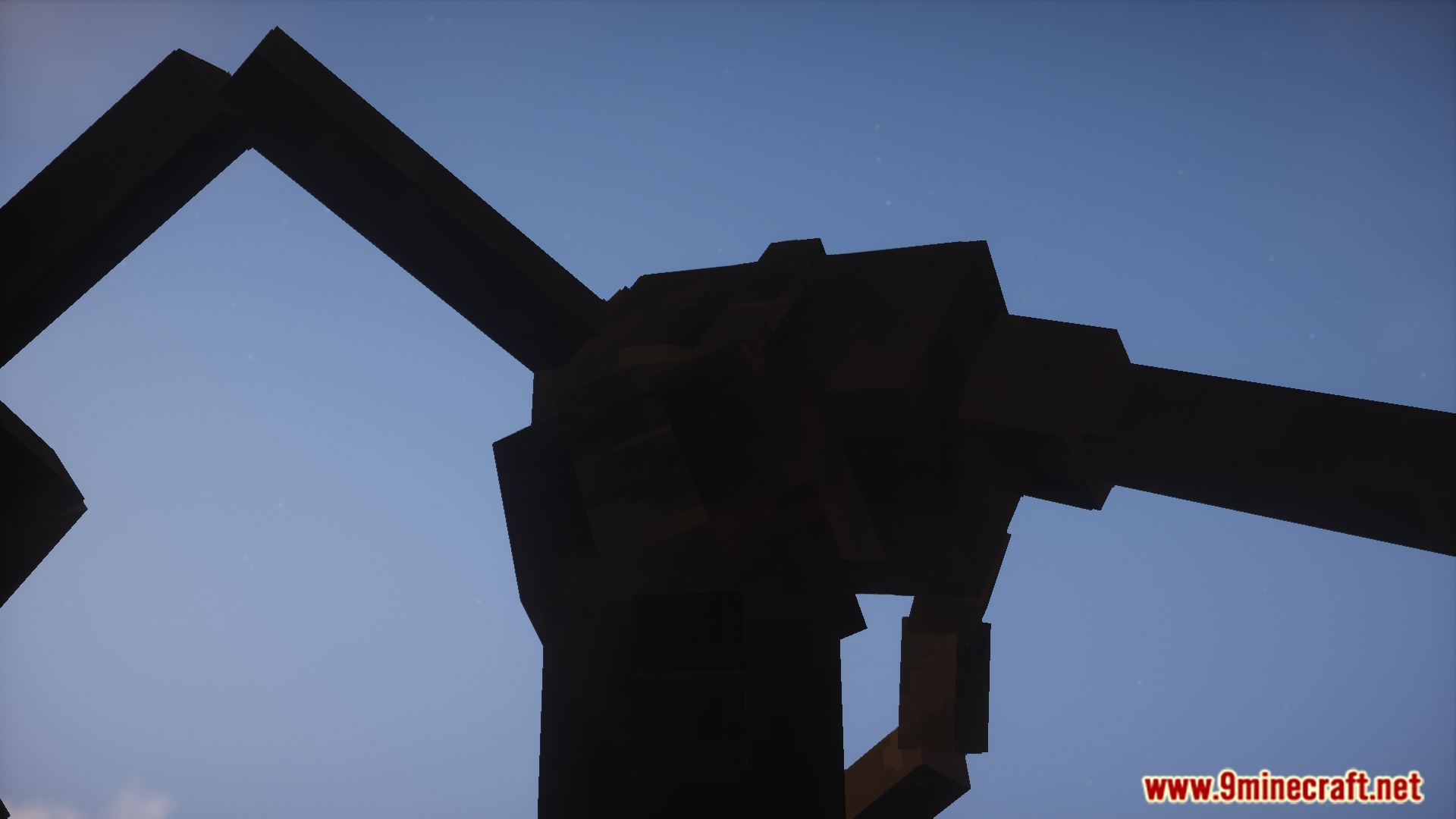
Shut Your Eyes Mod unleashes a terrifying creature that stalks you throughout your world. This monster will only attack when you are vulnerable and can see it. To survive an encounter, you must close your eyes and hold your breath. Listen for sound cues that let you know when the creature has gone, and only then is it safe to look again.
Features:
- Adds a new monster that will stalk you in your world.
- The creature can only damage you if you are looking at it.
- Survive by closing your eyes and holding your breath.
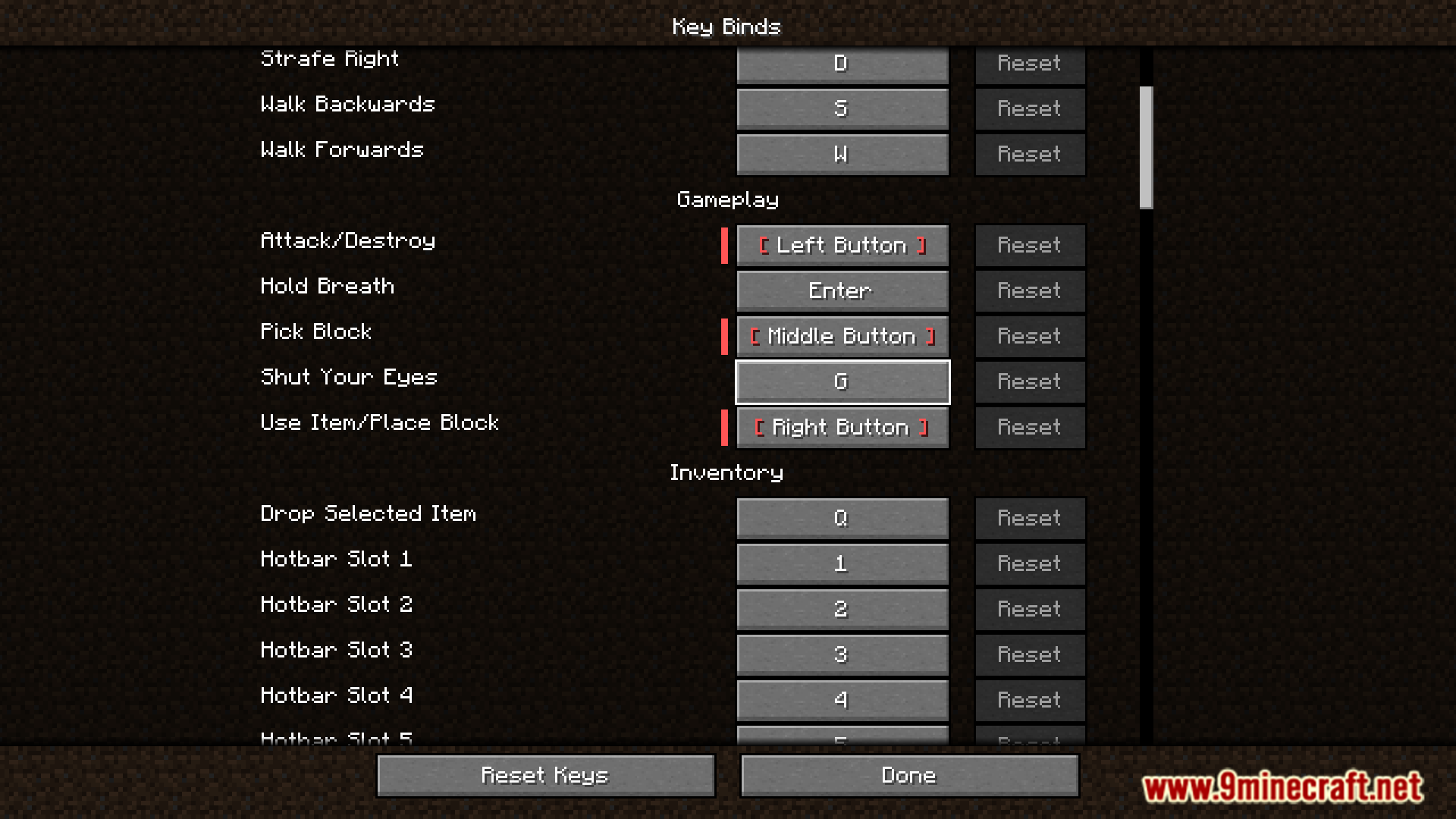
- The default key to close your eyes is ‘G’.
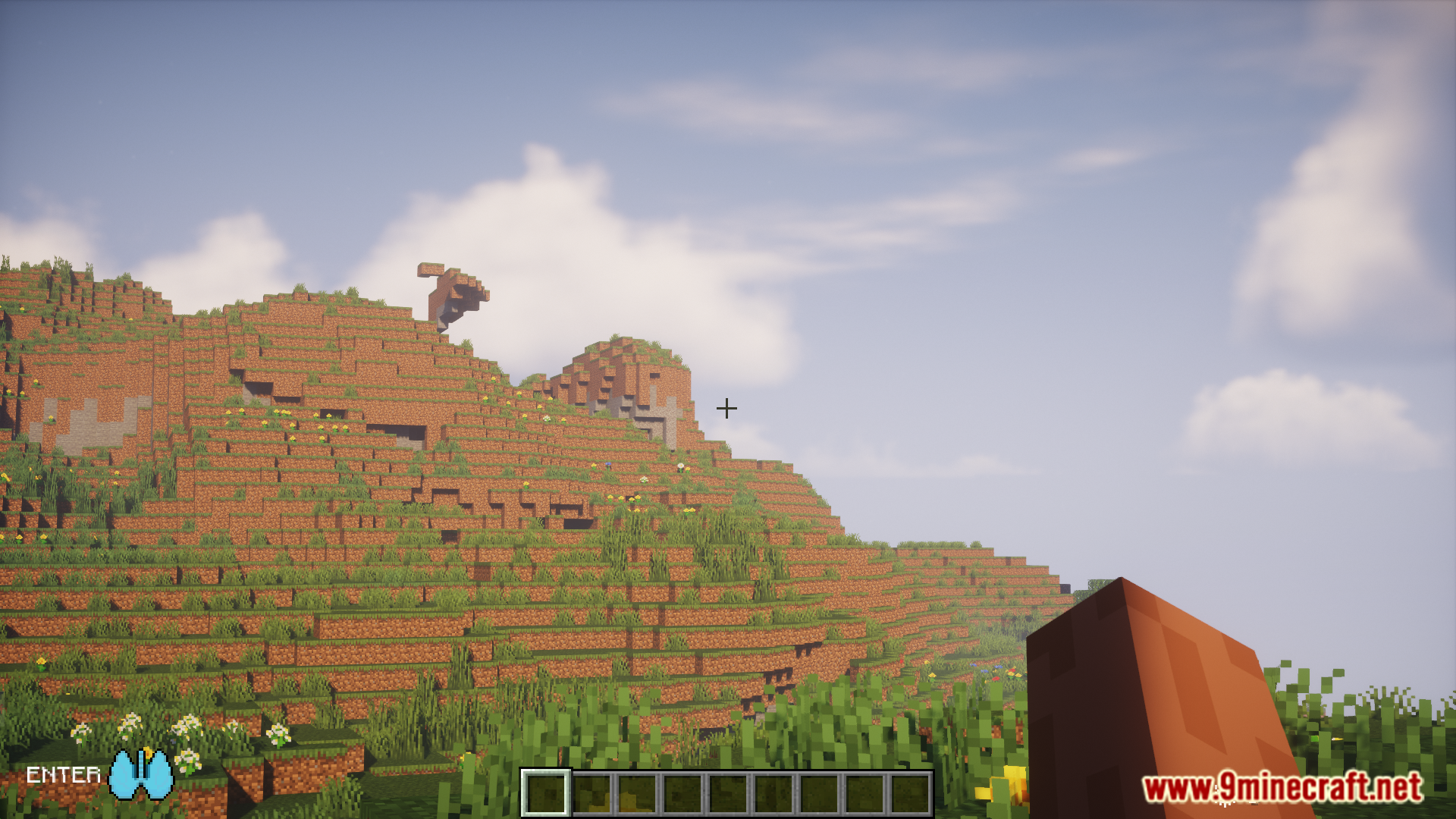
- The default key to hold your breath is ‘ENTER’.
- Both keybinds can be changed in the control settings.
- Sound cues will let you know when the monster is near or has left.
- A configuration file lets you change spawn rates, event timers, and more.
Commands & Configuration:
- Use the command
/repair_syeto fix potential issues with the mod in your world. - To change settings like spawn rates, you can find the config file in your world’s save folder, inside the
serverconfigdirectory.
How to Use:
- When you sense the creature is near, press the ‘G’ key to close your eyes.
- Next, press the ‘ENTER’ key to hold your breath.
- Wait until you hear the sound cue that signals the monster has left the area.
- Once it’s gone, you can safely open your eyes and breathe again.
Screenshots:
How to Install:
New to Minecraft? Follow our step-by-step guide to install Mods on your PC.View Guide
Requirements:
Shut Your Eyes Mod Download Links
For Minecraft 1.20.1, 1.20
Forge version: Download from Server 1 – Download from Server 2
For Minecraft 1.19.2
Forge version: Download from Server 1 – Download from Server 2
Click to rate this post!
[Total: 0 Average: 0]
You May Also Like






This post has no comments yet. Be the first — your comment will appear here.