


Signed Paintings Mod (26.2, 1.20.1) – Render Web Images on Sign

 0
0 

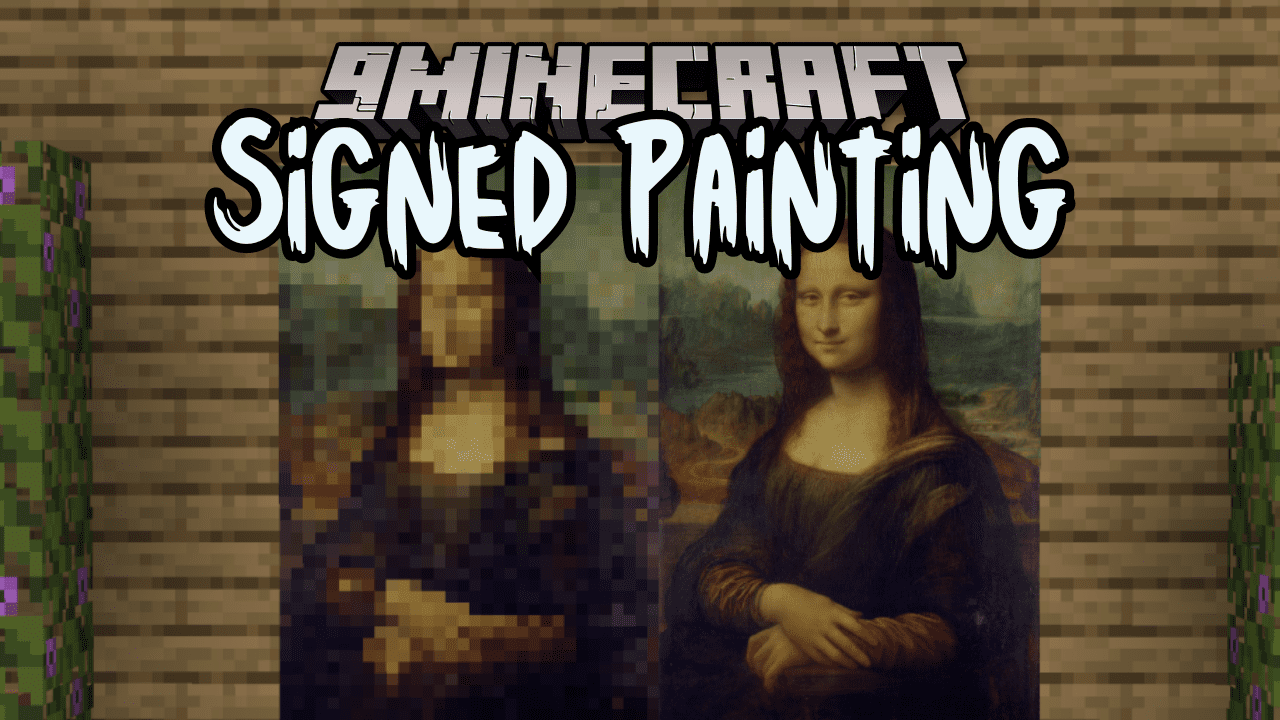
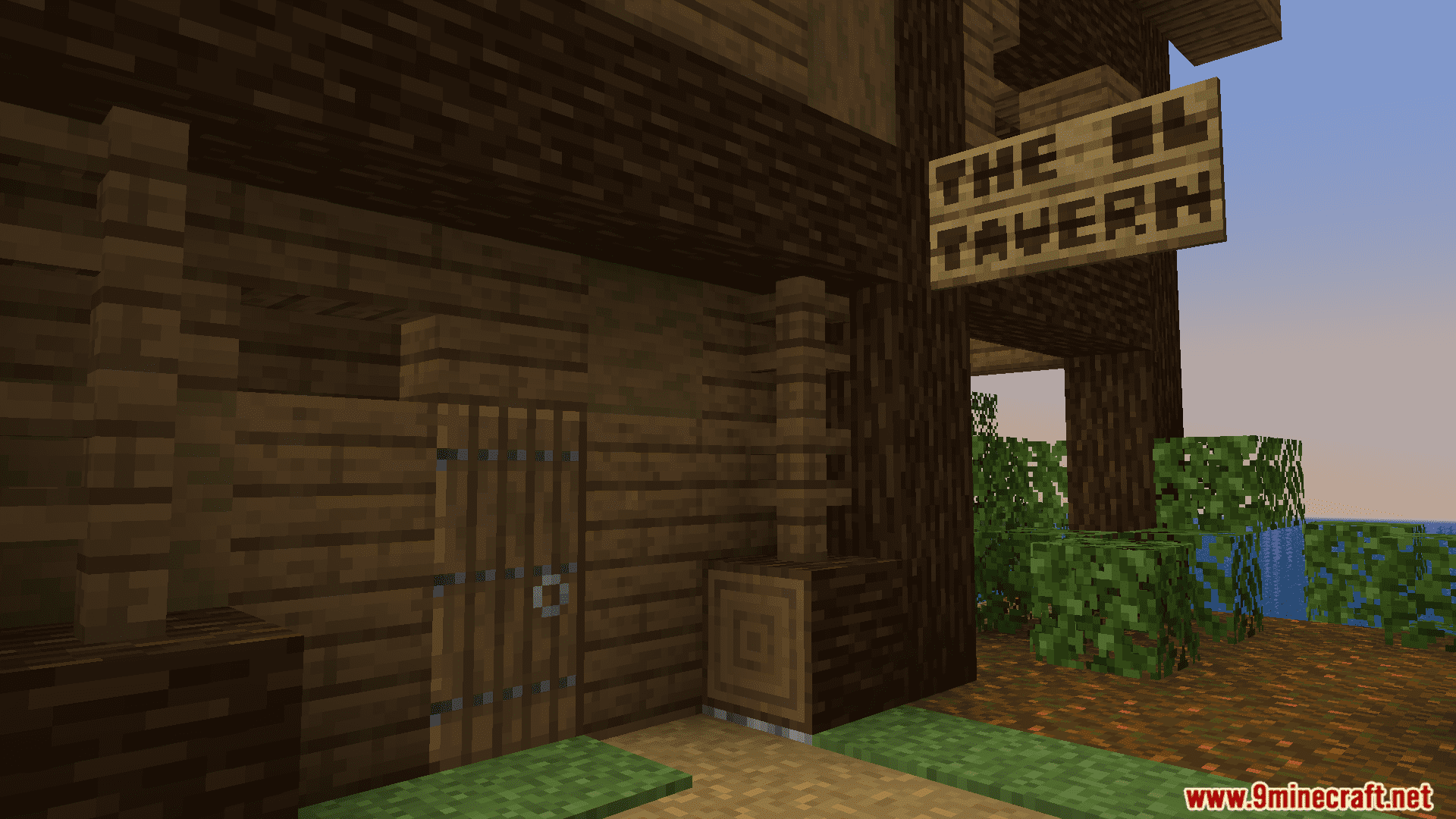
Signed Paintings Mod allows you to display images from the internet as vanilla-style paintings in Minecraft. To do this, simply paste an image URL into the text of a sign, and then customize how it appears using a built-in user interface. Everyone with the mod installed will also see your images.
Features:
- Render web images on signs, and hanging signs – just copy in the link.
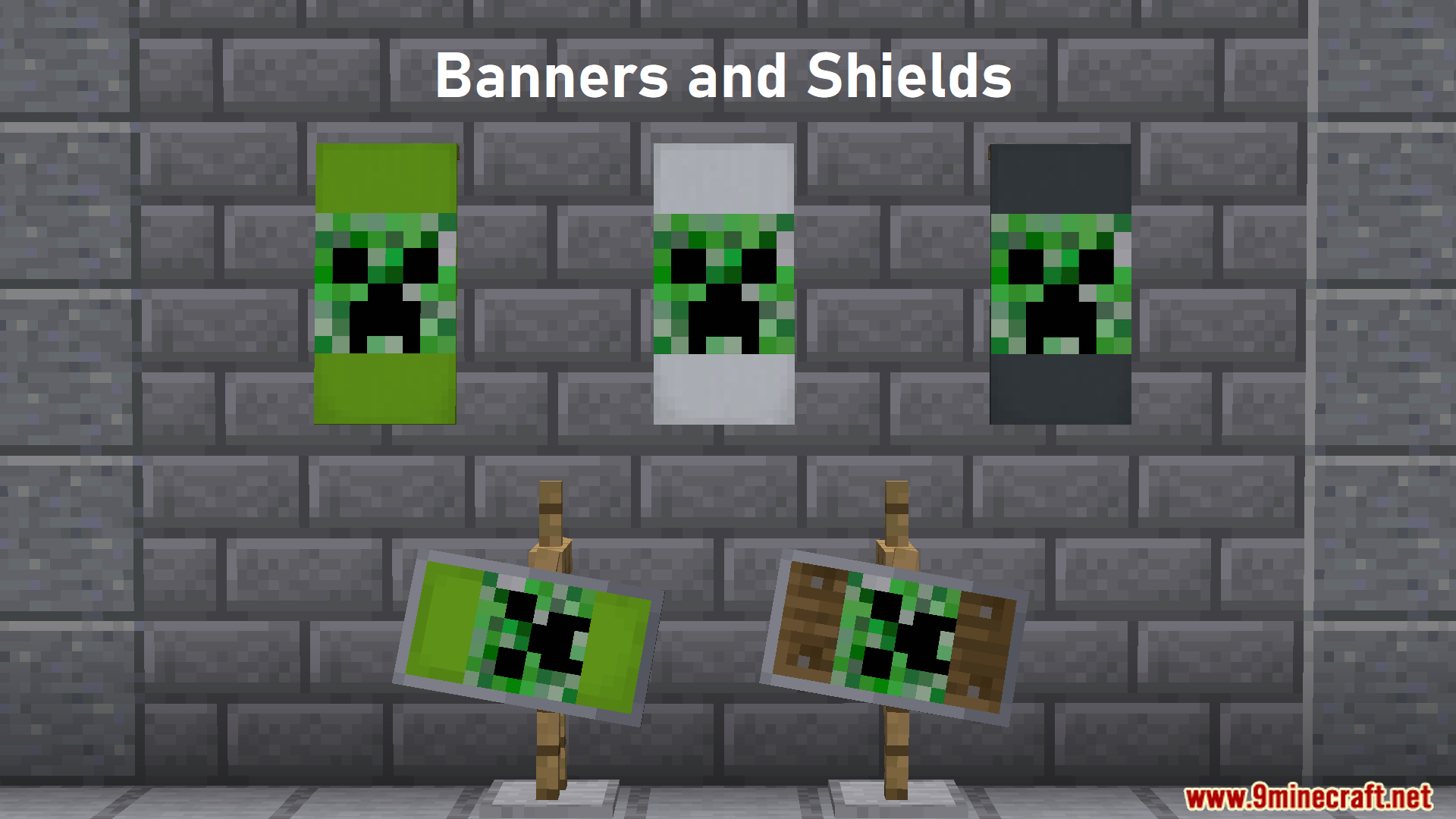
- Rename banners and shields with a URL to display web images on them.
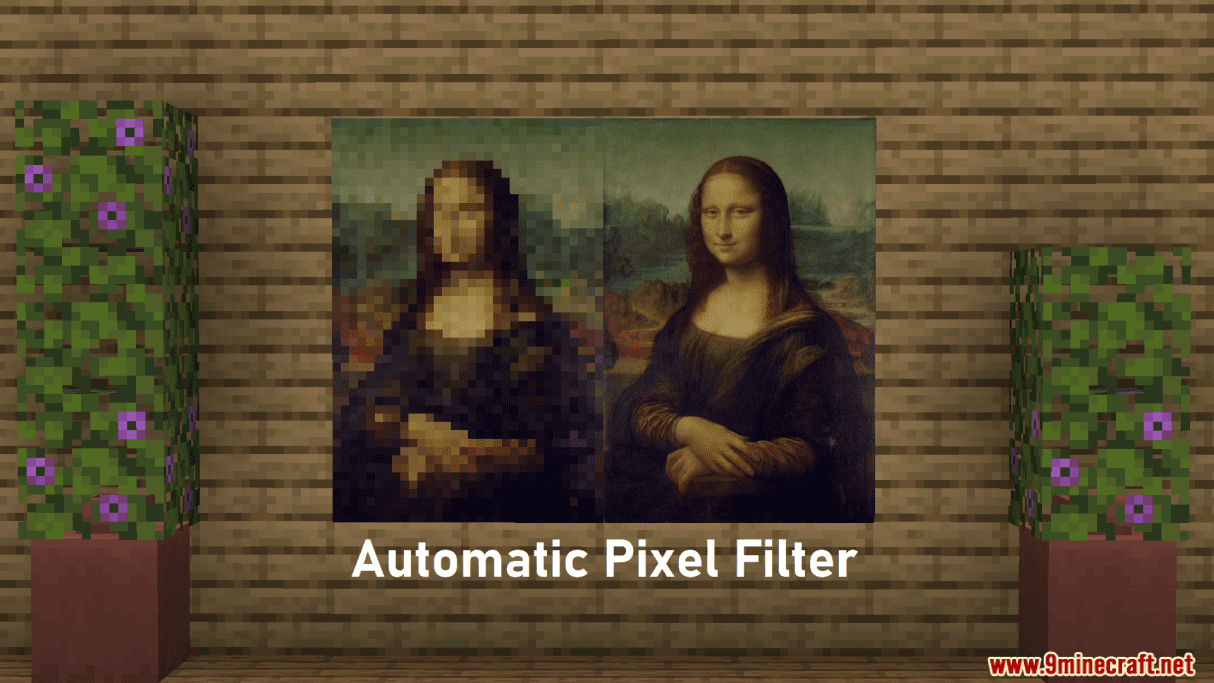
- Optional automatic pixelization to keep consistency with Minecraft’s pixel size.
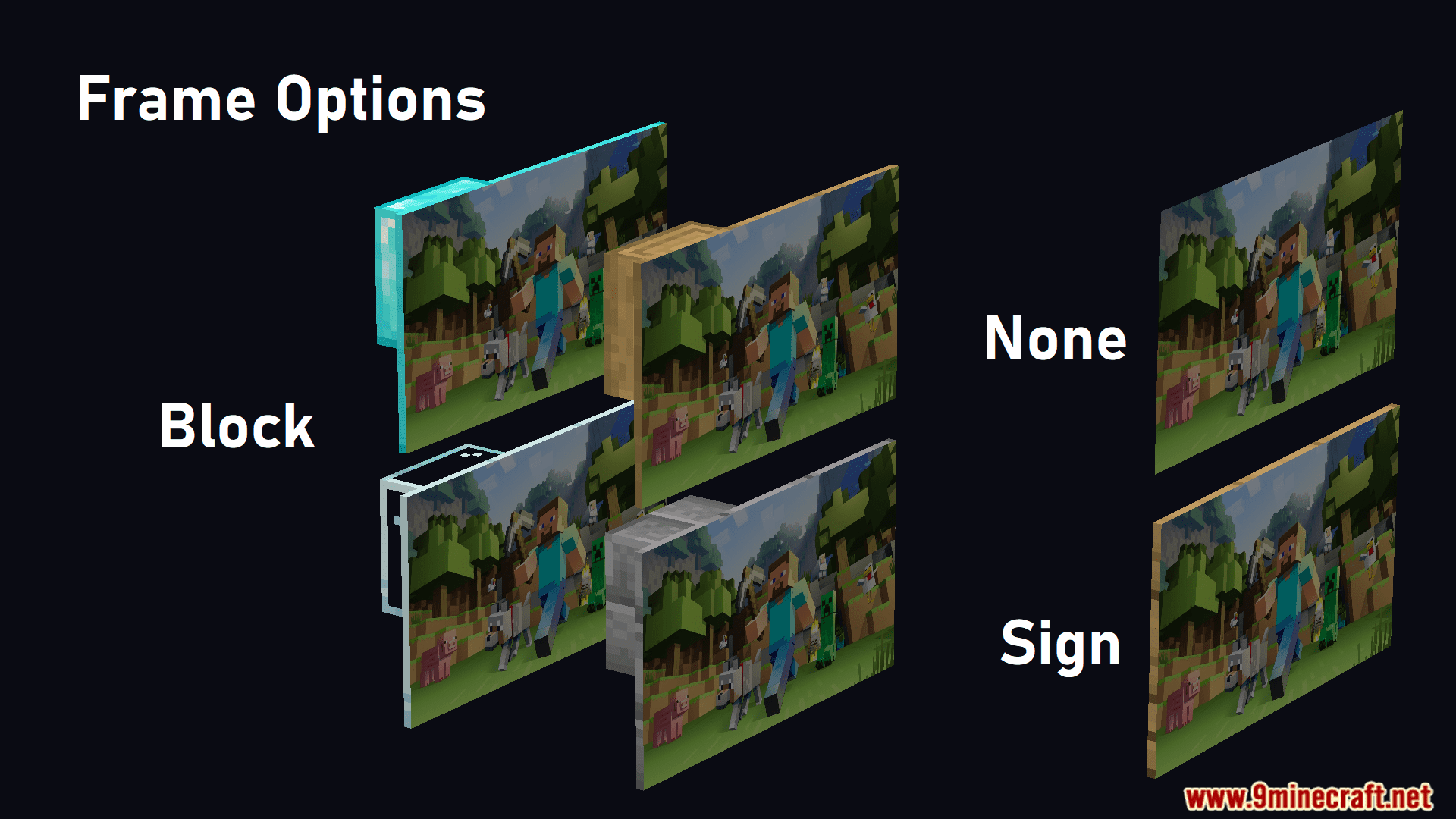
- Frame options using any block texture.
- In-game Imgur uploads if the link is too long.
- Tweak sizing, alignment, and offset.
Commands:
/paintings:toggle [all / banners / shields / signs]– Temporarily disables image rendering for specified objects./paintings:reload [all / <url>]– Reloads all or a specific image./paintings:status [all / <url>]– Retrieves information about all loaded images./paintings:upload <url>– Uploads an image from a URL to Imgur./paintings:block add <url>– Blocks rendering for a specific image./paintings:block remove [all / <url>]– Unblocks all or a specific image./paintings:block list– Lists all blocked URLs./paintings:block auto– Automatically blocks all newly loaded URLs.
Screenshots:
How to Install:
New to Minecraft? Follow our step-by-step guide to install Mods on your PC.View Guide
Requirements:


Signed Paintings Mod Download Links
For Minecraft 26.2
For Minecraft 26.1.2, 26.1.1, 26.1
For Minecraft 1.21.11
For Minecraft 1.21.10, 1.21.9
For Minecraft 1.21.8, 1.21.7, 1.21.6
For Minecraft 1.21.5
For Minecraft 1.21.4
For Minecraft 1.21.3, 1.21.2
For Minecraft 1.21.1, 1.21
For Minecraft 1.20.6
For Minecraft 1.20.4
For Minecraft 1.20.1, 1.20
Click to rate this post!
[Total: 2 Average: 5]
You May Also Like




This post has no comments yet. Be the first — your comment will appear here.