
Simple Multiplayer Ping Mod (26.3, 1.21.1) – Coordinate with Friends
 29
 0

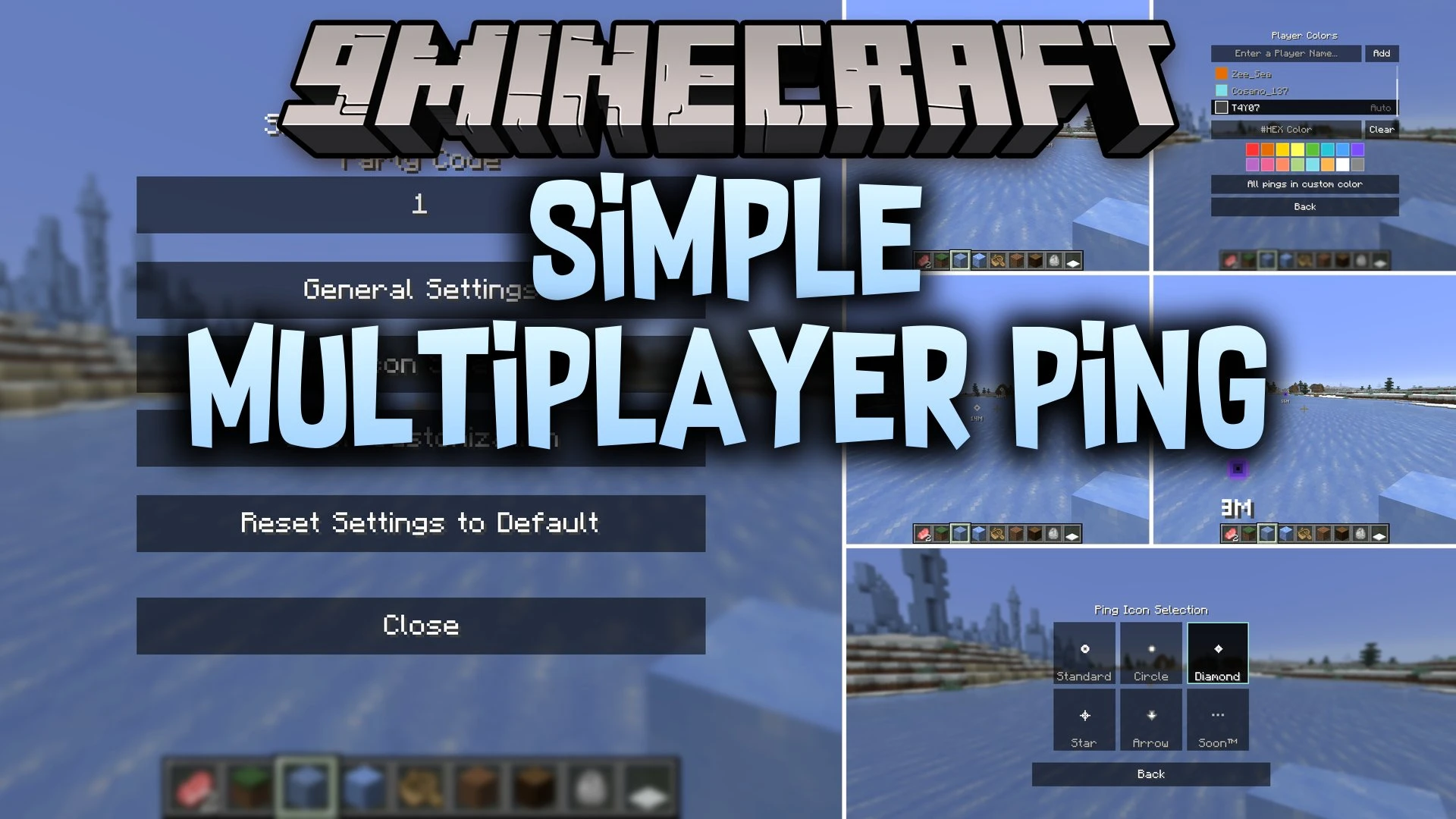
Simple Multiplayer Ping Mod adds a visual marker system to Minecraft multiplayer servers. It lets you point out blocks, warn allies about danger, and suggest places to walk without using voice chat or text chat. Because it runs purely on your own game client, you can use it on public minigame servers, vanilla realms, or survival worlds. It shares markers across players using a lightweight relay system and a simple party code.
Features:
- Quick Pings: Click your middle mouse button to drop an instant marker on whatever block you look at.
- Ping Wheel: Hold down your middle mouse button to pick between normal, warning, and movement alerts.
- Party System: Join friends by typing in a shared party code so only your group sees your markers.
- Map Compatibility: Pings show up directly on Xaero’s Minimap and Xaero’s World Map.
- Works on public servers like Hypixel without needing server-side plugins or server mods.
- Lets you middle-click right on the world map screen to place pings at distant places.
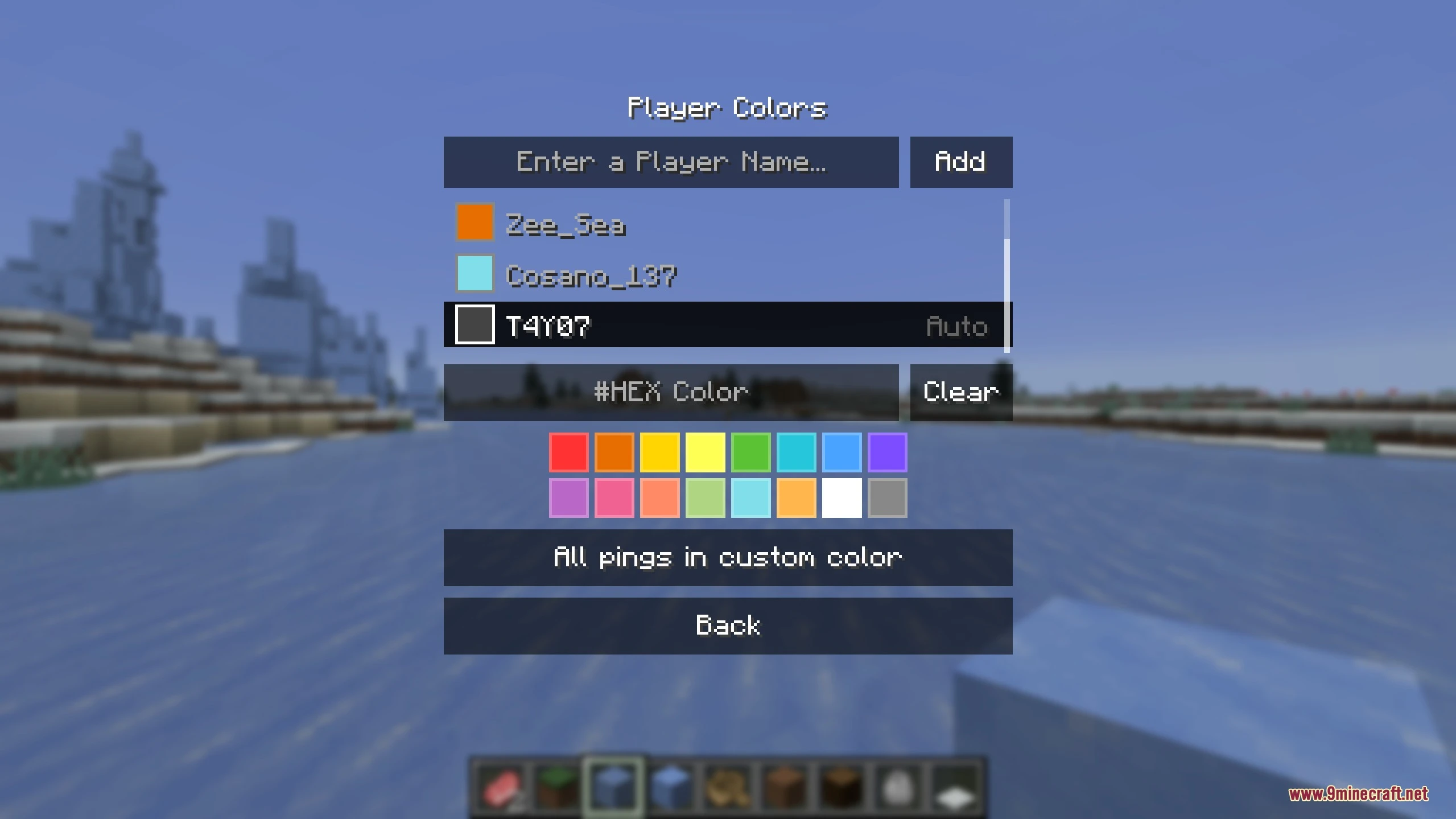
- Lets players change marker colors, icon sizes, screen duration, and sound alerts.
- Includes options to show or hide player names directly below placed markers.
- Comes with a default party code of 1 so friends can start playing together right away.
Ping Types:
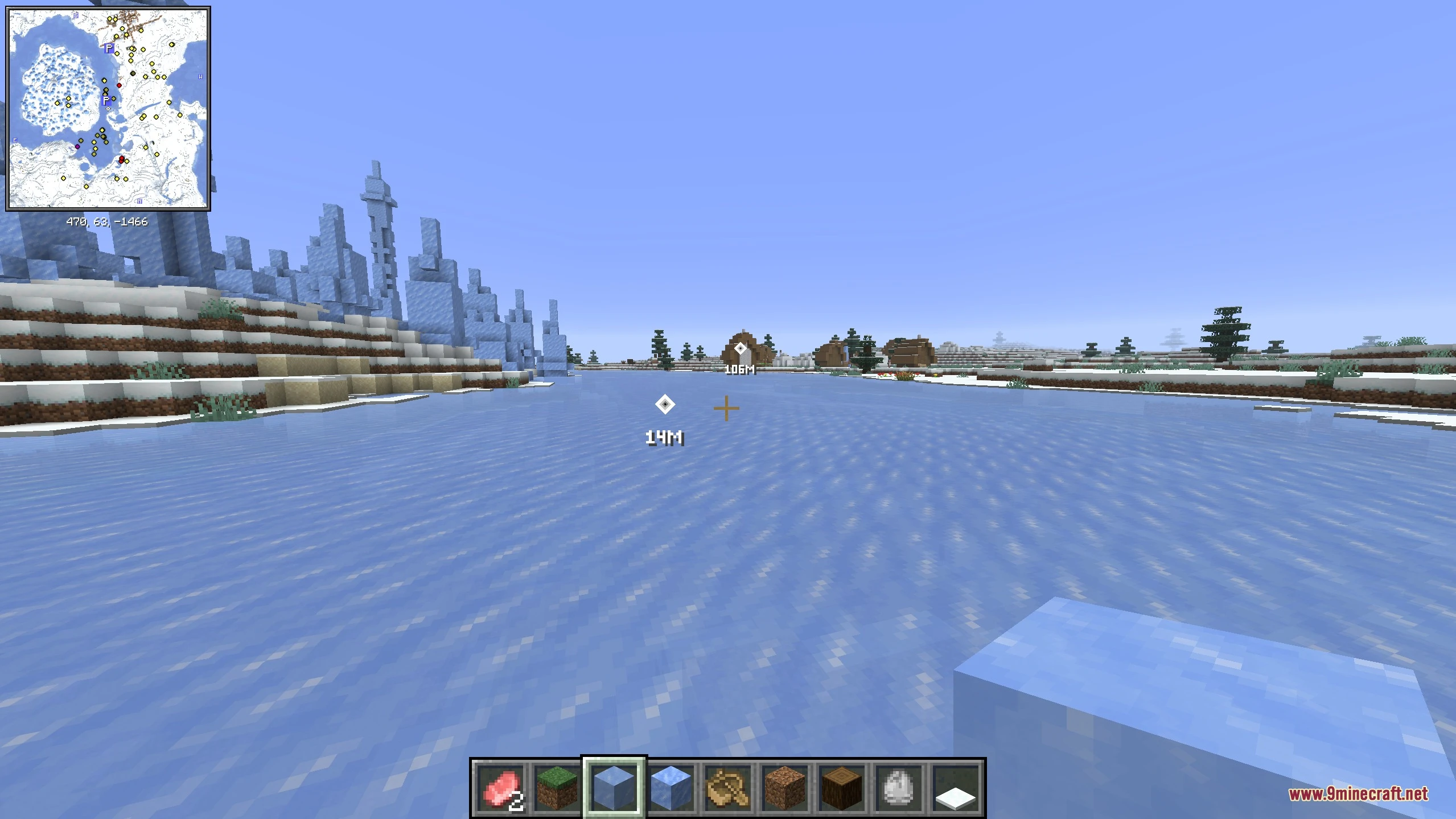
- Normal Ping: marks a target block or general point of interest.
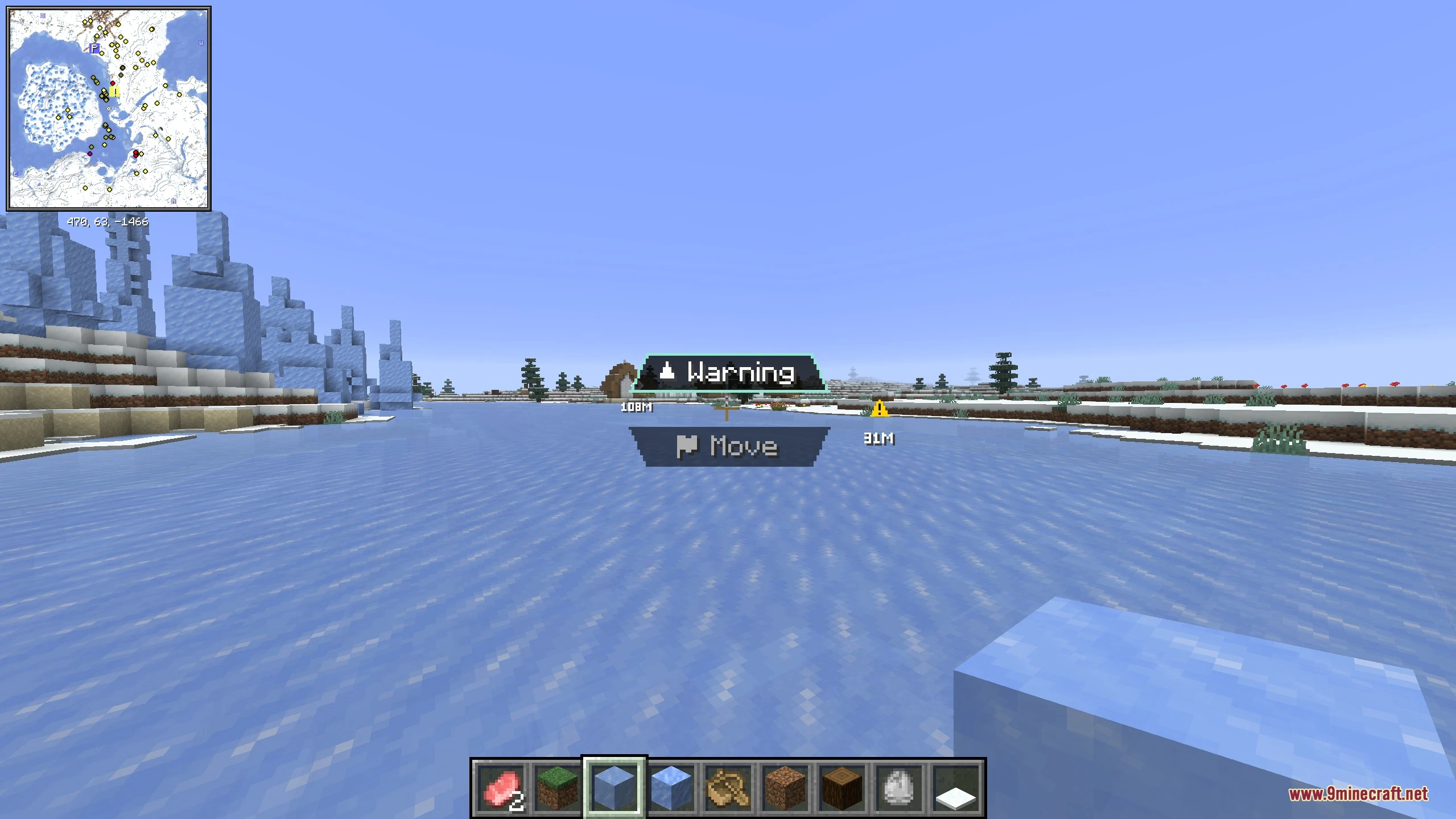
- Warning Ping: alerts teammates about danger or enemy players.
- Move Ping: marks a specific position where your team should head next.
How to Use:
- Open the mod settings menu in game and enter the same party code as your teammates.
- Look at any block or area in your view.
- Click the Middle Mouse Button to place an instant normal ping.
- Hold the Middle Mouse Button to bring up the ping wheel and pick a warning or move alert.
- Open Xaero’s World Map and click the Middle Mouse Button on any location to drop a remote ping.
Screenshots:

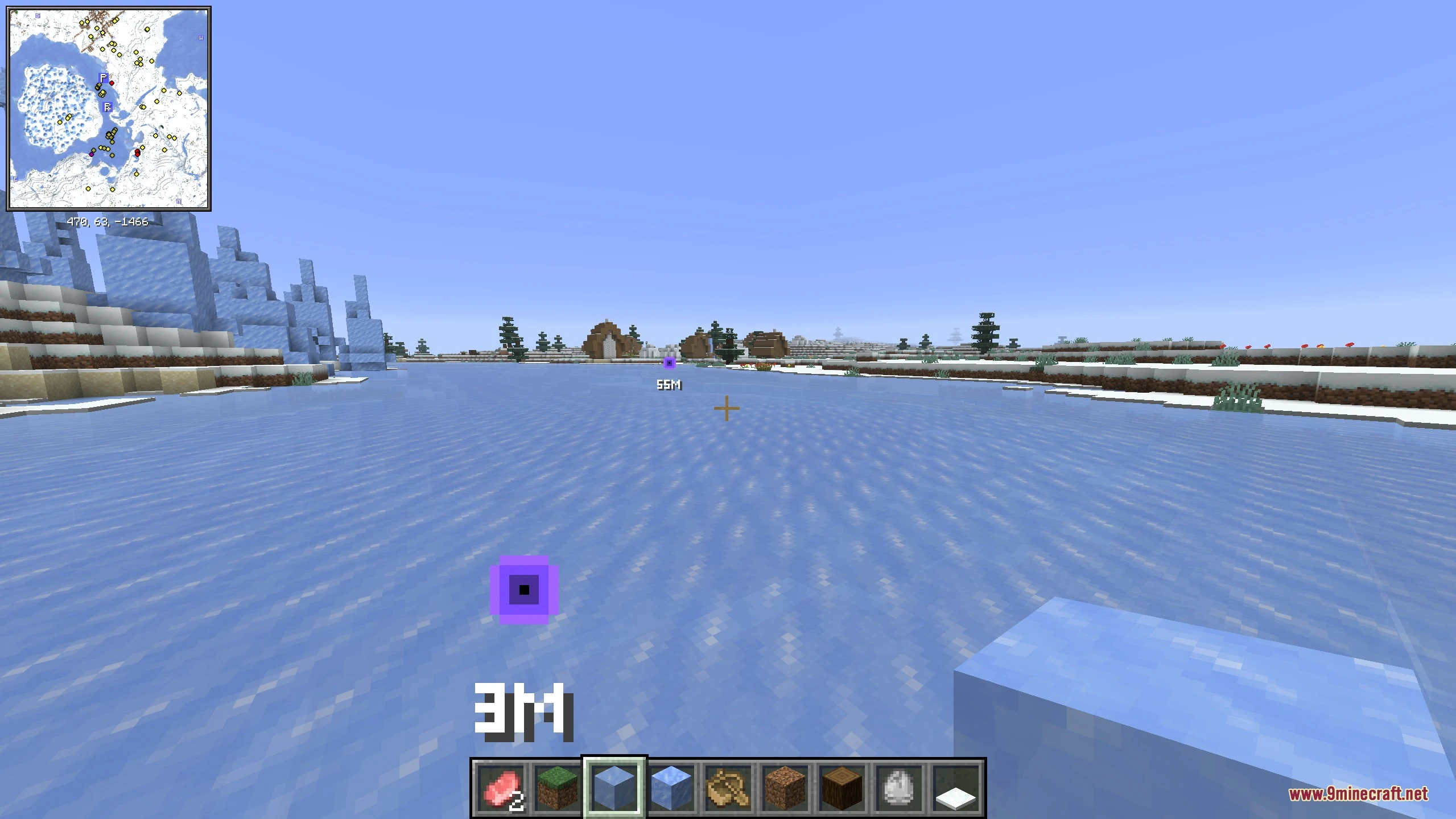

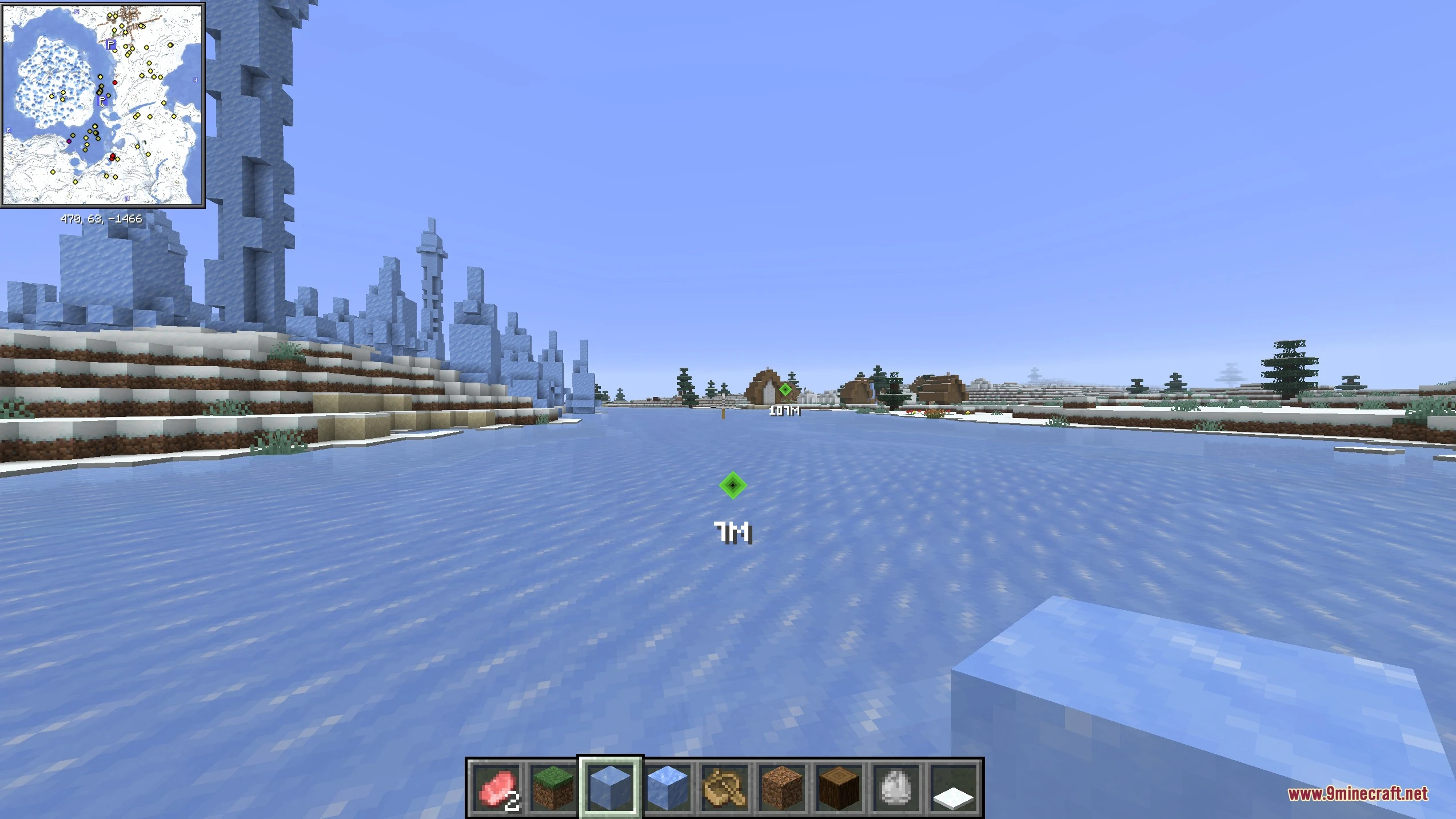

How to Install:
New to Minecraft? Follow our step-by-step guide to install Mods on your PC.View Guide
Requirements:




Simple Multiplayer Ping Mod Download Links
For Minecraft 26.3
For Minecraft 26.2
For Minecraft 1.21.11
For Minecraft 1.21.10, 1.21.9
For Minecraft 1.21.8, 1.21.7, 1.21.6
For Minecraft 1.21.5
For Minecraft 1.21.4, 1.21.3, 1.21.2
For Minecraft 1.21.1, 1.21
Click to rate this post!
[Total: 0 Average: 0]
You May Also Like
Picked for this page
 Friends and Foes Mod (26.3, 1.20.1) – Eliminated & Forgotten Mobs
 Distant Friends Mod (26.3, 1.20.1) – Creepy Player-Like Mobs
 Block Runner Mod (26.3, 1.20.1) – It’s Time to Use Paths to Run Faster
 Trimmable Tools Mod (26.2, 1.20.1) – New Look for Tools and Weapons
 StartInv Mod (26.1.2, 1.20.1) – 15 Seconds Immortality
 Offline Commands Mod (26.3, 1.20.1) – Run Commands on Offline Players
 Look At Player Mod (1.21.11, 1.20.1) – Look At Nearby Players While AFK
 McMouser Mod (26.2, 1.20.1) – Resolving Mouse Woes On MacOS
 LuneX Client Mod (1.21.11) – Win Crystal Fights on Anarchy Servers
 Simple Swap Mod (26.3, 1.20.1) – Instantly Replace Your Building Blocks
 Lapis Reserve Reborn Mod (26.3, 1.21.1) – Keep Lapis in Enchanting Tables
 Shadow Drop Mod (26.3, 1.20.1) – Make Your Inventory Items Pop
Most viewed in Mods over the last 7 days
 Ala Industrial Mod (26.3) – Run Electric Power Grids and Automated Factories
 PleasureCraft Mod (26.3, 1.21.1) – Jenny Mod Remake for Fabric
 Jennycraft Mod (26.3, 1.20.1) – Virtual Girlfriend in Minecraft
 Fapcraft Mod (26.3, 1.12.2) – Comprehensive and Detailed Content
 Jenny Mod (Fapcraft) Official Complete Guide – How to use, Tutorial
 BangCraft Mod (1.20.1) – Jenny, Ellie and Elliot
 Fabric Loader (26.3, 1.20.1) – Fabric Installer for All Minecraft Versions
 The Shooting Star Demo Mod (26.3, 1.20.1) – Vaporize Terrain From Orbit
 Meteor Client Mod (26.3, 1.20.1) – Xray, HUD, Fly
 OptiFine HD (26.3, 1.20.1) – Run Faster, FPS Boost, Shaders Support
 Aristois Client Mod (1.21.4, 1.20.1) – World Class Minecraft Utility
 Prestige Client Mod (1.21.11, 1.21.4) – Powerful Ghost Features for Crystal & Sword PvP
More from Mods
 Create Hand Made Mod (1.21.1) – Craft Create Recipes By Hand in Your Workshop
 Seed Map for Xaero Mod (26.1) – See Rare Biomes and Dungeons Before You Travel
 MCPersist Mod (26.3) – Keep Your World Online for Friends Even After Logging Off
 Minecraft Java MCP Server Mod (1.21.11) – Command Your World Through External AI Tools
 Arcanism Mod (26.2) – Build Magic Factories and Program Custom Spells
 Archangel Client Mod (1.21.11) – Master Every PvP Duel with Clean Screen Stats
 Block Front Survival Patch Mod (1.21.1) – Wage Tactical Warfare in Survival
 Better Enchantment Bookshelf Placement Mod (26.2, 1.20.1)
 SimpleRPGCore Mod (1.21.4, 1.21.1) – Fight with Classic RPG Stats
 Bard RPG Series Plus by Fichte Mod (1.21.1, 1.20.1) – Buff Allies in Combat
 Fabric Gui ImGui Mod (26.3, 1.21.11) – Clean Custom Menus and In-Game Control
 Multi Item Lib Mod (1.20.1) – Wield Custom Gear with Flawless Hand Animations

This post has no comments yet. Be the first — your comment will appear here.