
Simple Tomb Mod (26.3, 1.20.1) – Teleport Straight to Your Death Spot

 0


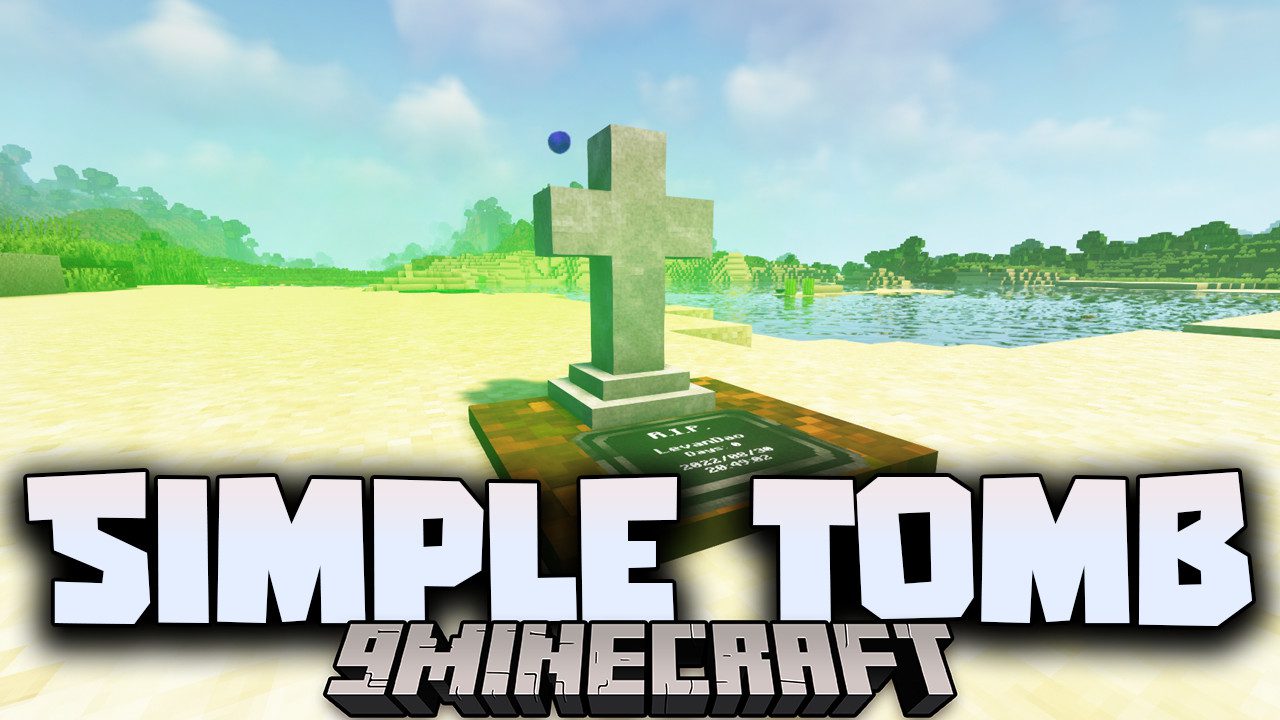
Simple Tomb Mod keeps your items safe in a tombstone whenever you die. After you respawn, this mod gives you a key that shows your grave coordinates and lets you teleport to the grave when you are within range. Only you can open your own tomb, so other players cannot take your loot. It keeps survival gameplay simple by leaving out survival blocks, potions, enchantments, crafting recipes, and magic systems. Server admins also get easy commands to list, restore, delete, or create keys for player graves.
Features:
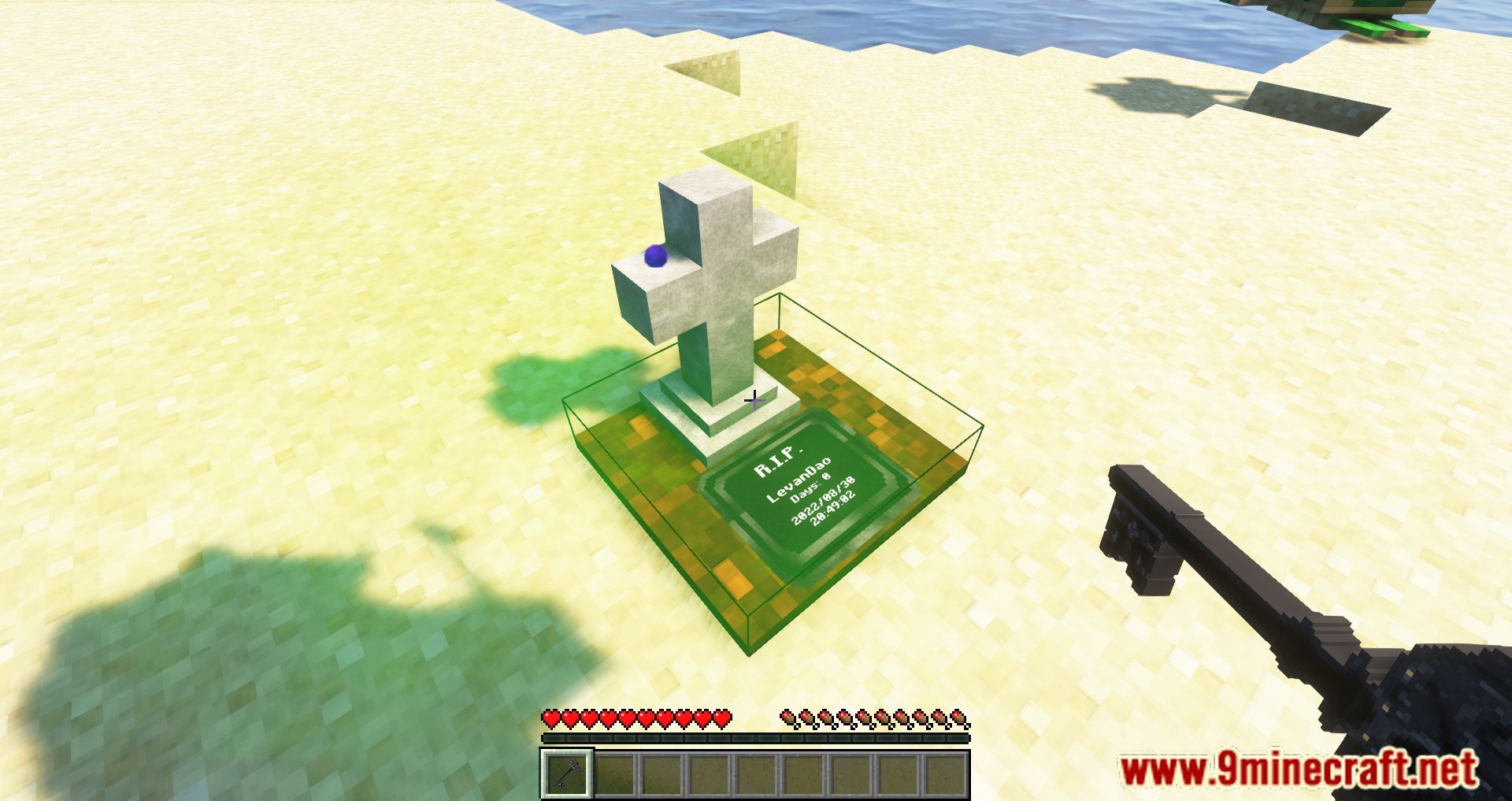
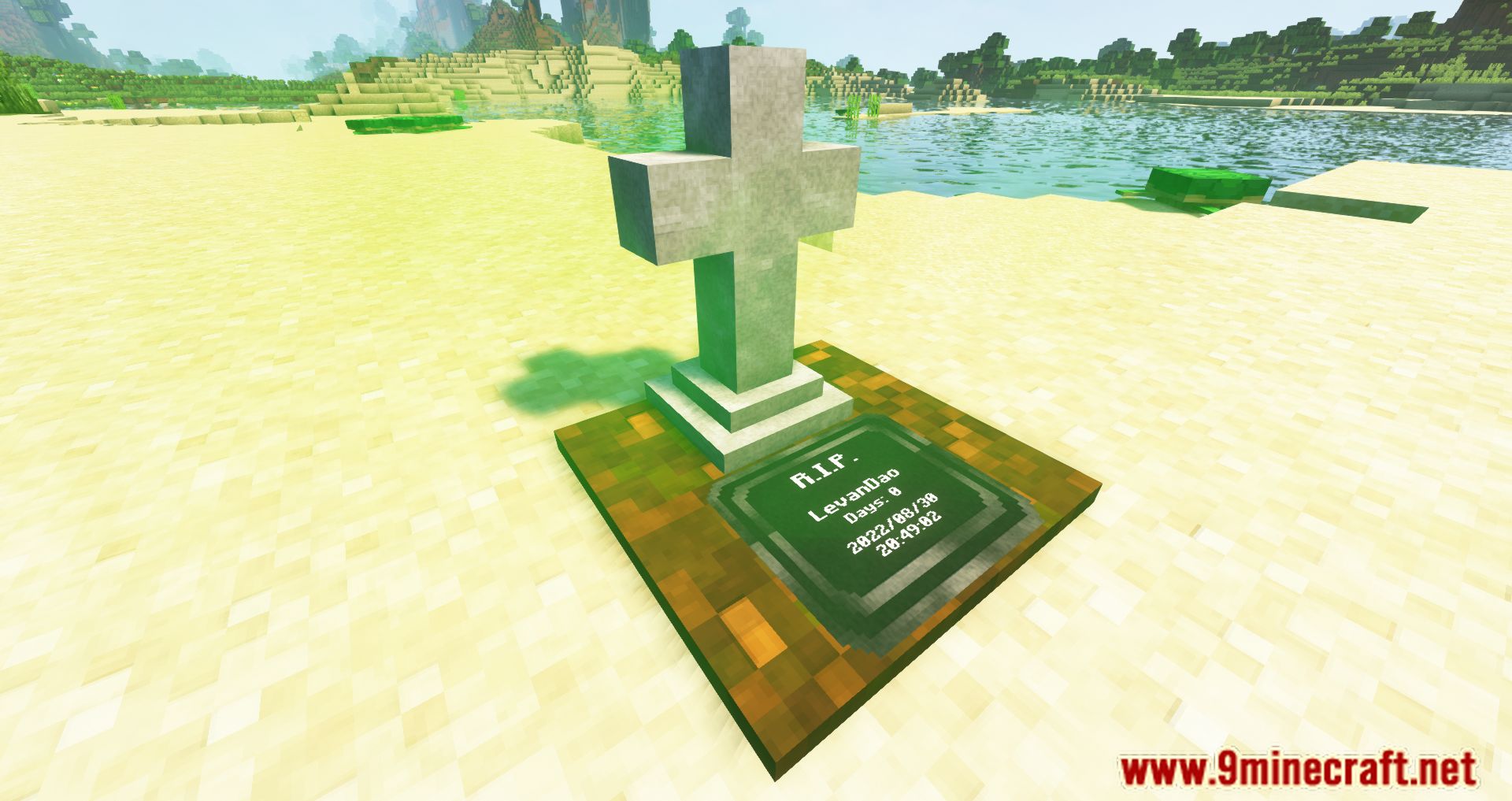
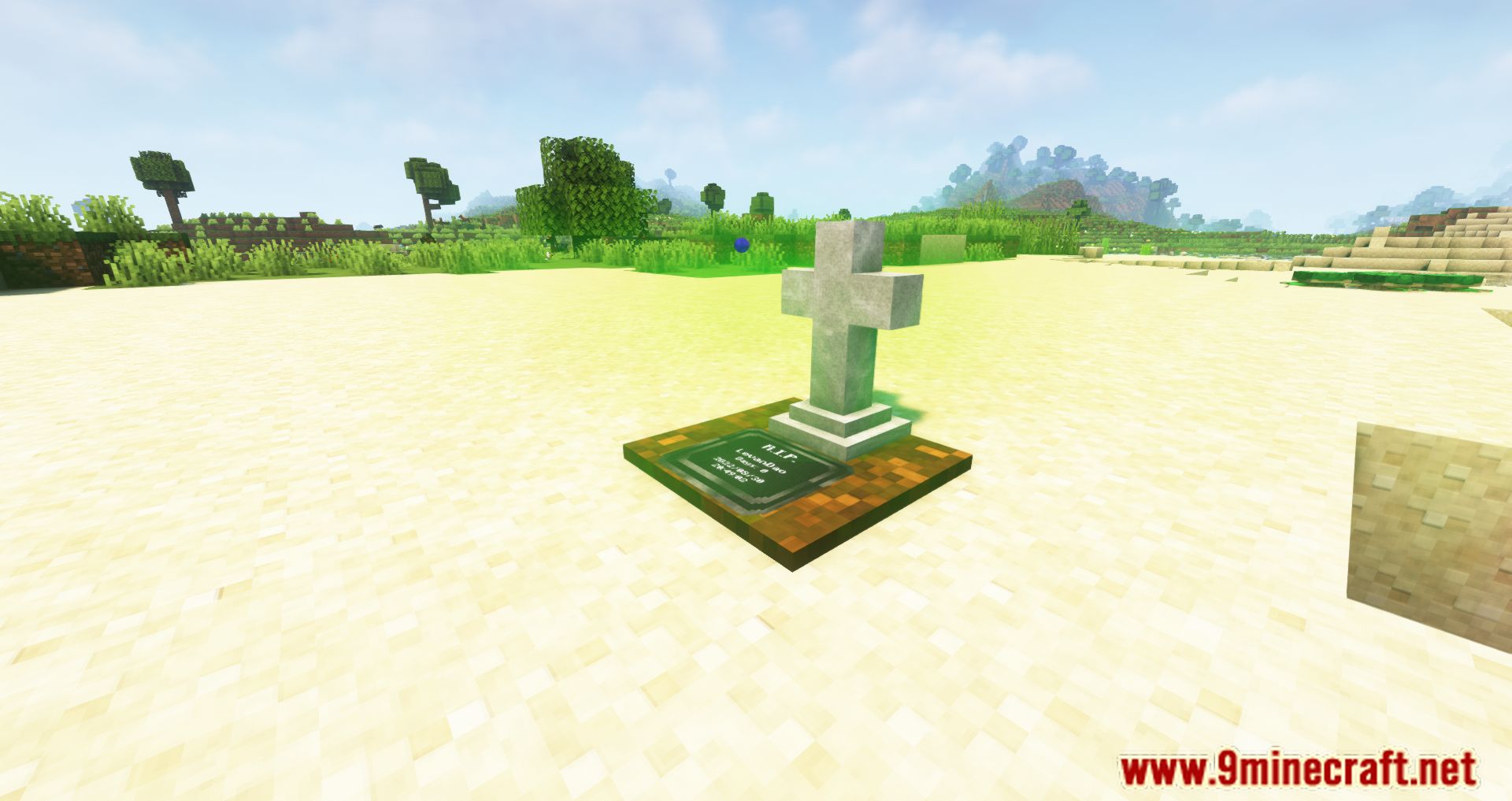
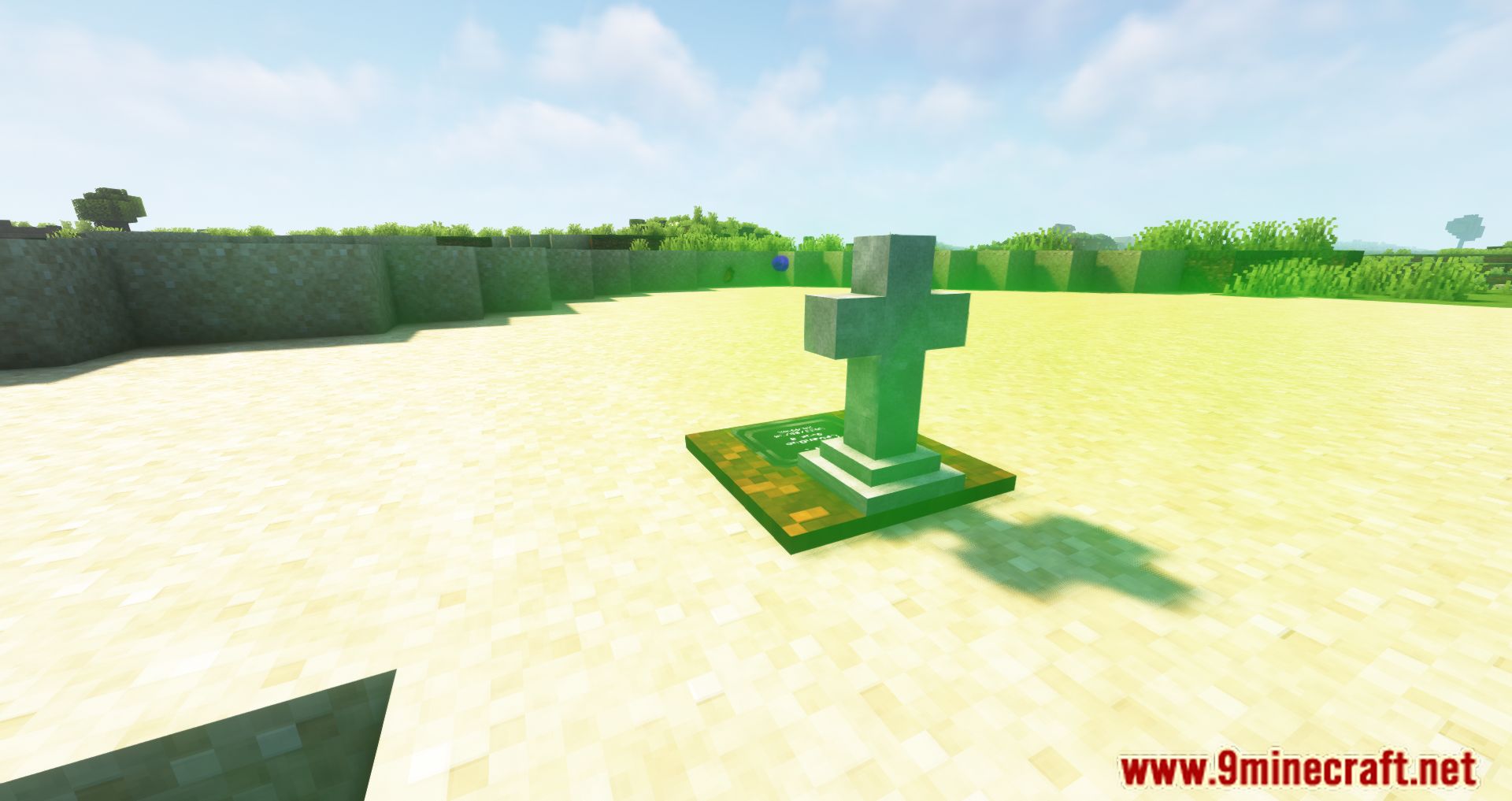
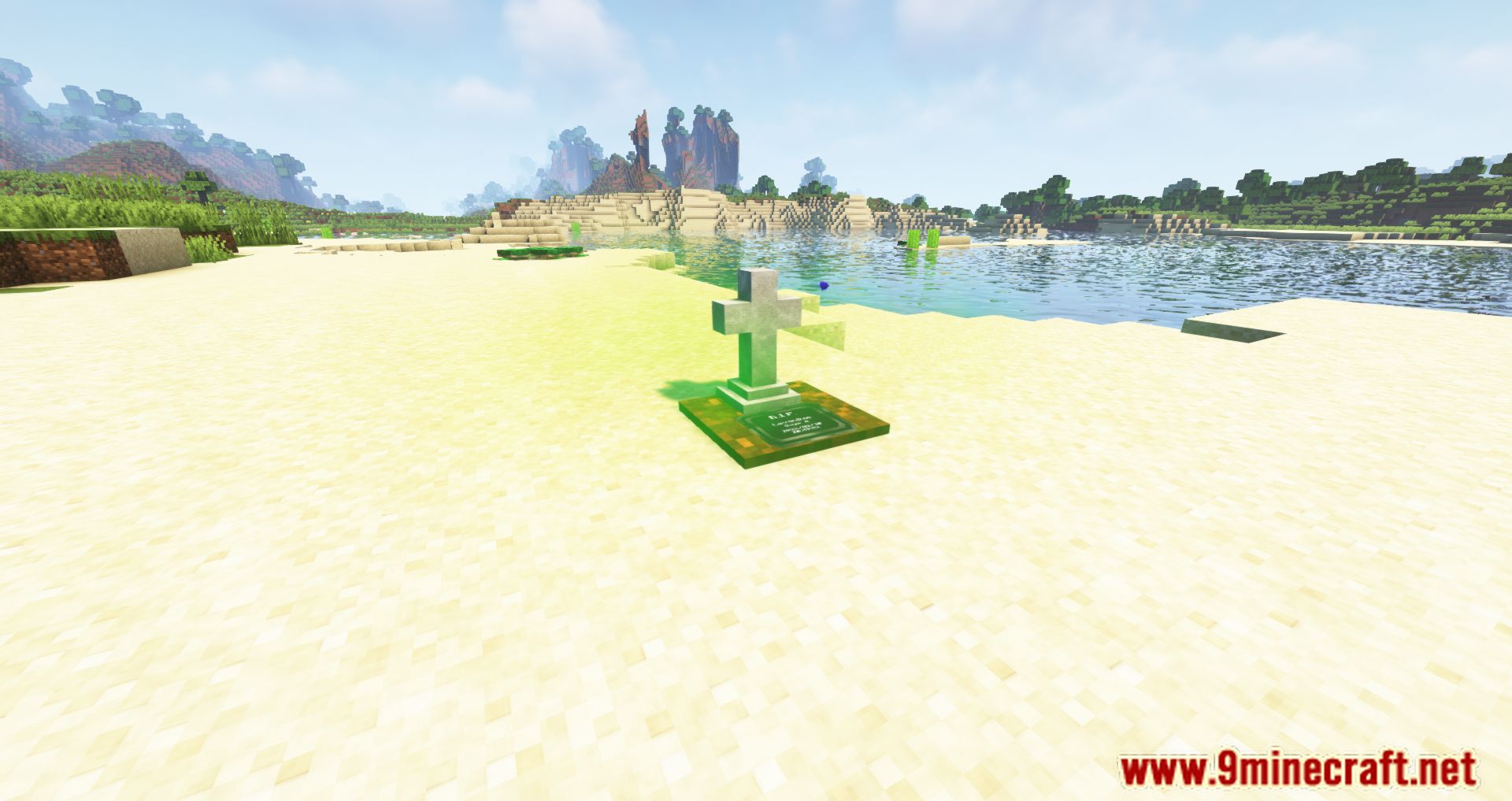
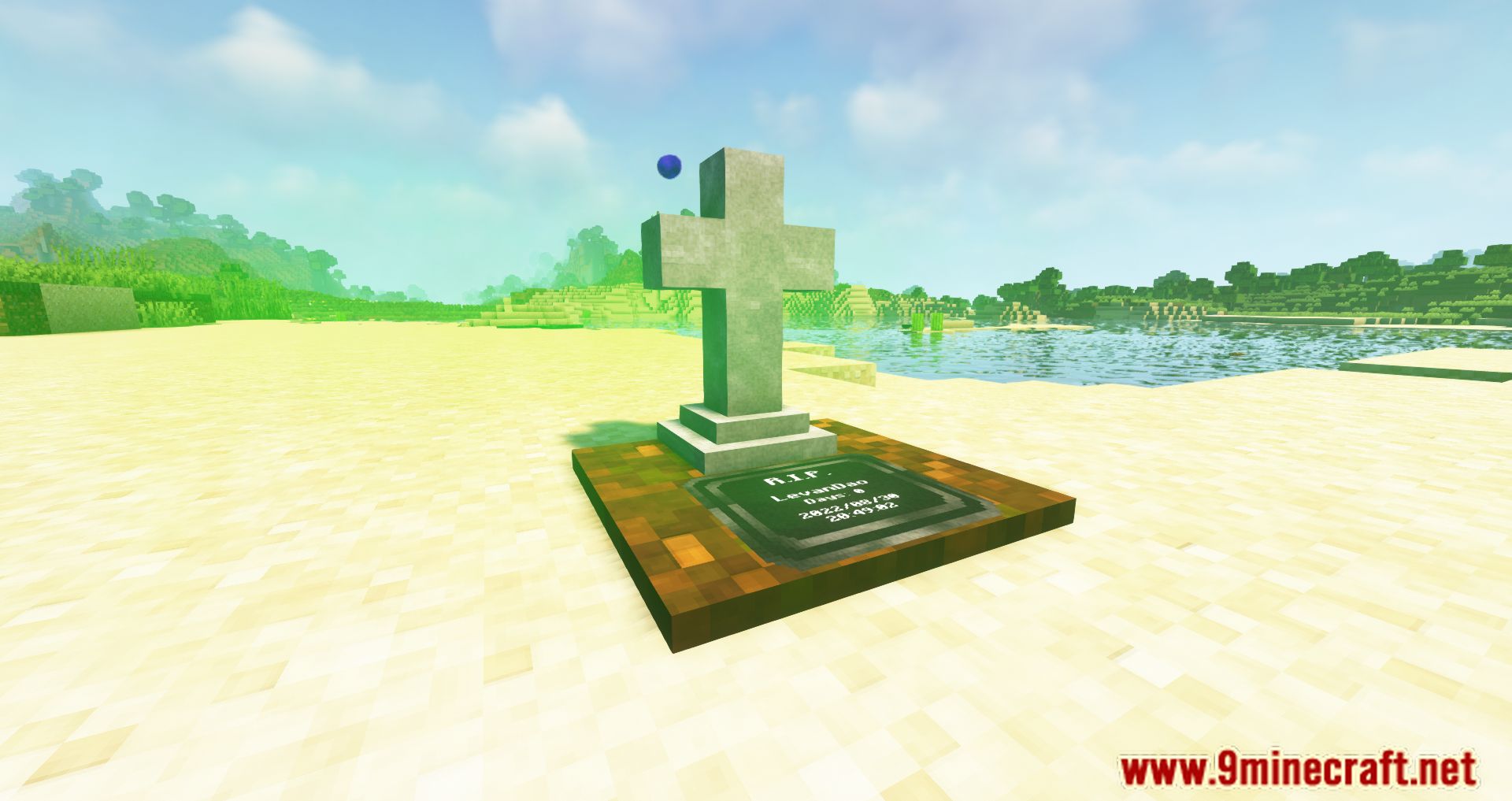
- Death Tombstones: Spawns a tombstone at your exact death spot to store all your dropped items safely.
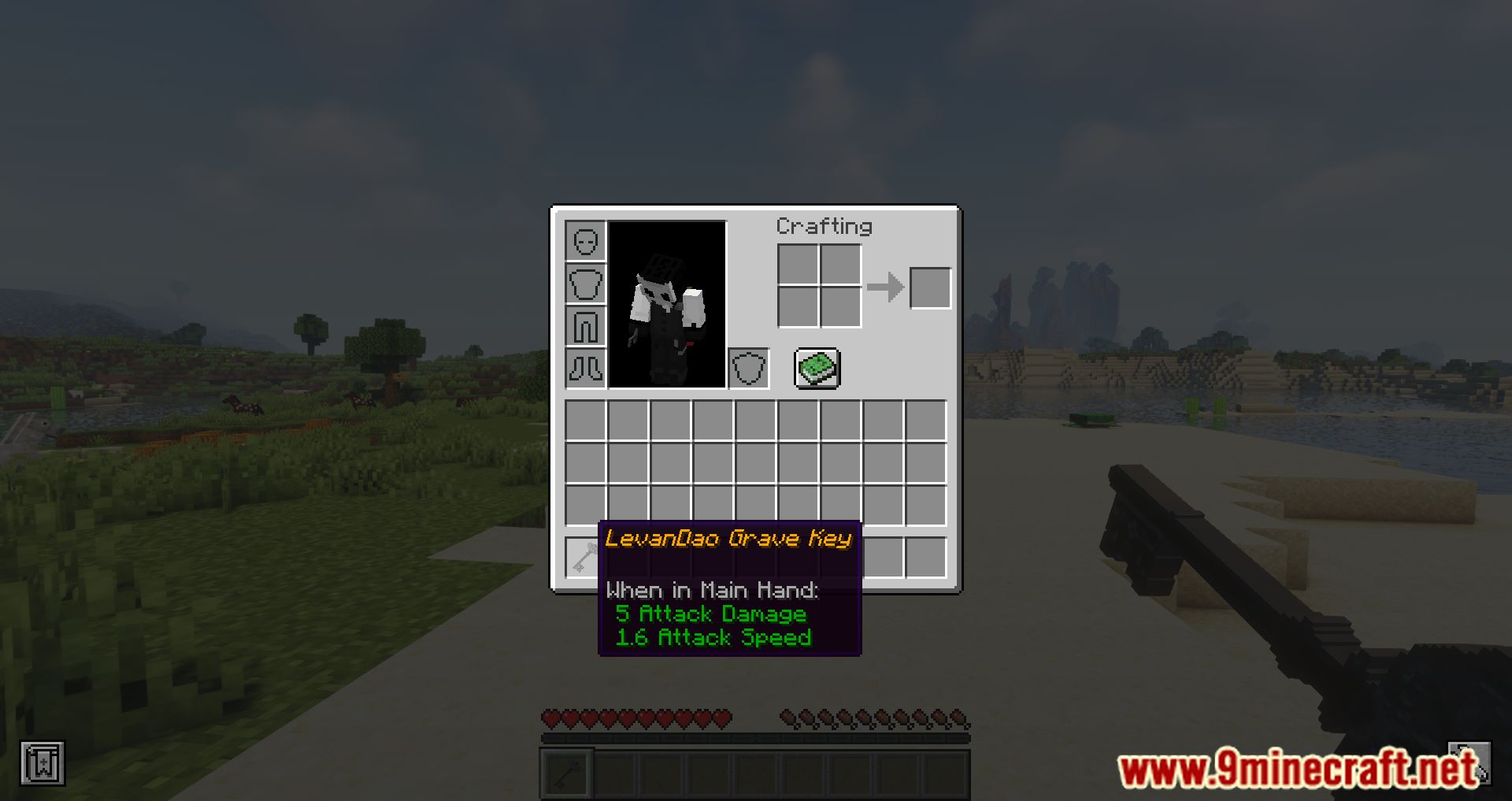
- Grave Key: Gives you a key when you respawn that shows your grave coordinates to help you find it, though you do not need the key to collect your items.
- Key Teleportation: Lets you charge the key like a bow when you are within range to teleport straight to your grave.
- Owner Protection: Locks your tomb so other players cannot open it or take your loot.
- Picks a random design for the tombstone block every time a grave spawns.
- Lets you sneak while standing on top of your tomb to quickly reclaim all stored items.
- Adds no survival blocks, potions, enchantments, crafting recipes, or magic systems so your game stays clean and simple.
- Includes admin commands to list, restore, delete, or create keys for player graves.
Simple Tomb Mod – Video Showcase
Commands:
/simpletomb list <player>: Prints all graves for that player in chat for the admin./simpletomb restore <player> <number>: Places the chosen grave from the list back into the world with all its items./simpletomb key <player> <number>: Gives a key for the chosen grave./simpletomb delete <player>: Deletes the graves for that player.
How to Use:
- Die anywhere in your world to automatically spawn a tombstone at that spot with all your dropped items inside.
- Check the key you get upon respawn to view your grave coordinates and find your way back.
- Hold and charge the key like a bow when you are within range to teleport straight to your grave.
- Stand on top of the tombstone and sneak to collect all your stored items, even if you do not have the key.
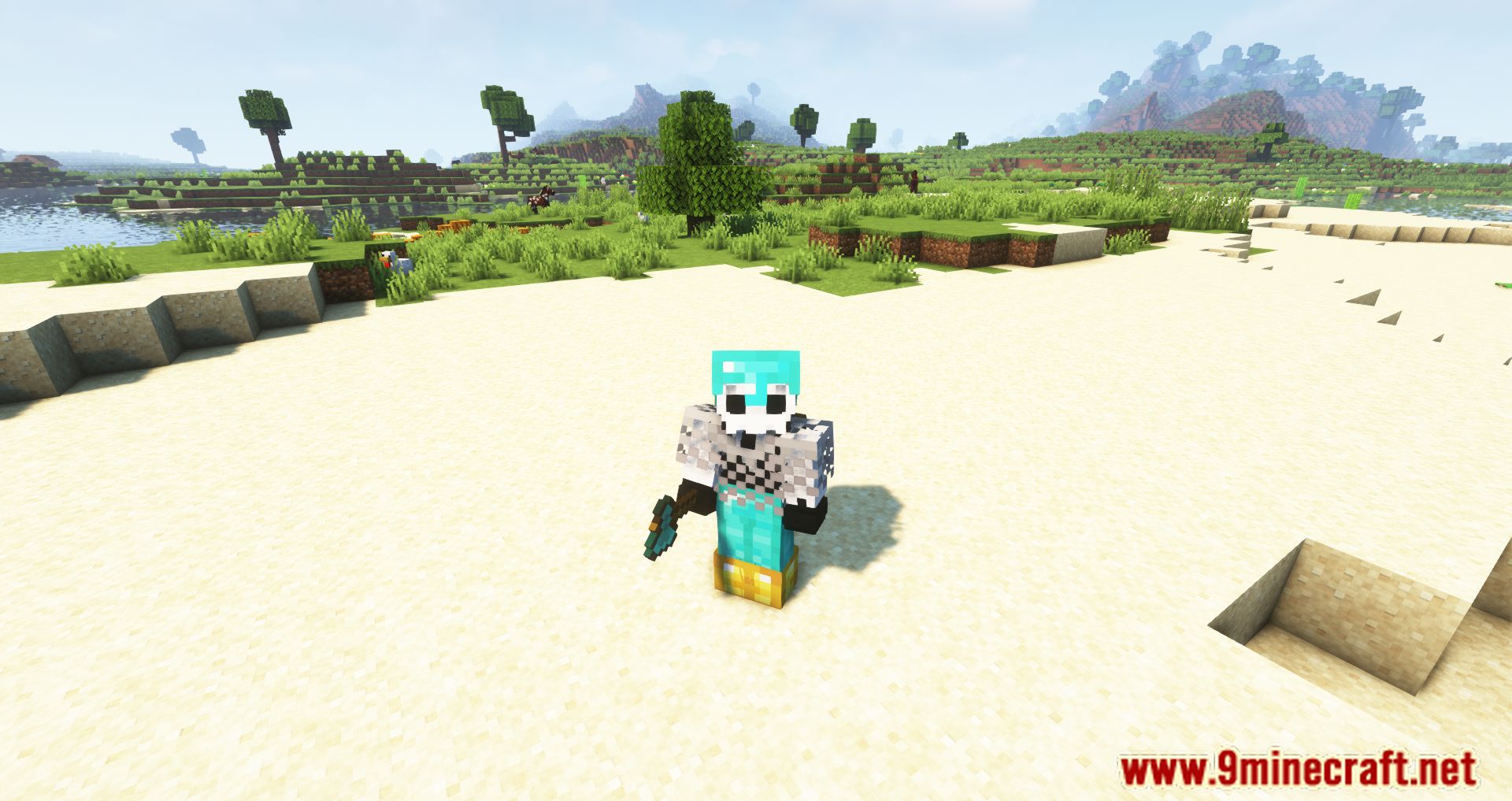
Screenshots:
How to Install:
New to Minecraft? Follow our step-by-step guide to install Mods on your PC.View Guide
Requirements:


Simple Tomb Mod Download Links
For Minecraft 26.3
For Minecraft 26.2
For Minecraft 26.1.2, 26.1.1, 26.1
For Minecraft 1.21.11
For Minecraft 1.21.4
For Minecraft 1.21.1, 1.21
For Minecraft 1.20.1, 1.20
For Minecraft 1.19.4
For Minecraft 1.19.3
For Minecraft 1.19.2, 1.19.1, 1.19
For Minecraft 1.18.2
For Minecraft 1.18.1
For Minecraft 1.17.1
For Minecraft 1.16.5
For Minecraft 1.15.2
For Minecraft 1.12.2
Click to rate this post!
[Total: 0 Average: 0]
You May Also Like
Picked for this page
 Double Doors Mod (26.3, 1.20.1) – Doors will Now Open and Close Together
 Immersive Petroleum Mod (1.21.1, 1.20.1) – Power Your World with Oil
 Food TXF Mod (26.3, 1.20.1) – Extra Food Items!
 Compact Storage Mod (26.2, 1.20.1) – Carry Everything You Find
 Balkon’s WeaponMod: Legacy Mod (26.3, 1.20.1) – The Ultimate Weapon Pack
 Fancy Block Particles Renewed Mod (26.1.2, 1.20.1) – 3D Digging Particles
 DarkStarter Mod (26.3, 1.20.1) – RPG Starter Login Item Rewards
 PneumonoCore Mod (26.3, 1.20.1) – The Heart Of Pneumono_’s Mods
 Nether Coords Mod (26.2, 1.20.1) – Custom Coordinates
 Chat Tools Mod (26.3, 1.20.1) – Advanced Tools and Customization Chat Options
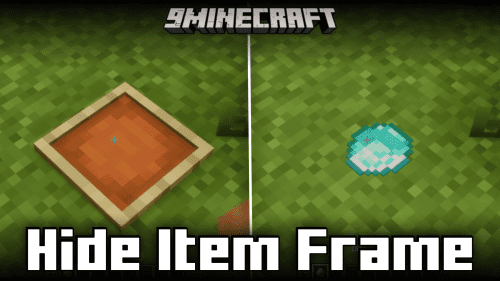 Hide Item Frame Mod (26.3, 1.20.1) – Equipped Item Frames Turn Invisible
 Better Allay Mod (1.21.11, 1.20.1) – Enhanced Allay Behavior
Most viewed in Mods over the last 7 days
 Ala Industrial Mod (26.3) – Run Electric Power Grids and Automated Factories
 PleasureCraft Mod (26.3, 1.21.1) – Jenny Mod Remake for Fabric
 Jennycraft Mod (26.3, 1.20.1) – Virtual Girlfriend in Minecraft
 Fapcraft Mod (26.3, 1.12.2) – Comprehensive and Detailed Content
 Jenny Mod (Fapcraft) Official Complete Guide – How to use, Tutorial
 BangCraft Mod (1.20.1) – Jenny, Ellie and Elliot
 Fabric Loader (26.3, 1.20.1) – Fabric Installer for All Minecraft Versions
 The Shooting Star Demo Mod (26.3, 1.20.1) – Vaporize Terrain From Orbit
 Meteor Client Mod (26.3, 1.20.1) – Xray, HUD, Fly
 OptiFine HD (26.3, 1.20.1) – Run Faster, FPS Boost, Shaders Support
 Aristois Client Mod (1.21.4, 1.20.1) – World Class Minecraft Utility
 Prestige Client Mod (1.21.11, 1.21.4) – Powerful Ghost Features for Crystal & Sword PvP
More from Mods
 Improved Boss Bars 9minecraft Mod (26.3) – Unique Health Bars for Every Boss Fight
 Cozy’s Improved Wolves Mod (26.3, 1.20.1) – Bond with Loyal Dogs That Never Die
 Cuisine Craft Mod (1.21.11, 1.20.1) – Cook Restaurant Dishes with Fresh Farm
 XinexLib Mod (1.21.1) – Keep Your Ultreon Studios Mods Running
 Libvulpes – Fixed Mod (1.12.2) – Launch Rockets with Fewer Bugs
 Freelook Perspective Mod (26.3, 1.21.1) – Watch Your Back While Sprinting
 FAUNA Engine Mod (1.21.1, 1.20.1) – Powering Legendary Dragons
 Avali Nexus Mod (26.3) – Settle Frozen Frontiers with High-Tech Bird Tribes
 Orient’s Hotpot Chronicles Mod (1.20.1) – Boil Fresh Hotpot Meals Over Open Flames
 Far Lands Traveler Mod (26.1.2) – Survive the Long Trek to the Edge of the World
 Beli’s SkyLyrics Mod (1.21.11) – Sing Along to Desktop Tracks Projected in the Night Sky
 Explainstone and Songmelyn Mod (1.21.1) – Broadcast Custom Music Across Your Base

This post has no comments yet. Be the first — your comment will appear here.