


SL Library Mod (1.21.1, 1.20.1) – Run Custom Data Packs Across Every World
 0
0
 0
0

“`json
{
“title”: “SL Library Mod”,
“subtitle”: “Backend Network Sync and Global Data Packs”,
“content”: ”
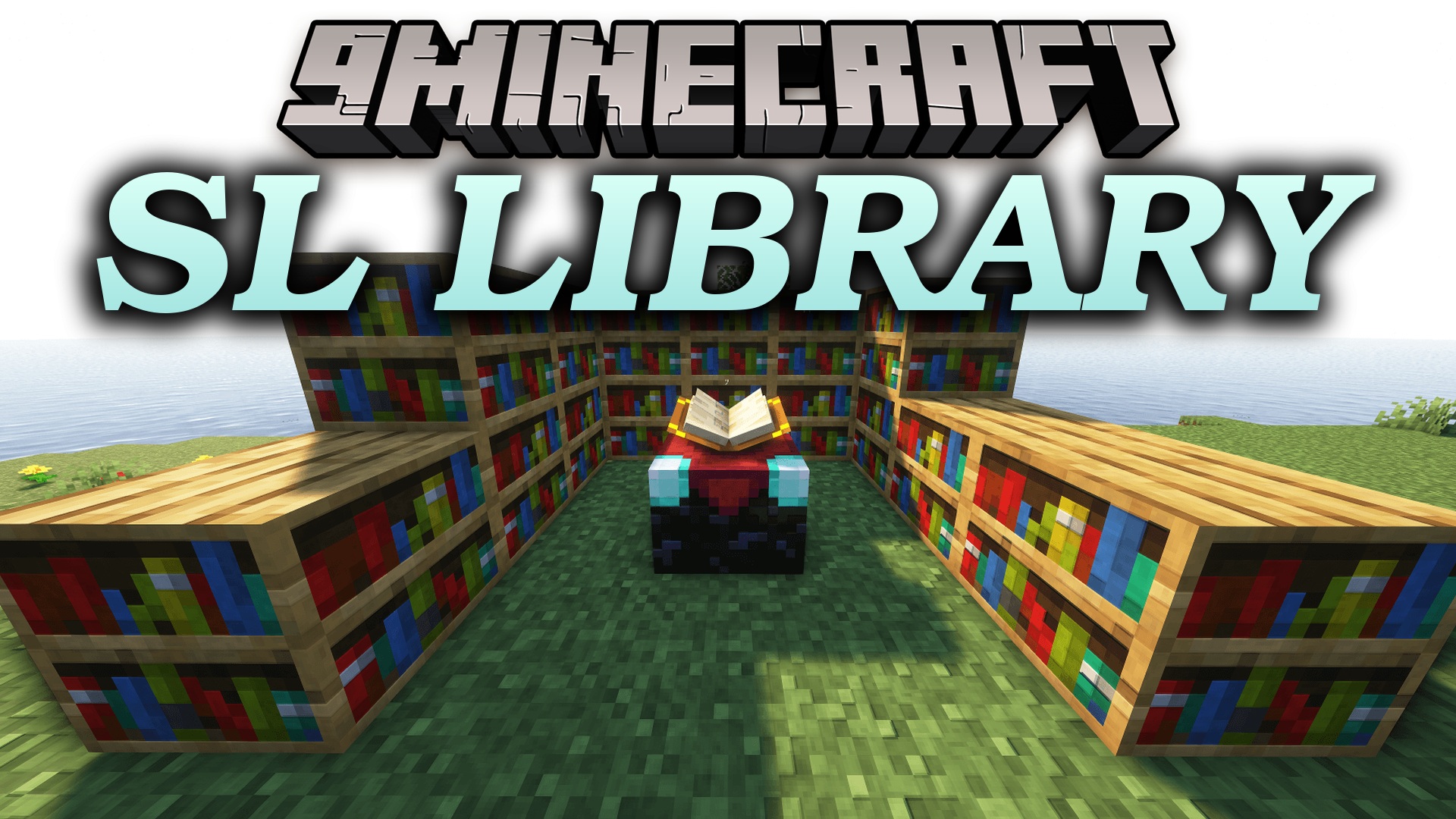
SL Library Mod provides backend utilities, packet sync, and global data handling for Minecraft. It handles client-server communication, custom particle effects, and gameplay triggers. The mod also lets you run resource packs and data packs across every single world automatically.
Features:
- Synchronizes custom packets, tags, cooldowns, and visual states between the client and server.
- Includes a custom particle engine that renders text particles and custom movement paths.
- Handles player inputs, combat behavior, targeting actions, and client camera controls.
- Runs conditional logic chains based on player stats, items, equipment, and game events.
- Loads resource packs globally across all worlds from a single central folder.
- Loads data packs automatically for every save file without manual installation per world.
- Helps register in-game commands and manages background file operations.
How to Use:
- Open your main
.minecraftdirectory. - Find the
data_drivenfolder created by the mod. - Place global texture files into
.minecraft/data_driven/resourcepacks. - Place global game data files into
.minecraft/data_driven/datapacks. - Launch the game to have your packs active across all worlds automatically.
Configuration:
modLoader="lowcodefml"
loaderVersion="[47,)"
license="All Rights Reserved"
[[mods]]
modId=”your_modid”
displayName=”Your Mod Name”
version=”1.0″
authors=”you”
[[dependencies.your_modid]]
modId=”sl_data_driven”
mandatory=true
versionRange=”*”
ordering=”AFTER”
side=”BOTH”
“,
“excerpt”: “SL Library Mod provides network packet synchronization, custom text particles, and global folders to run data packs automatically across all worlds.”,
“focus_keyword”: “SL Library Mod”,
“dependencies”: [],
“tags”: [
“Library & API”,
“Tool & Utility Mods”,
“Server Utility Mods”,
“Quality of Life & Cosmetic Mods”
]
}
“`
How to Install:
New to Minecraft? Follow our step-by-step guide to install Mods on your PC.View Guide
Requirements:


SL Library Mod Download Links
For Minecraft 1.21.1, 1.21
For Minecraft
1.20.1,
1.20,
Client
All Versions Covered
1.20.1
1.20
Client
Forge
Server
You May Also Like






This post has no comments yet. Be the first — your comment will appear here.