
Slyde Mod (26.3, 1.20.1) – Push Client Settings Past Default Game Limits

 0


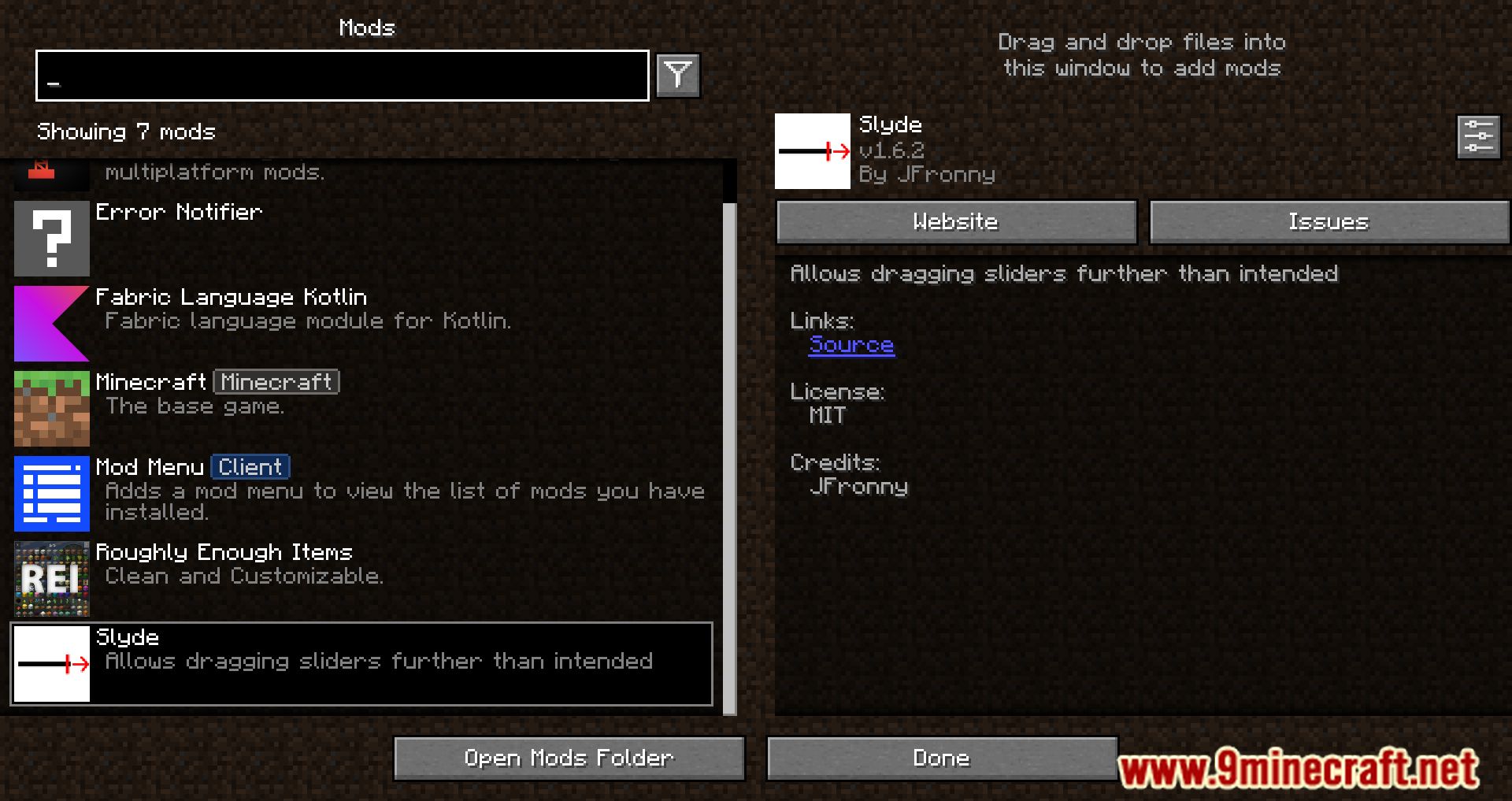
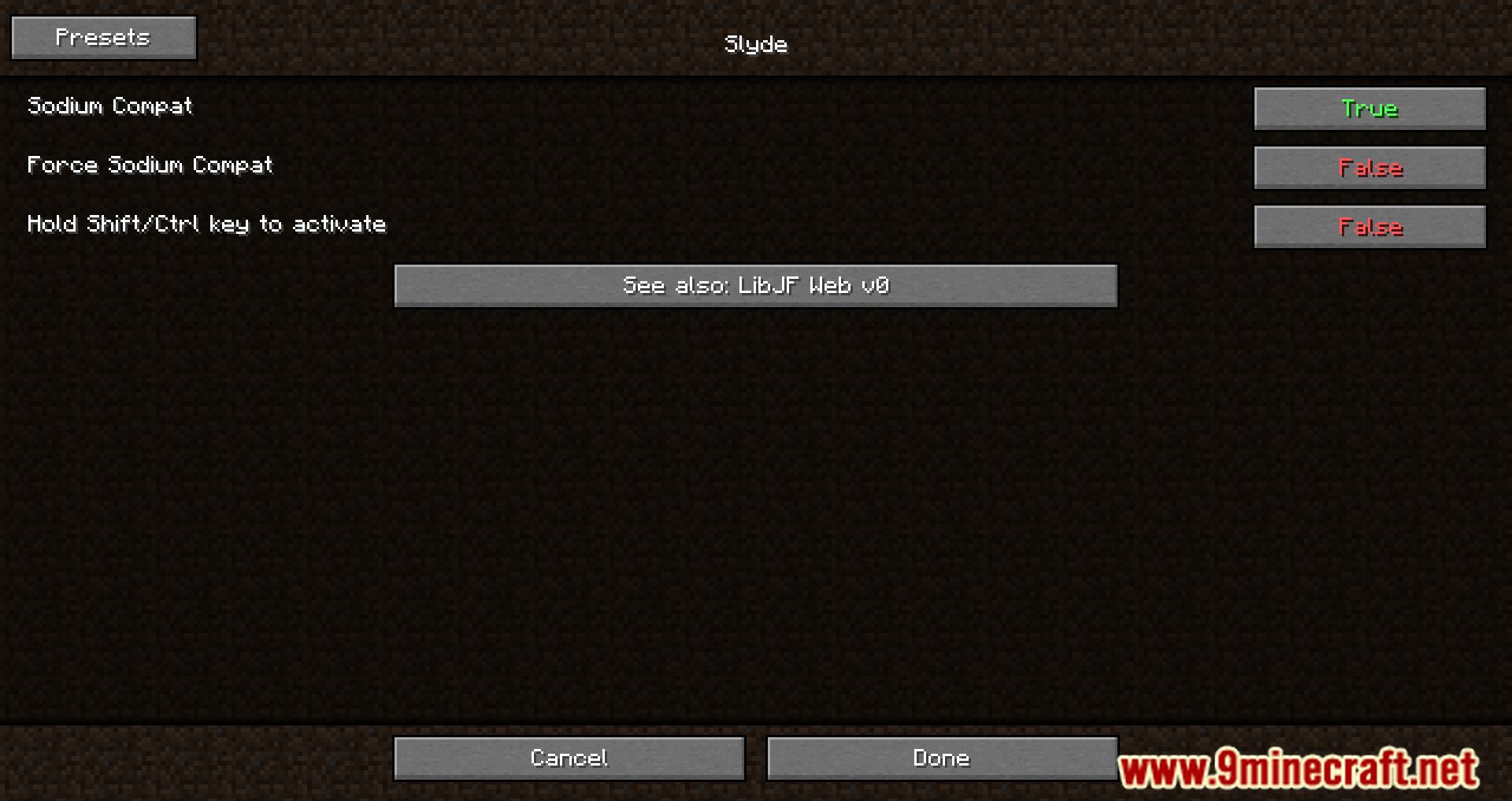
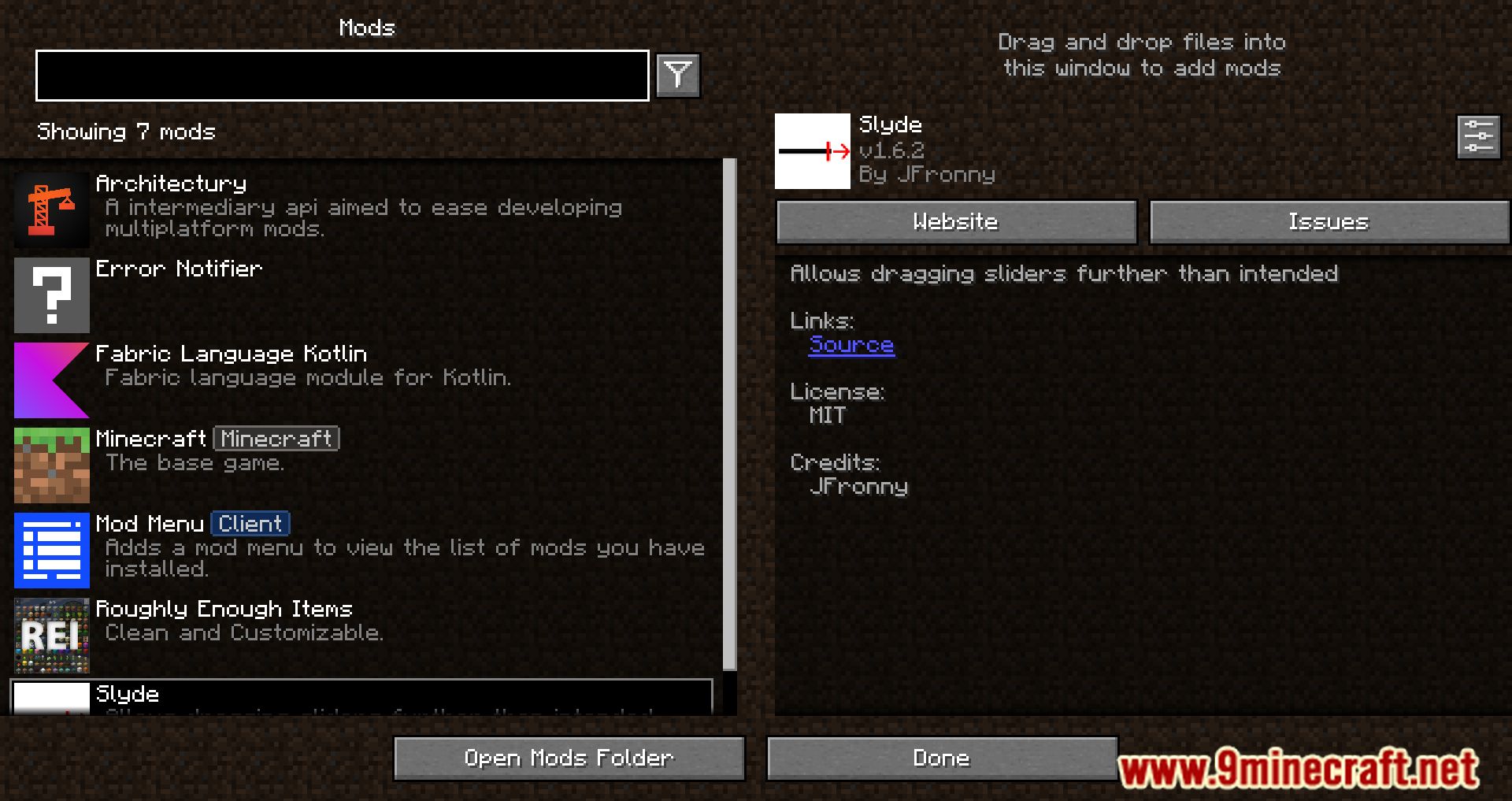
Slyde Mod lets you set extreme or normally restricted game options, such as higher FOV or increased gamma, by bypassing default limits. It changes the menu sliders and modifies the options code to give you full control over your client settings.

Features:
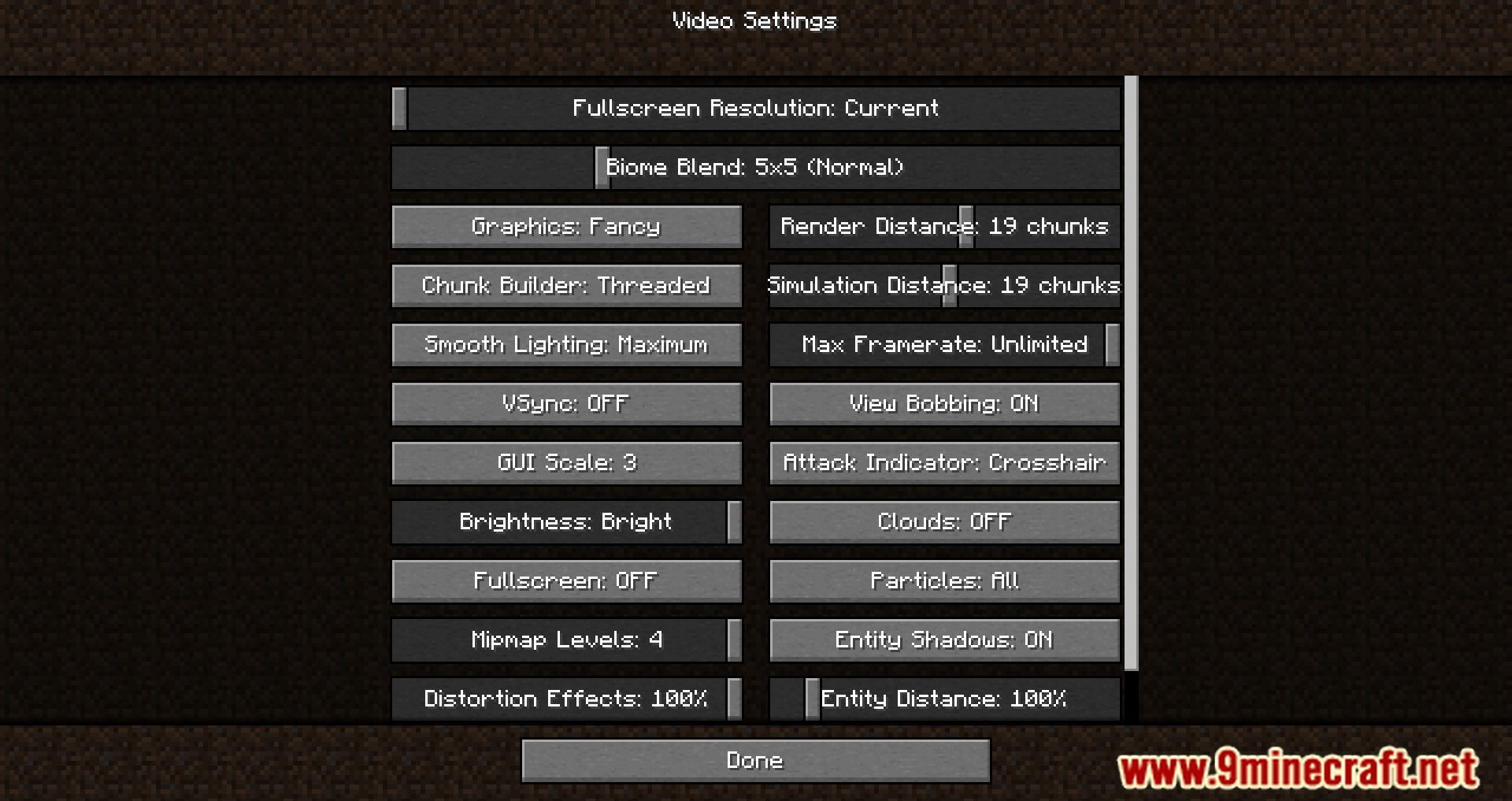
- Allows dragging game option sliders further than intended by the game limits.
- Supports extreme field of view (FOV) effects and increased gamma settings for better visibility.
- Modifies both the menu widgets and the core options code to accept custom values.
- Triggers game crashes if you push certain settings too far, such as changing target resolutions outside safe slider bounds.
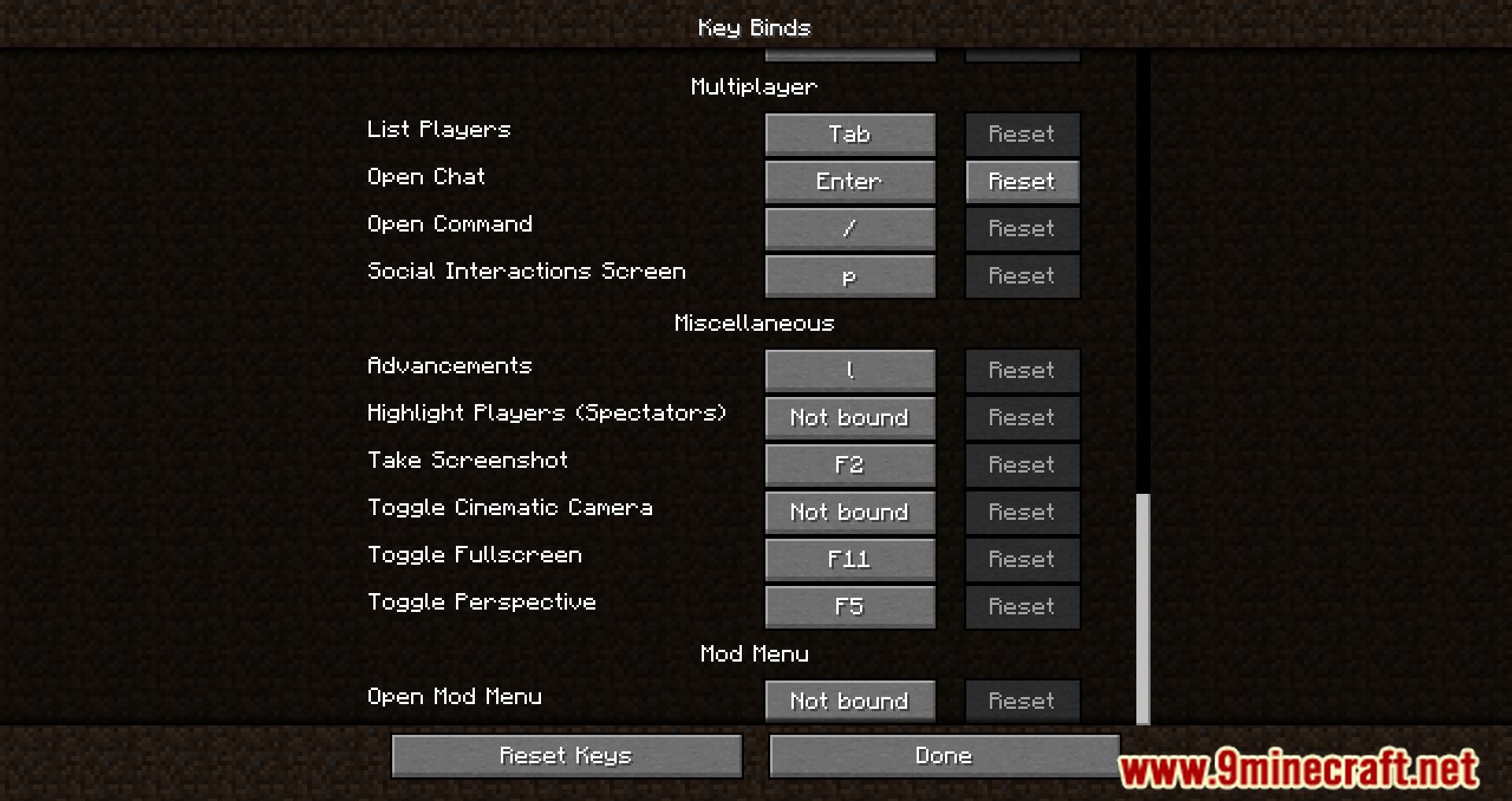
Screenshots:
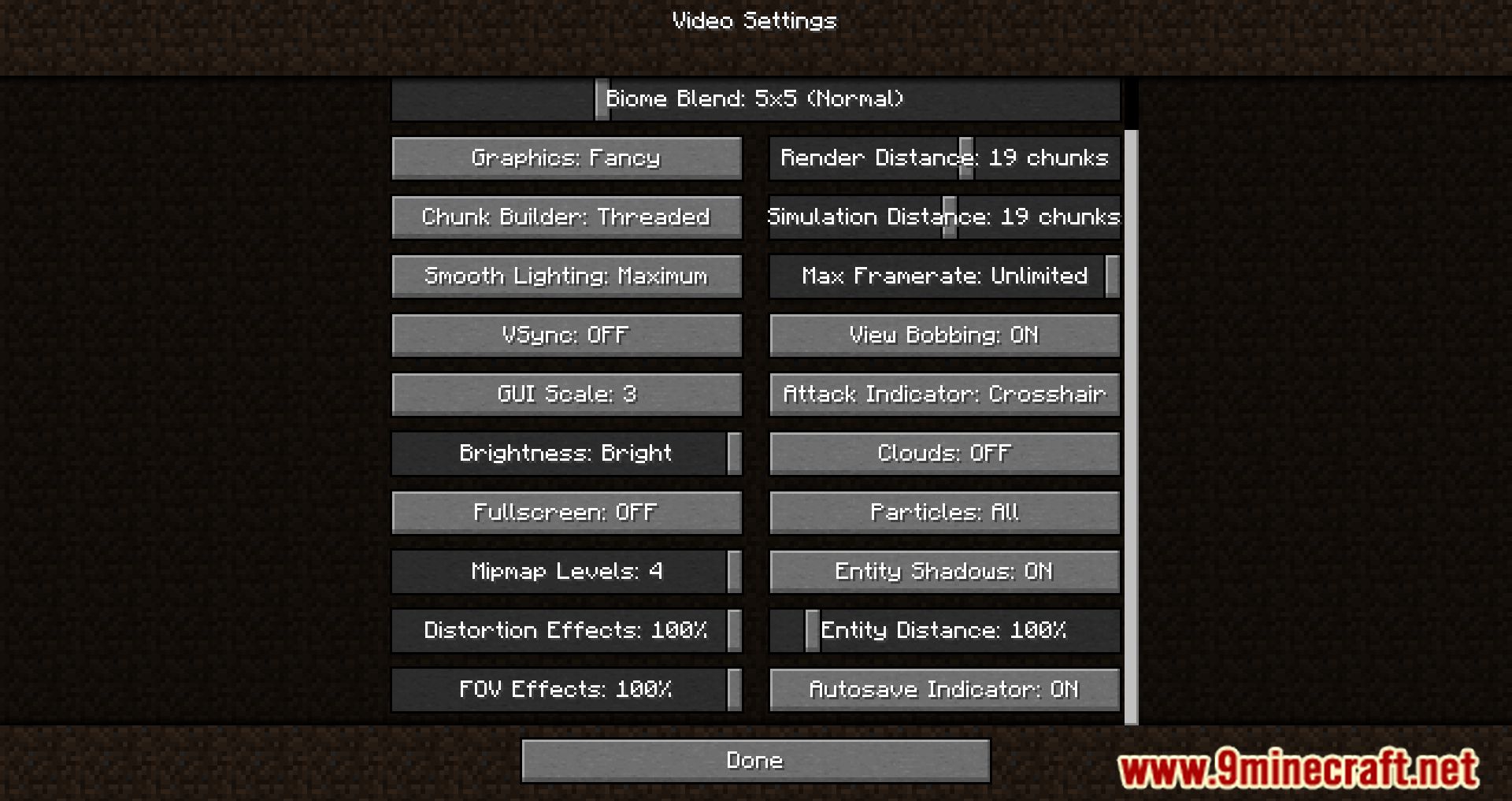
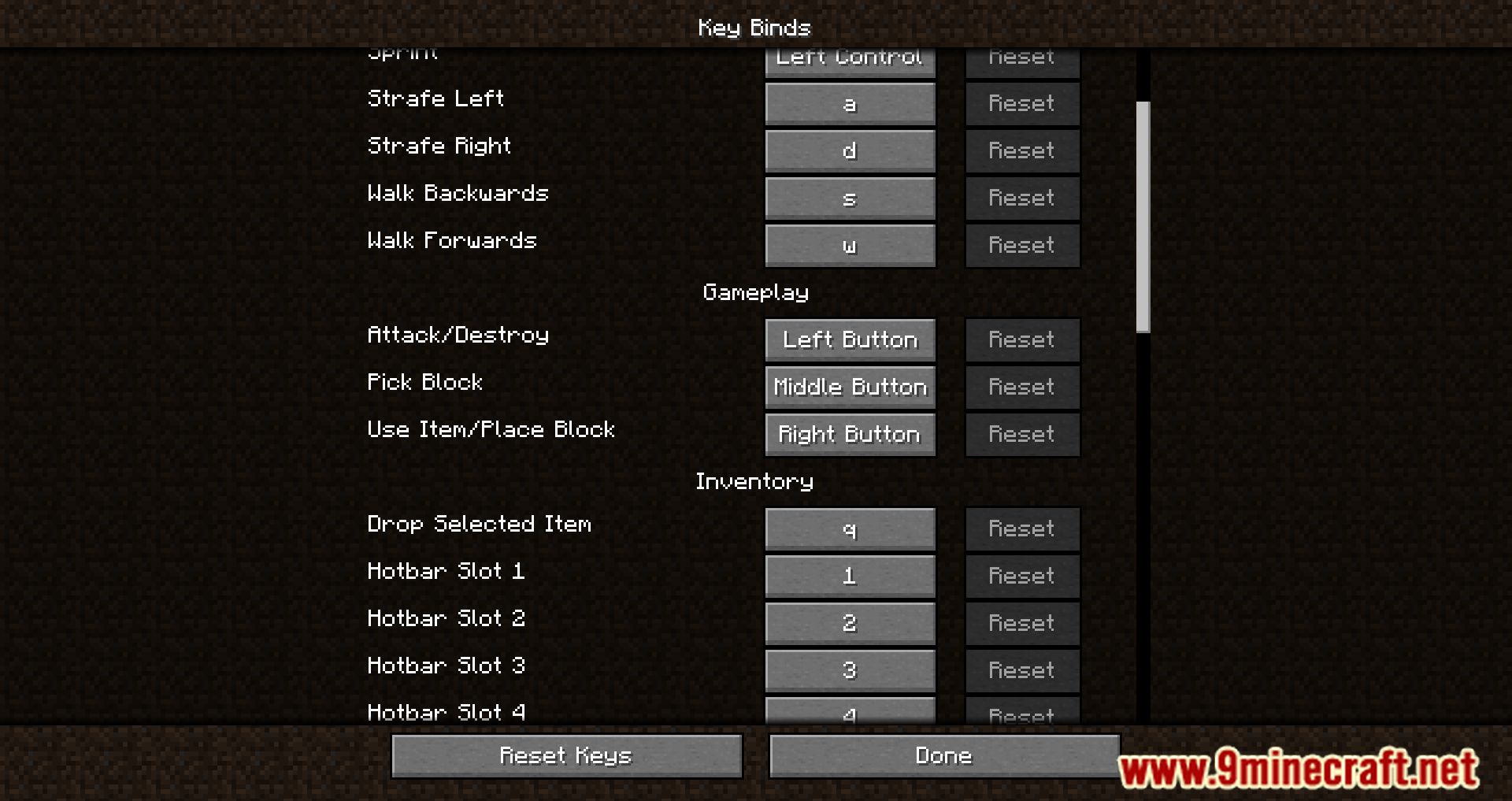
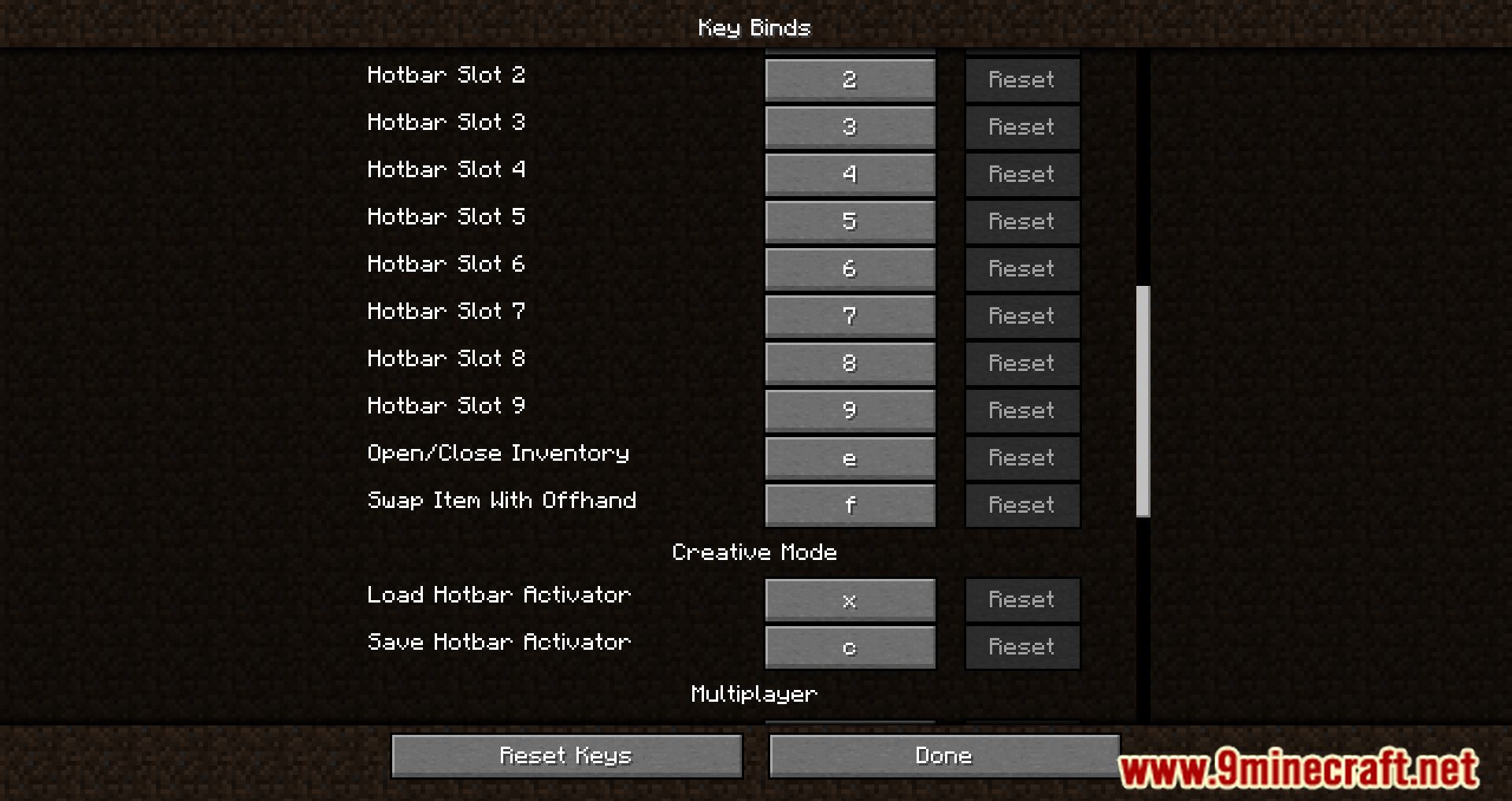
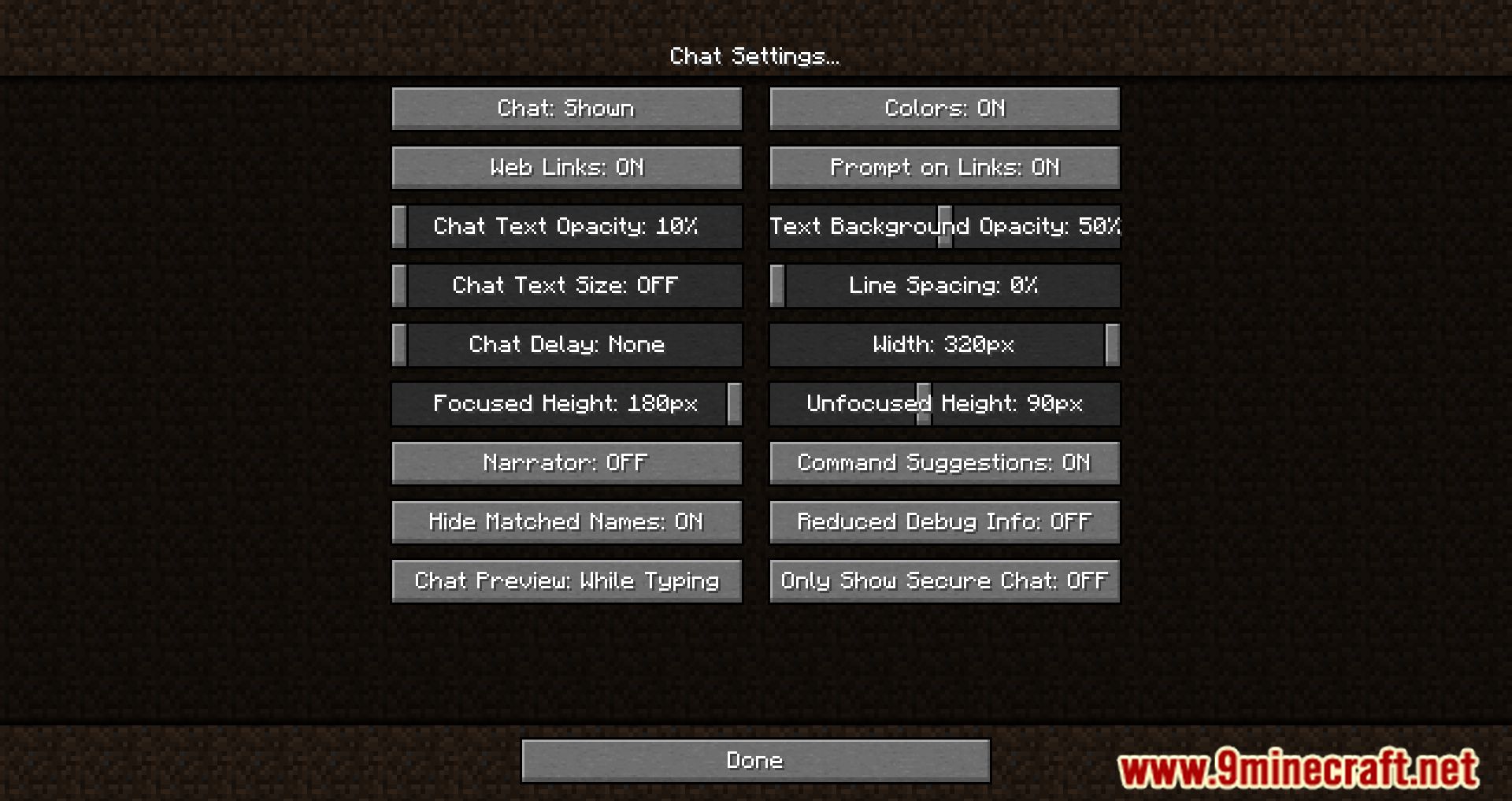
How to Install:
New to Minecraft? Follow our step-by-step guide to install Mods on your PC.View Guide


Slyde Mod Download Links
For Minecraft 26.3
For Minecraft 26.2
For Minecraft 26.1.2, 26.1.1, 26.1
For Minecraft 1.21.11
For Minecraft 1.21.10, 1.21.9
For Minecraft 1.21.8, 1.21.7, 1.21.6
For Minecraft 1.21.5
For Minecraft 1.21.4
For Minecraft 1.21.3, 1.21.2
For Minecraft 1.21.1, 1.21
For Minecraft 1.20.6
For Minecraft 1.20.5
For Minecraft 1.20.4, 1.20.3
For Minecraft 1.20.2
For Minecraft 1.20.1, 1.20
For Minecraft 1.19.4
For Minecraft 1.19.3
For Minecraft 1.19.2
For Minecraft 1.19.1
For Minecraft 1.19
For Minecraft 1.18.2
For Minecraft 1.17.1
For Minecraft 1.16.5
Click to rate this post!
[Total: 0 Average: 0]
QUICK MINECRAFT SURVEY · ONE TAP
Mods & Modpacks
Which launcher do you primarily use to manage and run your modded Minecraft instances?
0 responses · See the full results →
You May Also Like
Picked for this page
 Sodium Extra Mod (1.21.11, 1.20.1) – Optifine’s Features for Sodium
 Fast Trading Mod (26.3, 1.20.1) – Adds A Quick Trading Button
 Horse Statistics Mod (26.3, 1.20.1) – Attribute Display, Taming Assistance
 Diagonal Windows Mod (26.3, 1.20.1) – Place Glass Panes Diagonally with Ease
 Always Sprint Mod (26.3, 1.20.1) – Sprinting Is Always On
 Blur Plus Mod (26.3, 1.20.1) – Enhance Your GUI With Blur Effects
 QuickCraft Mod (26.1.2, 1.20.1) – Simplify Your Crafting Experience
 Jumpy Boats Mod (26.1.2, 1.20.1) – Never Get Your Boat Stuck Again
 The Fence Unleashed Mod (26.3, 1.20.1) – Prevents Mobs Passing Through Fence Gates
 Infiniverse API Mod (26.1.2, 1.20.1) – A New Frontier For Minecraft Modding
 Legends Miscellaneous Heropack Mod (1.18.2) – Mythic Heroes and Villains
 Mc2Discord Mod (26.3, 1.20.1) – Minecraft And Discord Integration
Most viewed in Mods over the last 7 days
 Ala Industrial Mod (26.3) – Run Electric Power Grids and Automated Factories
 PleasureCraft Mod (26.3, 1.21.1) – Jenny Mod Remake for Fabric
 Jennycraft Mod (26.3, 1.20.1) – Virtual Girlfriend in Minecraft
 Fapcraft Mod (26.3, 1.12.2) – Comprehensive and Detailed Content
 Jenny Mod (Fapcraft) Official Complete Guide – How to use, Tutorial
 BangCraft Mod (1.20.1) – Jenny, Ellie and Elliot
 Fabric Loader (26.3, 1.20.1) – Fabric Installer for All Minecraft Versions
 The Shooting Star Demo Mod (26.3, 1.20.1) – Vaporize Terrain From Orbit
 Meteor Client Mod (26.3, 1.20.1) – Xray, HUD, Fly
 OptiFine HD (26.3, 1.20.1) – Run Faster, FPS Boost, Shaders Support
 Aristois Client Mod (1.21.4, 1.20.1) – World Class Minecraft Utility
 Prestige Client Mod (1.21.11, 1.21.4) – Powerful Ghost Features for Crystal & Sword PvP
More from Mods
 Fetzi’s Displays Mod (26.1.2, 1.20.1) – Turn Rare Gear and Weapons
 Primal Plushies Paleo Pals Mod (1.21.1, 1.20.1) – Decorate Your Base
 Ipla Mod (26.3, 1.20.1) – Showcase Your Favorite Items
 MesdagPortLib Mod (1.20.1) – Run Modern Minecraft Mechanics on Older Versions
 Hellion’s API Mod (1.21.11, 1.21.1) – Play Hellion Series Addons Without Crashes
 Terrestria Mod (26.3, 1.20.1) – Highly Detailed Biomes
 Tre’s Tack Library Mod (1.20.1) – Outfit Your Horses with Fully Detailed Tack
 YDM’s coreX Library Mod (1.20.1) – Loot RPG Gear with Random Names
 Gunpowder Recipe Mod (26.3, 1.20.1) – Gunpowder is Craftable
 Villager Timetable Mod (26.3, 1.20.1) – Master Villager Schedules
 Artemis Laboratory Blocks Mod (26.3, 1.20.1) – Lab Blocks And Dynamic Decorations
 Fabric ORM Jimmer Mod (26.3, 1.20.1) – Prevent Sudden Server Crashes

This post has no comments yet. Be the first — your comment will appear here.