


Spyglass Astronomy Mod (26.2, 1.20.1) – Explore The Solar System

 0
0 

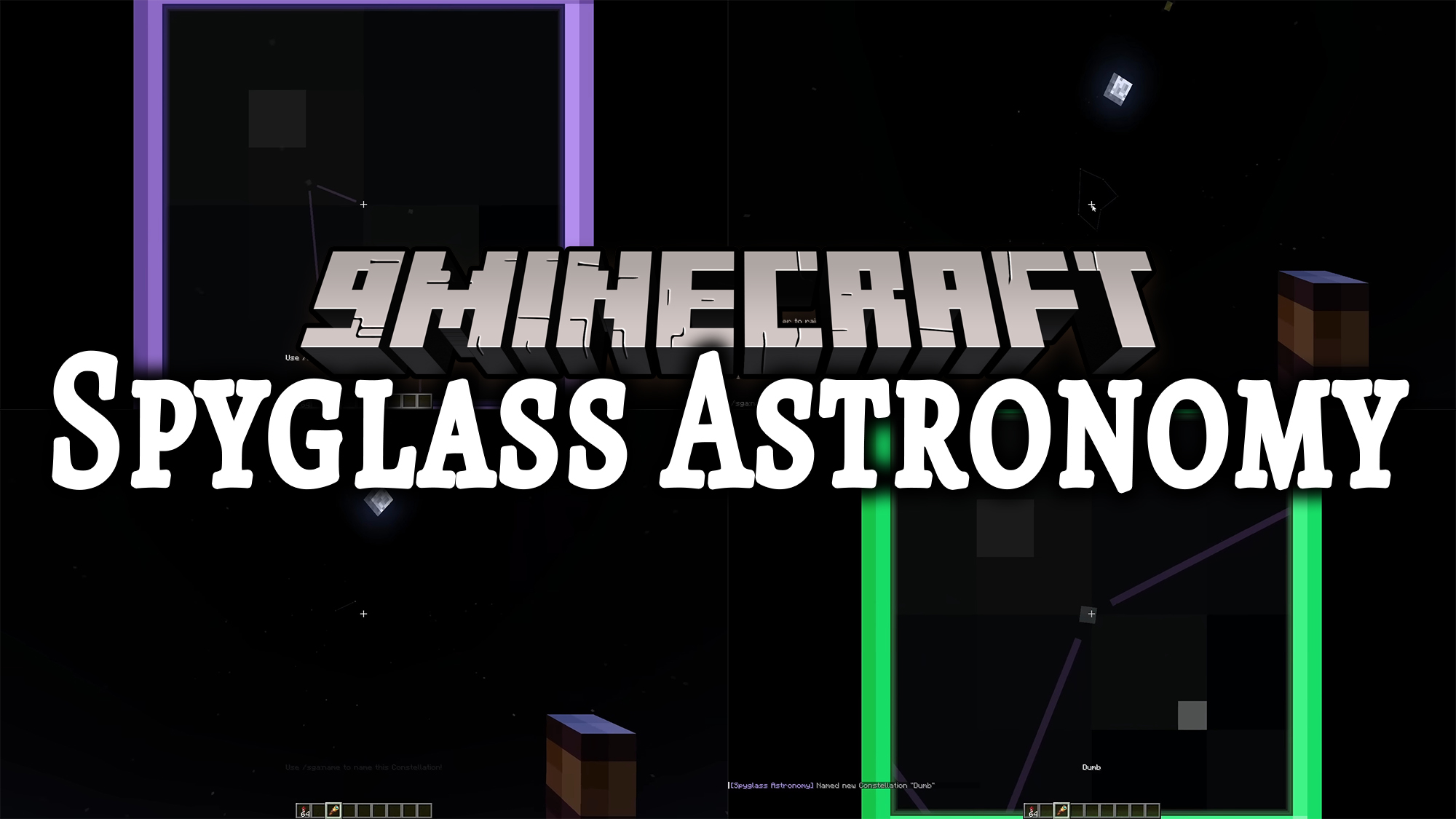
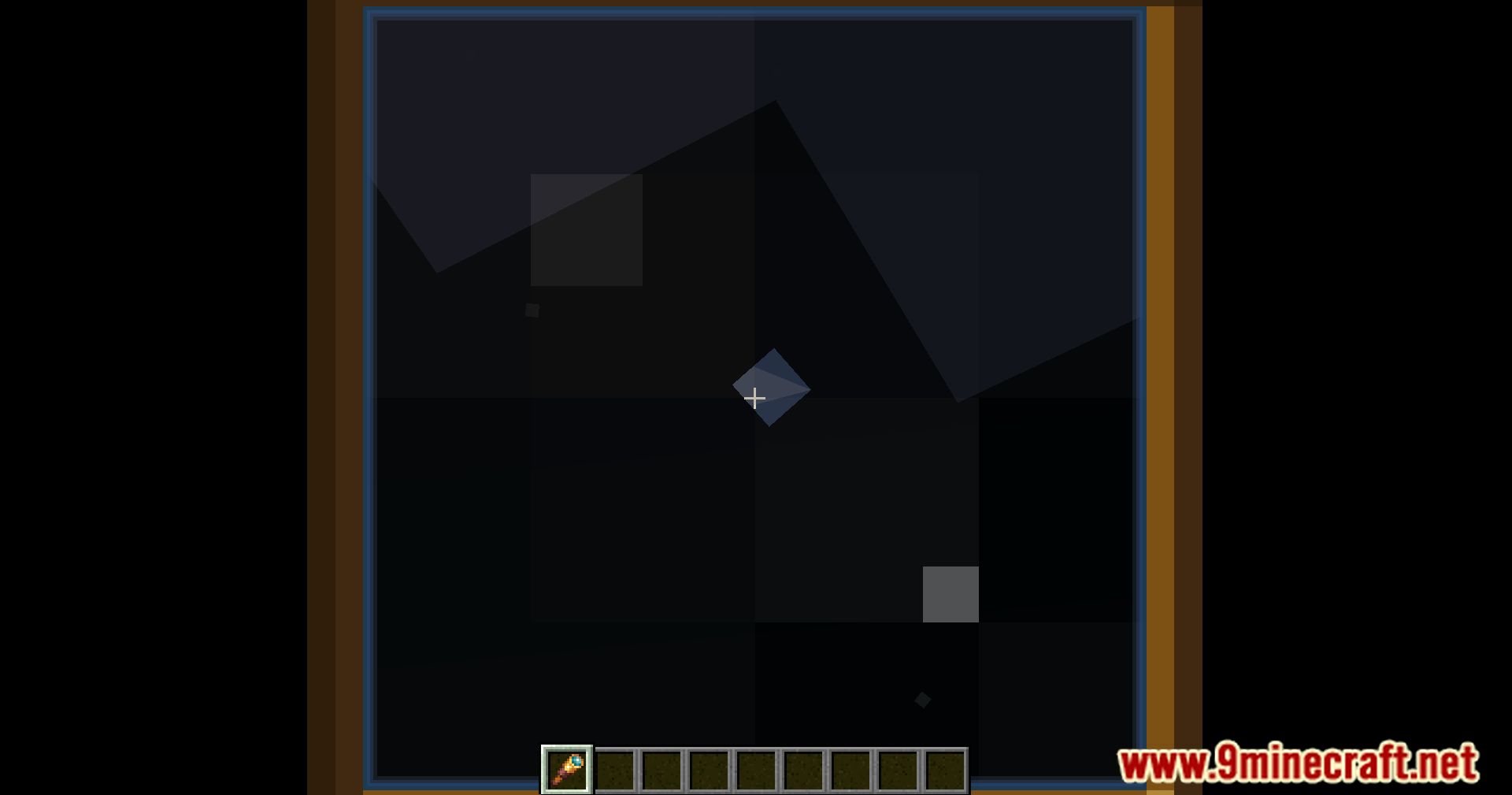
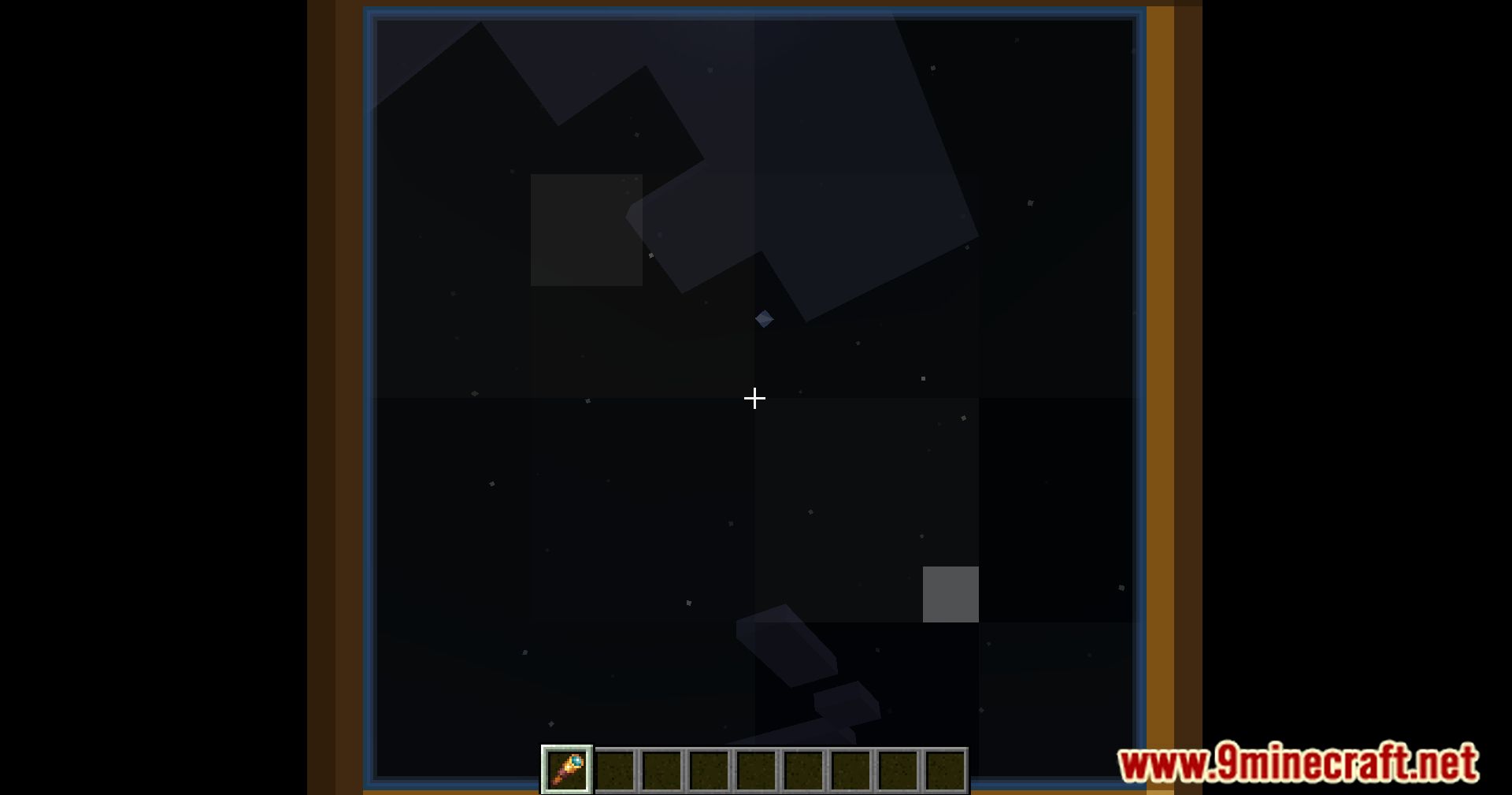
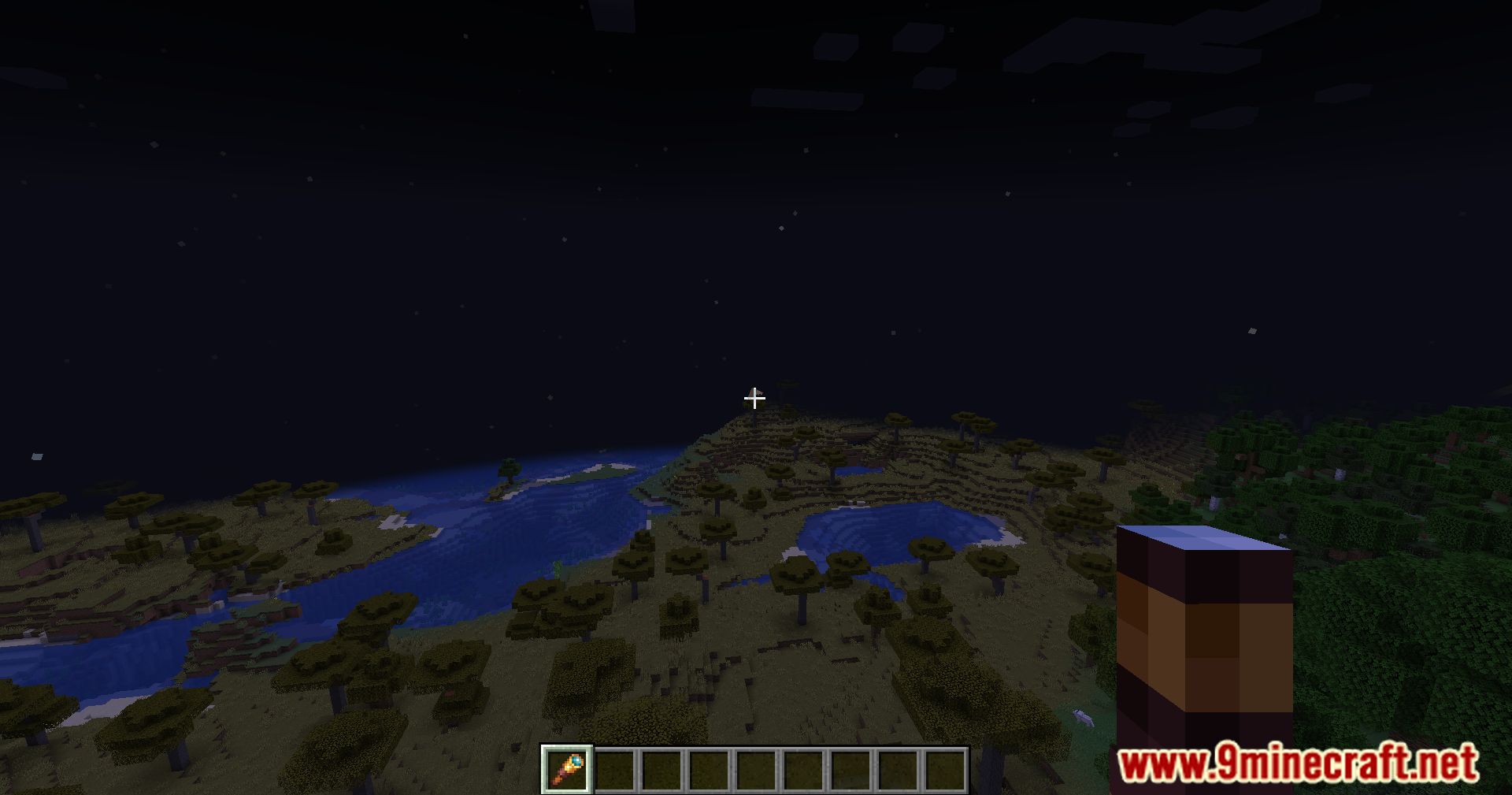
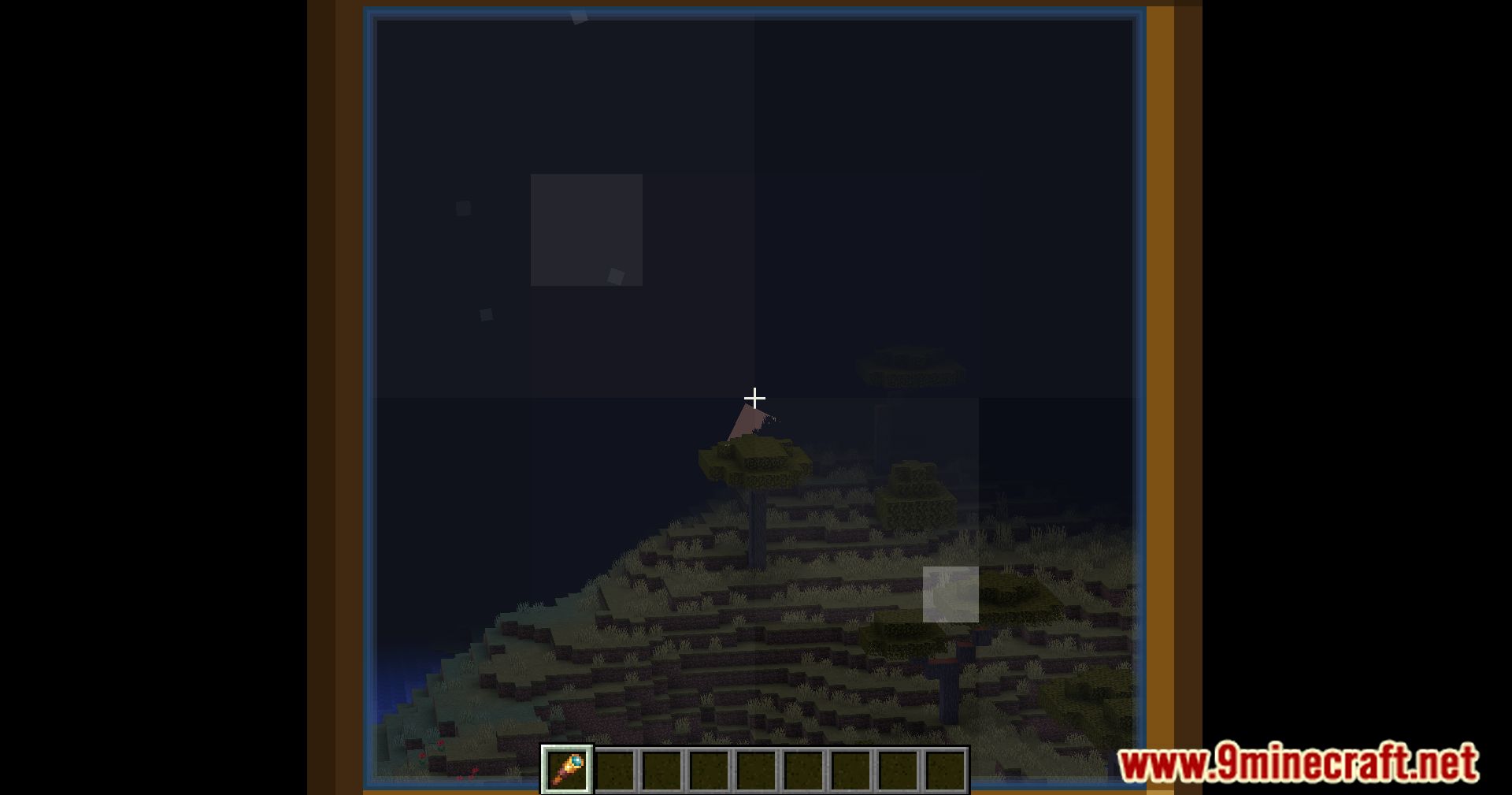
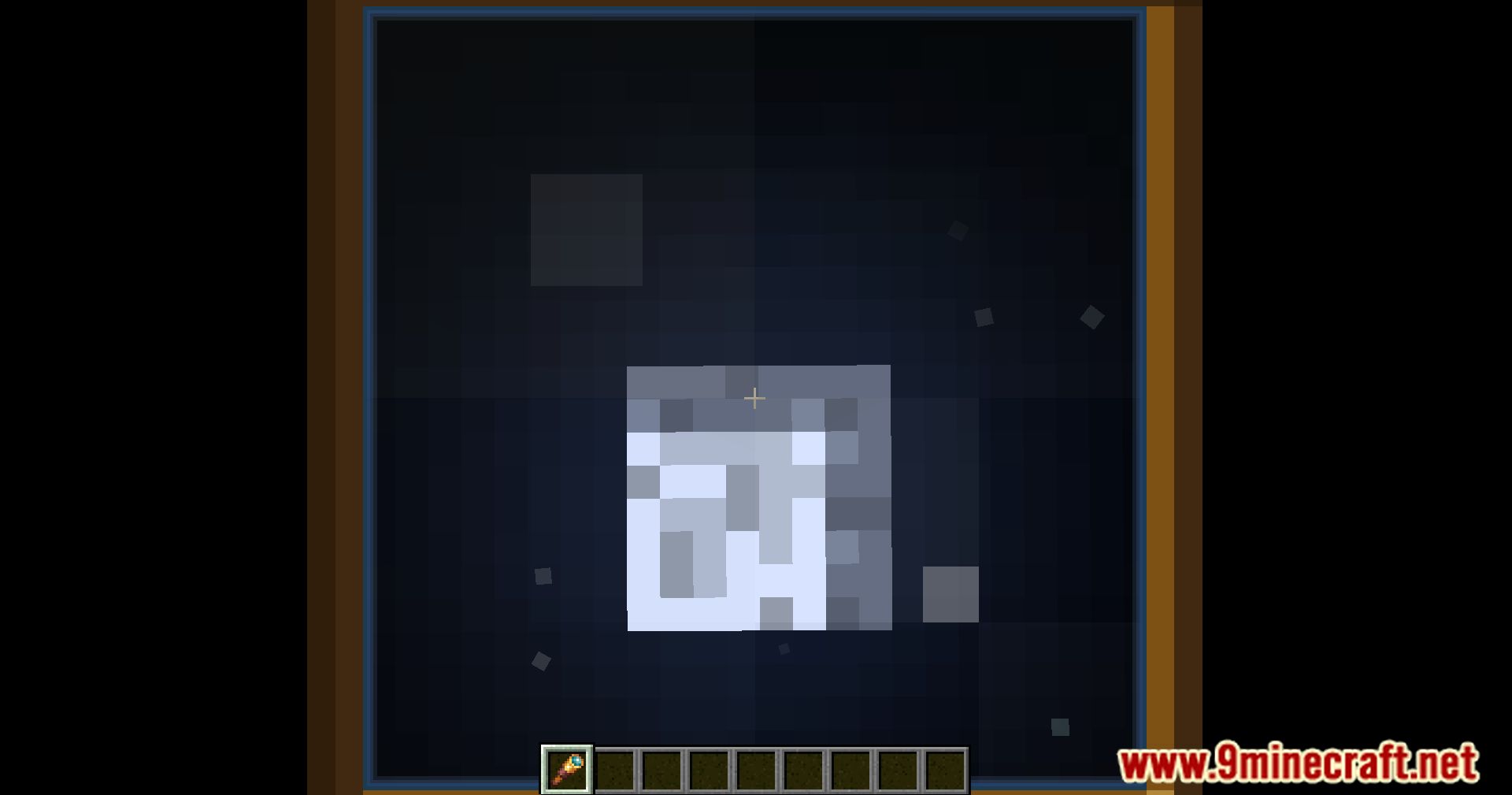
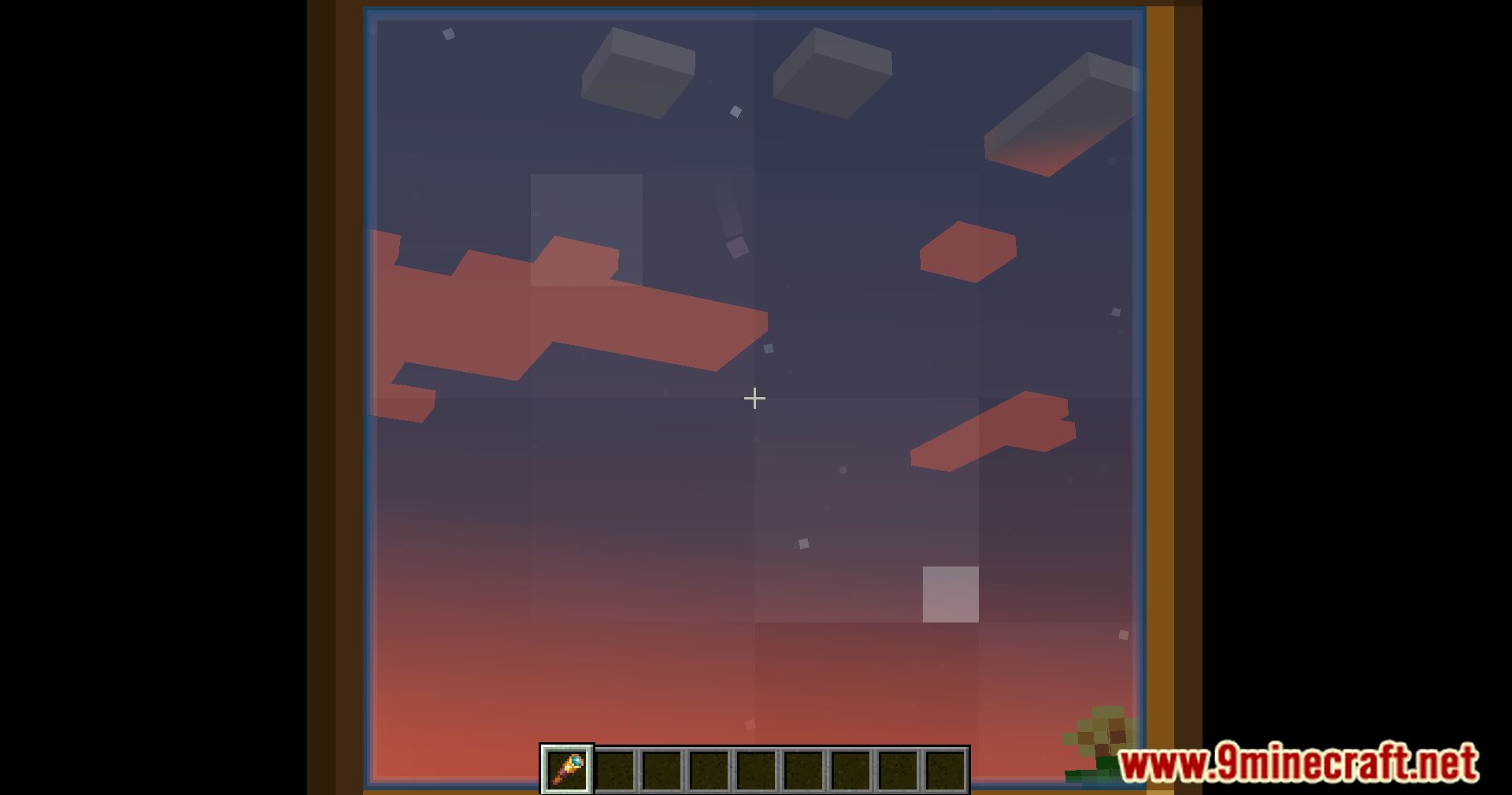
Spyglass Astronomy Mod brings a beautiful 3D stargazing experience, as if you were using a spyglass to explore the universe in-game. The mod runs entirely on the client side and does not affect the server.
Features:
- Planets and stars are procedurally generated based on your world, with high scientific accuracy and identical results for all players in the same world.
- You can draw your own constellations, name celestial bodies, and build lore in your own imaginative way.
- Observation Modes:
- You can switch between observation modes by holding zoom (like the vanilla spyglass) and pressing the middle mouse button:
- Vanilla mode – the default Minecraft spyglass view.
- Constellation mode (represented by amethyst) – allows you to draw and select constellations.
- Star mode (represented by emerald) – allows you to select stars or planets (in commands, comets are also treated as planets).
How to use:
Spyglass Modes
- There are three spyglass modes:
- Vanilla – Default spyglass view
- Constellation Mode (Amethyst)
- Star Mode (Emerald)
- While zoomed in, use the pick block key (
Middle Click) to switch between modes.
Constellation Mode
- Hold the attack button (
Left Click) to draw lines between stars. - You can create new constellations or select existing ones.
Star Mode
- Select individual stars and planets.
- Comets are treated as planets when using commands.
Commands and Interaction
- After selecting an object:
- Name it using
/sga:name <name> - View information with
/sga:info
- Name it using
- You can also get info without selecting an object by typing
/sga:infoand following the suggestions. - All available client-side commands can be discovered by typing
/sga:and checking the suggestions.
Multiplayer Sharing
- Share discoveries with other players using:
/sga:share– share the currently selected object/sga:share <object>– share a specific object
- The command gives you a share code that others can use, as long as they also have the mod installed.
- For better synchronization, you can use Spyglass Astronomy Sync, which must be installed on the server.
Additional Notes
- Older versions of this mod are not compatible with Spyglass Improvements.
- This mod includes its own scrollable spyglass zoom.
- Other mods, such as Zoomglass, can be used to add spyglass hotkeys.
- A separate client+server addon exists for bulk sharing, created by another developer.
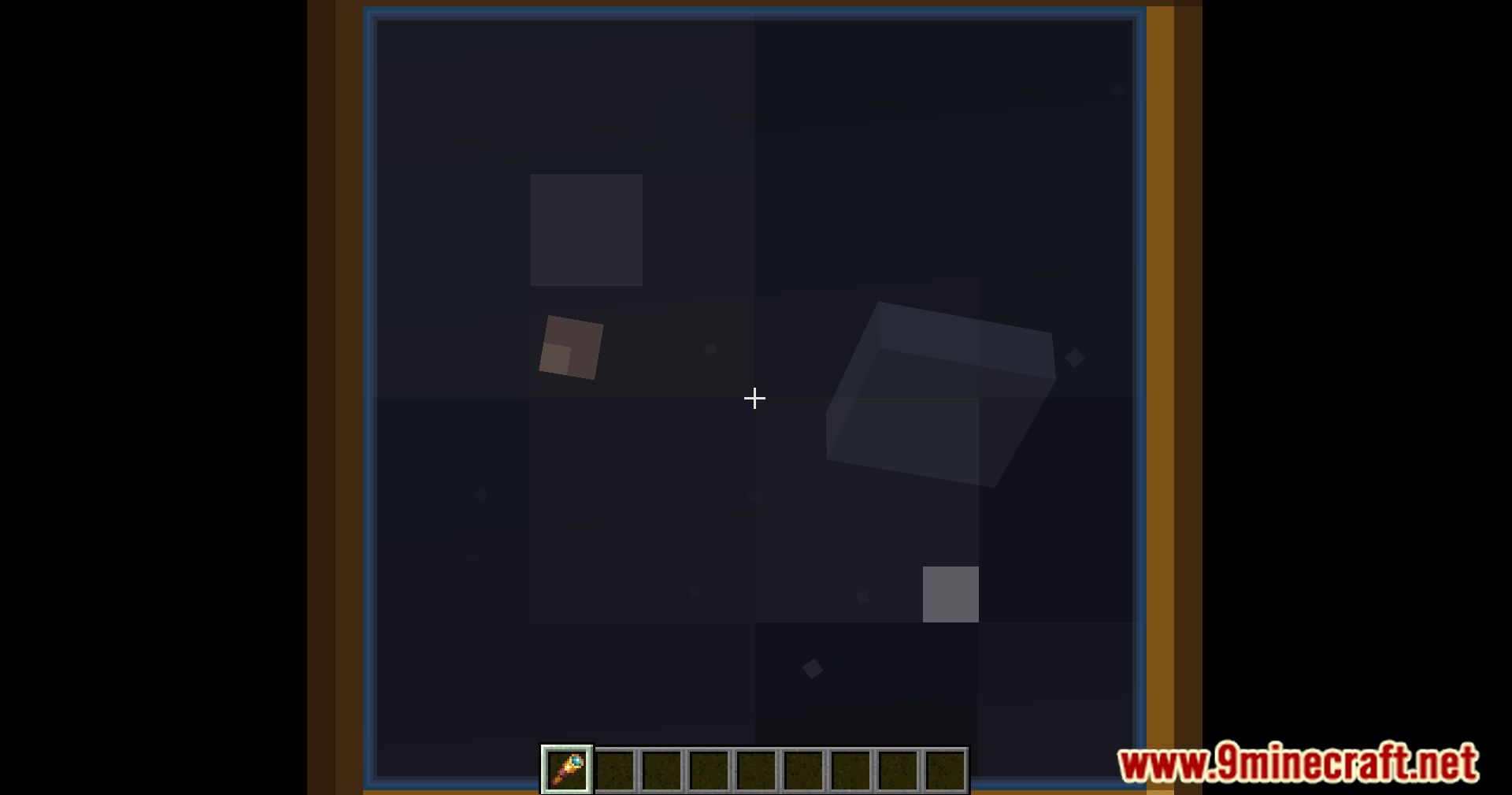
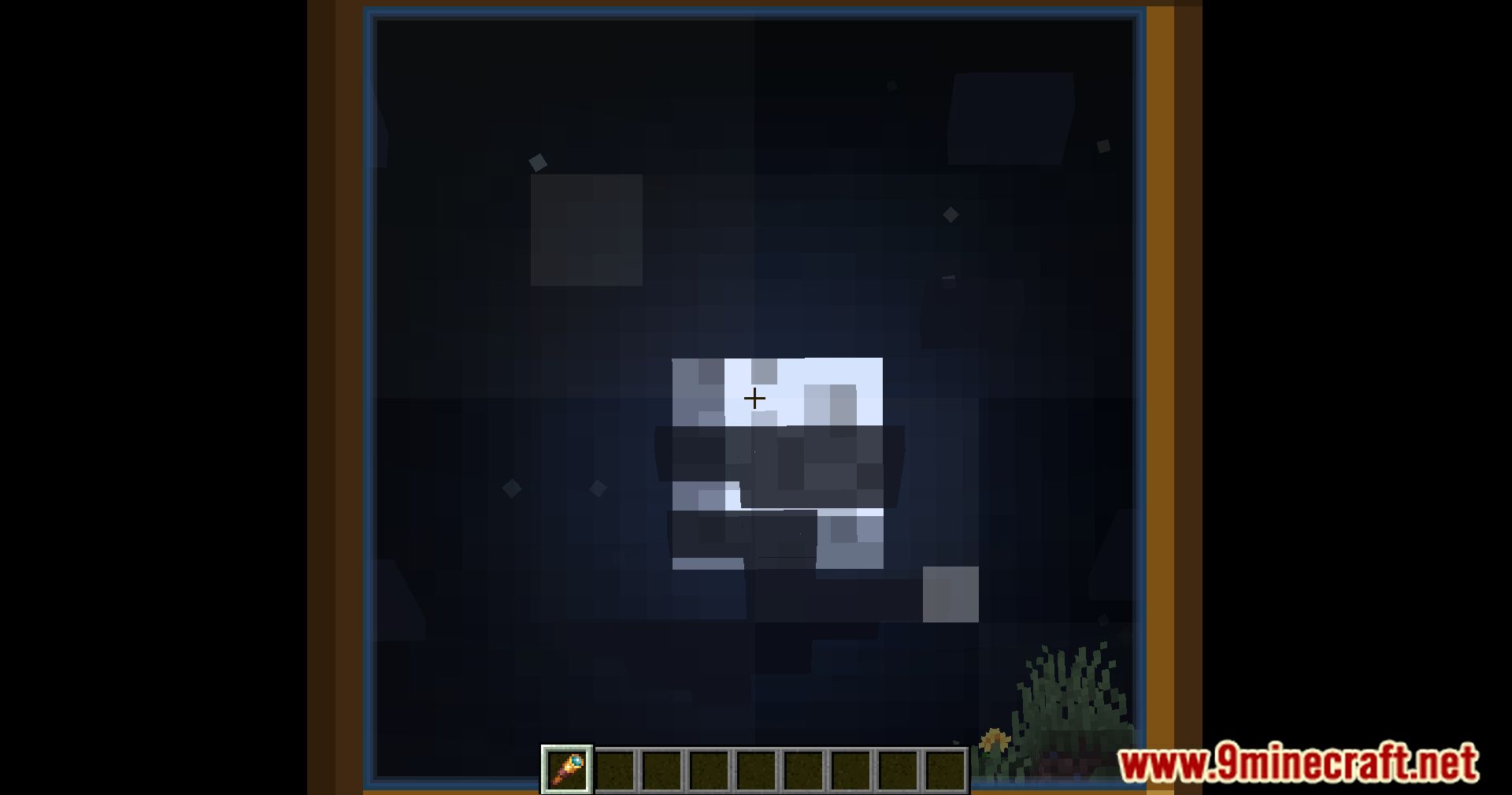
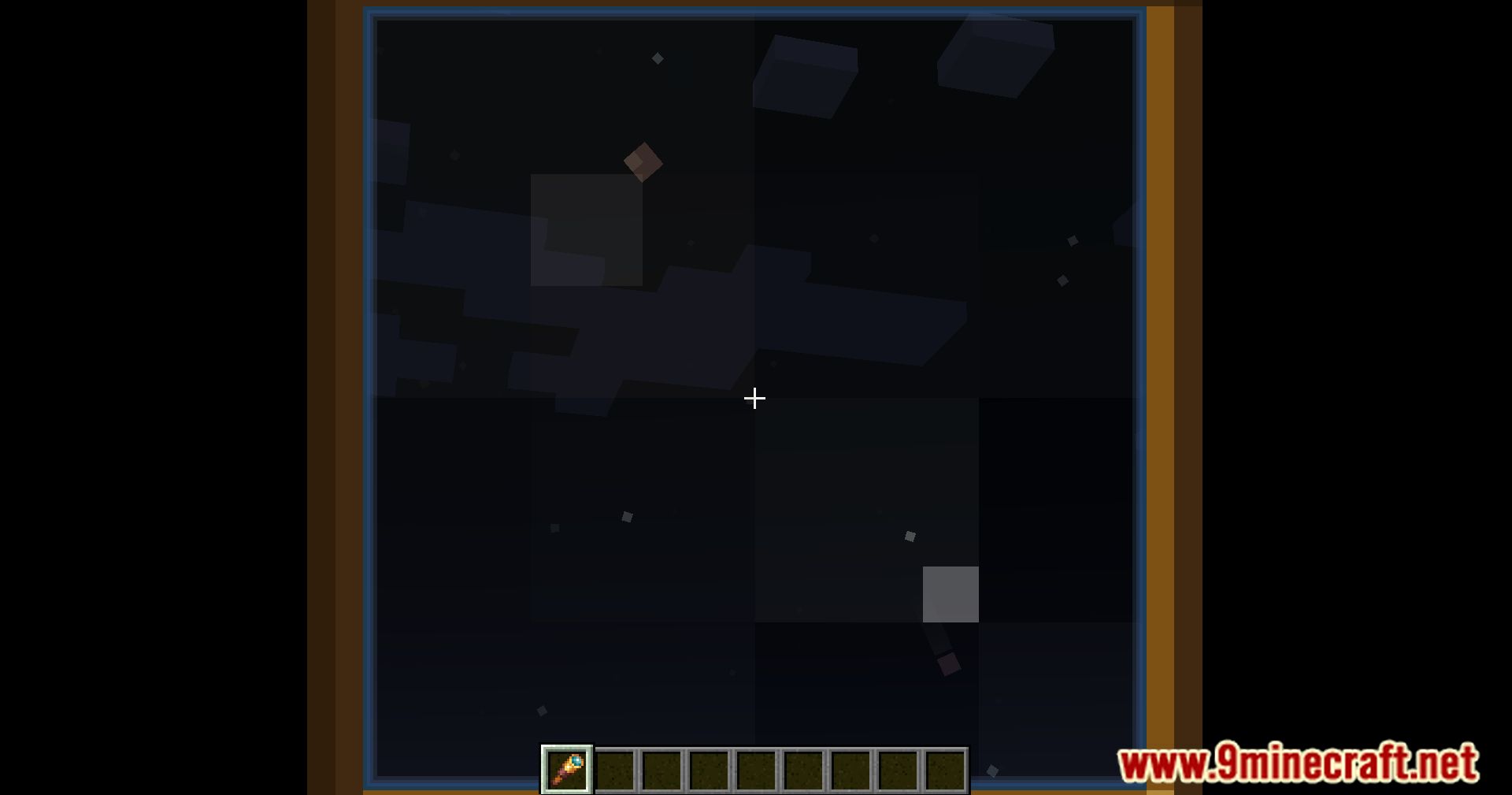
Screenshots:
How to Install:
New to Minecraft? Follow our step-by-step guide to install Mods on your PC.View Guide


Spyglass Astronomy Mod Download Links
For Minecraft 26.2
For Minecraft 26.1.2, 26.1.1, 26.1
For Minecraft 1.21.11
For Minecraft 1.21.10, 1.21.9
For Minecraft 1.21.8, 1.21.7, 1.21.6
For Minecraft 1.21.5
For Minecraft 1.21.4
For Minecraft 1.21.3, 1.21.2
For Minecraft 1.21.1, 1.21
For Minecraft 1.20.6
For Minecraft 1.20.4
For Minecraft 1.20.2
For Minecraft 1.20.1, 1.20
For Minecraft 1.19.4
For Minecraft 1.19.3
For Minecraft 1.19.2, 1.19.1
For Minecraft 1.19
Click to rate this post!
[Total: 1 Average: 5]
You May Also Like



This post has no comments yet. Be the first — your comment will appear here.