
StarHUD Mod (26.3, 1.20.1) – Track Stats Without Clutter

 0


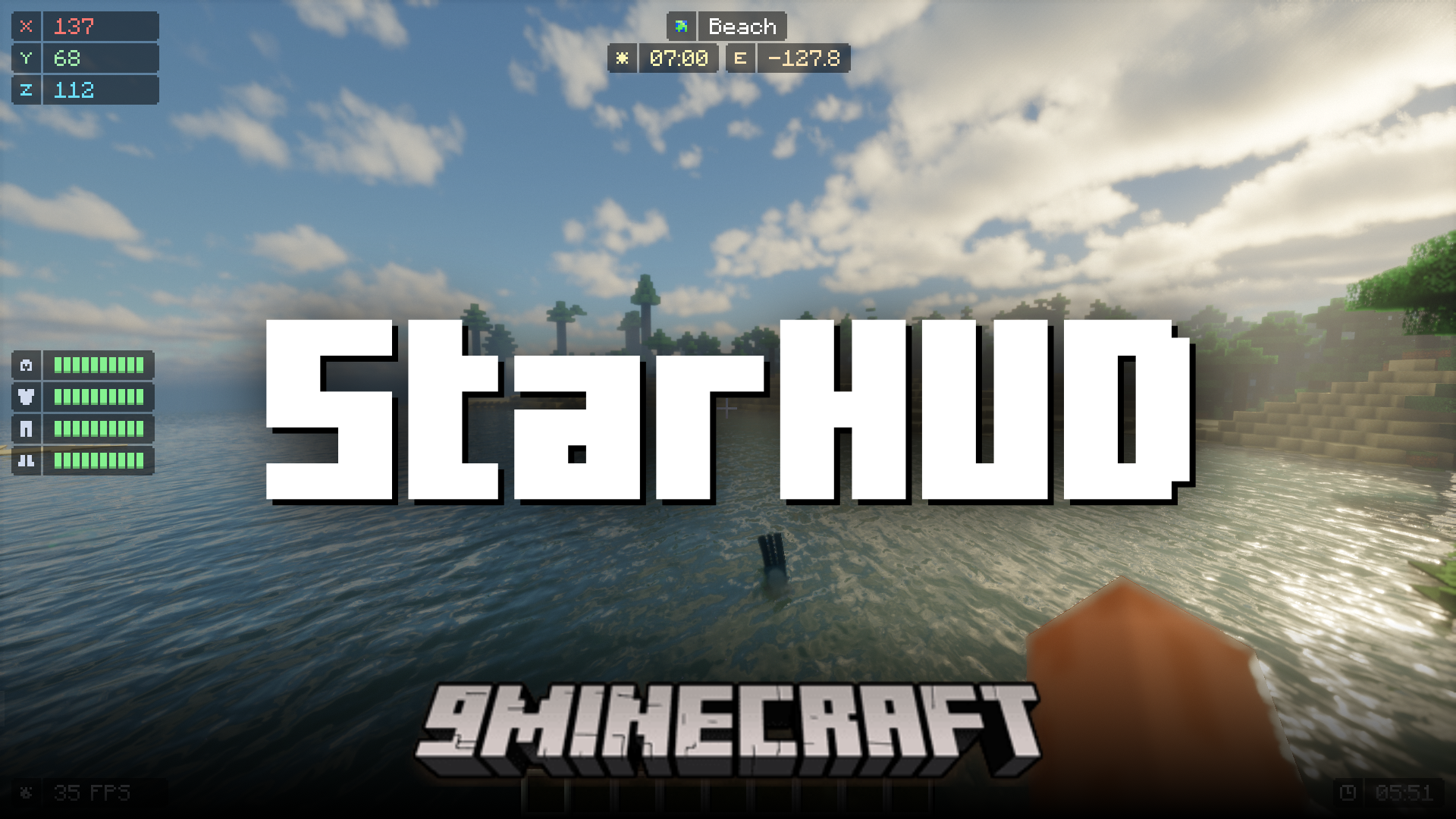
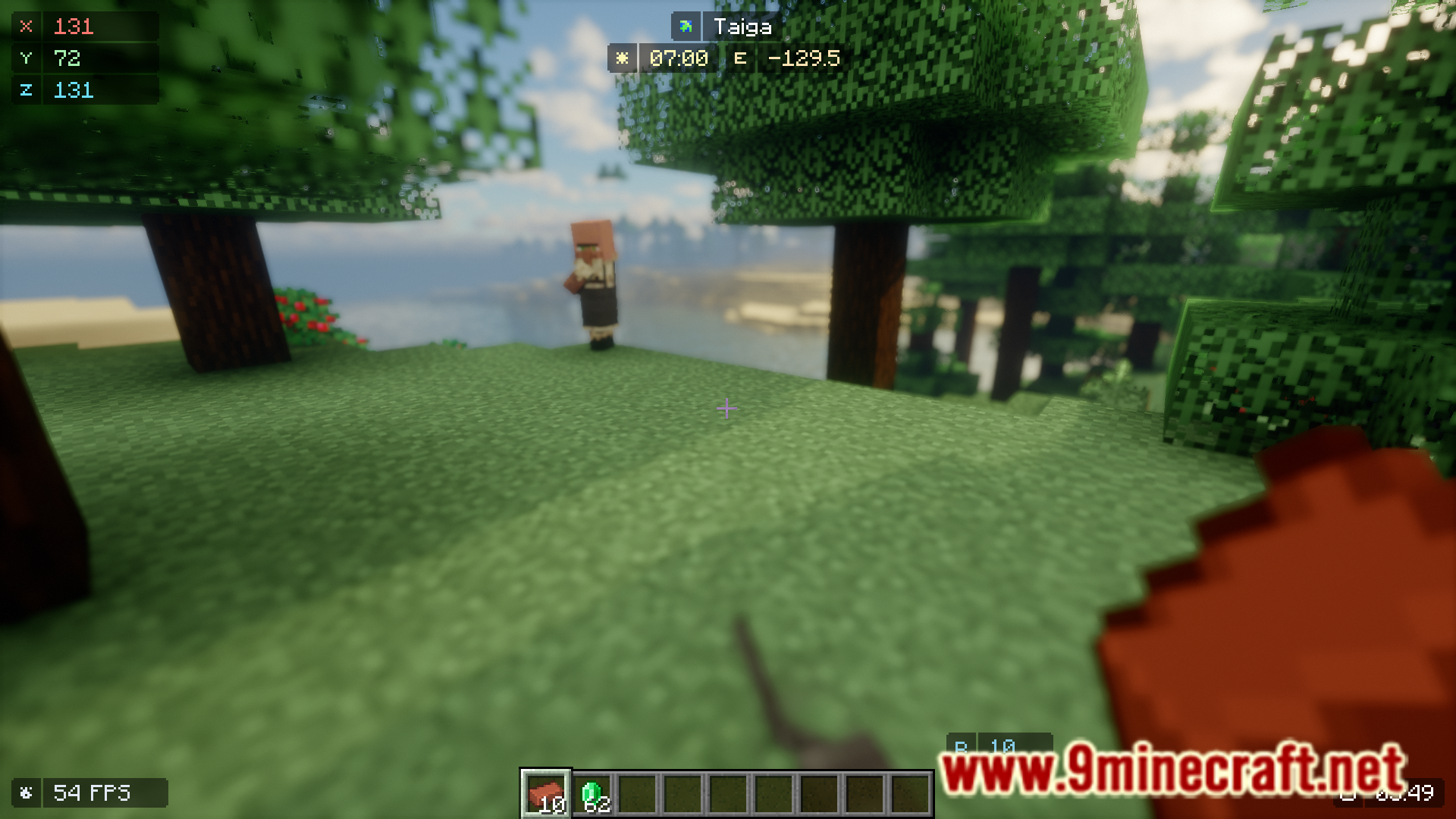
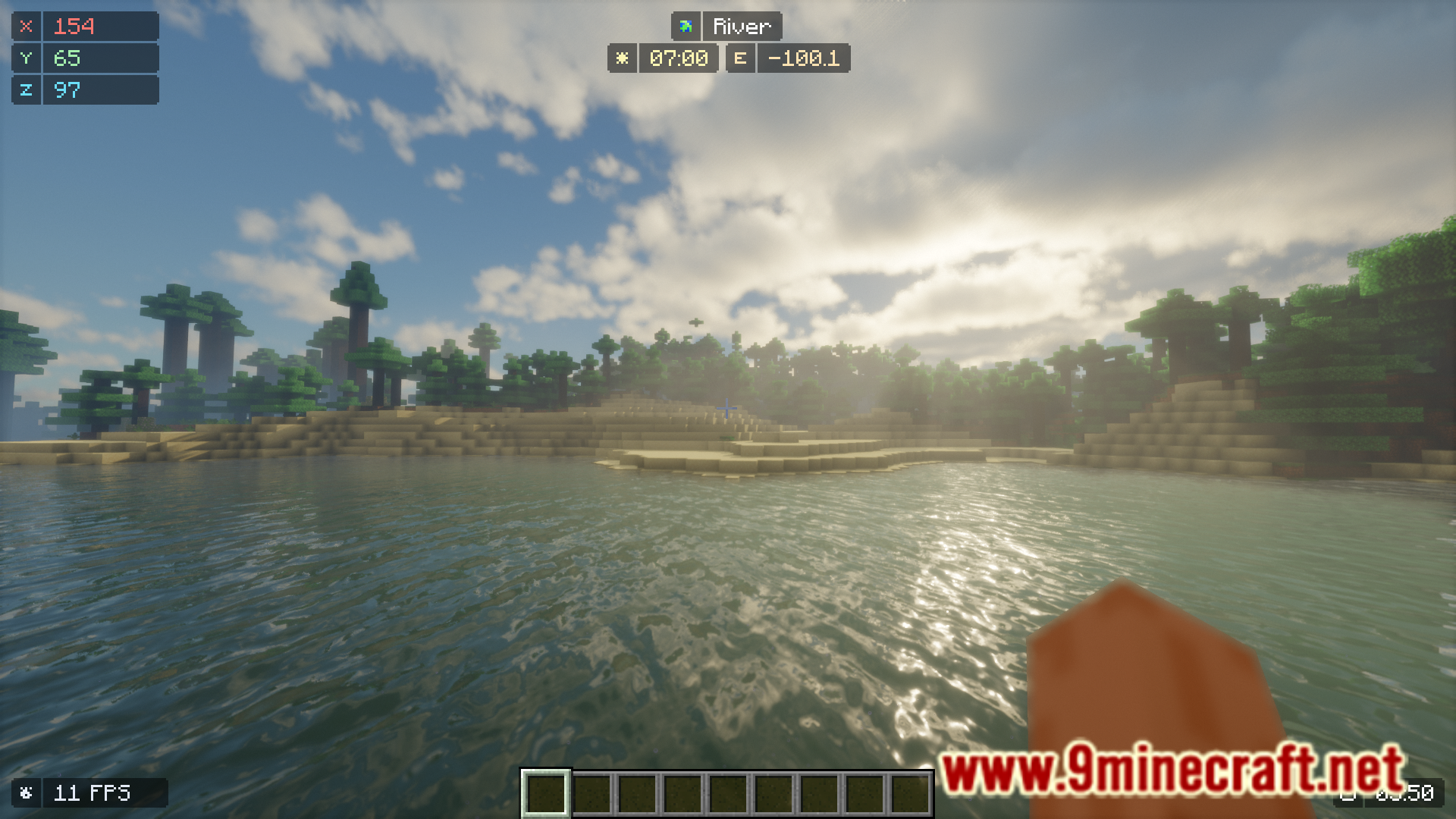
StarHUD Mod brings fancy and minimalistic HUD elements to the game. It lets players view useful stats like coordinates, FPS, armor durability, and biomes without relying on the cluttered F3 screen. Every HUD element can be configured and adjusted individually.
Features:
- Adds an Armor Durability HUD to track equipment condition.
- Displays Coordinate and Nether Coordinate HUDs for navigation.
- Includes Cardinal Direction and Horizontal Yaw HUDs.
- Shows Ping, FPS, TPS, and Speed HUDs.
- Features System and InGame Clock displays that also show world weather.
- Includes Biome, Dimension, and Hand Items Indicator HUDs.
- Provides Status Effect, Day Counter, and Targeted Crosshair HUDs.
- Allows Inventory HUD and Status Effect HUD customization and toggling.
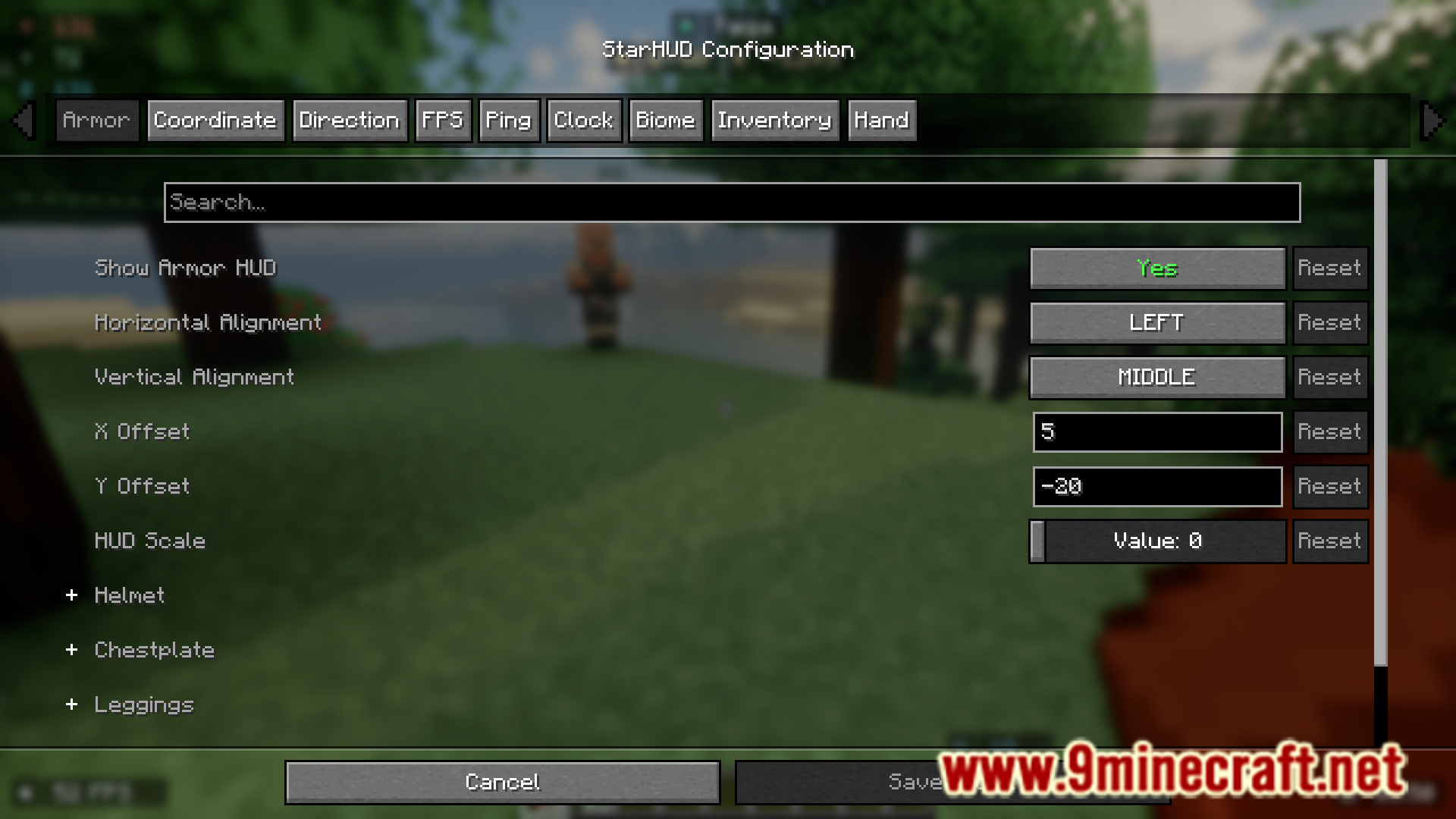
- Supports placement and color customization for every HUD element.
- Includes a conditional HUD placement and grouping system.
How to Use:
- Press RIGHT SHIFT in game to open the Edit HUD screen.
- Click on any HUD box with a border and drag it around the screen.
- Press the Help button marked with a question mark to view keybinds.
- Press the More Options button marked with a plus sign to adjust selected HUD information.
Screenshots:
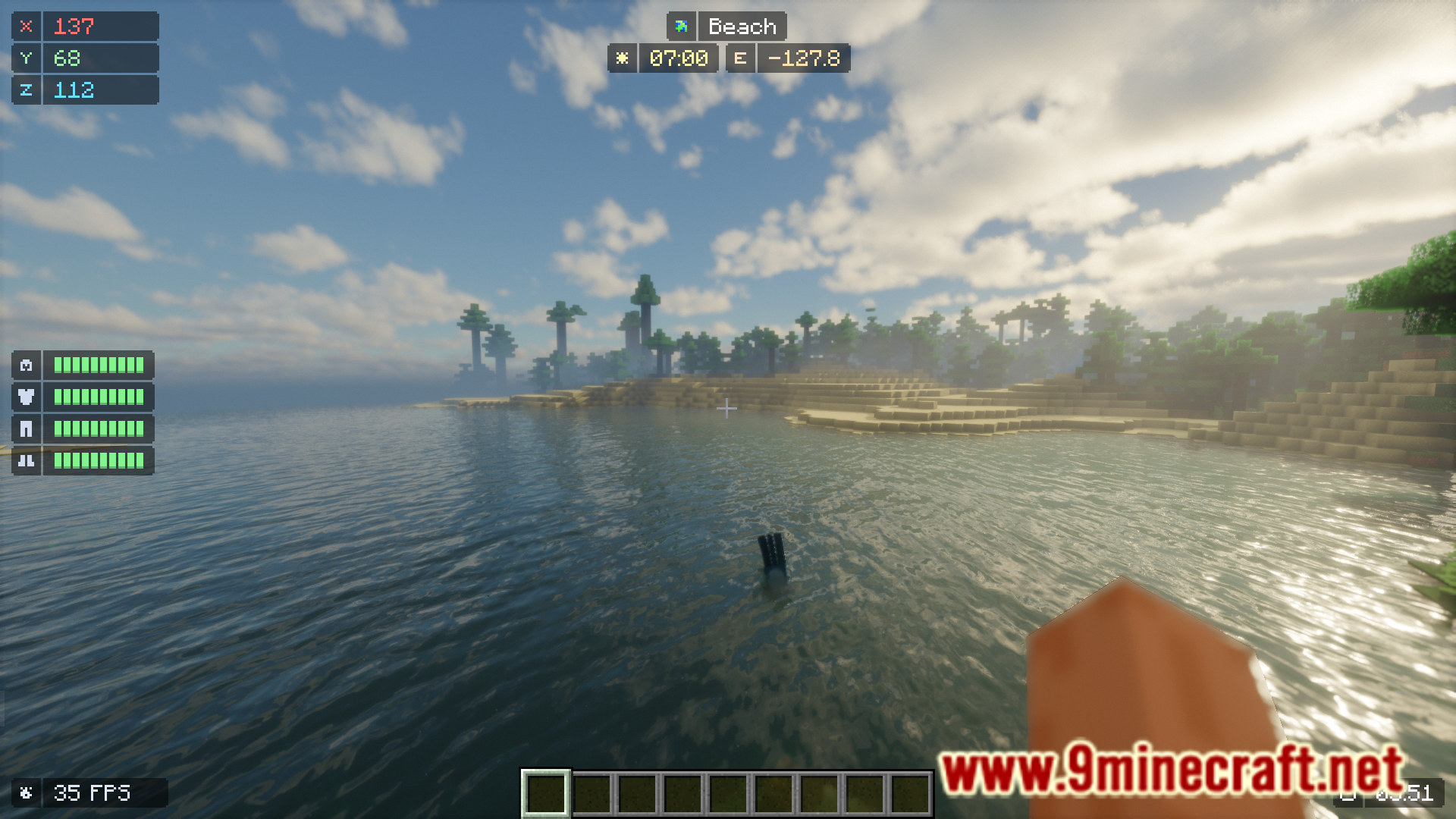
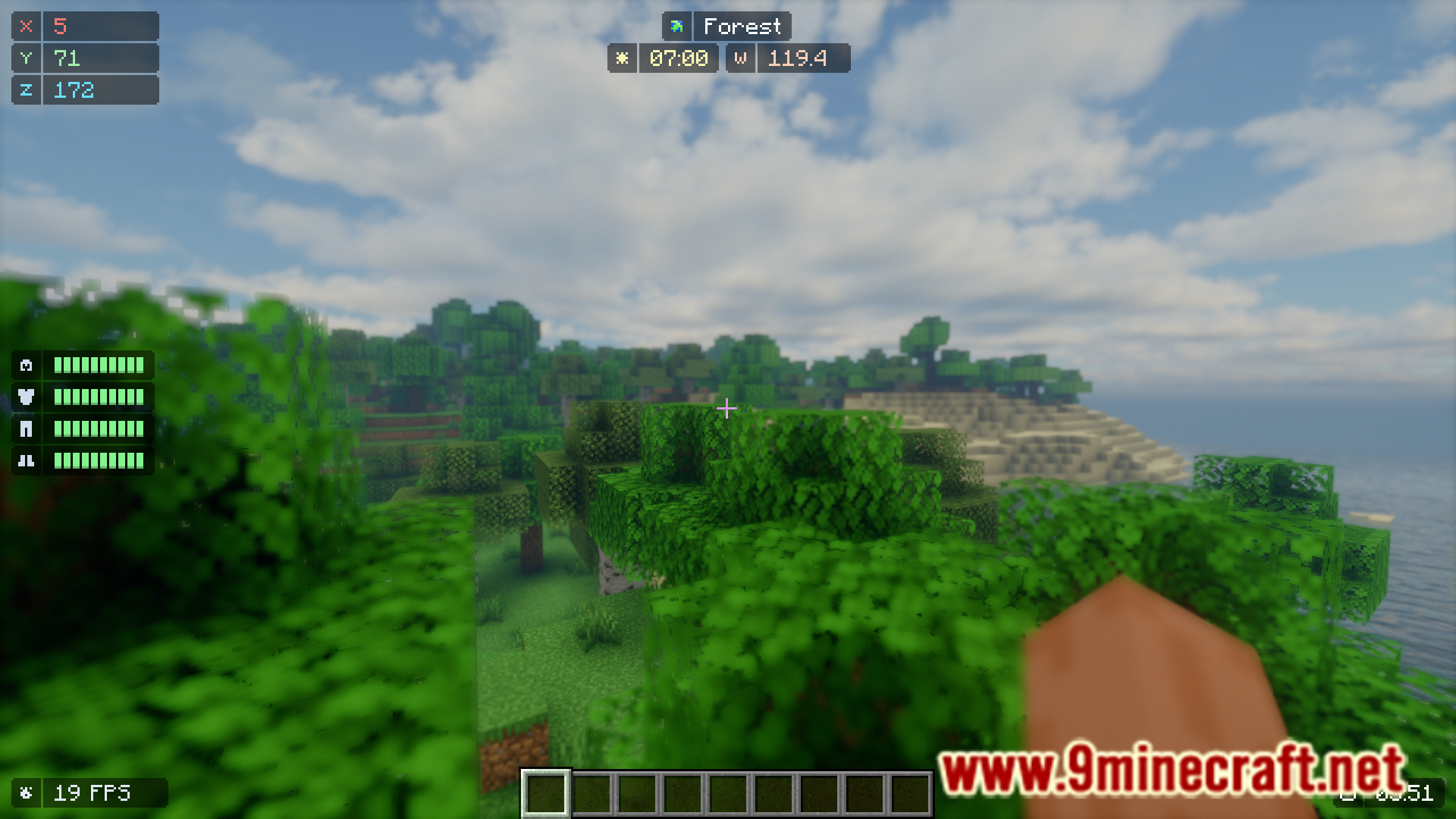
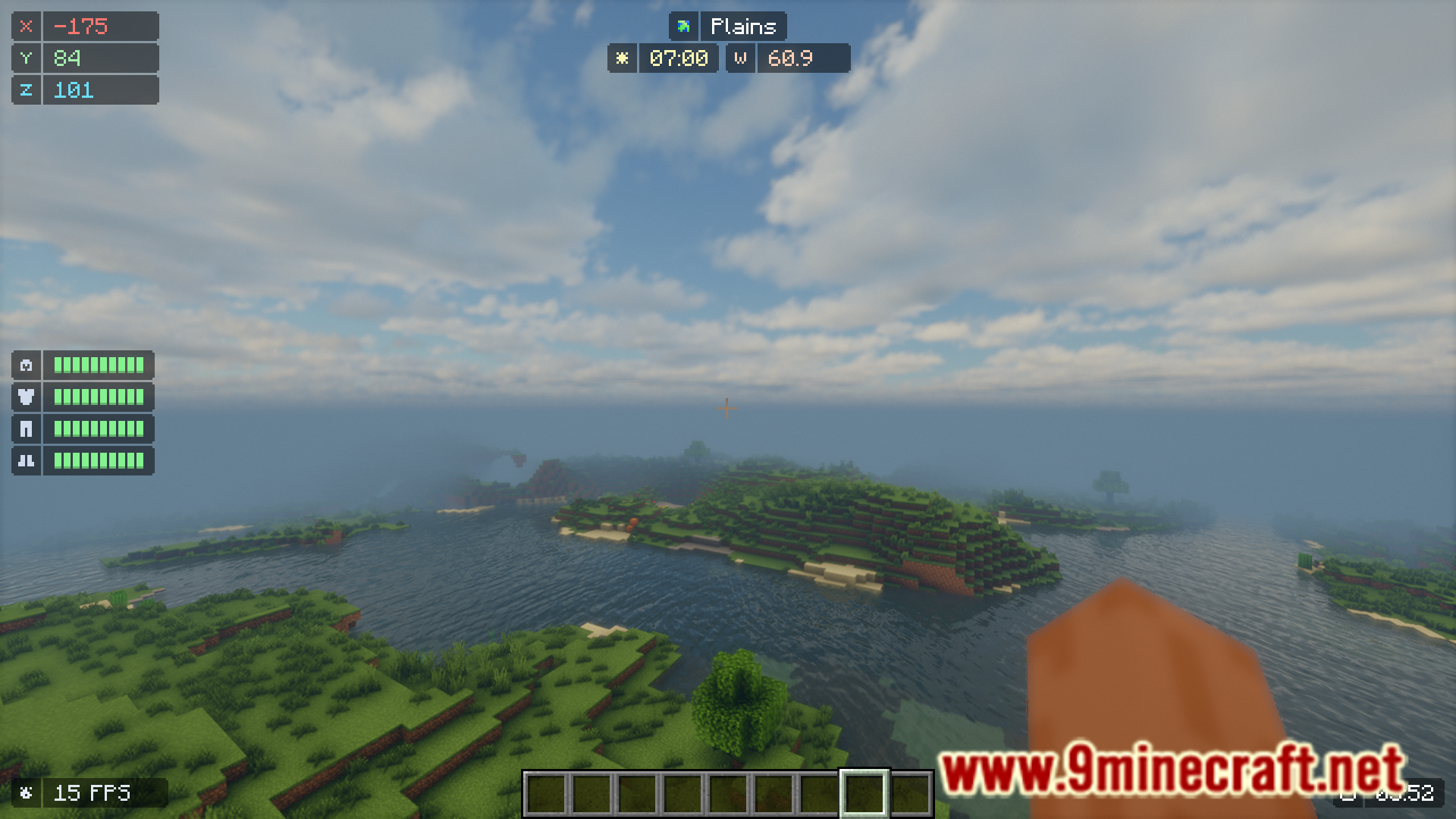
How to Install:
New to Minecraft? Follow our step-by-step guide to install Mods on your PC.View Guide
Requirements:





StarHUD Mod Download Links
For Minecraft 26.3
For Minecraft 26.2
For Minecraft 26.1.2, 26.1.1, 26.1
For Minecraft 1.21.11
For Minecraft 1.21.10, 1.21.9
For Minecraft 1.21.8, 1.21.7, 1.21.6
For Minecraft 1.21.5
For Minecraft 1.21.4
For Minecraft 1.21.1, 1.21
For Minecraft 1.20.1, 1.20
Click to rate this post!
[Total: 3 Average: 3.3]
QUICK MINECRAFT SURVEY · ONE TAP
Mods & Modpacks
What type of storage system do you look for first in a modded world?
15 responses · See the full results →
You May Also Like
Picked for this page
 Just Hammers Mod (26.3, 1.20.1) – Dig A Whole Mountain If You Want
 Item Scroller Mod (26.3, 1.20.1) – Moving Items in Inventory GUIs
 Visuality Mod (26.3, 1.20.1) – A Bunch of New Particles
 Structure Expansion Mod (26.3, 1.20.1) – Bigger Vanilla Structures
 Tschipcraft’s More Mobs Mod (26.3, 1.20.1) – Humanoid Mobs
 Crosshair Addons Public Mod (26.3, 1.20.1) – Smarter Crosshairs
 Client Sort Mod (26.3, 1.20.1) – Sort Inventories with a Keybind
 UniLib Mod (26.3, 1.20.1) – A Common Set of Utilities
 Dye All The Things Mod (26.3, 1.20.1) – Ultimate Armor Dyeing Mod
 IMBlocker Mod (26.3, 1.20.1) – Auto-Switch Input Method
 Allow Portal GUIs Mod (26.3, 1.20.1) – Access Inventory And Chat In Portals
 Companions Dogfolk Mod (1.21.11, 1.20.1) – Cute Little Helpers
Most viewed in Mods over the last 7 days
 Ala Industrial Mod (26.3) – Run Electric Power Grids and Automated Factories
 PleasureCraft Mod (26.3, 1.21.1) – Jenny Mod Remake for Fabric
 Jennycraft Mod (26.3, 1.20.1) – Virtual Girlfriend in Minecraft
 Fapcraft Mod (26.3, 1.12.2) – Comprehensive and Detailed Content
 Jenny Mod (Fapcraft) Official Complete Guide – How to use, Tutorial
 BangCraft Mod (1.20.1) – Jenny, Ellie and Elliot
 Fabric Loader (26.3, 1.20.1) – Fabric Installer for All Minecraft Versions
 The Shooting Star Demo Mod (26.3, 1.20.1) – Vaporize Terrain From Orbit
 Meteor Client Mod (26.3, 1.20.1) – Xray, HUD, Fly
 OptiFine HD (26.3, 1.20.1) – Run Faster, FPS Boost, Shaders Support
 Aristois Client Mod (1.21.4, 1.20.1) – World Class Minecraft Utility
 Prestige Client Mod (1.21.11, 1.21.4) – Powerful Ghost Features for Crystal & Sword PvP
More from Mods
 Kambrik 9minecraft Mod (26.3) – Run Kotlin Mods Without Game Lag
 Fast Paintings 9minecraft Mod (26.3, 26.2) – Place Wall Art Exactly Where You Want It
 Bonsai Trees 9minecraft Mod (26.3, 26.2) – Automate Wood Farming in Tiny Pots
 Enhanced Block Entities 9minecraft Mod (26.3) – Build Lag-Free Storage Rooms
 Better Nether 9minecraft Mod (26.3, 26.2) – Survive Forever in the Nether
 BCLib 9minecraft Mod (26.3, 26.2) – Power Custom Nether and End Overhauls
 ForgedLoaderAPI Mod (1.19.2, 1.18.2) – Bring Ported Fabric Creations
 Shield System Mod (1.21.1) – Tank Heavy Monster Hits Without Losing Hearts
 Shin’s Tensura Race Models Mod (1.19.2) – Play As Unique 3D Anime Race
 Offgrid Mod (26.3, 1.20.1) – Furnish Compact Interiors Without Strict Grid
 Tempest Almanac Iron’s Spells ‘n Spellbooks Mod (1.21.1, 1.20.1)
 Chat Guides Mod (26.3, 1.21.11) – Never Memorize Complex Server Commands Again

This post has no comments yet. Be the first — your comment will appear here.