
Super Secret Settings Mod (1.20.1, 1.19) – Transform Every View with Retro

 0


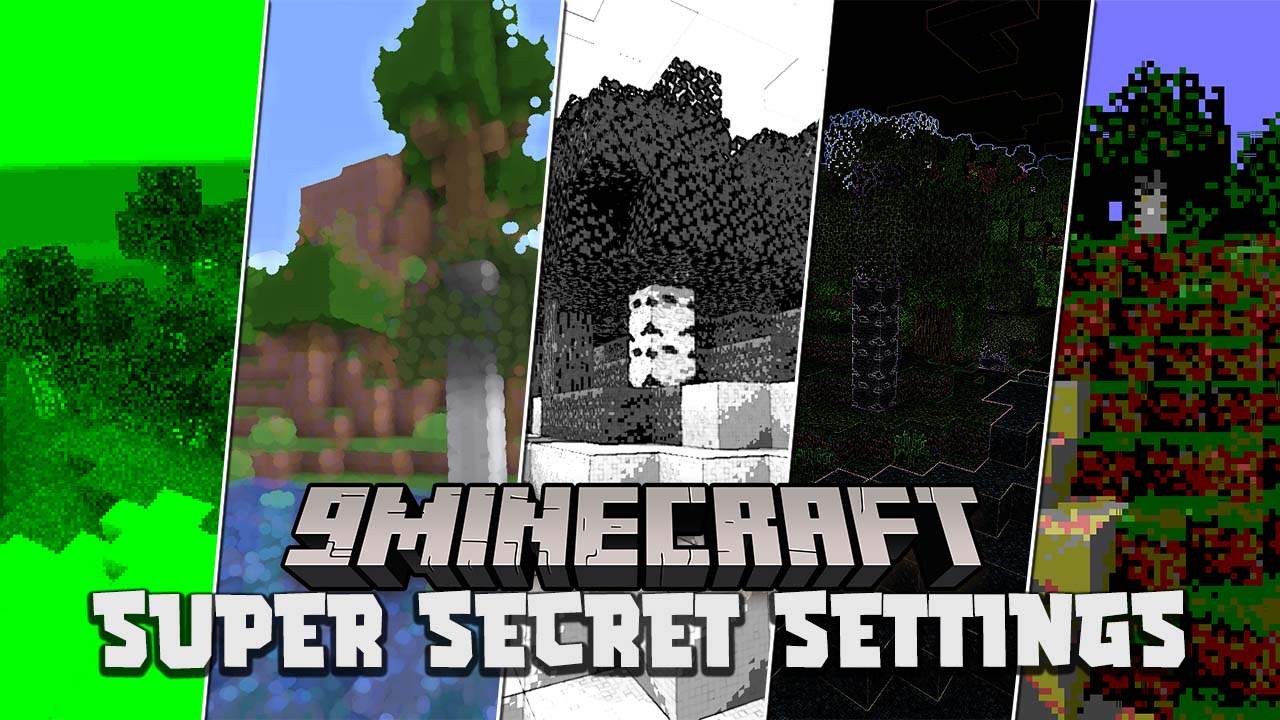
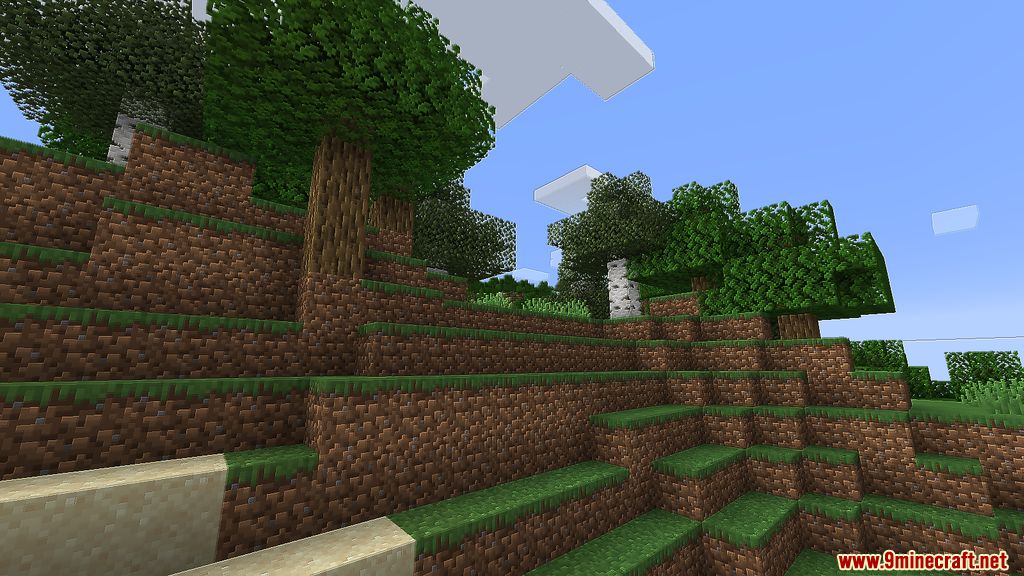
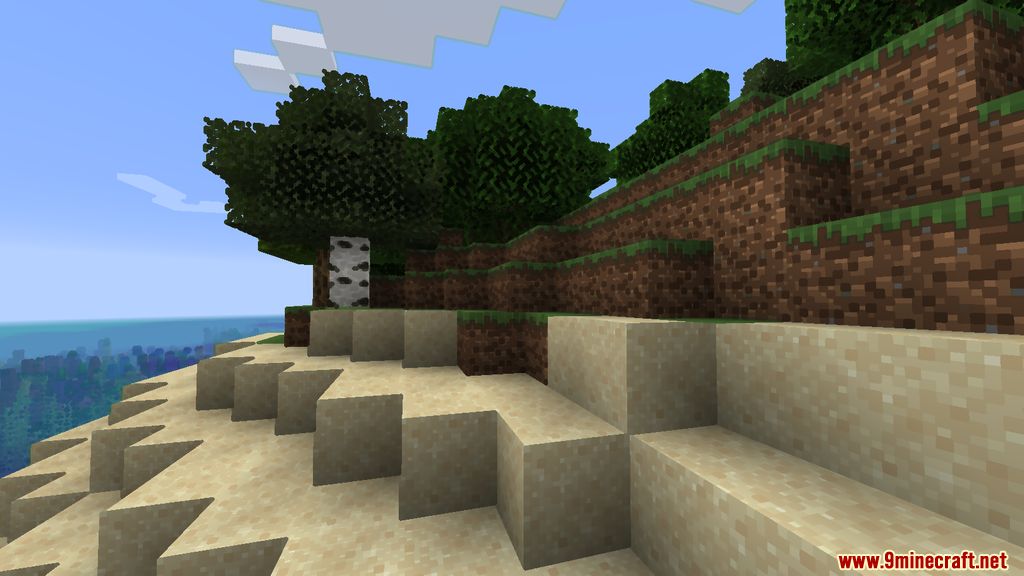
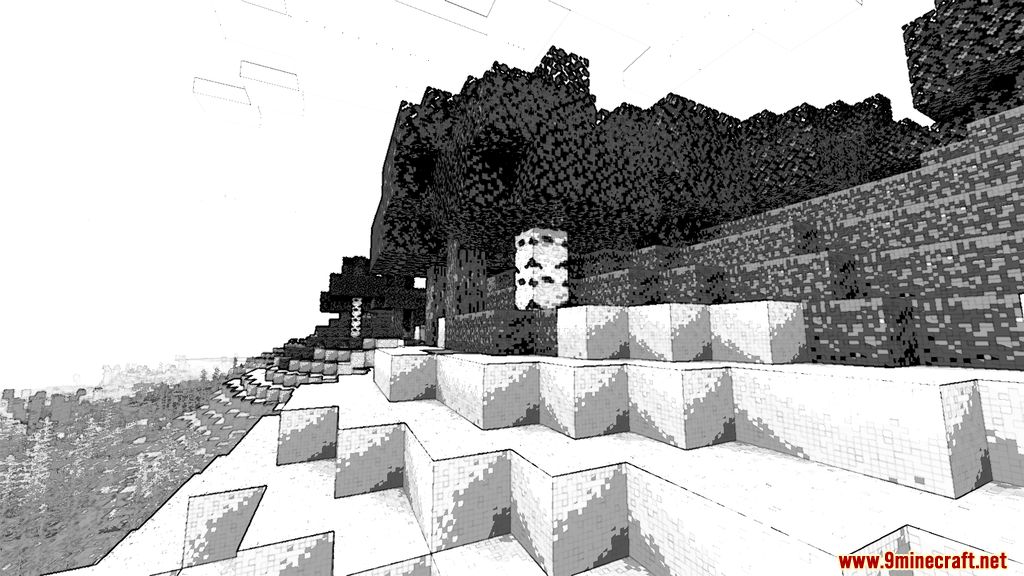
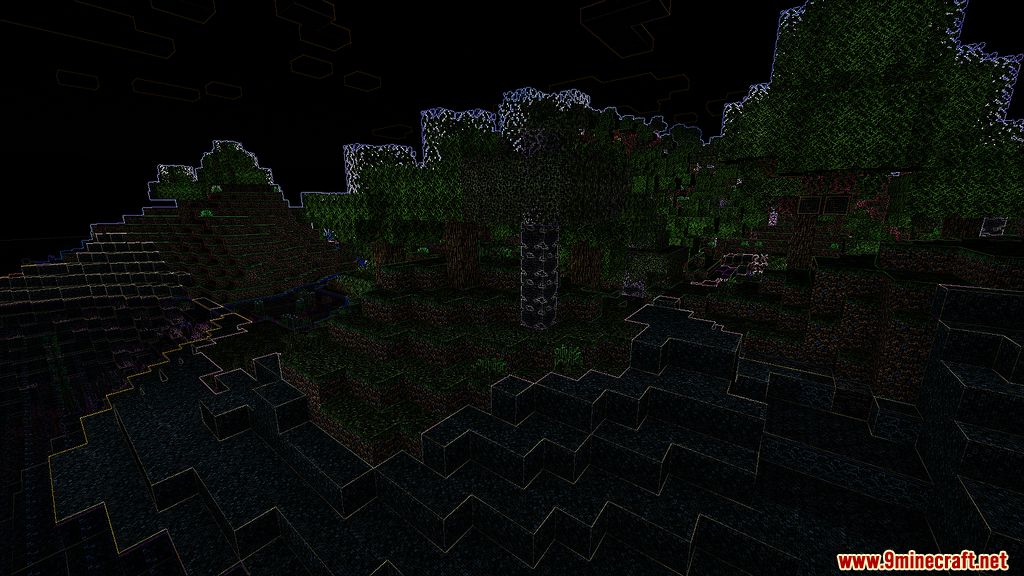
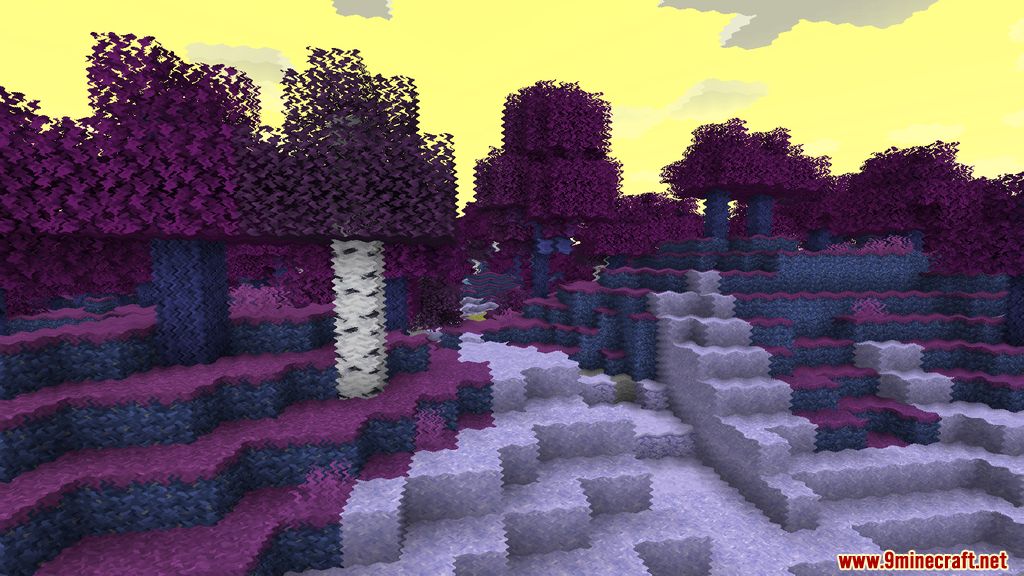
Super Secret Settings Mod brings back the classic visual feature removed from the game, letting you change the look of your world using various graphical shaders. It adds a new button directly into the options menu so you can cycle through dozens of retro visual effects just like before.
Features:
- Adds a new button to the options menu that plays a random sound and applies a random visual shader when pressed.
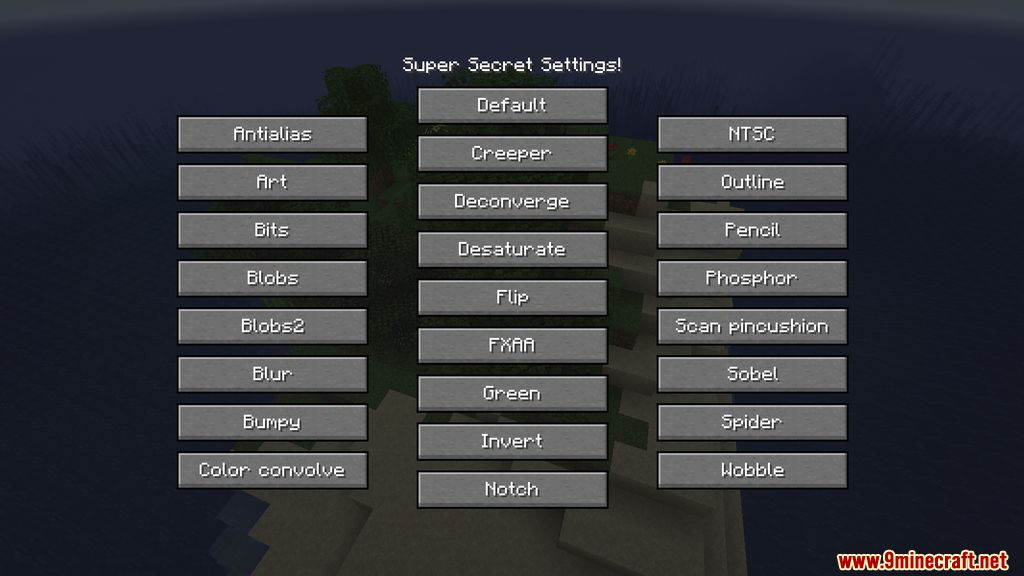
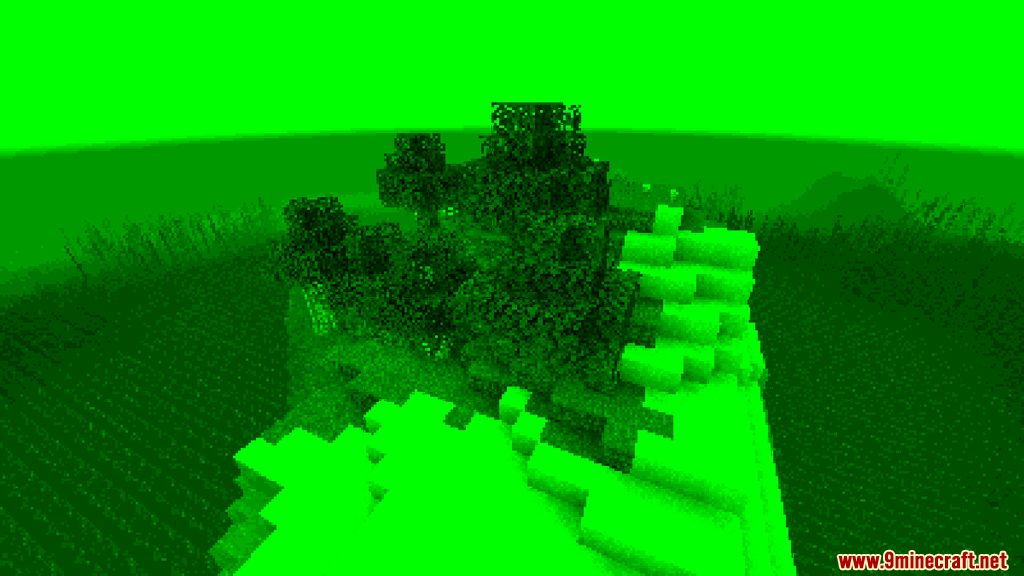
- Applies shaders in a fixed order including Notch, FXAA, Art, Bump, Blobs2, Pencil, Color Convolve, Deconverge, Flip, Invert, NTSC, Outline, Phosphor, Scan pincushion, Sobel, Bits, Desaturate, Green, Blur, Wobble, Blobs, Antialias, Creeper, and Spider.
- Lets you turn off the visual effects by shuffling through all shaders or by setting custom keybinds in the controls menu.
- Opens a dedicated menu screen when you Shift-click the new button, allowing you to go forward, go back, or turn shaders off completely.
- Requires the Fabric API to work properly in the game.
How to Use:
- Open the game options menu and locate the new button added to the screen.
- Click the button to cycle through random visual shaders and play a classic sound effect.
- Hold Shift and click the button to open the special shader menu screen.
- Use your assigned keybinds or shuffle through all available options to turn off the visual effects whenever you want.
Screenshots:

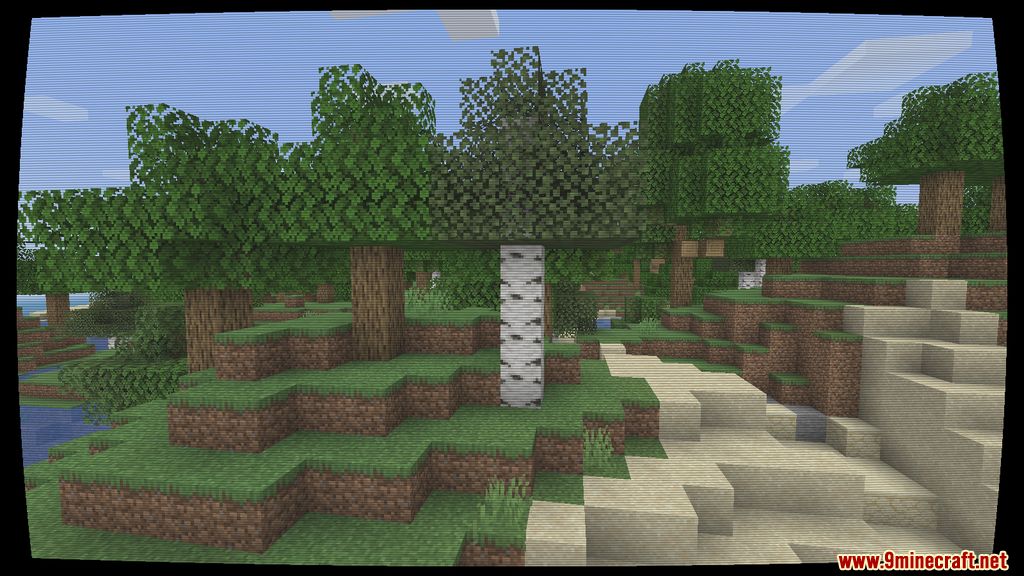
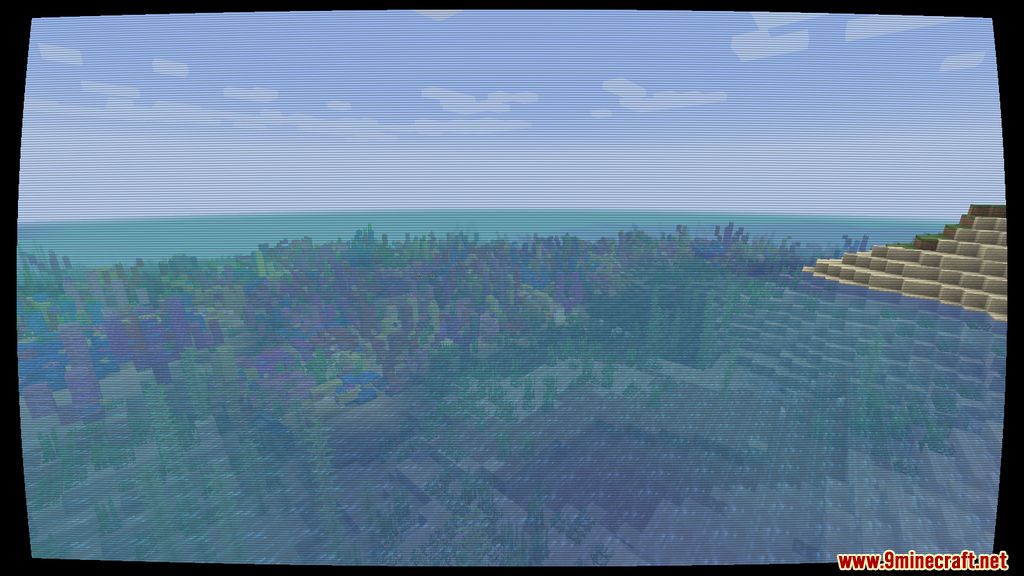
How to Install:
New to Minecraft? Follow our step-by-step guide to install Mods on your PC.View Guide
Super Secret Settings Mod Download Links
For Minecraft 1.20.1
Fabric version: Download from Server 1 – Download from Server 2
For Minecraft 1.19
Fabric version: Download from Server 1
For Minecraft 1.18.2
Fabric version: Download from Server 1
For Minecraft 1.17.1
Fabric version: Download from Server 1
For Minecraft 1.16.5
Forge version: Download from Server 1
Which item and recipe viewer mod do you prefer to have in your game?
1 responses · See the full results →
You May Also Like
Picked for this page
 Upgrade Aquatic Mod (1.21.1, 1.20.1) – New Fish, Sea Monsters and More
 ItemPhysic Mod (26.3, 1.20.1) – Epic Drop Animations
 Entity Culling Mod (26.3, 1.20.1) – Increase Your FPS
 Showcase Item Mod (26.1.2, 1.20.1) – Show Your Item in Chat
 Drip Sounds Mod (26.3, 1.20.1) – Realistic Water & Lava Droplet Sounds
 Memory Settings Mod (26.3, 1.20.1) – Allocate More RAM
 More Beautiful Stairs Mod (26.3, 1.20.1) – 100+ New Stairs!
 Anvil Too Expensive Mod (26.1.2, 1.20.1) – Removes the “Too Expensive” text
 Magma Monsters Mod (1.21.1, 1.20.1) – Lava Lakes Now Fight Back
 Panorandom Mod (26.3, 1.21.11) – Picks Panorama From All Resource Packs
 Modern Networking Mod (26.3, 1.20.1) – Run Multiplayer Mods Without Errors
 Macaw’s Aurora Mod (1.21.1, 1.20.1) – Build with Aurora’s Blocks
Most viewed in Mods over the last 7 days
 Ala Industrial Mod (26.3) – Run Electric Power Grids and Automated Factories
 PleasureCraft Mod (26.3, 1.21.1) – Jenny Mod Remake for Fabric
 Jennycraft Mod (26.3, 1.20.1) – Virtual Girlfriend in Minecraft
 Fapcraft Mod (26.3, 1.12.2) – Comprehensive and Detailed Content
 Jenny Mod (Fapcraft) Official Complete Guide – How to use, Tutorial
 BangCraft Mod (1.20.1) – Jenny, Ellie and Elliot
 Fabric Loader (26.3, 1.20.1) – Fabric Installer for All Minecraft Versions
 Meteor Client Mod (26.3, 1.20.1) – Xray, HUD, Fly
 The Shooting Star Demo Mod (26.3, 1.20.1) – Vaporize Terrain From Orbit
 OptiFine HD (26.3, 1.20.1) – Run Faster, FPS Boost, Shaders Support
 Aristois Client Mod (1.21.4, 1.20.1) – World Class Minecraft Utility
 Prestige Client Mod (1.21.11, 1.21.4) – Powerful Ghost Features for Crystal & Sword PvP
More from Mods
 Primal Plushies Paleo Pals Mod (1.21.1, 1.20.1) – Decorate Your Base
 Ipla Mod (26.3, 1.20.1) – Showcase Your Favorite Items
 MesdagPortLib Mod (1.20.1) – Run Modern Minecraft Mechanics on Older Versions
 Hellion’s API Mod (1.21.11, 1.21.1) – Play Hellion Series Addons Without Crashes
 Terrestria Mod (26.3, 1.20.1) – Highly Detailed Biomes
 Tre’s Tack Library Mod (1.20.1) – Outfit Your Horses with Fully Detailed Tack
 YDM’s coreX Library Mod (1.20.1) – Loot RPG Gear with Random Names
 Gunpowder Recipe Mod (26.3, 1.20.1) – Gunpowder is Craftable
 Villager Timetable Mod (26.3, 1.20.1) – Master Villager Schedules
 Artemis Laboratory Blocks Mod (26.3, 1.20.1) – Lab Blocks And Dynamic Decorations
 Fabric ORM Jimmer Mod (26.3, 1.20.1) – Prevent Sudden Server Crashes
 Cafe Core Mod (26.2, 1.21.1) – Bypass Anvil Limits and Tame Pets in Seconds

This post has no comments yet. Be the first — your comment will appear here.