


Survival Block Pivot Plugin (26.2, 1.20.1) – Fix Misplaced Blocks
 0
0
 0
0

Survival Block Pivot Plugin lets players change the direction of placed blocks without breaking and rebuilding them. It brings an easy way to adjust blocks like stairs, chests, redstone items, and logs directly in the game. Players can fix misplaced builds with a quick click, keeping construction simple and fun for everyone on the server.
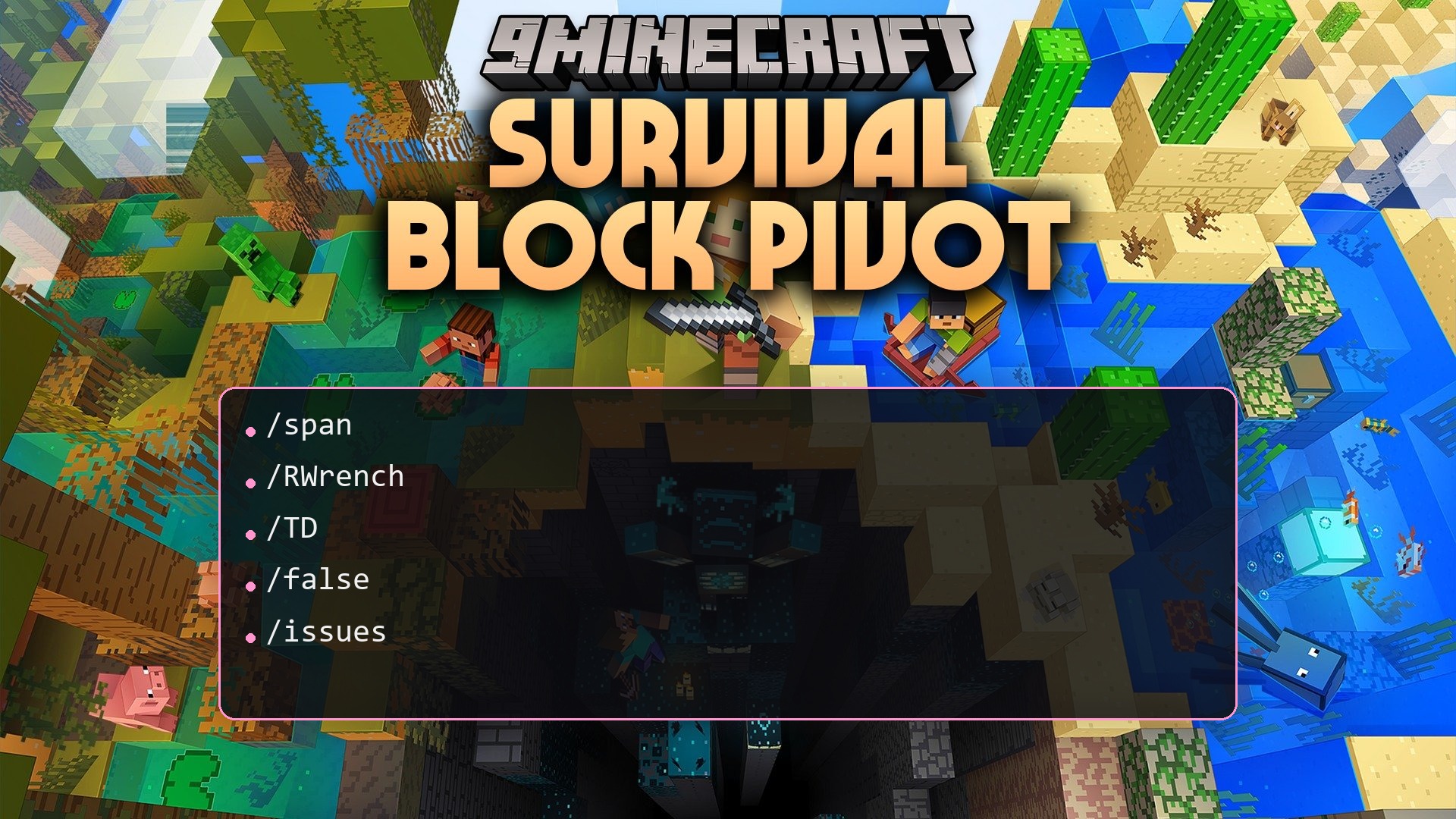
Features:
- Lets players turn blocks in place using right-click or sneak right-click actions.
- Works on common building blocks like stairs, slabs, logs, pillars, and terracotta.
- Rotates functional blocks including chests, beds, anvils, campfires, and shulker boxes.
- Supports redstone parts, rails, fence gates, doors, trapdoors, and buttons.
- Adjusts decorative items such as armor stands, mob heads, bells, end rods, and chains.
- Includes a click cooldown to prevent players from spamming block turns.
How to Use:
- Hold the rotation tool in your main hand.
- Right-click on the block you want to turn.
- Hold Shift and right-click if the block needs to turn in an alternate direction.
Configuration:
auto_update_check: Checks for new plugin updates on startup when enabled.debug: Sends extra logs to the console to help pinpoint errors.colorful_console: Toggles colored text in the server console window.spamfilter: Sets the wait time in milliseconds between clicks to stop spam.auto_apply_resource_pack: Sends the custom resource pack to players when they join.enabled: Holds individual true or false switches for every supported block type.
How to Install:
New to Minecraft? Follow our step-by-step guide to install Plugins on your PC.View Guide
Survival Block Pivot Plugin Download Links
For Minecraft
26.2,
26.1.2,
26.1.1
All Versions Covered
26.2
26.1.2
26.1.1
26.1
1.21.11
1.21.10
1.21.9
1.21.8
1.21.7
1.21.6
1.21.5
1.21.4
1.21.3
1.21.2
1.21.1
1.21
1.20.6
1.20.5
1.20.4
1.20.3
1.20.2
1.20.1
1.20
All Versions Covered
26.2
26.1.2
26.1.1
26.1
1.21.11
1.21.10
1.21.9
1.21.8
1.21.7
1.21.6
1.21.5
1.21.4
1.21.3
1.21.2
1.21.1
1.21
1.20.6
1.20.5
1.20.4
1.20.3
1.20.2
1.20.1
1.20
For Minecraft 1.19.2, 1.19
For Minecraft 1.18.2, 1.18
For Minecraft 1.16.5, 1.16
Click to rate this post!
[Total: 0 Average: 0]
You May Also Like





This post has no comments yet. Be the first — your comment will appear here.