TAB Plugin (1.21.11, 1.20.1) – Make an Awesome Animated Tablist

 0
0  December 10, 2025
TAB Plugin is an all-in-one Minecraft plugin used to display player and server information in the tablist, nametags, scoreboards, and bossbars. It is designed to be powerful, fast, and compatible with many server setups while remaining easy to configure for beginners.
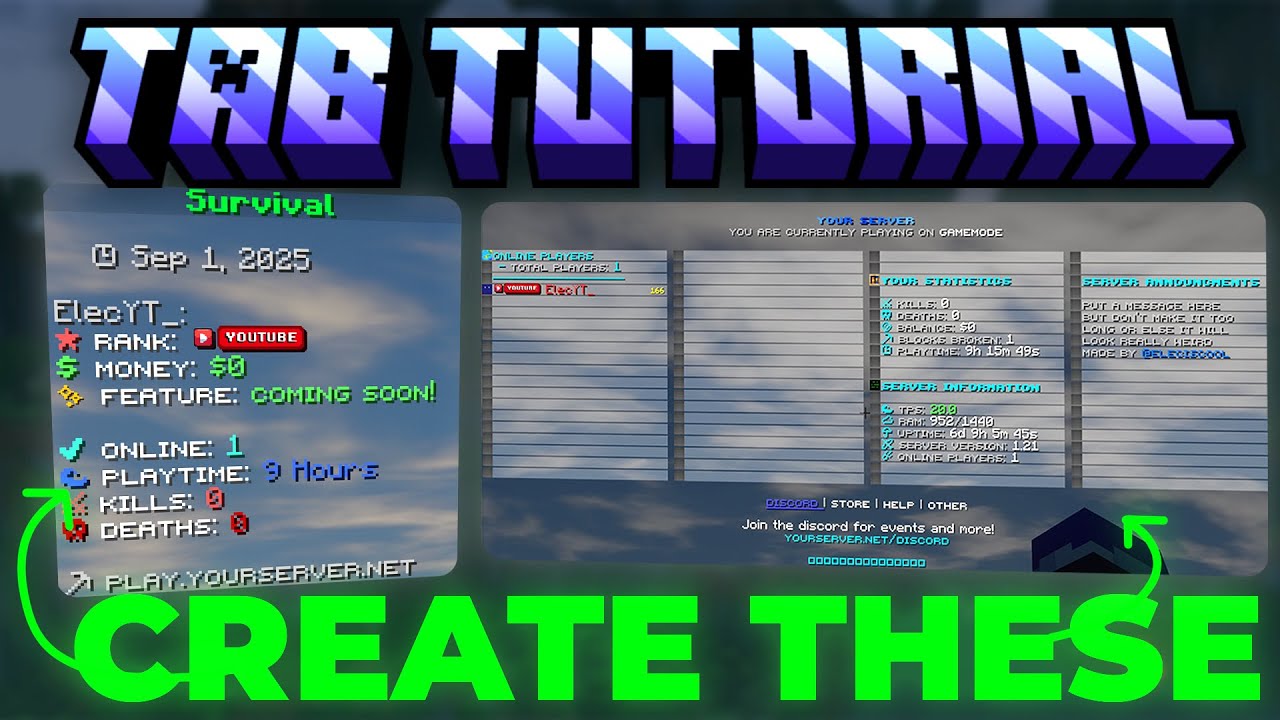
Features:
- Custom header & footer text
- Prefix and suffix per group or per player
- Support per world and per server
- Custom tablist layouts with player skins
- Global tablist across proxy servers
- Option to show only players from the same world
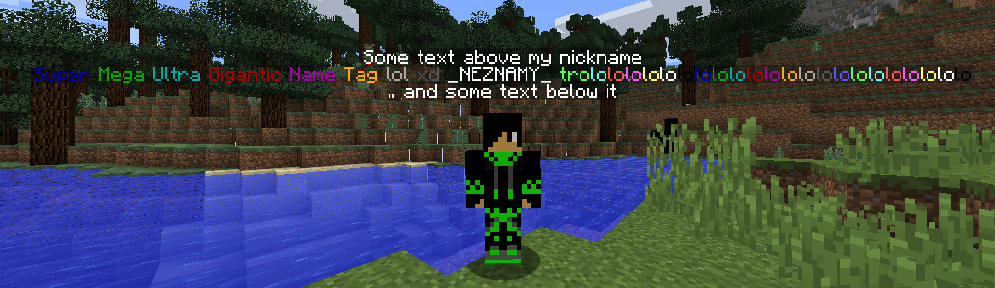
Nametag Features
- Configurable prefix and suffix
- Per-group and per-player settings
- Collision rules control
- Option to fully hide nametags
- Fixes visibility delay for invisible players (1.8+ clients)
Sorting Options
- Sort by permission group
- Sort by numeric placeholders
- Multi-condition sorting
- Case-sensitive name sorting
Scoreboard System
- Up to 15 lines
- Dynamic placeholder values
- Different scoreboards based on conditions
- Auto-hide when other plugins show scoreboards
- Toggle command support
Bossbar
- Custom text, color, style, and progress
- Condition-based display
- Toggle command support
Placeholders
- Supports
PlaceholderAPI - Create custom placeholders
- Conditional placeholders with AND/OR logic
- Replace or modify placeholder output
- Nested placeholders supported
RGB & Visual Support
- RGB colors for 1.16+
- Automatic gradient text
- Compatible fallback for older clients
Performance
- Fully asynchronous processing
- No TPS impact when configured properly
- Handles very large player counts
- Disable unused features to reduce CPU usage
Easy Configuration
- Works out of the box with useful default settings
- Compact config structure
- Built-in examples for quick setup
- Extensive wiki documentation
Compatibility
- Supports
BungeeCordandVelocity - MySQL database support for multi-proxy setups
- Cross-server placeholder support
- Error logs written to file instead of console spam
- Built-in misconfiguration checks
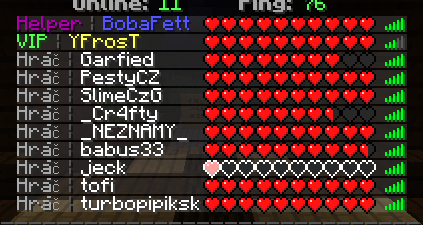
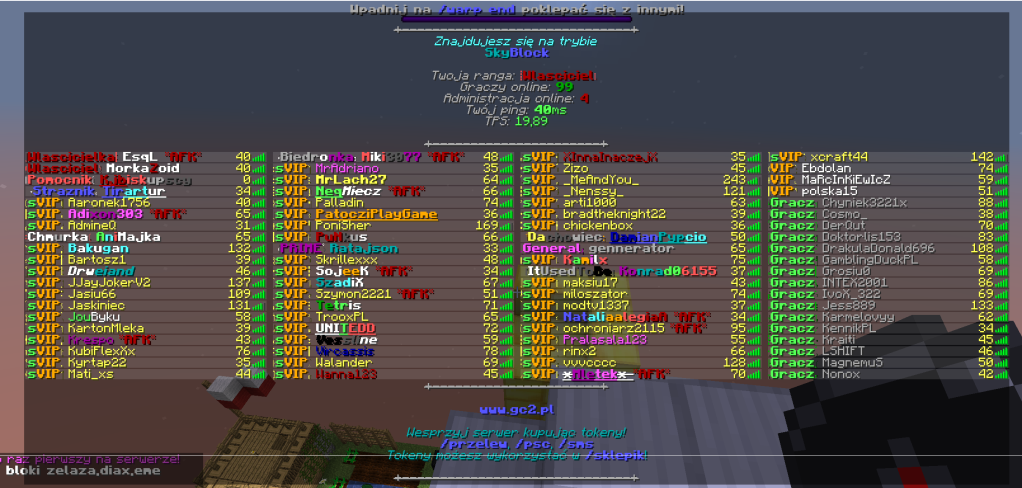
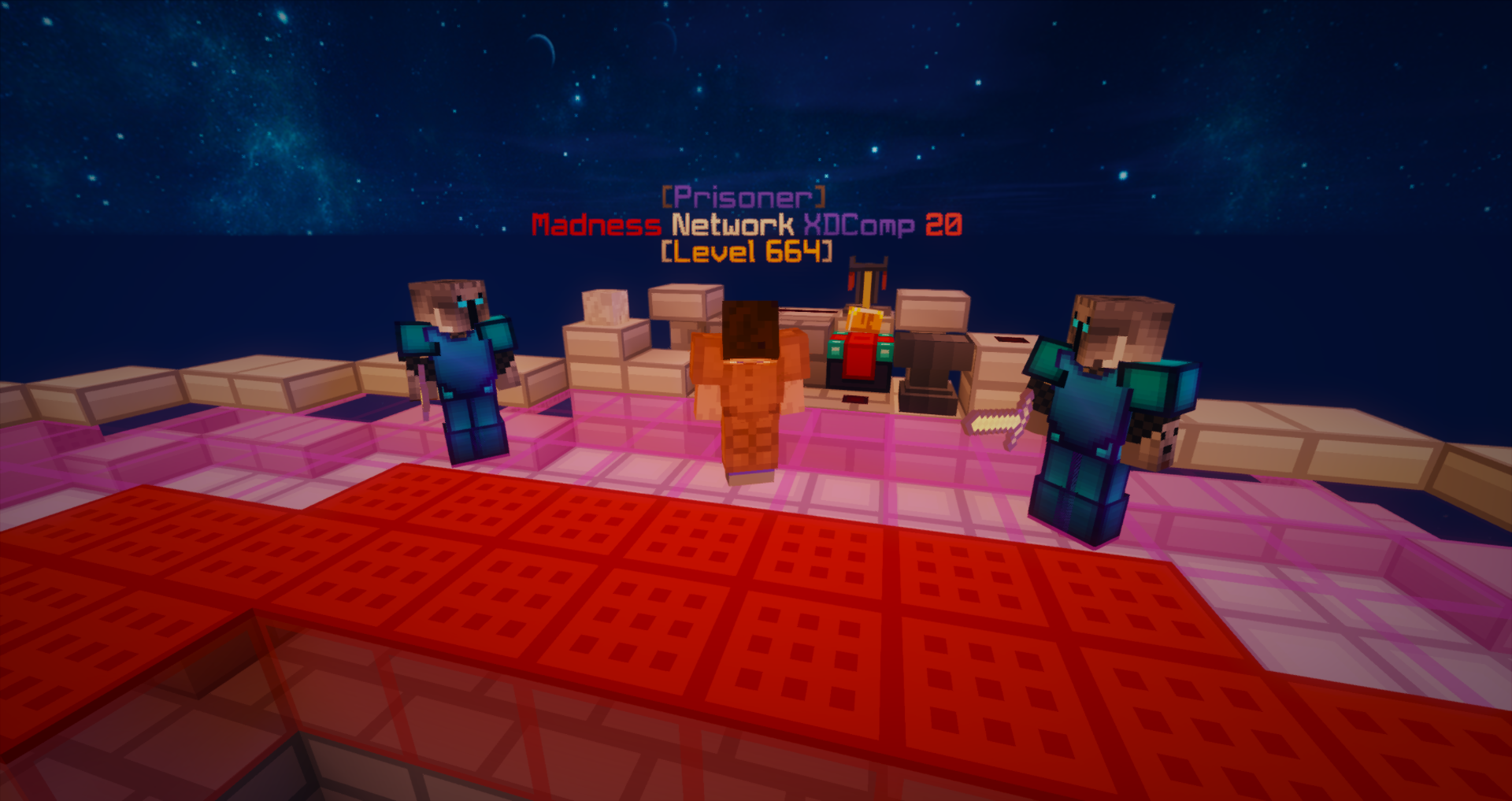
Screenshots:

How to install:
- Download a plugin of your choice.
- Place the .jar and any other files in your plugin’s directory.
- Run the server and wait for it to fully load.
- Type stop in your Minecraft server console to bring the server to a clean stop.
- Run the server.
- All done! Your plugin should be installed and ready to be used.
TAB Plugin Download Links
For All Versions from Minecraft Spigot 1.5.1 to Minecraft Spigot 1.20.5
For Minecraft Spigot 1.21.1, 1.21
For Minecraft Spigot 1.21.3
For Minecraft Spigot 1.21.4
For Minecraft Spigot 1.21.5
For Minecraft Spigot 1.21.8, 1.21.7, 1.21.6
For Minecraft Spigot 1.21.10, 1.21.9
For Minecraft Spigot 1.21.11
Click to rate this post!
[Total: 2 Average: 1.5]
You May Also Like