
Technical Car Schematic (1.20.x) – Detailed 3D Blueprint Car Build

 0


Technical Car Schematic brings a cool 3D car blueprint right into your Minecraft world. This build gives you a detailed vehicle model made entirely out of standard blocks. You can place it in your city, outside a modern house, or inside a giant garage. It uses exactly 388 blocks to form the shape of a technical car. You do not need any extra mods to see the blocks, as it uses regular vanilla materials.
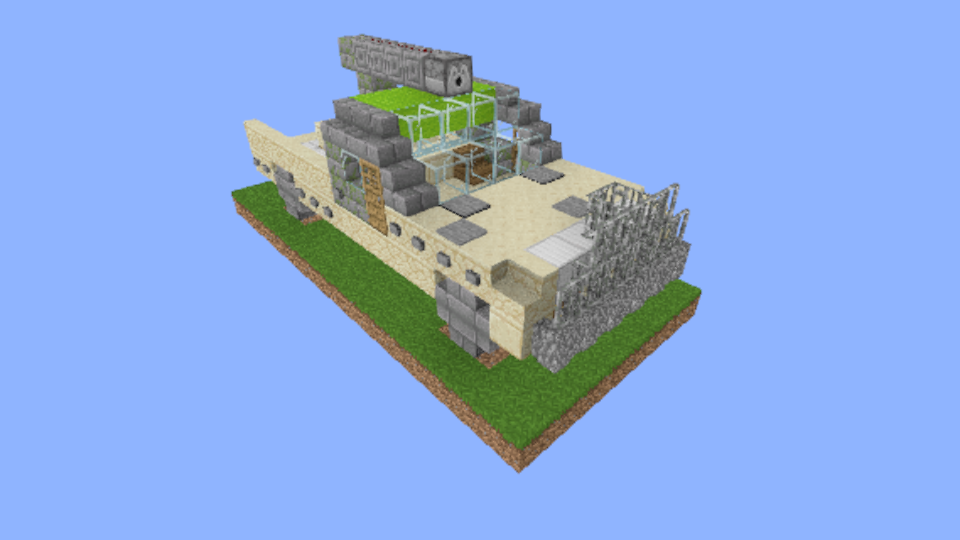
3D Preview & Editor:
Materials
23 types · 388 blocks
| Grass Block | 128 | Cut Sandstone | 59 | Iron Block | 31 | |||
| Stone Brick Stairs | 24 | Sandstone | 24 | Stone Button | 20 | |||
| Sandstone Stairs | 16 | Iron Bars | 12 | Mossy Stone Bricks | 10 | |||
| Glass | 10 | Dirt | 8 | Lime Wool | 8 | |||
| Cobblestone Wall | 6 | Stone Pressure Plate | 5 | Nether Brick Slab | 4 | |||
| Oak Door | 4 | Glass Pane | 4 | Chiseled Stone Bricks | 4 | |||
| Redstone Wire | 4 | Glowstone | 2 | Black Wool | 2 | |||
| Spruce Stairs | 2 | Dispenser | 1 | |||||
How to place this schematic
.schem This is a WorldEdit schematic. It pastes instantly on a server or single-player world that has WorldEdit (or FastAsyncWorldEdit).
| 1 | Install WorldEdit — as a plugin on the server, or as a mod for single player. |
| 2 | Drop the .schem file into plugins/WorldEdit/schematics (server) or config/worldedit/schematics (client). |
| 3 | Run //schem load <file name>. |
| 4 | Stand where you want it and run //paste. Add -a to skip air blocks. |
Features:
- Vanilla Materials: Uses standard in-game blocks so you do not need to install extra mods to load the build.
- Takes up a space of 17 blocks wide, 46 blocks long, and 8 blocks high.
- Contains exactly 388 blocks to form the vehicle shape.
- Provides a neat car design based on 3D blueprint apps.
- Fits well into modern city maps, roads, or large parking lots.
Schematic Specs:
 Minecraft1.20.x
 Dimensions17×46×8
 Total Blocks388
Technical Car Schematic Download Links
For Minecraft 1.20.x
Click to rate this post!
[Total: 0 Average: 0]
You May Also Like
Picked for this page
 Pokémon Temple Arena Japanese Litematica Schematic (1.21.x) – Large Asian Fortress With Fighting Rin
 Twenture Emerald Spawner Farm Schematic (1.21.x) – Double Vindicator Spawner Emerald Farm Layout
 South China Street Gate Schematic (1.21.x) – Detailed Traditional Chinese Archway Build
 200 Hive Honey Block Farm Schematic (1.21.x) – Massive Vanilla Honey Production Build
 Court House Schematic (1.20.x) – Ready To Build Vanilla Courtroom Structure
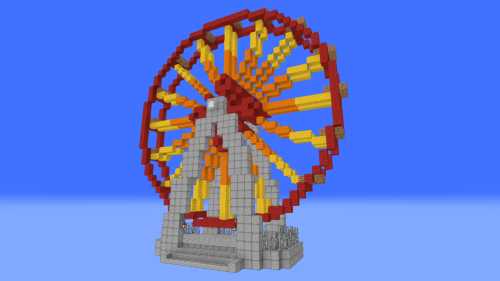 Colorful Ferris Wheel Schematic (1.20.x) – Tall Amusement Park Ride For Survival
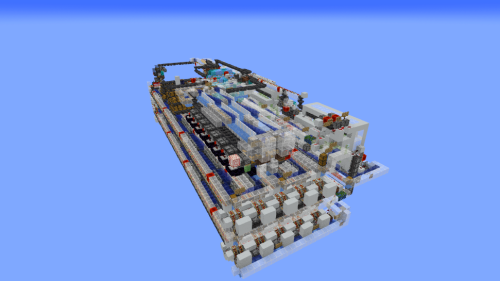 Lox V7.1 Fixed Schematic (1.21.x) – Large Vanilla Redstone Build For Multiplayer Servers
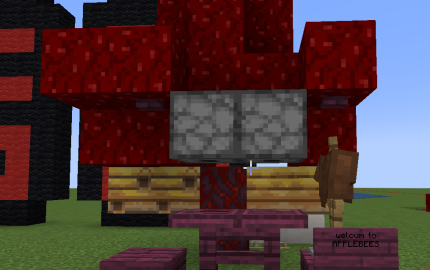 Applebees Schematic (1.19.x) – Small Modern Kitchen Building Structure
 Uss Texas Schematic (1.20.x) – Giant 1:1 Battleship Flying Machine Build
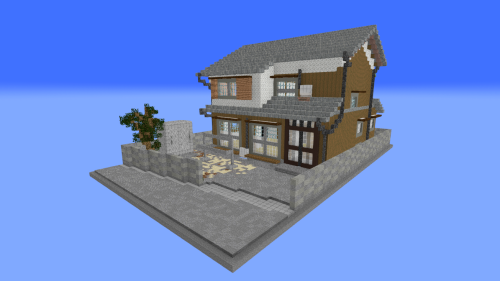 Japanese Detached House Before Renovation Schematic (1.21.x) – Weathered Old House Build For Your World
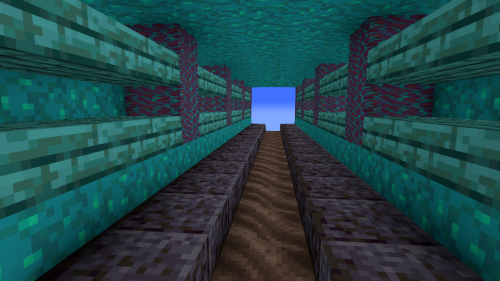 Warped Tunnel Schematic (1.19.x) – Compact Nether Hub Pathway Build Design
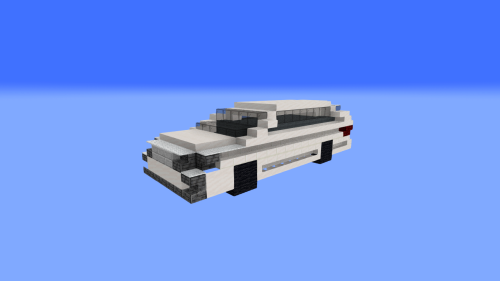 Vw Passat Variant R Line Schematic (1.21.x) – Build A Modern Car In Your World
Most viewed in Schematics over the last 7 days
 Fastest Bonemeal Farm Donut Smp Schematic (1.21.x) – Fast Redstone Bonemeal Farm Build
 64 Module Cobblestone Farm Schematic (1.21.x) – Massive Automated Stone Gathering Build
 KelpFarmV9.9 Schematic (1.21.x) – Compact And Simple Seaweed Farm Build
 Villager Trading Hall Schematic (1.21.x) – Modern Shop Build For 48 Villagers
 Gold Farm Schematic (1.21.x) – Automatic Nether Roof Gold Farm
 Bamboo Farm Schematic (1.21.x) – Small Automated Redstone Bamboo Farm
 Best Railgun Tp Trap on Donutsmp Schematic (1.21.x) – Unescapable Multiplayer Redstone Trap Build
 Bamboss V2 800k Bamboo per Hour Schematic (1.21.x) – High Speed Automated Bamboo Farm Schematic
 Minutes End Base Before Spoke Null End Video Schematic (1.21.x) – Giant Unstable SMP End Base Schema
 36 Module Cobble Farm 18m per Hour Donut SMP Schematic (1.21.x) – Massive Automated Stone Generator
 Donut Smp Stash and Regear Schematic (1.21.x) – Large Storage And Regear Room Build
 Unstable SMP S Bomer Schematic (1.21.x) – Large Bomber Machine Build For Worlds
More from Schematics
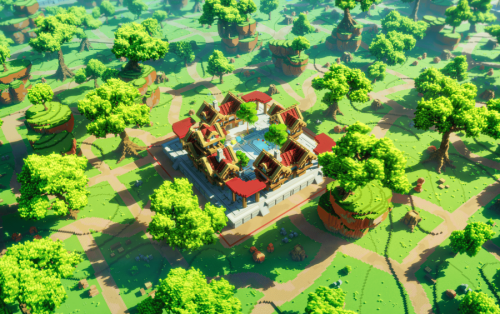 Medieval Spawn with Warzone Schematic (1.21.x) – Massive Medieval Lobby With PvP Warzone
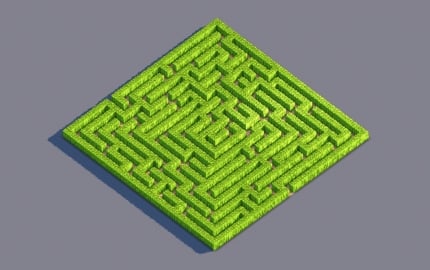 Hedge Maze Garden Decoration Schematic (1.21.x) – Classic Hedge Maze for Castle Gardens
 Mapart Sad Minion Schematic (1.21.x) – Build A Detailed Map Art Minion
 Black Car Schematic (1.21.x) – Sleek Modern Vehicle for City Streets
 Orange Pick up Schematic (1.21.x) – Build a Stylish Modern Orange Truck
 White and Red Truck Schematic (1.21.x) – Compact Modern Semi Truck Build
 2×2 Ground Door Schematic (1.21.x) – Simple Hidden Floor Entrance for Minecraft
 Bamboo Farm 2.0 Donut SMP Schematic (1.21.x) – Automatic High Yield Bamboo Farming System
 Medieval Village House Schematic (1.21.x) – A Cozy Medieval Home With Prismarine Roof
 Given 3d Download Schematic (1.19.x) – Detailed 3D Fantasy Statue Schematic for Minecraft
 Crimson Witch Hut Schematic (1.21.x) – Magical Small Medieval Witch House Build
 Grand Medieval Castle Schematic (1.21.x) – Massive Red Roofed Medieval Fortress Build

This post has no comments yet. Be the first — your comment will appear here.