


Telepost Mod (1.21.11, 1.20.1) – Replace Command Teleports with Physical
 0
0
 0
0


🌐 Good news — we've translated this article into other languages!
Or pick the one you like:
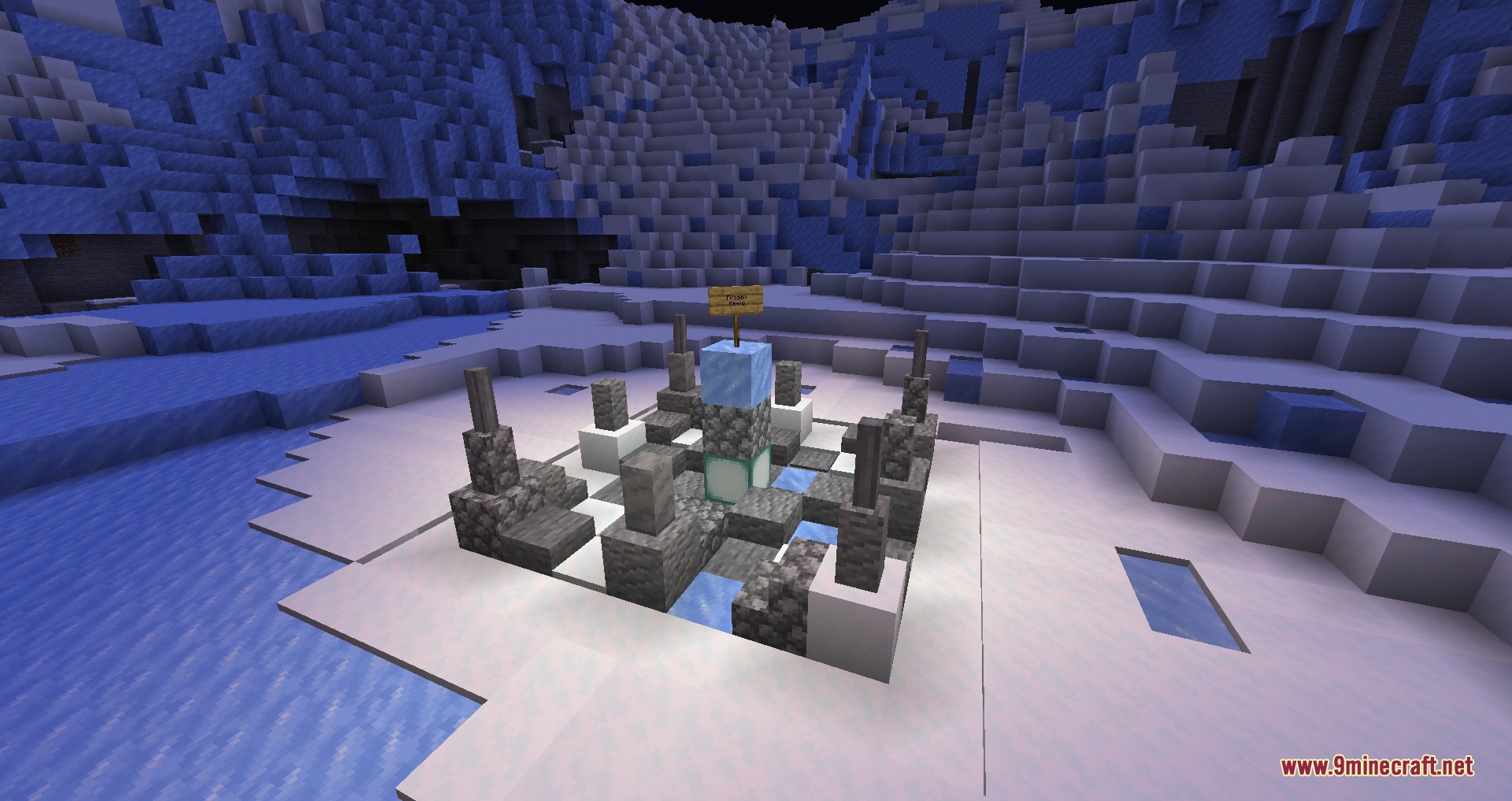
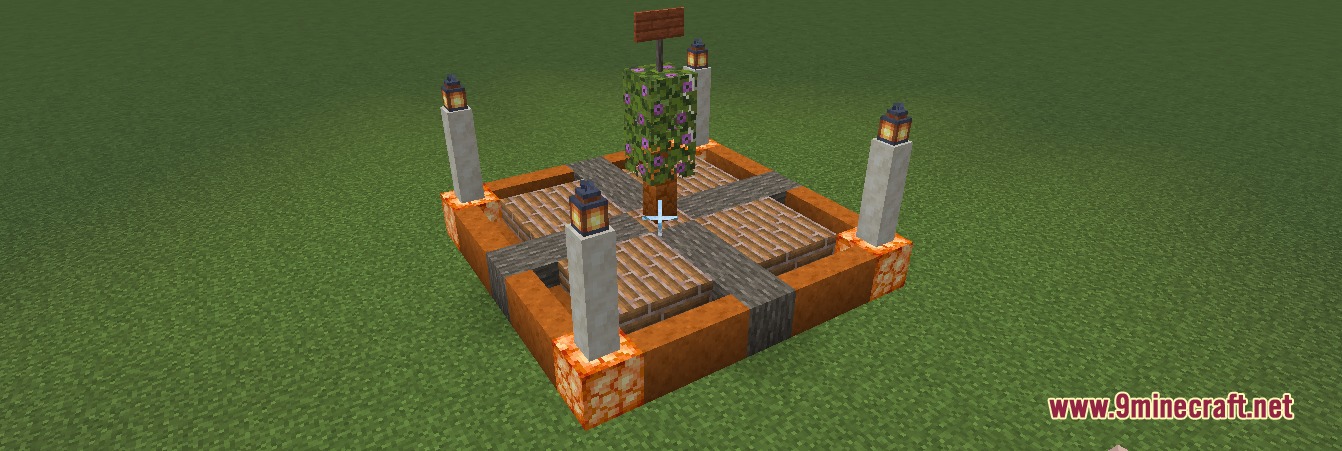
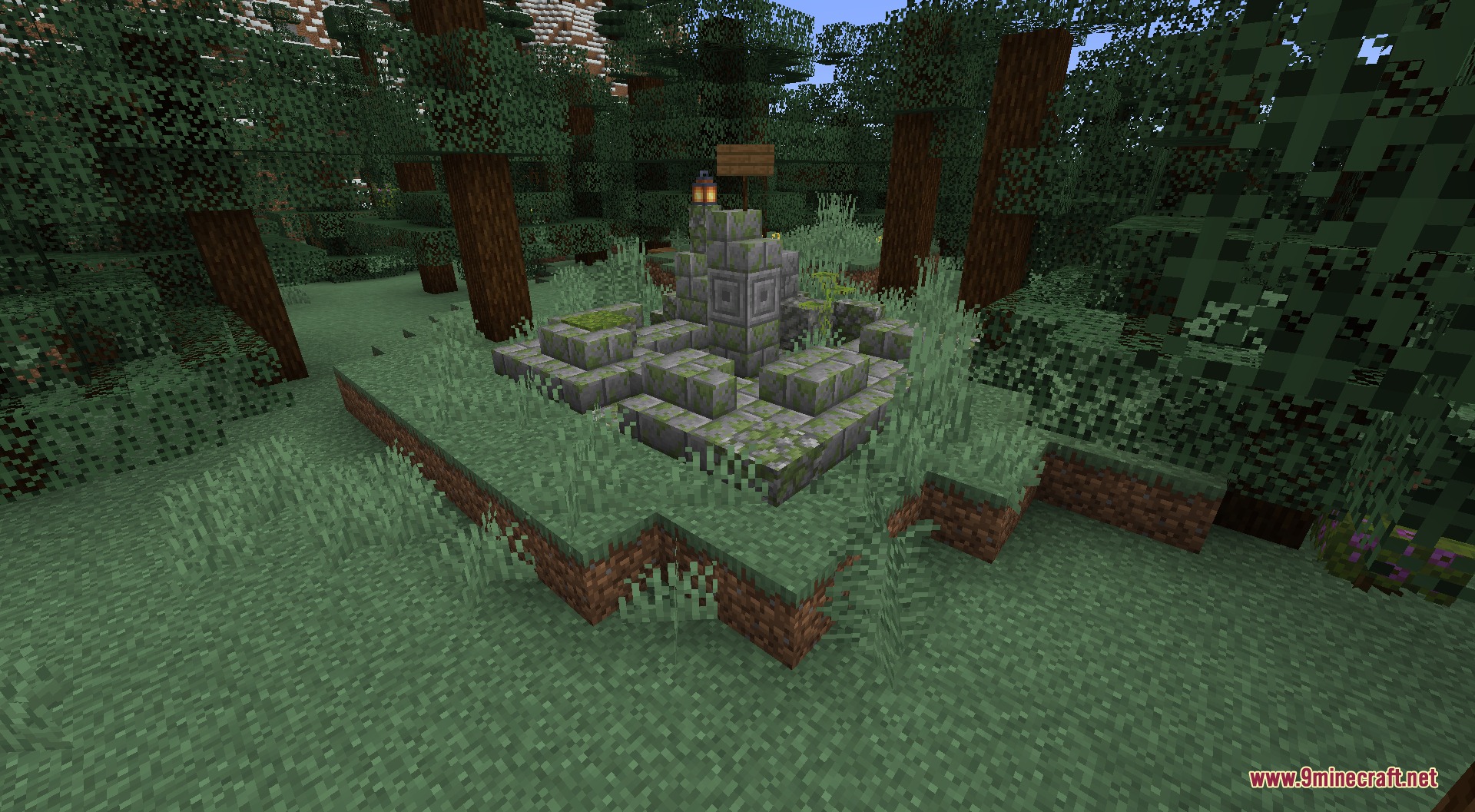
Telepost Mod changes how teleporting works on survival servers. It replaces normal teleport commands with a system of physical posts spread across the world. You must stand inside one of these posts to travel to another location. This system stops players from teleporting anywhere at any time, making survival gameplay feel more balanced. You can build your own posts, set a home base, and link up with friends to travel safely.
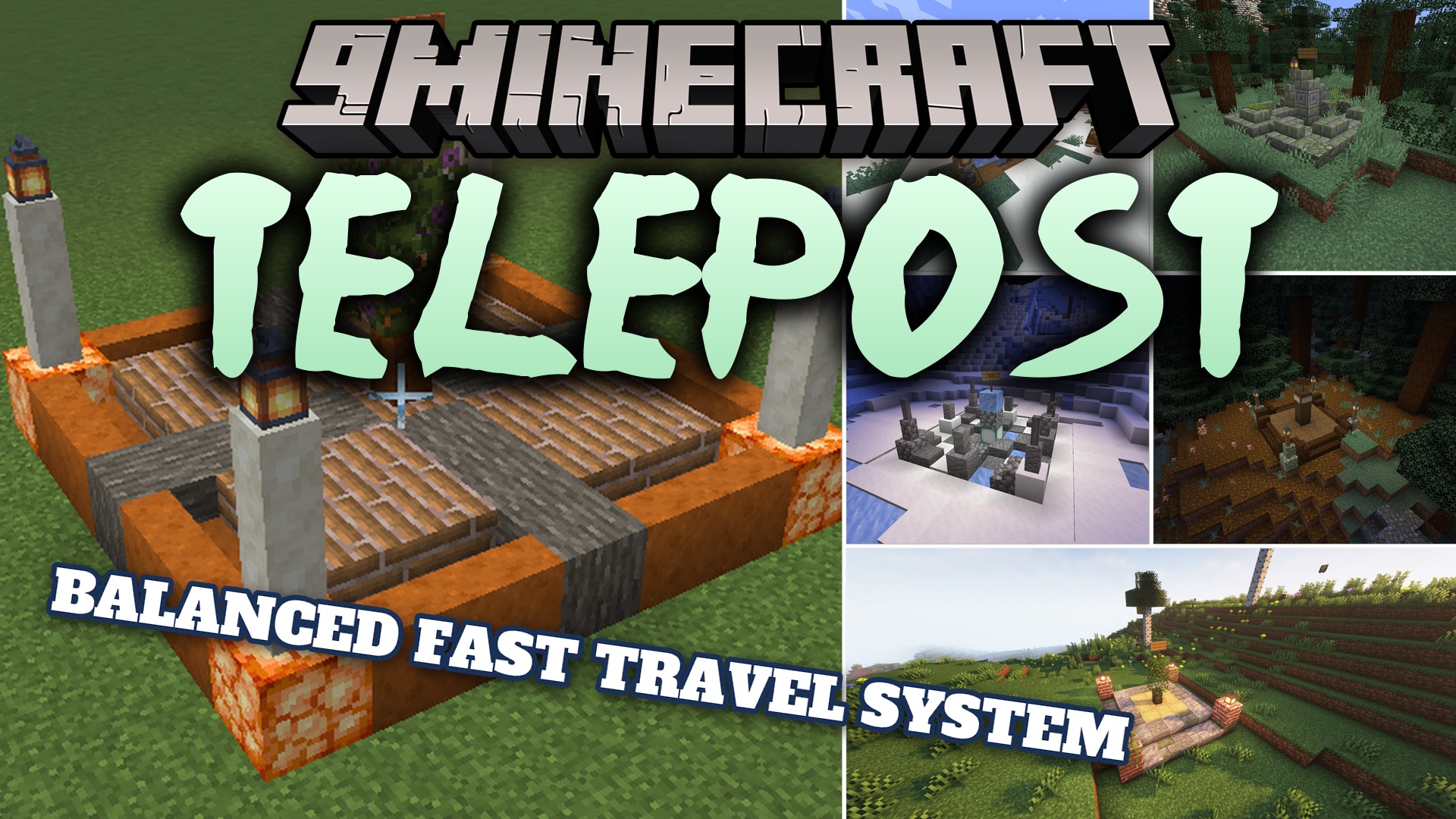
Features:
- Changes teleporting so you can only travel while standing inside a designated post area.
- Lets you create a personal home post to quickly return to your base.
- Forces new posts to be built a specific distance away from each other to spread out the map.
- Allows you to mark other players as allies to build posts closer to their locations.
- Pushes your enemies away by forcing you to build posts further from their territory.
- Includes a bypass feature for server admins to teleport directly to any post.
- Connects to a database to save all post locations safely.
Commands:
/nearestpost: shows you where the closest post is located./sethome: sets your home point at the nearest post./home: teleports you back to your home post./visit <Post>: teleports you to a specific post./forcevisit <Player> <Post>: teleports you without needing to stand on a post./post list: opens a menu showing all available posts./post create <Post> <x> <z>: makes a new post at specific coordinates./post rename <OldName> <NewName>: changes the name of a post./post transfer <PostName> <Player>: gives ownership of a post to someone else./post delete <PostName>: removes a post completely./post ally <Player>: marks another player as a friend./post enemy <Player>: marks another player as an enemy./post forgive <Player>: removes the friend or enemy status from a player.
Configuration:
telepost.posts.NUMBER: sets the maximum number of posts a player can own.telepost.leverage.NUMBER: changes the distance rules for creating posts near allies or enemies.
{
  "db-url": "jdbc:postgresql://kryeit.com:5432/servus",
  "db-user": "postgres",
  "db-password": "lel",
  "post-gap": 2000,
  "post-diameter": 31
}db-url: requires your PostgreSQL database details to make the mod work.post-gap: sets the minimum block distance between two posts.post-diameter: decides how wide the post area is in blocks.
How to Use:
- Find an empty area that is far enough away from other existing posts.
- Type the create command to set up a new post in your current location.
- Walk inside the borders of your new post.
- Type the visit or home commands in the chat to travel to other connected posts on the server.
Screenshots:
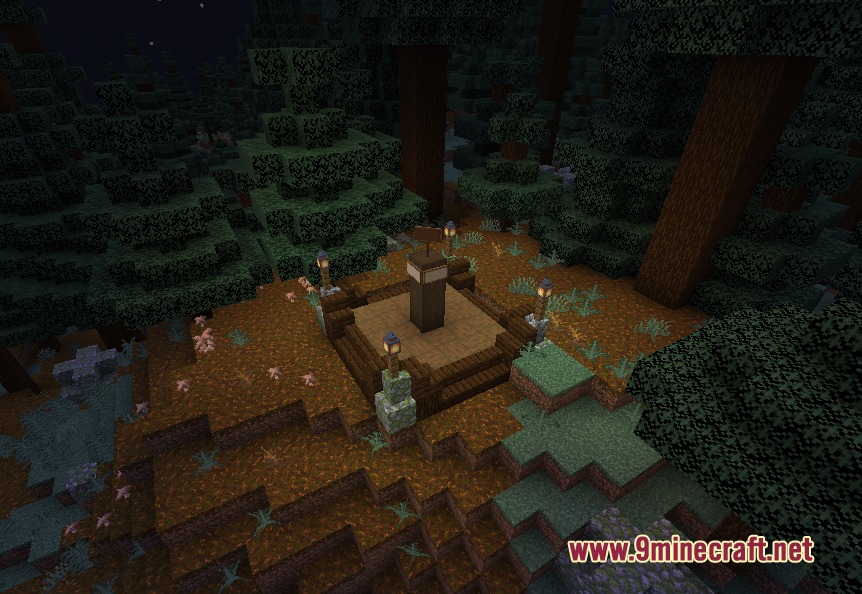
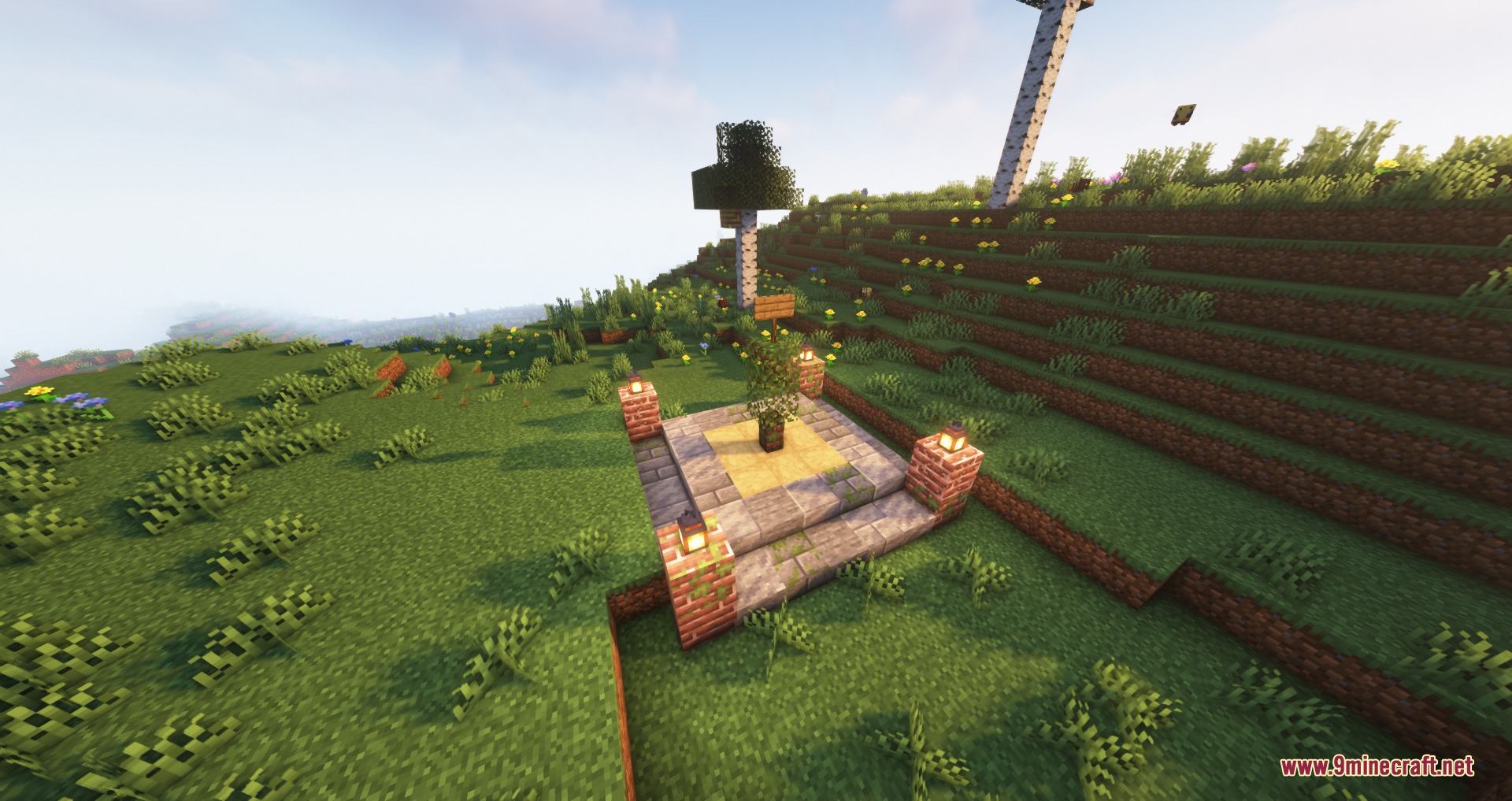
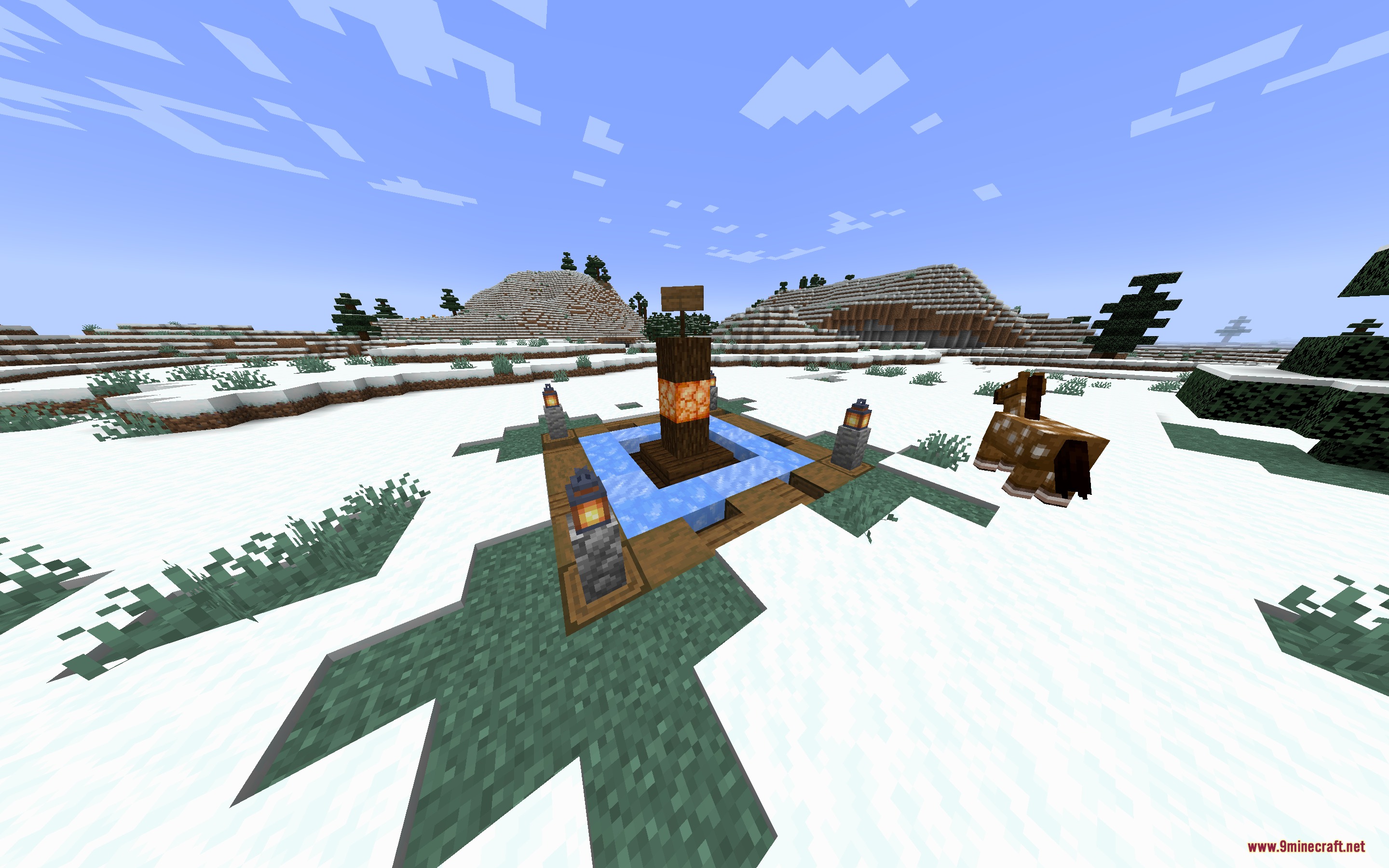
How to Install:
New to Minecraft? Follow our step-by-step guide to install Mods on your PC.View Guide
Requirements:





Telepost Mod Download Links
For Minecraft
1.21.11,
1.21.10,
1.21.9
All Versions Covered
1.21.11
1.21.10
1.21.9
1.21.8
1.21.7
1.21.6
1.21.5
1.21.4
1.21.1
1.21
All Versions Covered
1.21.11
1.21.10
1.21.9
1.21.8
1.21.7
1.21.6
1.21.5
1.21.4
1.21.1
1.21
For Minecraft 1.21.4
For Minecraft 1.21.1, 1.21
For Minecraft 1.20.1, 1.20
Click to rate this post!
[Total: 0 Average: 0]
You May Also Like



This post has no comments yet. Be the first — your comment will appear here.