
Tiered Backpacks Mod (26.3, 1.21.11) – Carry Extra Loot Anywhere

 0


Tiered Backpacks Mod adds six upgradeable backpacks to give you extra portable storage on your adventures. You start with a Leather backpack and upgrade through Copper, Iron, Golden, Diamond, and Netherite tiers for bigger storage space. You can dye most bags, attach them to chestplates, open them fast with a keybind, and keep all your items when you upgrade. The mod also lets you change bag sizes and rules in the config, works with all GUI resource packs, and supports popular mods like Curios, Trinkets (Updated), and Shulker Box Tooltip.
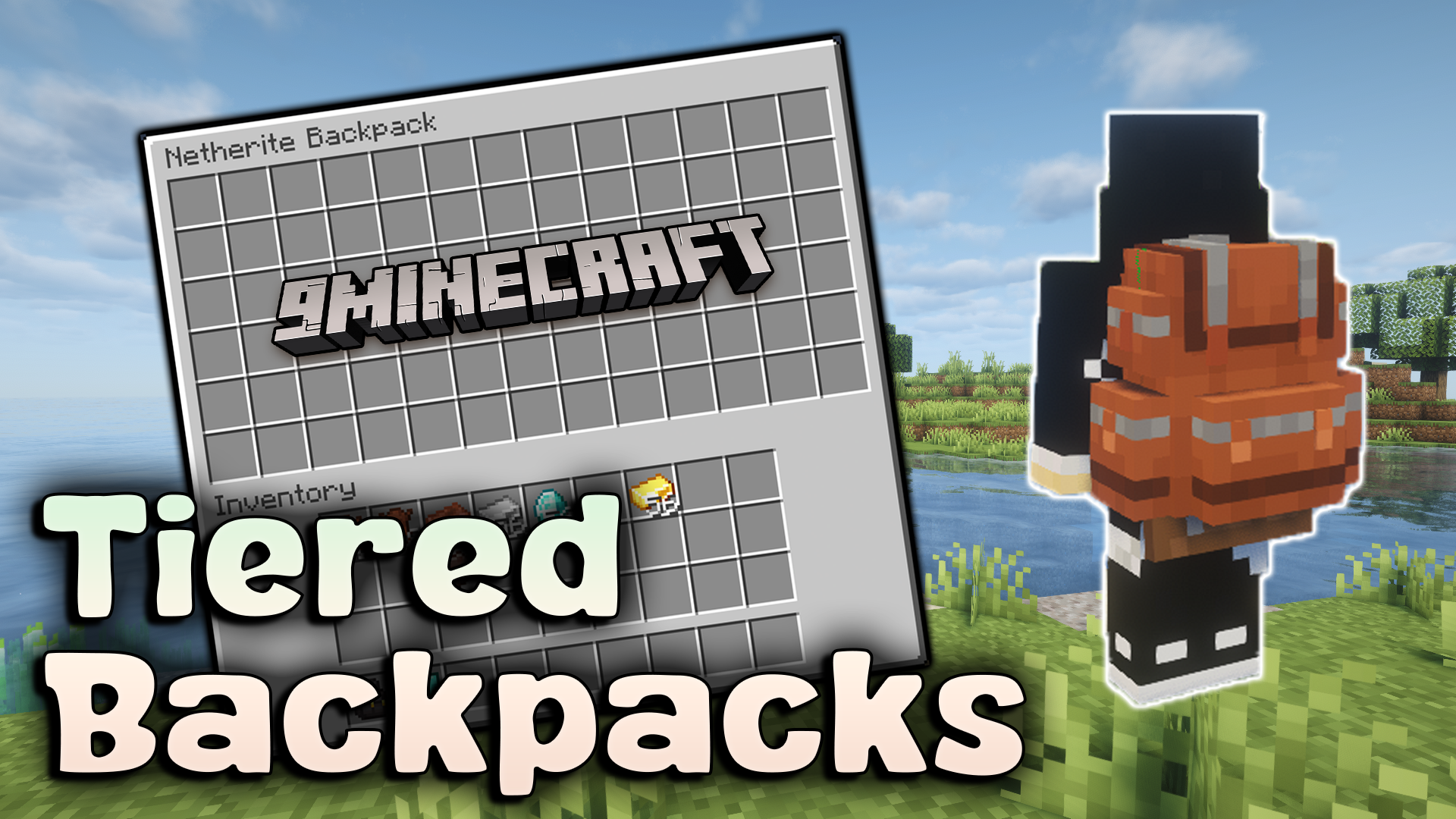
Features:
- Lets you adjust the storage size of every backpack tier up to 16×16 slots, with ready-to-use default sizes out of the box.
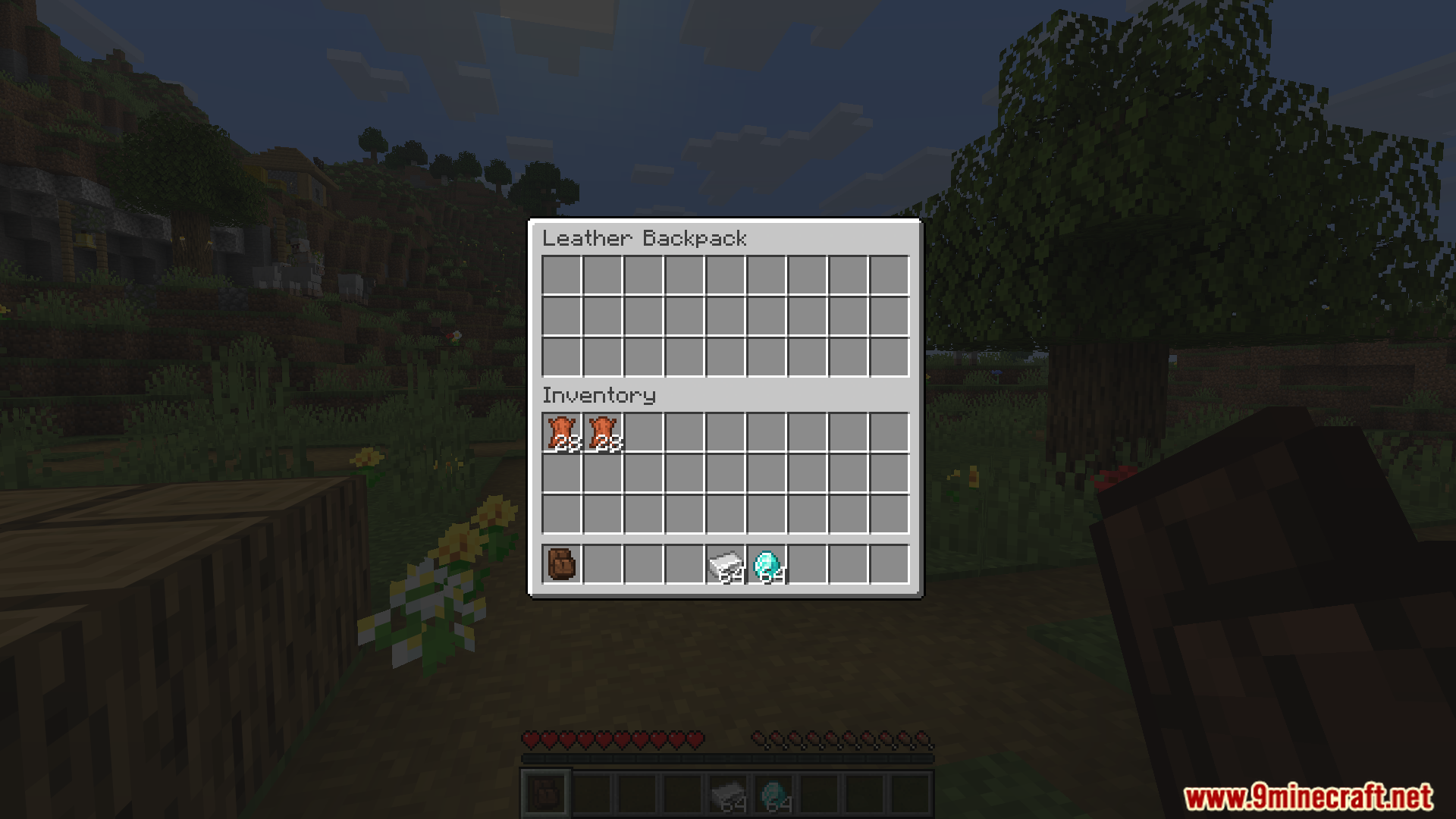
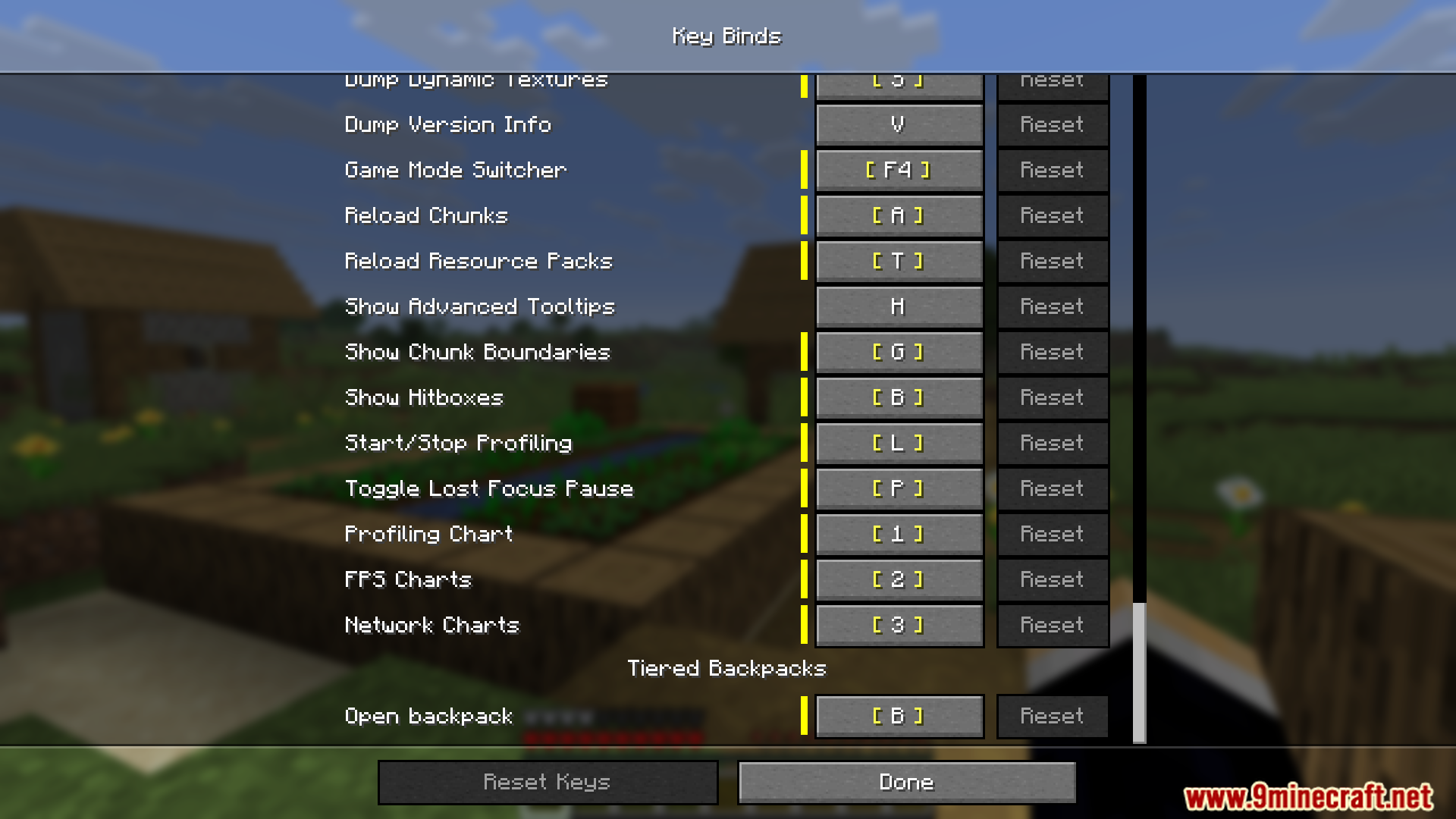
- Allows you to open a backpack by right-clicking it or by pressing the B key (default keybind) while it is in your inventory.
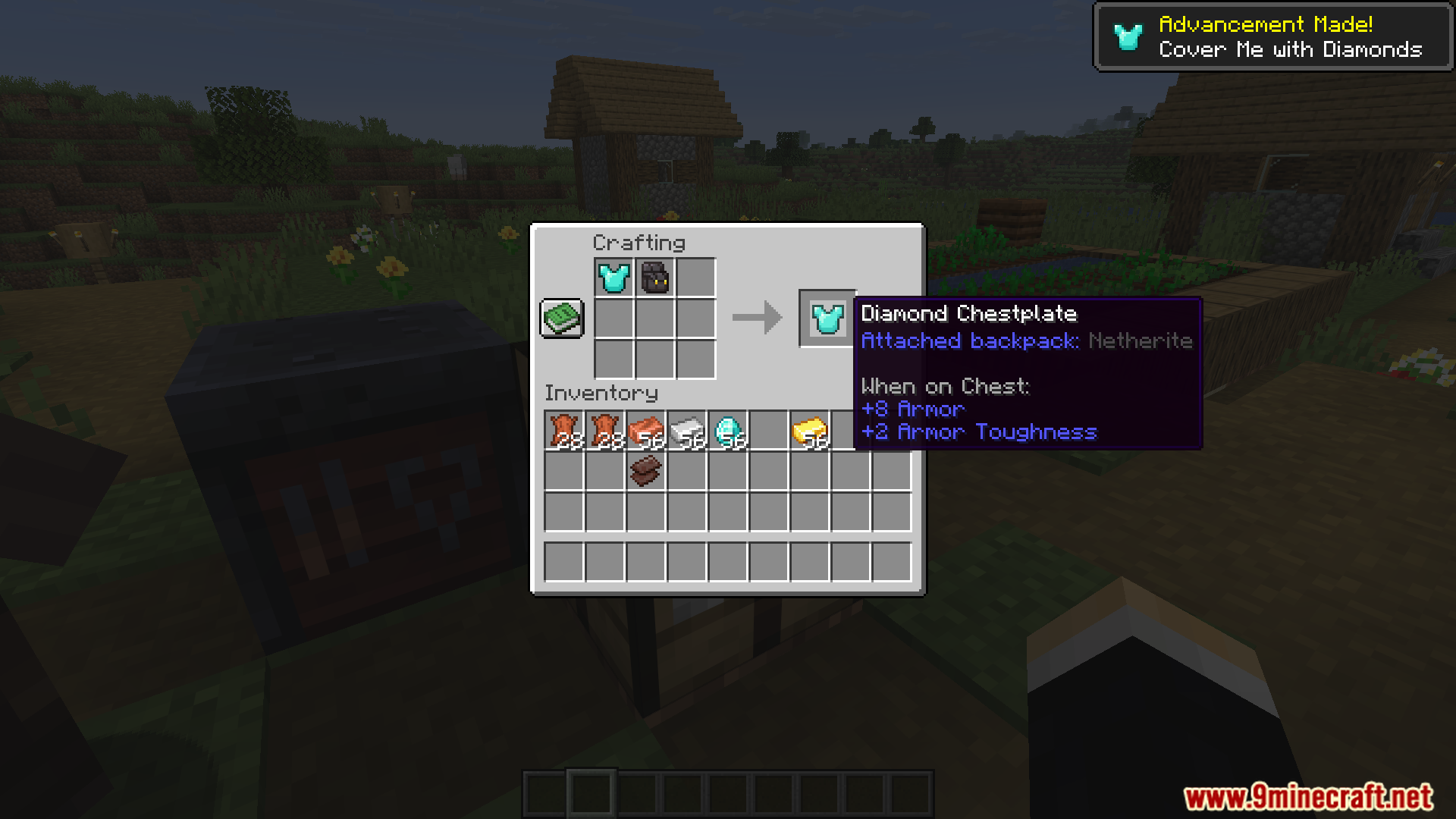
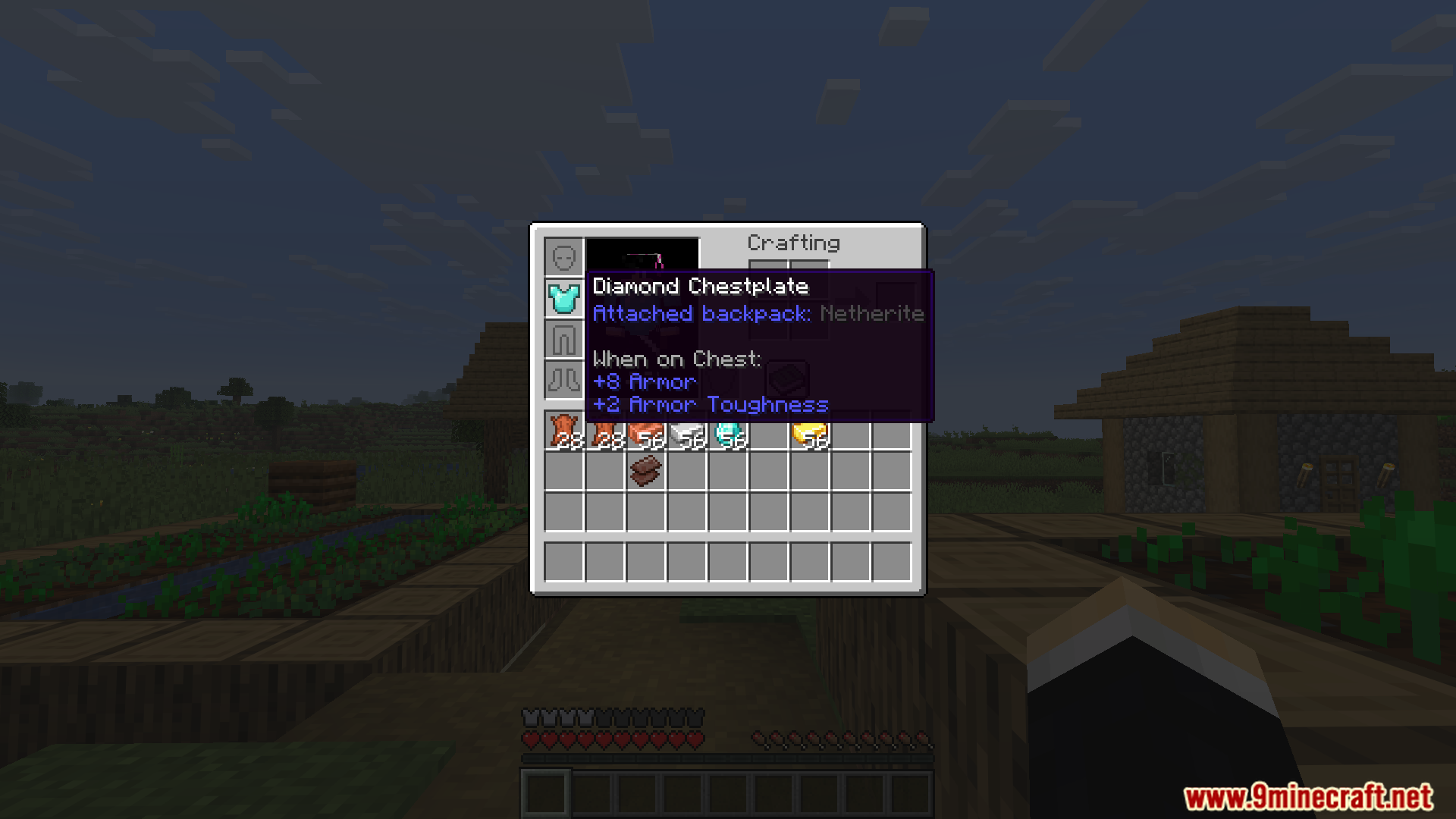
- Lets you attach backpacks to chestplates and detach them whenever you want, then open an attached bag by pressing B while wearing the chestplate.
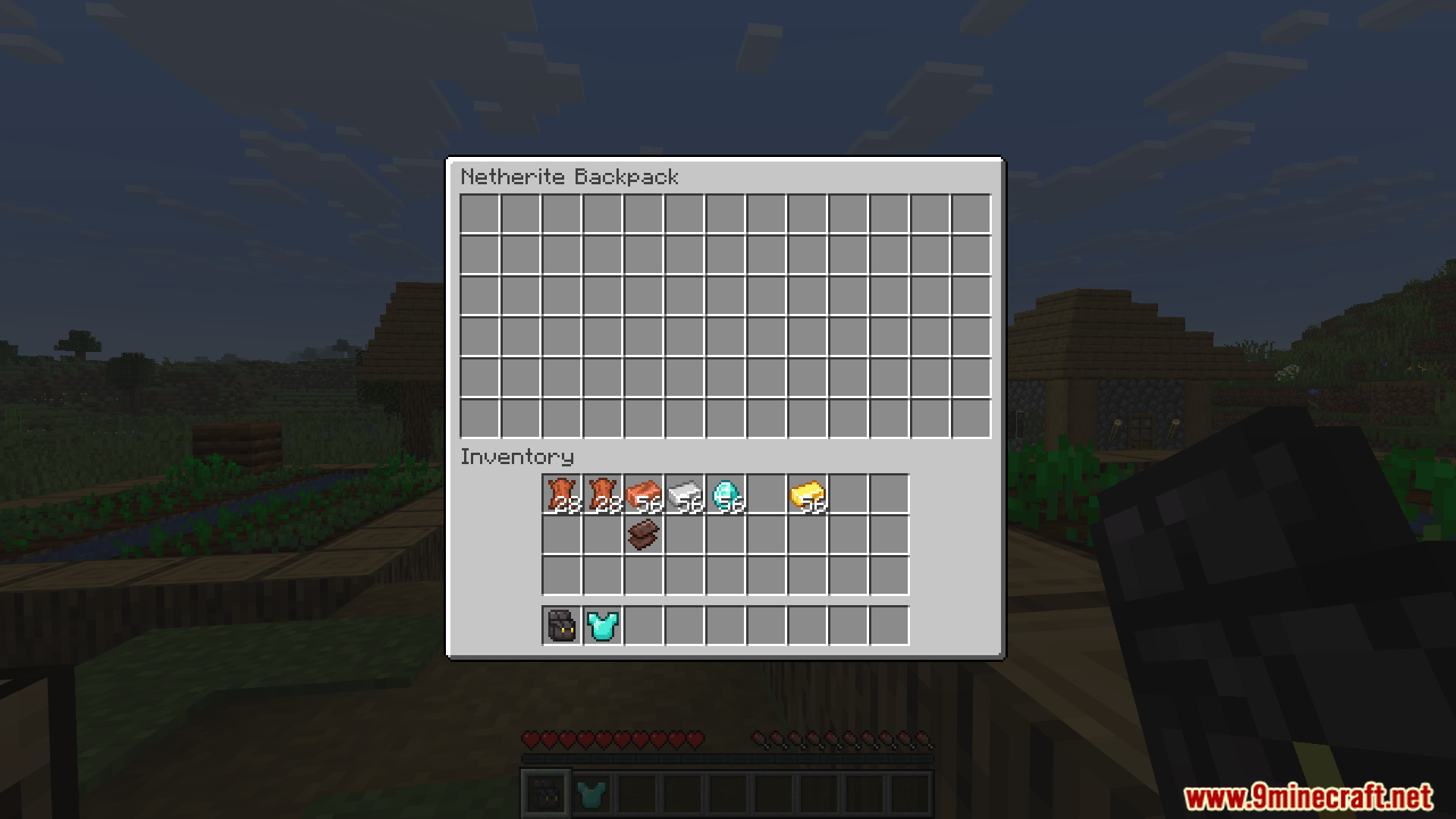
- Limits the Netherite Backpack so you can only attach it to fireproof chestplates, such as a netherite chestplate.
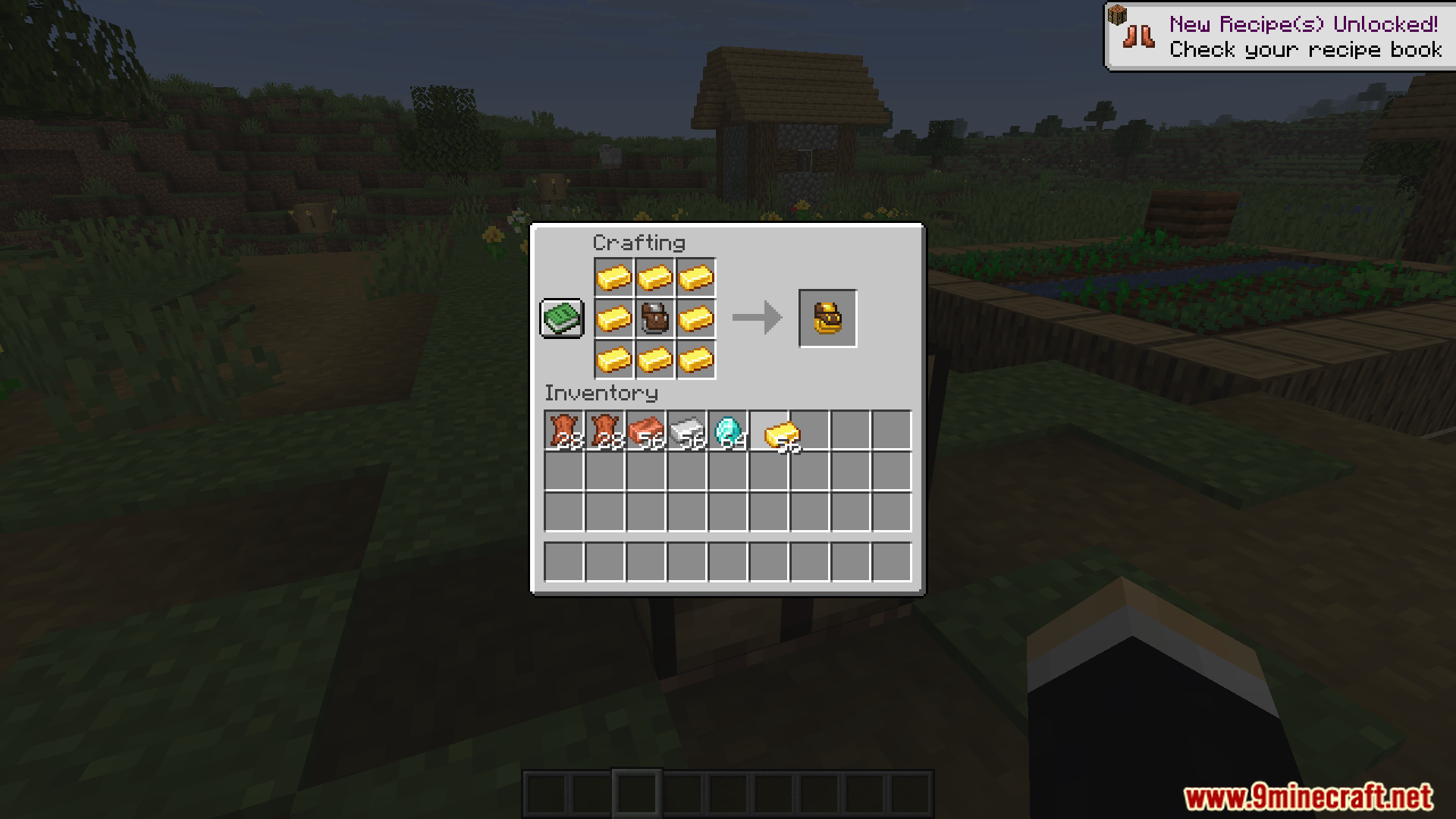
- Makes all backpacks except Netherite dyeable in the same way as leather armor.
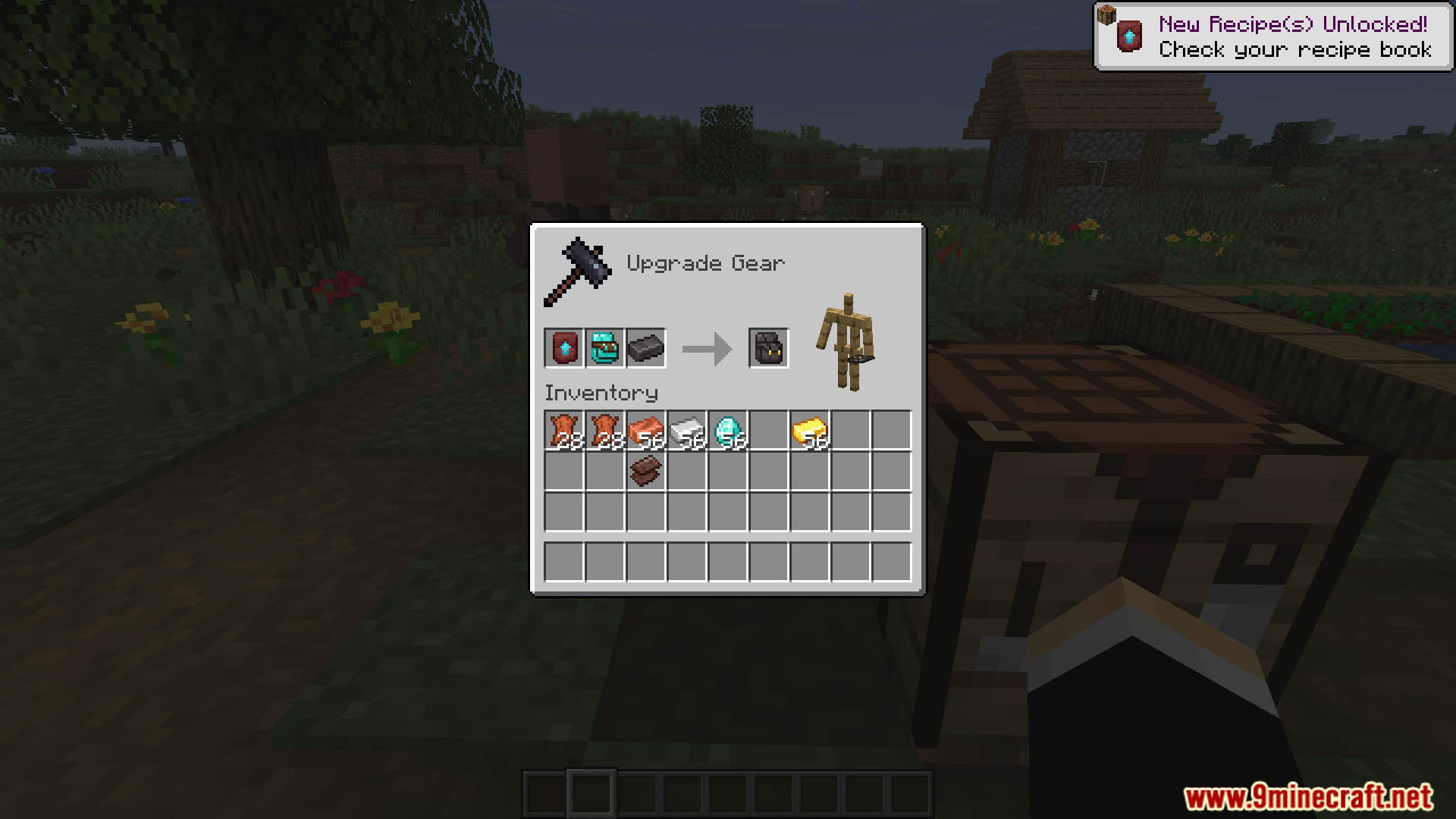
- Keeps your stored items and dye color safe whenever you upgrade a backpack to a higher tier.
- Includes detailed config options to toggle equip methods, open methods, and other rules.
- Works with all GUI resource packs without needing extra addons.
Backpack Tiers:
- Leather Backpack: Starts with 3×9 storage slots.
- Copper Backpack: Expands space to 4×9 storage slots.
- Iron Backpack: Gives you 5×9 storage slots.
- Golden Backpack: Holds items in 6×9 storage slots.
- Diamond Backpack: Increases capacity to 6×11 storage slots.
- Netherite Backpack: Offers the largest default size with 6×13 storage slots.
Mod Compatibility:
- Trinkets (Updated), Curios, and Ohmega: Lets you equip a backpack in a trinket slot and open it by pressing B.
- Shulker Box Tooltip: Previews the items inside a backpack directly in its tooltip.
- ItemSwapper: Allows quick-swapping with items from the Devices list.
- Item Descriptions: Adds item descriptions for the backpacks.
How to Use:
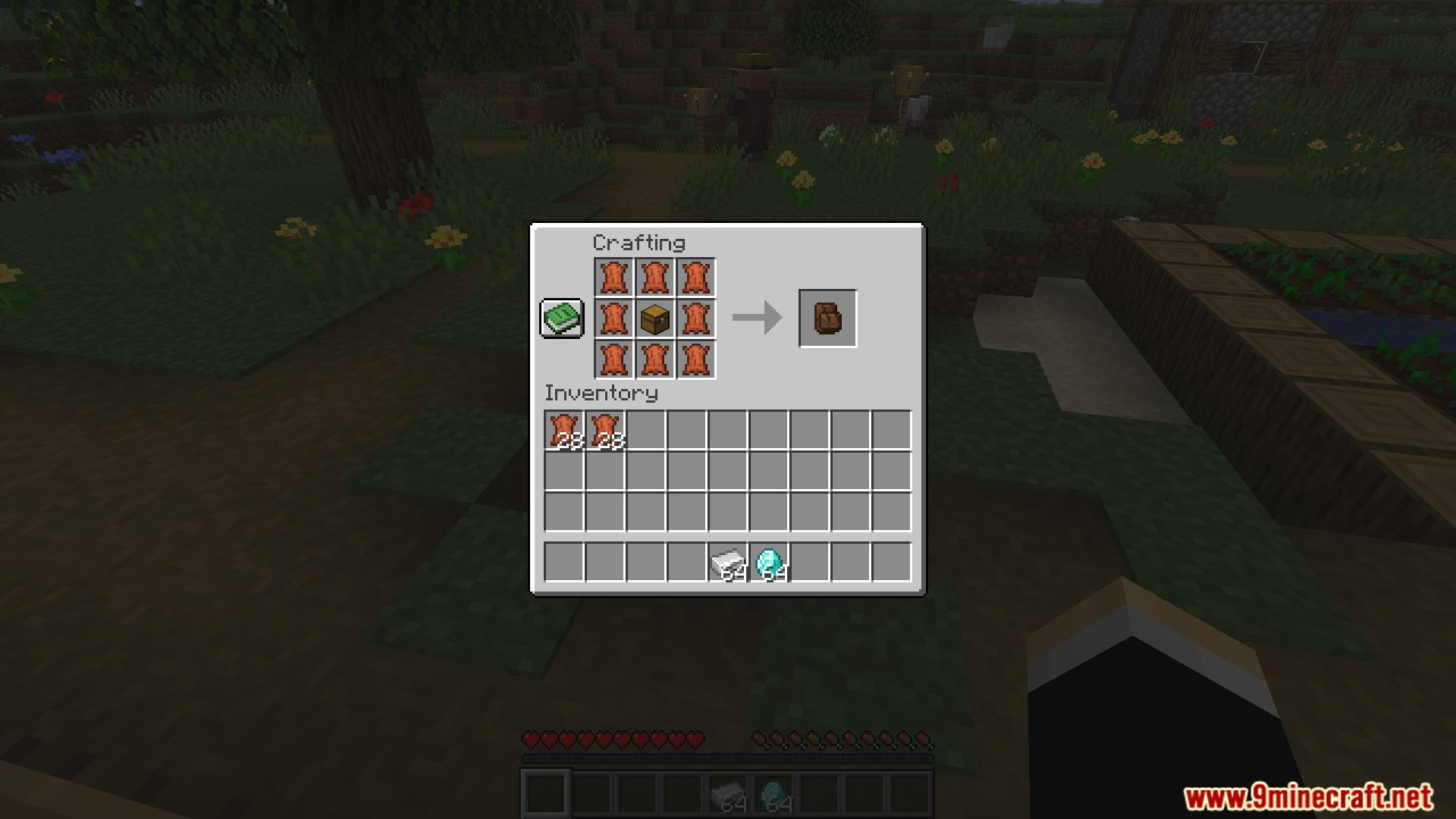
- Use a recipe viewer mod in-game to check the recipes, then craft your starter Leather Backpack.
- Hold the backpack and right-click to open its storage menu, or press B while it sits in your inventory.
- Dye any backpack except the Netherite tier the same way you dye leather armor to give it a custom color.
- Attach a backpack to a chestplate and wear it, then press B to open the bag anytime. You can detach it again later, and remember that a Netherite Backpack only attaches to fireproof chestplates like netherite.
- If you use Trinkets (Updated), Curios, or Ohmega, equip your backpack as a trinket and press B to open it.
- Upgrade your backpack to the next tier when you have better materials; all items inside and its dye color stay intact after the upgrade.
- Open the mod config if you want to resize any backpack tier up to 16×16 slots or toggle how backpacks can be equipped and opened.
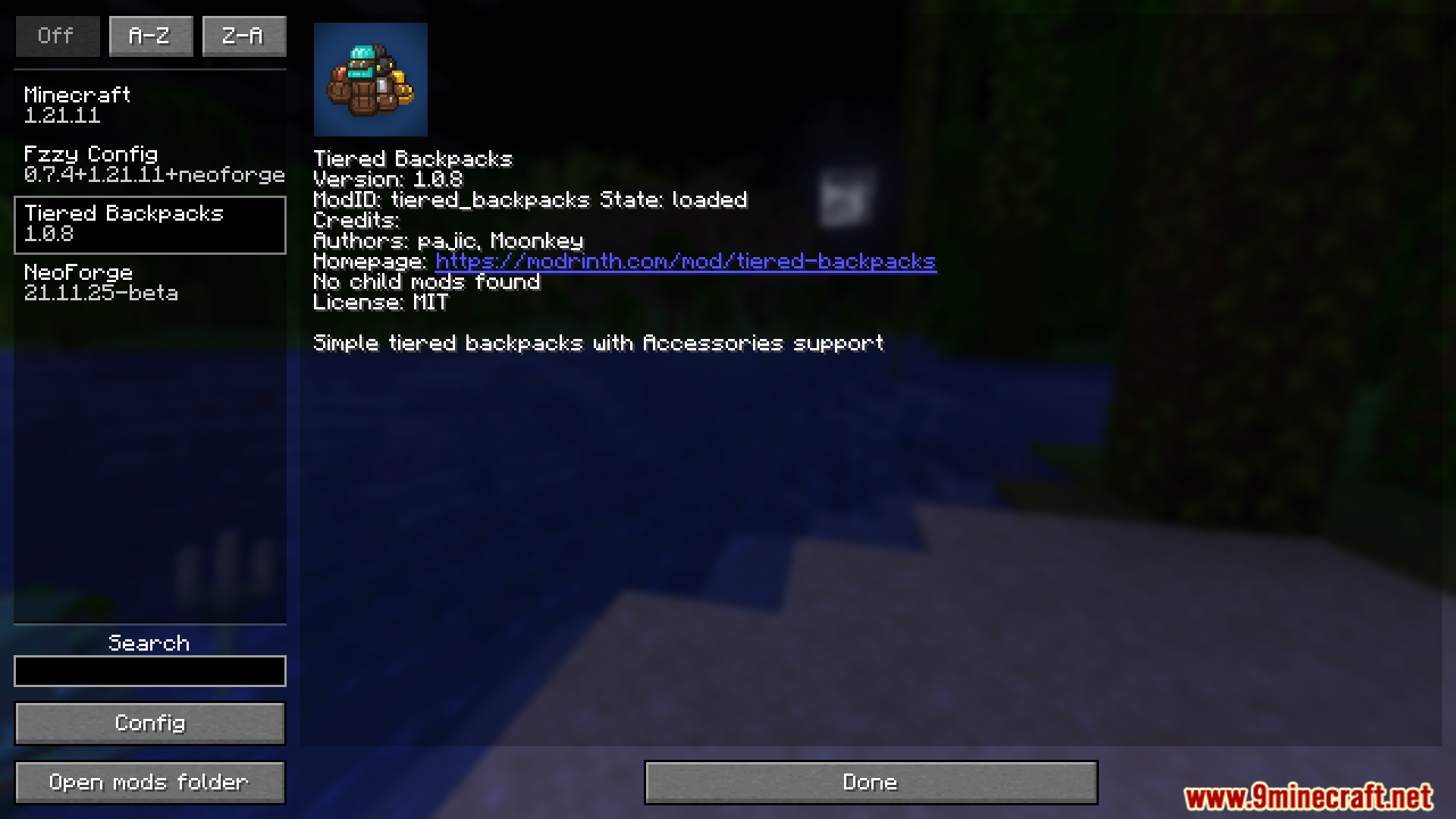
Screenshots:
How to Install:
New to Minecraft? Follow our step-by-step guide to install Mods on your PC.View Guide
Requirements:


Tiered Backpacks Mod Download Links
For Minecraft 26.3
For Minecraft 26.2
For Minecraft 26.1.2, 26.1.1, 26.1
For Minecraft 1.21.11
For Minecraft 1.21.10, 1.21.9
How do you usually learn how a complex mod works?
0 responses · See the full results →
You May Also Like
Picked for this page
 Inventory HUD+ Mod (26.3, 1.20.1) – Always-On-Screen Information
 YUNG’s Better Caves Mod (1.21.1, 1.20.1) – New Generation of Caverns or Caves
 Full Brightness Toggle Mod (26.3, 1.20.1) – Instantly Turn The Brightness
 JAMD Mod (26.1.2, 1.20.1) – Just Another Mining Dimension
 Ships Mod (1.21.4, 1.20.1) – New Ship Dungeon
 Mystical Agriculture Tiered Crystals Mod (26.1.2, 1.20.1) – New Crafting Crystals
 Slot Cycler Mod (26.3, 1.20.1) – Hotbar Slot Cycling
 Net Music Mod (26.1.2, 1.20.1) – Customize Your Adventure Soundtrack
 Autototem Mod (26.3, 1.20.1) – Restocks Totems Automatically
 Locator Mod (1.20.2, 1.20.1) – Improves The Locate Biome Command
 More Mouse Tweaks Mod (26.3, 1.21.1) – Drag Drop Craft Like A Pro
 WunderLib Neoforge Mod (26.3, 1.21.1) – Simplifies Mod Configs And Menus
Most viewed in Mods over the last 7 days
 Ala Industrial Mod (26.3) – Run Electric Power Grids and Automated Factories
 PleasureCraft Mod (26.3, 1.21.1) – Jenny Mod Remake for Fabric
 Jennycraft Mod (26.3, 1.20.1) – Virtual Girlfriend in Minecraft
 Fapcraft Mod (26.3, 1.12.2) – Comprehensive and Detailed Content
 Jenny Mod (Fapcraft) Official Complete Guide – How to use, Tutorial
 BangCraft Mod (1.20.1) – Jenny, Ellie and Elliot
 Fabric Loader (26.3, 1.20.1) – Fabric Installer for All Minecraft Versions
 The Shooting Star Demo Mod (26.3, 1.20.1) – Vaporize Terrain From Orbit
 Meteor Client Mod (26.3, 1.20.1) – Xray, HUD, Fly
 OptiFine HD (26.3, 1.20.1) – Run Faster, FPS Boost, Shaders Support
 Aristois Client Mod (1.21.4, 1.20.1) – World Class Minecraft Utility
 Prestige Client Mod (1.21.11, 1.21.4) – Powerful Ghost Features for Crystal & Sword PvP
More from Mods
 Automobility Autoradio Mod (26.3, 26.1.2) – Trade Custom Mixtapes with Friends
 Towers of the Wild 9minecraft Mod (26.3, 26.2) – Climb Tall Towers for Loot
 Ender Storage 9minecraft Mod (26.3, 26.2) – Send Loot Back Home From Any Dimension
 Snad 9minecraft Mod (26.3, 26.2) – Build Faster Sugar Cane and Nether Wart Farms
 Together Forever Unofficial Mod (1.12.2) – Share Team Advancements
 GroovyDuvet Mod (1.21.11, 1.20.1) – Run Groovy Scripted Addons Without Game
 Swing Through Grass 9minecraft Mod (26.3, 26.2) – Fight Mobs Without Breaking Tall Grass
 Improved Boss Bars 9minecraft Mod (26.3) – Unique Health Bars for Every Boss Fight
 Cozy’s Improved Wolves Mod (26.3, 1.20.1) – Bond with Loyal Dogs That Never Die
 Rctapi Fix Mod (1.21.1) – Fight Cobblemon Trainers Without Any Server Crashes
 XinexLib Mod (1.21.1) – Keep Your Ultreon Studios Mods Running
 Libvulpes – Fixed Mod (1.12.2) – Launch Rockets with Fewer Bugs

This post has no comments yet. Be the first — your comment will appear here.