
Title Tweaks Mod (26.2, 1.20.1) – Clear Clutter From Your Screen

 0


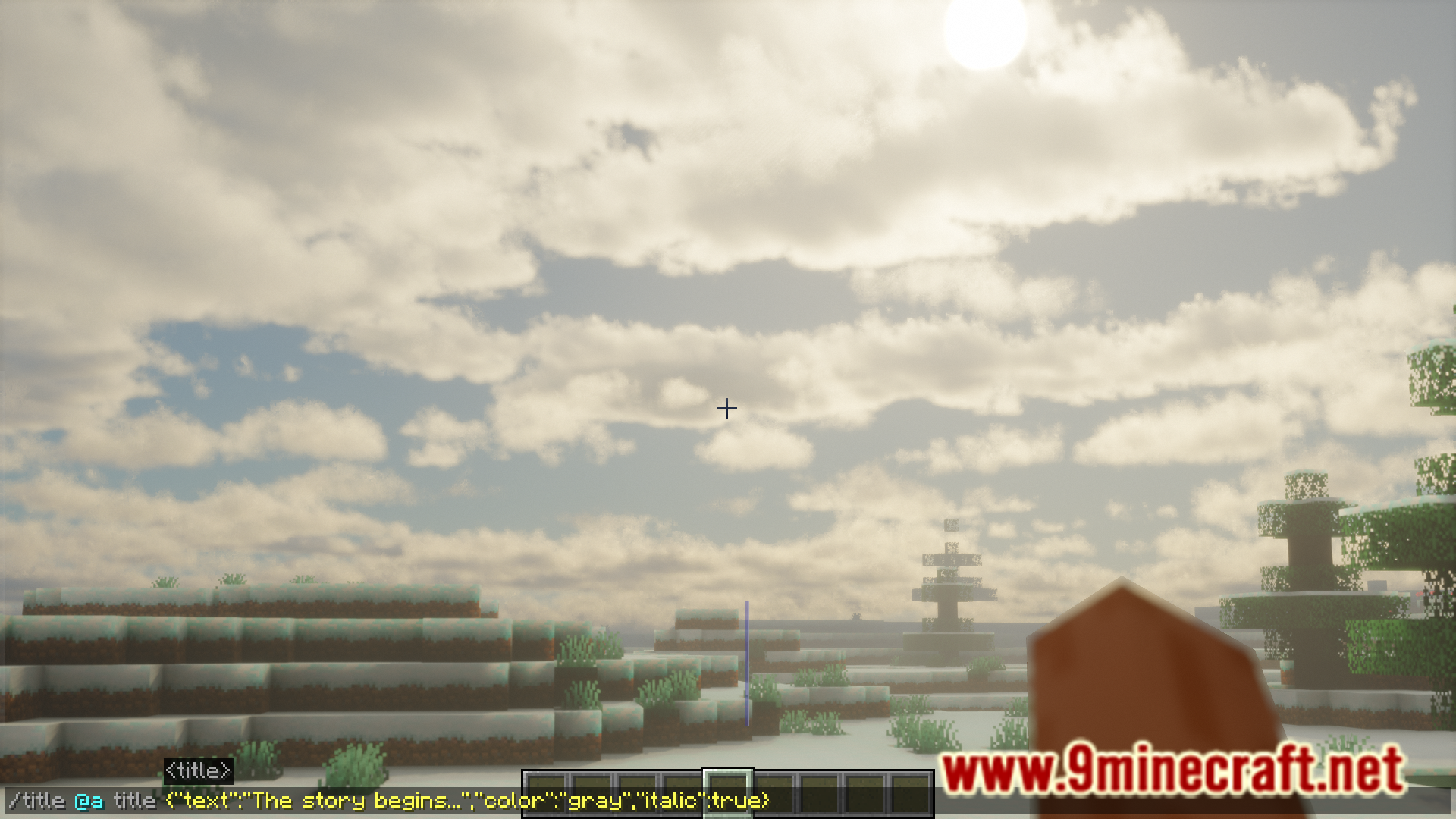
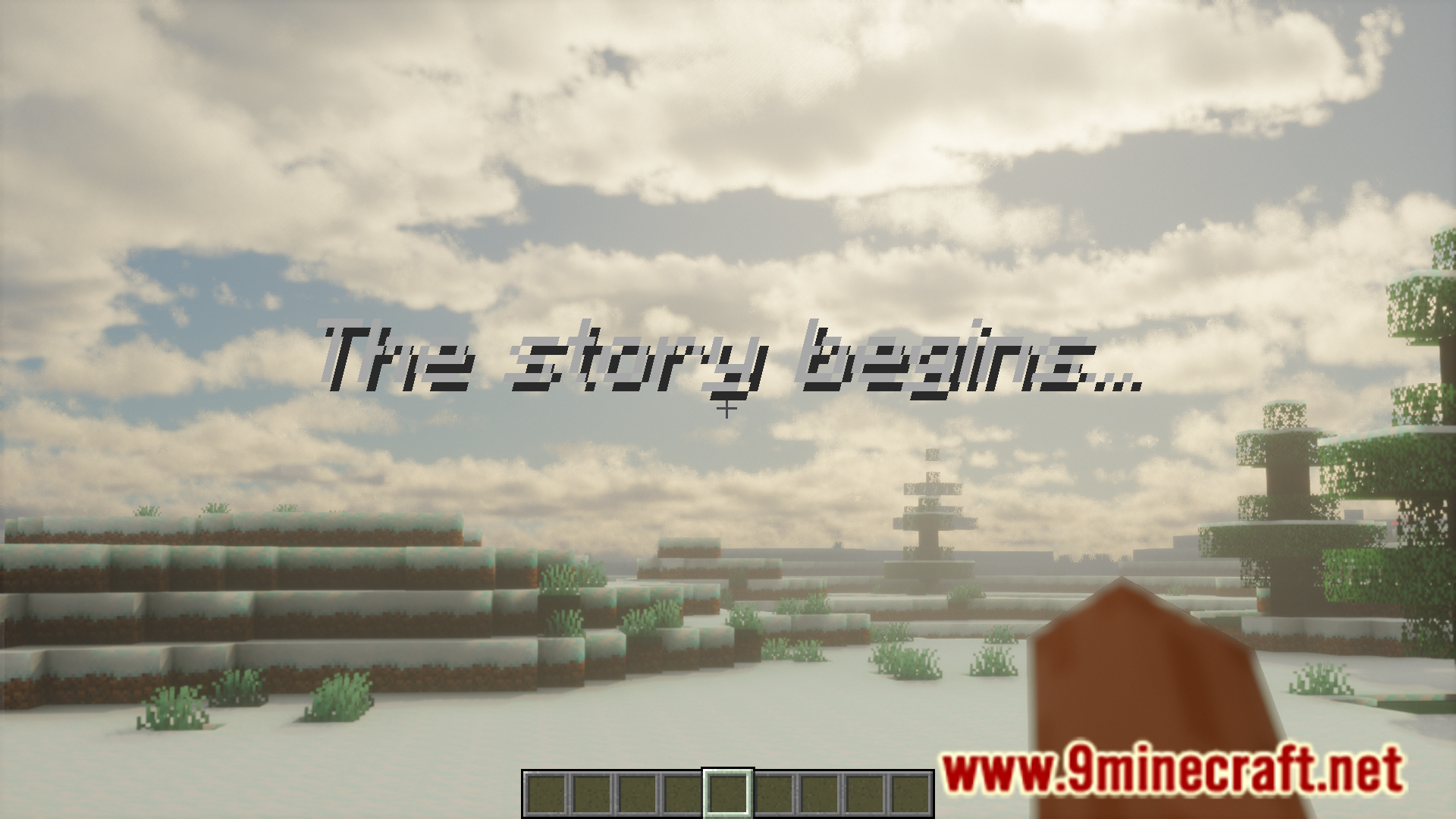
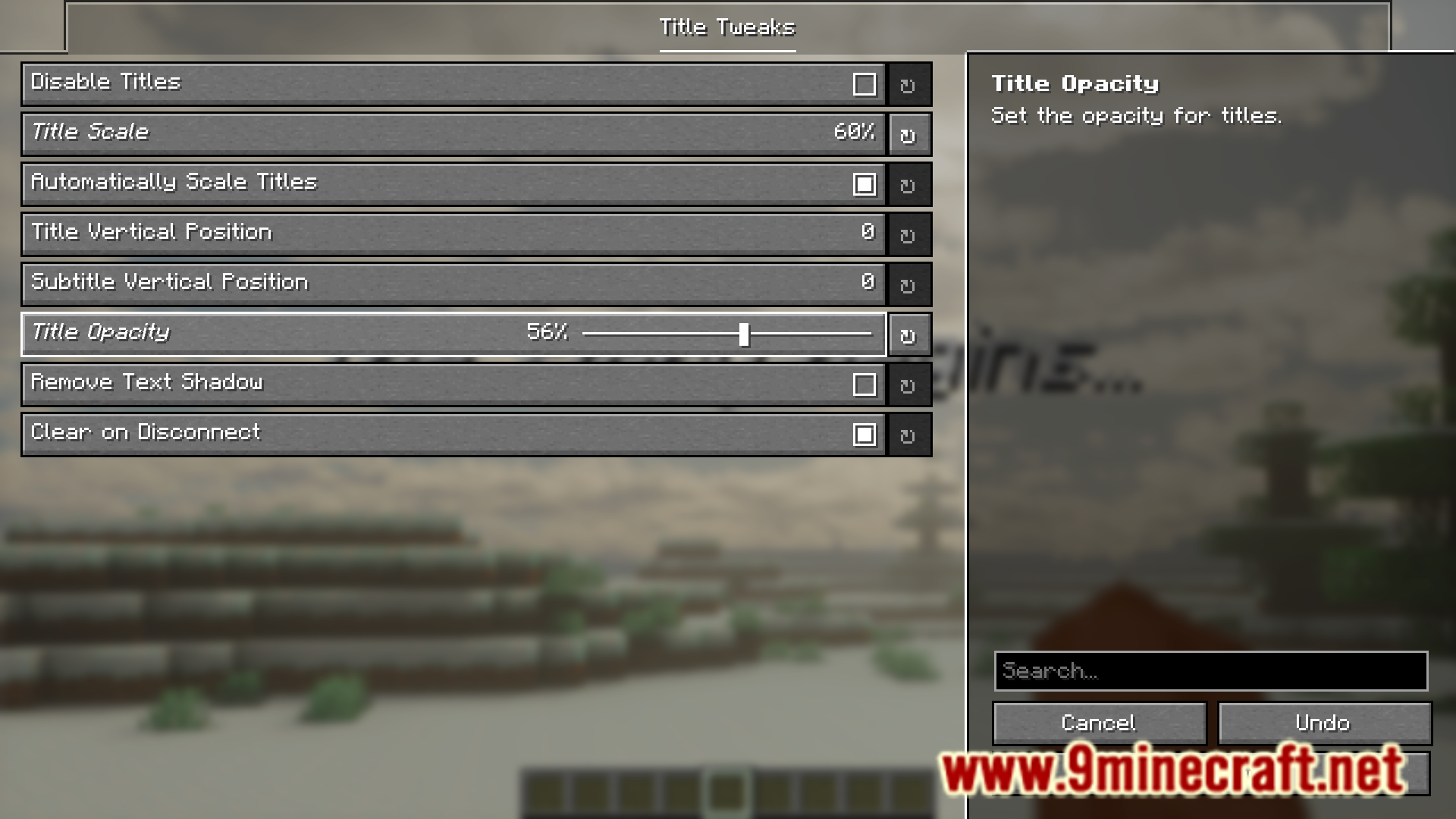
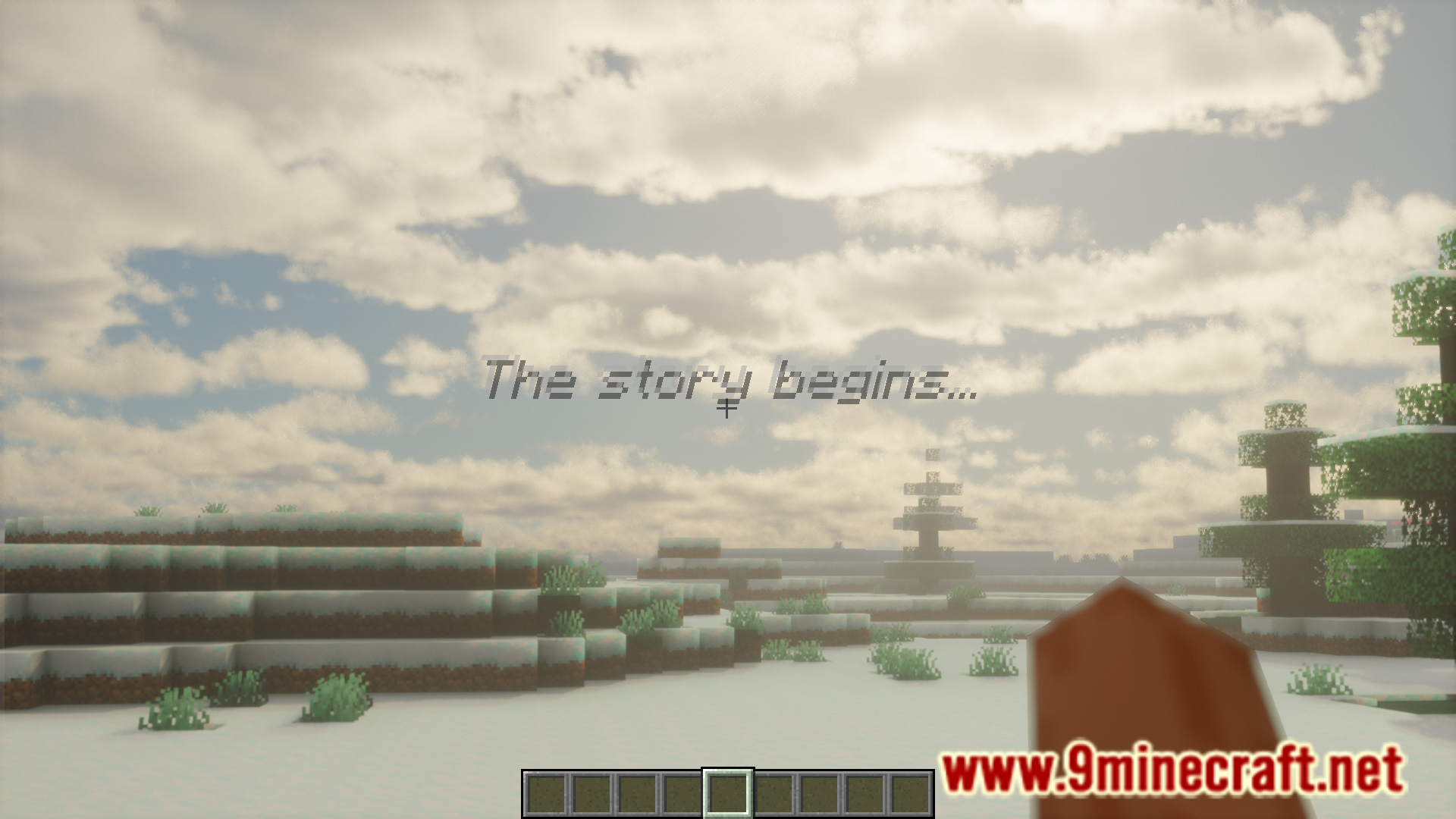
Title Tweaks Mod lets you change and customize how titles appear on your screen in Minecraft. It adds a custom menu where you can adjust different settings for in-game titles. You get total control over how title messages look during gameplay.
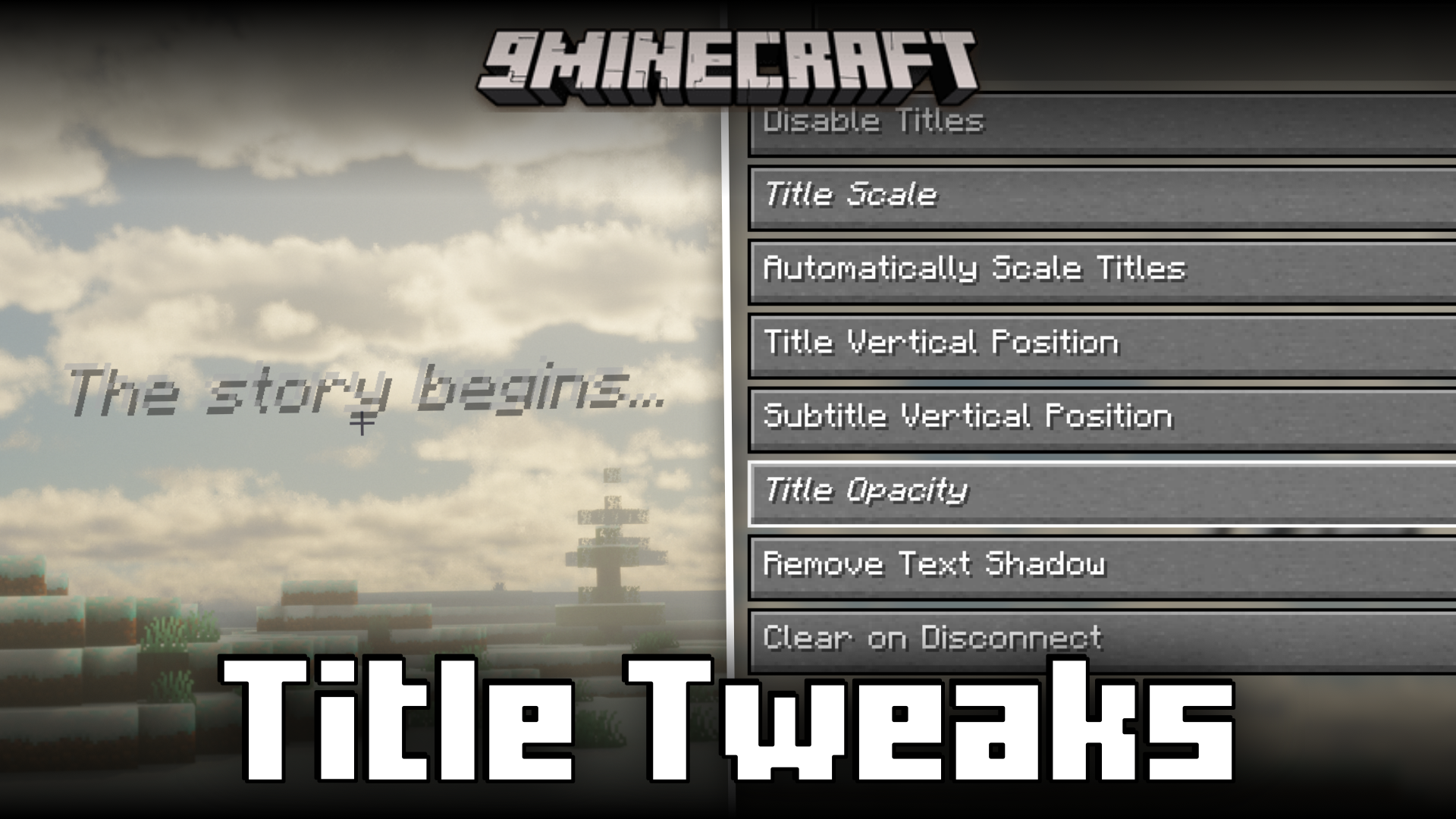
Features:
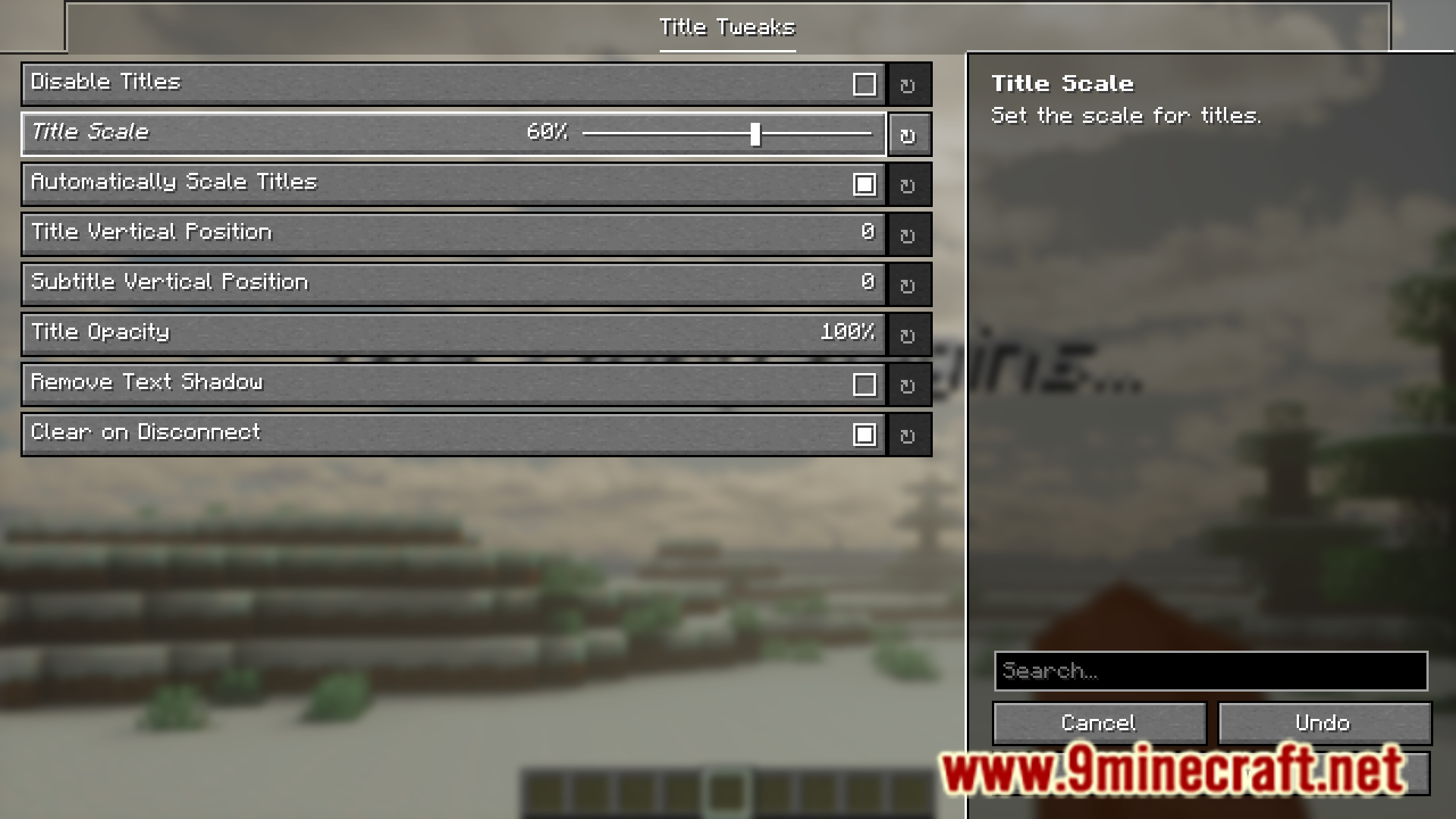
- Disables title messages completely if you prefer a cleaner screen.
- Changes the scale and size of titles to make them bigger or smaller.
- Scales titles automatically to fit your screen size.
- Adjusts the vertical position of titles on the screen.
- Changes title opacity so messages look solid or transparent.
- Removes text shadows from titles for a flat visual style.
- Clears titles automatically when you disconnect from a world.
How to Use:
- Open the custom menu using your assigned mod menu key.
- Select the title settings you want to change.
- Adjust sliders for scale, opacity, and vertical position to fit your preference.
- Save your settings to see the changes update on your screen.
Screenshots:
How to Install:
New to Minecraft? Follow our step-by-step guide to install Mods on your PC.View Guide
Requirements:
 Fabric Loader Required
 Fabric API Required
 NeoForge Required
 Quilt Installer Required
 Mod Menu Mod Required
YetAnotherConfigLib (YACL) Required
Title Tweaks Mod Download Links
For Minecraft 26.2
For Minecraft 26.1.2, 26.1.1, 26.1
For Minecraft
1.21.11,
1.21.10,
1.21.9
All Versions Covered
1.21.11
1.21.10
1.21.9
1.21.8
1.21.7
1.21.6
1.21.5
1.21.4
1.21.1
1.21
All Versions Covered
1.21.11
1.21.10
1.21.9
1.21.8
1.21.7
1.21.6
1.21.5
1.21.4
1.21.1
1.21
For Minecraft 1.21.10, 1.21.9
For Minecraft 1.21.8, 1.21.7, 1.21.6
For Minecraft
1.21.5,
1.21.4,
1.21.3
All Versions Covered
1.21.5
1.21.4
1.21.3
1.21.2
1.21.1
1.21
All Versions Covered
1.21.5
1.21.4
1.21.3
1.21.2
1.21.1
1.21
For Minecraft
1.20.4,
1.20.3,
1.20.2
All Versions Covered
1.20.4
1.20.3
1.20.2
1.20.1
1.20
All Versions Covered
1.20.4
1.20.3
1.20.2
1.20.1
1.20
Click to rate this post!
[Total: 0 Average: 0]
You May Also Like
Picked for this page
 Tree Harvester Mod (26.3, 1.20.1) – Auto-Planting Tree Chopper
 Stray Spawn Mod (26.3, 1.20.1) – Spawn Strays Naturally
 MagicLib Mod (1.21.10, 1.20.1) – To Beat Magic with Magic
 Cave Dust Mod (26.1.2, 1.20.1) – Realistic Dust Particles
 Auto Attack Mod (26.3, 1.21.1) – Automatic Attack & Rotation
 Banner Flags Mod (26.3, 1.20.1) – Customize Your World With Banner Flags
 Wooden Bucket Mod (26.3, 1.20.1) – A Wooden Bucket
 FlightAssistant Mod (1.21.11, 1.20.1) – Flight HUD with Autopilot Systems
 Respackopts Mod (26.3, 1.20.1) – Config Menus for Resource Packs
 Loyal Items Mod (26.2, 1.20.1) – Keep Your Items Safe
 Polydex Mod (26.3, 1.20.1) – Recipes And Tooltips Vanilla Style
 Industrial Revolution EMI Plugin Mod (1.20.1, 1.20) – Factory Blueprints In-Game
Most viewed in Mods over the last 7 days
 Ala Industrial Mod (26.3) – Run Electric Power Grids and Automated Factories
 PleasureCraft Mod (26.3, 1.21.1) – Jenny Mod Remake for Fabric
 Jennycraft Mod (26.3, 1.20.1) – Virtual Girlfriend in Minecraft
 Fapcraft Mod (26.3, 1.12.2) – Comprehensive and Detailed Content
 Jenny Mod (Fapcraft) Official Complete Guide – How to use, Tutorial
 BangCraft Mod (1.20.1) – Jenny, Ellie and Elliot
- Fabric Loader (26.3, 1.20.1) – Fabric Installer for All Minecraft Versions
 Meteor Client Mod (26.3, 1.20.1) – Xray, HUD, Fly
 The Shooting Star Demo Mod (26.3, 1.20.1) – Vaporize Terrain From Orbit
 OptiFine HD (26.3, 1.20.1) – Run Faster, FPS Boost, Shaders Support
 Aristois Client Mod (1.21.4, 1.20.1) – World Class Minecraft Utility
 SchnurriTV Mod (1.12.2) – Characters and Features
More from Mods
 Infinity Bound Mod (1.21.1) – Snap Away Enemies with Legendary Superhero Gear
 Legacy Gecko Lib Fabric Mod (1.16.5) – Power Animated Creatures in Modpacks
 The Man from the Shadow Horror Mod (1.20.1) – Fight Hallucinations to Survive
 Shade & Saturation Slider Mod (26.2, 1.21.11) – Make Every Biome Vibrant
 Cataclysm X Yung’s Better Nether Fortresses Compat Mod (1.21.1, 1.20.1)
 Patchouli 9minecraft Mod (26.3) – Read Mod Guides Without Leaving Minecraft
 Paintings ++ 9minecraft Mod (26.3) – Pick the Exact Painting You Want
 owo-lib 9minecraft Mod (26.3) – Run Your Favorite Mods Without Errors
 Moonlight 9minecraft Lib (26.3, 26.2) – Run Complex Mods Without Errors
 Load My Tags 9minecraft Mod (26.3) – Mix Mods Without Breaking Recipes
 Kambrik 9minecraft Mod (26.3) – Run Kotlin Mods Without Game Lag
 Fast Paintings 9minecraft Mod (26.3, 26.2) – Place Wall Art Exactly Where You Want It

This post has no comments yet. Be the first — your comment will appear here.