


Toggle Highlight Outline Box Mod (26.2, 1.21.11) – Capture Perfect
 150
150
 0
0


🌐 Read this article in your language! Choose your preferred language below.
Or pick the one you like:
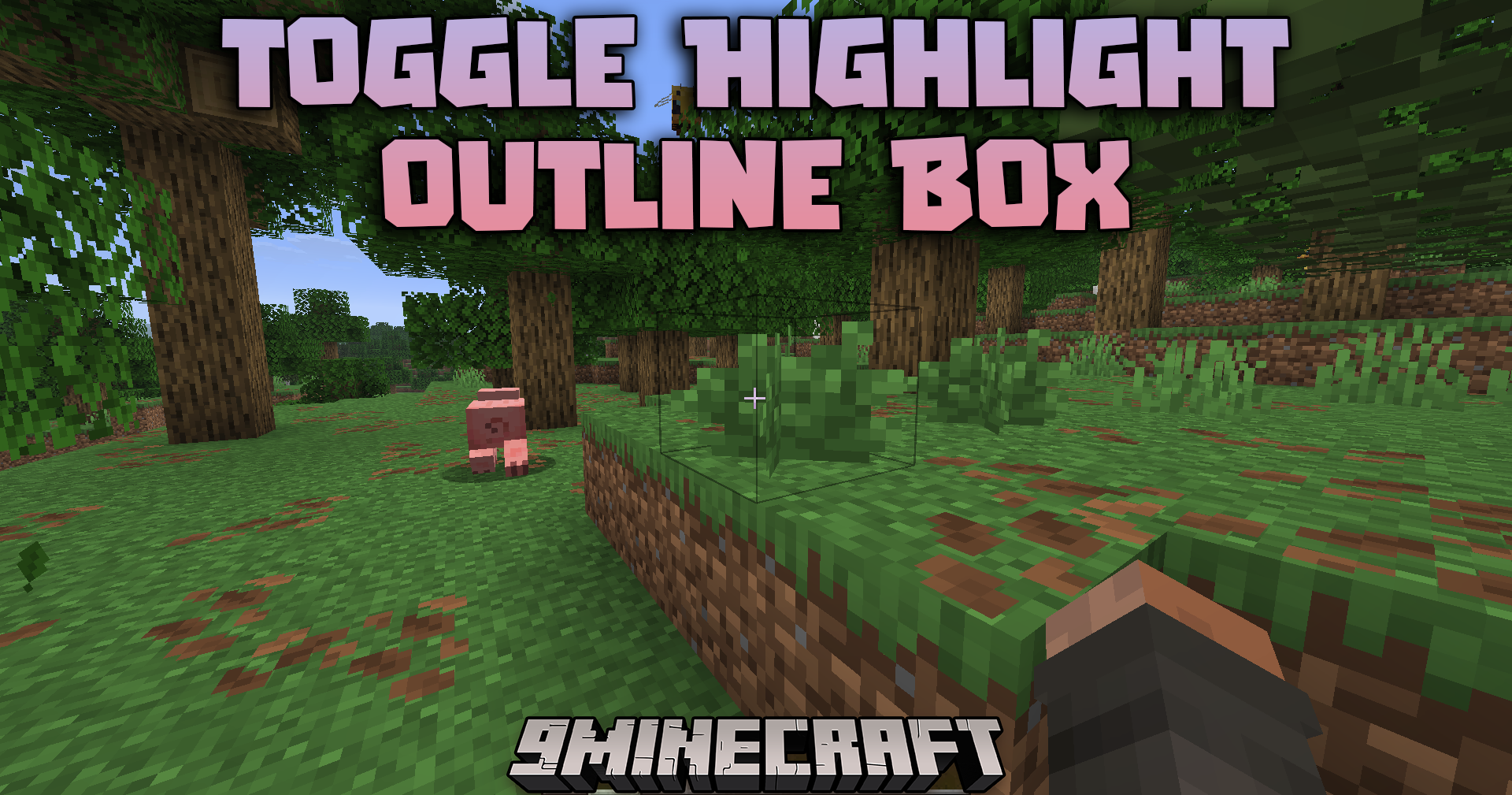
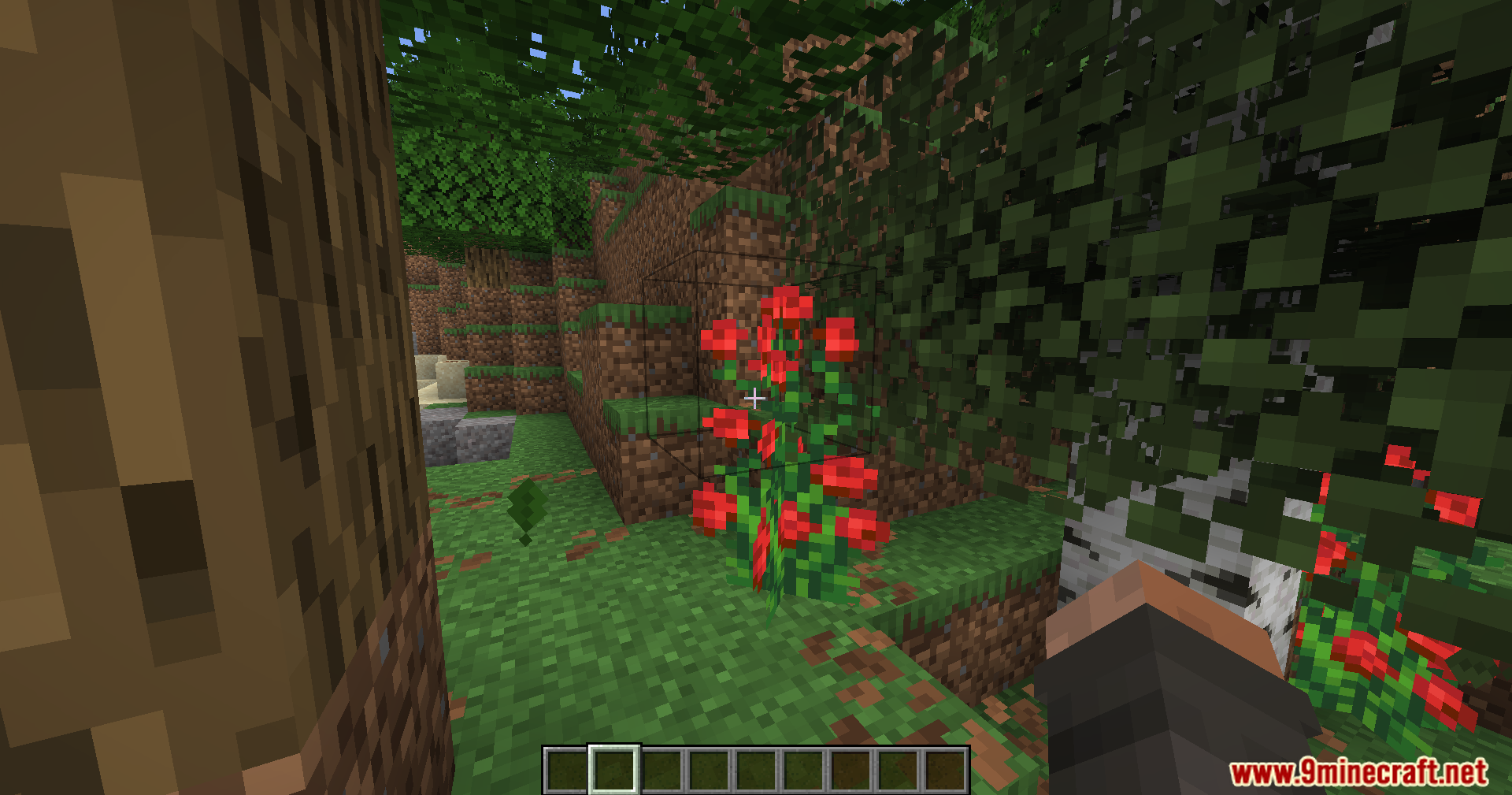
Toggle Highlight Outline Box Mod gives you a quick way to hide the thin black lines around blocks. Normally, when you look at a block in the game, a small outline appears to show what you are pointing at. This mod lets you turn that outline on or off with just one button press. It helps players who want a cleaner screen while taking pictures or playing the game.
Features:
- One-Key Toggle: Press a single button to show or hide block outlines right away.
- Cleans up your screen by removing the black selection box around blocks you look at.
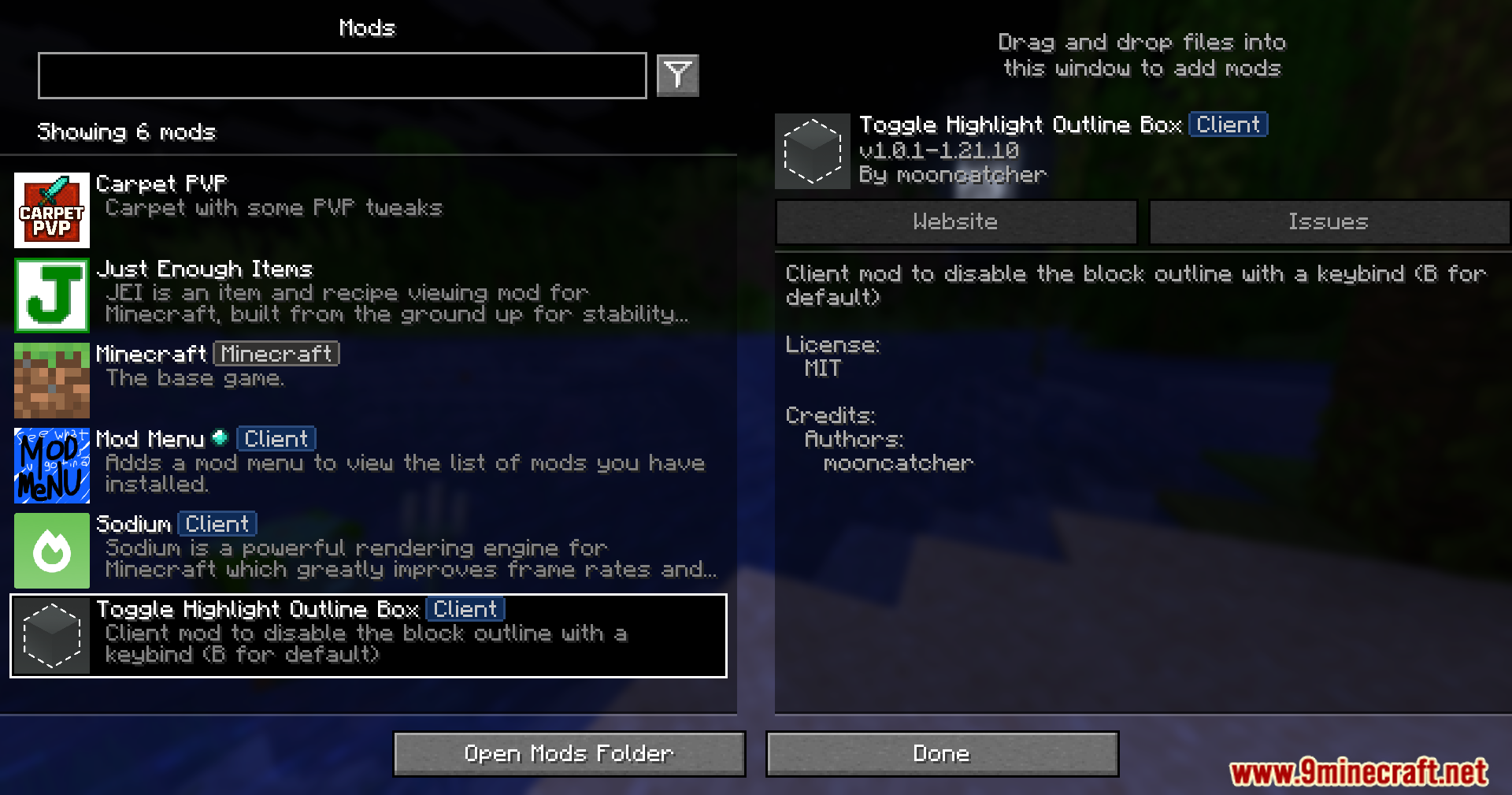
- Lets you change the default keybind in the normal game control settings menu.
How to Use:
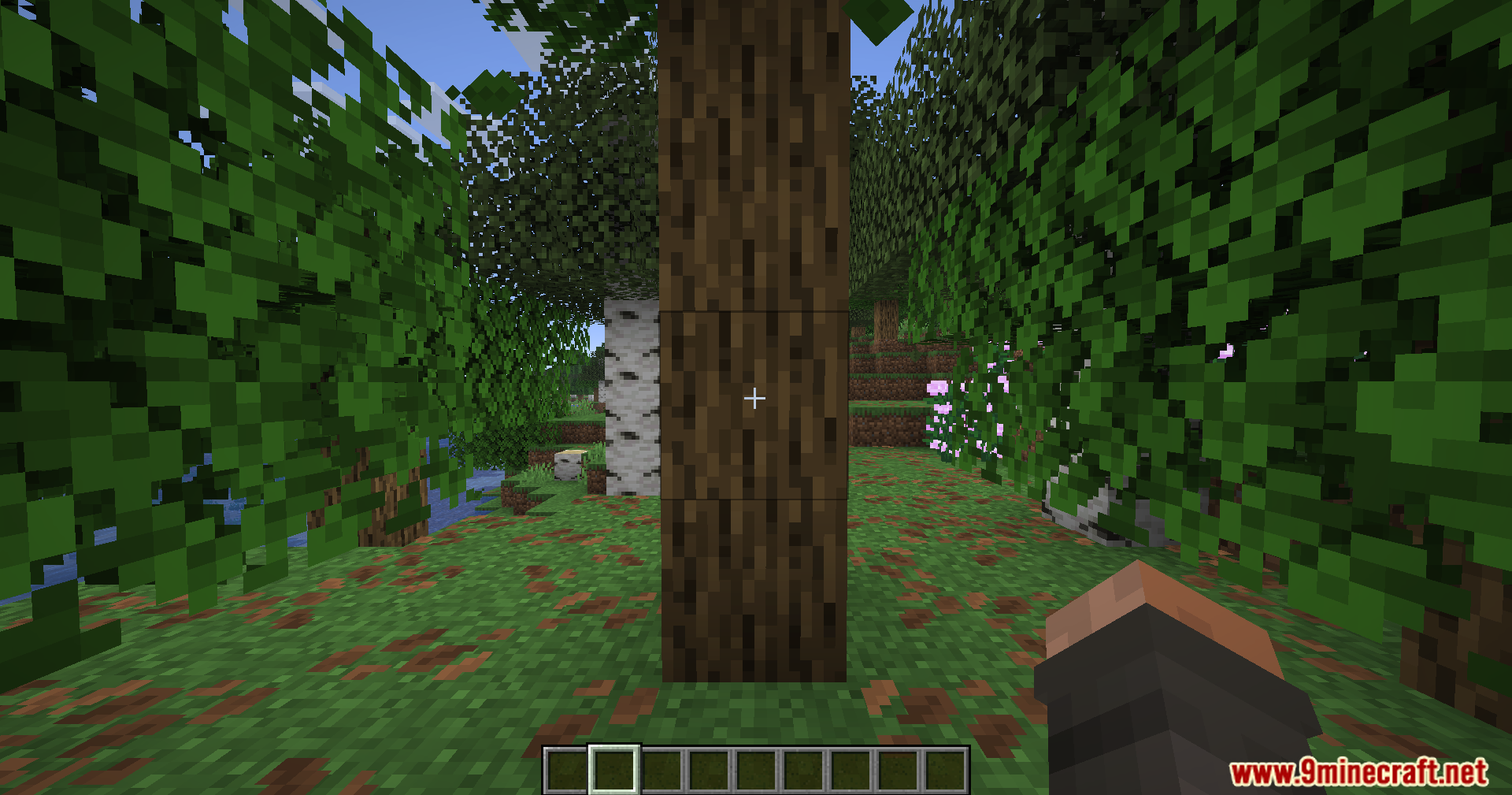
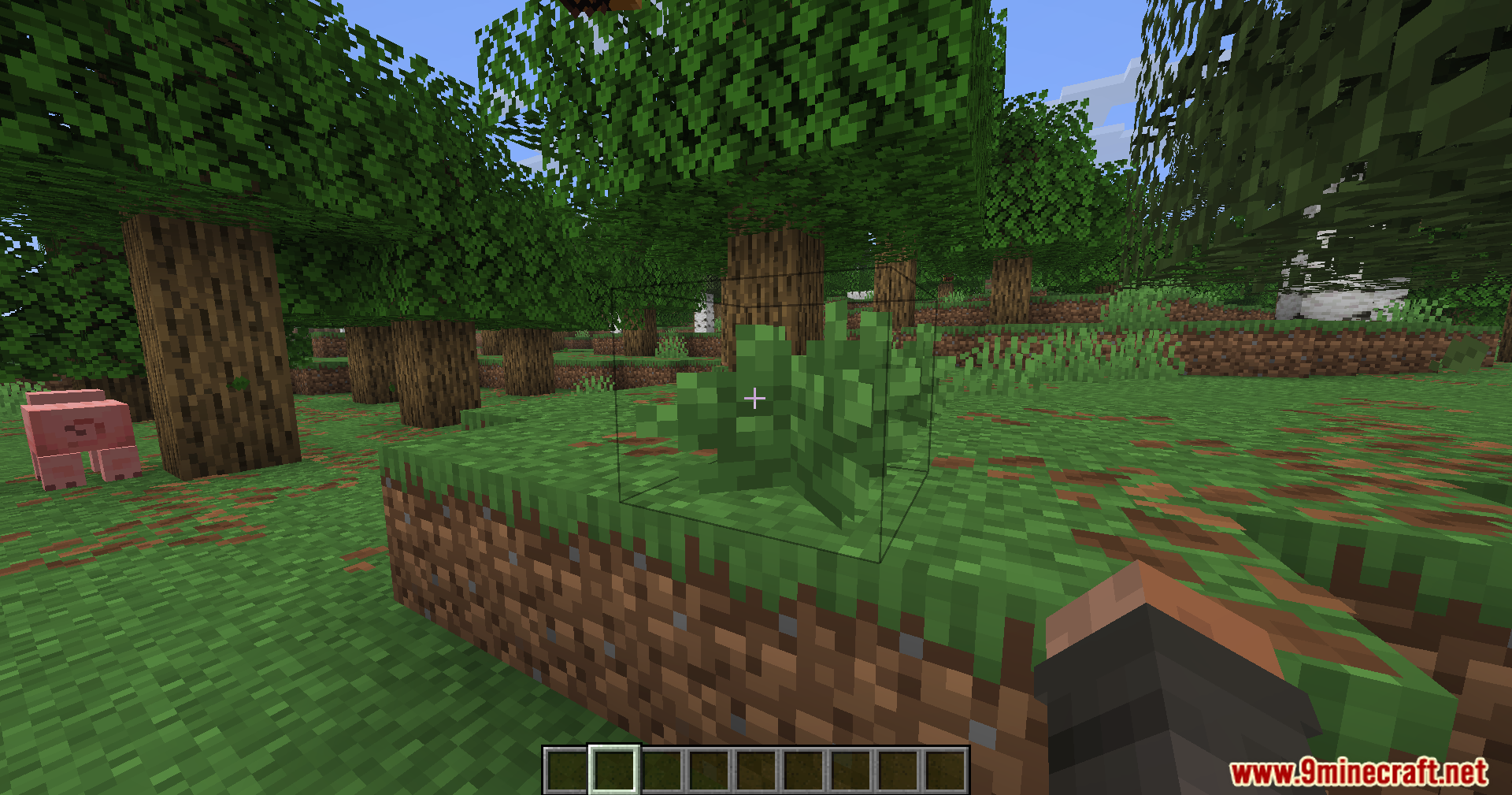
- Join your world and look at any block to see the normal outline.
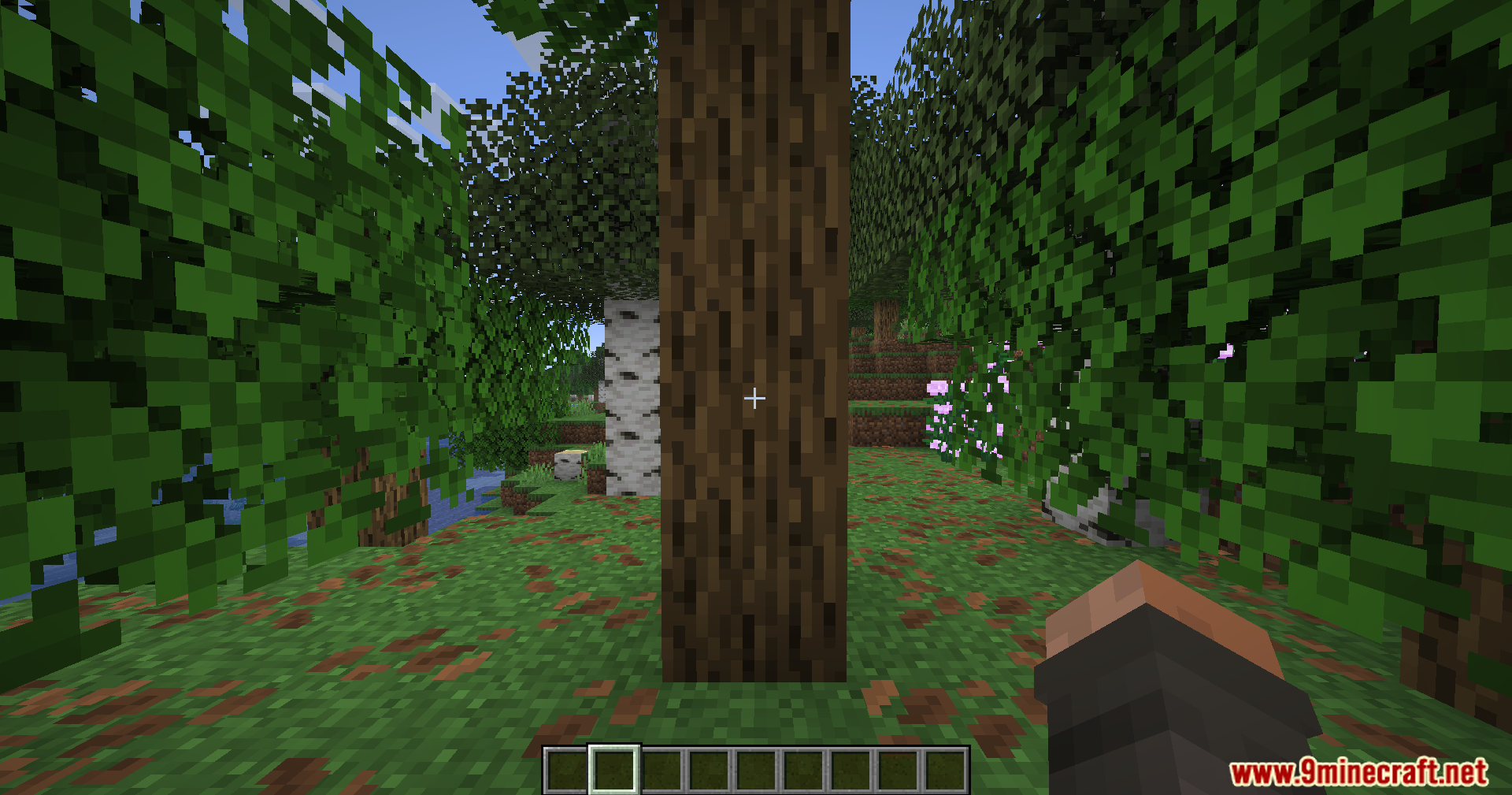
- Press the B key on your keyboard to hide the outline.
- Press the B key again to bring the outline back.
- Open the game control settings to change this button to any other key you prefer.
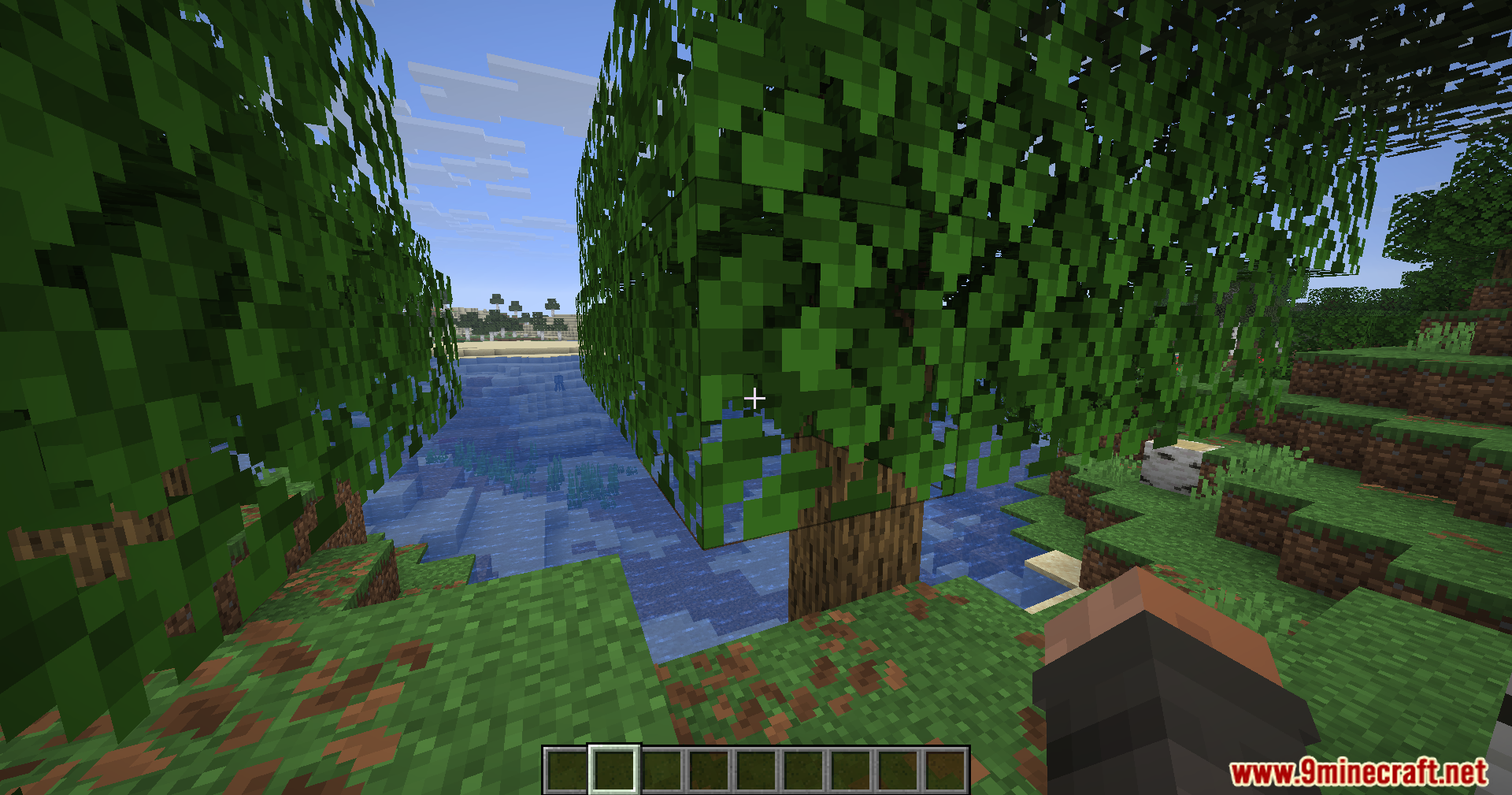
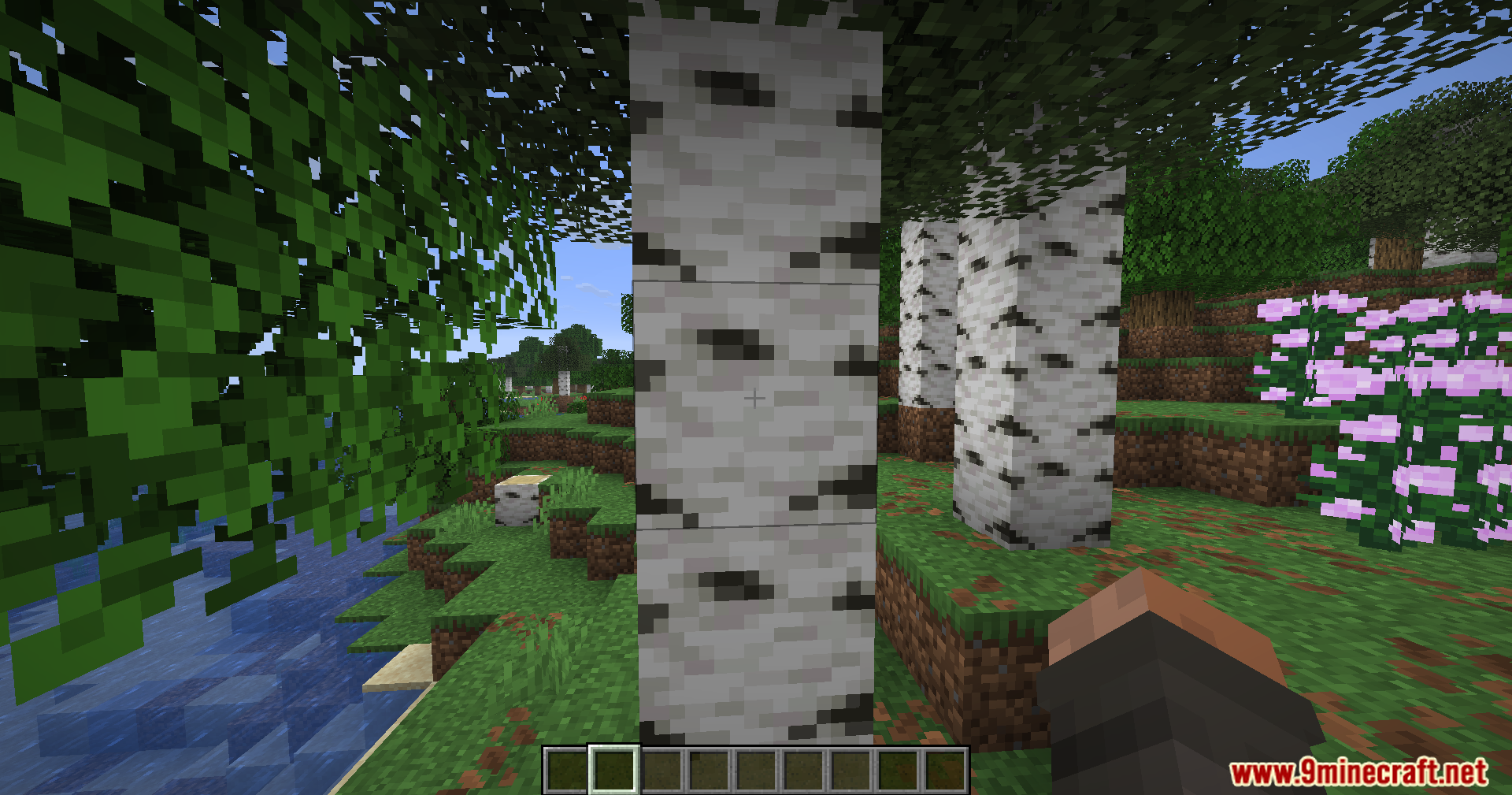
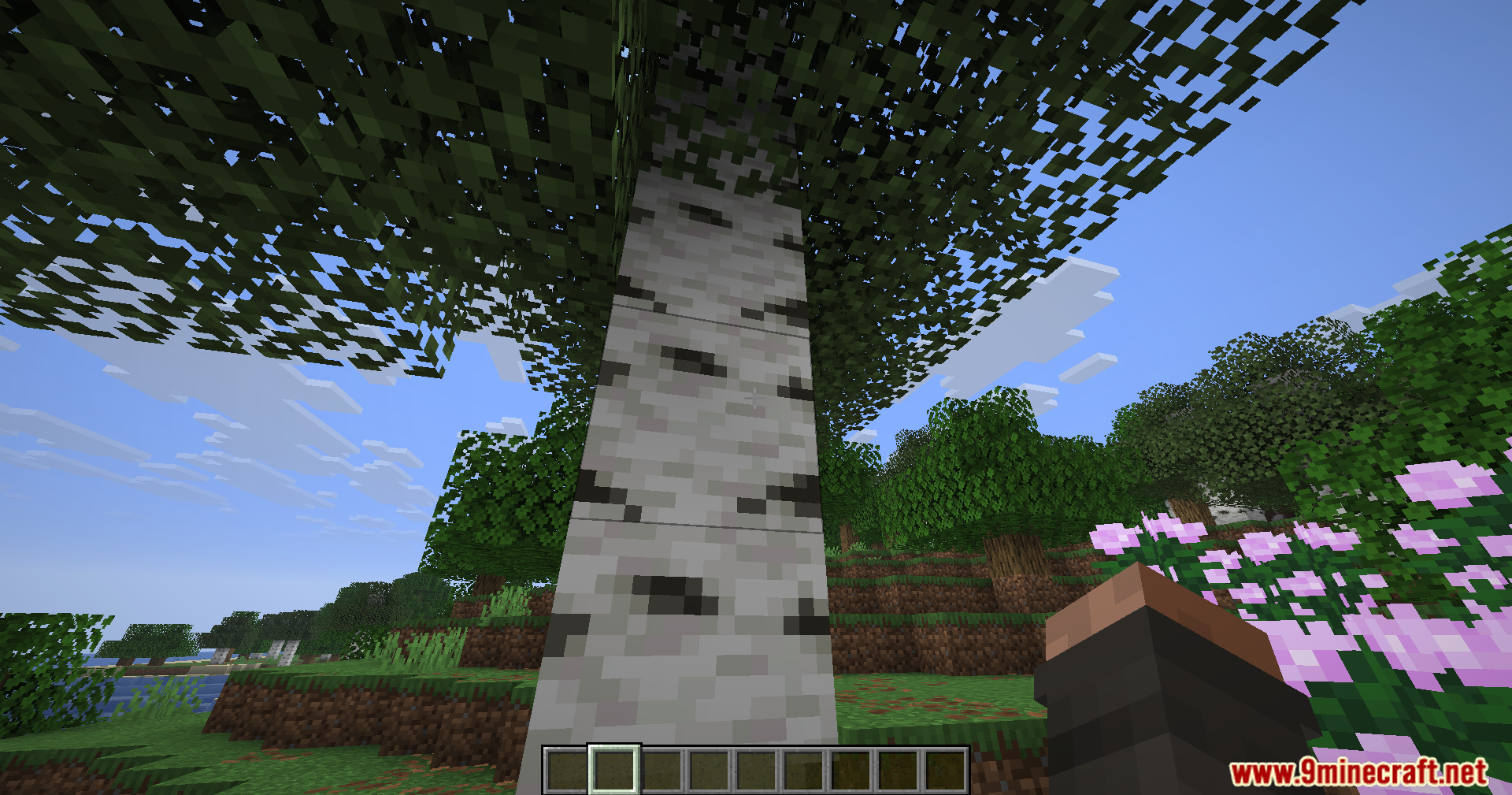
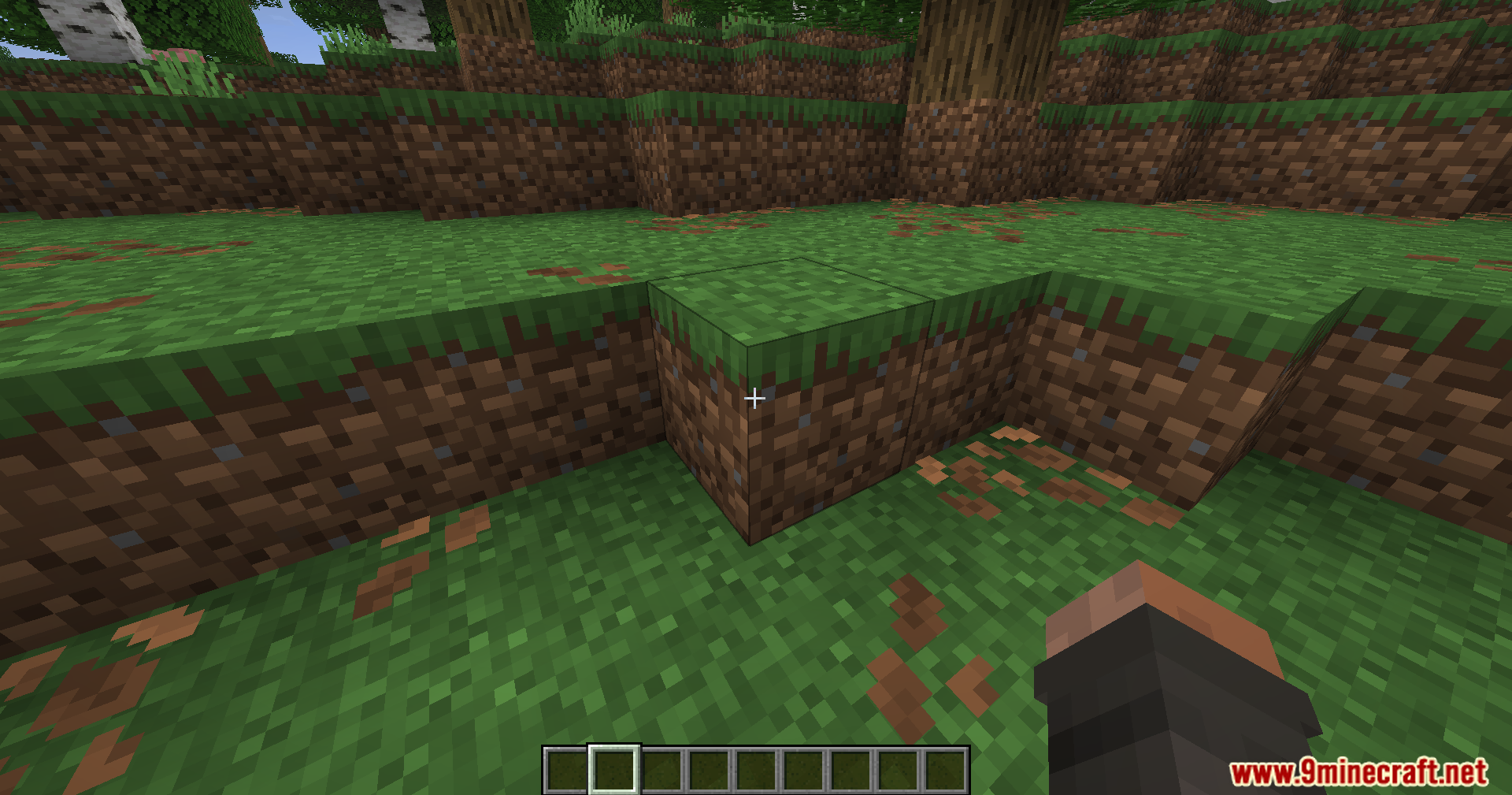
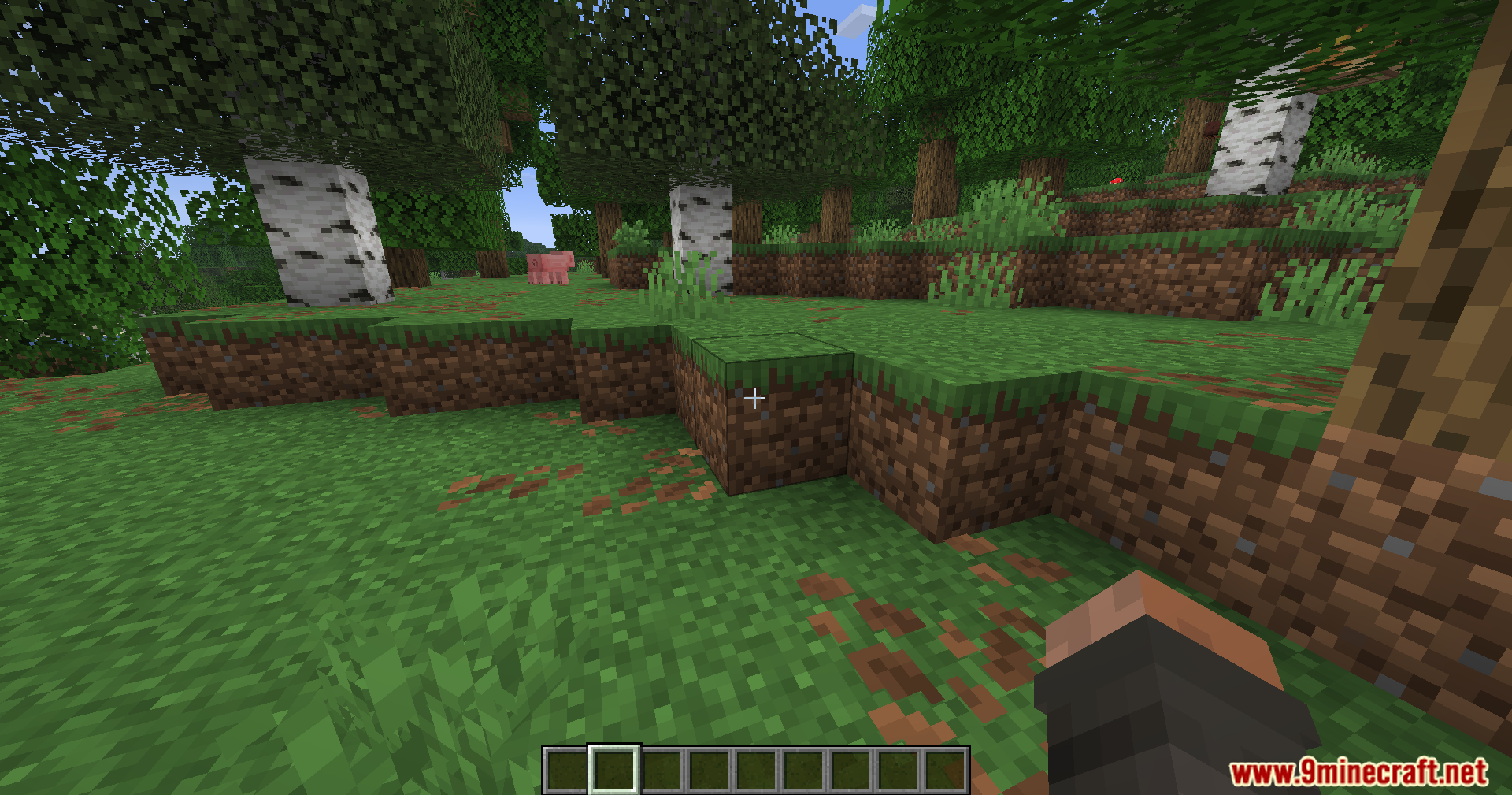
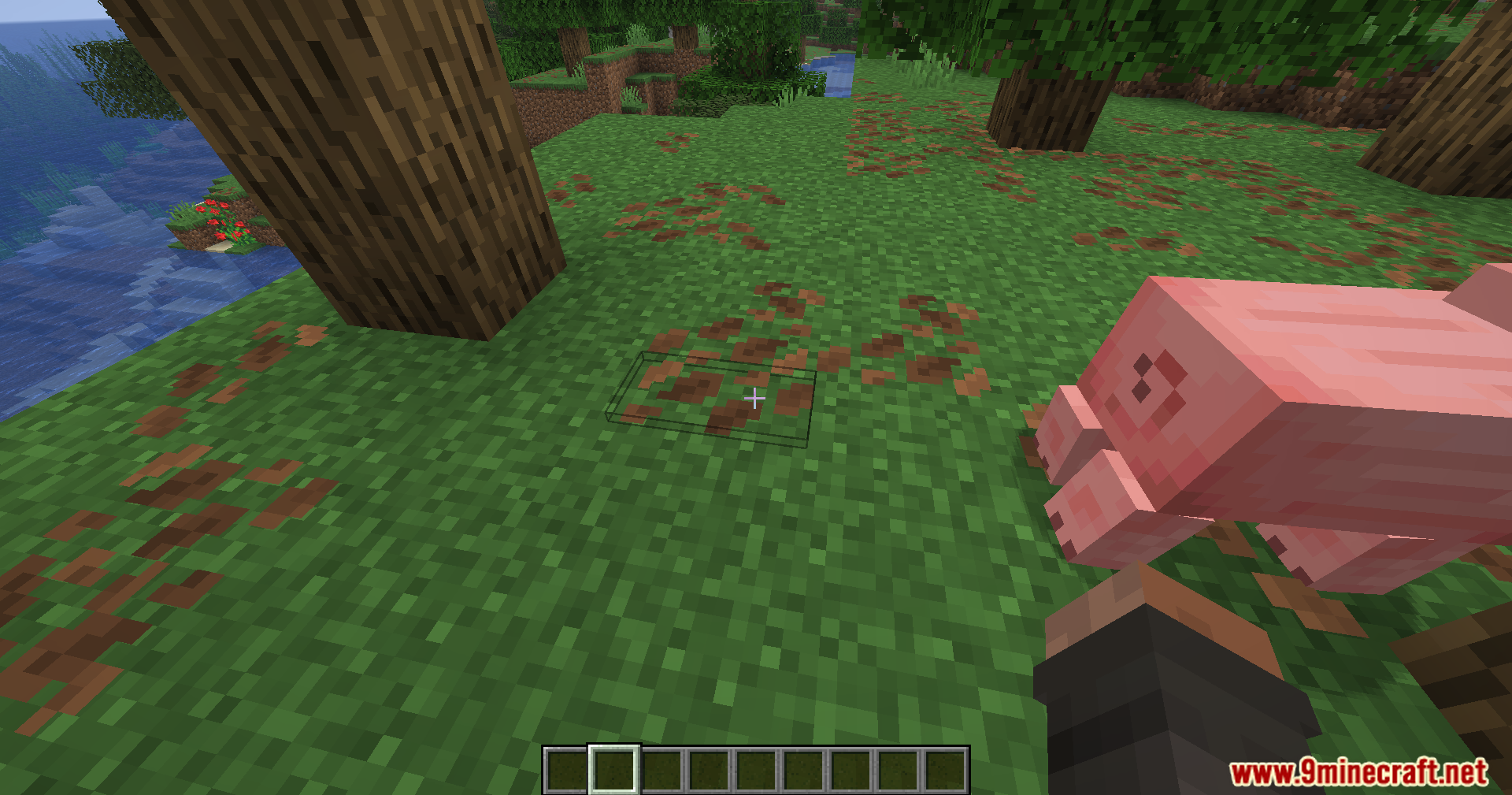
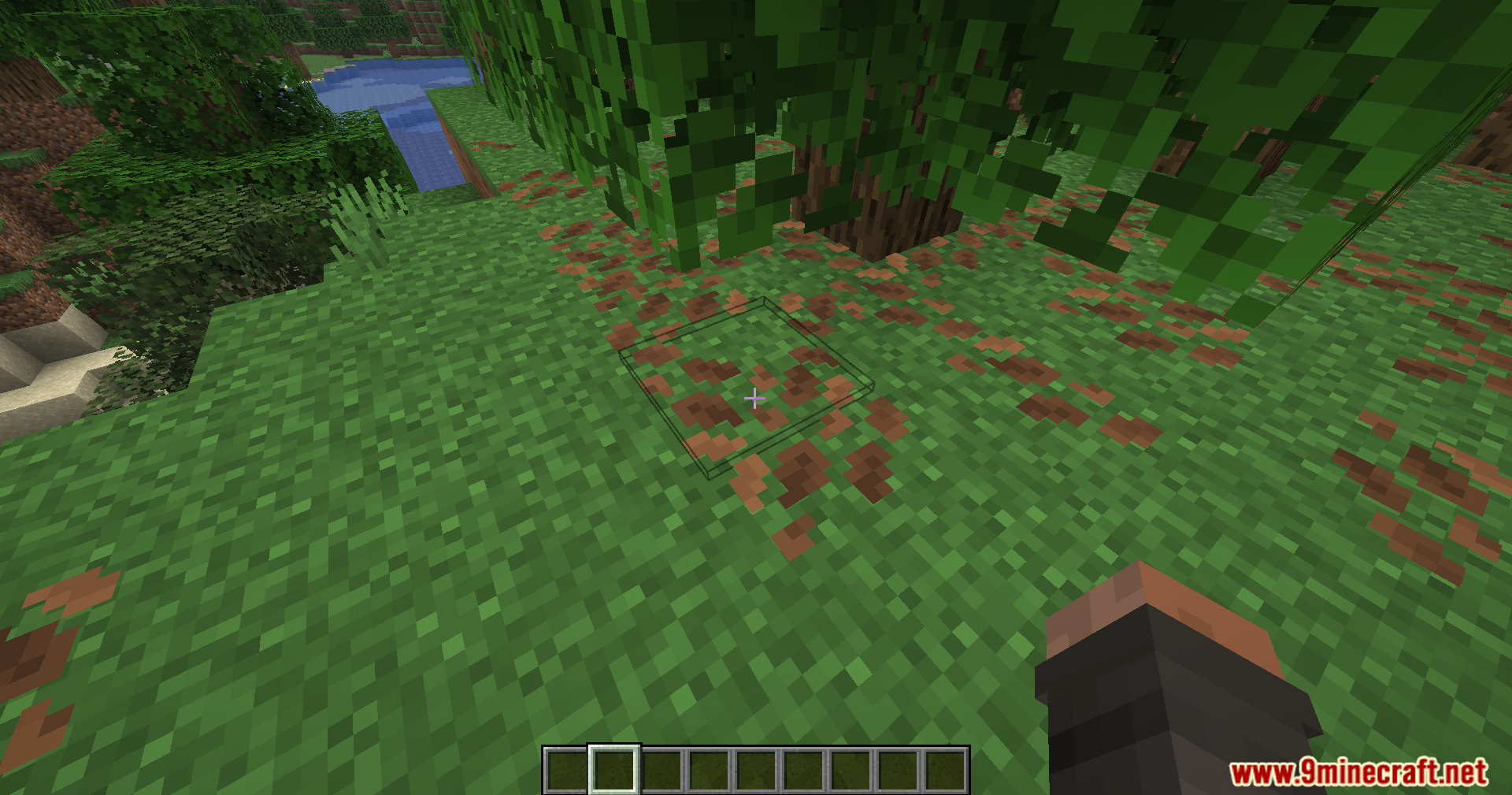
Screenshots:
How to Install:
New to Minecraft? Follow our step-by-step guide to install Mods on your PC.View Guide



Toggle Highlight Outline Box Mod Download Links
For Minecraft 26.2
For Minecraft 26.1.2, 26.1.1, 26.1
For Minecraft 1.21.11
Click to rate this post!
[Total: 1 Average: 5]
You May Also Like






This post has no comments yet. Be the first — your comment will appear here.