


Vantage Point Nexus Plugin (26.2, 1.20.1) – Share Bases and Teleport Home
 0
0
 0
0

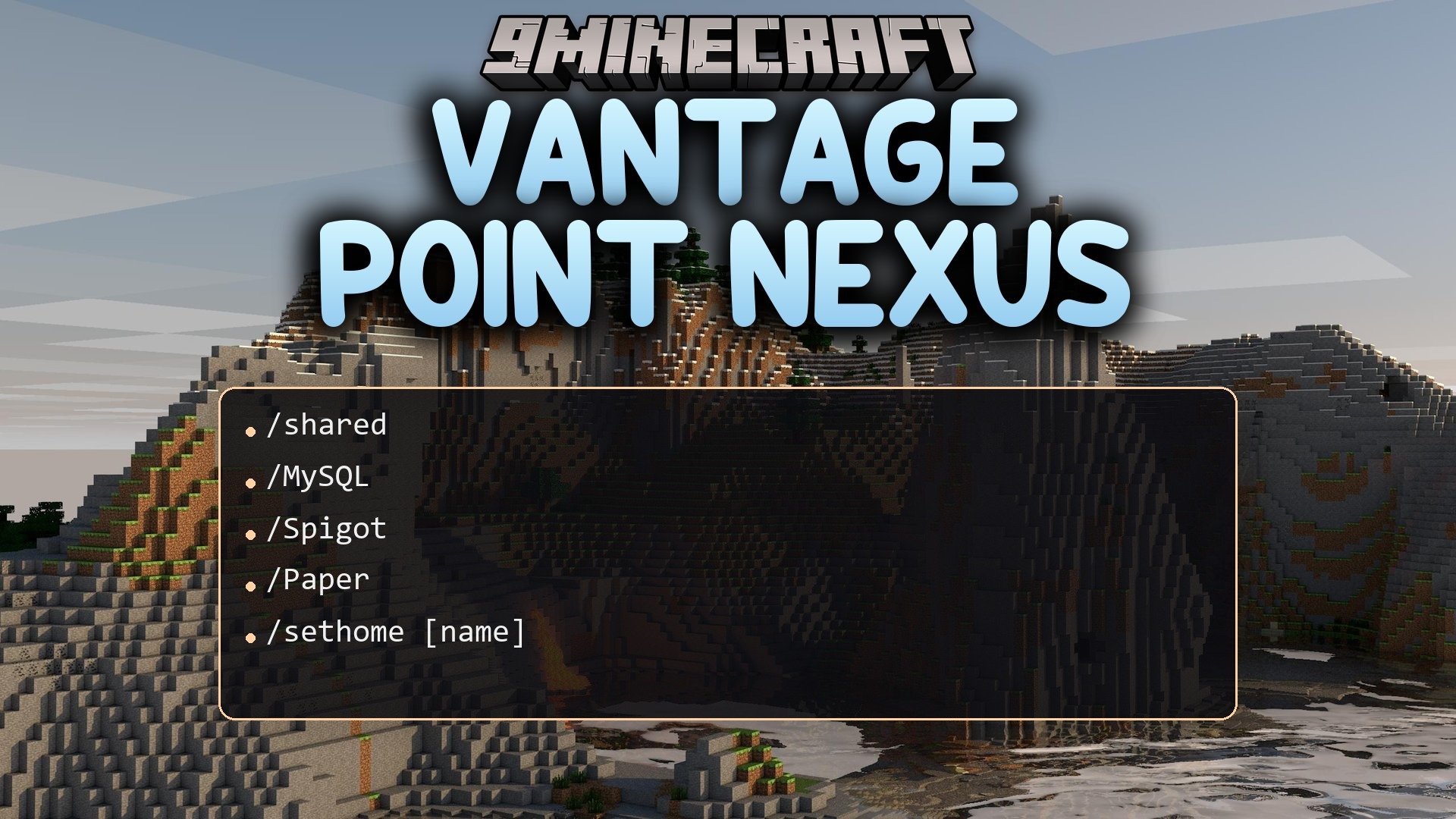
Vantage Point Nexus Plugin gives players a complete home teleportation system with custom names and visual menus. It helps server members save their favorite spots and return to base with safe teleport checks. Players can share locations with friends or open public waypoints for visitors. The plugin keeps players safe from lava and combat while they travel back to their homes.
Features:
- Lets players create multiple named home locations across different worlds.
- Brings clean chest inventory menus with page controls for browsing homes.
- Checks destination blocks for hazards like lava, fire, and cacti before teleporting.
- Cancels teleports automatically when a player takes damage, moves, or enters combat.
- Lets players share specific homes with friends or set them as public waypoints.
- Adds built-in warmup delays and cooldown timers to prevent teleport spam.
- Saves all home coordinates and settings directly to local data files.
Menu and Safety:
- Displays custom icons, titles, lore, and sounds inside the inventory menu.
- Includes a confirmation screen so players do not delete homes by accident.
- Finds safe nearby ground if the original spot becomes blocked or dangerous.
Commands:
/sethome [name]: Creates a new home at your current spot./home [name]: Teleports you to one of your saved homes./home <player>:<name>: Teleports to a public or shared home owned by another player./delhome [name]: Removes a saved home from your list./homes [page]: Opens the visual menu or lists your saved homes./betterhomes reload: Reloads the plugin settings and message files./betterhomes info: Shows plugin information./betterhomes sethomeplayer <player> <name>: Creates a home for a target player./betterhomes delhomeplayer <player> <name>: Removes a home belonging to another player./betterhomes listhomes <player>: Displays a list of all homes owned by a player./betterhomes clearhomes <player>: Deletes all homes belonging to a target player./betterhomes givehome <player> <name>: Sets a home for a player at your current location./betterhomes rename <old> <new>: Changes the name of a saved home./betterhomes move <name>: Moves a home location to where you stand./betterhomes share <home> <player>: Grants another player access to your home./betterhomes unshare <home> <player>: Revokes shared access from another player./betterhomes public <home>: Sets whether anyone on the server can visit the home.
Configuration:
betterhomes.use: Grants access to basic commands.betterhomes.sethome: Grants permission to set home locations.betterhomes.home: Grants permission to teleport to homes.betterhomes.delhome: Grants permission to delete homes.betterhomes.gui: Grants access to open and use the menu interface.betterhomes.bypass.cooldown: Ignores waiting timers between teleports.betterhomes.bypass.limit: Removes limits on total saved homes.betterhomes.admin: Grants full administrative access.betterhomes.teleport.instant: Skips warmup delays when teleporting.betterhomes.teleport.safely: Allows safe teleport adjustments.betterhomes.world.<worldname>: Grants permission to save homes in a specific world.betterhomes.limit.<number>: Sets a custom maximum number of homes.
How to Use:
- Stand at the location you want to save as your base.
- Type
/sethome [name]in chat to save your spot. - Type
/homesto open the inventory menu and view all your saved bases. - Click a home icon or type
/home [name]to start teleporting. - Stand still during the warmup delay until you arrive safely at your base.
How to Install:
New to Minecraft? Follow our step-by-step guide to install Plugins on your PC.View Guide
Vantage Point Nexus Plugin Download Links
For Minecraft
26.2,
26.1.2,
26.1.1
All Versions Covered
26.2
26.1.2
26.1.1
26.1
1.21.11
1.21.10
1.21.9
1.21.8
1.21.7
1.21.6
1.21.5
1.21.4
1.21.3
1.21.2
1.21.1
1.21
1.20.6
1.20.5
1.20.4
1.20.3
1.20.2
1.20.1
1.20
1.19.4
1.19.3
1.19.2
1.19.1
1.19
1.18.2
1.18.1
1.18
1.17
1.16
1.15
1.14
1.13
1.12
1.11
1.10
1.9
1.8.3
1.8.1
1.8
1.7.4
1.7.2
All Versions Covered
26.2
26.1.2
26.1.1
26.1
1.21.11
1.21.10
1.21.9
1.21.8
1.21.7
1.21.6
1.21.5
1.21.4
1.21.3
1.21.2
1.21.1
1.21
1.20.6
1.20.5
1.20.4
1.20.3
1.20.2
1.20.1
1.20
1.19.4
1.19.3
1.19.2
1.19.1
1.19
1.18.2
1.18.1
1.18
1.17
1.16
1.15
1.14
1.13
1.12
1.11
1.10
1.9
1.8.3
1.8.1
1.8
1.7.4
1.7.2
Click to rate this post!
[Total: 0 Average: 0]
You May Also Like



This post has no comments yet. Be the first — your comment will appear here.