
Tweakerge Mod (26.1.2, 1.20.1) – Speed Up Daily Building and Mining Tasks
 24,627
 0


Tweakerge Mod brings an unofficial Forge port of Tweakeroo to Minecraft with many customizable client-side tweaks. This mod adds helpful tools for building, mining, inventory, camera, and movement, including fast block placement, flexible block placement, free camera, auto tool switch, and automatic hand restock. You can open an in-game settings menu to search options, toggle each tweak on or off, and bind custom hotkeys so daily tasks feel faster and easier. It also helps you avoid common mistakes like stripping logs by accident or dropping buckets into lava. The mod runs completely on the client side and requires MaFgLib to work.
Features:
- Client-Side Tweaks: Runs completely on your client and adds a wide set of customizable gameplay tweaks to Forge.
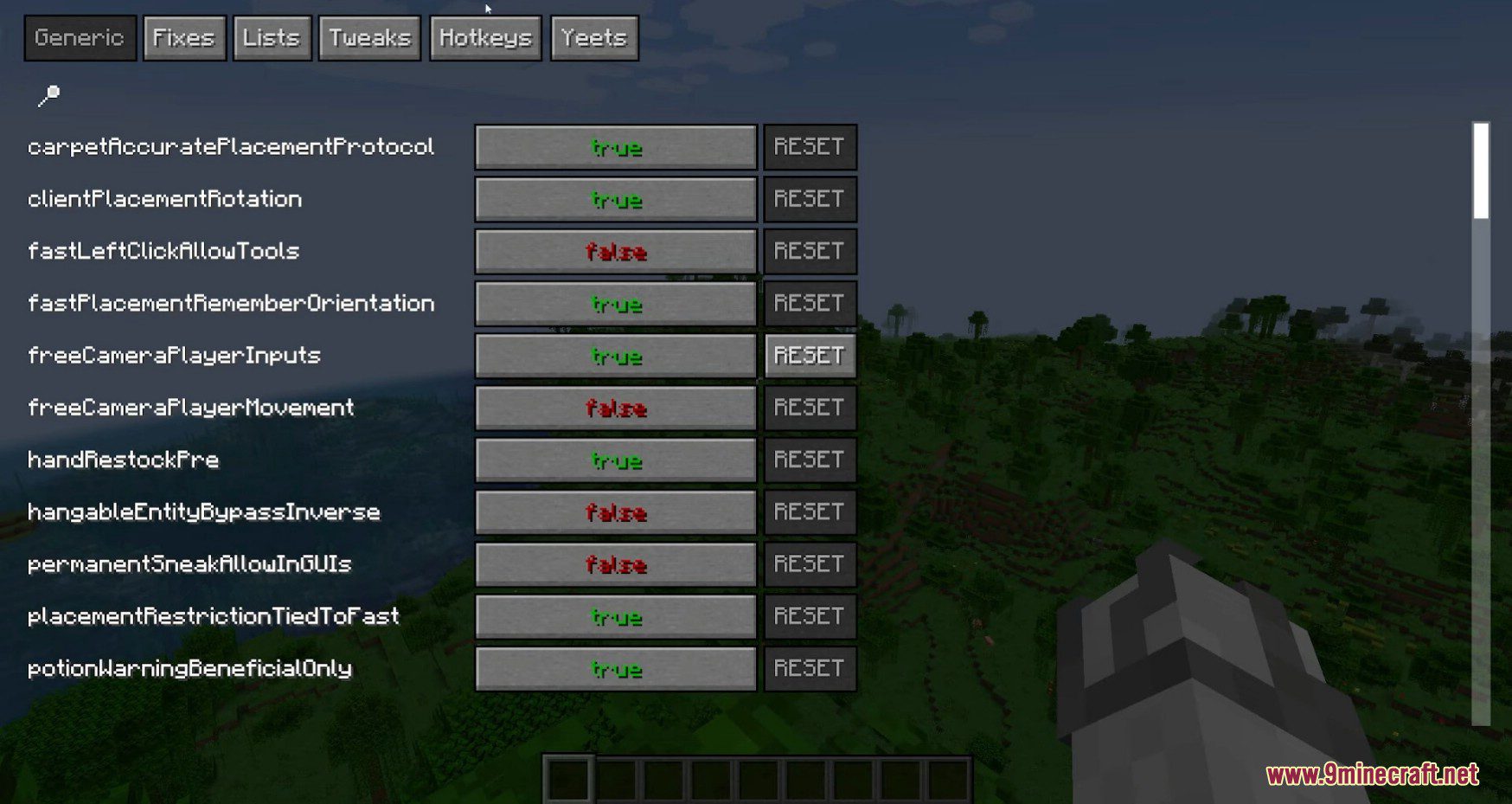
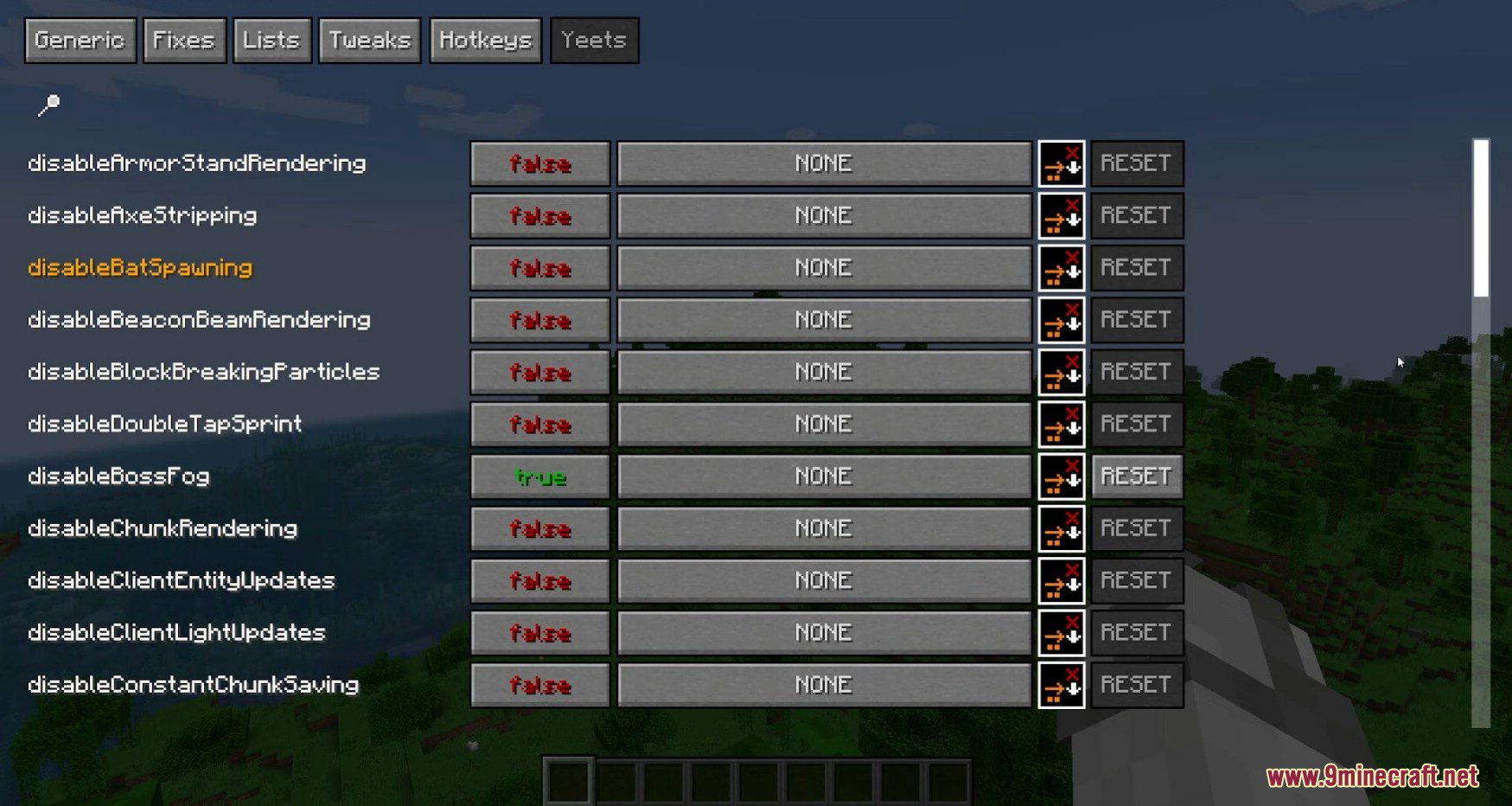
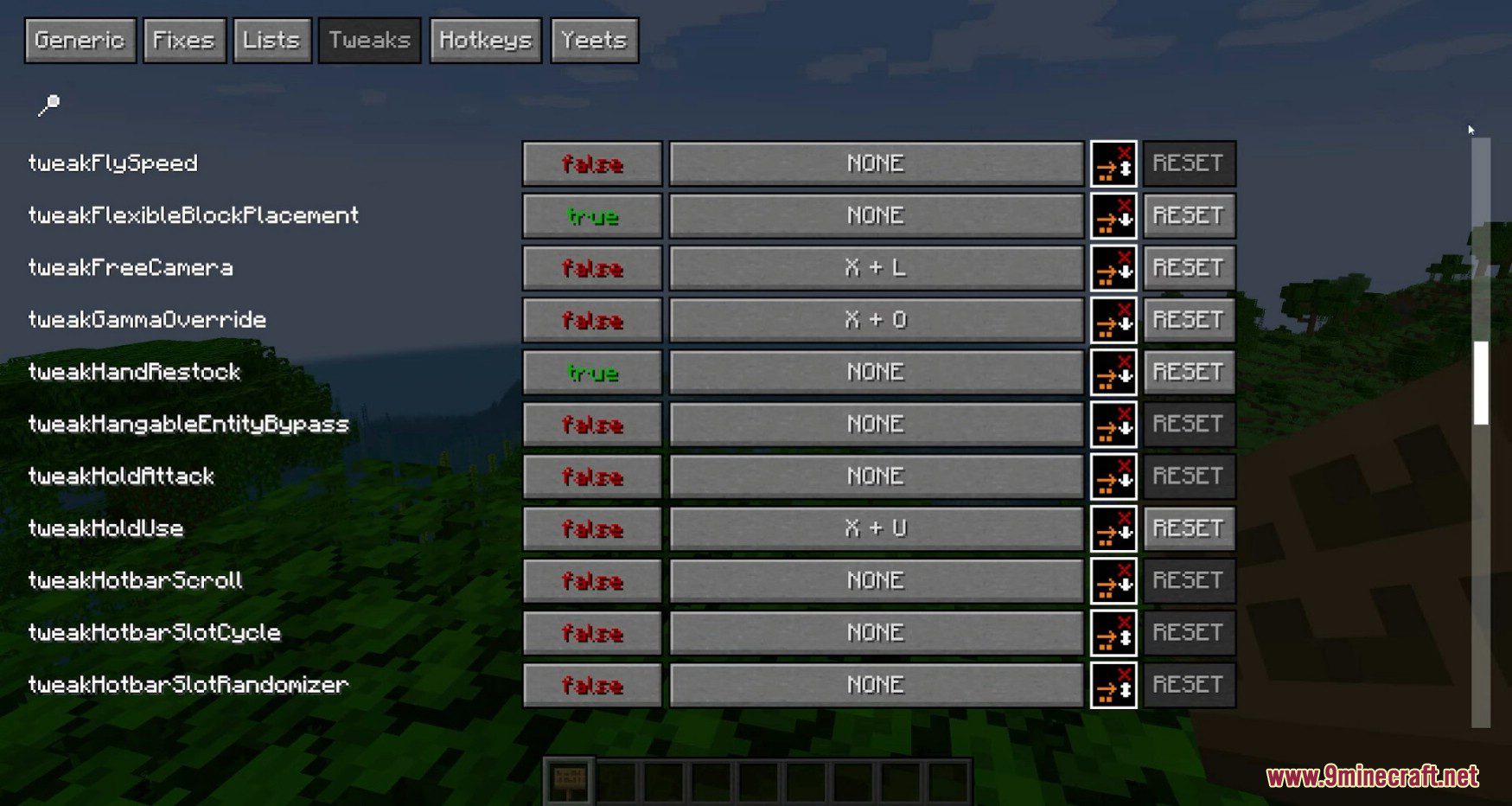
- In-Game Settings Menu: Lets you turn tweaks, hotbar options, and disable settings on or off right inside the game.
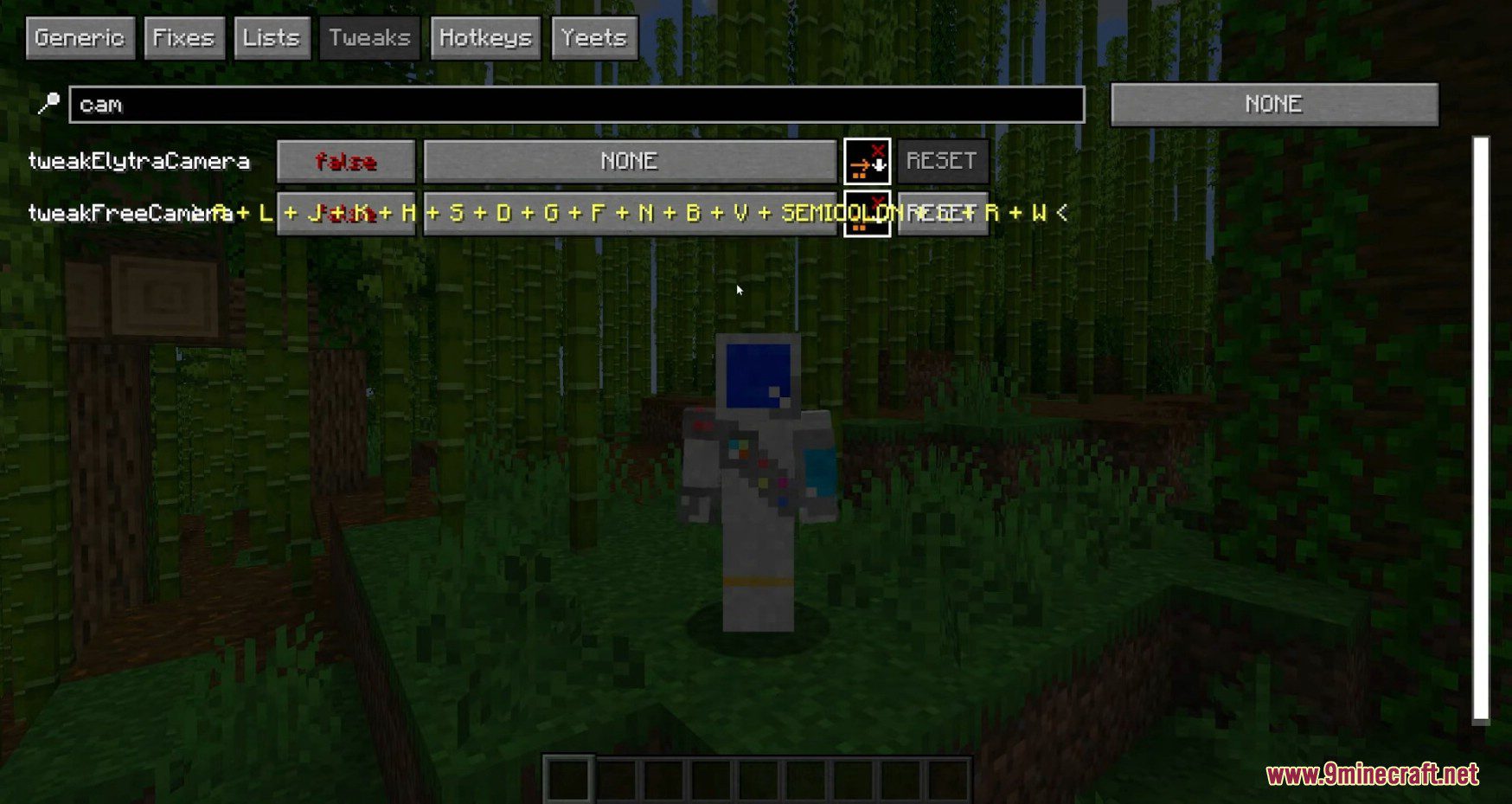
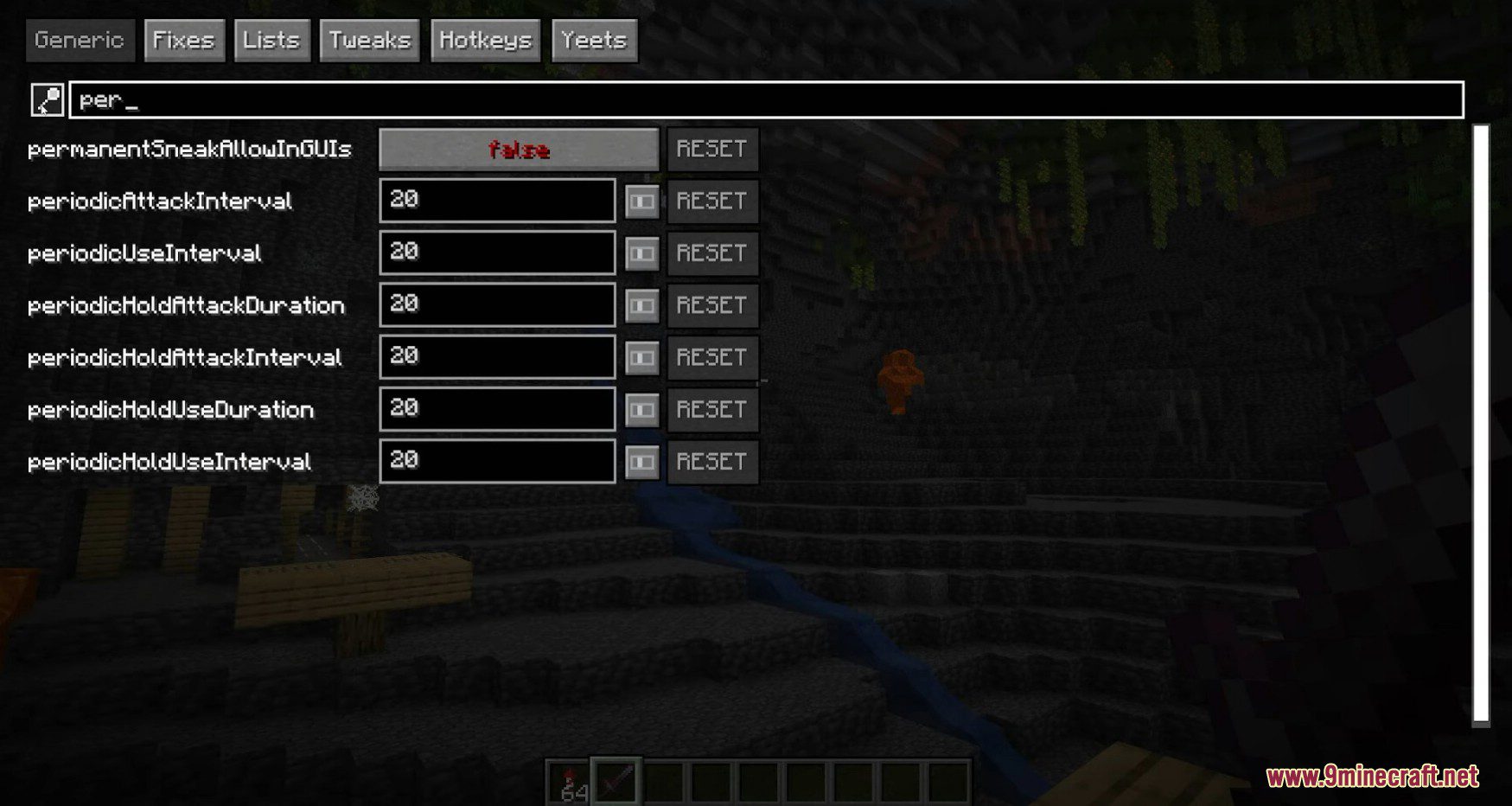
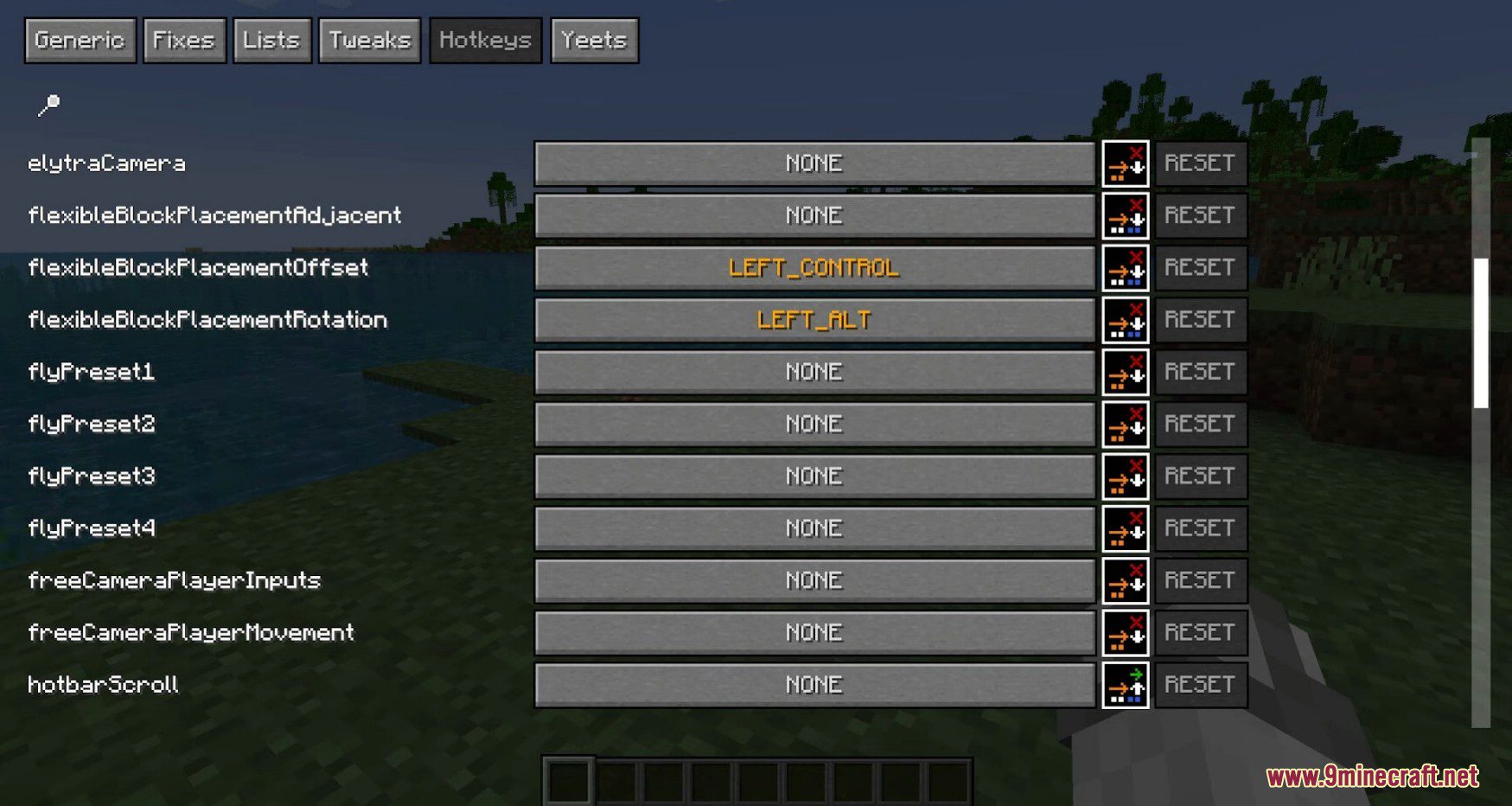
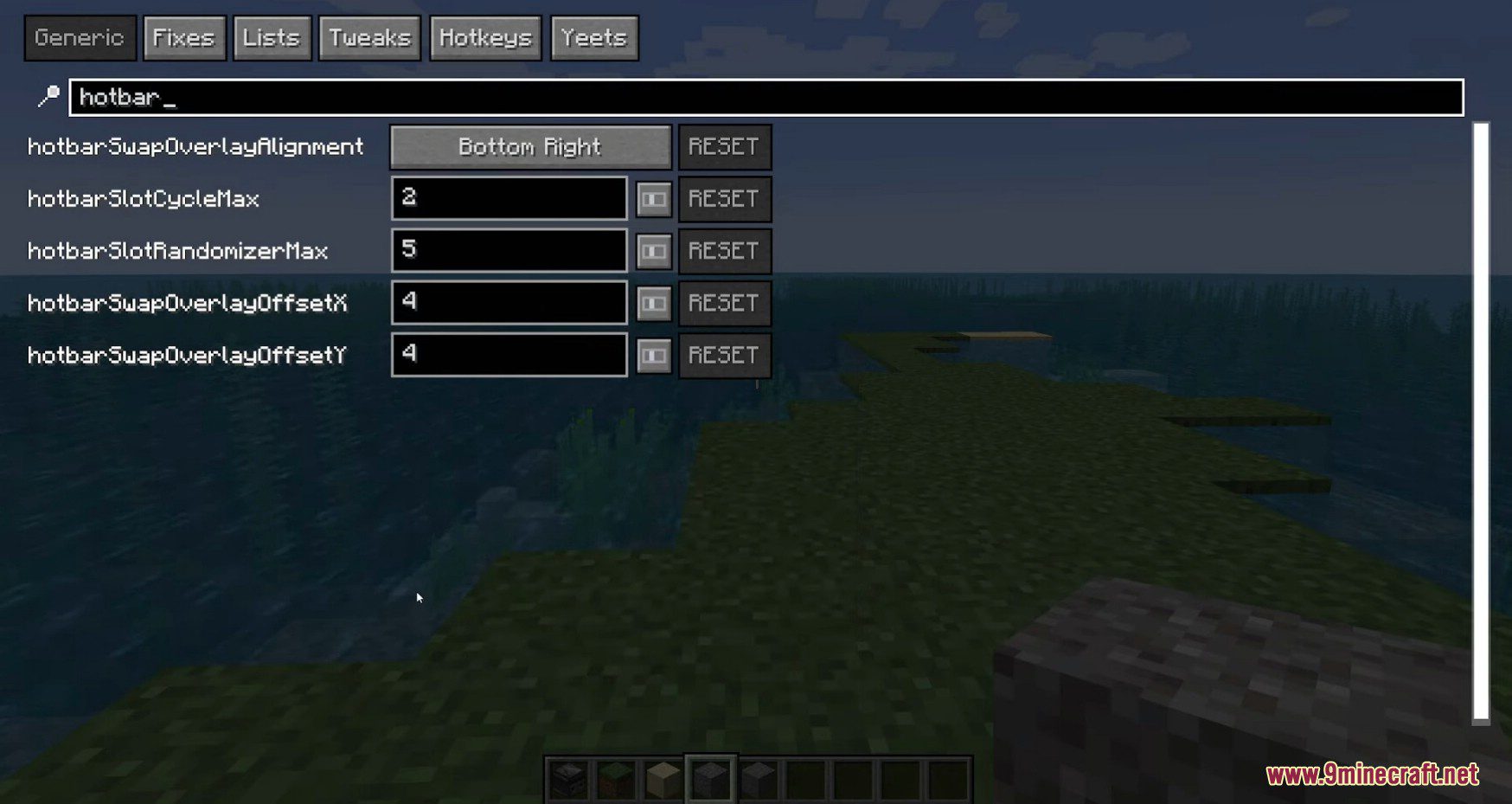
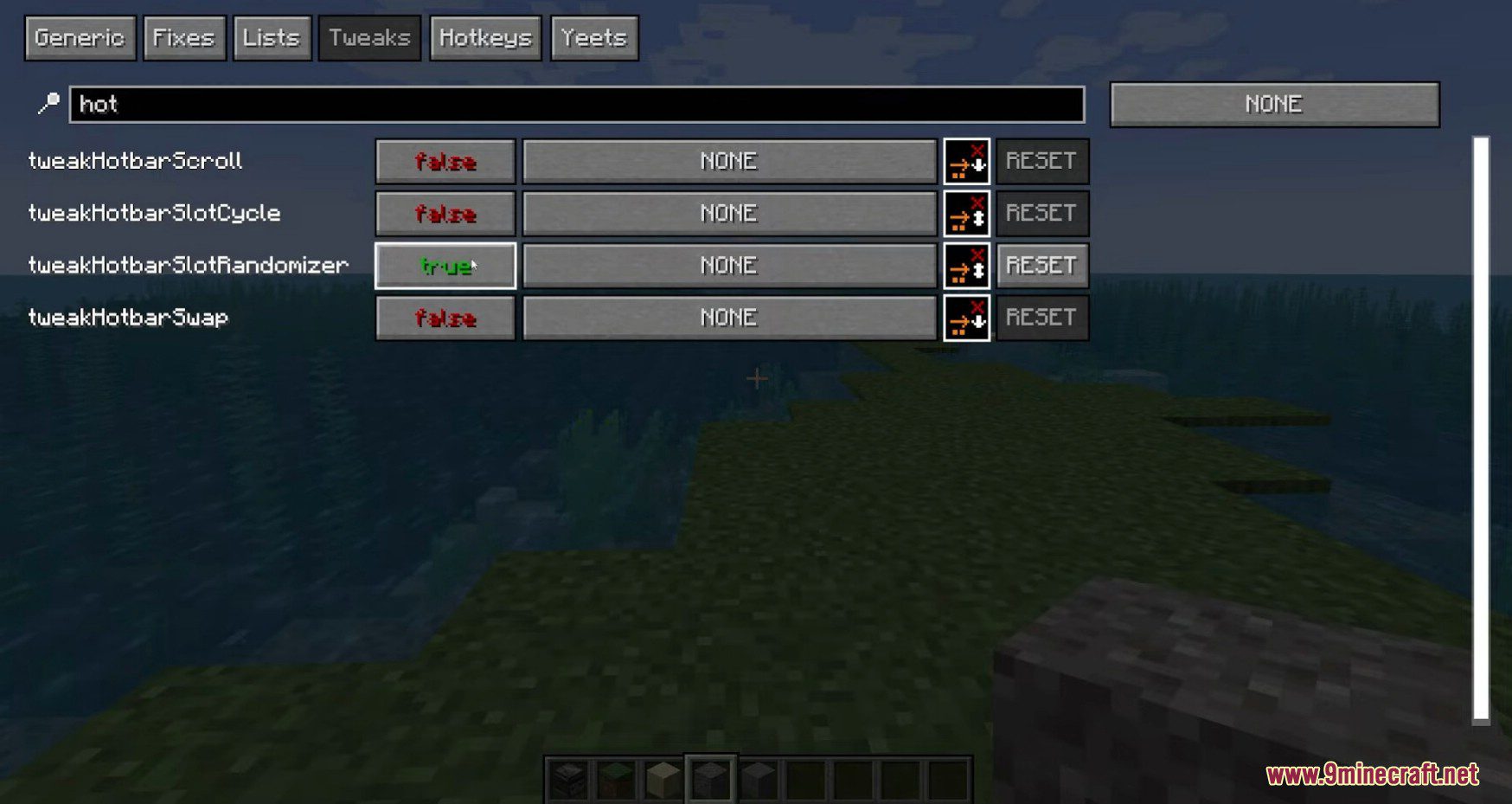
- Searchable Hotkey Screen: Includes a search bar and hotkey settings menu so you can find any tweak quickly and set your own keys.
Building and Block Placement Tweaks:
- Places blocks quickly and accurately with fast block placement.
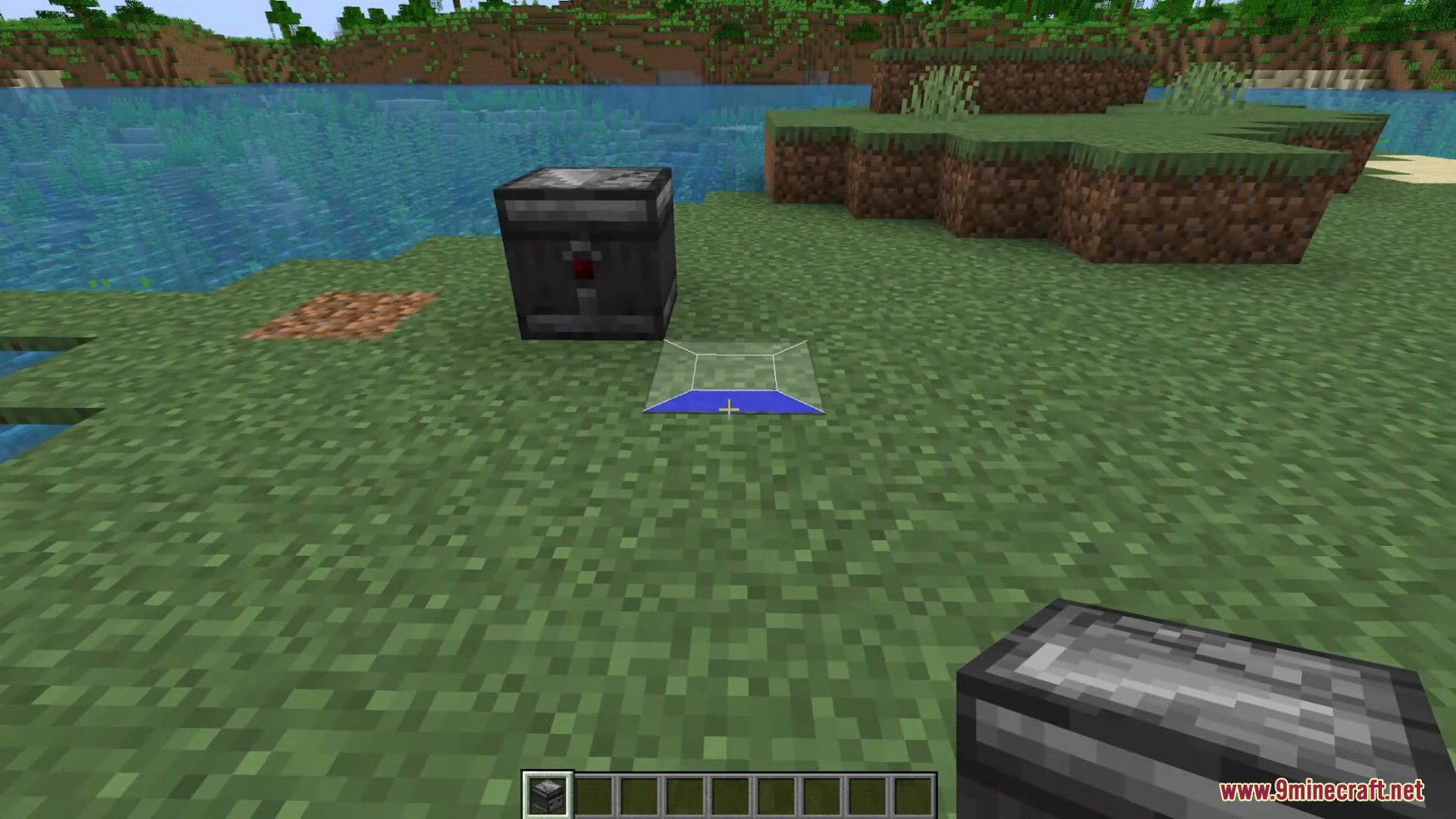
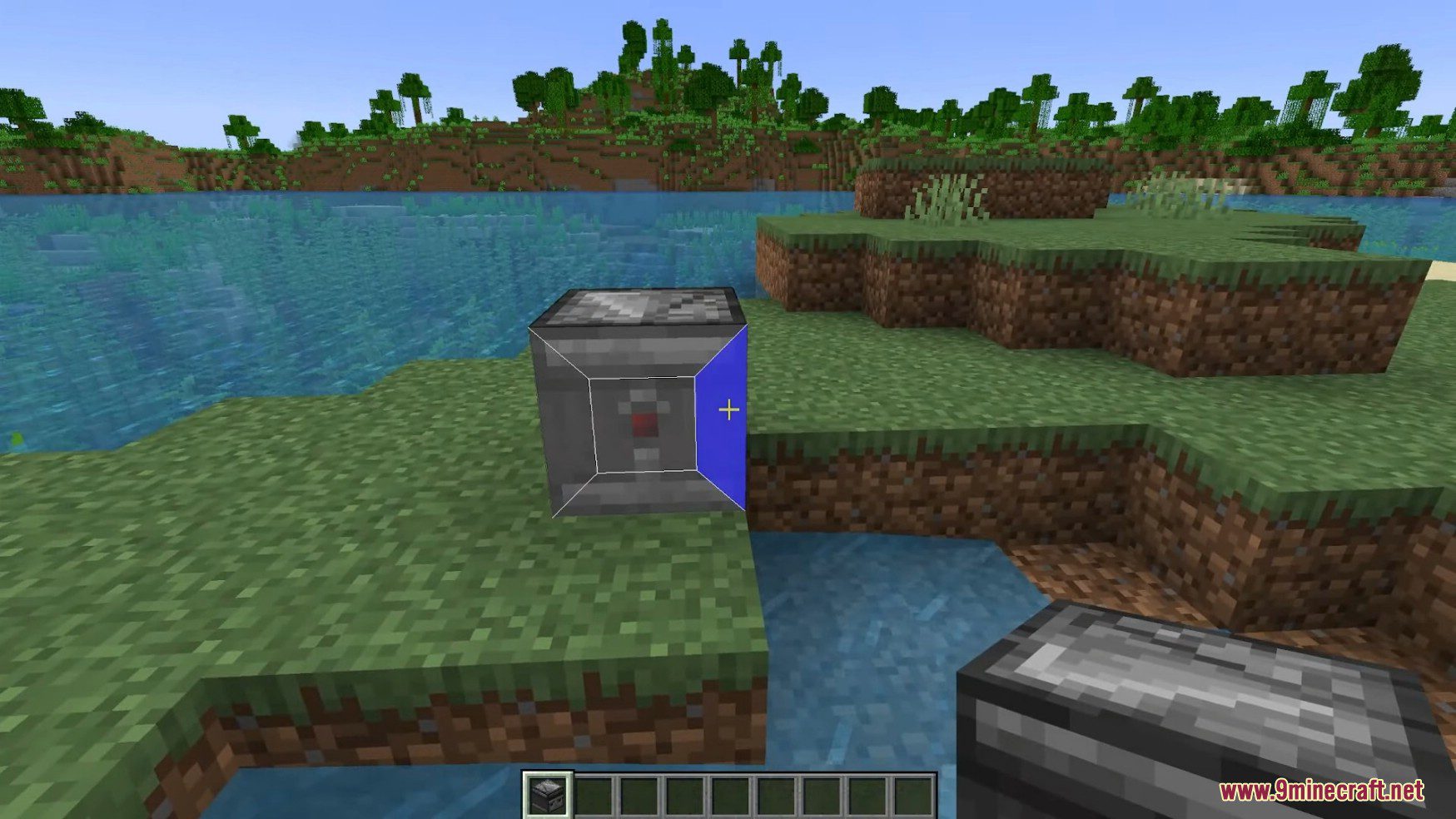
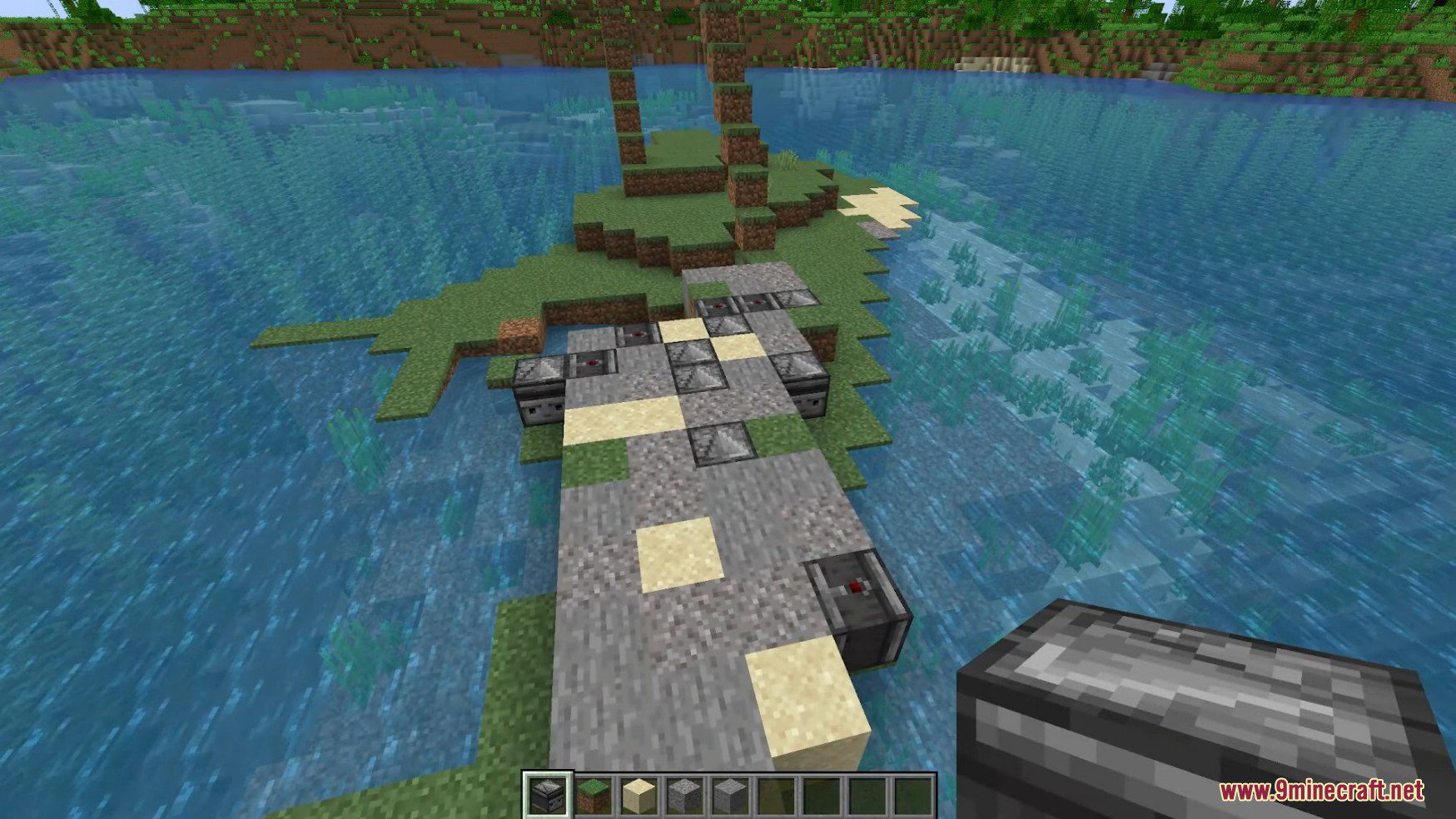
- Shows a transparent preview and blue highlight guide when placing blocks with flexible block placement.
- Changes block rotation using flexible block placement rotation.
- Adjusts where blocks land using flexible block placement offset.
- Places blocks at random with random block placement for varied builds.
- Uses a placement grid to place blocks like torches an equal distance apart.
- Lets you place blocks with fake sneak placement.
- Breaks blocks in a set pattern with the breaking grid.
- Includes breaking restrictions to control which blocks you break.
Inventory, Tools, and Action Tweaks:
- Switches to the right tool automatically so mining feels much easier.
- Swaps tools that are almost broken before they disappear.
- Restocks your hand automatically when you run out of items.
- Switches quickly between your elytra and chestplate.
- Protects unstackable items so you stop throwing buckets into lava.
- Stops you from stripping logs by mistake with disable axe stripping.
- Speeds up right-clicking with fast right click.
- Attacks targets at set intervals with periodic attack.
- Holds the use action at set intervals so you can eat while AFK with hand restock.
Camera, Visual, and Display Tweaks:
- Adds a free camera that lets you fly around like in Spectator mode while using your Survival account.
- Provides an elytra camera view while flying.
- Adds a zoom option so you can look closely at distant spots.
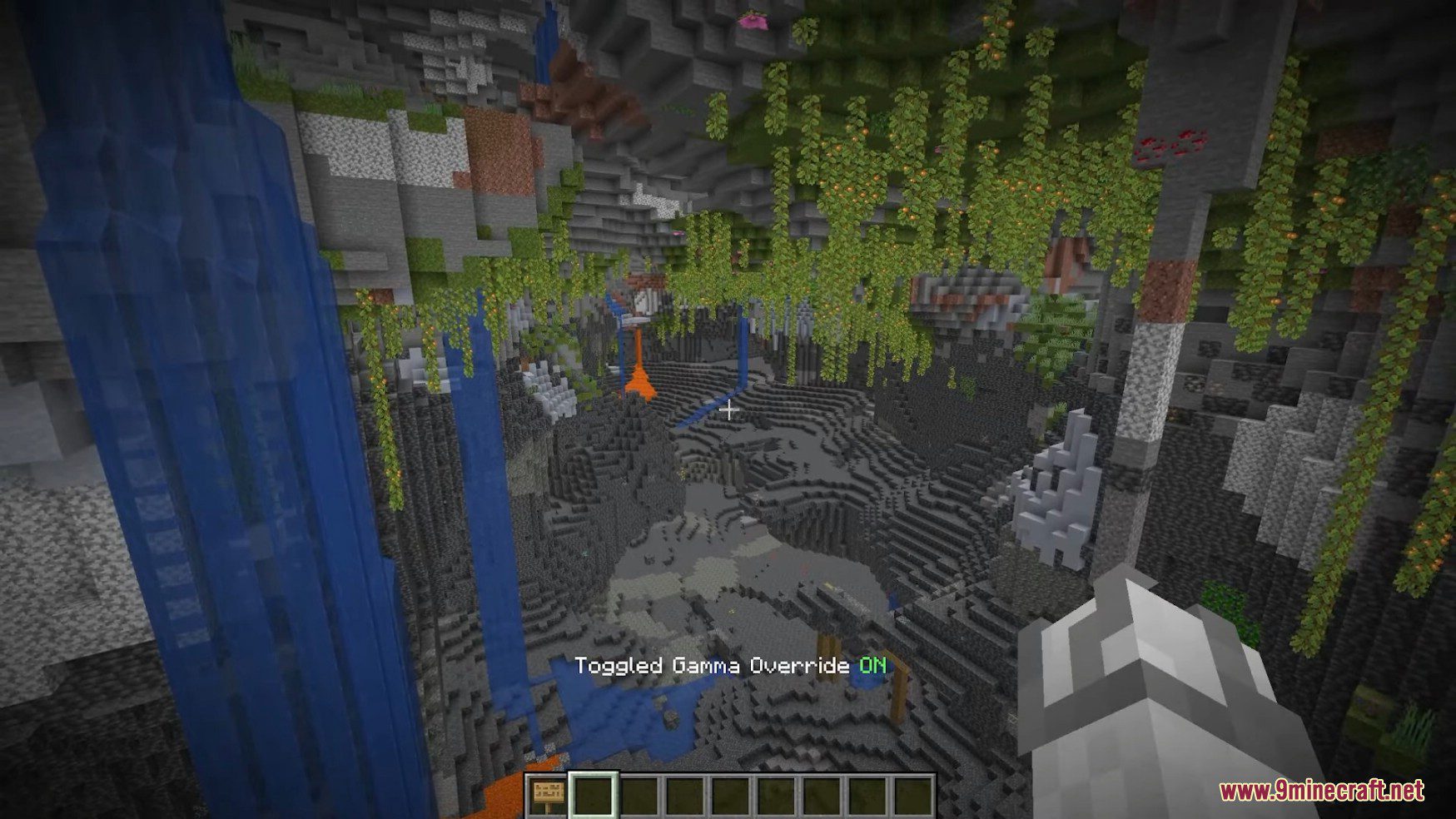
- Brightens dark areas like underground caves using gamma override.
- Removes render distance fog and Nether fog with no fog.
- Turns off particles to give your FPS a boost.
- Hides items in your offhand by disabling offhand rendering.
- Displays shulker box inventories right on your screen.
- Previews maps directly while they sit inside your inventory.
- Keeps the player list visible on your screen at all times.
Movement and Quality of Life Tweaks:
- Increases flight speed for faster Creative flying and free camera movement.
- Simulates sneaking with the fake sneak tweak.
- Keeps you running even after hitting a wall by disabling wall unsprint.
- Prints your death coordinates in chat automatically when you die.
- Removes your own potion effects whenever you need to clear them.
- Stops portals from closing your GUI so you can open your inventory while standing in a portal.
- Keeps your typed chat text saved so you do not lose long messages.
How to Use:
- Load MaFgLib alongside Tweakerge Mod so all tweaks run properly in your game.
- Open the in-game settings menu to see the tweak toggles, hotbar tweaks, disable options, and hotkey settings.
- Type into the search bar inside the settings menu to find any tweak right away.
- Switch individual client-side tweaks on or off and set your hotkeys to match how you play.
Screenshots:
How to Install:
New to Minecraft? Follow our step-by-step guide to install Mods on your PC.View Guide


Tweakerge Mod Download Links
For Minecraft 26.1.2, 26.1.1, 26.1
For Minecraft 1.21.11
For Minecraft 1.21.10, 1.21.9
For Minecraft 1.21.8, 1.21.7, 1.21.6
For Minecraft 1.21.5
For Minecraft 1.21.4
For Minecraft 1.21.3, 1.21.2
For Minecraft 1.21.1, 1.21
For Minecraft 1.20.6
For Minecraft 1.20.4, 1.20.3
For Minecraft 1.20.1, 1.20
For Minecraft 1.19.4, 1.19.3
For Minecraft 1.19.2, 1.19.1, 1.19
For Minecraft 1.18.2, 1.18.1, 1.18
For Minecraft 1.17.1
For Minecraft 1.16.5
You May Also Like
Picked for this page
 Stone Chest Mod (26.2, 1.20.1) – Stone Variations Vanilla Chests
 Potion Rings Mod (26.3, 1.21.1) – Simple Bauble Rings with Potion Effects
 YUNG’s API (26.3, 1.21.11) – Explore Better Structures
 Nature’s Compass Mod (26.3, 1.20.1) – Find Any Biome
 Pat Pat Mod (26.3, 1.20.1) – Allows You Pat Mobs
 MaFgLib Mod (26.3, 1.20.1) – MaLiLib Forge Port
 Mundane Redstone Ore Mod (26.1.2, 1.20.1) – Non-Effect Redstone
 Melody Mod (26.3, 1.21.1) – Hear New Music in Your Game
 Lenient Creepers Mod (26.3, 1.20.1) – Items Remaining After An Explosion
 Smelting Sand In A Blast Furnace Mod (26.2, 1.20.1) – Faster Smelting
 Default Server Properties Mod (26.3, 1.20.1) – Preset Rules for Any World
 Mod Menu Badges Lib Mod (26.3, 1.21.11) – Create and Add Custom Badges
Most viewed in Mods over the last 7 days
 Ala Industrial Mod (26.3) – Run Electric Power Grids and Automated Factories
 PleasureCraft Mod (26.3, 1.21.1) – Jenny Mod Remake for Fabric
 Jennycraft Mod (26.3, 1.20.1) – Virtual Girlfriend in Minecraft
 Fapcraft Mod (26.3, 1.12.2) – Comprehensive and Detailed Content
 Jenny Mod (Fapcraft) Official Complete Guide – How to use, Tutorial
 BangCraft Mod (1.20.1) – Jenny, Ellie and Elliot
 Fabric Loader (26.3, 1.20.1) – Fabric Installer for All Minecraft Versions
 The Shooting Star Demo Mod (26.3, 1.20.1) – Vaporize Terrain From Orbit
 Meteor Client Mod (26.3, 1.20.1) – Xray, HUD, Fly
 OptiFine HD (26.3, 1.20.1) – Run Faster, FPS Boost, Shaders Support
 Aristois Client Mod (1.21.4, 1.20.1) – World Class Minecraft Utility
 Prestige Client Mod (1.21.11, 1.21.4) – Powerful Ghost Features for Crystal & Sword PvP
More from Mods
 Automobility Autoradio Mod (26.3, 26.1.2) – Trade Custom Mixtapes with Friends
 Towers of the Wild 9minecraft Mod (26.3, 26.2) – Climb Tall Towers for Loot
 Ender Storage 9minecraft Mod (26.3, 26.2) – Send Loot Back Home From Any Dimension
 Snad 9minecraft Mod (26.3, 26.2) – Build Faster Sugar Cane and Nether Wart Farms
 Together Forever Unofficial Mod (1.12.2) – Share Team Advancements
 GroovyDuvet Mod (1.21.11, 1.20.1) – Run Groovy Scripted Addons Without Game
 Swing Through Grass 9minecraft Mod (26.3, 26.2) – Fight Mobs Without Breaking Tall Grass
 Improved Boss Bars 9minecraft Mod (26.3) – Unique Health Bars for Every Boss Fight
 Cozy’s Improved Wolves Mod (26.3, 1.20.1) – Bond with Loyal Dogs That Never Die
 Cuisine Craft Mod (1.21.11, 1.20.1) – Cook Restaurant Dishes with Fresh Farm
 Nekoro Coins Mod (1.21.1, 1.20.1) – Trade Physical Currency Across Player
 Create Beyond Limits Mod (1.21.1, 1.20.1) – Build Smarter Factories

This post has no comments yet. Be the first — your comment will appear here.