
Twilight Plugin (1.21.4) – Let Bedrock Players See Custom Java Items and Menus
 3
3
 0
0

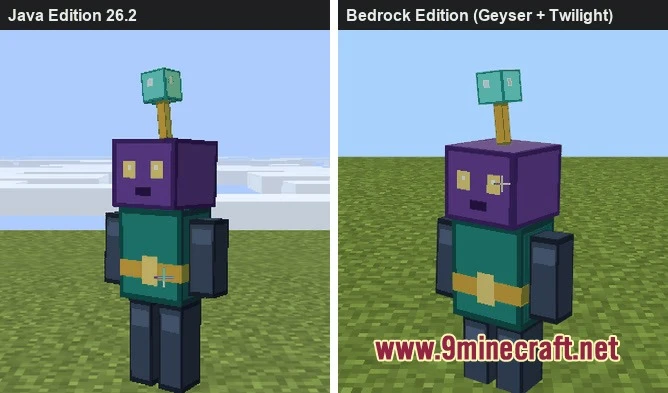
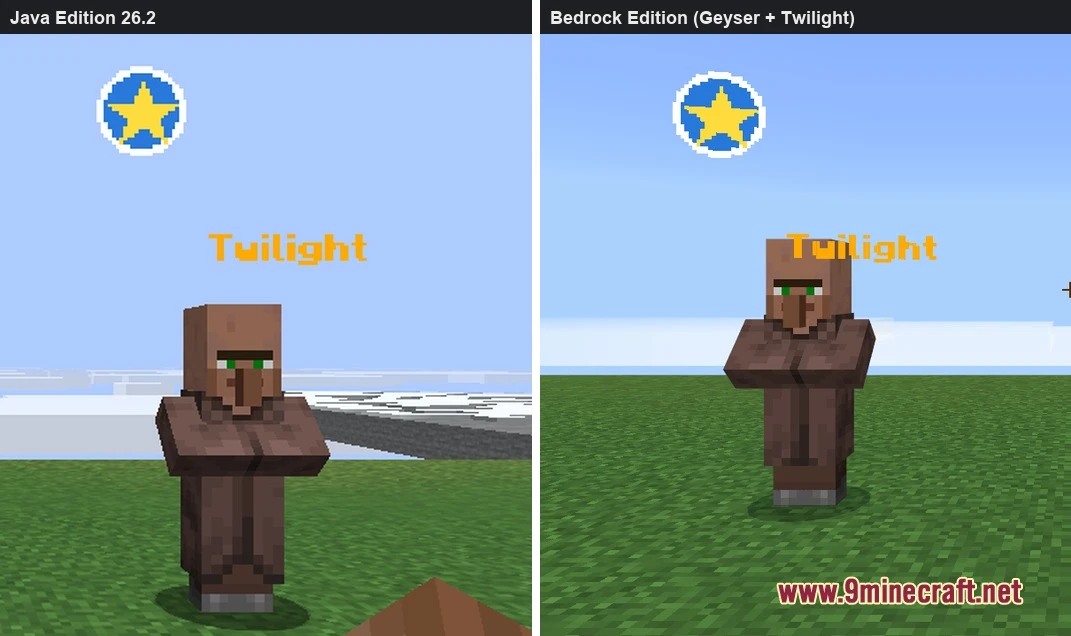
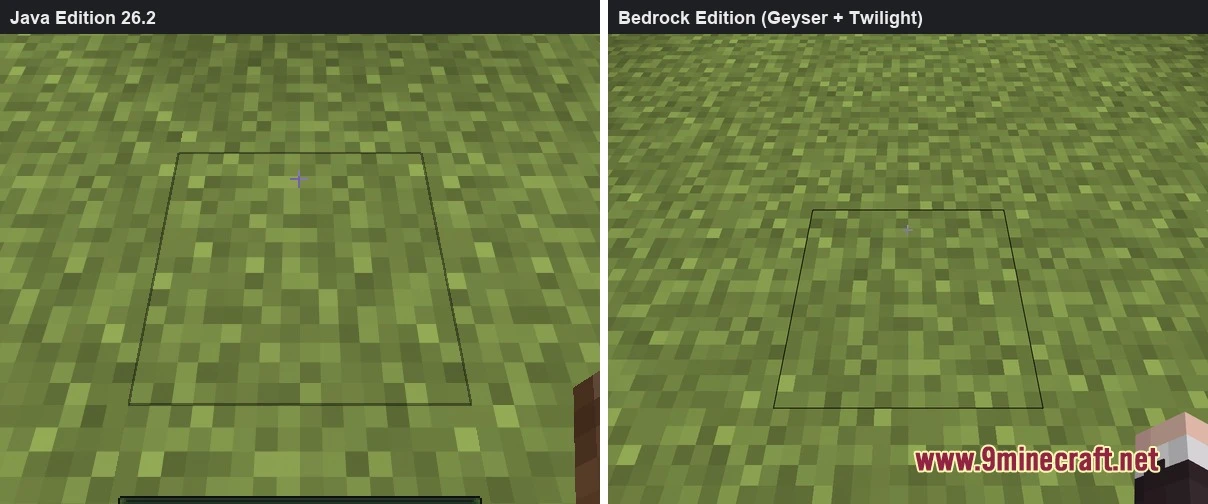
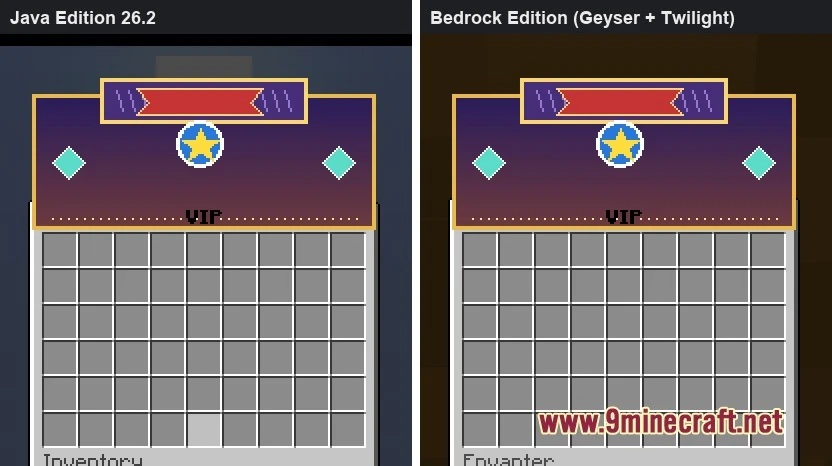
Twilight Plugin compiles Java Edition custom assets into Bedrock resource packs and Geyser mappings. It reads files created by other server plugins and datapacks so Bedrock users see custom items, menus, and glyphs without needing client-side mods. The plugin runs on Paper, Folia, and Spigot servers, as well as proxy setups. Crossplay communities get a matching visual display across both game editions.
Features:
- Asset Conversion: Turns Java item assets into Bedrock resource pack files and builds Geyser custom mappings automatically.
- Broad Compatibility: Reads content from ItemsAdder, CraftEngine, Nexo, Oraxen, BetterModel, ModelEngine, RealisticSeasons, and CustomNameplates.
- Network Delivery: Sends the matching pack to Bedrock users based on the specific sub-server they join in a proxy network.
- Datapacks and standard Java resource packs are also scanned for custom models and textures.
- Validates output files and applies updates cleanly to avoid corrupted pack files.
- Halts conversion safely if custom content cannot be represented without errors.
- Works across proxy networks using an optional proxy jar for Velocity, BungeeCord, Waterfall, and FlameCord.
How to Use:
- Stop your server before installing new files.
- Place the plugin file into your server plugins folder.
- Start the server to generate the configuration and build the Bedrock assets.
- Restart the server one time after the initial build so custom items and blocks register.
Screenshots:

How to Install:
New to Minecraft? Follow our step-by-step guide to install Plugins on your PC.View Guide
Twilight Plugin Download Links
For Minecraft 1.21.4
Click to rate this post!
[Total: 0 Average: 0]
You May Also Like
Picked for this page
 Loop Commands Plugin (1.12.2) – Automate Rewards So Players Stay Active
 Hydration Vitality Plugin (26.2, 1.21.1) – Make Players Search for Clean Water
 TimeZones Plugin (1.12.2) – Coordinate Playtime with Global Friends
 GeigerCounters Plugin (1.21.10) – Send Players Hunting Buried Caches Across the Map
 Wormhole X Treme Plugin (26.3, 1.20.1) – Link Server Bases Instantly
 TLibs Plugin (1.21.4) – Custom Gear That Actually Looks Right with Shaders
 My Command Plugin (1.21.4, 1.20.1) – Save Players Time with Custom Menus
 JEI Recipe Bridge Plugin (26.3, 1.21.11) – Let Players Browse Server Recipes
 Effect Lib Plugin (1.21.11, 1.20.1) – Fill Your Server with Flashy Visual
 Gatekeeper Advanced VPN & PROXY Protection Lightweight and Highly Asynchronous Plugin (26.2, 1.20.1)
 Better Ban Plugin (26.2, 1.20.1) – Stop Trolls From Ruining the Server
 Easier Recipes Plugin (26.3, 1.21.1) – Skip Tedious Grinding for Rare Survival
Most viewed in Plugins over the last 7 days
 Vulcan Anti Cheat Plugin (1.21.8, 1.20.1) – A Powerful Shield Against Cheating
 Citizens Plugin (1.21.10, 1.20.1) – The Best NPC Plugin
 Displaymotion Plugin (1.21.4) – Amaze Players with Custom Animations and No Client Mods
 WorldEdit Plugin (1.21.11, 1.20.1) – Easy In-Game Minecraft Map Editor
 Dynmap 9minecraft Plugin (26.3) – A Live Google-Maps-Style View of Your Whole Server
 Ultimate Donut SMP Plugin (26.3, 1.20.1) – Build Teams Trade Goods
 Grim Anticheat Plugin (26.3, 1.20.1) – Realtime Cheat Detection Plugin
 MMOItems Premium Plugin (1.21.8, 1.20.1) – Create Stunning Custom Items
 Citizens2 Plugin (1.21.8, 1.20.1) – Craft Unique NPCs
 Oraxen Plugin (1.21.11, 1.20.1) – Transform Your Ideas into Custom Items And Blocks
 MythicCrucible Plugin (1.21.8, 1.20.1) – Addon for MythicMobs
 Ultimate Donut SMP Plugin (26.2, 1.21.11) – Everything Players Need to Trade
More from Plugins
 Spawn Build Rights Plugin (26.3) – Protect Spawn Areas While Trusted Players
 Economy Shop Sell Plugin (26.3, 1.21.1) – Turn Extra Loot Into Cash
 WorldGuardLecternAddon Plugin (1.20) – Keep Spawn Rulebooks Safe for Every Reader
 FakePlayerPlus Plugin (1.21.11) – Keep Mob Farms Running Around the Clock
 ResourcepacksPlugins Plugin – Give Every World the Right Custom Look
 Teams999 Plugin (1.21.11, 1.21.1) – Build Strong Squads to Claim Land
 Classes and Magie Plugin (26.3, 26.1.2) – Give Players Fantasy Roles
 ImageOnMapReborn Plugin (1.20) – Turn Every Wall Into a Custom Art Gallery
 Mls Network Plugin (1.16) – Keep PvP Battles Fair So Skill Always Wins
 WatchNeko Plugin (1.13) – Keep Every Fight Fair So Honest Players Can Win
 G1ax World Generator Plugin (1.21.11, 1.21.1) – Fresh Scenic Landscapes
 Just One Block Plugin (1.21.11, 1.21.1) – Team Up and Build a Sky Island

This post has no comments yet. Be the first — your comment will appear here.