


Voxel Bridge Live Plugin (26.2, 1.20.1) – Chat with In-Game Friends
 0
0
 0
0

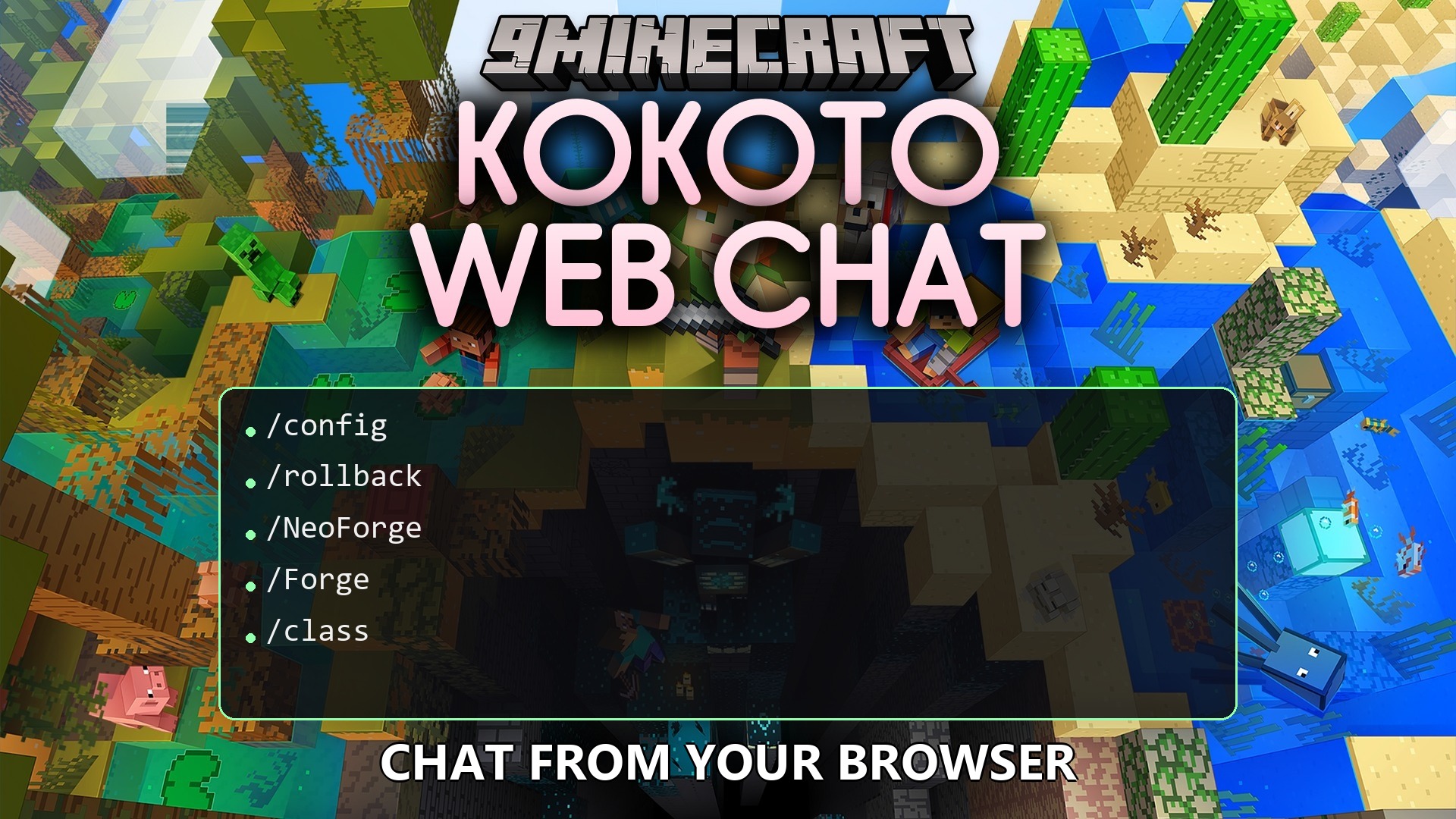
Voxel Bridge Live Plugin bridges in-game Minecraft chat with a standalone web browser interface and online live maps. It links players inside the game with friends browsing the web through two-way messages, private direct chats, and group conversation rooms. The plugin pairs Minecraft accounts, displays rich media previews like images and videos, and blocks forbidden words across public channels.
Features:
- Connects in-game chat directly to web browsers for real-time two-way messaging.
- Runs as a standalone web page or embeds inside online web maps like BlueMap, Dynmap, and squaremap.
- Sends private direct messages between individual players across single or connected servers.
- Creates public or private group chat rooms with custom passwords and member lists.
- Displays media links, images, audio clips, and video previews directly inside the chat log.
- Shows message delivery status and read receipts for direct messages and group chats.
- Blocks, masks, or replaces unwanted words using custom text filter lists.
- Lets administrators upload custom emoji packs for everyone to use in chat.
- Sends push notifications to web users when their chosen keywords or names are mentioned.
- Includes customizable dark, light, and high-contrast color themes for the web interface.
Configuration:
Super administrators can activate private message audit logging in the configuration file:
direct-message:
  admin-audit:
    enabled: false

group-chat:
  admin-audit:
    enabled: false
How to Use:
- Place the plugin jar into your server plugins folder.
- Open the configuration file to review storage, authentication, and web port settings.
- Turn on the master switch in the configuration file to launch the web chat service.
- Open the provided web address in any browser or view your server live map to begin chatting.
How to Install:
New to Minecraft? Follow our step-by-step guide to install Plugins on your PC.View Guide
Voxel Bridge Live Plugin Download Links
For Minecraft
26.2,
26.1.2,
26.1.1
All Versions Covered
26.2
26.1.2
26.1.1
26.1
1.21.11
1.21.10
1.21.9
1.21.8
1.21.7
1.21.6
1.21.5
1.21.4
1.21.3
1.21.2
1.21.1
1.21
1.20.6
1.20.5
1.20.4
1.20.3
1.20.2
1.20.1
1.20
1.19.4
1.19.3
1.19.2
1.19.1
1.19
1.18.2
1.18.1
1.18
All Versions Covered
26.2
26.1.2
26.1.1
26.1
1.21.11
1.21.10
1.21.9
1.21.8
1.21.7
1.21.6
1.21.5
1.21.4
1.21.3
1.21.2
1.21.1
1.21
1.20.6
1.20.5
1.20.4
1.20.3
1.20.2
1.20.1
1.20
1.19.4
1.19.3
1.19.2
1.19.1
1.19
1.18.2
1.18.1
1.18
Click to rate this post!
[Total: 0 Average: 0]
You May Also Like









This post has no comments yet. Be the first — your comment will appear here.