


Lazarus Trace Plugin (1.21.11, 1.21.1) – Help Players Recover Lost Gear Right
 2
2
 0
0

Lazarus Trace Plugin gives players a recovery compass when they respawn so they can track down their lost items quickly. The compass points directly to where the player died and works across different dimensions. Players can also check death details like exact coordinates and distance from their current spot. It keeps inventory recovery simple and stress-free for everyone on the server.
Features:
- Hands players a death compass right after they respawn.
- Points directly toward the location of the player’s last death.
- Displays the owner name directly on the item tooltip.
- Works across dimensions and alerts players if their death spot is in another realm.
- Shows exact death coordinates, distance, and dimension details.
- Lets players toggle automatic compass handouts on or off whenever they want.
- Allows quick inventory cleanup by clearing old death compasses with a simple command.
Commands:
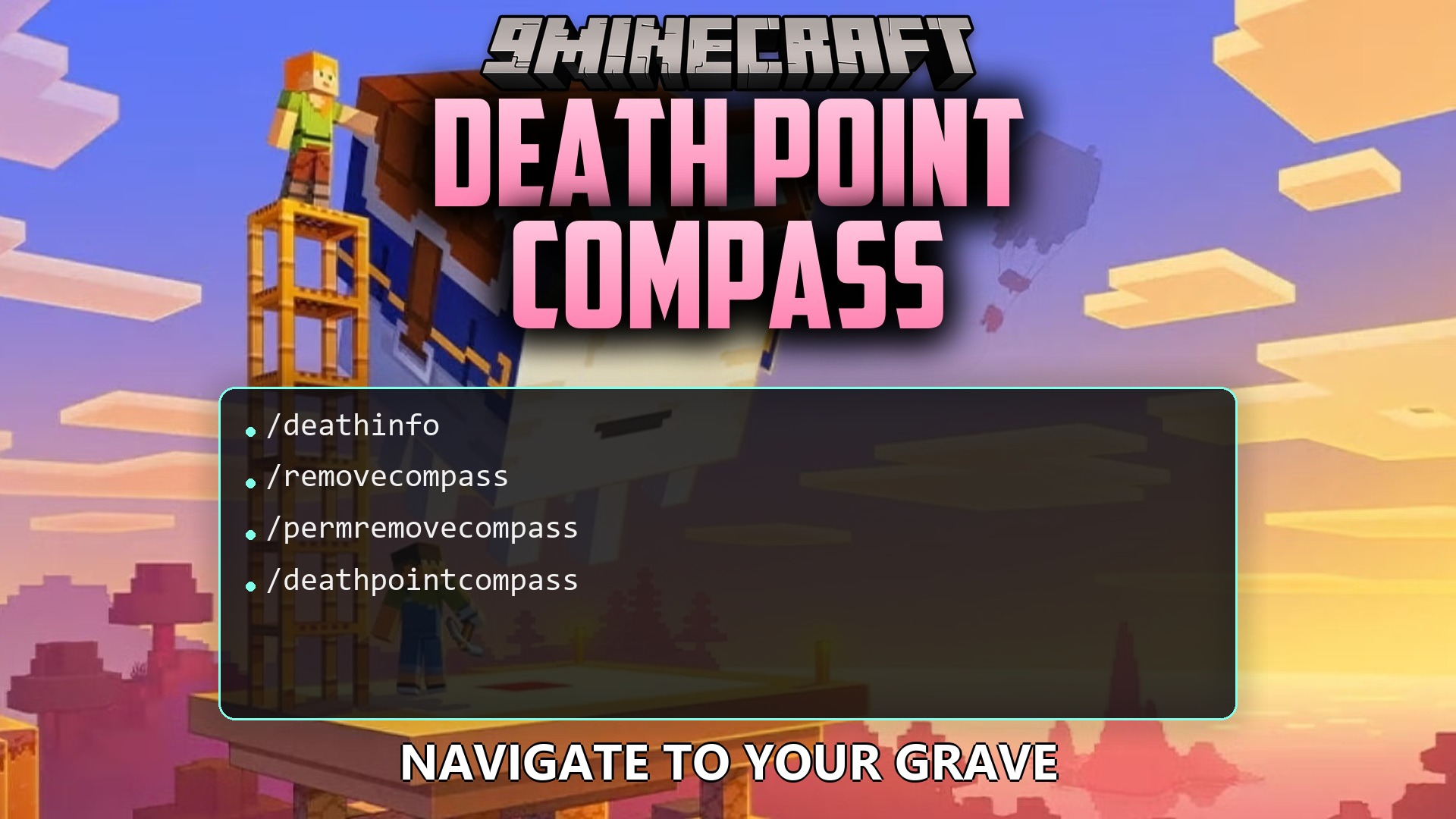
/deathinfo: Shows extra details and coordinates for your last death location./removecompass: Deletes all death compasses currently in your inventory./permremovecompass: Toggles whether you receive a death compass automatically upon respawning./deathpointcompass reload: Reloads plugin configuration settings without restarting the server.
How to Use:
- Respawn after dying to receive your tracking compass automatically.
- Hold the compass and follow the needle toward your dropped items.
- Type
/deathinfoif you want to view exact coordinates and distance to your death point. - Use
/removecompassonce you recover your gear to clear extra compasses from your bags.
How to Install:
New to Minecraft? Follow our step-by-step guide to install Plugins on your PC.View Guide
Lazarus Trace Plugin Download Links
For Minecraft
1.21.11,
1.21.10,
1.21.9
All Versions Covered
1.21.11
1.21.10
1.21.9
1.21.8
1.21.7
1.21.6
1.21.5
1.21.4
1.21.3
1.21.2
1.21.1
1.21
All Versions Covered
1.21.11
1.21.10
1.21.9
1.21.8
1.21.7
1.21.6
1.21.5
1.21.4
1.21.3
1.21.2
1.21.1
1.21
Click to rate this post!
[Total: 0 Average: 0]
You May Also Like
















This post has no comments yet. Be the first — your comment will appear here.