


Terrarefresh Core Plugin (26.2, 1.21.11) – Keep Mining Worlds Fresh
 0
0
 0
0

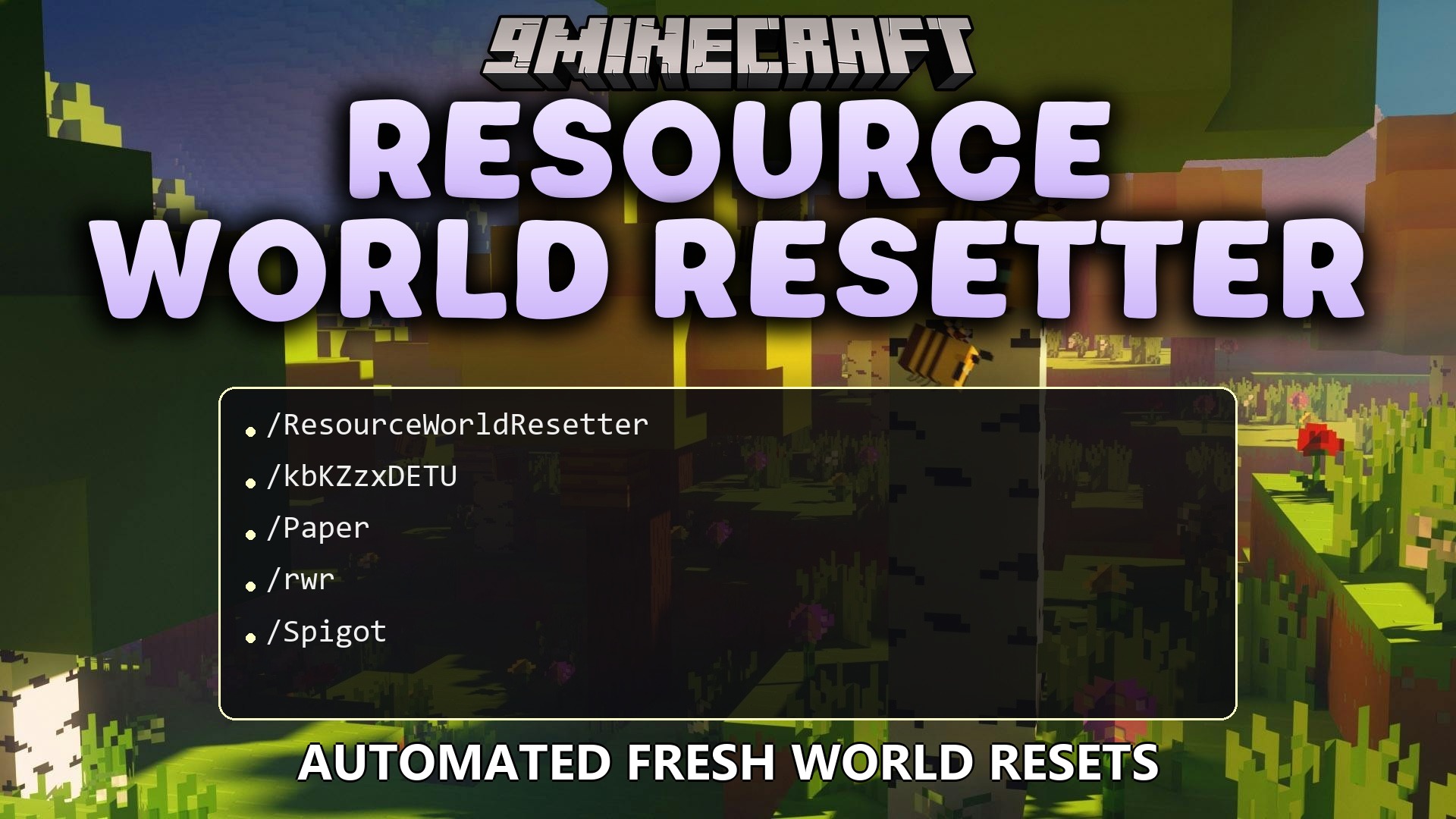
Terrarefresh Core Plugin automates resource world resets to keep mining lands fresh and clean for server communities. The plugin runs safety checks before wipes, moves players to safety, and rebuilds resource worlds on a schedule. It also includes an easy command menu, region reset options, and quick teleport menus so players always have new lands to explore.
Features:
- Automatic Resets: Cleans up and recreates mining worlds on daily, weekly, or monthly schedules.
- Safety Checks: Checks server performance, player count, and disk storage before running any reset.
- Sends warning messages to players in chat before a scheduled wipe begins.
- Teleports active players to safe areas before deleting and rebuilding the world.
- Lets admins reset specific regions instead of wiping the entire world.
- Features an in-game graphical menu for easy control without typing long commands.
- Provides a world teleport menu so players can jump straight to mining areas.
- Tracks previous reset history and allows admins to check past wipe details.
- Can resume interrupted resets safely after unexpected server stops.
- Works alongside popular random teleport plugins like BetterRTP and EssentialsX.
Commands:
/rwr help: Shows a list of all available commands./rwr gui: Opens the admin menu interface./rwr reload: Reloads settings and messages from files./rwr status: Shows the current reset phase, schedule, and any failure reports./rwr next: Displays the timer for the next reset and player warnings./rwr reset dry-run: Runs all safety checks without deleting any world data./rwr reset now: Starts an instant world reset./rwr resume: Continues an interrupted reset process./rwr resume cancel: Stops the auto-resume process and clears saved reset states./rwr history [count]: Shows a log of recent resets./rwr tp: Opens the teleport menu to pick a world./rwr region enable: Turns on region-based resets./rwr region disable: Turns off region-based resets./rwr region list: Lists all saved reset regions./rwr region add <name> <x1> <z1> <x2> <z2>: Creates a new region using coordinates./rwr region addhere <name>: Creates a new region at your current player location./rwr region remove <name>: Deletes an existing region.
How to Use:
- Type
/rwr guiin chat to open the main control panel. - Run
/rwr reset dry-runto test safety checks before making changes. - Use
/rwr nextto check when the next automatic wipe takes place. - Open
/rwr tpto let players teleport directly to the fresh resource world.
How to Install:
New to Minecraft? Follow our step-by-step guide to install Plugins on your PC.View Guide
Terrarefresh Core Plugin Download Links
For Minecraft
26.2,
26.1.2,
26.1.1
All Versions Covered
26.2
26.1.2
26.1.1
26.1
1.21.11
1.21.10
1.21.9
1.21.8
1.21.7
1.21.6
1.21.5
1.21.4
All Versions Covered
26.2
26.1.2
26.1.1
26.1
1.21.11
1.21.10
1.21.9
1.21.8
1.21.7
1.21.6
1.21.5
1.21.4
Click to rate this post!
[Total: 0 Average: 0]
You May Also Like









This post has no comments yet. Be the first — your comment will appear here.