


Vanishing Survival HUD Mod (26.2, 26.1.2) – Keep Your Screen Clean Until Danger
 0
0
 0
0

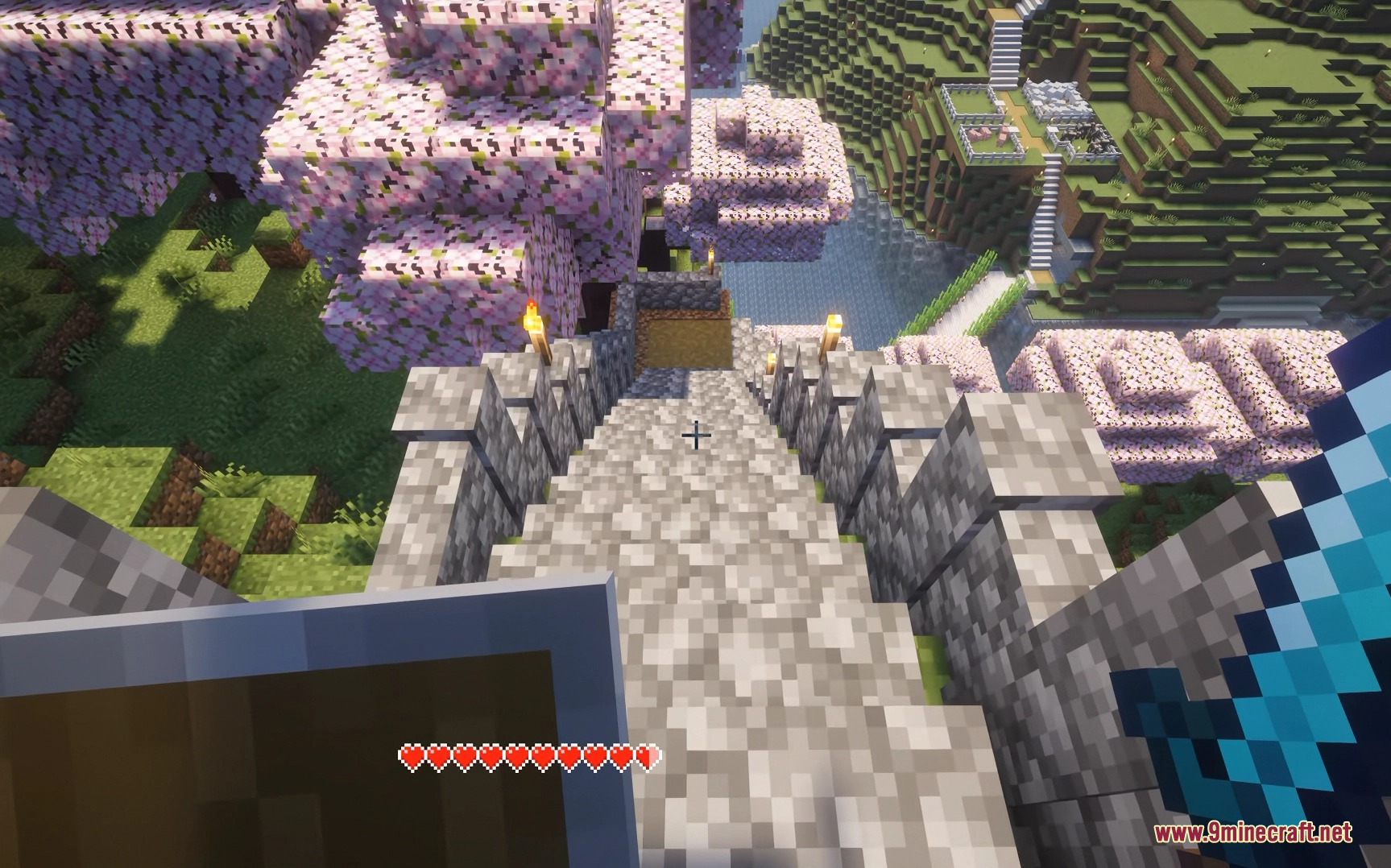
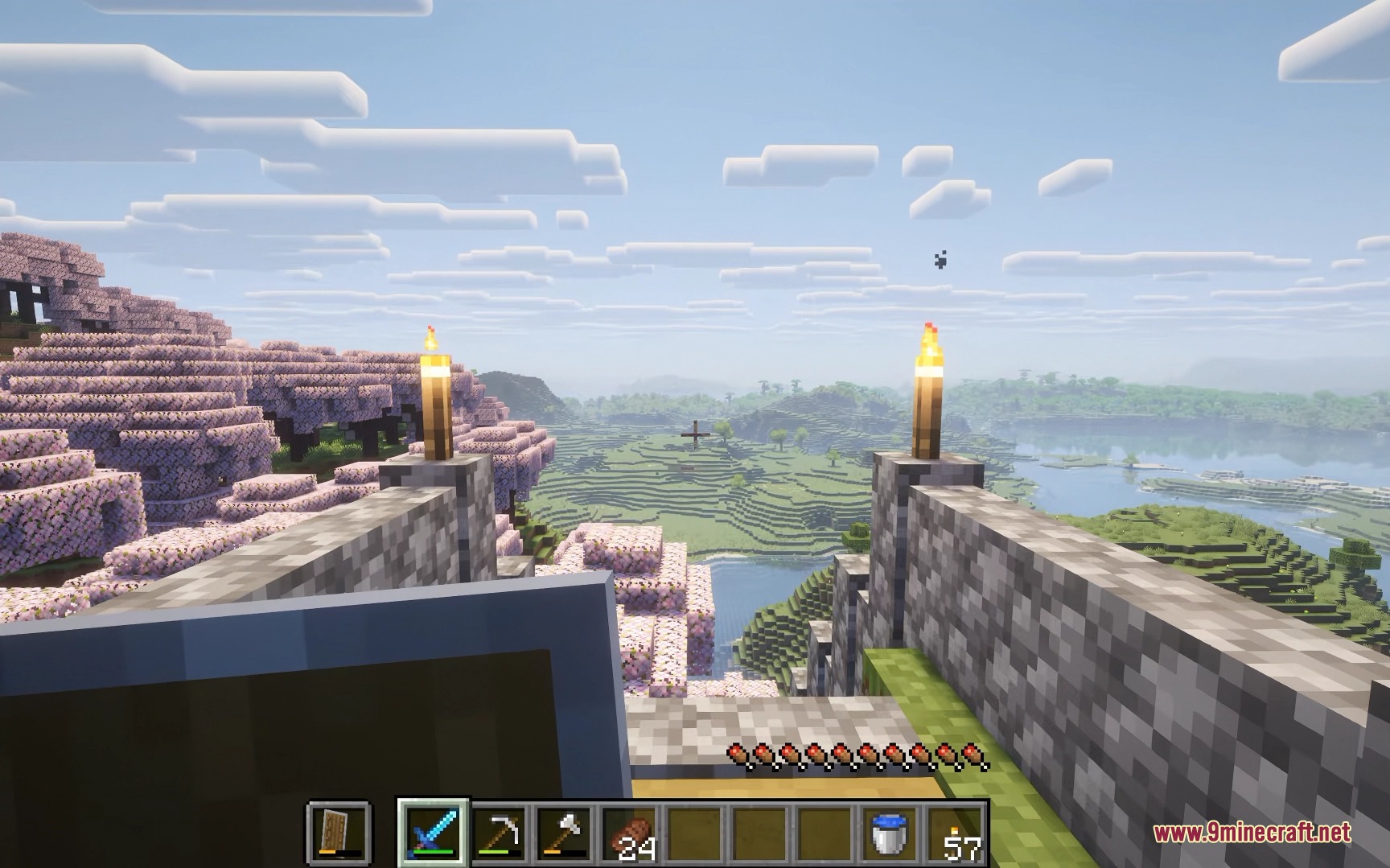
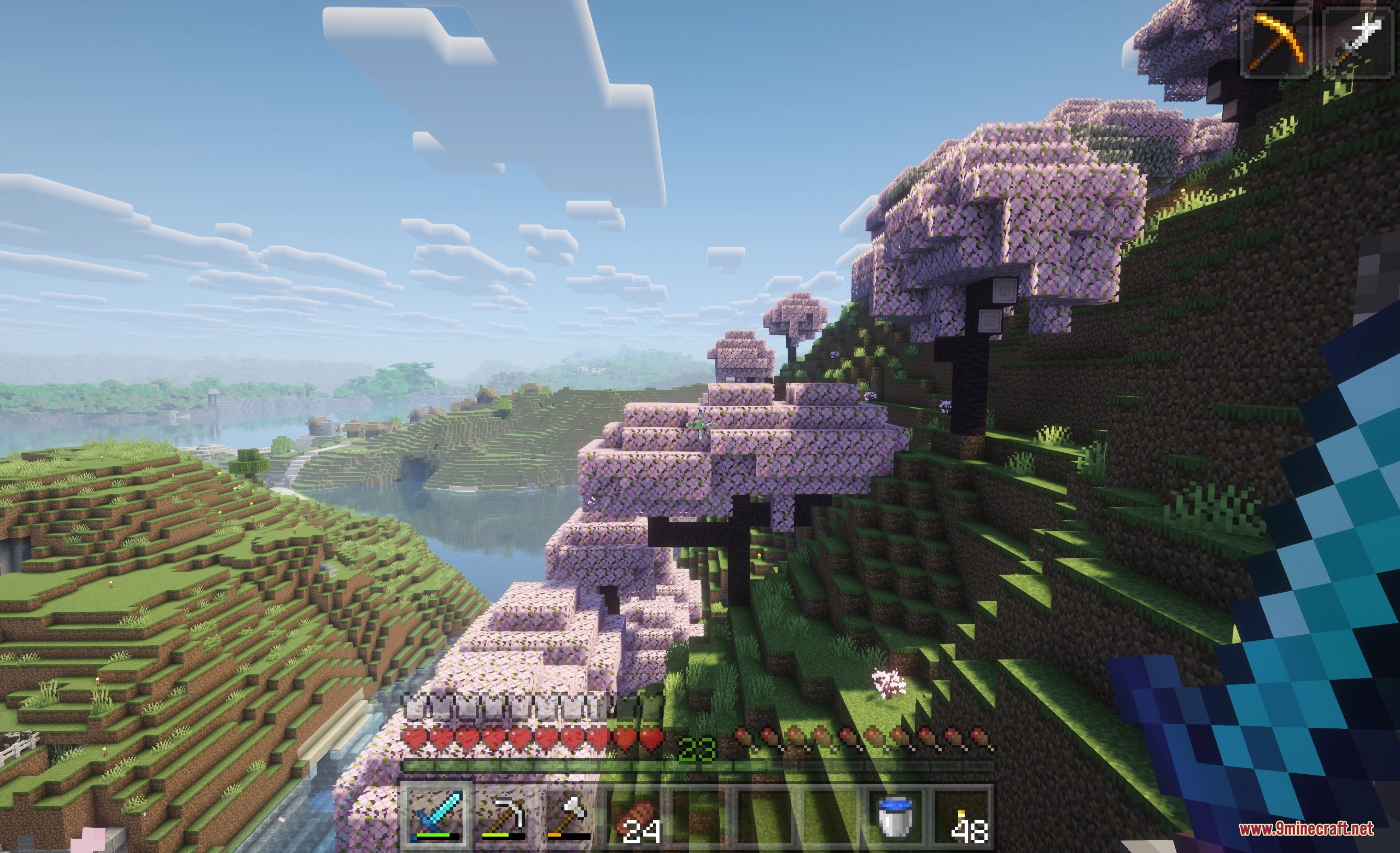
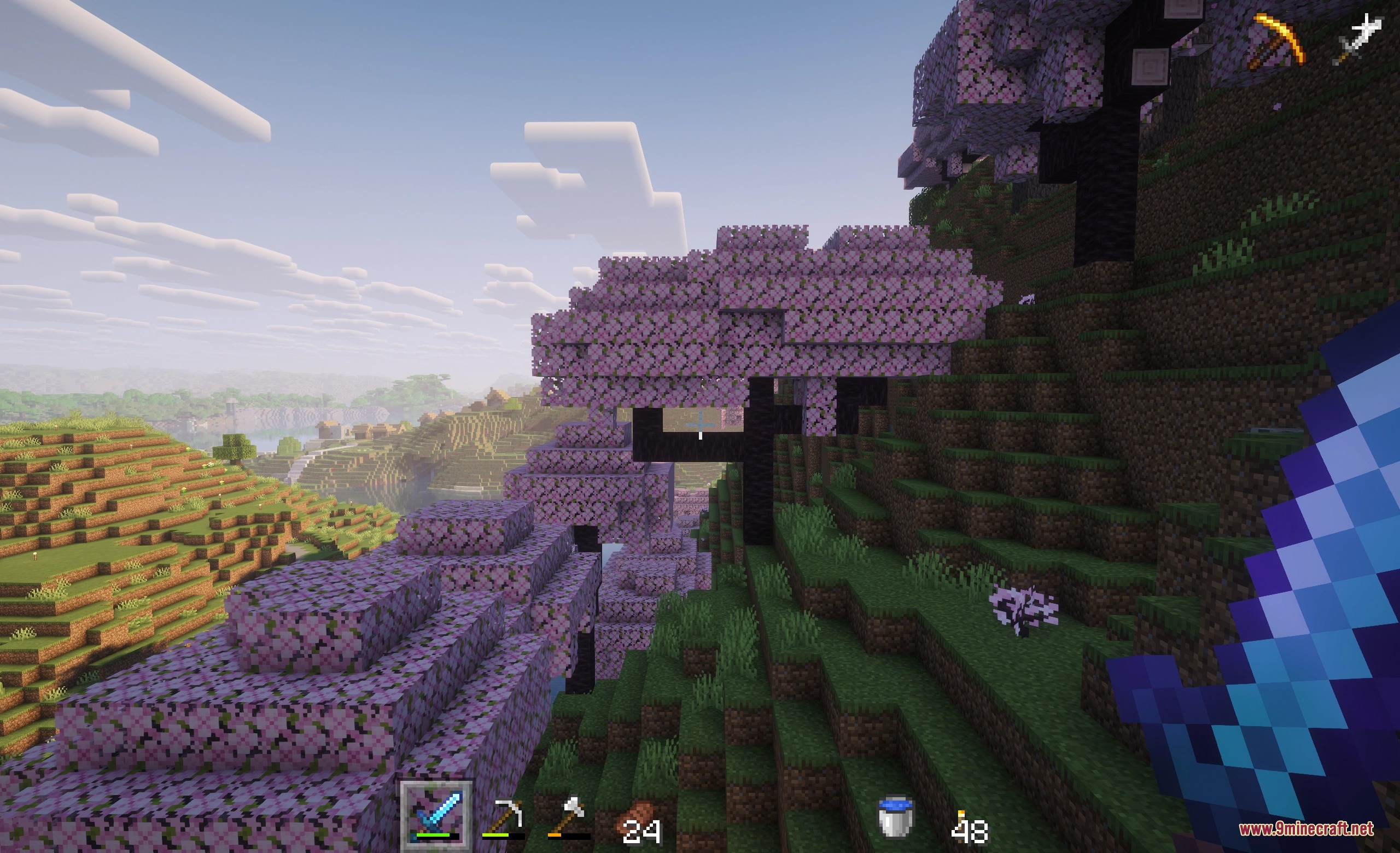
Vanishing Survival HUD Mod fades out on-screen interface elements whenever you do not need them. It helps protect OLED screens from burn-in while keeping your view clean during quiet moments in the world. Icons like your health bar, hunger meter, and hotbar pop back onto the screen right away as soon as values change or you interact with them.

Features:
- Dims or hides interface elements after a set period of inactivity.
- Fades the hotbar, health bar, hunger meter, armor gauge, XP bar, and status effects.
- Shows your mount jump or dash meter only while you charge up a leap.
- Keeps core survival stats visible whenever you open your inventory.
- Lets you adjust transparency levels for inactive UI parts from slight dimming to full invisibility.
- Includes options to hide held item popup tooltips.
- Lets you set custom health and hunger percentage triggers so gauges only show during danger.
- Provides an in-game settings menu to tweak display timing and rules.
Screenshots:
How to Install:
New to Minecraft? Follow our step-by-step guide to install Mods on your PC.View Guide
Requirements:



Vanishing Survival HUD Mod Download Links
For Minecraft 26.2
For Minecraft 26.1.2, 26.1.1, 26.1
Click to rate this post!
[Total: 0 Average: 0]
You May Also Like





This post has no comments yet. Be the first — your comment will appear here.