


Visual 3D Mace Resource Pack (26.2, 1.21.11) – Heavy Combat Weapons
 0
0
 0
0

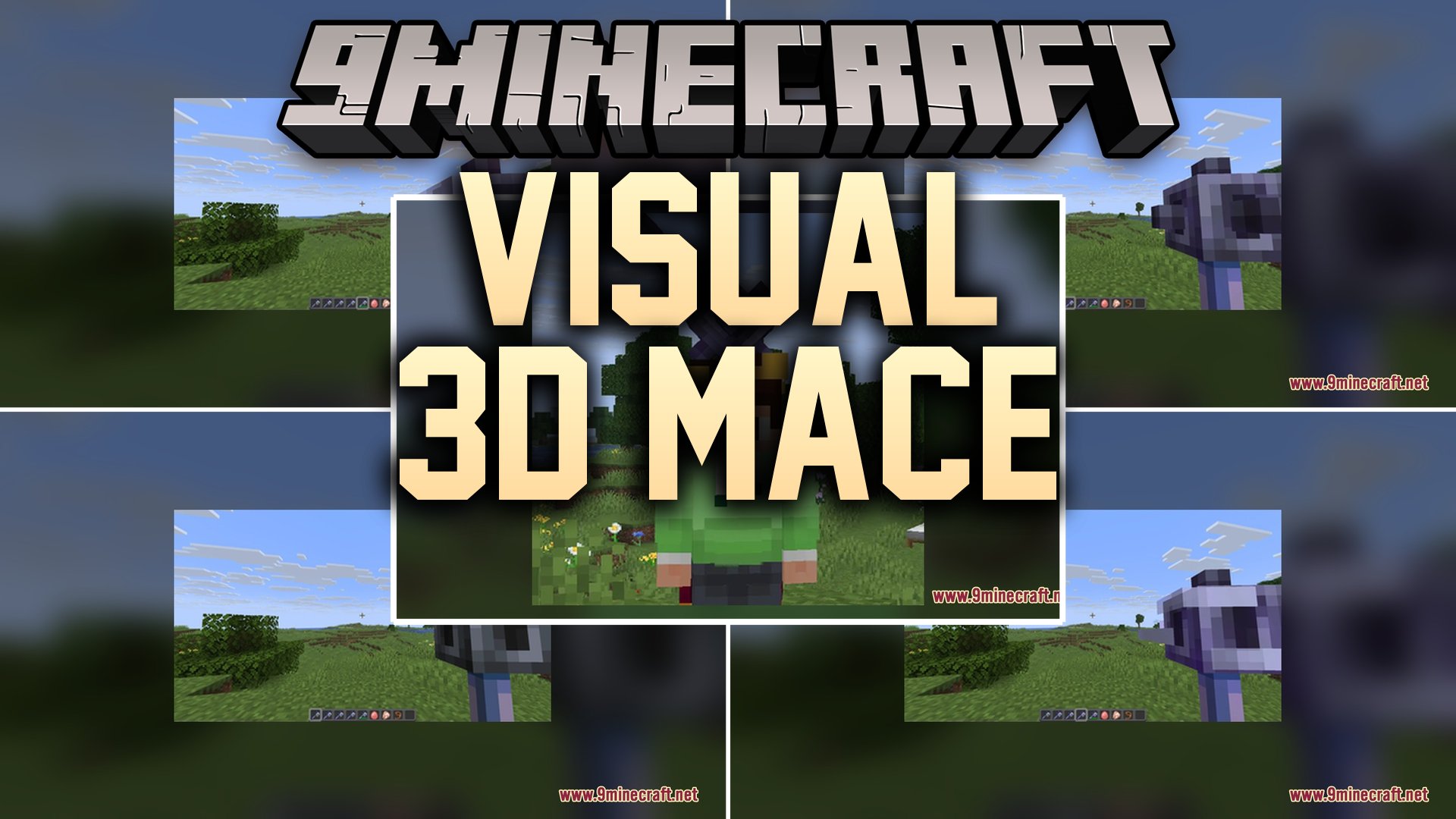
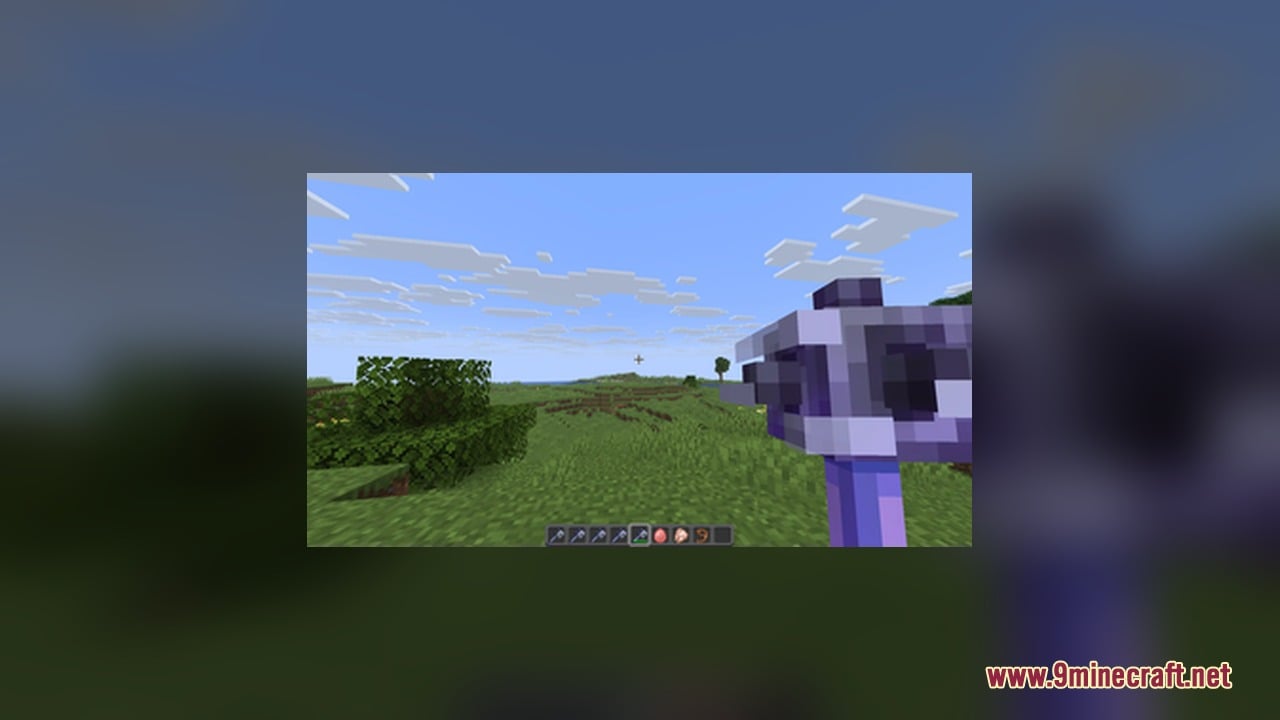
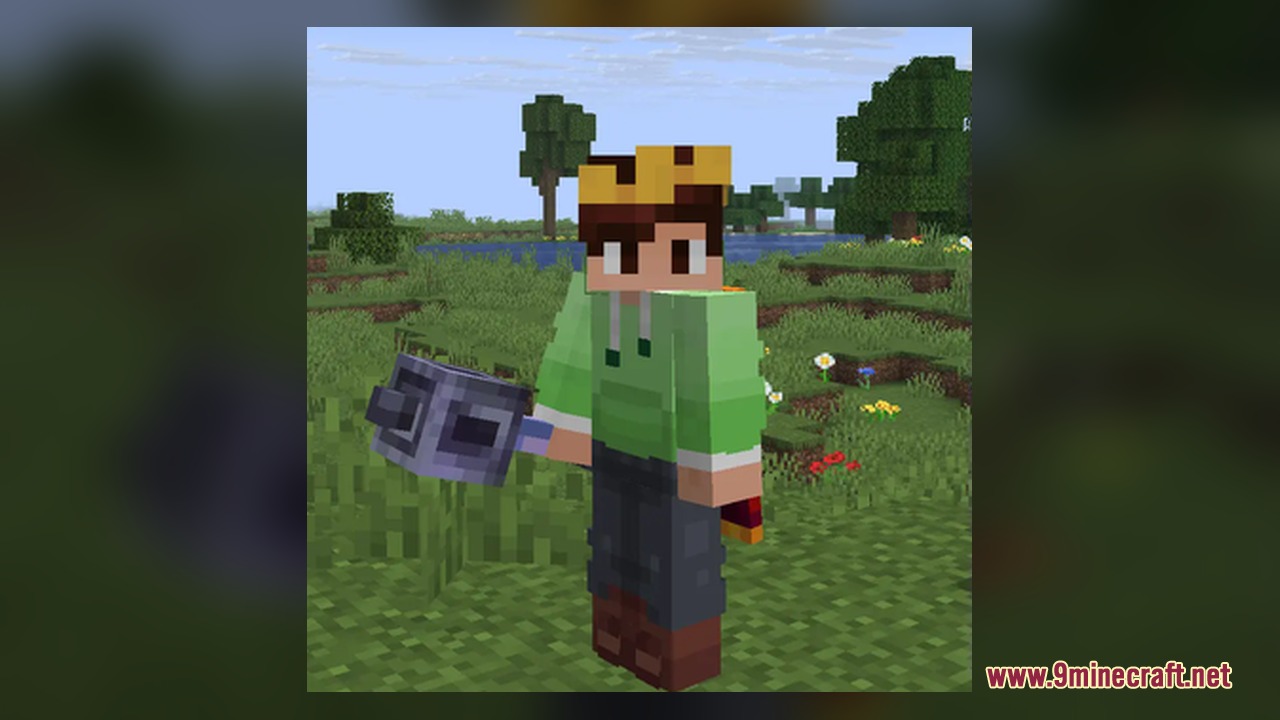
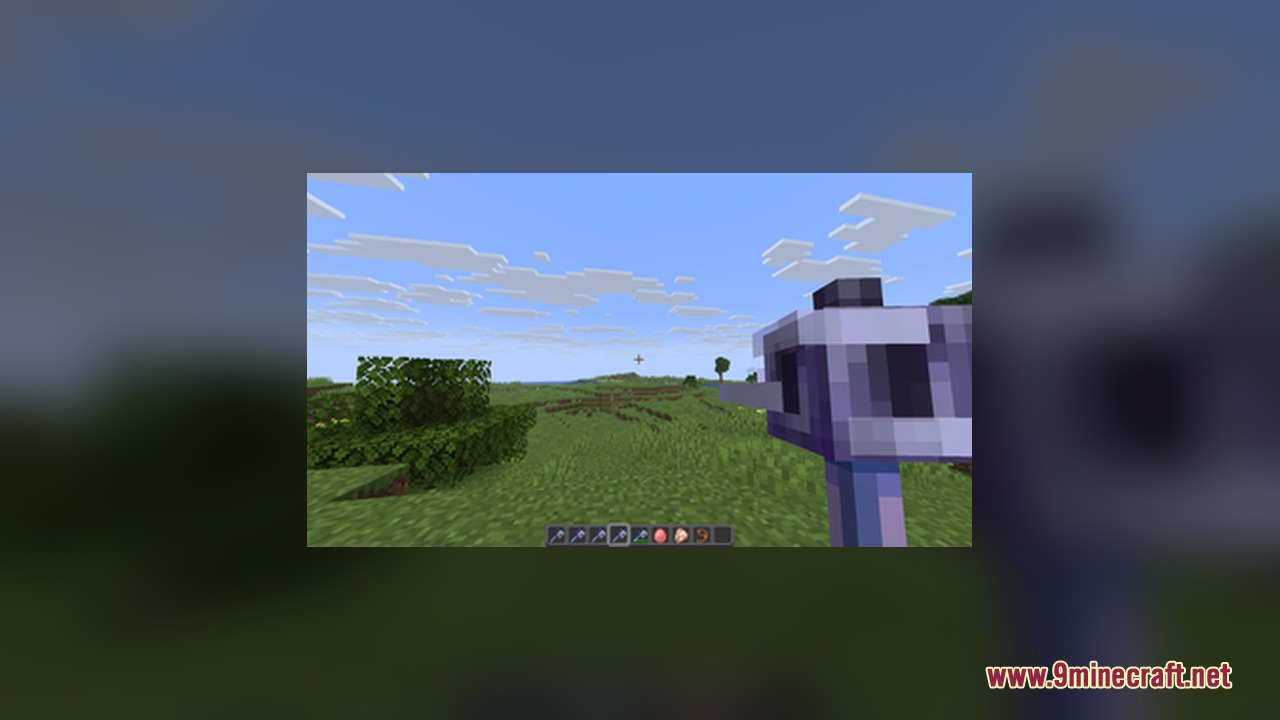
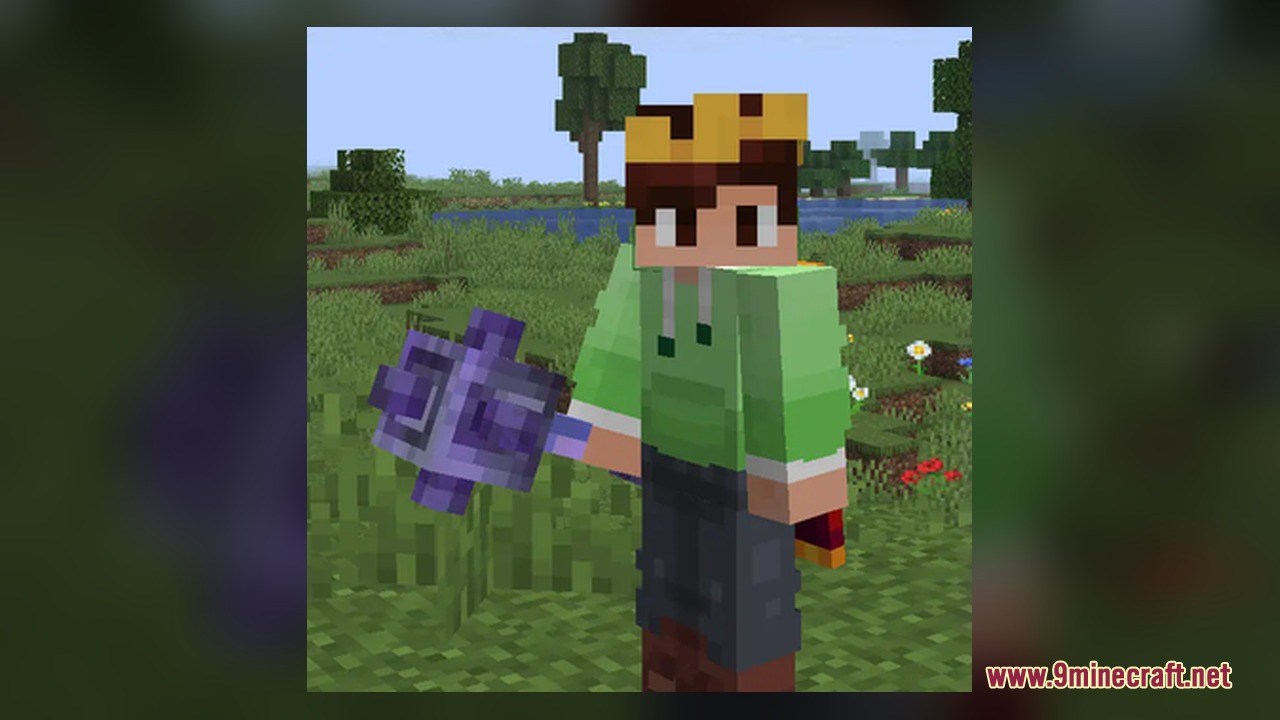
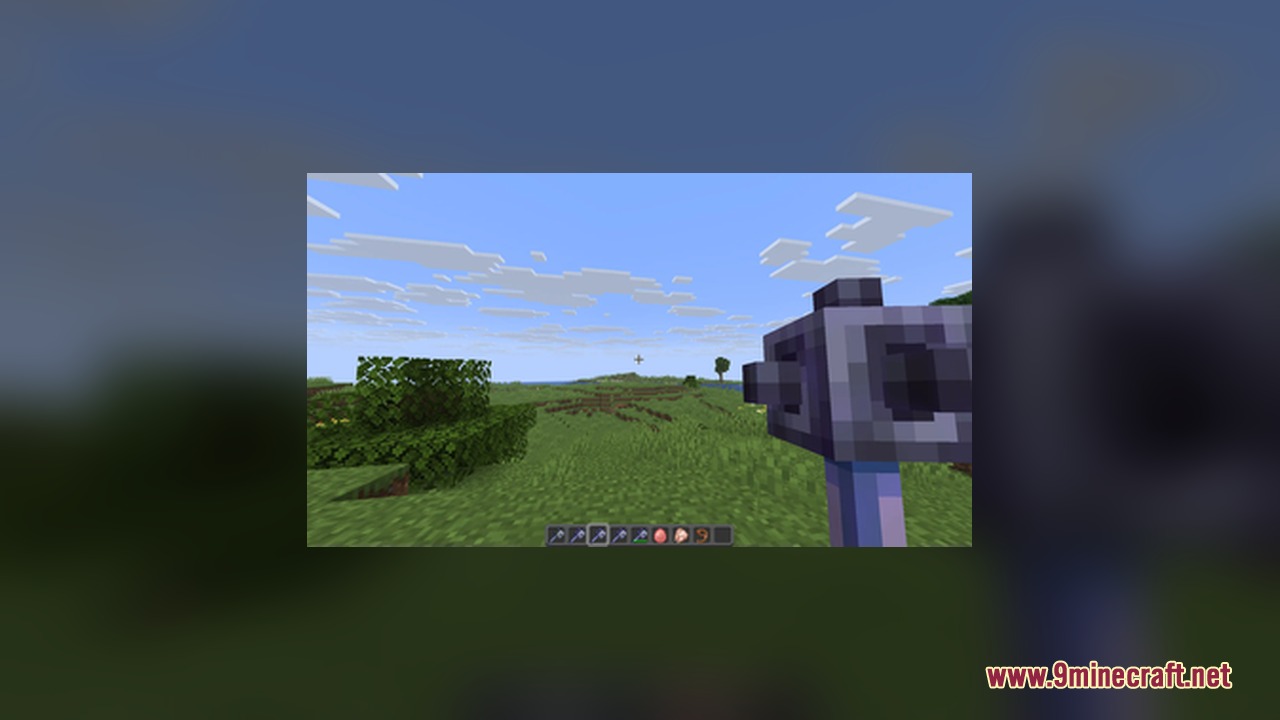
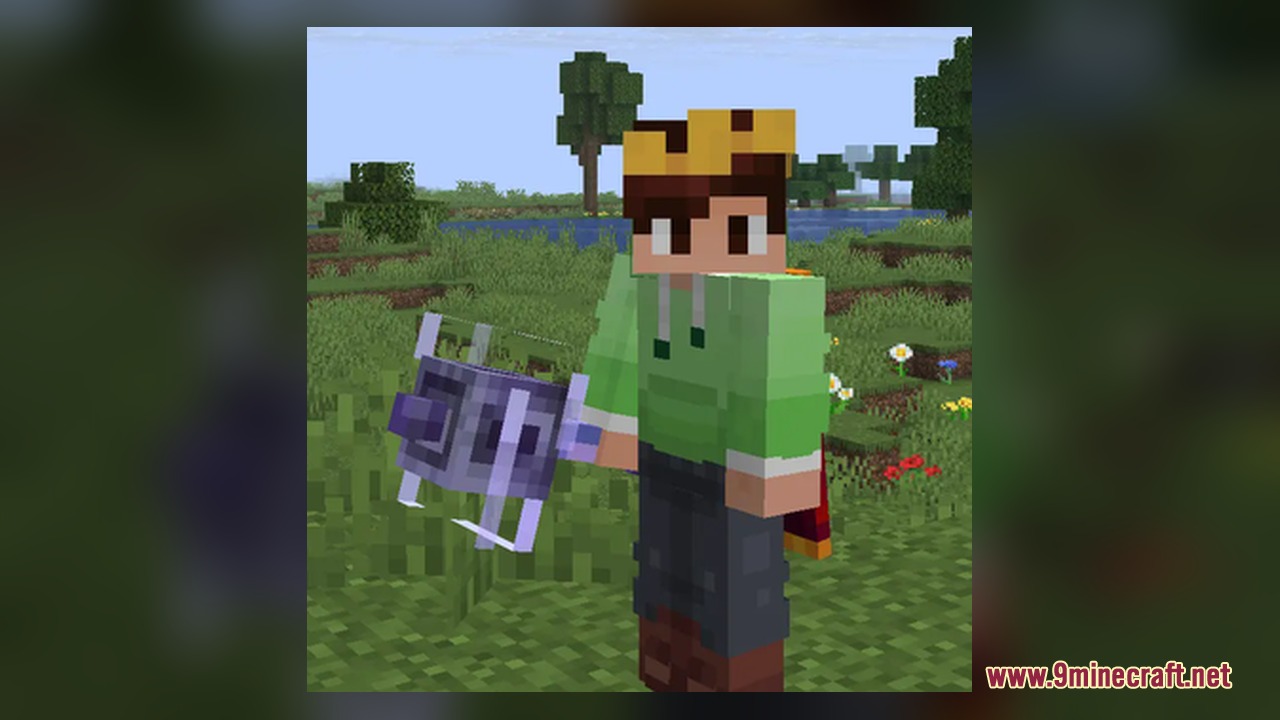
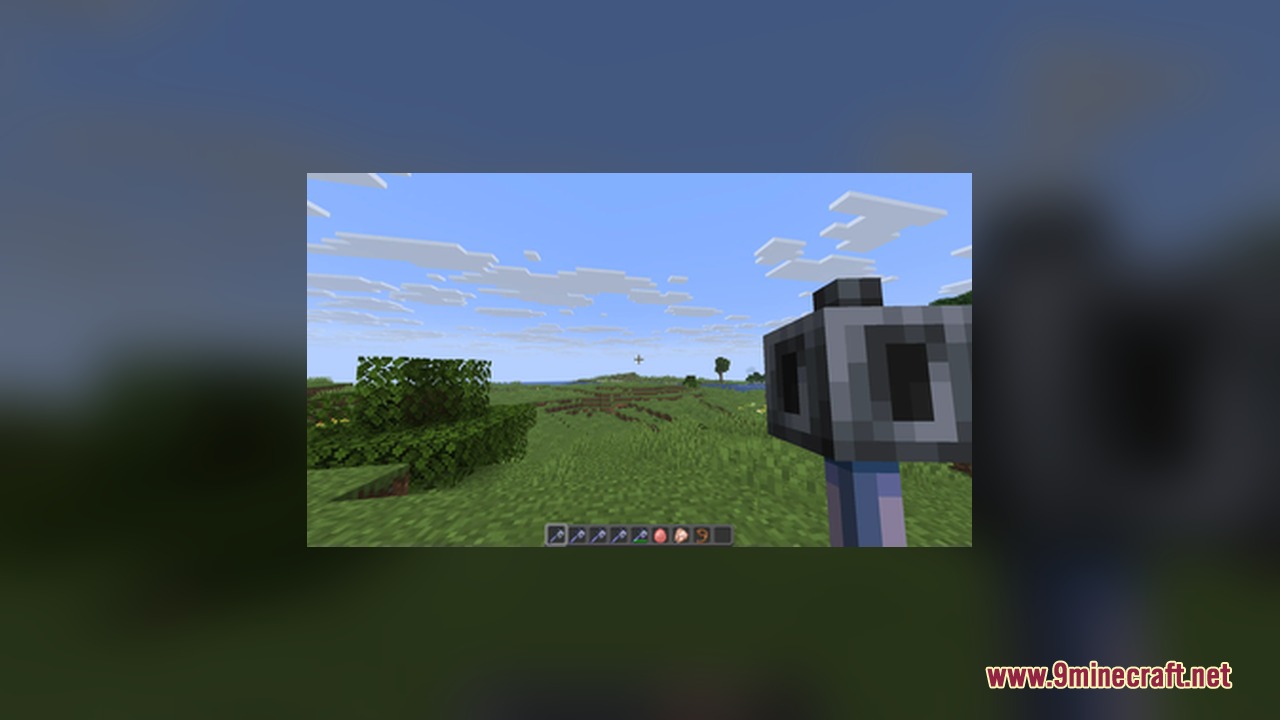
Visual 3D Mace Resource Pack replaces the standard flat weapon with a detailed 3D model whenever you hold it in your hand. It keeps the classic 2D sprite when the item sits in your inventory, on the ground, or inside item frames. The pack also adds clear visual changes for weapon enchantments so you can see your upgrades directly on the item model during combat.
Features:
- Displays a full 3D model whenever you hold the mace in your main hand or off hand.
- Keeps clean 2D sprites when the weapon rests in your inventory, item frames, or on the ground.
- Shows unique visual changes based on the enchantments applied to the weapon.
- Shows the custom model on top of player heads when using the item replace command.
- Combines multiple visual upgrades when the weapon carries more than one enchantment.
Visual Enchantment Details:
- Wind Burst: Adds animated wind that swirls around the heavy core.
- Density and Breach: Adds sharp spikes along the sides of the heavy core.
- Unenchanted: Shows the standard heavy core with no extra attachments.
Visual Settings Tip:
Lower your enchantment glint strength to 50% or less in your Accessibility Settings to see the swirling wind animation clearly.
Screenshots:

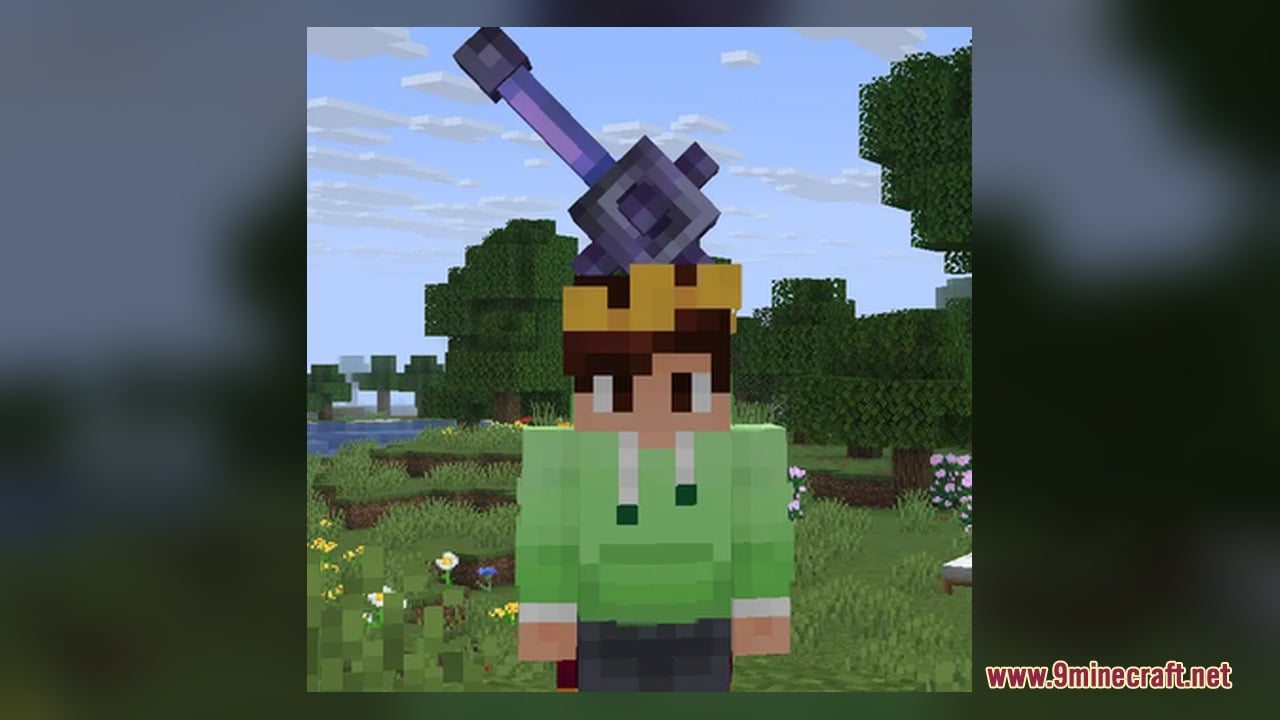
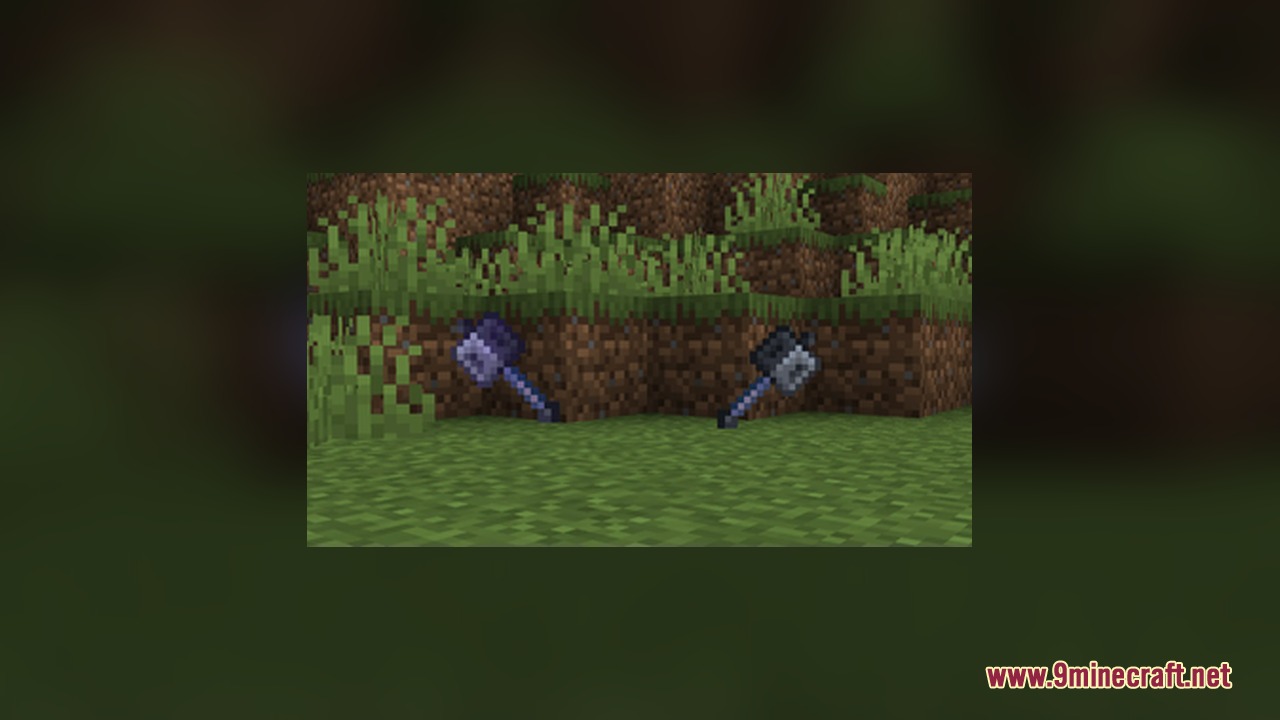
How to Install:
New to Minecraft? Follow our step-by-step guide to install Resource Packs on your PC.View Guide
Visual 3D Mace Resource Pack Download Links
For Minecraft
26.2.x
All Versions Covered
26.2
26.1.2
26.1.1
26.1
1.21.11
1.21.10
1.21.9
1.21.8
1.21.7
1.21.6
1.21.5
All Versions Covered
26.2
26.1.2
26.1.1
26.1
1.21.11
1.21.10
1.21.9
1.21.8
1.21.7
1.21.6
1.21.5
Click to rate this post!
[Total: 0 Average: 0]
You May Also Like







This post has no comments yet. Be the first — your comment will appear here.